





HunterMax: Your Road Guardian
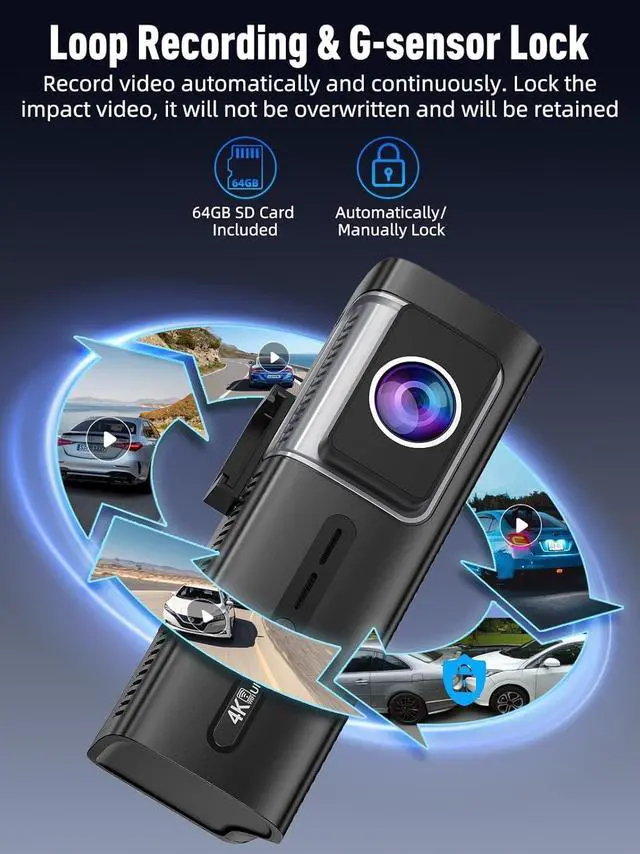
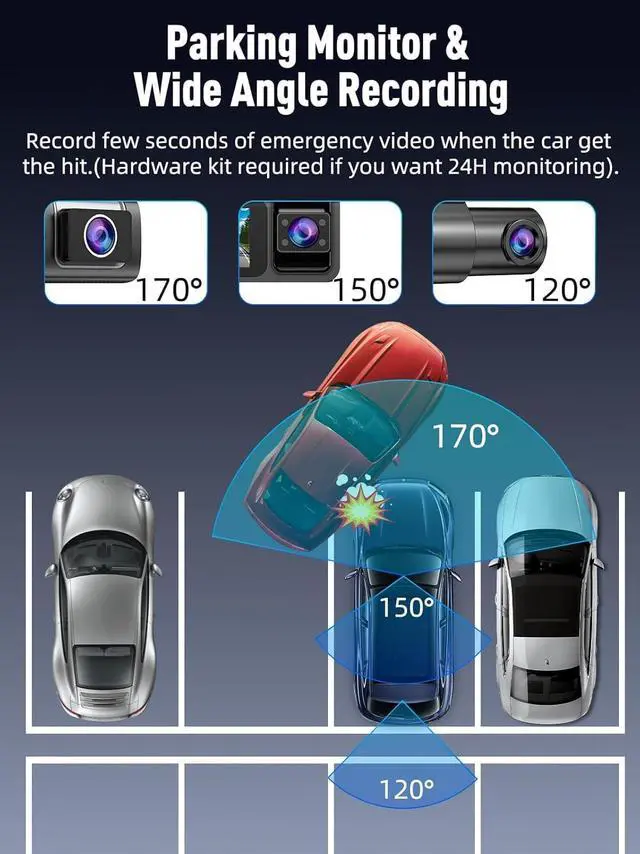
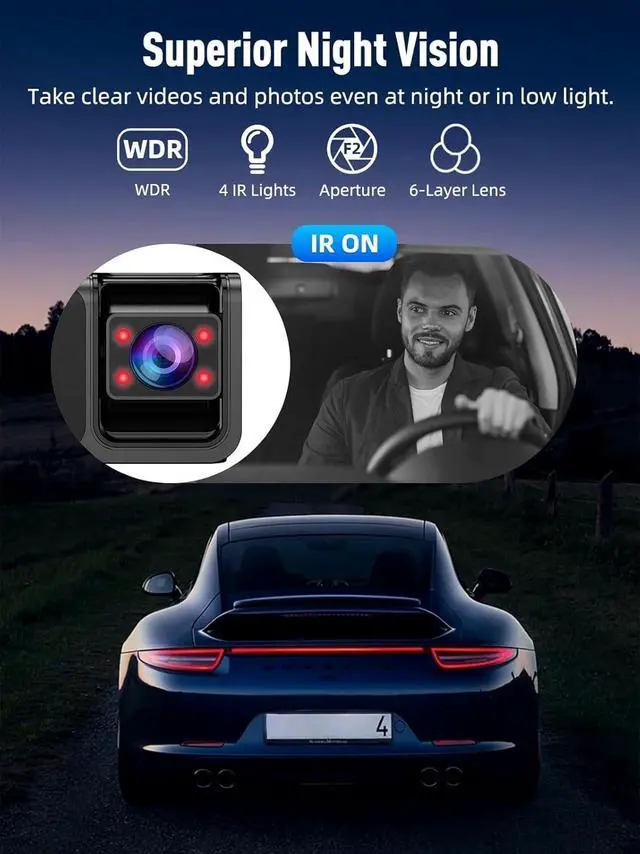
Born out of a quest to capture video of the road, HunterMax turns every trip into a protected experience. Our dash cams combine cutting-edge technology with rugged reliability to clearly capture life's unexpected moments. We combine innovation with heartfelt care to bring you a more comfortable and safer user experience.
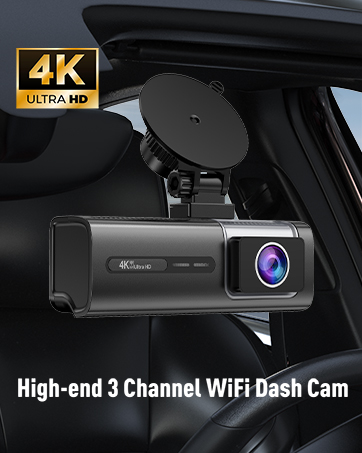


Is there a any way to keep dash camera screen on all the time?
To do not give any visual discomfort. The screen will go black but still recording after 1 minute by default. The flashing blue light means it is recording.
If you want it on, just turn off "Screen Saver" function.
What App for the dash camera?
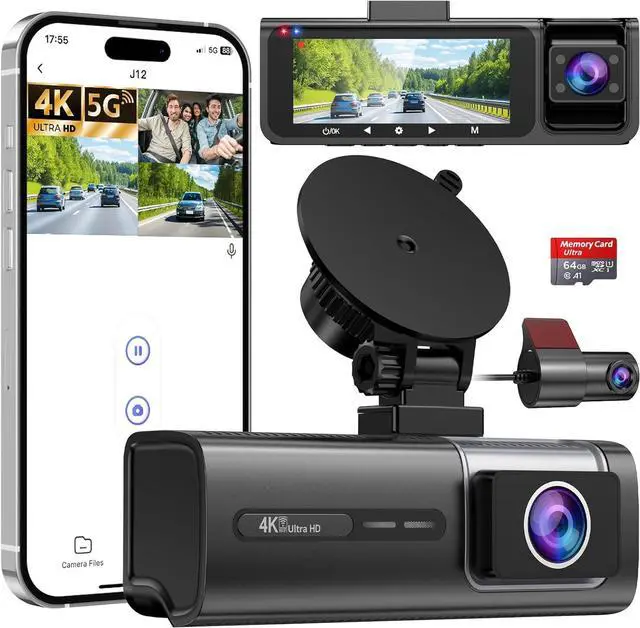
Download the “Viidure” app (available on i0S and Android) to view and download playback, and to set up the dash camera.
Can the cabin camera be turned off when the dash cam is recording?
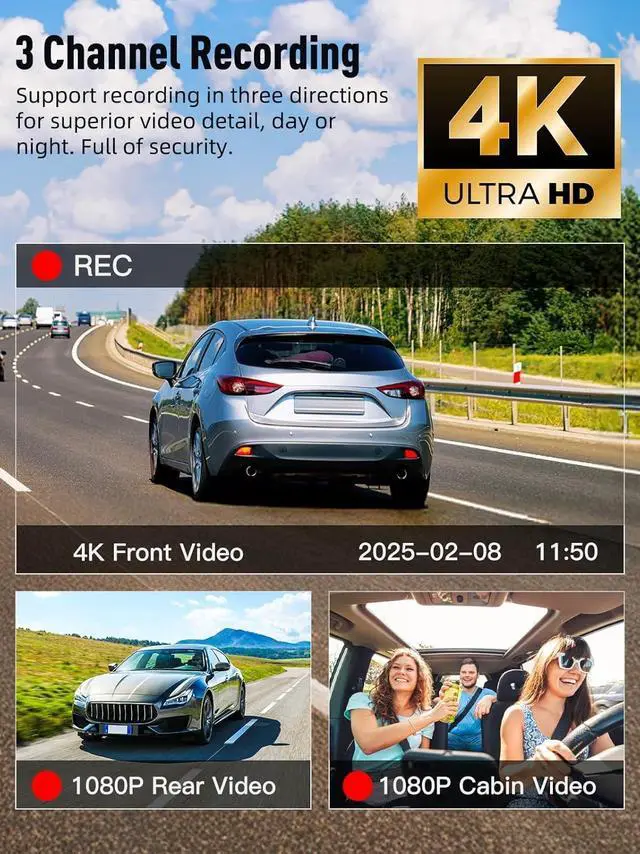
Sure, turn on the menu of the dash camera and turn off the In-car lens Control function.
Can I view live video of the dash cam when I leave my car?
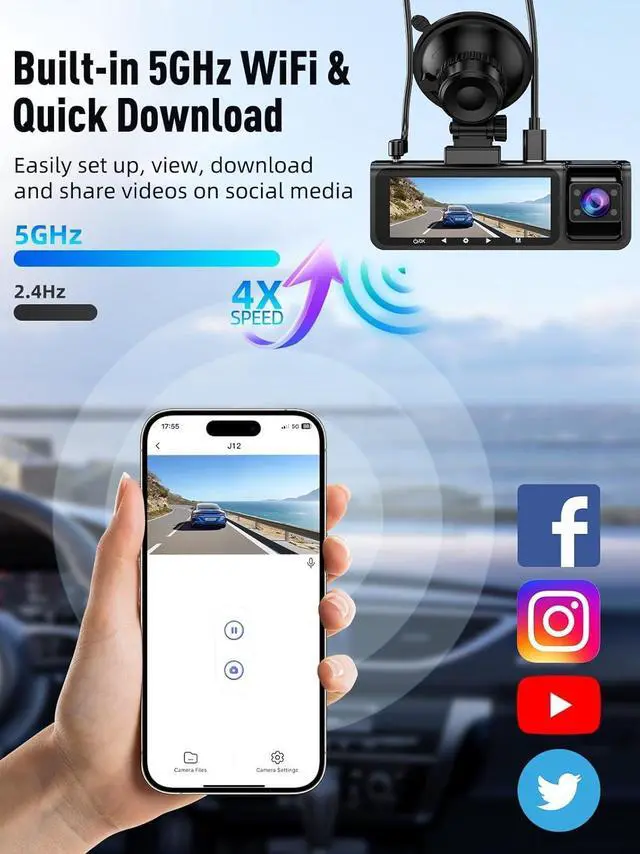
WiFi only supports local video transmission (remote live monitoring is not supported). When it shows "No Internet", it is normal.


Is there a any way to keep dash camera screen on all the time?
To do not give any visual discomfort. The screen will go black but still recording after 1 minute by default. The flashing blue light means it is recording.
If you want it on, just turn off "Screen Saver" function.
What App for the dash camera?
Download the “Viidure” app (available on i0S and Android) to view and download playback, and to set up the dash camera.
Can the cabin camera be turned off when the dash cam is recording?
Sure, turn on the menu of the dash camera and turn off the In-car lens Control function.
Can I view live video of the dash cam when I leave my car?
WiFi only supports local video transmission (remote live monitoring is not supported). When it shows "No Internet", it is normal.
HunterMax: Your Road Guardian
Born out of a quest to capture video of the road, HunterMax turns every trip into a protected experience. Our dash cams combine cutting-edge technology with rugged reliability to clearly capture life's unexpected moments. We combine innovation with heartfelt care to bring you a more comfortable and safer user experience.