








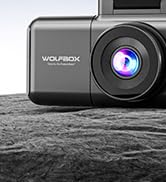
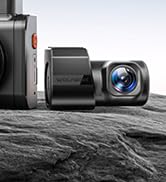
60FPS 2-Channel Dash Cam!


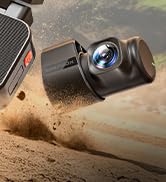
First Anti-Shake 4K Dash Cam
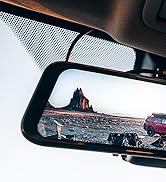
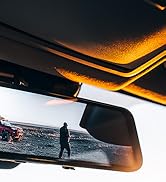

Rear View Mirror Camera


Power Running Boards



As the leading brand in the automotive electronics market, WOLFBOX has earned its reputation with an unwavering commitment to quality and durability.
At WOLFBOX, we understand that driving is more than just a means of transportation - it's an exploration, an adventure waiting to unfold.
WOLFBOX is your trusted companion, encouraging you to venture beyond your comfort zone and discover the extraordinary.

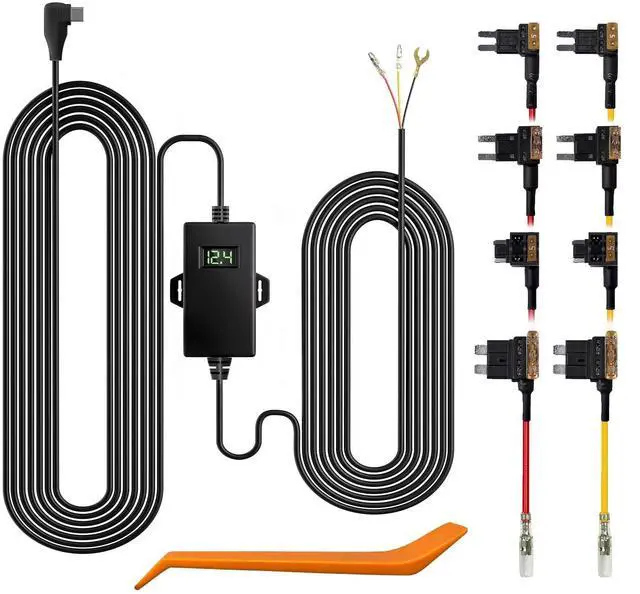
Suitable for G850PRO/G840S/G900/G850/G930/G840H/i05/i17/X5/X3
Warm tips:
1. Please make sure the ACC and BAT is connected correctly.
Time lapse function:
After WOLFBOX mirror dash cam is connected to this dedecated hardwire kit, and turn the time-lapse function on the dash cam, the camera will enter time-lapse recording function automatically when the car engine is off. In this mode, it records one frame per second, which is extremely save power and capacity, you don't need worry about drain out of car battery. This is because when the car engine is off, the ACC will have no power, and the dash cam will detects it and change recording mode from normal to time lapse.
Instructions for installation:
1. Stop the engine.
2. Open the fuse box.
3. Use a power detector to detect the constant power and ACC power (emergency power). *note: Use an ACC power supply of 15A to 25A. Use a constant power supply below 30A.
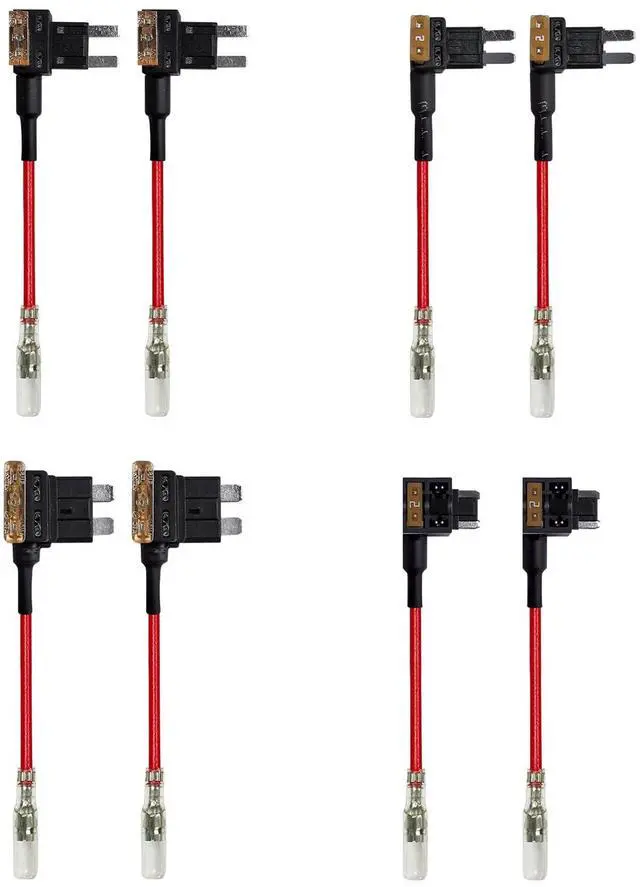
4. Connect the yellow fuse to the constant power source, the red fuse to the ACC power source, and the ground terminal (black wire) to the metal part of the body.

Three-level Adjustable Protection Voltage
After adjusting the WOLFBOX hardwire kit switch from left to right, the protection voltage for a 12(24)V vehicle will be adjusted from 12.4(24.4)V - 12(24)V - 11.6(23.6)V.

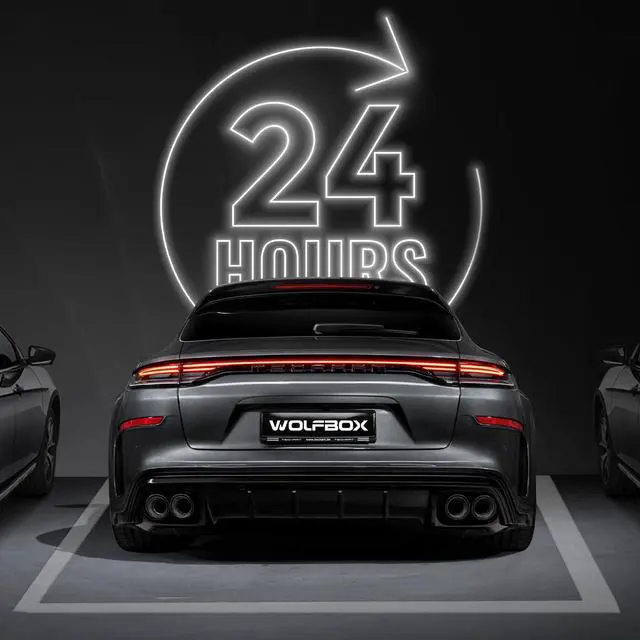
24H Parking Monitoring
Time-lapse recording enables you to capture an extended duration by reducing the number of frames in the video, giving you the ability to watch a complete 24-hour recording in a shorter period of time.

Time-lapse recording
The Wolfbox hardwire kit, when connected to the car's fuse box power, can provide uninterrupted power to the dash camera for 24 hours. It is even capable of supplying power when the car is turned off.

Yellow cable
The yellow cable should be connected to the fuse of the constant power supply in the car fuse box. If you are looking for a constant power supply in the fuse box: Use a voltage tester to check the fuse to ensure it still have electricity even if the car engine is off.

Red cable
Connect the red cable supply power only when the car engine starts. Testing method : The tester bulb will light when the engine if on and won't light when the engine is off.

Black cable (GND)
Connect this black cable(GND) to the metal part of the vehicle. Most cars have screws or metal parts next to the fuse box. Connect the black cable to the screw or metal part. (As in the picture below)
 G840S |  G850 |  G900 |  G930 |  I17 |  X3 | |
|---|---|---|---|---|---|---|
| Customer Reviews | — | — | — | — | — | — |
| Price | — | — | — | — | — no data | — |
| Resolution | 4K(F)+1080P(R) | 4K(F)+1080P(R) | 4K(F)+2.5K(R) | 4K(F)+1080P(R) | 4K(F)+2K(I) | 2.5K(F)+1080P(R) |
| Screen Size | 12” | 12” | 12” | 10” | 3” | 3'' |
| GPS | ? | ? | ? | ? | ? | ? |
| Free SD Card Included | ? | ? | ? | ? | ? | ? |
| Recommended Card | 32GB~256GB, Class 10 | 32GB~256GB, Class 10 | 32GB~256GB, Class 10 | 32GB~256GB, Class 10 | 32GB~512GB, Class 10 | 32GB~512GB, Class 10 |
| Size/Inch | 11.97 × 2.8 × 0.68 | 11.89 x 2.8 x 0.67 | 11.89 x 2.8 x 0.67 | 9.69 × 2.55 × 0.67 | 4.39 x 5.8 x 3.8 | 1.6''D x 5.2''W x 3.5''H |
| Weight/lb | 2.66 | 2.66 | 2.66 | 2.42 | 1.16 | no data |
Suitable for G850PRO/G840S/G900/G850/G930/G840H/i05/i17/X5/X3
Warm tips:
1. Please make sure the ACC and BAT is connected correctly.
Time lapse function:
After WOLFBOX mirror dash cam is connected to this dedecated hardwire kit, and turn the time-lapse function on the dash cam, the camera will enter time-lapse recording function automatically when the car engine is off. In this mode, it records one frame per second, which is extremely save power and capacity, you don't need worry about drain out of car battery. This is because when the car engine is off, the ACC will have no power, and the dash cam will detects it and change recording mode from normal to time lapse.
Instructions for installation:
1. Stop the engine.
2. Open the fuse box.
3. Use a power detector to detect the constant power and ACC power (emergency power). *note: Use an ACC power supply of 15A to 25A. Use a constant power supply below 30A.
4. Connect the yellow fuse to the constant power source, the red fuse to the ACC power source, and the ground terminal (black wire) to the metal part of the body.
Three-level Adjustable Protection Voltage
After adjusting the WOLFBOX hardwire kit switch from left to right, the protection voltage for a 12(24)V vehicle will be adjusted from 12.4(24.4)V - 12(24)V - 11.6(23.6)V.
24H Parking Monitoring
Time-lapse recording enables you to capture an extended duration by reducing the number of frames in the video, giving you the ability to watch a complete 24-hour recording in a shorter period of time.
Time-lapse recording
The Wolfbox hardwire kit, when connected to the car's fuse box power, can provide uninterrupted power to the dash camera for 24 hours. It is even capable of supplying power when the car is turned off.
Yellow cable
The yellow cable should be connected to the fuse of the constant power supply in the car fuse box. If you are looking for a constant power supply in the fuse box: Use a voltage tester to check the fuse to ensure it still have electricity even if the car engine is off.
Red cable
Connect the red cable supply power only when the car engine starts. Testing method : The tester bulb will light when the engine if on and won't light when the engine is off.
Black cable (GND)
Connect this black cable(GND) to the metal part of the vehicle. Most cars have screws or metal parts next to the fuse box. Connect the black cable to the screw or metal part. (As in the picture below)
G840S | G850 | G900 | G930 | I17 | X3 | |
|---|---|---|---|---|---|---|
| Customer Reviews | — | — | — | — | — | — |
| Price | — | — | — | — | — no data | — |
| Resolution | 4K(F)+1080P(R) | 4K(F)+1080P(R) | 4K(F)+2.5K(R) | 4K(F)+1080P(R) | 4K(F)+2K(I) | 2.5K(F)+1080P(R) |
| Screen Size | 12” | 12” | 12” | 10” | 3” | 3'' |
| GPS | ? | ? | ? | ? | ? | ? |
| Free SD Card Included | ? | ? | ? | ? | ? | ? |
| Recommended Card | 32GB~256GB, Class 10 | 32GB~256GB, Class 10 | 32GB~256GB, Class 10 | 32GB~256GB, Class 10 | 32GB~512GB, Class 10 | 32GB~512GB, Class 10 |
| Size/Inch | 11.97 × 2.8 × 0.68 | 11.89 x 2.8 x 0.67 | 11.89 x 2.8 x 0.67 | 9.69 × 2.55 × 0.67 | 4.39 x 5.8 x 3.8 | 1.6''D x 5.2''W x 3.5''H |
| Weight/lb | 2.66 | 2.66 | 2.66 | 2.42 | 1.16 | no data |
60FPS 2-Channel Dash Cam!
First Anti-Shake 4K Dash Cam
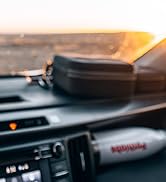
Rear View Mirror Camera
Power Running Boards
As the leading brand in the automotive electronics market, WOLFBOX has earned its reputation with an unwavering commitment to quality and durability.
At WOLFBOX, we understand that driving is more than just a means of transportation - it's an exploration, an adventure waiting to unfold.
WOLFBOX is your trusted companion, encouraging you to venture beyond your comfort zone and discover the extraordinary.
