







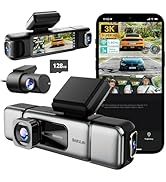
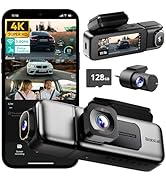
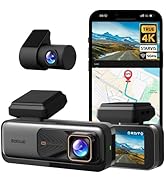
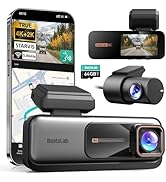
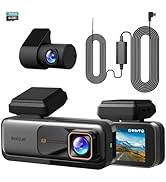
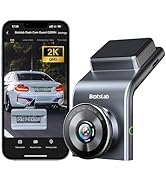
BOTSLAB 3K 4 Channel Dash Cam
Merchant Video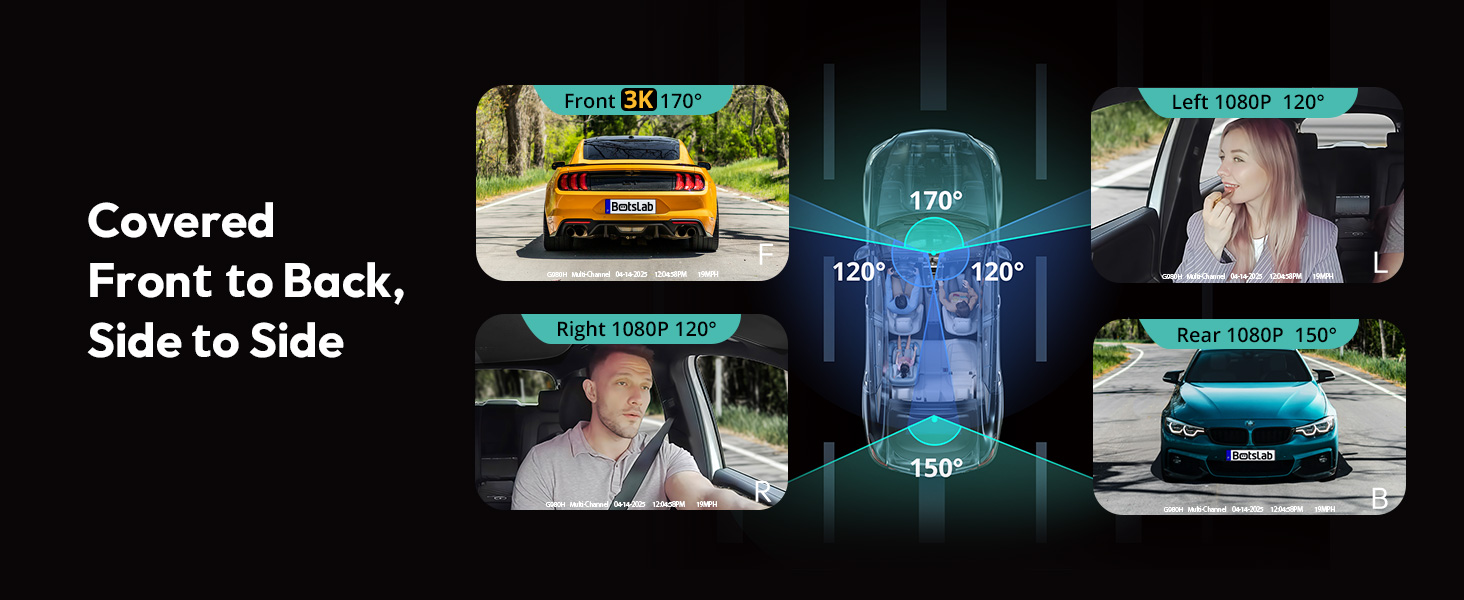
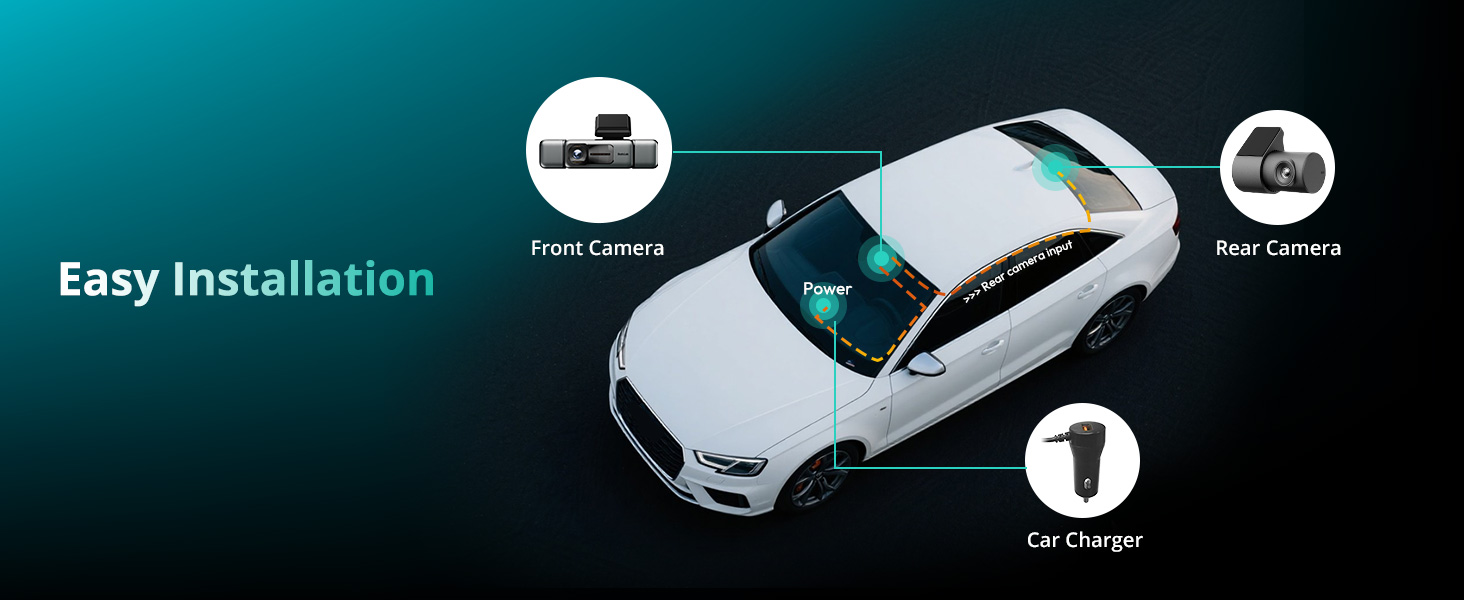
Botslab Dash Cam Comparison Chart
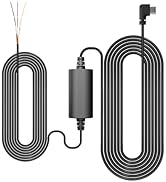
 4 Channel Dash Cam Set |  4 Channel Dash Cam |  3 Channel Dash Cam |  Dual Dash Cam |  Dual Dash Cam Set |  Dual Dash Cam Pro |  Hardwire Kit | |
|---|---|---|---|---|---|---|---|
Customer Reviews | — | — | — | — | — | — | — |
Price | — | — | — | — | — | — | — |
Model | G980H 4 Channel Set | G980H 4 Channel | G980H 3 Channel | G980H | G980H Set | G980H Pro | G980H Hardwire Kit |
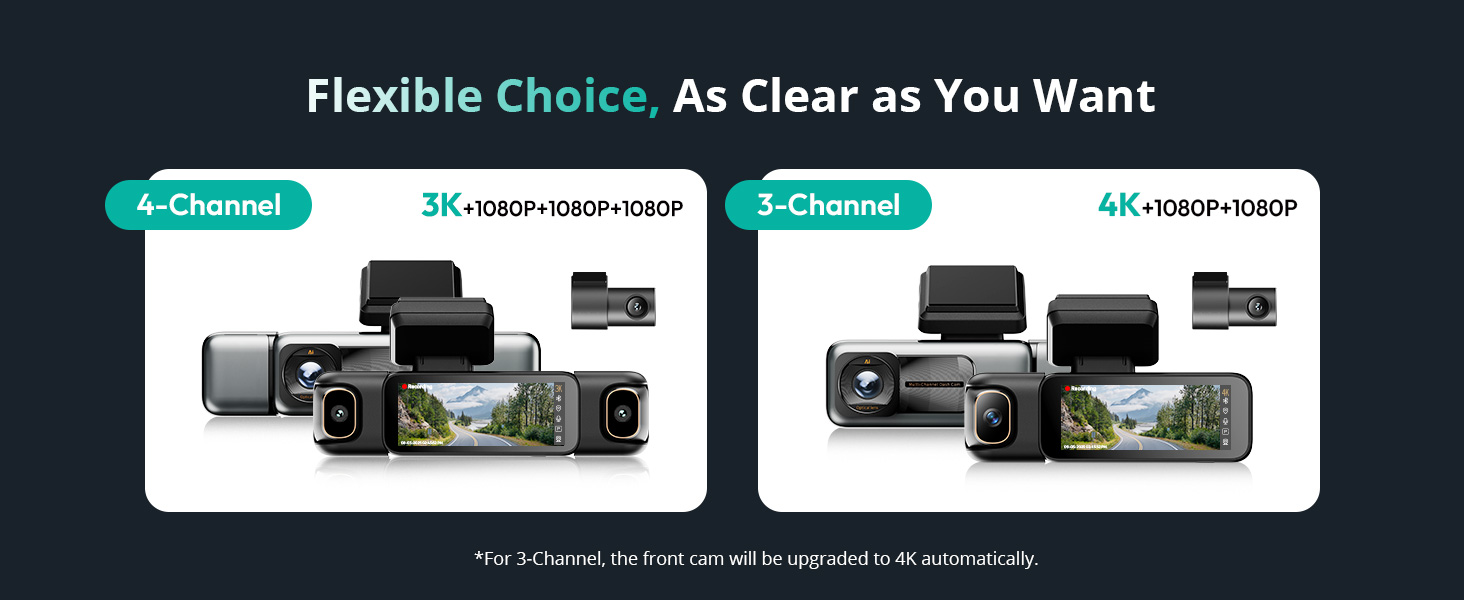
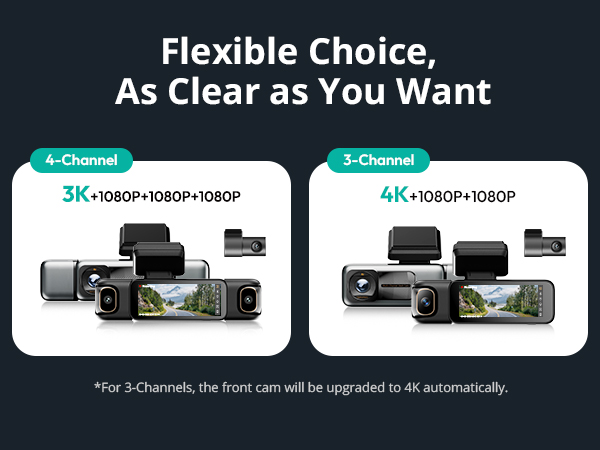
Video Resolution | 3K+1080P+1080P+1080P | 3K+1080P+1080P+1080P | 4K+1080P+1080P | 4K+2K | 4K+2K | 4K+2K | / |
Display Size | 3.18 inches | 3.18 inches | 3.18 inches | 2.45 inches | 2.45 inches | 2.45 inches | / |
Orientation | Front Rear Left Right Inside | Front Rear Left Right Inside | Front Rear Left Right Inside | Front and Rear | Front and Rear | Front and Rear | / |
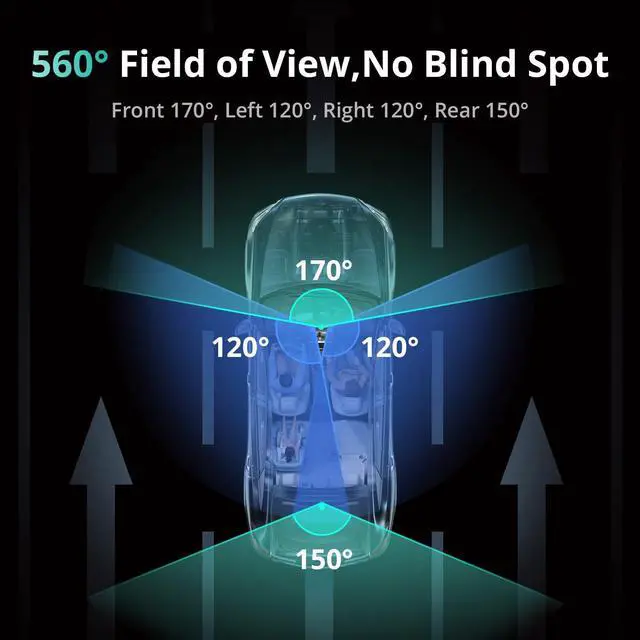
Angle of View | 560 degrees | 560 degrees | 360 degrees | 170 degrees | 170 degrees | 170 degrees | / |
Sentry Mode | ? | ?(Hardwire Kit Needed) | ?(Hardwire Kit Needed) | ? | ? | ? | / |
Voice Control | ? | ? | ? | ? | ? | ? | ? |
Touch Screen | ? | ? | ? | ? | ? | ? | ? |
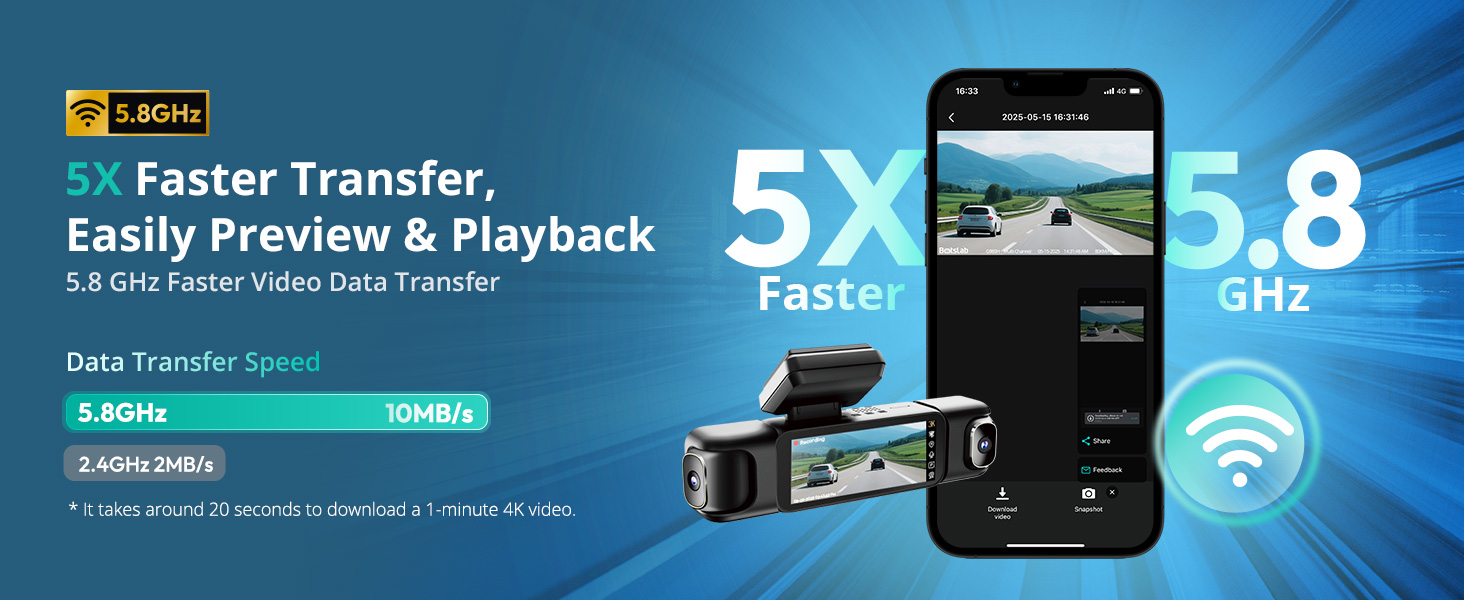
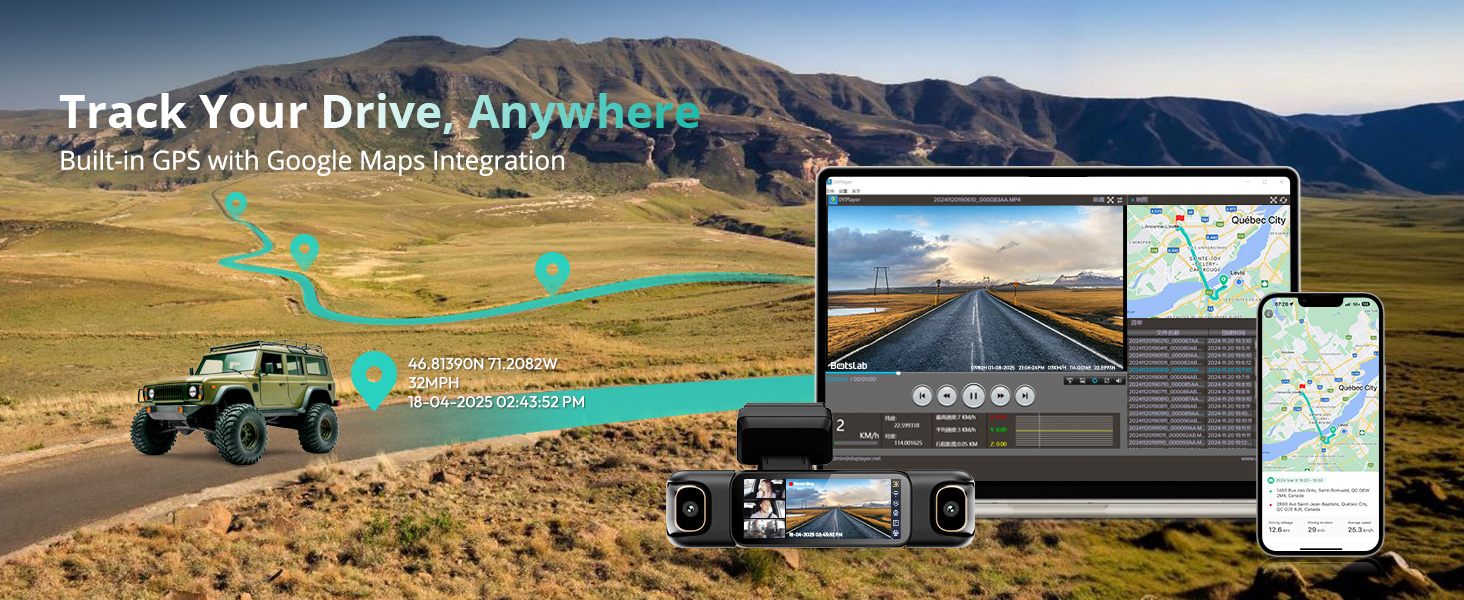
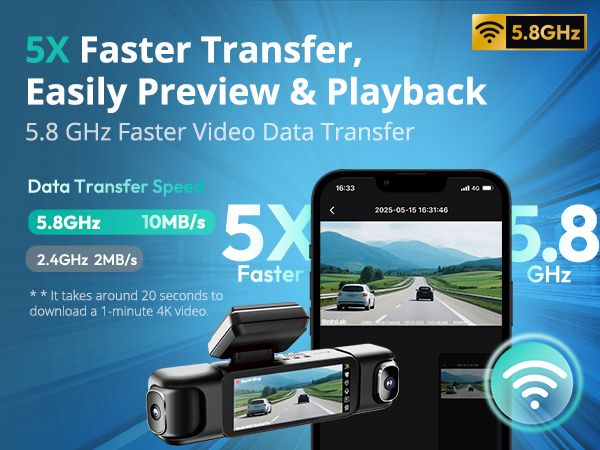
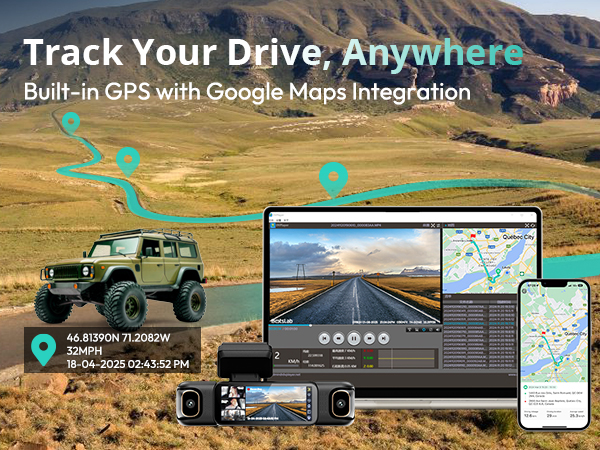
Built-in GPS&5.8G WiFi | ? | ? | ? | ? | ? | ? | ? |
24/7 Parking Mode | ? | Hardwire Kit Needed | Hardwire Kit Needed | Hardwire Kit Needed | ? | Hardwire Kit Needed | / |
Free Card | 128GB | 128GB | 128GB | 64GB | 64GB | 64GB | / |
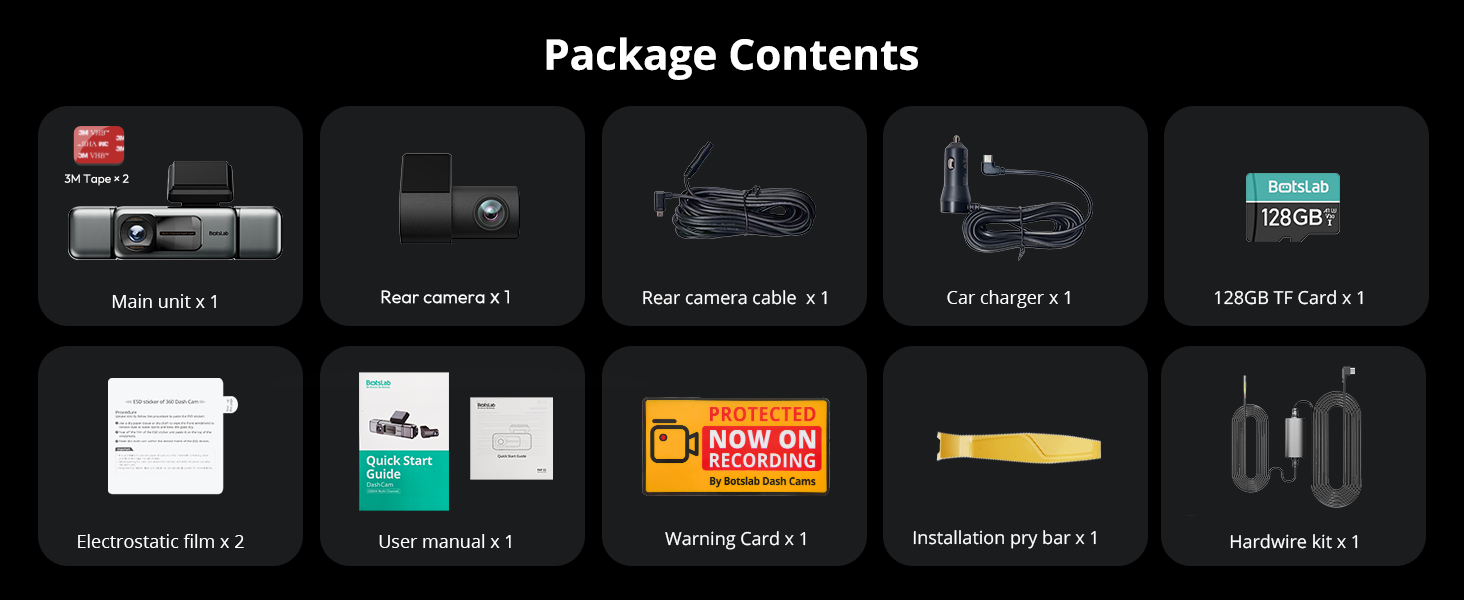
Hardwire Kit Include | ? | ? | ? | ? | ? | ? | ? |
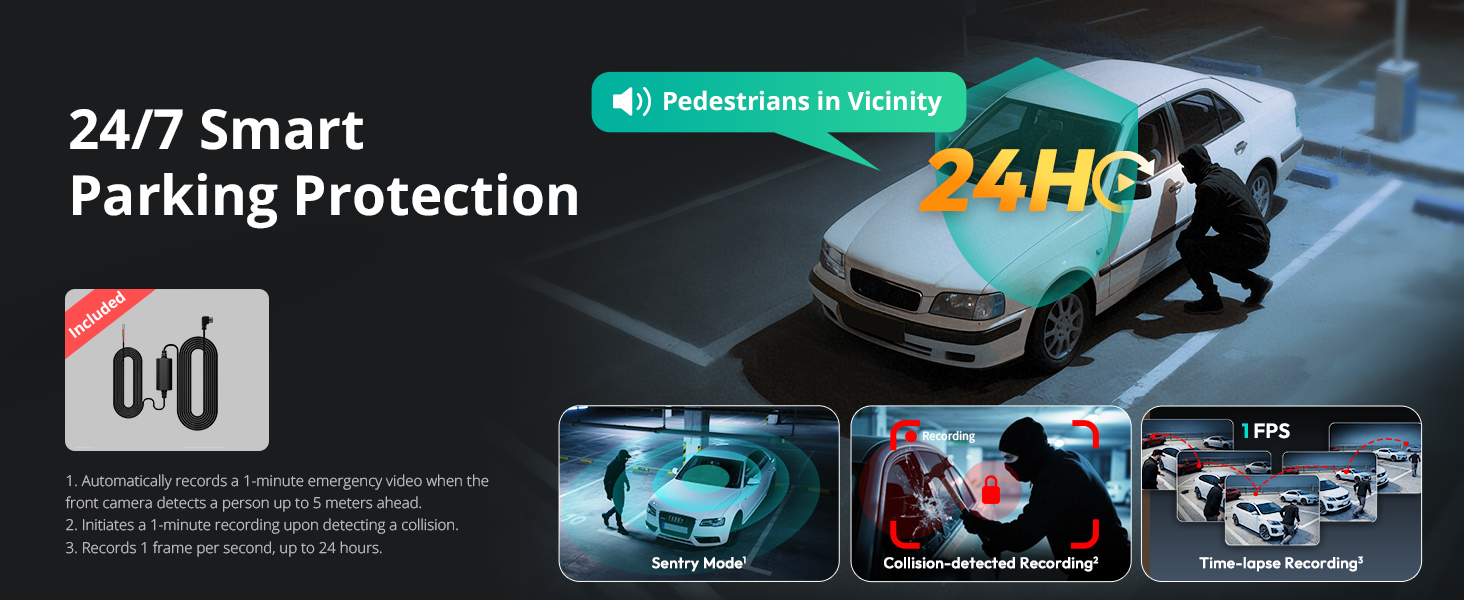
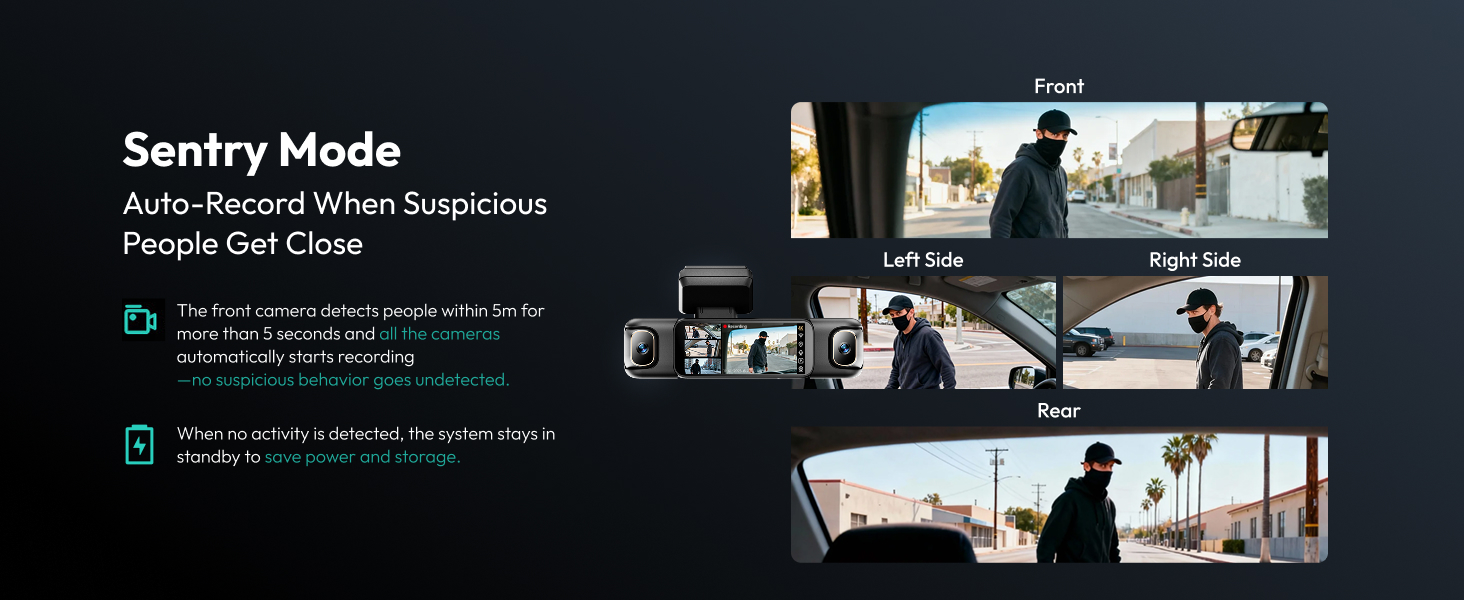
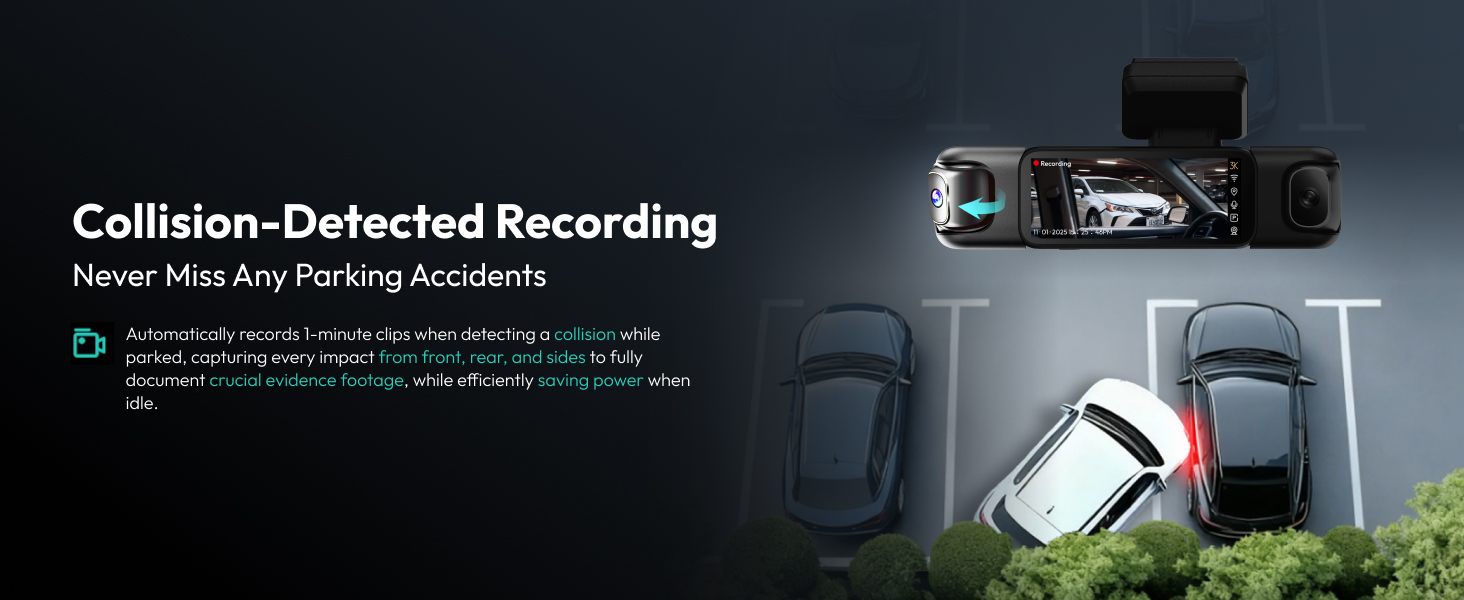
How does Parking Mode work (Hardwire Kit Included) ?
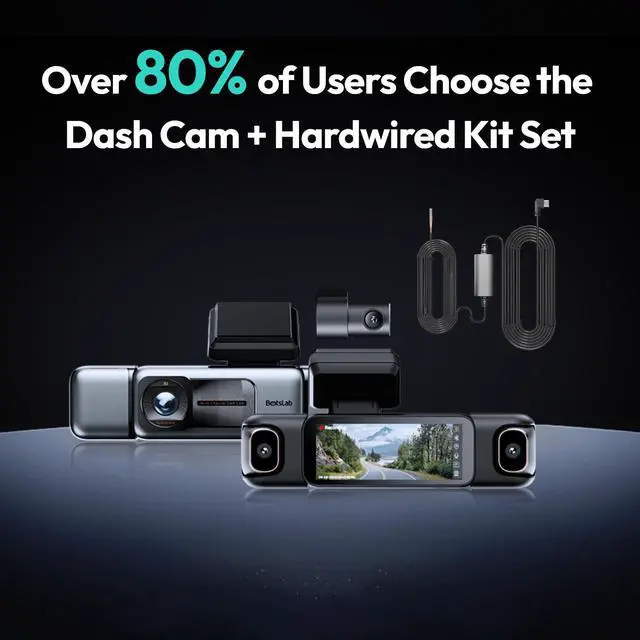
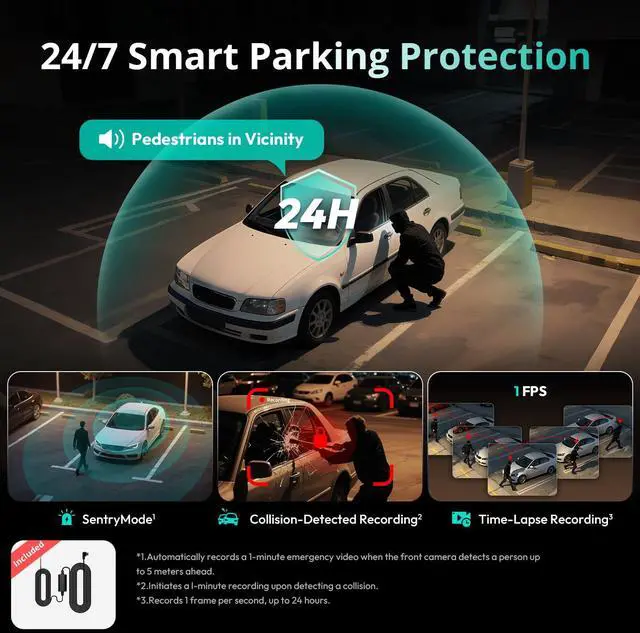
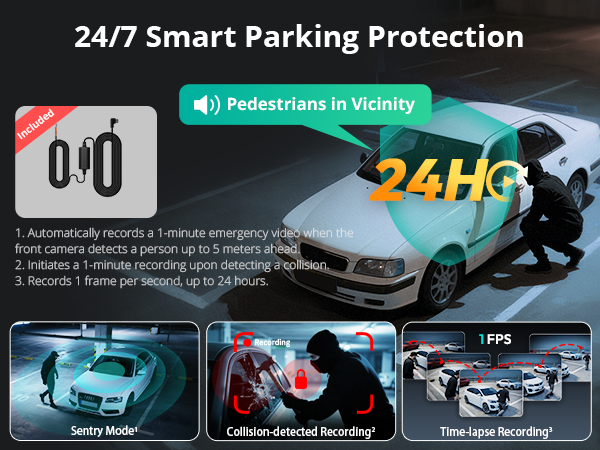
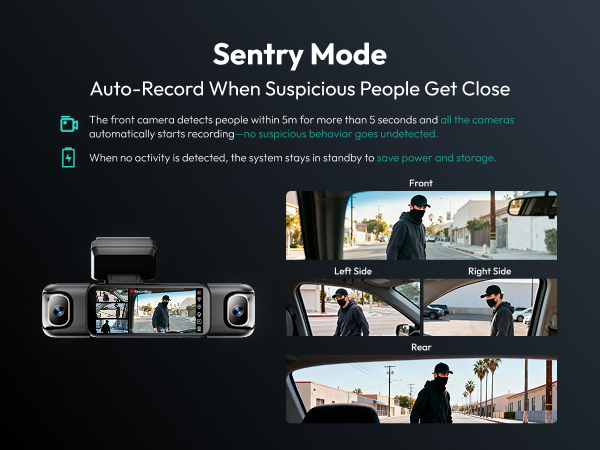
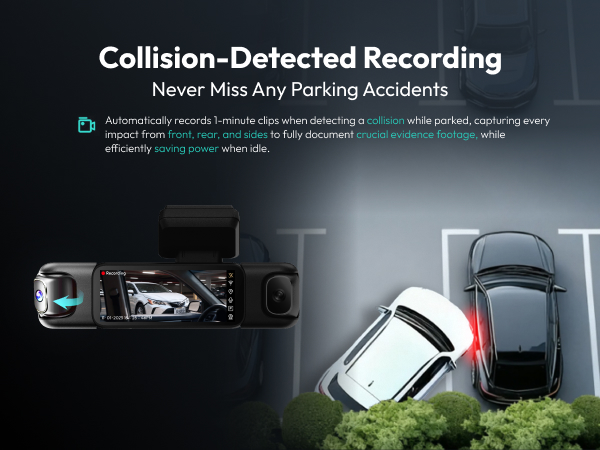
Parking Mode (Hardwire Kit Included) automatically records upon detecting motion or impact when the vehicle is off, offering protection even when you're away. Requires hardwiring for operation.
Why choose a 4 channel dash cam?
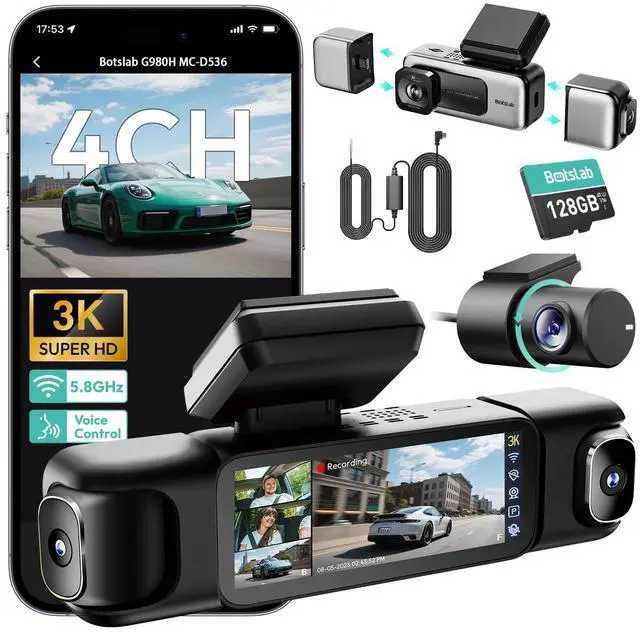
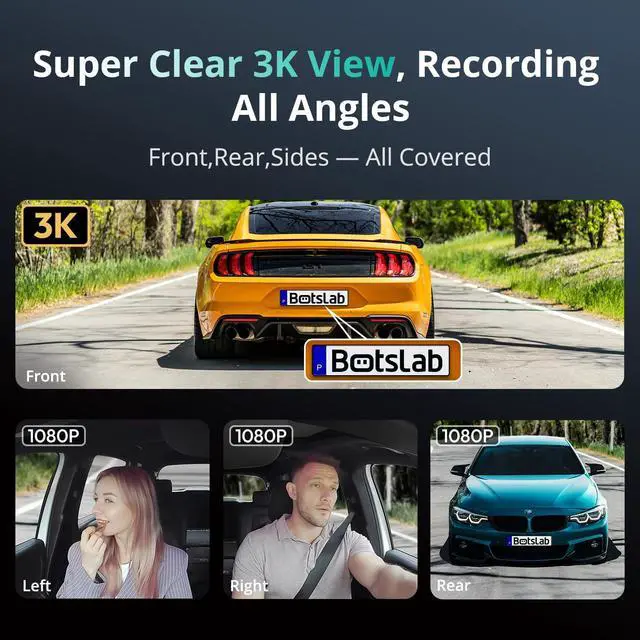
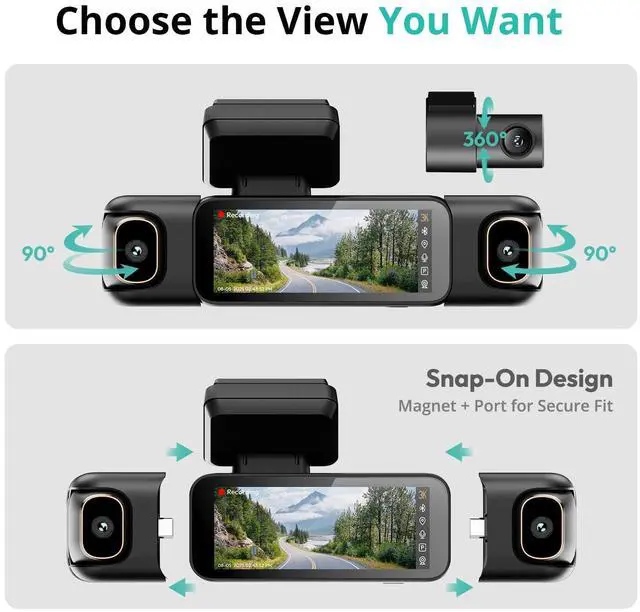
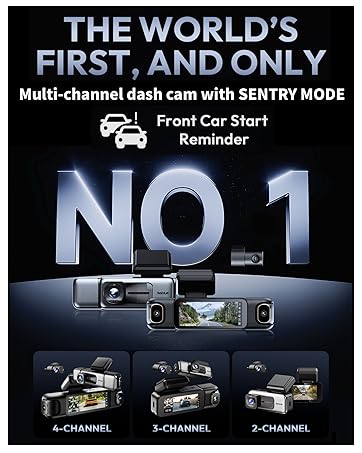
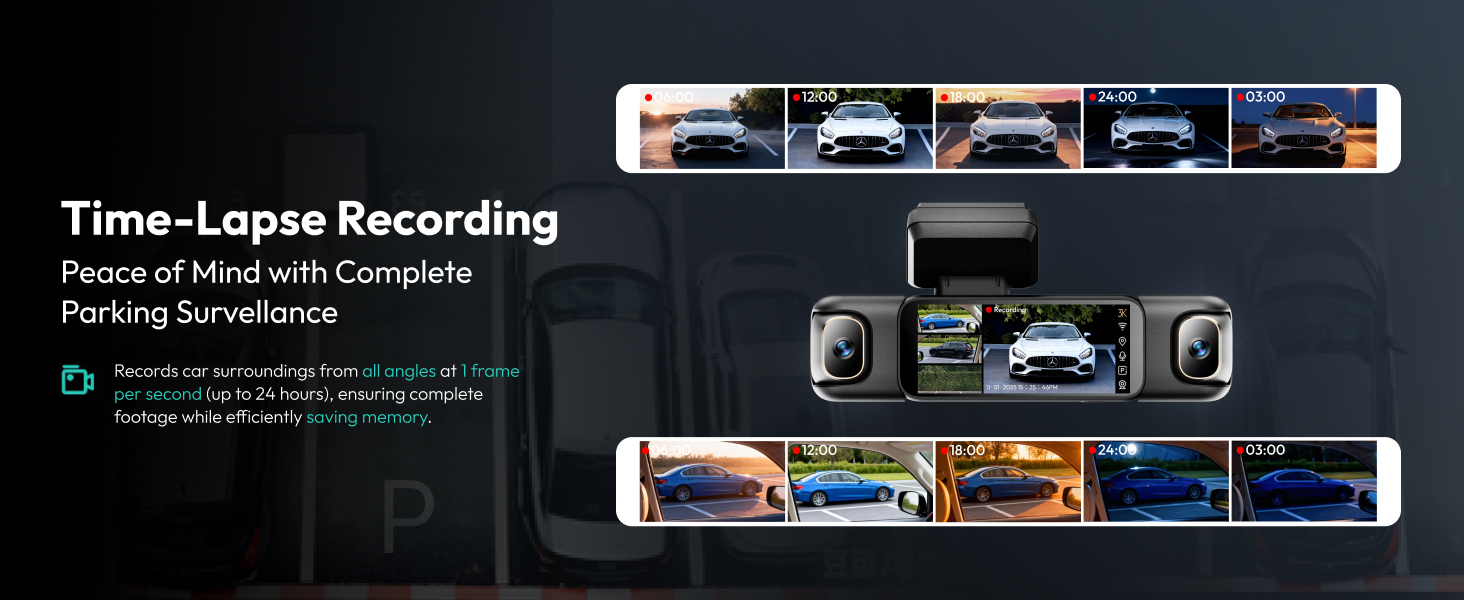
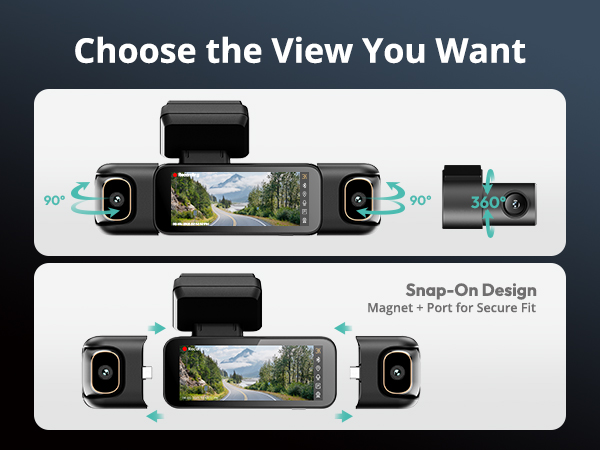
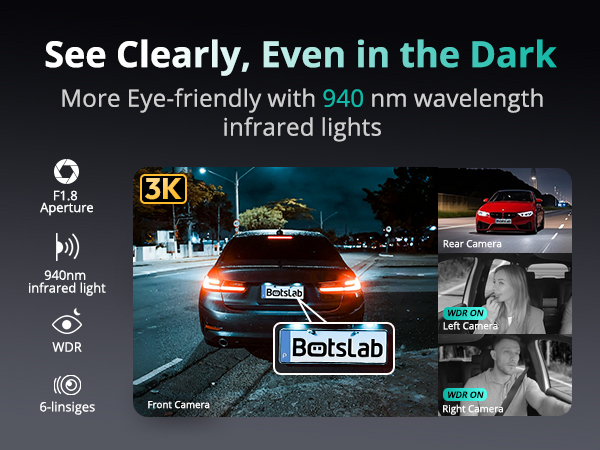
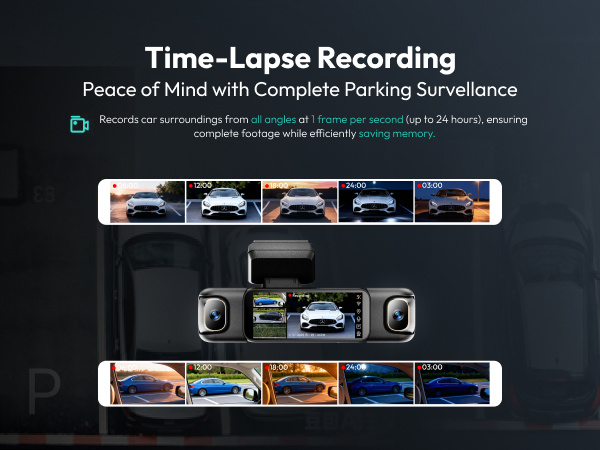
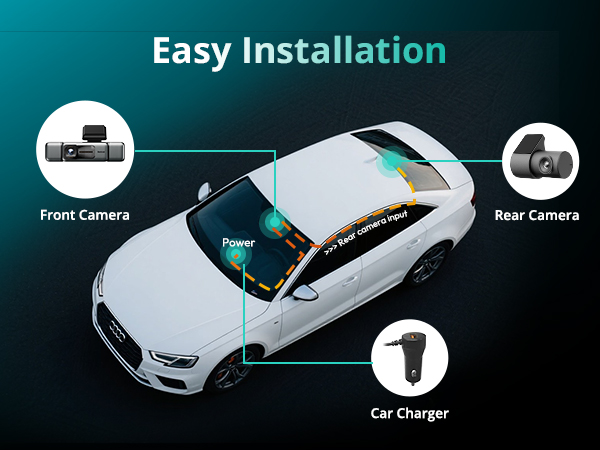
4 channel dash cam simultaneously records video from four different angles—typically the front, rear, and both sides of the vehicle—providing comprehensive coverage to enhance safety and security.
Do all 4 cameras record at the same time?
Yes, the dash cam can simultaneously record and store video from all four cameras. Depending on the model, footage can be displayed in split-screen mode or saved as separate recordings.
Can I view live footage from all cameras in real time?
Yes. There are two ways:
Method 1: View real-time recording directly on the dash cam's screen.
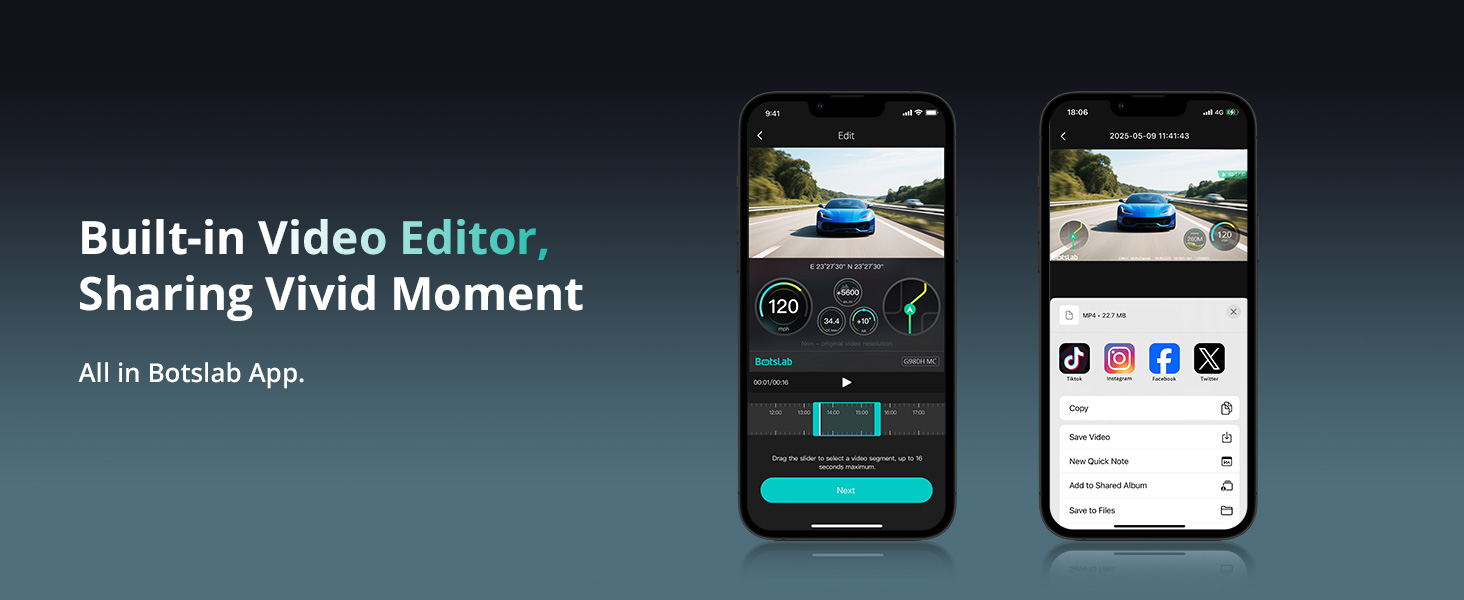
Method 2: Connect the dash cam to the Bostlab mobile app to simultaneously preview footage from all four cameras.
How do I switch between different camera views on the 4 channel dash cam?
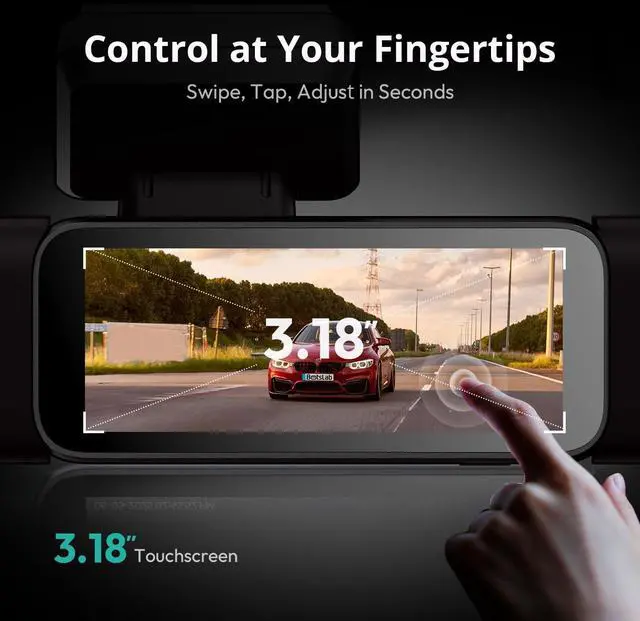
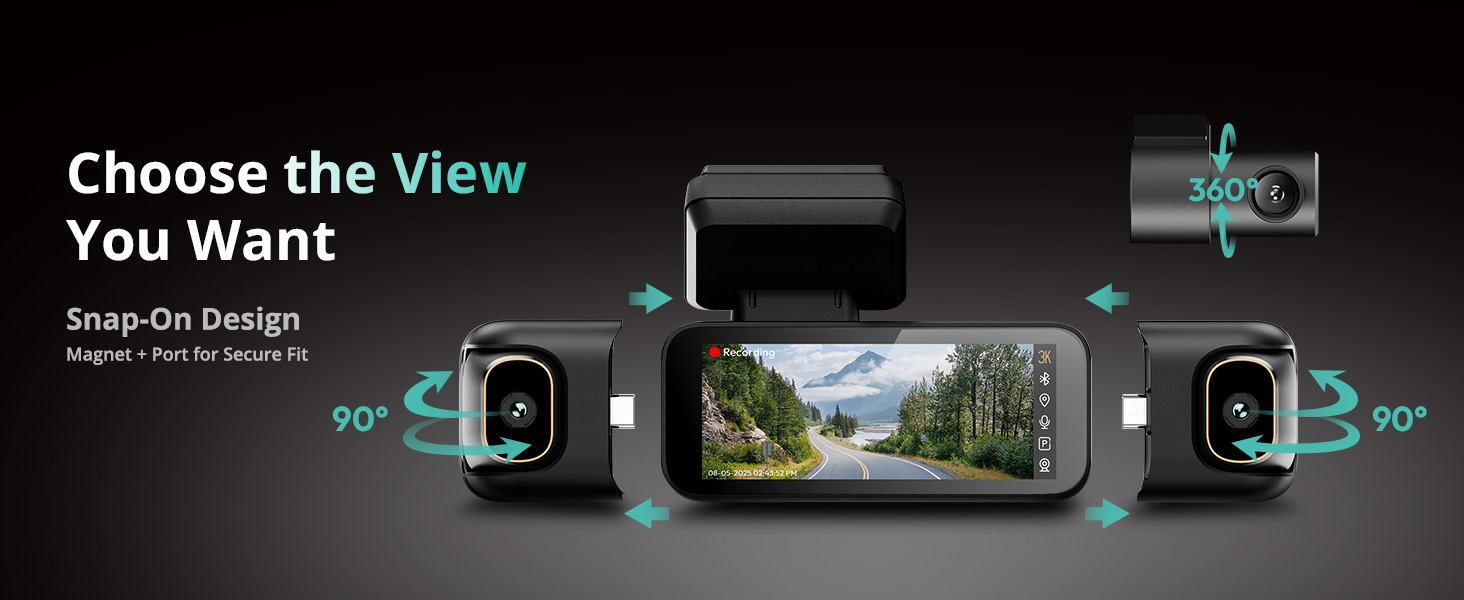
After powering on the dash cam, simply double-tap the screen to switch between different camera views.
BOTSLAB 3K 4 Channel Dash Cam
Merchant Video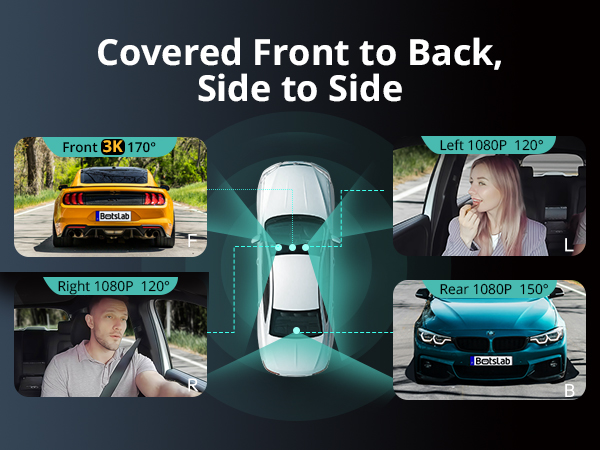
Botslab Dash Cam Comparison Chart
4 Channel Dash Cam Set | 4 Channel Dash Cam | 3 Channel Dash Cam | Dual Dash Cam | Dual Dash Cam Set | Dual Dash Cam Pro | Hardwire Kit |
|---|---|---|---|---|---|---|
| Customer Reviews | ||||||
| — | — | — | — | — | — | — |
| Price | ||||||
| — | — | — | — | — | — | — |
| Model | ||||||
| G980H 4 Channel Set | G980H 4 Channel | G980H 3 Channel | G980H | G980H Set | G980H Pro | G980H Hardwire Kit |
| Video Resolution | ||||||
| 3K+1080P+1080P+1080P | 3K+1080P+1080P+1080P | 4K+1080P+1080P | 4K+2K | 4K+2K | 4K+2K | / |
| Display Size | ||||||
| 3.18 inches | 3.18 inches | 3.18 inches | 2.45 inches | 2.45 inches | 2.45 inches | / |
| Orientation | ||||||
| Front Rear Left Right Inside | Front Rear Left Right Inside | Front Rear Left Right Inside | Front and Rear | Front and Rear | Front and Rear | / |
| Angle of View | ||||||
| 560 degrees | 560 degrees | 360 degrees | 170 degrees | 170 degrees | 170 degrees | / |
| Sentry Mode | ||||||
| ? | ?(Hardwire Kit Needed) | ?(Hardwire Kit Needed) | ? | ? | ? | / |
| Voice Control | ||||||
| ? | ? | ? | ? | ? | ? | ? |
| Touch Screen | ||||||
| ? | ? | ? | ? | ? | ? | ? |
| Built-in GPS&5.8G WiFi | ||||||
| ? | ? | ? | ? | ? | ? | ? |
| 24/7 Parking Mode | ||||||
| ? | Hardwire Kit Needed | Hardwire Kit Needed | Hardwire Kit Needed | ? | Hardwire Kit Needed | / |
| Free Card | ||||||
| 128GB | 128GB | 128GB | 64GB | 64GB | 64GB | / |
| Hardwire Kit Include | ||||||
| ? | ? | ? | ? | ? | ? | ? |
How does Parking Mode work (Hardwire Kit Included) ?
Parking Mode (Hardwire Kit Included) automatically records upon detecting motion or impact when the vehicle is off, offering protection even when you're away. Requires hardwiring for operation.
Why choose a 4 channel dash cam?
4 channel dash cam simultaneously records video from four different angles—typically the front, rear, and both sides of the vehicle—providing comprehensive coverage to enhance safety and security.
Do all 4 cameras record at the same time?
Yes, the dash cam can simultaneously record and store video from all four cameras. Depending on the model, footage can be displayed in split-screen mode or saved as separate recordings.
Can I view live footage from all cameras in real time?
Yes. There are two ways:
Method 1: View real-time recording directly on the dash cam's screen.
Method 2: Connect the dash cam to the Bostlab mobile app to simultaneously preview footage from all four cameras.
How do I switch between different camera views on the 4 channel dash cam?
After powering on the dash cam, simply double-tap the screen to switch between different camera views.
Botslab 4 Channel dash cam
Dash Cam
Dash Cam