


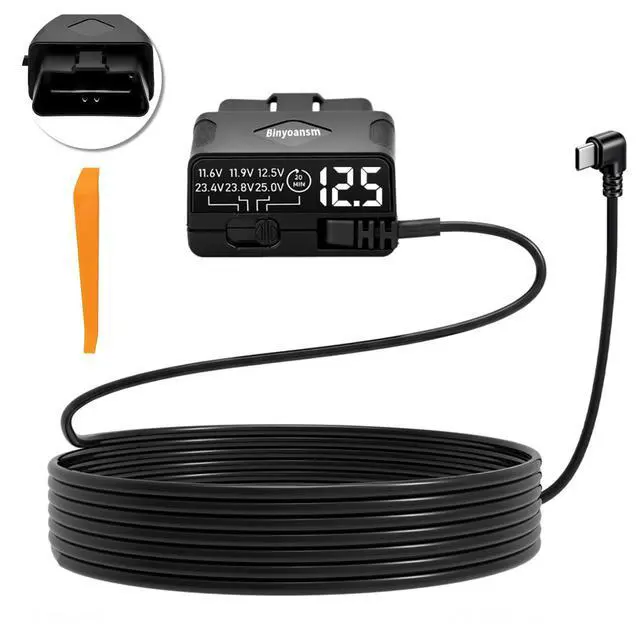
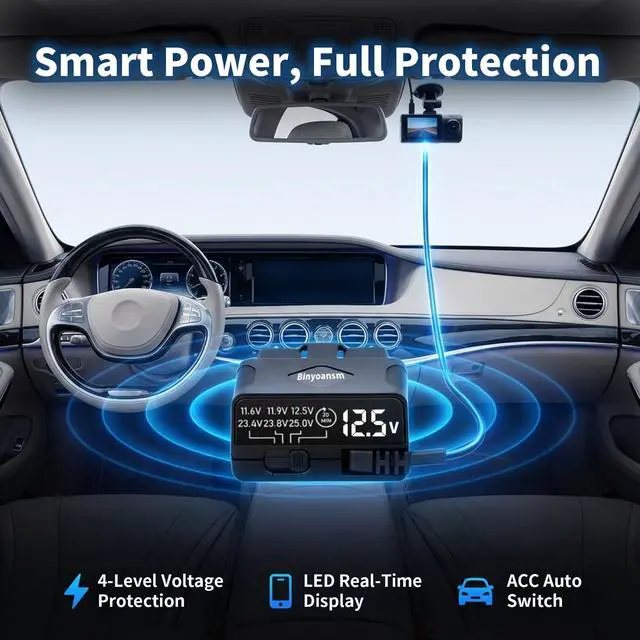
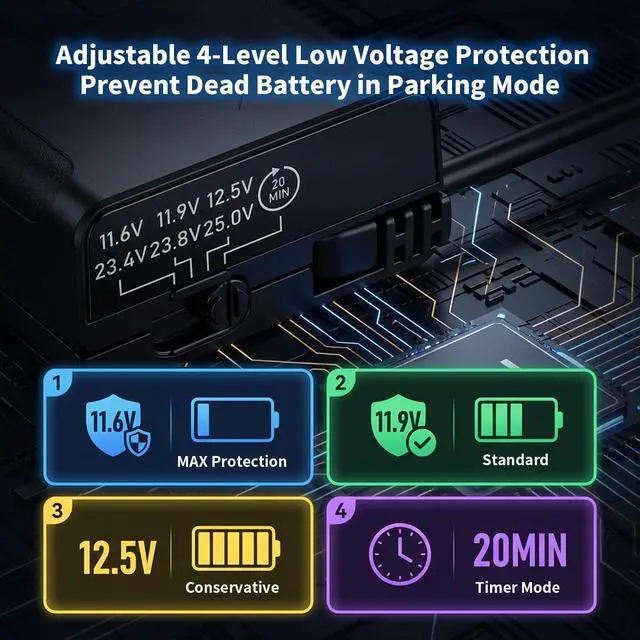
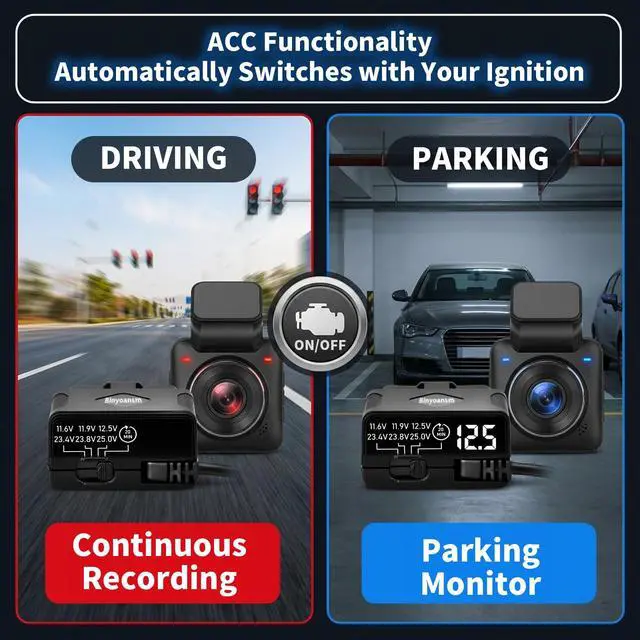


Vehicle Compatibility Self-Check – Important Note
Some vehicles automatically cut power to the OBD-II port when the ignition is turned off. This is a design choice made by the vehicle manufacturer, not a defect of this product.
How to Check Your OBD Port:
Method 1 – Multimeter Test (Most Accurate)
Use a multimeter to measure between Pin 16 (+) and Pins 4/5 (–) on your OBD-II port while the vehicle is off and locked. If the reading shows 12V, your port provides continuous power.
Method 2 – Quick Accessory Test (Simple)
Plug any OBD-powered device (e.g., a scanner or LED charger) into the port. If the device stays on after 5 minutes, the port supplies continuous power.
Pro Tip: Check your vehicle owner’s manual under “OBD port” or “diagnostic connector” for model/year-specific power specifications.
Why Verify Compatibility?
Checking your OBD port before purchase ensures:
Continuous power for parking mode
Prevents unexpected dashcam shutdown
Avoids returns caused by vehicle-specific power design

Vehicle Compatibility Self-Check – Important Note
Some vehicles automatically cut power to the OBD-II port when the ignition is turned off. This is a design choice made by the vehicle manufacturer, not a defect of this product.
How to Check Your OBD Port:
Method 1 – Multimeter Test (Most Accurate)
Use a multimeter to measure between Pin 16 (+) and Pins 4/5 (–) on your OBD-II port while the vehicle is off and locked. If the reading shows 12V, your port provides continuous power.
Method 2 – Quick Accessory Test (Simple)
Plug any OBD-powered device (e.g., a scanner or LED charger) into the port. If the device stays on after 5 minutes, the port supplies continuous power.
Pro Tip: Check your vehicle owner’s manual under “OBD port” or “diagnostic connector” for model/year-specific power specifications.
Why Verify Compatibility?
Checking your OBD port before purchase ensures:
Continuous power for parking mode
Prevents unexpected dashcam shutdown
Avoids returns caused by vehicle-specific power design