






Hardwire Kit for Frvesroe Dash Cam

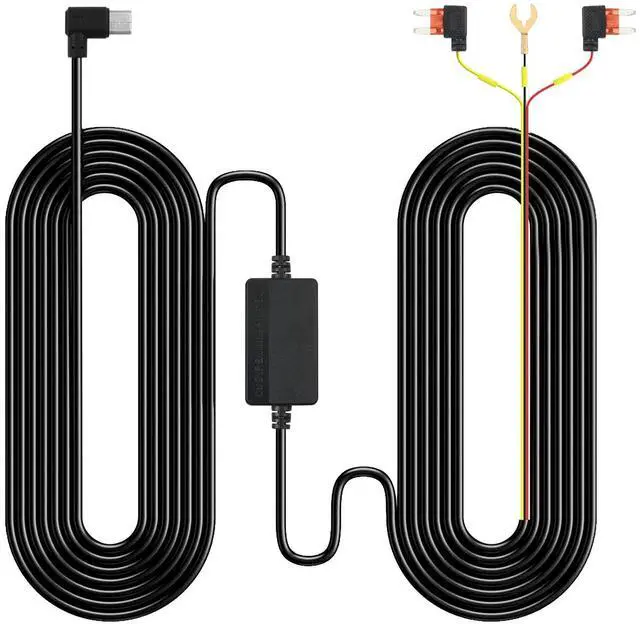
Hard wire kit for Frvesroe dash cam is supporting 12V-24V input and providing a stable 5V/2.5A output, ensuring perfect compatibility with your dash cam.
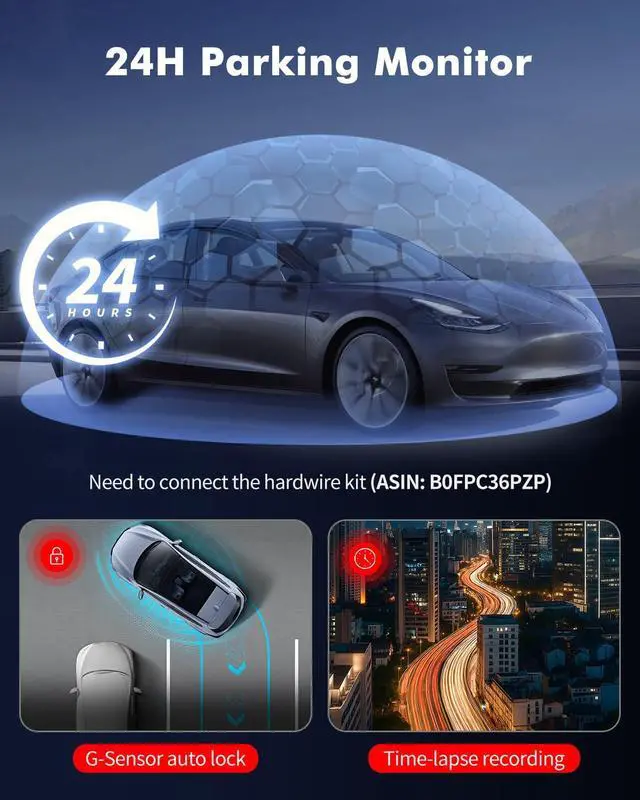
This dash cam wire kit features 24/7 parking monitoring, allowing your dash cam to remain powered even when the vehicle is off, ensuring continuous recording of events.

G-Sensor Emergency Lock
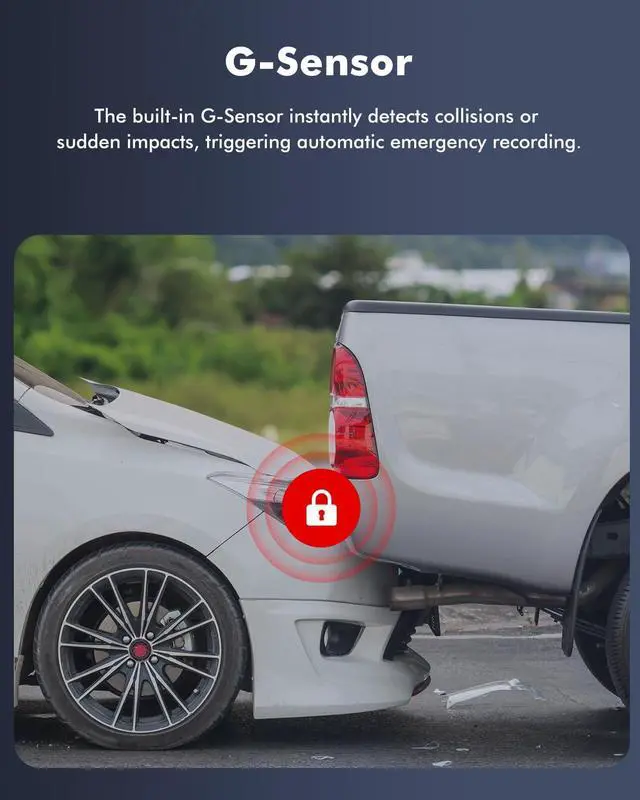
The built-in G-Sensor instantly detects collisions or sudden impacts, triggering automatic emergency recording. Critical videos are locked and protected from overwriting, ensuring vital evidence is always preserved.

Loop Recording & Storage Management
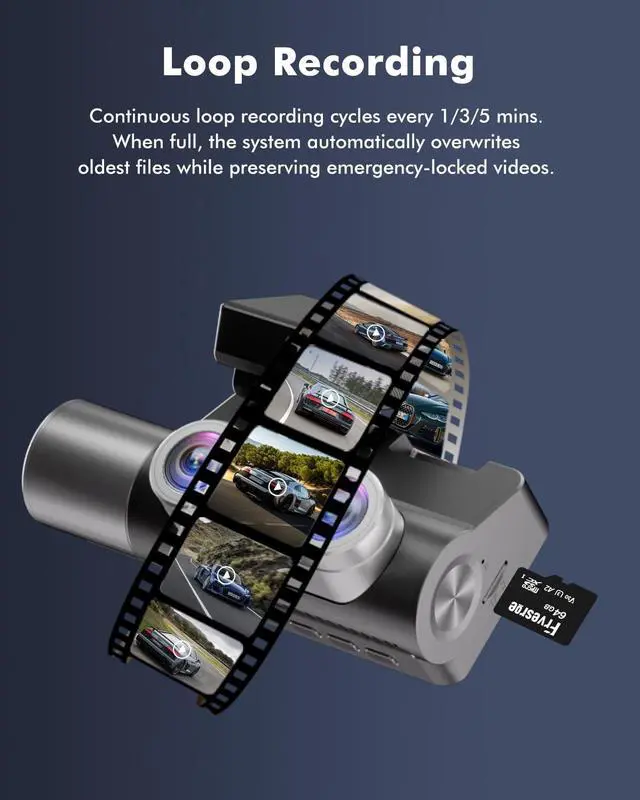
Continuous loop recording cycles every 1/3/5 mins. When full, the system automatically overwrites oldest files while preserving emergency-locked videos.
How to install?

Locate the Vehicle Fuse Box
Refer to your vehicle manual to find the fuse box location.
Fuse box locations, layouts, and fuse types vary by vehicle.

Red Wire (ACC)
Connect to the ACC fuse slot using a fuse tap.
Testing: The tester bulb will light when the engine if on and won't light when the engine is off.

Yellow Wire (B+)
Connect to a constant B+ fuse (supports Parking Mode).
Use a tester to find one with power when the car is off. Insert the yellow wire into that slot.

Black Wire (GND)
Fix it under a metal bolt or screw in your vehicle (ensure good contact).
Dash cam won’t power on?
Check if the red wire (ACC) is fused and if the ground wire is secure.
Parking surveillance not working?
(1) Check for abnormal ACC signals;
(2) Verify ACC fuse integrity;
(3) Ensure yellow wire (B+) is connected to constant power.
Dash cam drains battery after engine off?
Yellow wire (B+) is improperly connected, or ACC signal remains active.
Hardwire Kit for Frvesroe Dash Cam

Hard wire kit for Frvesroe dash cam is supporting 12V-24V input and providing a stable 5V/2.5A output, ensuring perfect compatibility with your dash cam.
This dash cam wire kit features 24/7 parking monitoring, allowing your dash cam to remain powered even when the vehicle is off, ensuring continuous recording of events.
G-Sensor Emergency Lock
The built-in G-Sensor instantly detects collisions or sudden impacts, triggering automatic emergency recording. Critical videos are locked and protected from overwriting, ensuring vital evidence is always preserved.
Loop Recording & Storage Management
Continuous loop recording cycles every 1/3/5 mins. When full, the system automatically overwrites oldest files while preserving emergency-locked videos.
How to install?
Locate the Vehicle Fuse Box
Refer to your vehicle manual to find the fuse box location.
Fuse box locations, layouts, and fuse types vary by vehicle.
Red Wire (ACC)
Connect to the ACC fuse slot using a fuse tap.
Testing: The tester bulb will light when the engine if on and won't light when the engine is off.
Yellow Wire (B+)
Connect to a constant B+ fuse (supports Parking Mode).
Use a tester to find one with power when the car is off. Insert the yellow wire into that slot.
Black Wire (GND)
Fix it under a metal bolt or screw in your vehicle (ensure good contact).
Dash cam won’t power on?
Check if the red wire (ACC) is fused and if the ground wire is secure.
Parking surveillance not working?
(1) Check for abnormal ACC signals;
(2) Verify ACC fuse integrity;
(3) Ensure yellow wire (B+) is connected to constant power.
Dash cam drains battery after engine off?
Yellow wire (B+) is improperly connected, or ACC signal remains active.