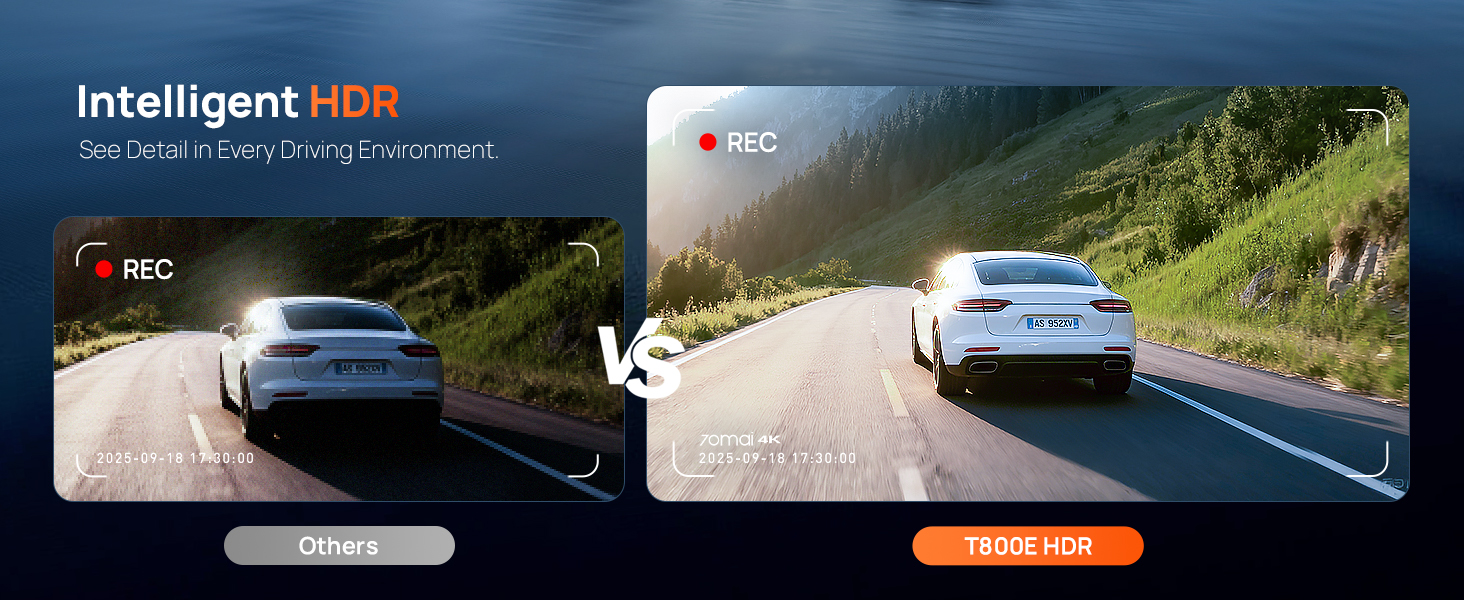
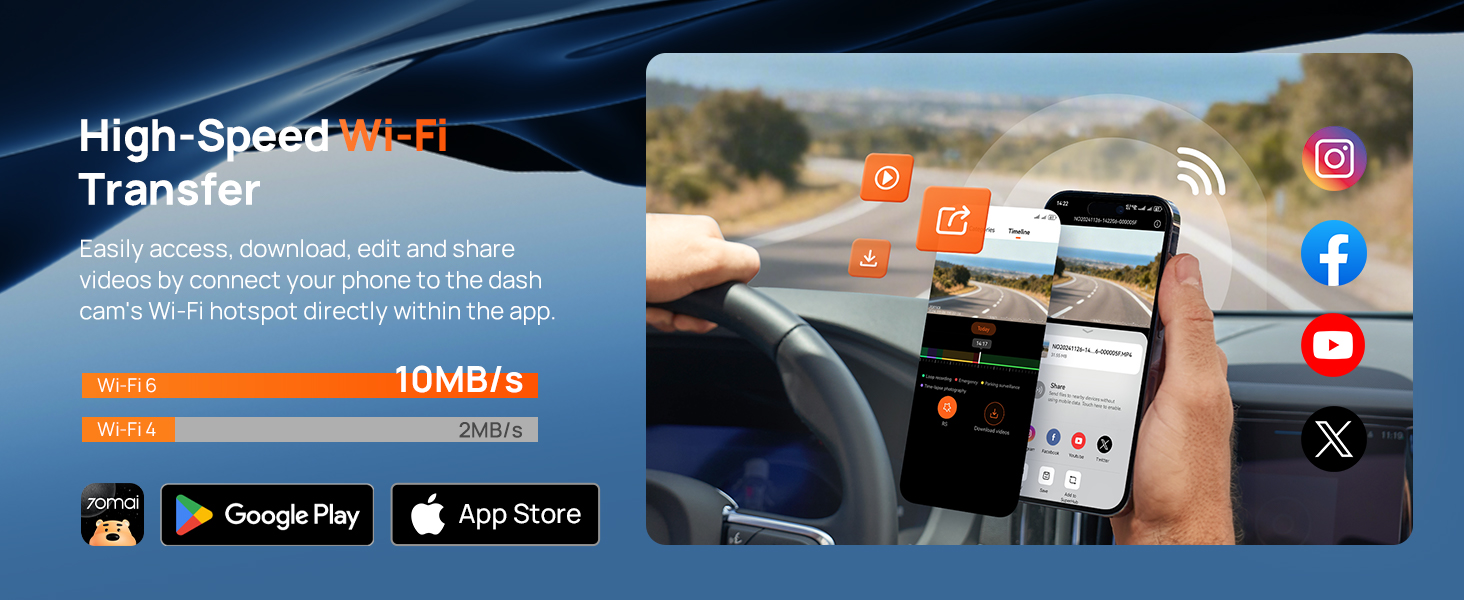
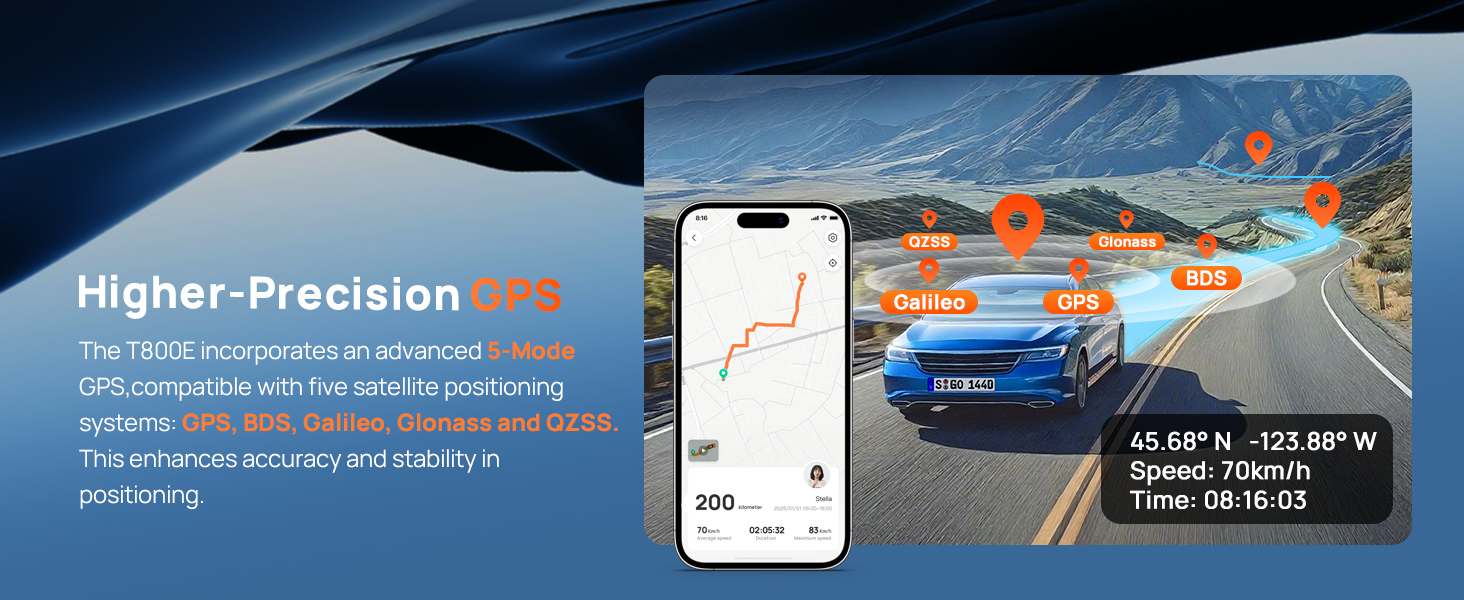
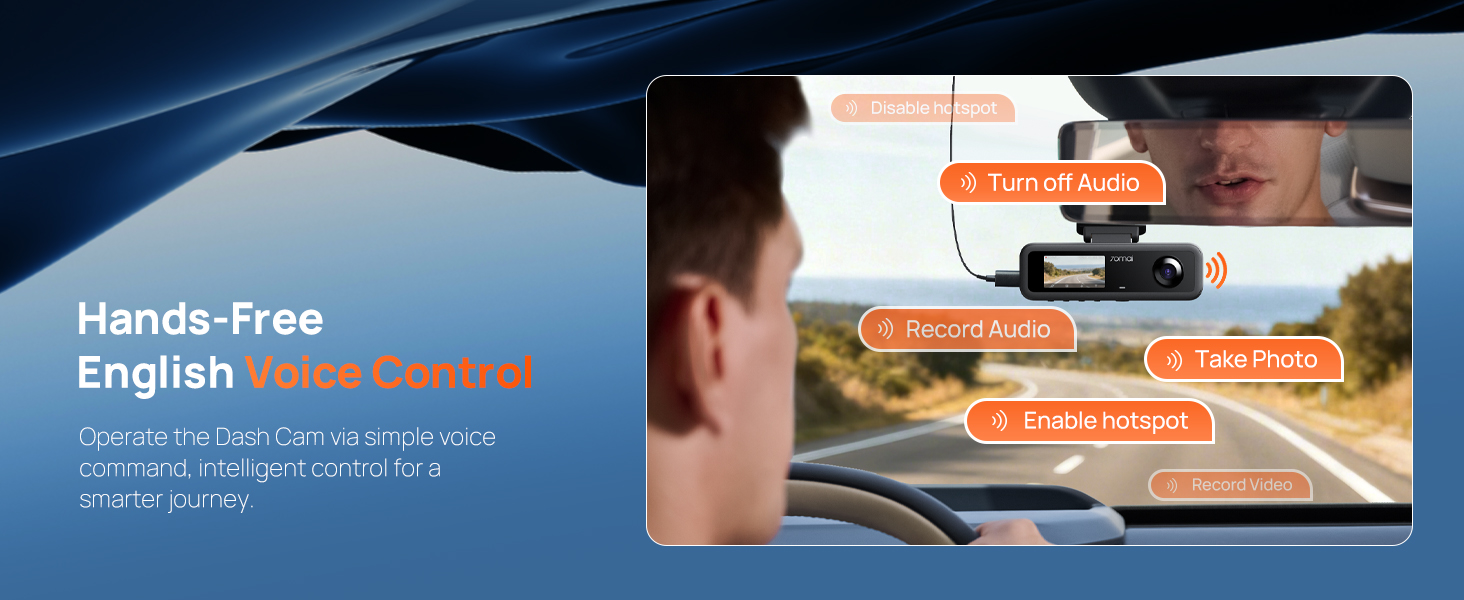
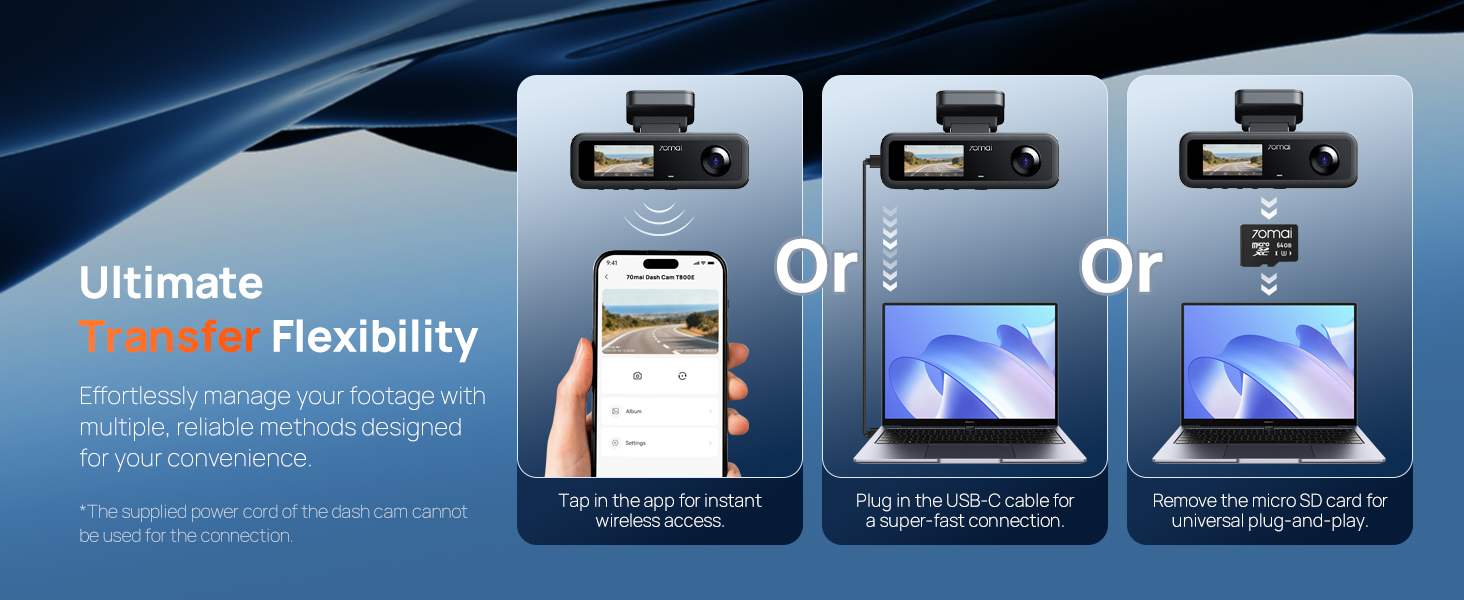
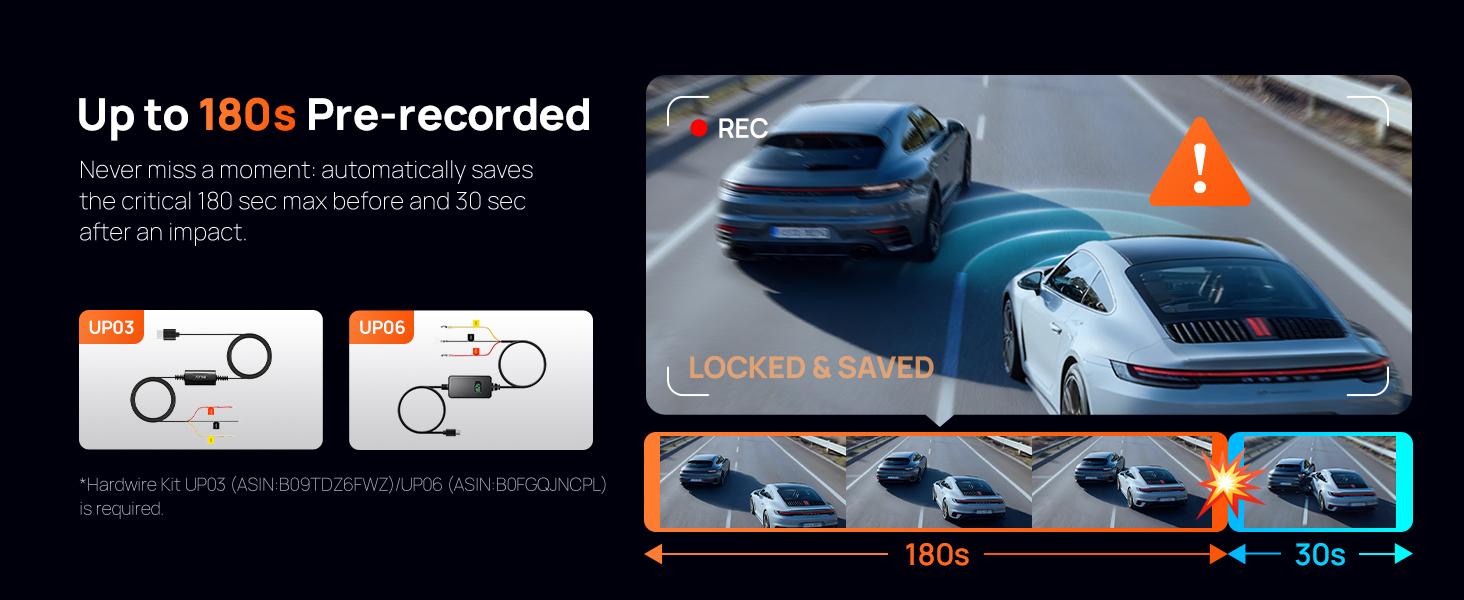
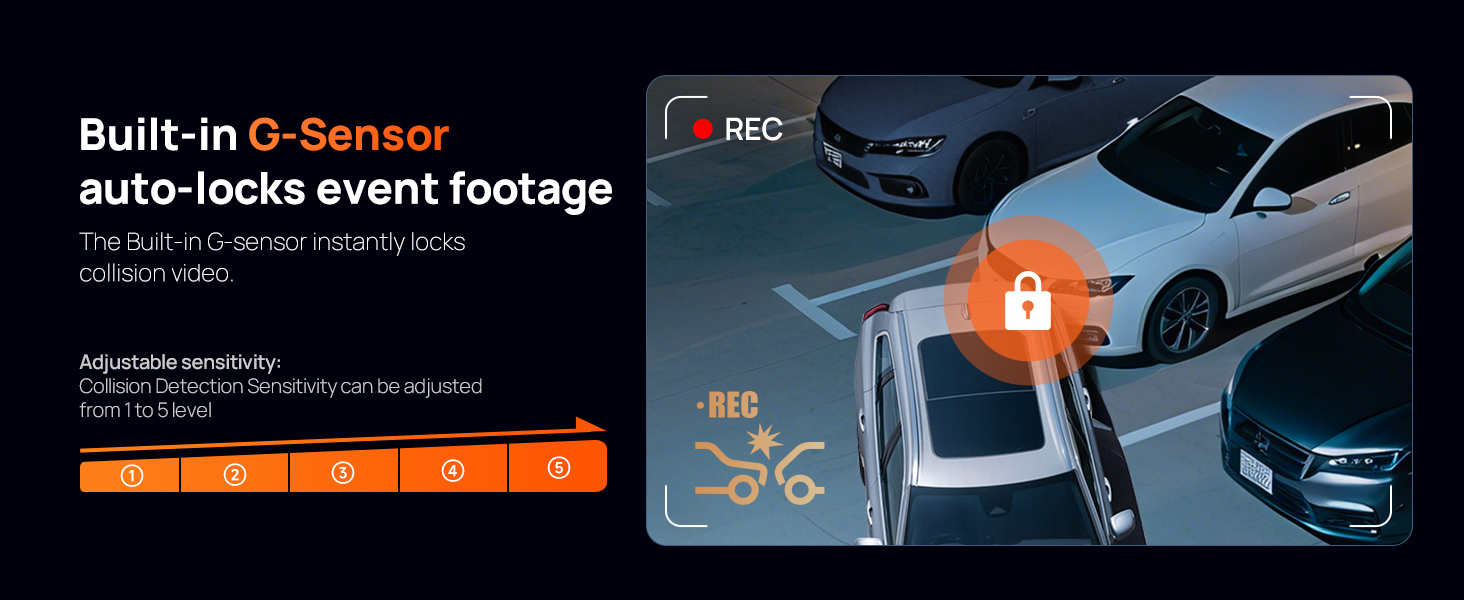
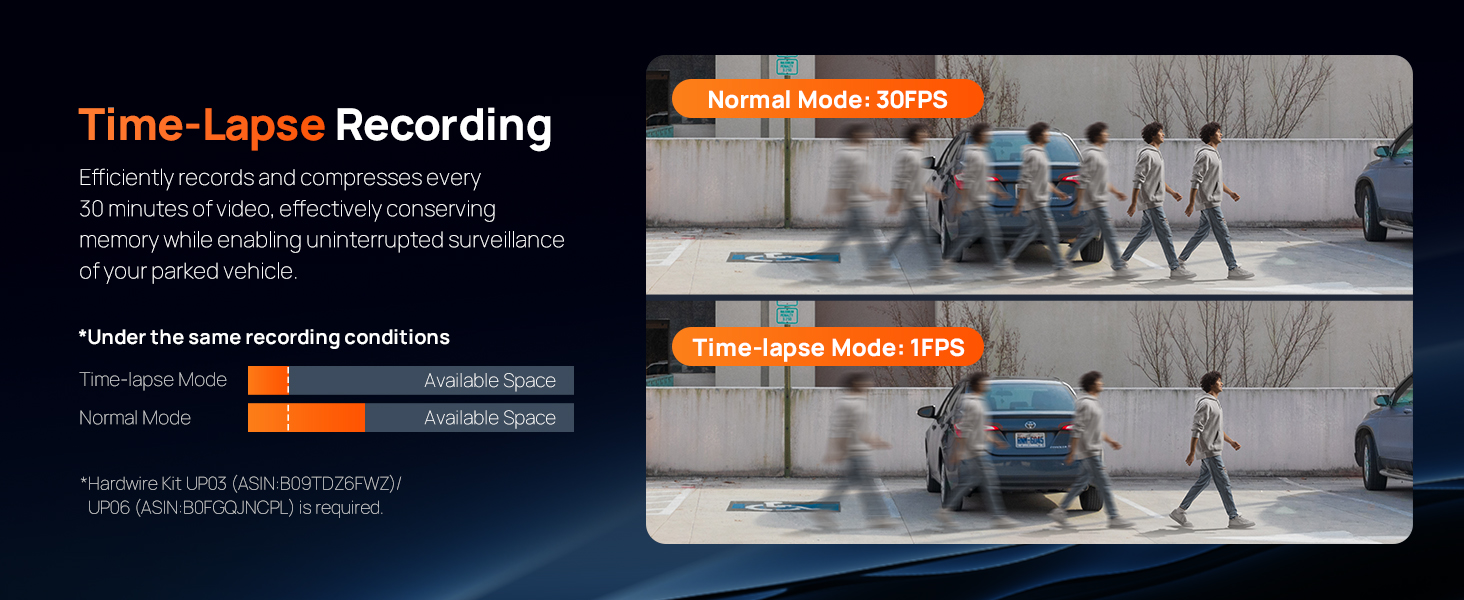
here!
here!
I’m your shopping assistant for PC builds, upgrades, and everything tech.
Got questions? Ask away!
Start a conversation
here!
I’m your shopping assistant for PC builds, upgrades, and everything tech.
Got questions? Ask away!
Start a conversation
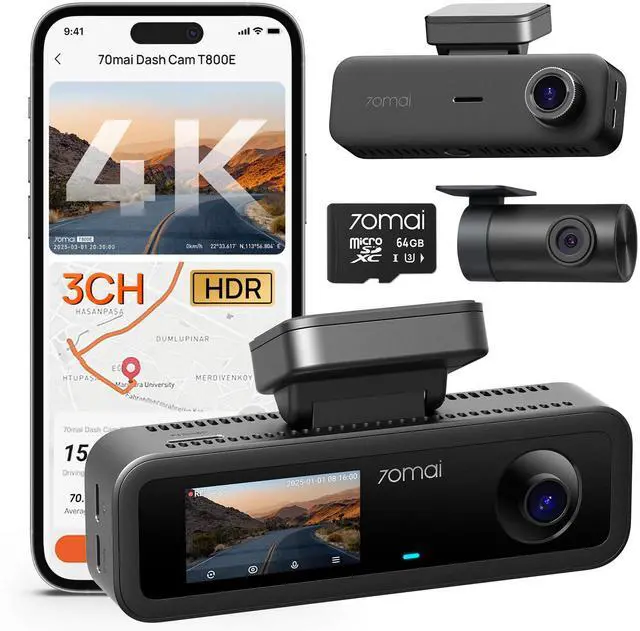
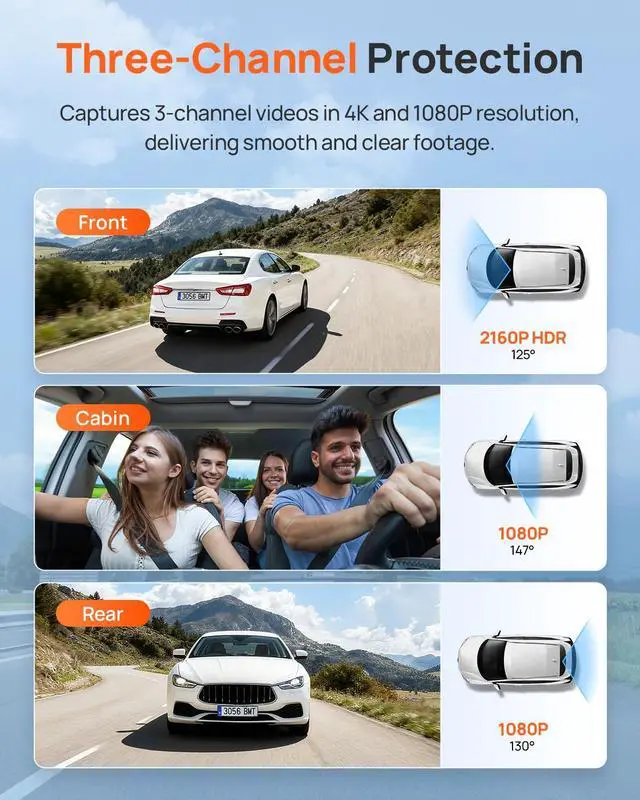
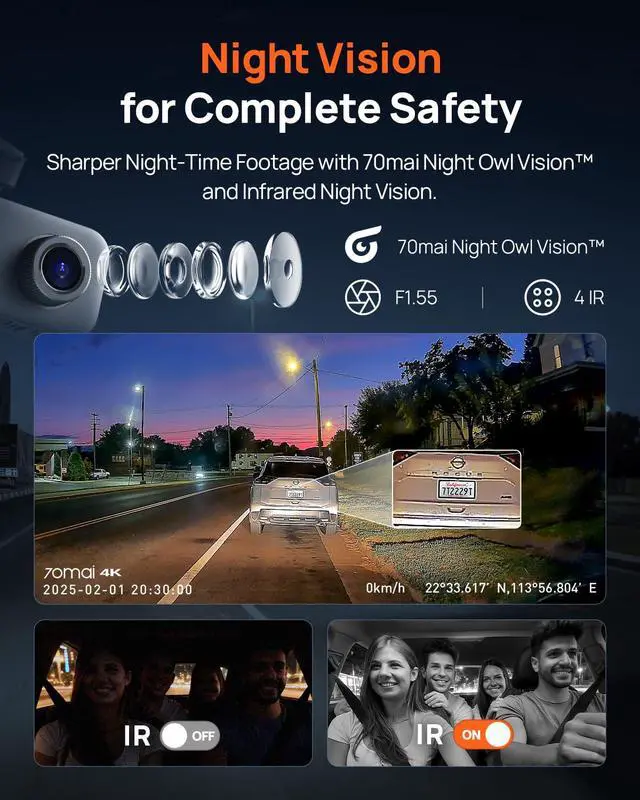

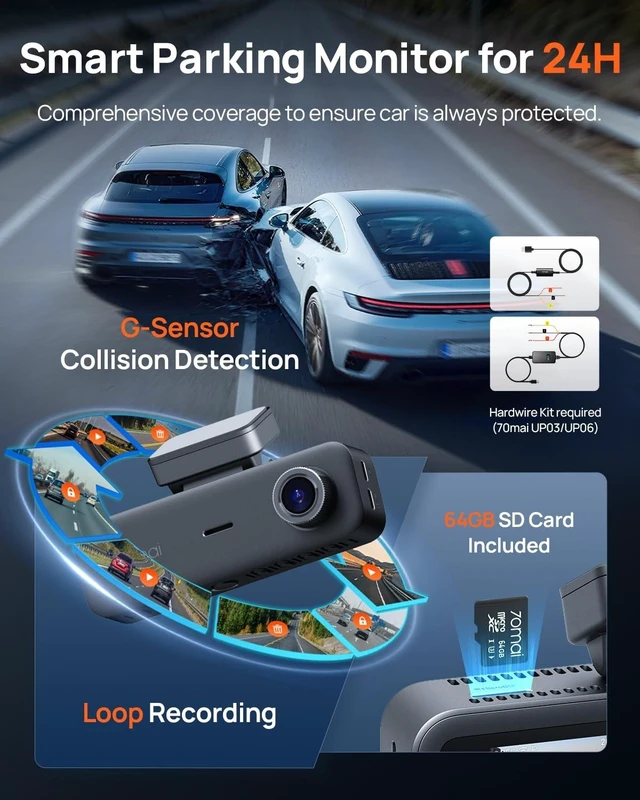




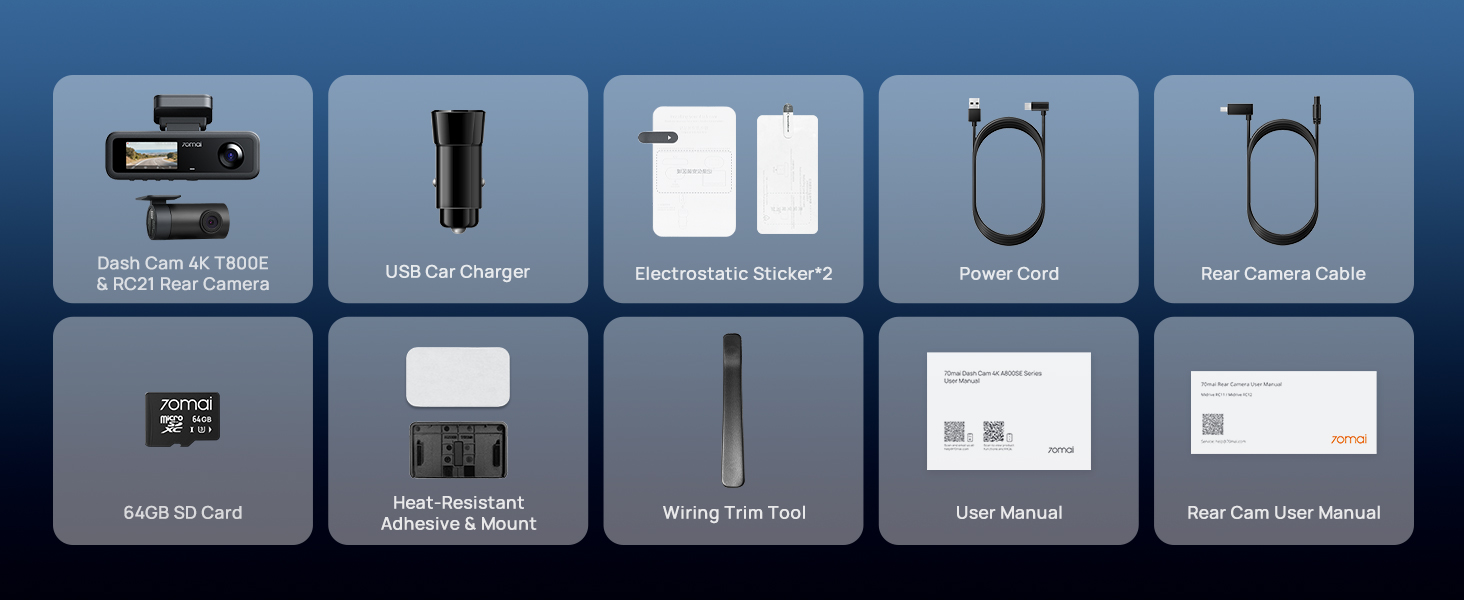
Any questions? Ask CelesteSM will help you find out quickly.



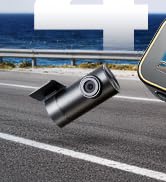
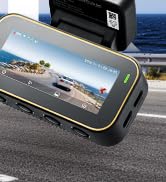


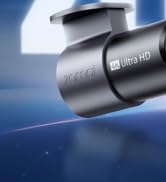
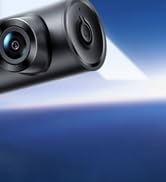
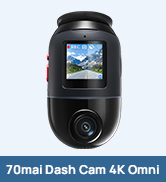


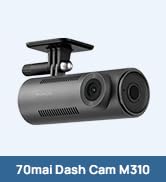

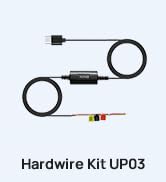
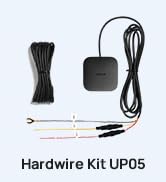



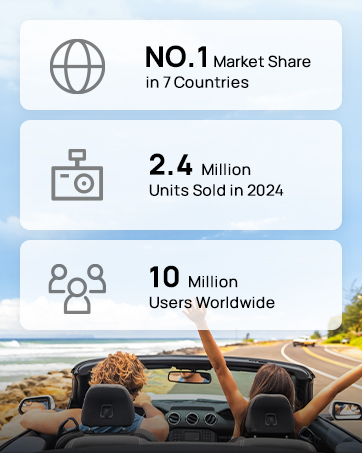

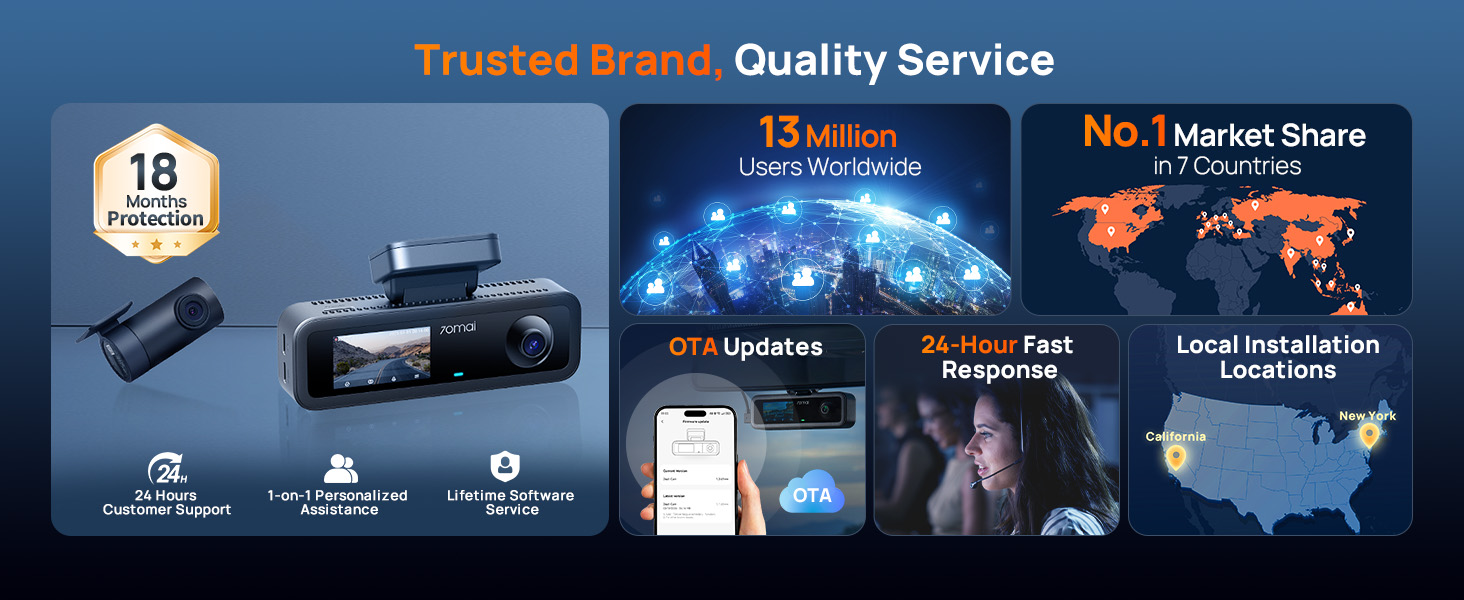
With in-house R&D department and award-winning industrial designers, 70mai Dash Cam is strongly competitive in both software and hardware capabilities, driving it to become an industry-leading provider for auto intelligence solutions.
70mai has a proven track record of creating quality, innovative products, and serving the diverse needs of drivers in various countries, including North America, Europe, Southeast Asia, and counting.
70mai was founded by a group of car enthusiasts, who had technological experiences in the smart vehicle industry.
The team started as a dash cam supplier, accountable for product design and manufacturing.
Beginning from 2018, 70mai started to make dash cams under its own brand name, with accumulated supply chain resources and established product expertise.
Most of 70mai’s hardware engineers used to specialize in mobile phones, who have rich experience in manufacturing whole mechanical units and hold themselves to high quality and stability standards
Driven by an innovative and highly competent software team, 70mai now has self-developed OS as well as algorithms, with the vision to leverage today’s technology for yesterday’s car
The majority of 70mai’s R&D professionals come from a mobile phone or smart car background, bringing unique, forward-thinking product design philosophy and quality control systems.
For years, the team specializes in the relatively niche dash cam market, persistently advancing its products to be smarter, stronger, and more intuitive.
 70mai Dash Cam 4K T800E |  70mai Dashcam 4K A810Lite | 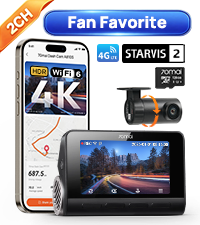 70mai Dash Cam 4K A810S |  70mai Dash Cam 4K A800SE |  70mai Dash Cam 4K T800 | 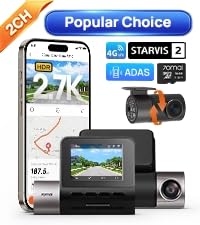 70mai Dash Cam 2.7K A510 | 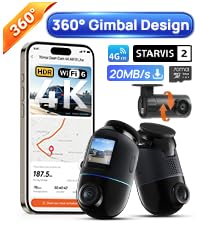 70mai Dash Cam 4K Omni | |
|---|---|---|---|---|---|---|---|
Customer Reviews | — | — | — | — | — | — | — |
Price | — | — | — | — | — | — | — |
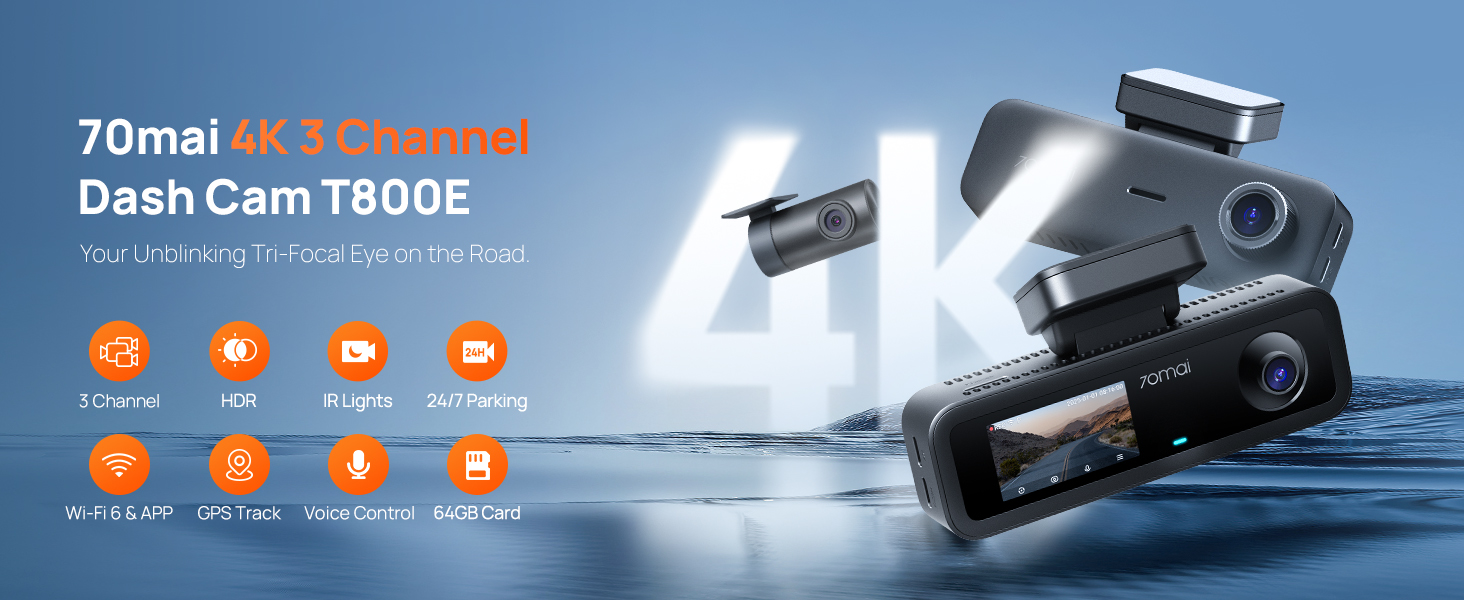
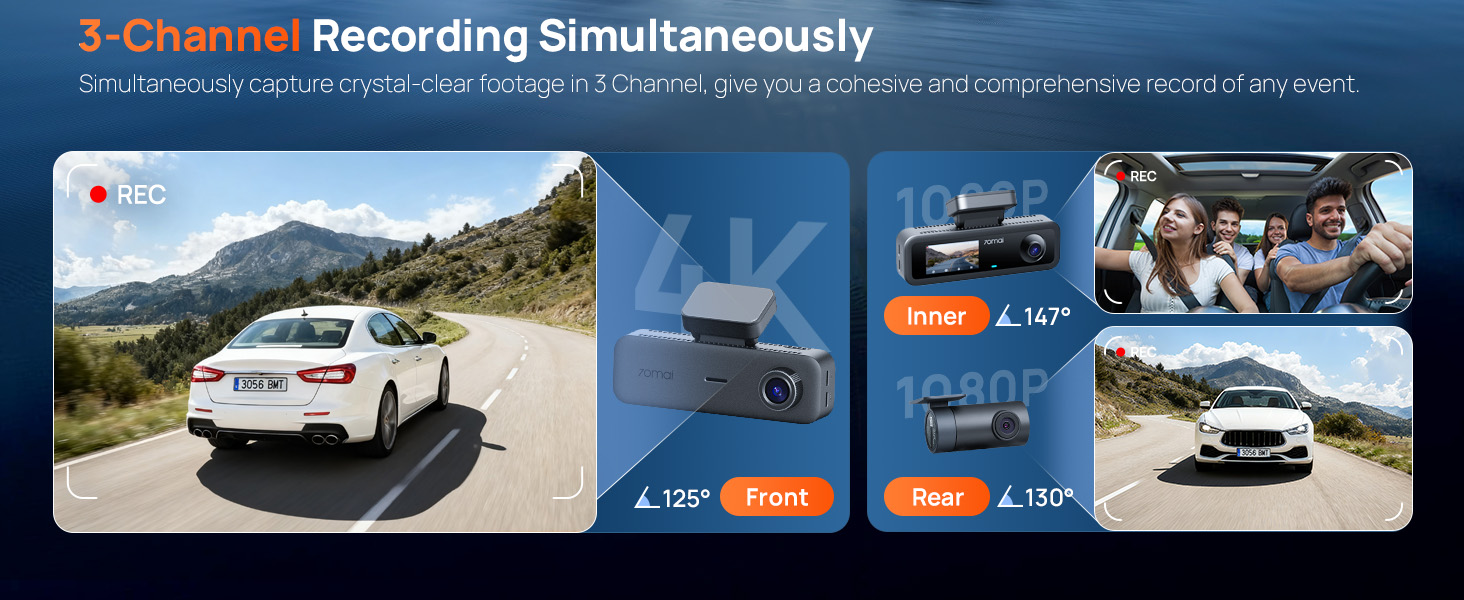
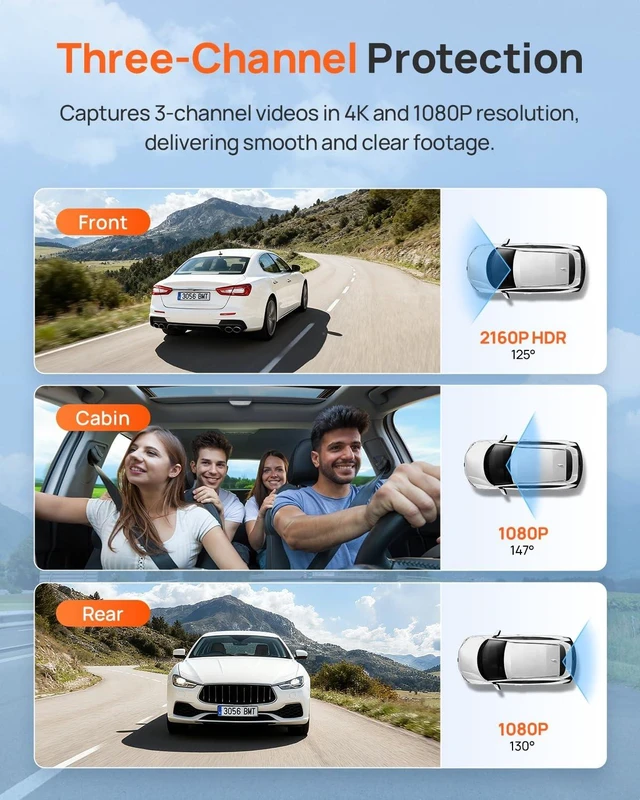
Video Resolution | 4K+1080P+1080P | 4K+1080P | 4K+1080P | 4K+1080P | 4K+4K+1080P | 2.7K+1080P | 4K+1080P |
Camera Type | Front & Rear & Inside | Front & Rear | Front & Rear | Front & Rear | Front & Rear & Inside | Front & Rear | Front & Rear |
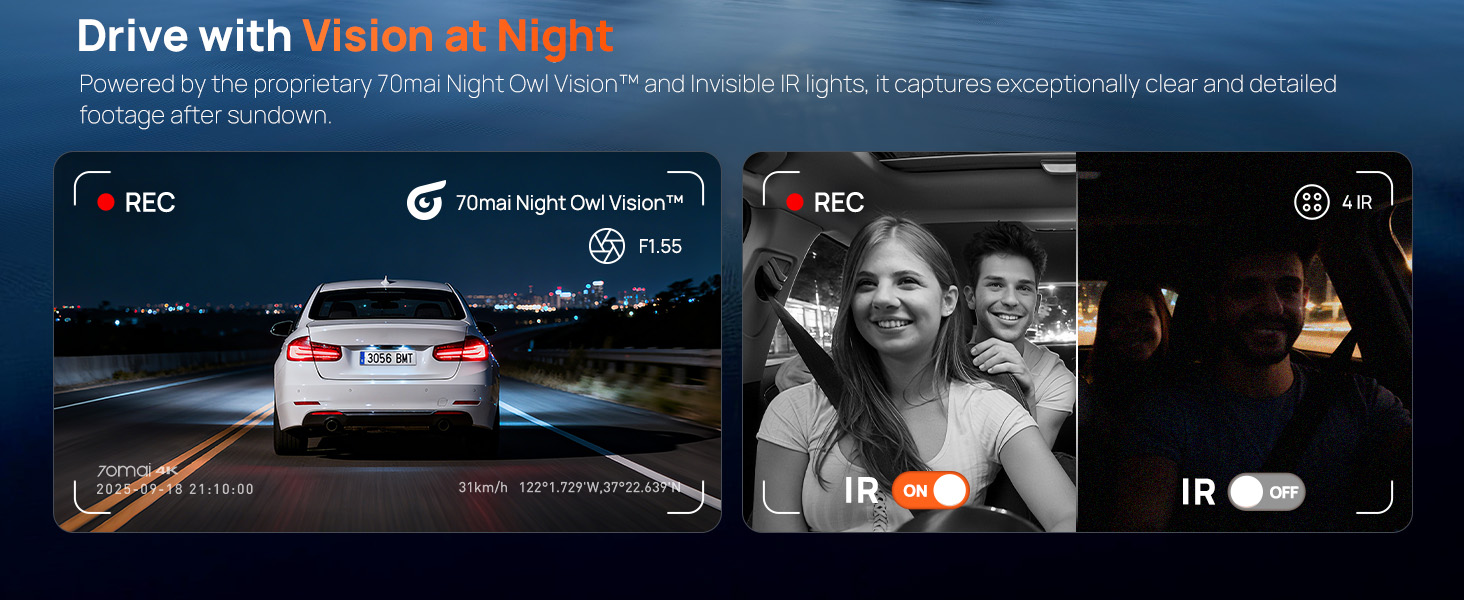
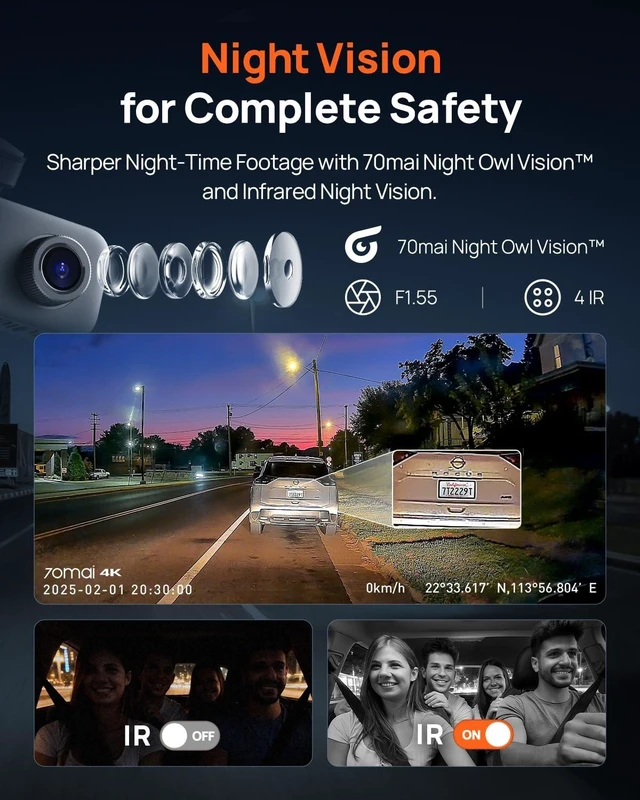
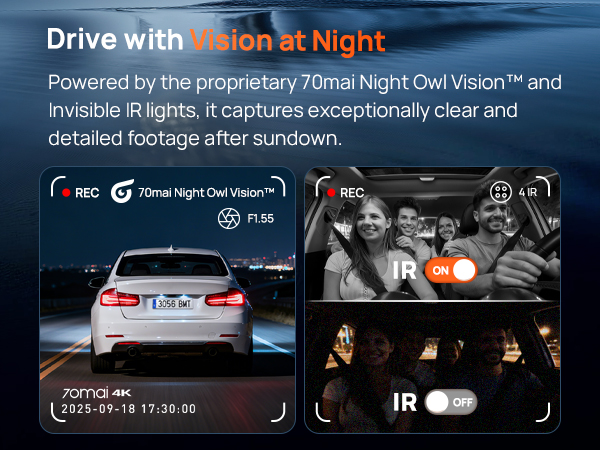
Aperture | F1.55 | F1.55 | F1.7 | F1.55 | F1.7 | F1.8 | F1.7 |
Field of View | 125°+147°+130° | 140°+130° | 146°+130° | 140°+130° | 146°+146°+147° | 140°+130° | 146°+130° |
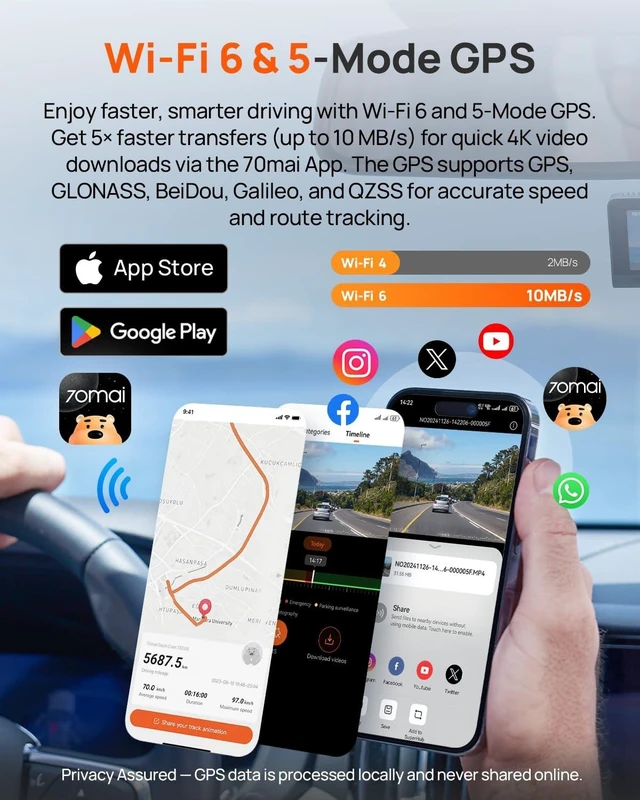
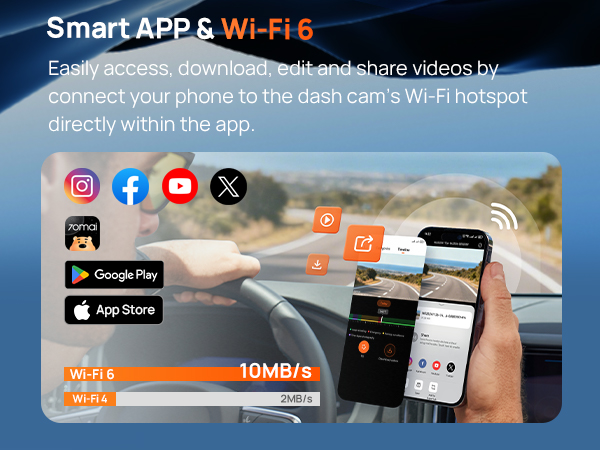
Wi-Fi | 2.4Ghz Wi-Fi 6 | 5GHz Wi-Fi 6 | 2.4Ghz Wi-Fi 6 | 2.4Ghz Wi-Fi 6 | 5GHz Wi-Fi 6 | 2.4Ghz Wi-Fi 4 | 5GHz Wi-Fi 6 |
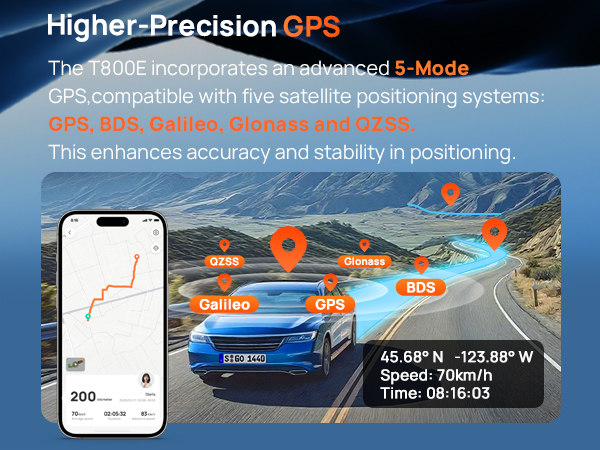
GPS | 5 GPS Systems | 3 GPS Systems | 5 GPS Systems | 5 GPS Systems | 3 GPS Systems | 3 GPS Systems | 3 GPS Systems |
Voice Control | ? | ? | ? | ? | ? | ? | ? |
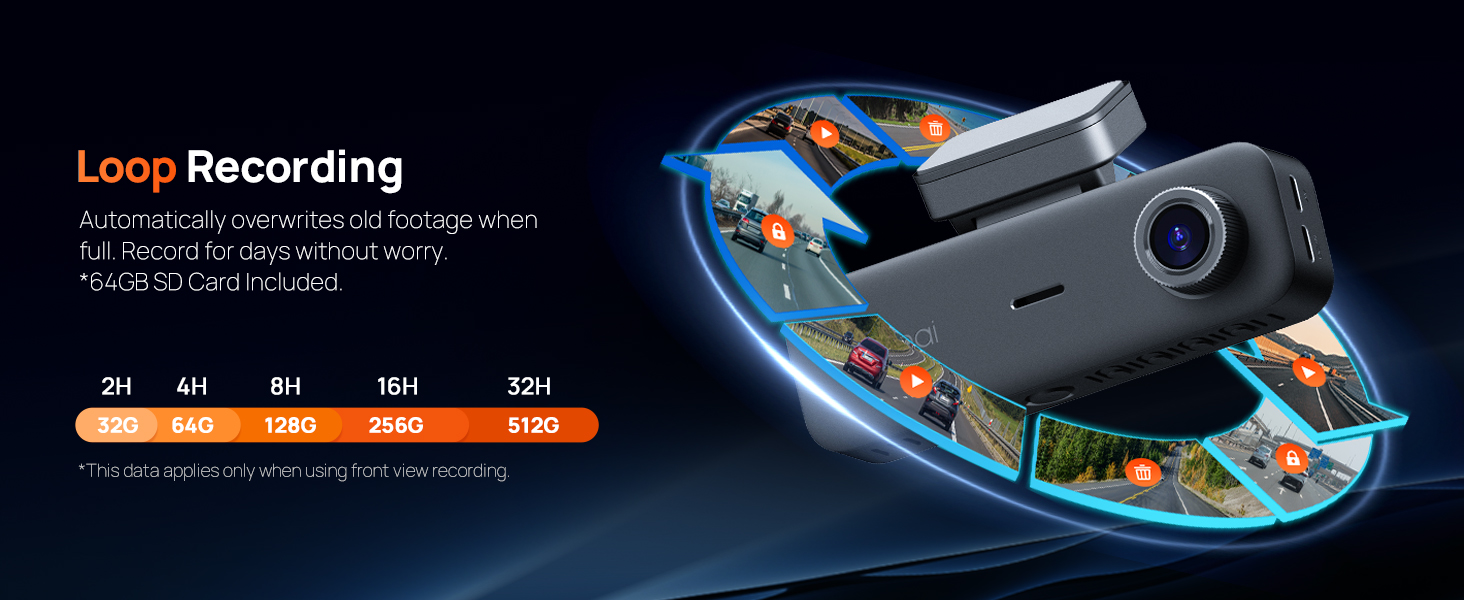
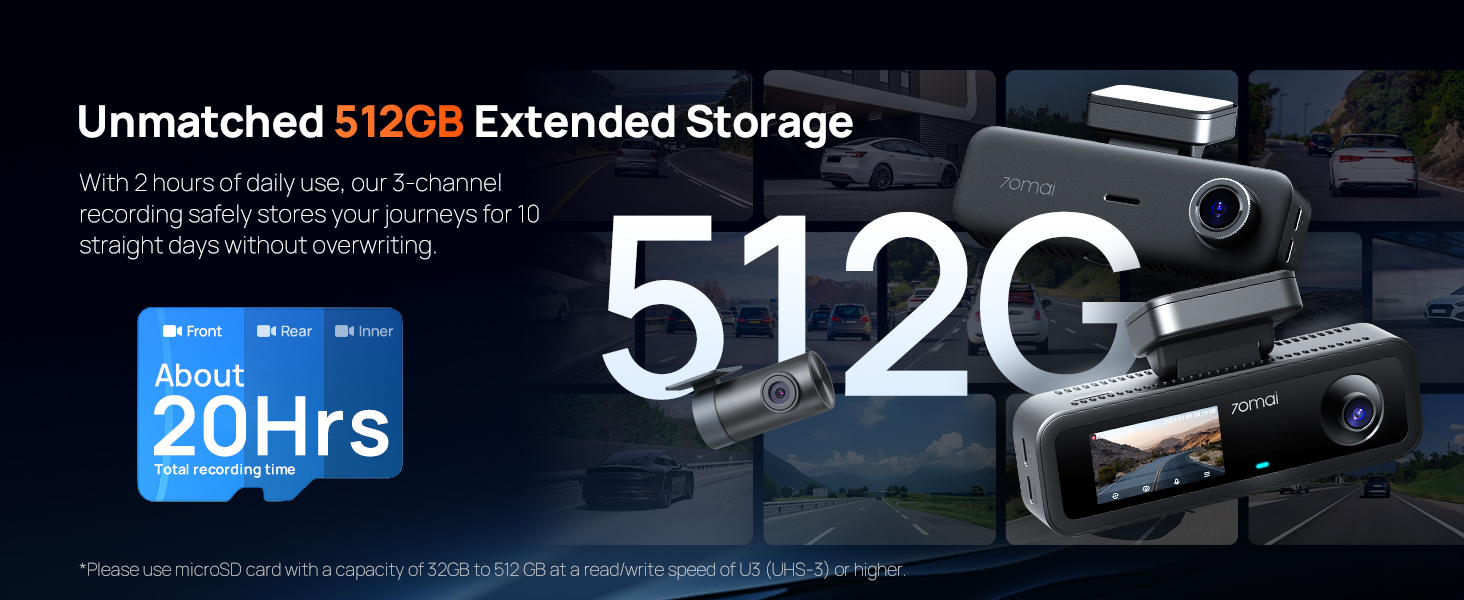
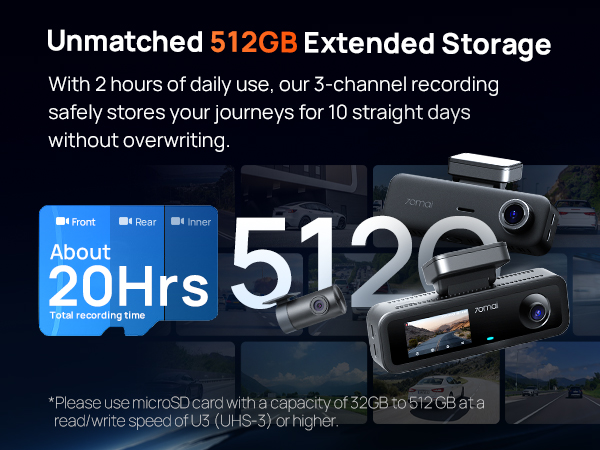
Supported Storage | 32GB-512GB (64GB Include) | 32GB-512GB (64GB Include) | 32GB-256GB (128GB Include) | 32GB-512GB (128GB Include) | 32GB-512GB (512GB Include) | 32GB-256GB (64GB Include) | 32GB-512GB (128GB Include) |
Accessory for Parking Mode | UP03/UP06 | UP03/UP05/UP06 | UP03/UP05/UP06 | UP03/UP06 | UP03/UP05/UP06 | UP03/UP05/UP06 | UP03/UP05/UP06 |
1. Do I have to keep connecting to the camera's Wi-Fi all the time in order to record?
No, the dash cam will automatically start recording as long as it has power, without the need for a connection to your phone's Wi-Fi.
2. Will having CarPlay/Android Auto in my vehicle affect the use of the dash cam?
No, it will not affect the dash cam's ability to record normally.
3. Why do the videos recorded by my dashcam have no sound?
To protect user privacy, the audio recording feature is disabled by default. You can enable the function through the screen buttons, the app, or voice commands (the method may vary depending on the product).
4. How does the dashcam start working?
When using it for the first time, simply power on the dashcam and follow the on-screen prompts to complete the "User Guide" to start recording. After the initial setup, the dashcam will automatically start recording whenever it is powered on.
5. Why is the video quality of my dashcam unclear?
To ensure smoother video playback, the videos viewed on the App or the dashcam screen are compressed and do not represent the original video quality. Please download the video to your phone's gallery or computer for better clarity.
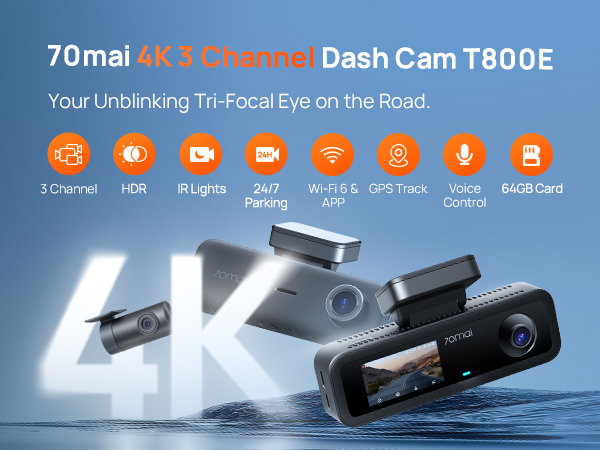
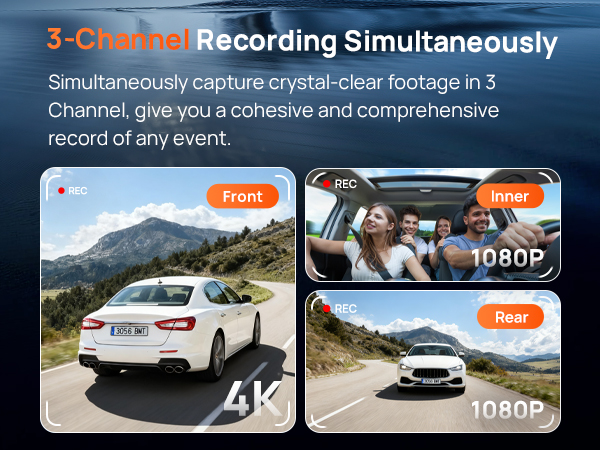


70mai Dash Cam 4K T800E | 70mai Dashcam 4K A810Lite | 70mai Dash Cam 4K A810S | 70mai Dash Cam 4K A800SE | 70mai Dash Cam 4K T800 | 70mai Dash Cam 2.7K A510 | 70mai Dash Cam 4K Omni |
|---|---|---|---|---|---|---|
| Customer Reviews | ||||||
| — | — | — | — | — | — | — |
| Price | ||||||
| — | — | — | — | — | — | — |
| Video Resolution | ||||||
| 4K+1080P+1080P | 4K+1080P | 4K+1080P | 4K+1080P | 4K+4K+1080P | 2.7K+1080P | 4K+1080P |
| Camera Type | ||||||
| Front & Rear & Inside | Front & Rear | Front & Rear | Front & Rear | Front & Rear & Inside | Front & Rear | Front & Rear |
| Aperture | ||||||
| F1.55 | F1.55 | F1.7 | F1.55 | F1.7 | F1.8 | F1.7 |
| Field of View | ||||||
| 125°+147°+130° | 140°+130° | 146°+130° | 140°+130° | 146°+146°+147° | 140°+130° | 146°+130° |
| Wi-Fi | ||||||
| 2.4Ghz Wi-Fi 6 | 5GHz Wi-Fi 6 | 2.4Ghz Wi-Fi 6 | 2.4Ghz Wi-Fi 6 | 5GHz Wi-Fi 6 | 2.4Ghz Wi-Fi 4 | 5GHz Wi-Fi 6 |
| GPS | ||||||
| 5 GPS Systems | 3 GPS Systems | 5 GPS Systems | 5 GPS Systems | 3 GPS Systems | 3 GPS Systems | 3 GPS Systems |
| Voice Control | ||||||
| ? | ? | ? | ? | ? | ? | ? |
| Supported Storage | ||||||
| 32GB-512GB (64GB Include) | 32GB-512GB (64GB Include) | 32GB-256GB (128GB Include) | 32GB-512GB (128GB Include) | 32GB-512GB (512GB Include) | 32GB-256GB (64GB Include) | 32GB-512GB (128GB Include) |
| Accessory for Parking Mode | ||||||
| UP03/UP06 | UP03/UP05/UP06 | UP03/UP05/UP06 | UP03/UP06 | UP03/UP05/UP06 | UP03/UP05/UP06 | UP03/UP05/UP06 |
1. Do I have to keep connecting to the camera's Wi-Fi all the time in order to record?
No, the dash cam will automatically start recording as long as it has power, without the need for a connection to your phone's Wi-Fi.
2. Will having CarPlay/Android Auto in my vehicle affect the use of the dash cam?
No, it will not affect the dash cam's ability to record normally.
3. Why do the videos recorded by my dashcam have no sound?
To protect user privacy, the audio recording feature is disabled by default. You can enable the function through the screen buttons, the app, or voice commands (the method may vary depending on the product).
4. How does the dashcam start working?
When using it for the first time, simply power on the dashcam and follow the on-screen prompts to complete the "User Guide" to start recording. After the initial setup, the dashcam will automatically start recording whenever it is powered on.
5. Why is the video quality of my dashcam unclear?
To ensure smoother video playback, the videos viewed on the App or the dashcam screen are compressed and do not represent the original video quality. Please download the video to your phone's gallery or computer for better clarity.
With in-house R&D department and award-winning industrial designers, 70mai Dash Cam is strongly competitive in both software and hardware capabilities, driving it to become an industry-leading provider for auto intelligence solutions.
70mai has a proven track record of creating quality, innovative products, and serving the diverse needs of drivers in various countries, including North America, Europe, Southeast Asia, and counting.
70mai was founded by a group of car enthusiasts, who had technological experiences in the smart vehicle industry.
The team started as a dash cam supplier, accountable for product design and manufacturing.
Beginning from 2018, 70mai started to make dash cams under its own brand name, with accumulated supply chain resources and established product expertise.
Most of 70mai’s hardware engineers used to specialize in mobile phones, who have rich experience in manufacturing whole mechanical units and hold themselves to high quality and stability standards
Driven by an innovative and highly competent software team, 70mai now has self-developed OS as well as algorithms, with the vision to leverage today’s technology for yesterday’s car
The majority of 70mai’s R&D professionals come from a mobile phone or smart car background, bringing unique, forward-thinking product design philosophy and quality control systems.
For years, the team specializes in the relatively niche dash cam market, persistently advancing its products to be smarter, stronger, and more intuitive.