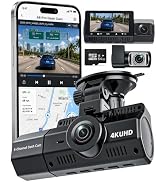
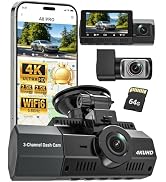
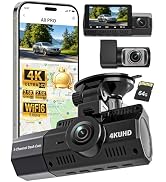
here!
here!
I’m your shopping assistant for PC builds, upgrades, and everything tech.
Got questions? Ask away!
Start a conversation
here!
I’m your shopping assistant for PC builds, upgrades, and everything tech.
Got questions? Ask away!
Start a conversation



Any questions? Ask CelesteSM will help you find out quickly.
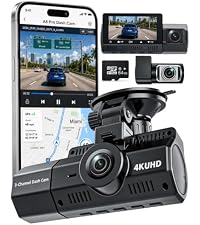 Dash Cam Front and Rear | 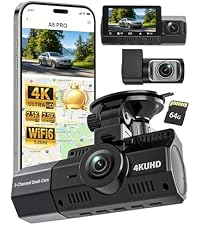 Eivikga 3-Channel DashCam | 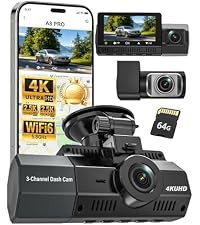 Eivikga 4K Dash Cam | 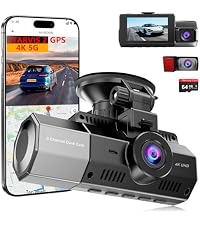 Eivikga Dash Cam | |
|---|---|---|---|---|
Customer Reviews | — | — | — | — |
Price | — | — | — | — |
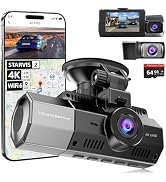
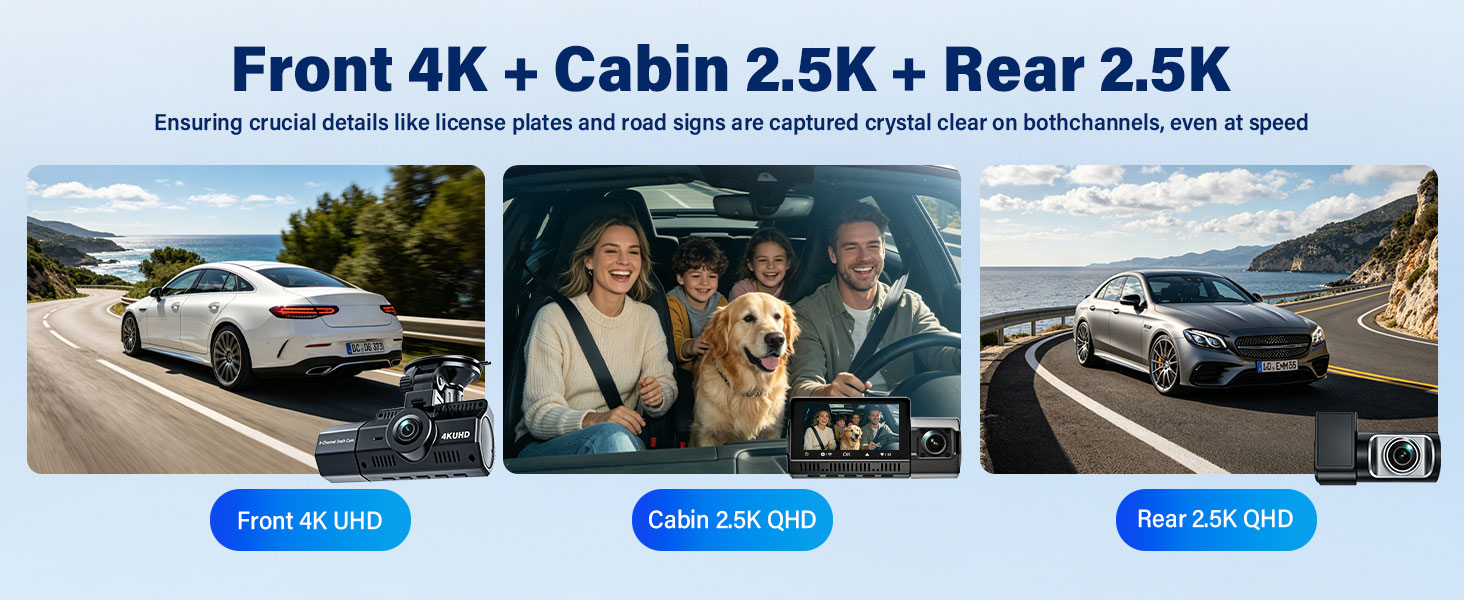
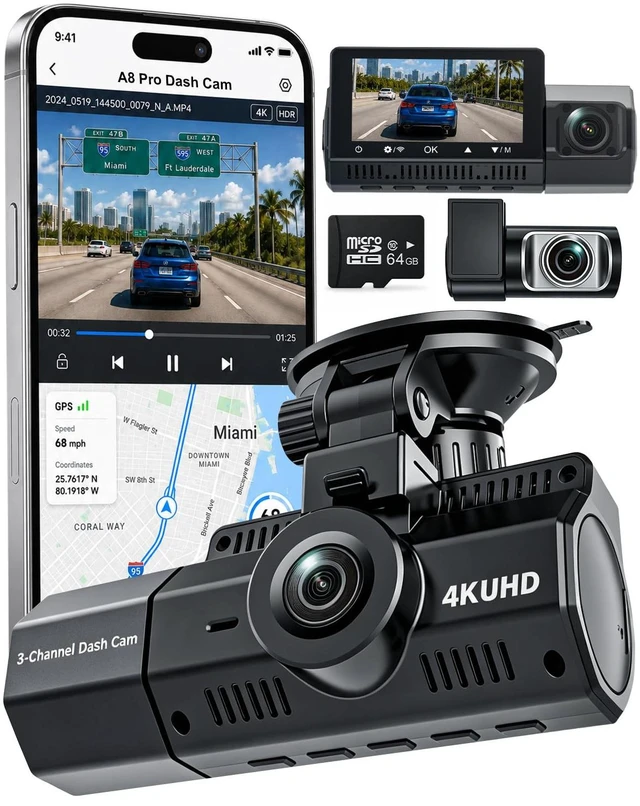
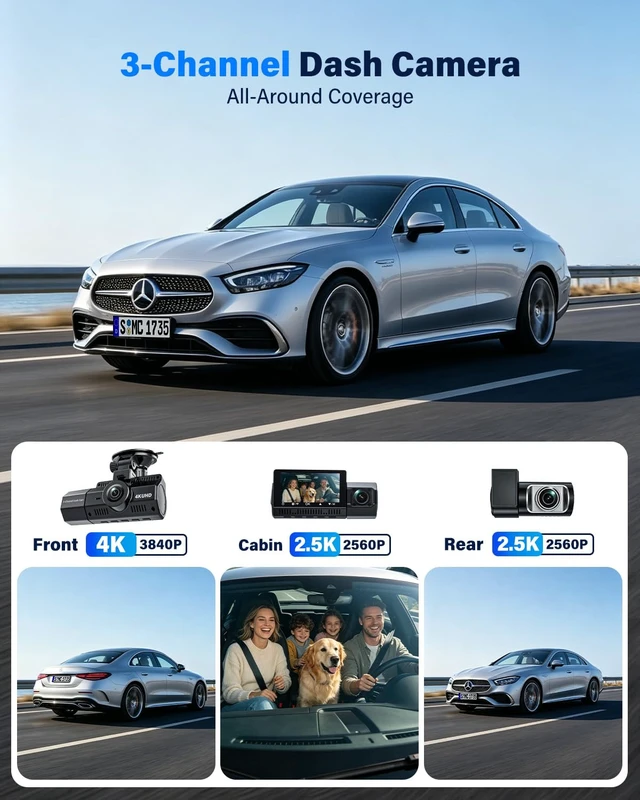
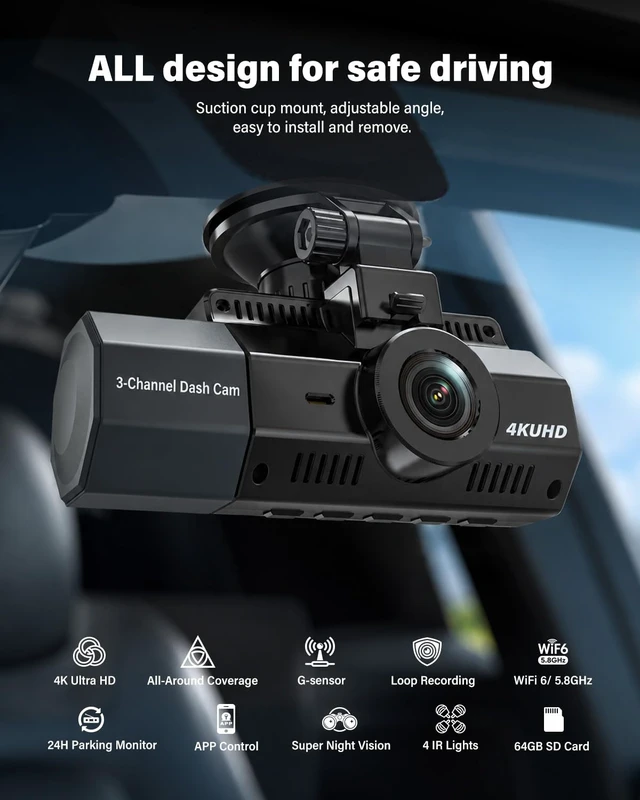
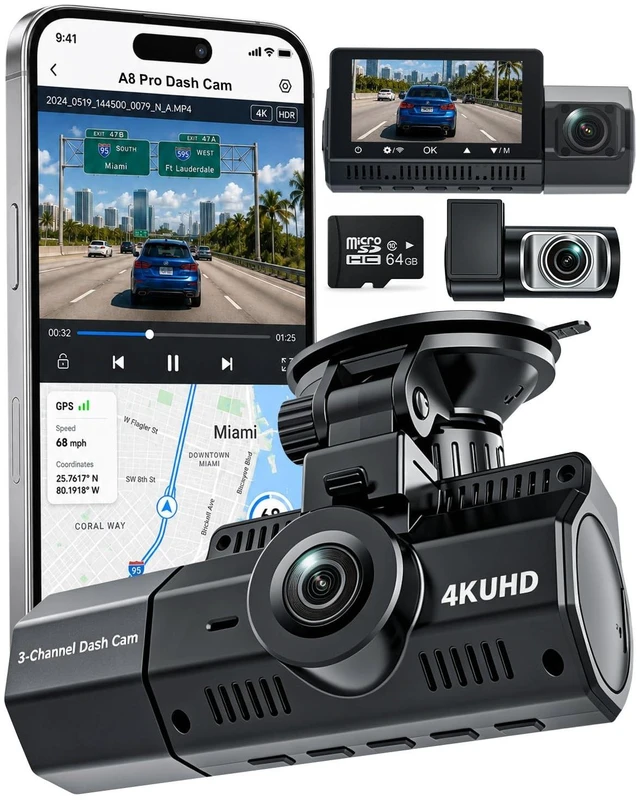
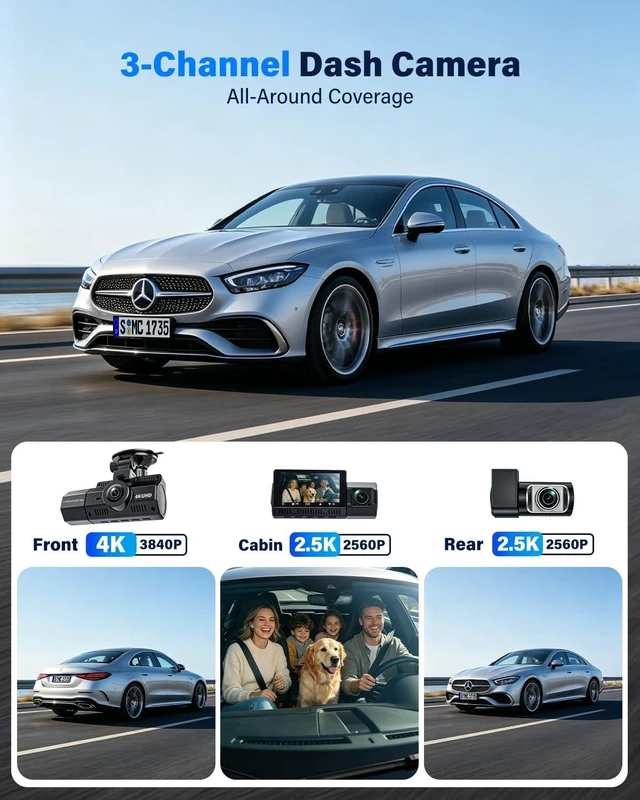
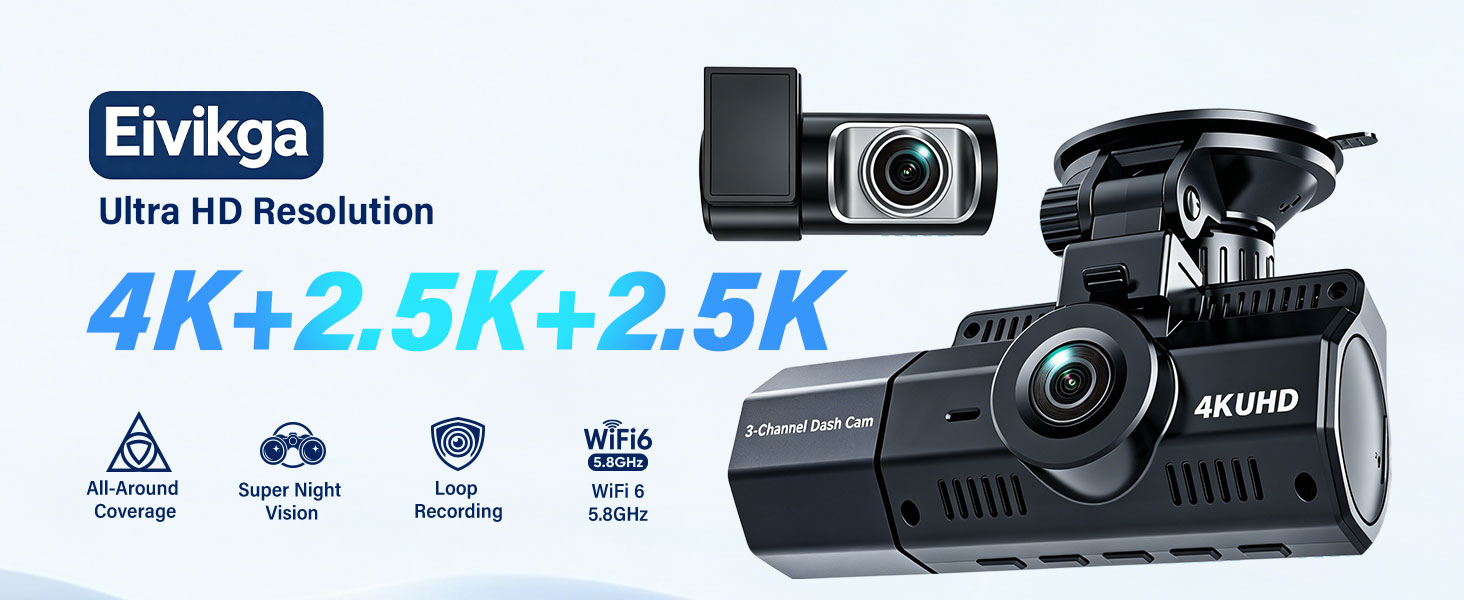
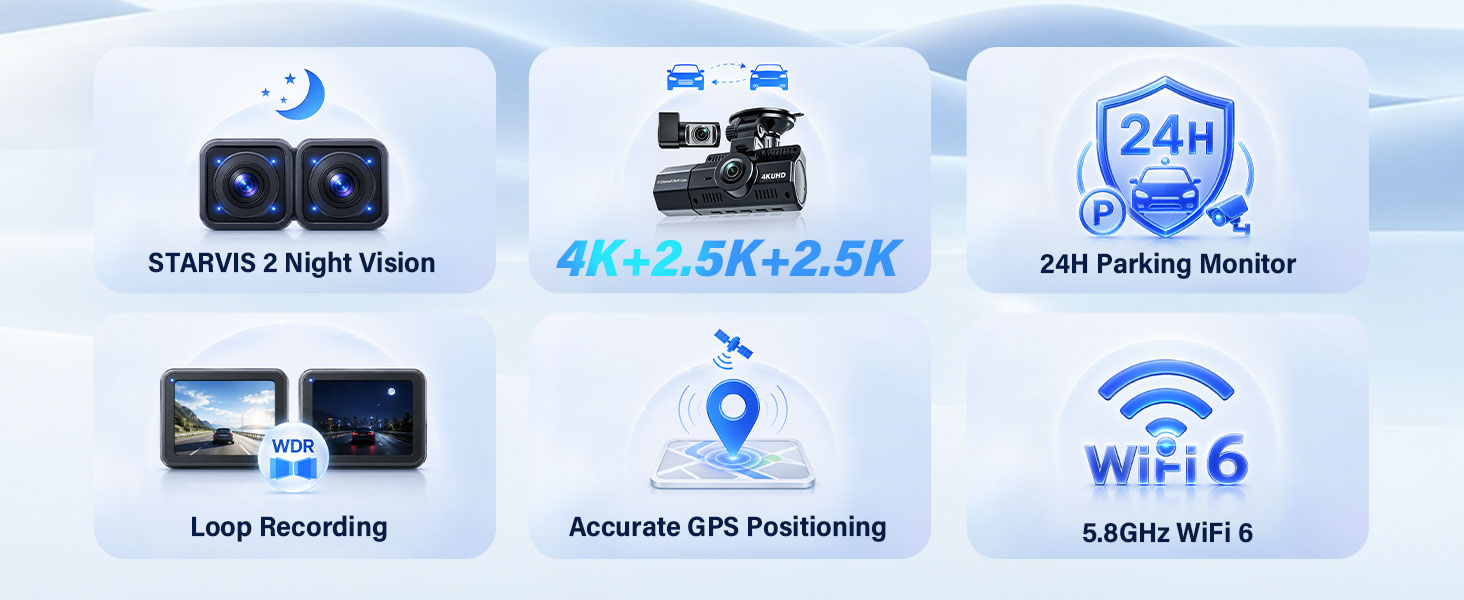
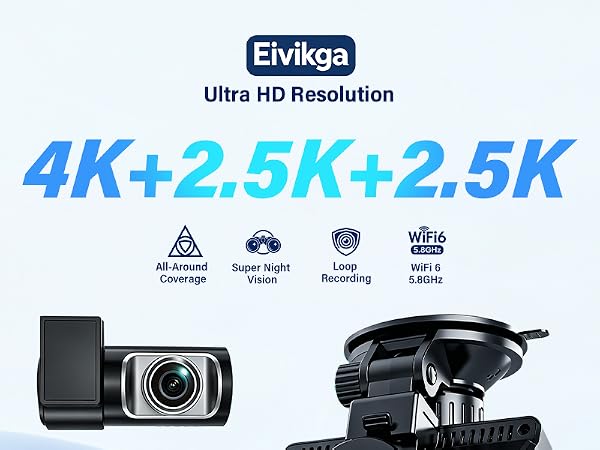
Video Resolution | 4K+2.5K+2.5K | 4K+2.5K+2.5K | 4K+2.5K+2.5K | 4K+2.5K+2.5K |
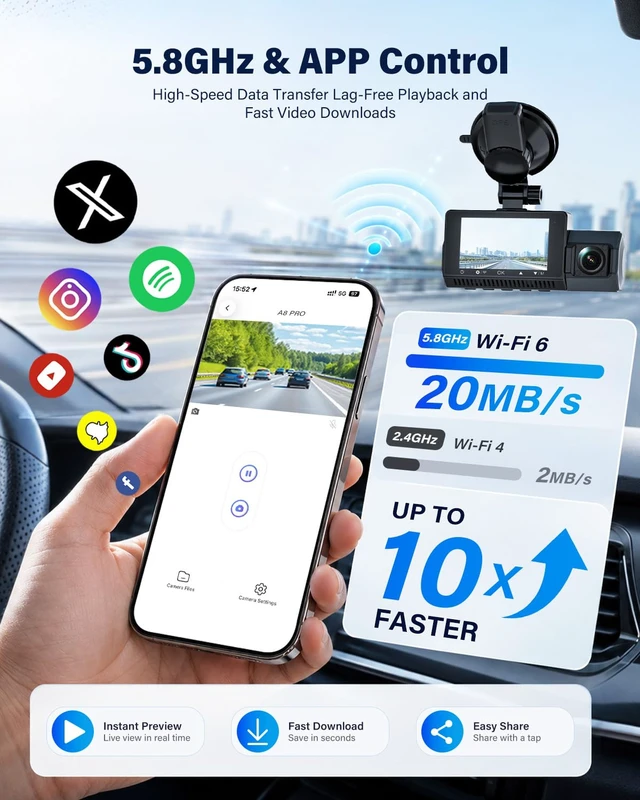
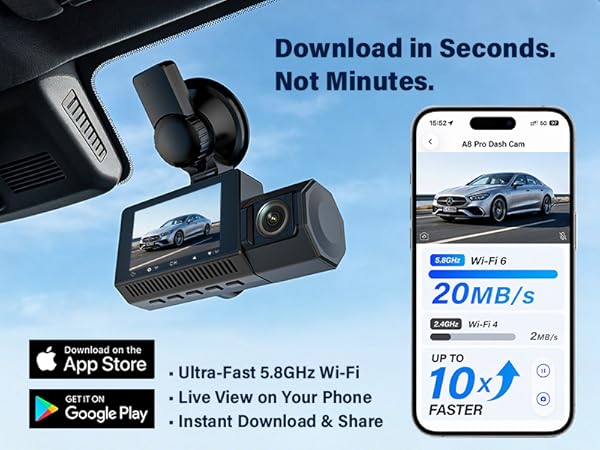
Wi-Fi | 5.8GHz WIFI 6 Dash Cam | 5.8GHz WIFI 6 Dash Cam | 5.8GHz WIFI 6 Dash Cam | 5.8GHz WIFI 6 Dash Cam |
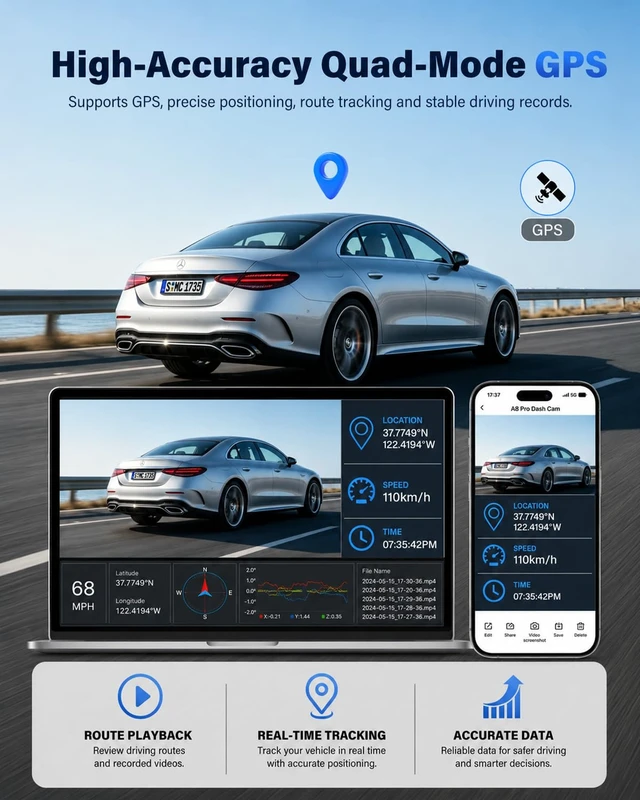
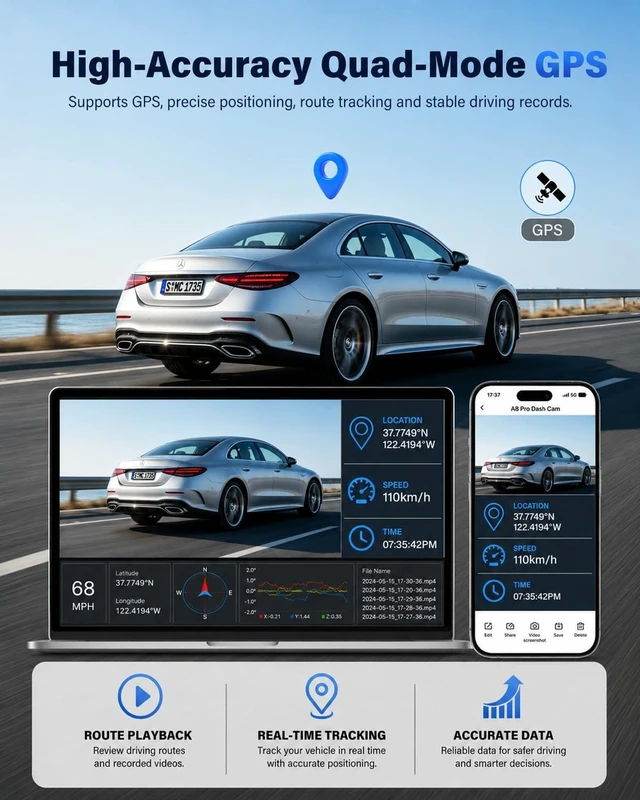
GPS | GPS Dash Cam | GPS Dash Cam | GPS Dash Cam | GPS Dash Cam |
Free 64GB card | v | v | v | v |
G-Sensor | v | v | v | v |
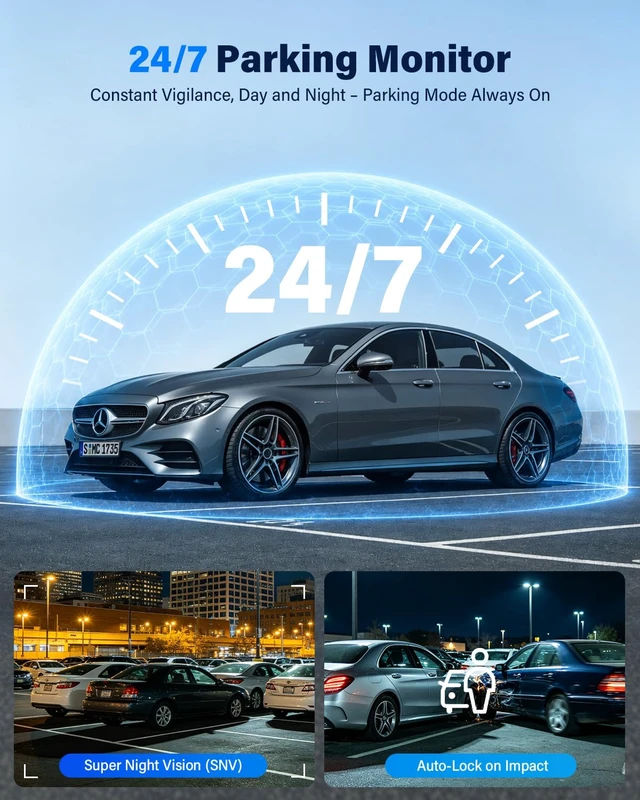
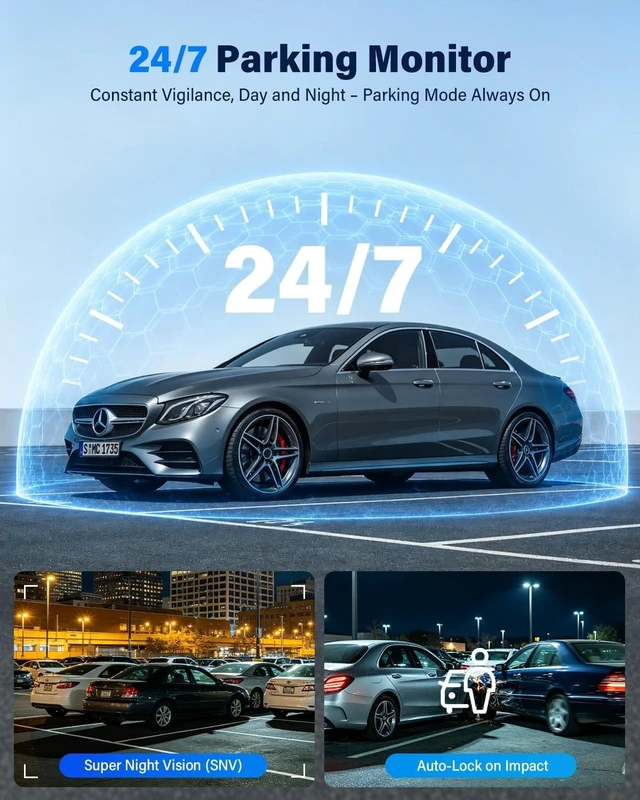
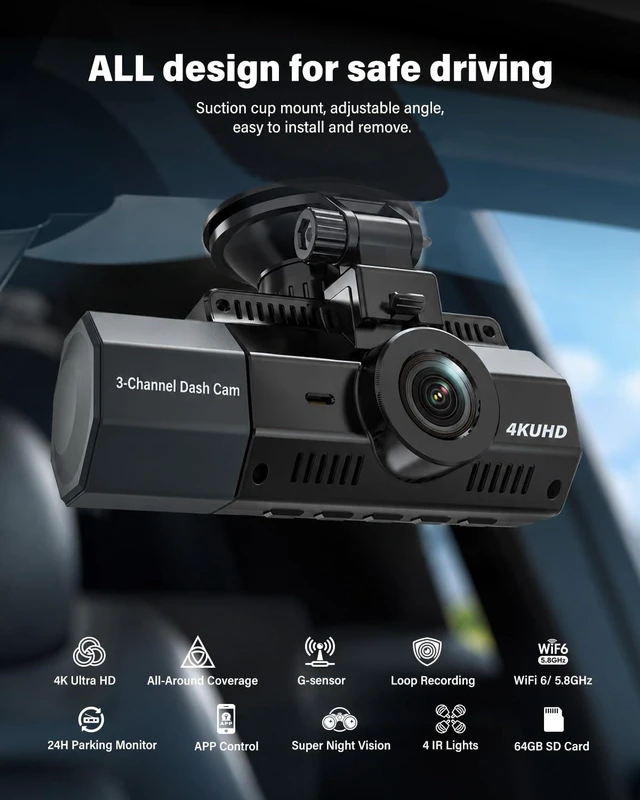
24H Parking Monitor | v | v | v | v |
Loop Recording | v | v | v | v |
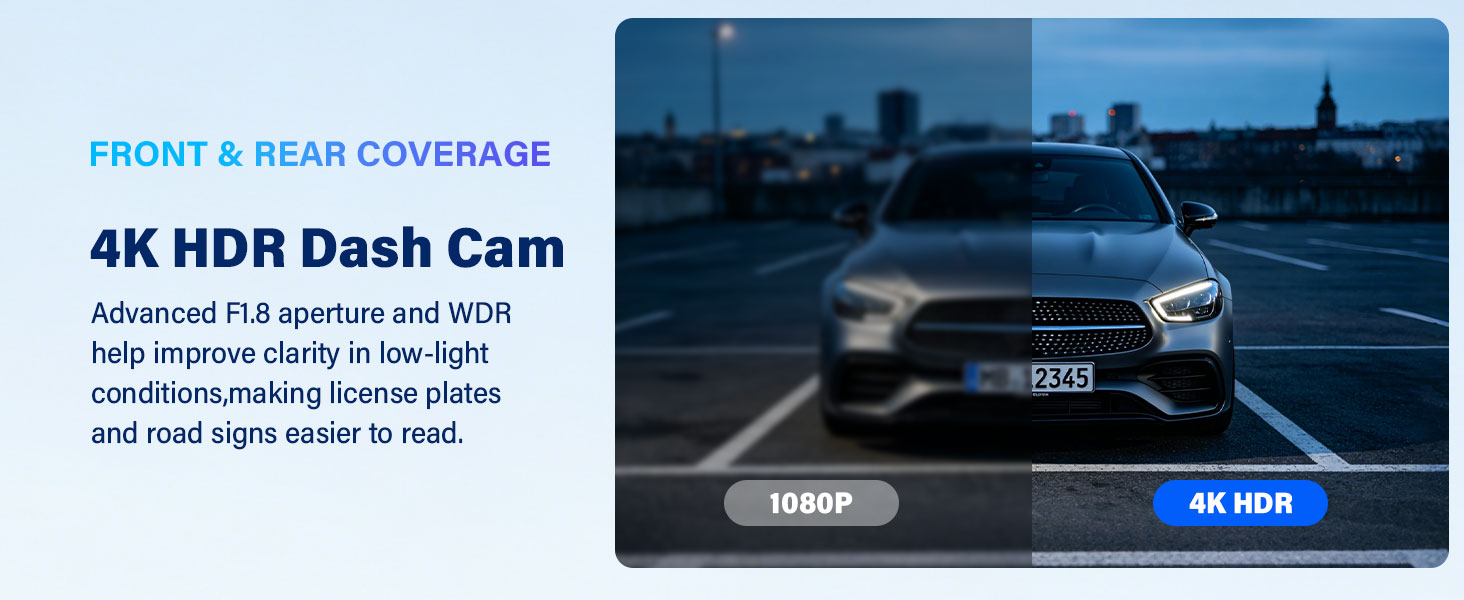
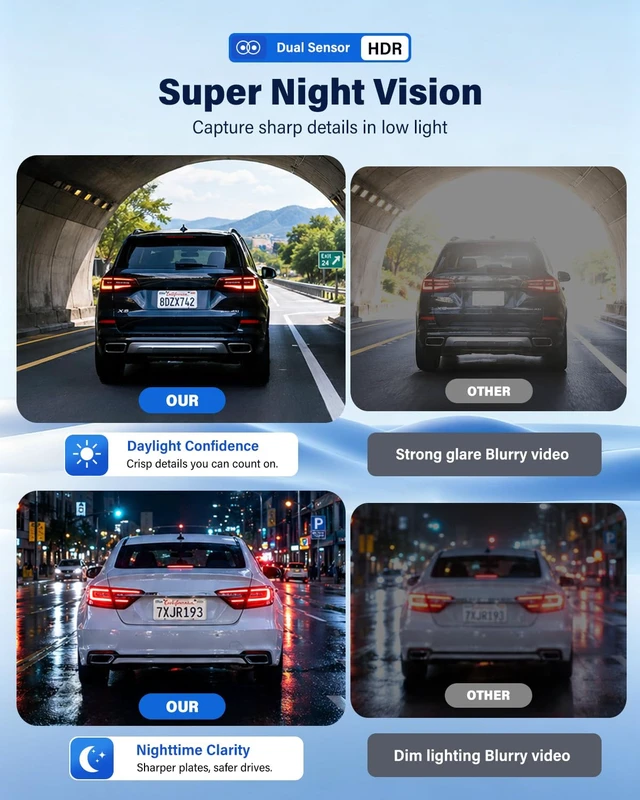
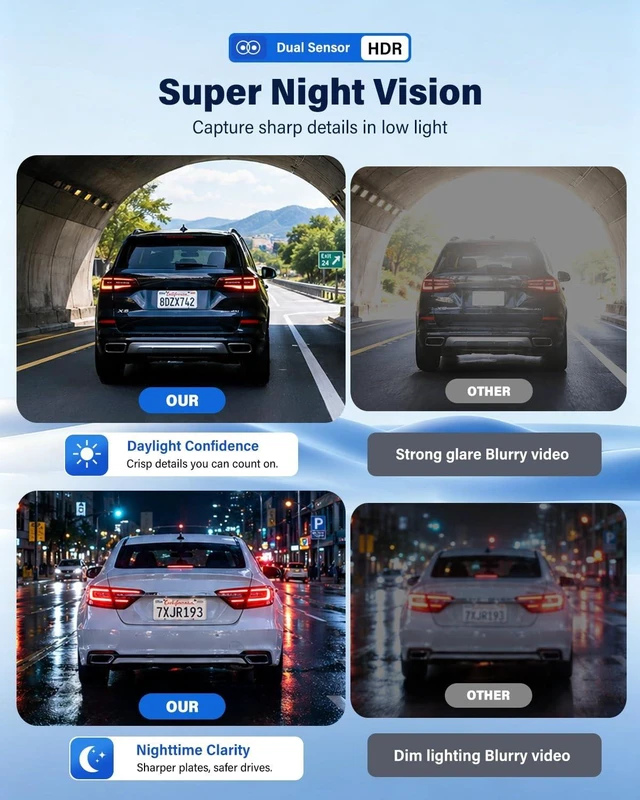
High-quality Night Vision | v | v | v | v |
Ready to Use | v | v | v | v |
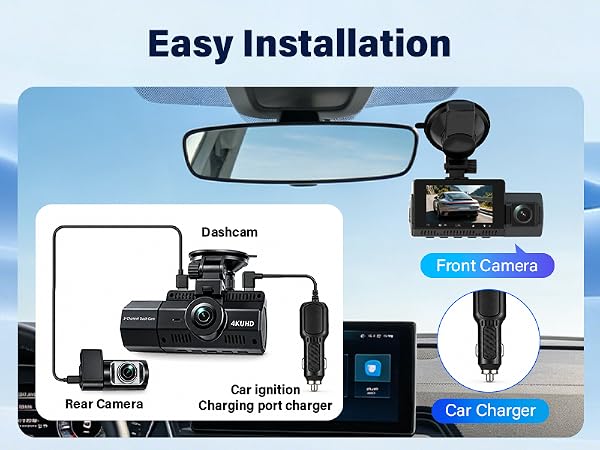
My vehicle doesn’t have a cigarette lighter port. How can I power the dash cam?
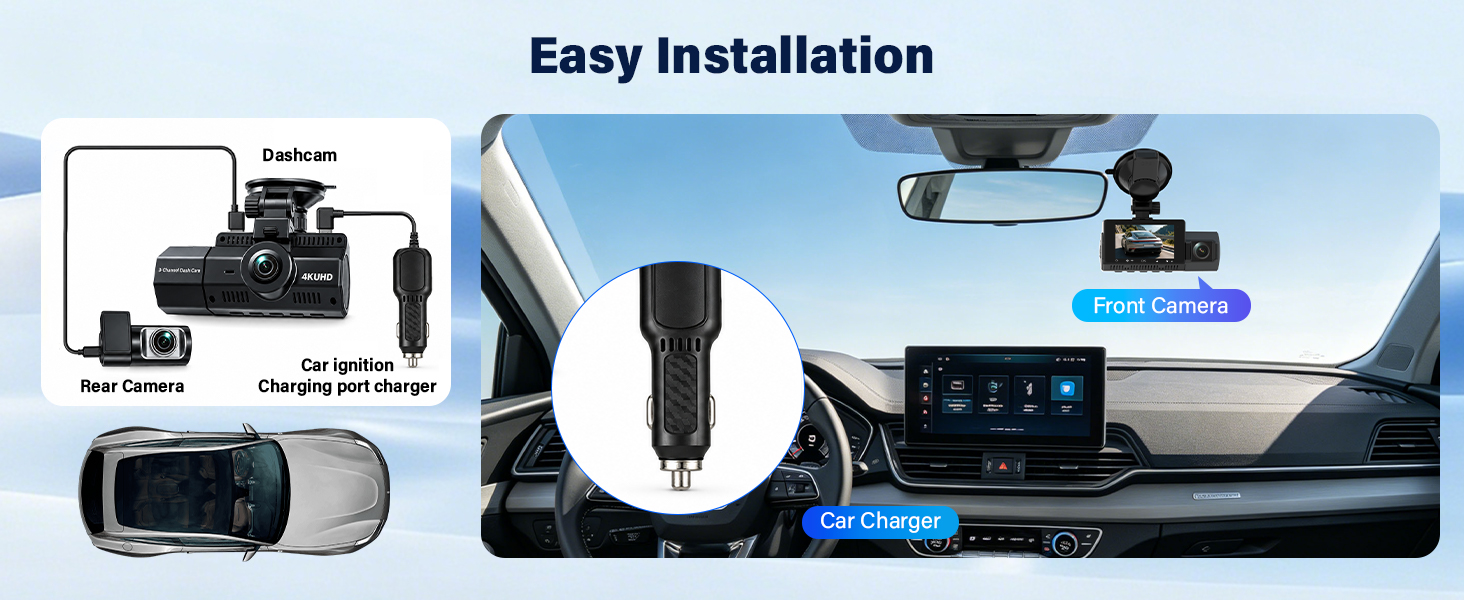
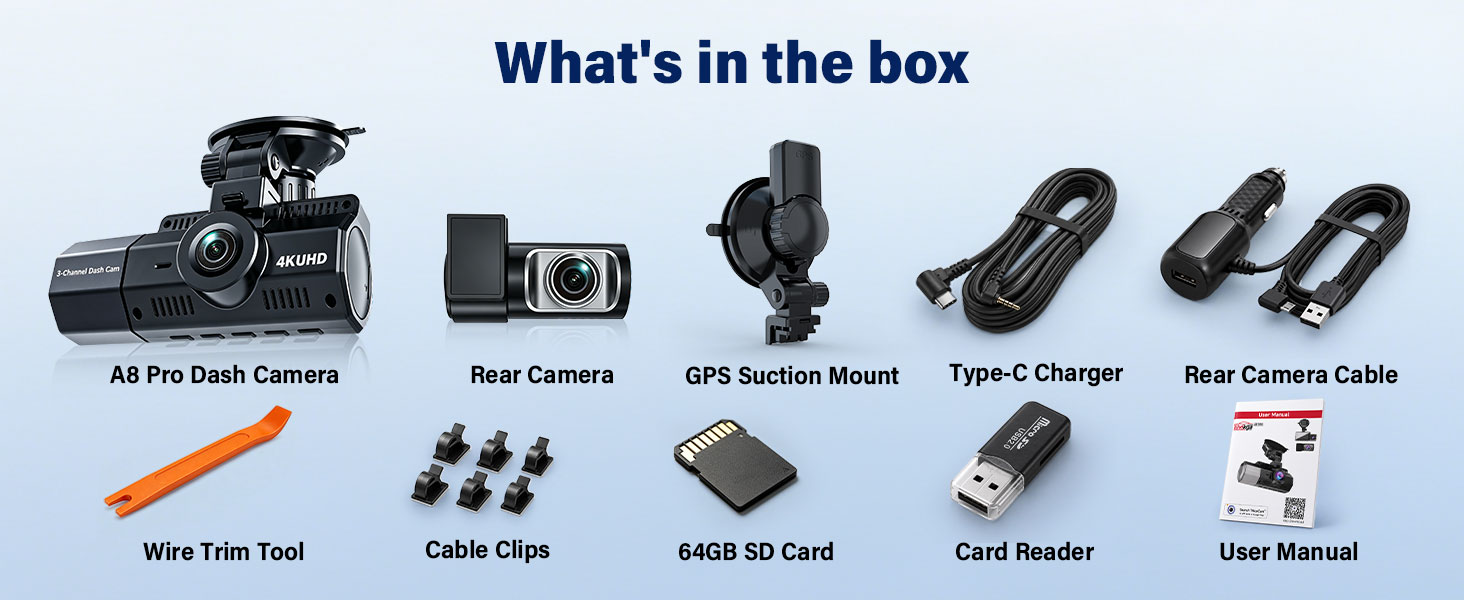
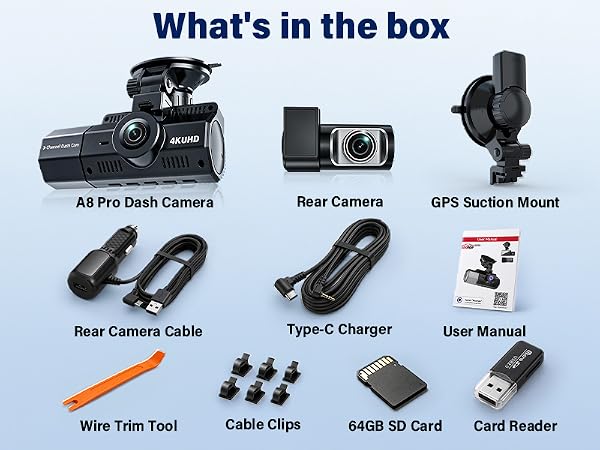
The A8 Pro dash cam incudes a standard 12V car charger. For vehicdes without a lighter port an optional power solution is avalable.Please contact our support
team via your order for the correct cable
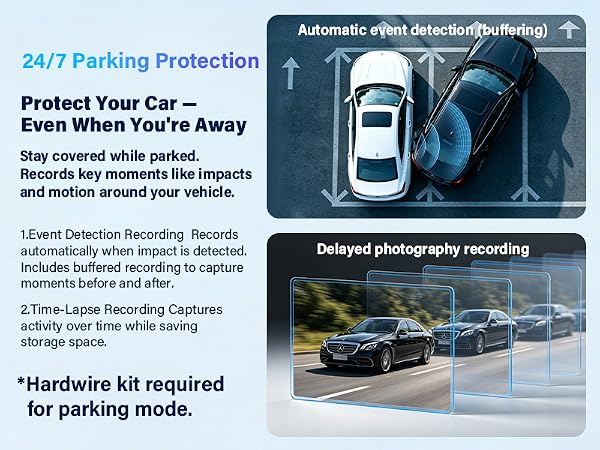
How do I activate Parking Monitor?
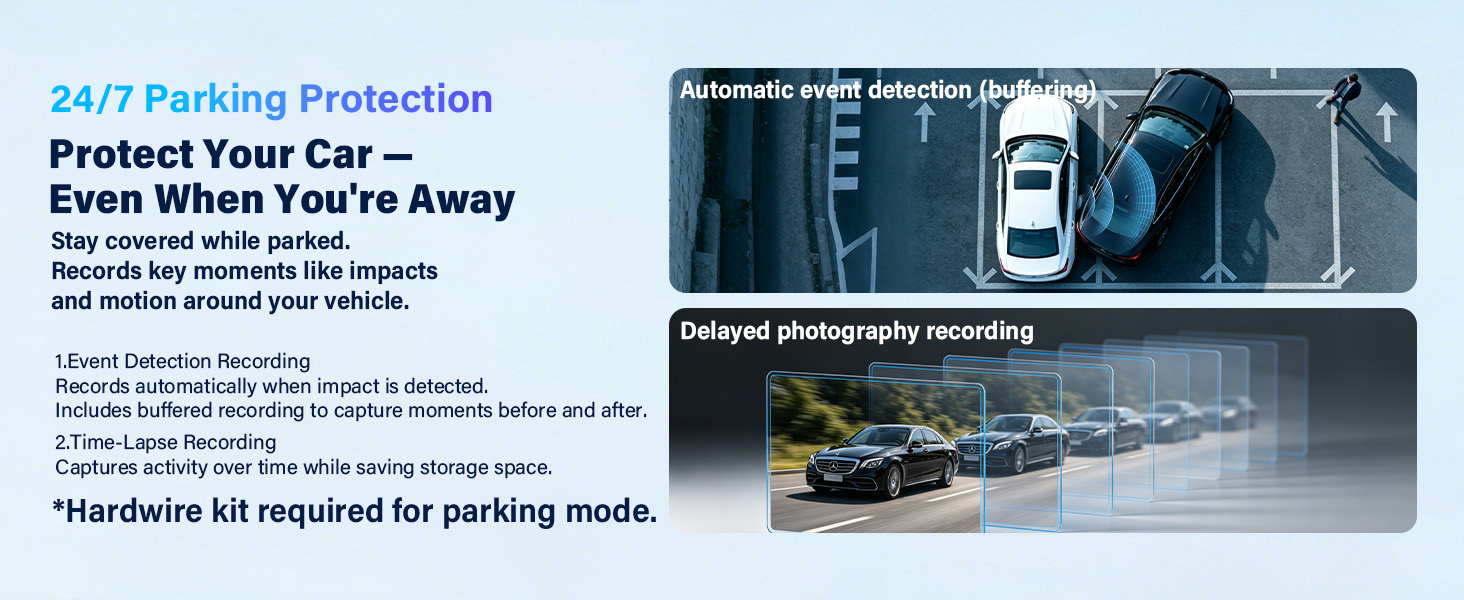
A compatible hardwire kit is required to power the dash cam while the engine is off. The hardwire kit is sold separately. Please contact our support team for help selecting the correct kit and setting up Parking Monitor
Do I need to manually delete old recordings when loop recording is enabled?
No. Loop recording automatically overwrites the oldest unlocked files. If the G-Sensor detects an impact, the dash cam locks the emergency footage to prevent deletion
Does the dash cam record without a Wi-Fi or APP connection?
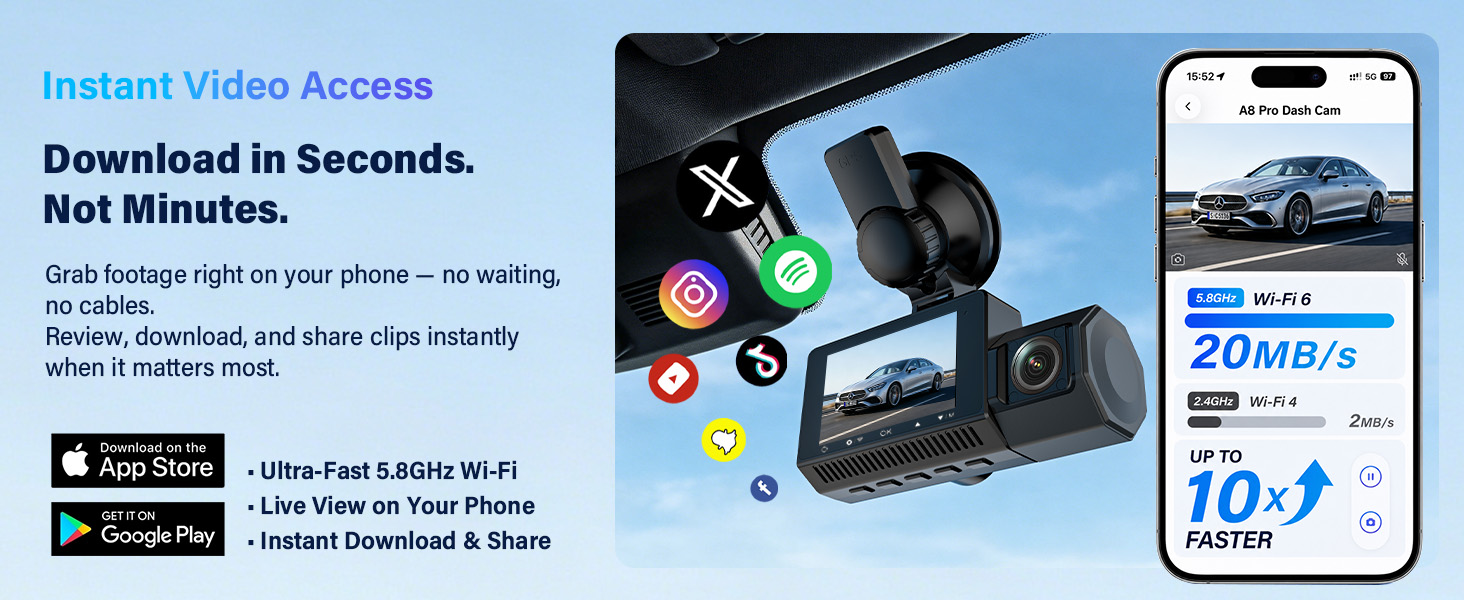
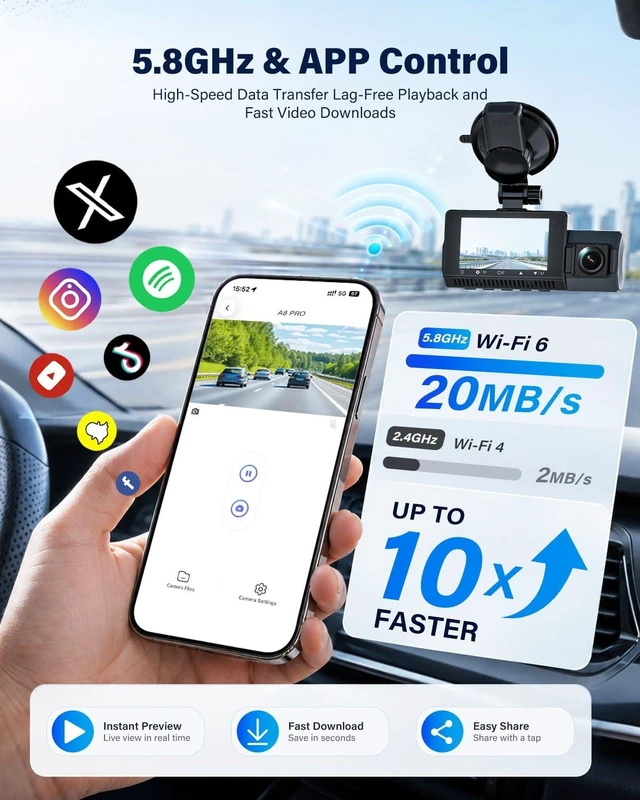
Yes. The Eivikga dash cam records directly to the microSD card without Wi-Fi or the app. Wi-Fi and the app are only needed for viewing videos and changing settings. As long as the dash camera has power, all active channels will continue recording.
Does the Eivikga 3-channel dash cam record in-cabin audio?
Yes. In-cabin audio recording is enabled by default to capture a more complete record of each drive. You can turn off the dash cam microphone at any time in the settings. Please follow local audio recording laws.
Dash Cam Front and Rear | Eivikga 3-Channel DashCam | Eivikga 4K Dash Cam | Eivikga Dash Cam |
|---|---|---|---|
| Customer Reviews | |||
| — | — | — | — |
| Price | |||
| — | — | — | — |
| Video Resolution | |||
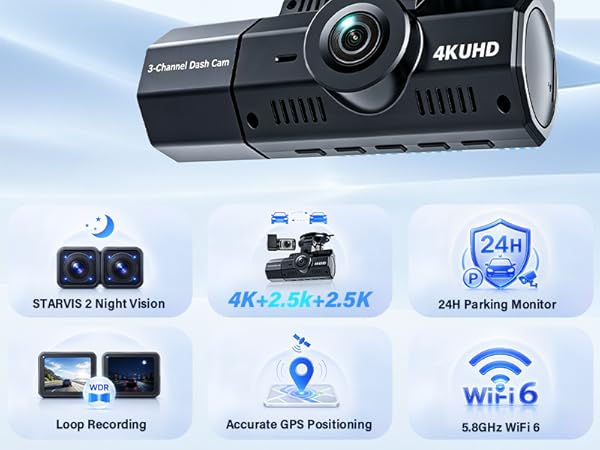
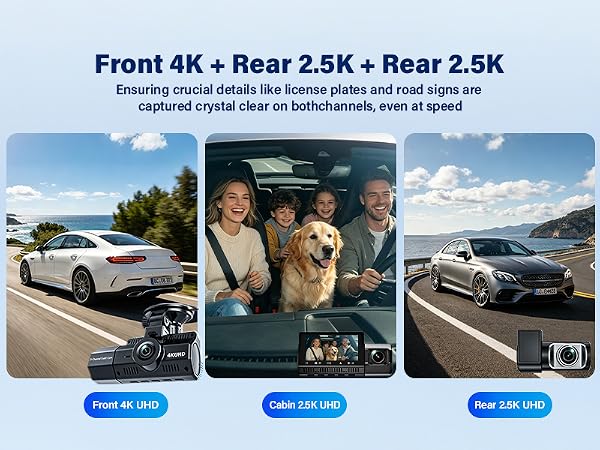
| 4K+2.5K+2.5K | 4K+2.5K+2.5K | 4K+2.5K+2.5K | 4K+2.5K+2.5K |
| Wi-Fi | |||
| 5.8GHz WIFI 6 Dash Cam | 5.8GHz WIFI 6 Dash Cam | 5.8GHz WIFI 6 Dash Cam | 5.8GHz WIFI 6 Dash Cam |
| GPS | |||
| GPS Dash Cam | GPS Dash Cam | GPS Dash Cam | GPS Dash Cam |
| Free 64GB card | |||
| v | v | v | v |
| G-Sensor | |||
| v | v | v | v |
| 24H Parking Monitor | |||
| v | v | v | v |
| Loop Recording | |||
| v | v | v | v |
| High-quality Night Vision | |||
| v | v | v | v |
| Ready to Use | |||
| v | v | v | v |
My vehicle doesn’t have a cigarette lighter port. How can I power the dash cam?
The A8 Pro dash cam incudes a standard 12V car charger. For vehicdes without a lighter port an optional power solution is avalable.Please contact our support
team via your order for the correct cable
How do I activate Parking Monitor?
A compatible hardwire kit is required to power the dash cam while the engine is off. The hardwire kit is sold separately. Please contact our support team for help selecting the correct kit and setting up Parking Monitor
Do I need to manually delete old recordings when loop recording is enabled?
No. Loop recording automatically overwrites the oldest unlocked files. If the G-Sensor detects an impact, the dash cam locks the emergency footage to prevent deletion
Does the dash cam record without a Wi-Fi or APP connection?
Yes. The Eivikga dash cam records directly to the microSD card without Wi-Fi or the app. Wi-Fi and the app are only needed for viewing videos and changing settings. As long as the dash camera has power, all active channels will continue recording.
Does the Eivikga 3-channel dash cam record in-cabin audio?
Yes. In-cabin audio recording is enabled by default to capture a more complete record of each drive. You can turn off the dash cam microphone at any time in the settings. Please follow local audio recording laws.