

Your Browsing History
- $59.98
- Free 30-day Returns


Meet Your Seller

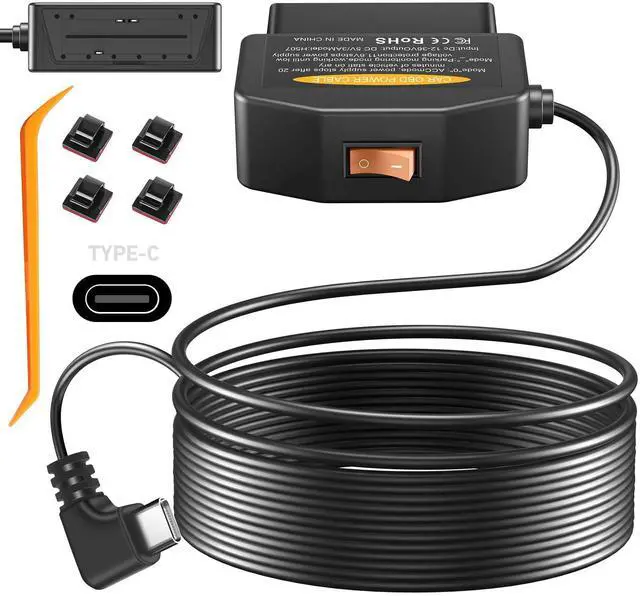


Power Cable for Dash Camera, Type-C USB Adapter Hardwire Charger Cable 24 Hours Surveillance and Acc Two Mode with Switch Button and Low Voltage Protection, 12-36V to 5V/3A
Limited time offer, ends 07/31 By YingLiYingMeiKeJi
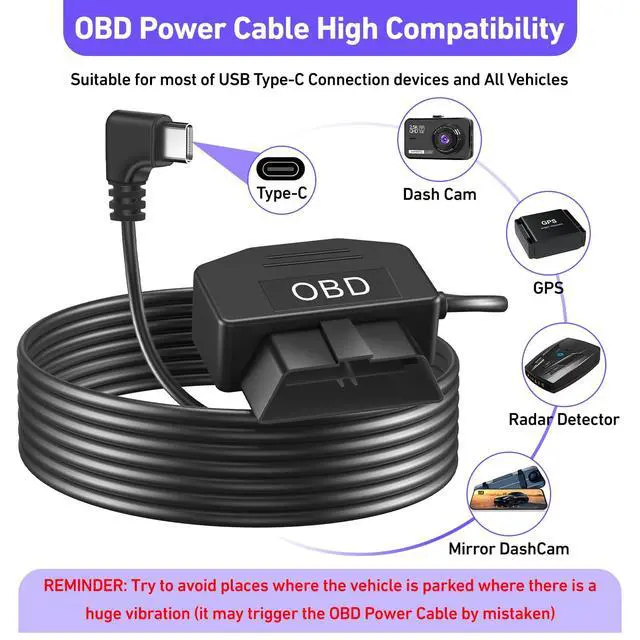
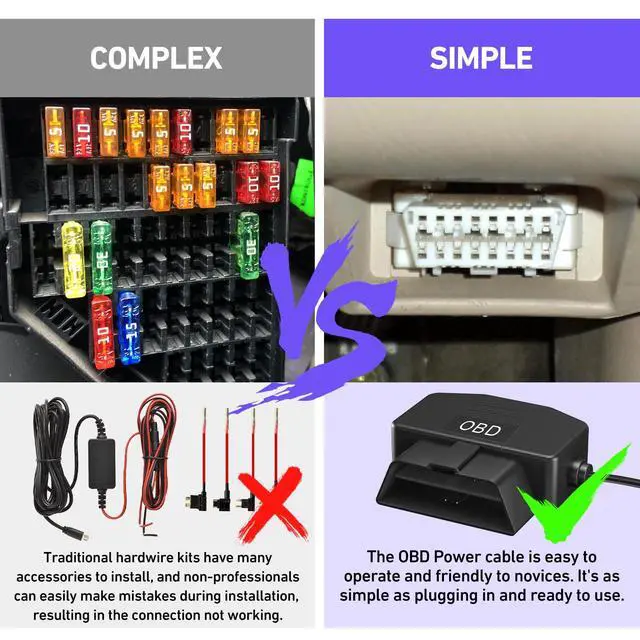
- Precautionary Note for OBD Power Adapter - 1. Try to avoid parking in areas with significant vibrations, which may falsely trigger the OBD II Type-C power cable. 2. The USB Type-C connector of this power cable uses A5-B5 signal pins and may not be compatible with some dash cam brands that use A8-B8 signal pins. 3. The power adapter is suitable for all Type-C port electronic devices generally (may not work with some phone charging protocols).
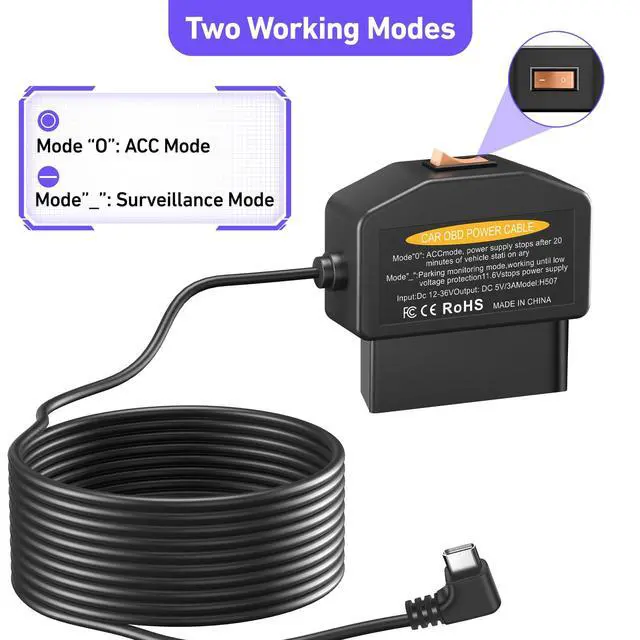
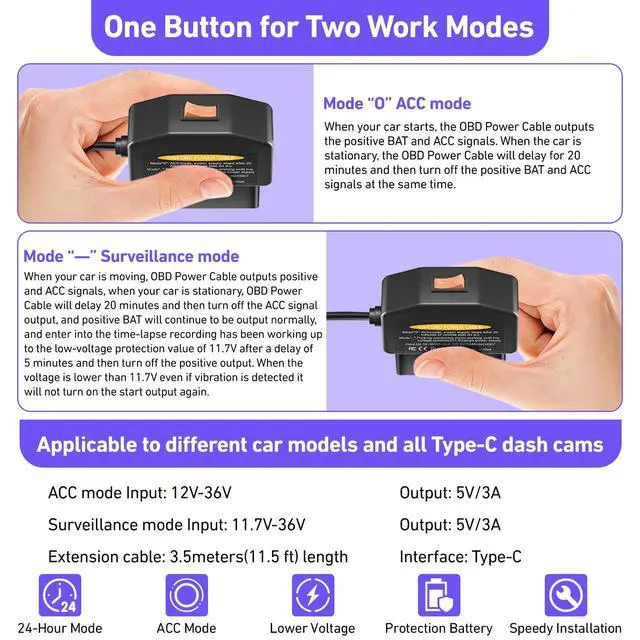
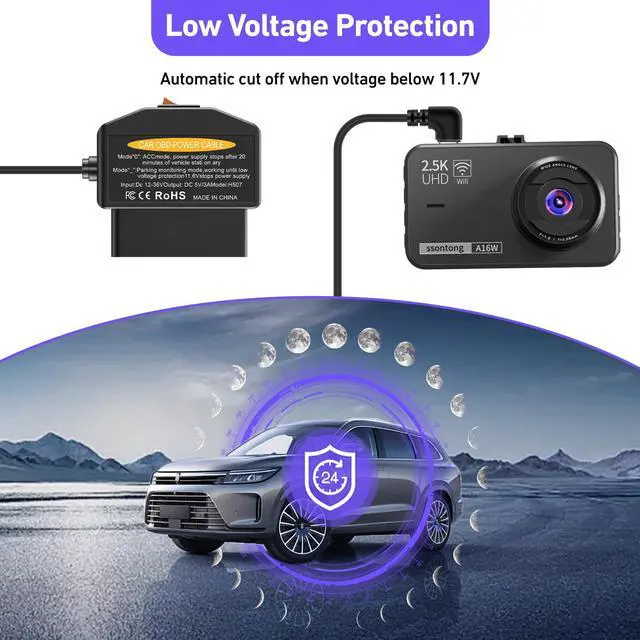
- Two Work Modes OBD2 Dash Cam Power Cable - This power cable features one-button operation. Mode "O" (ACC mode) - When the vehicle is ignited, the power cord begins to deliver power. After the vehicle is turned off for 20 minutes, the power cable will automatically stop supplying power. Mode "-" allows continuous operation for monitoring with the OBD2 dash cam adapter, supplying power for up to 24 hours until low battery voltage (11.7V) is detected.
- Low Voltage Protection OBD2 Power Cable - Equipped with an intelligent program control chip, this adapter detects battery voltage and provides low voltage protection. When the voltage drops below 11.7V, power output is automatically cut off, ensuring safe vehicle startup.
- Important Information - 1. Before purchasing, please confirm that your dashcam adapter cable has A5-B5 signal pins. If not, this power cable will not support your dashcam. 2. In "O" mode, once your vehicle is powered off, it will take 20 minutes for the cable to fully deactivate. Make sure to leave your vehic
+
+
Specs
Reviews

Any questions? Our AI beta will help you find out quickly.
Try me now
Learn more about the Detailed Specifications
| First Listed on Newegg | March 12, 2026 |
|---|
Warranty & Returns
Warranty, Returns, And Additional Information
Warranty
- Please contact the Seller directly for warranty information. Warranty information may also be found on the Manufacturer's website.
- CONTACT
Return Policies
- Return for refund within: 30 days
- Return for replacement within: 30 days
- This item is covered by YingLiYingMeiKeJi Return Policy
Manufacturer Contact Info
- For a directory of all our manufacturers, please click below.
- Manufacturers Directory
LOADING...