





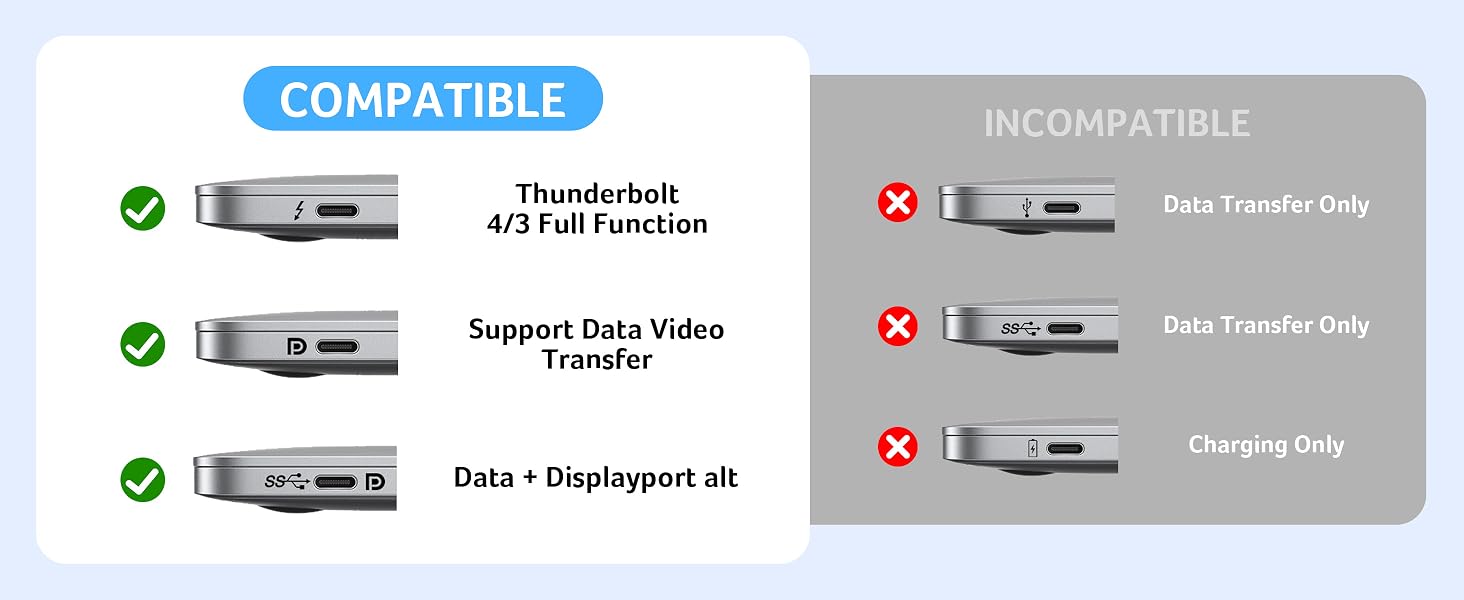


Please Read Carefully Before Purchasing
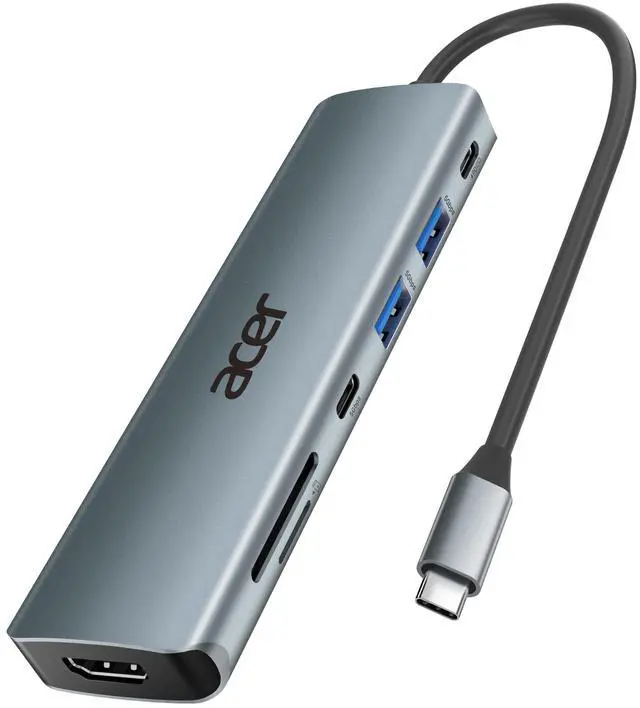
Acer USB Hub
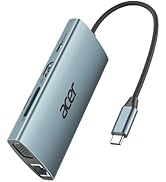
 Acer 7 in 1 USB Hub | 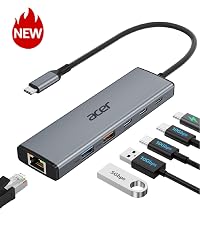 Acer 6 in 1 USB C Hub |  Acer 7 in 1 USB C Hub | 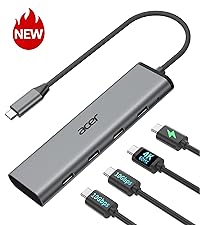 Acer 4 in 1 USB C Hub |  Acer 8 in 1 USB Hub | 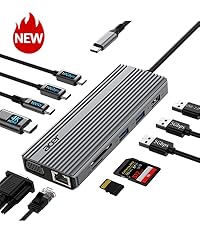 Acer 11 in 1 USB C HUB |  Acer USBC to HDMI Adapter | |
|---|---|---|---|---|---|---|---|
Customer Reviews | — | — | — | — | — | — | — |
Price | — | — | — | — | — | — | — |
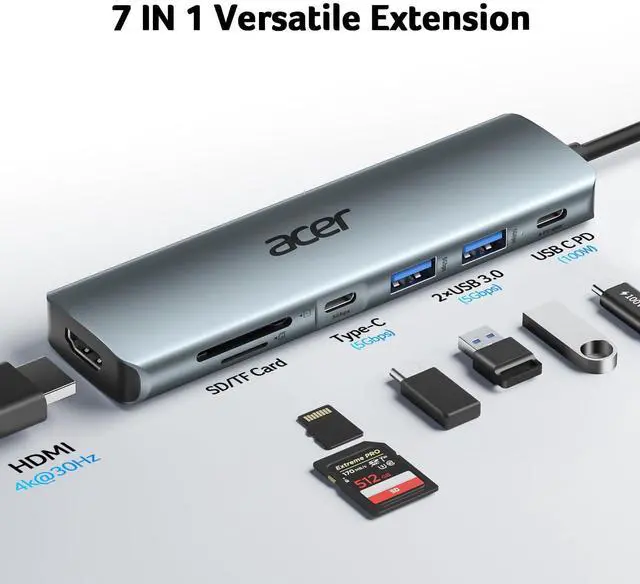
Number of Ports | 7 | 6 | 7 | 4 | 8 | 11 | 1 |
Input | USB-C | USB-C | USB-C | USB-C | USB-C | USB-C | USB-C |
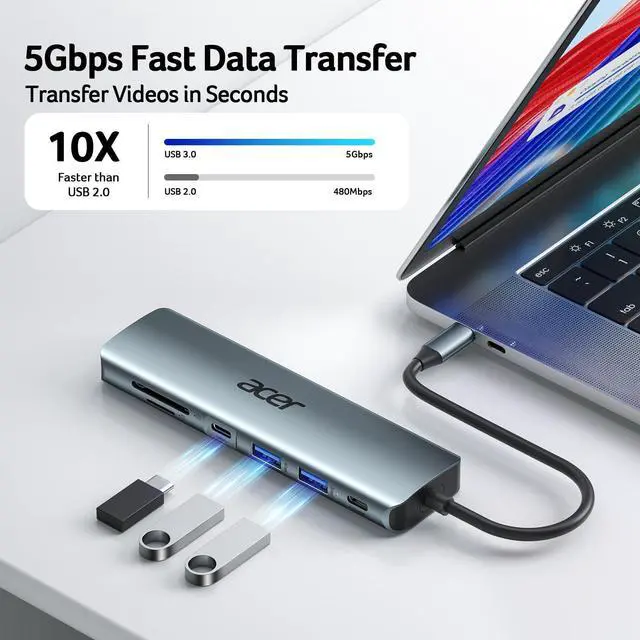
USB-A Data Port | 2 x 5Gbps | 1 x 10Gbps+1 x 5Gbps | 2 x 5Gbps | ? | 2 x 5Gbps | 2 x 5Gbps+1 x 480Mbps | ? |
USB-C Data Port | 1 x 5Gbps | 2 x 10Gbps | 1 x 5Gbps | 2 x 10Gbps | 2 x 10Gbps | 2 x 10Gbps | ? |
USB-C PD Input | 100W | 100W | 100W | 100W | 100W | 100W | ? |
Ethernet Port | ? | 1000Mbps | ? | ? | ? | 1000Mbps | ? |
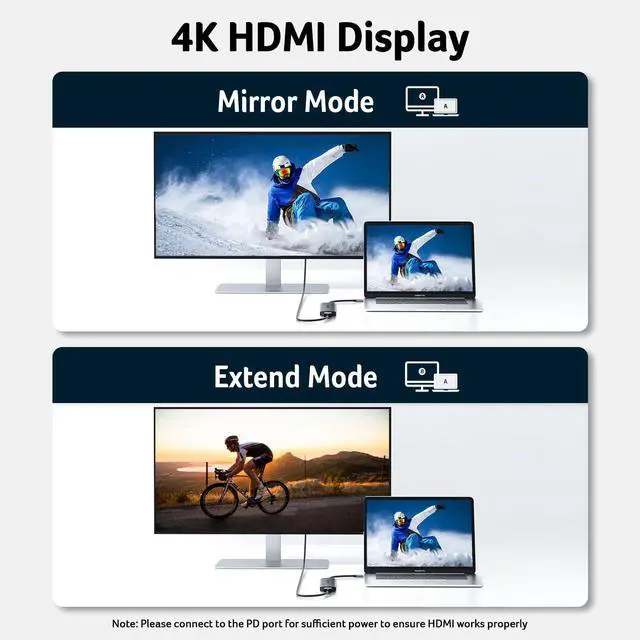
HDMI Port | 1 x HDMI 4K@30Hz | ? | 1 x HDMI 4K@60Hz | 1 x 4K@60Hz Video Output | 1 x HMDI 4K@60Hz | 1 x HDMI 4K@60Hz | 1 x 4K@60Hz |
SD/TF | 1*SD+1*TF | ? | 1*SD+1*TF | ? | 1*SD+1*TF | 1*SD+1*TF | ? |
More Ways to Connect
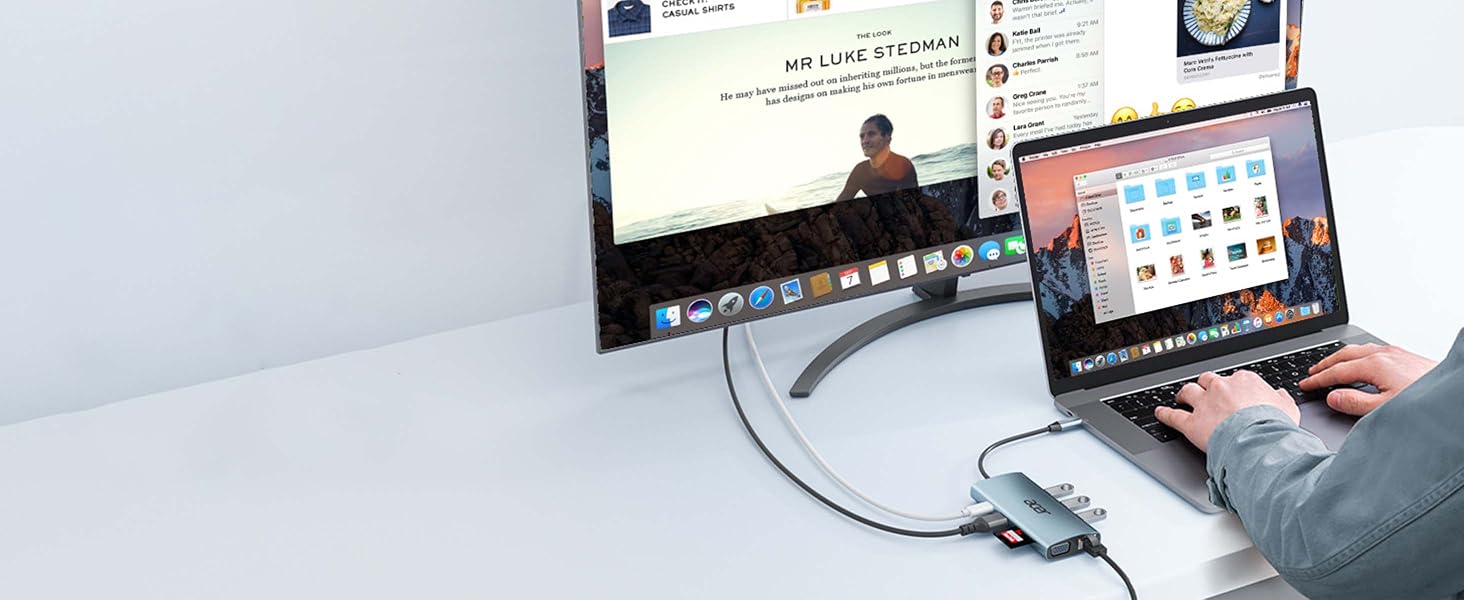
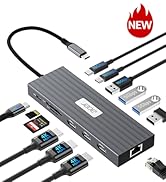
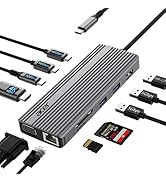
Acer 9-in-1 USB-C Hub
Hyper-speed 1000Mbps Ethernet keeps you connected without lag. Seamlessly streams 4K@30Hz video directly to high-definition TVs, monitors, and projectors.
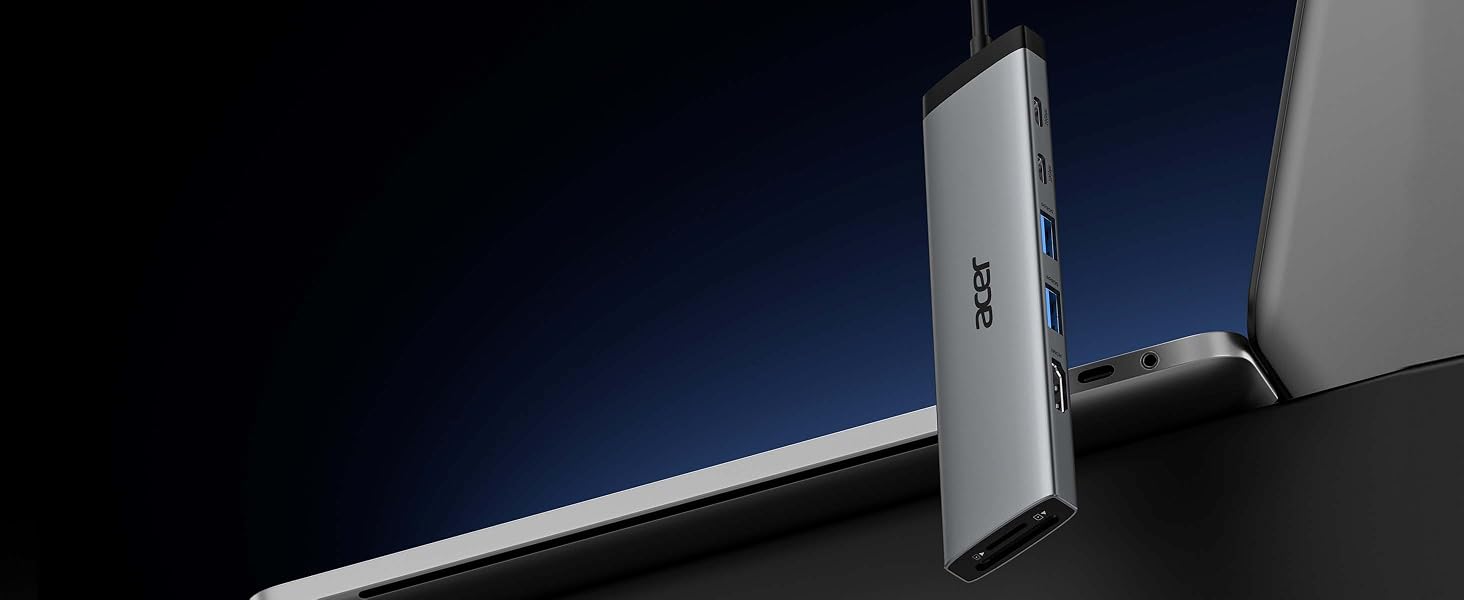
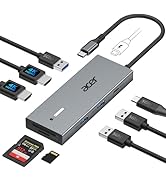
Acer 8-in-1 USB-C Hub
Unlock stunning 4K@60Hz visuals and deliver crystal-clear clarity for immersive entertainment. Enhance your efficiency with blazing-fast 10Gbps data transfer.
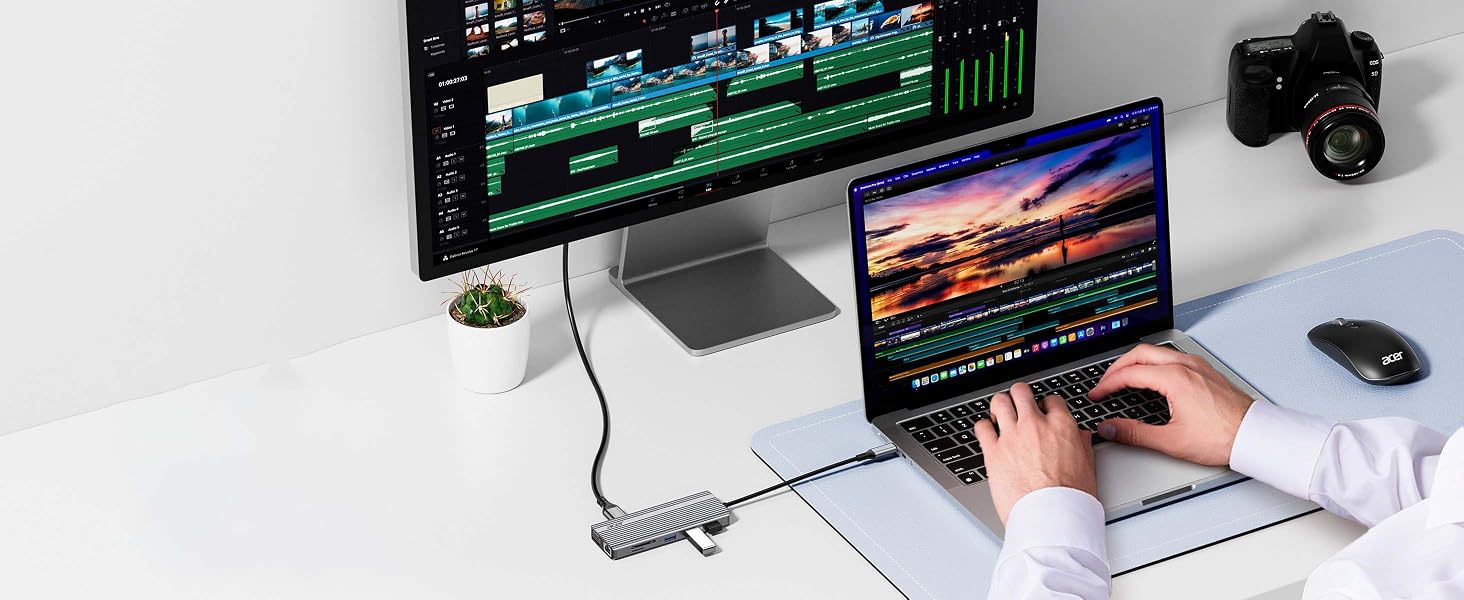
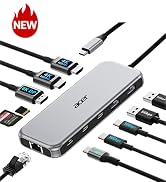
Acer 11-in-1 USB-C Hub
Hyper-speed 1000Mbps Ethernet keeps you connected without lag. Experience cinematic 4K@60Hz output on an external display, transfer data at 10Gbps across 2 USB-C ports.
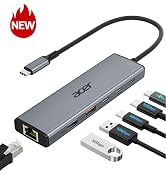
Acer 6-in-1 USB-C Hub
Boost productivity with up to 10Gbps data transfer across 2×USB-C and 1×USB-A ports. Enjoy reliable 1000Mbps Ethernet and 100W PD charging for seamless multitasking.


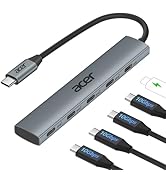
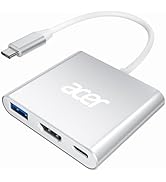
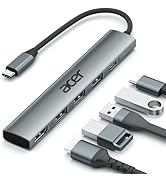
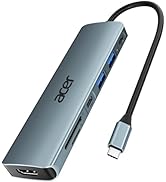
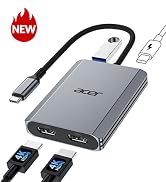
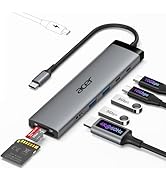
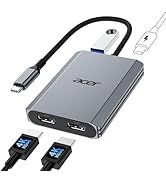


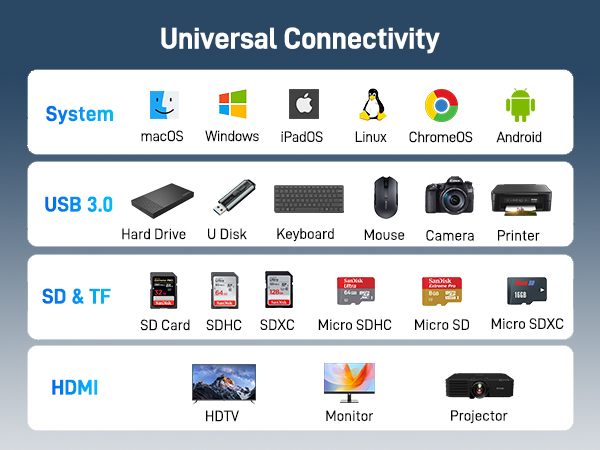


Please Read Carefully Before Purchasing
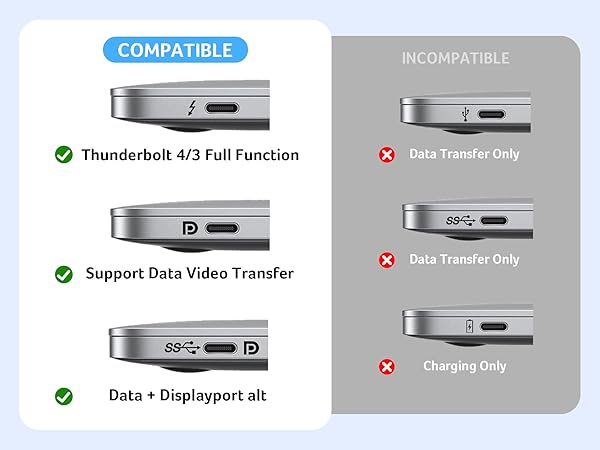
| ??Check Before Buy | Your device’s USB-C port must support ?????????? ???????????? (?????????????????????? ?????? ????????). USB-C ports that only support charging or data transfer will NOT output video via HDMI. |
|---|---|
| ??HDMI Display Behavior | HDMI display recognition may take a few seconds on first connection. If your monitor has multiple input sources, please manually select the correct HDMI input. |
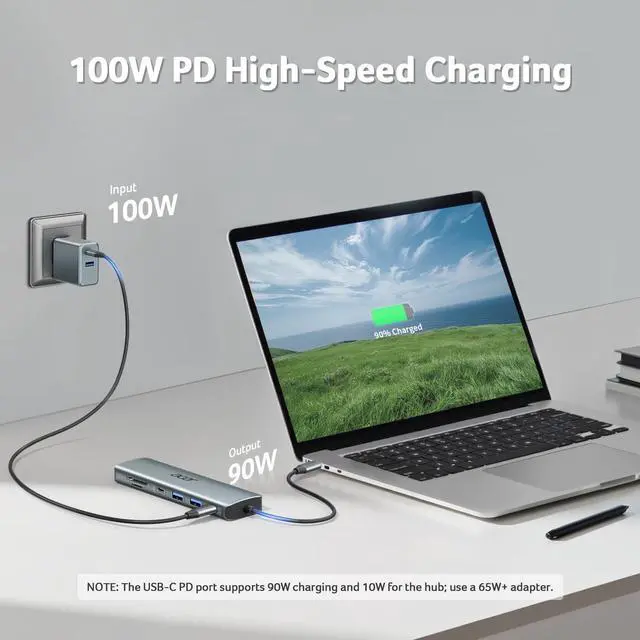
| ??Full Charging Performance. | Supports up to ???????? ???? ?????????? (???? ???? ?????? ???????????? ???? ?????? ???????? ????????????). Your device, charger, and charging cable must all support the Power Delivery (PD) protocol. Charger and cable are not included. |
| ??About Audio Output | (??)If the sound is not transmitted to the TV or Monitor, please try to choose your TV or Monitor as the audio output device. (??)For Mac: Settings ? System Preferences ? Sound ? Output ? Select your TV or Monitor. |
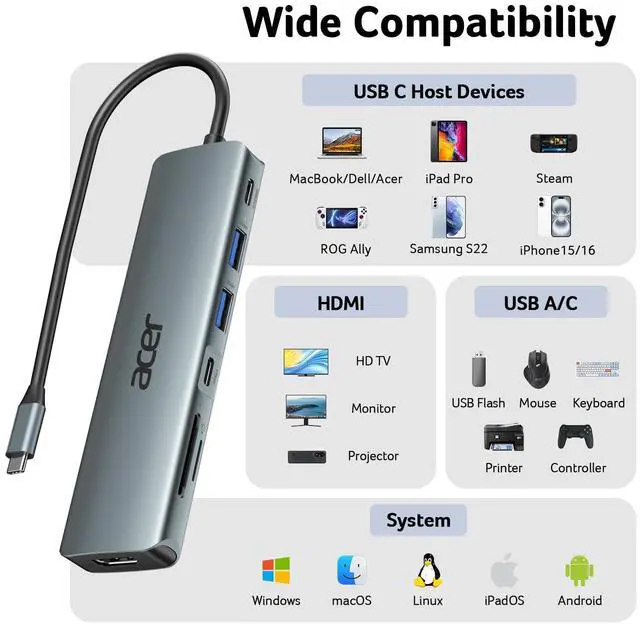
| ??Not Compatible Devices | Not compatible with Lightning devices or gaming consoles, including iPhone/iPad (Lightning), Xbox, PS5/PS4, or similar devices. |
| Note | To fully utilize the display capabilities of the iPad Pro (M1), please connect a USB 3.0 drive to the 5Gbps USB-A port, and then connect the hub to the iPad Pro to display the image. |
| Note | For the most stable HDMI connection, we recommend connecting the PD power adapter before plugging in HDMI cables or other peripherals. |
| Note | Brief HDMI reconnection may occur when plugging or unplugging the PD charger as the hub reallocates power. This is normal and does not affect performance or lifespan. |
| Q1 | Why is there no image or blinking on HDMI? |
| A2 | 1. Make sure your device’s USB-C port supports DP Alt Mode 2. Ensure the hub and HDMI cable are firmly connected 3. Adjust your device’s display resolution 4. Use a high-quality 4K@60Hz HDMI cable 5. Select the correct monitor input source manually |
| Q2 | Why isn’t my laptop charging through the PD port? |
| A2 | 1. Connect the power adapter to the hub before connecting your laptop 2. Confirm your laptop USB-C port supports PD charging 3. Use a 100W or higher power adapter for best performance 4. Reconnect the hub if charging does not start immediately |
Acer USB Hub
Acer 7 in 1 USB Hub | Acer 6 in 1 USB C Hub | Acer 7 in 1 USB C Hub | Acer 4 in 1 USB C Hub | Acer 8 in 1 USB Hub | Acer 11 in 1 USB C HUB | Acer USBC to HDMI Adapter |
|---|---|---|---|---|---|---|
| Customer Reviews | ||||||
| — | — | — | — | — | — | — |
| Price | ||||||
| — | — | — | — | — | — | — |
| Number of Ports | ||||||
| 7 | 6 | 7 | 4 | 8 | 11 | 1 |
| Input | ||||||
| USB-C | USB-C | USB-C | USB-C | USB-C | USB-C | USB-C |
| USB-A Data Port | ||||||
| 2 x 5Gbps | 1 x 10Gbps+1 x 5Gbps | 2 x 5Gbps | ? | 2 x 5Gbps | 2 x 5Gbps+1 x 480Mbps | ? |
| USB-C Data Port | ||||||
| 1 x 5Gbps | 2 x 10Gbps | 1 x 5Gbps | 2 x 10Gbps | 2 x 10Gbps | 2 x 10Gbps | ? |
| USB-C PD Input | ||||||
| 100W | 100W | 100W | 100W | 100W | 100W | ? |
| Ethernet Port | ||||||
| ? | 1000Mbps | ? | ? | ? | 1000Mbps | ? |
| HDMI Port | ||||||
| 1 x HDMI 4K@30Hz | ? | 1 x HDMI 4K@60Hz | 1 x 4K@60Hz Video Output | 1 x HMDI 4K@60Hz | 1 x HDMI 4K@60Hz | 1 x 4K@60Hz |
| SD/TF | ||||||
| 1*SD+1*TF | ? | 1*SD+1*TF | ? | 1*SD+1*TF | 1*SD+1*TF | ? |
More Ways to Connect
Acer 9-in-1 USB-C Hub
Acer 8-in-1 USB-C Hub
Acer 11-in-1 USB-C Hub
Acer 6-in-1 USB-C Hub
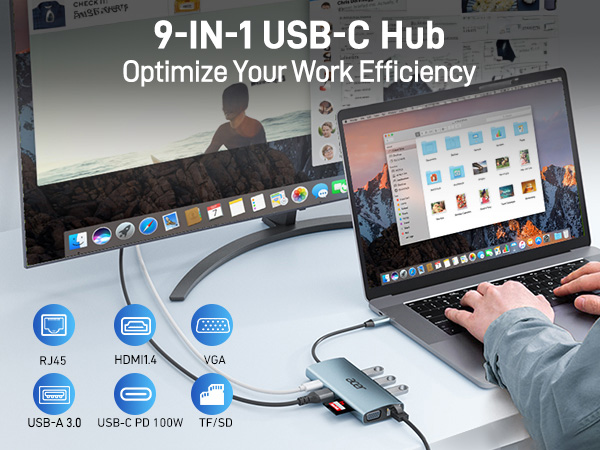
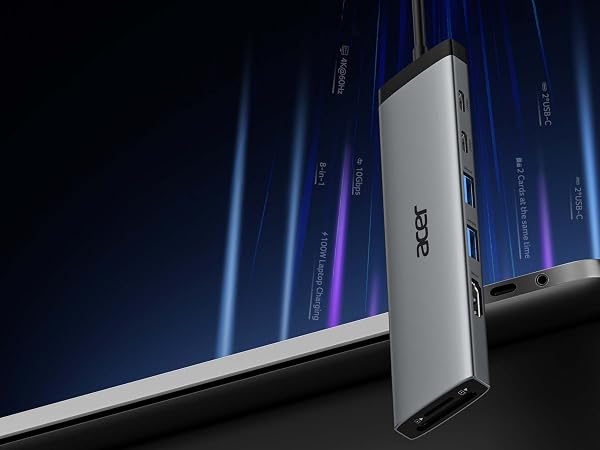
Hyper-speed 1000Mbps Ethernet keeps you connected without lag. Seamlessly streams 4K@30Hz video directly to high-definition TVs, monitors, and projectors.
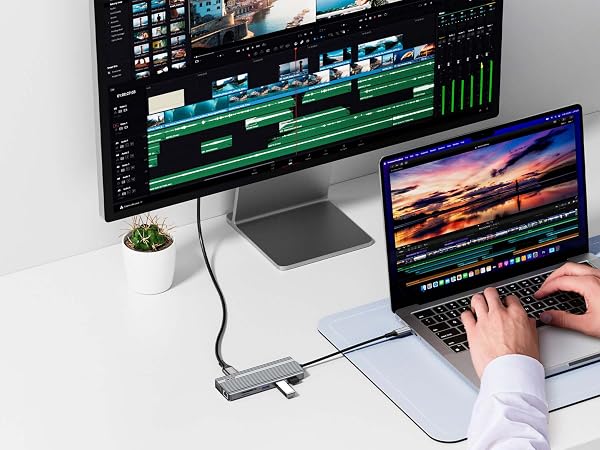
Unlock stunning 4K@60Hz visuals and deliver crystal-clear clarity for immersive entertainment. Enhance your efficiency with blazing-fast 10Gbps data transfer.
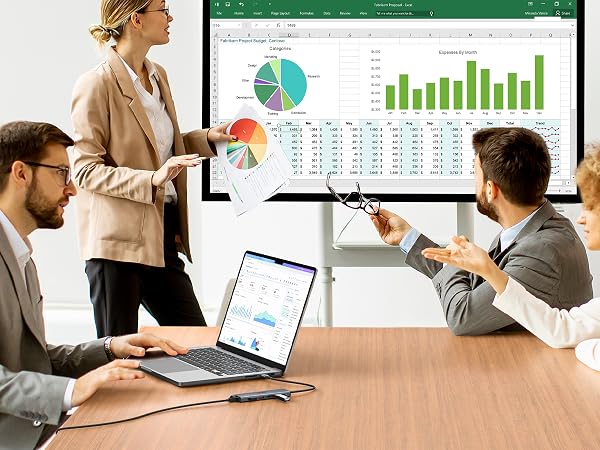
Hyper-speed 1000Mbps Ethernet keeps you connected without lag. Experience cinematic 4K@60Hz output on an external display, transfer data at 10Gbps across 2 USB-C ports.
Boost productivity with up to 10Gbps data transfer across 2×USB-C and 1×USB-A ports. Enjoy reliable 1000Mbps Ethernet and 100W PD charging for seamless multitasking.
New Product Display
USB Hub--High Parameters
USB C Multiport HUB
USB Hubs
