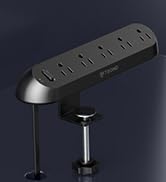
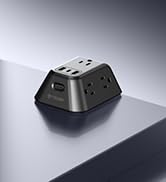
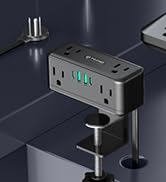
here!
here!
I’m your shopping assistant for PC builds, upgrades, and everything tech.
Got questions? Ask away!
Start a conversation
here!
I’m your shopping assistant for PC builds, upgrades, and everything tech.
Got questions? Ask away!
Start a conversation



Any questions? Ask CelesteSM will help you find out quickly.
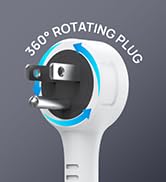
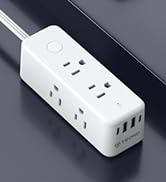
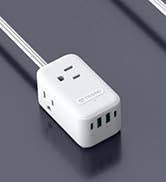
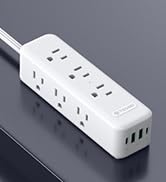
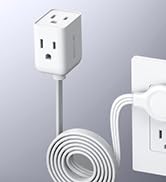
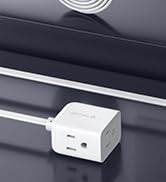
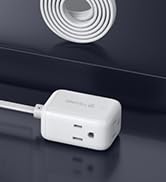
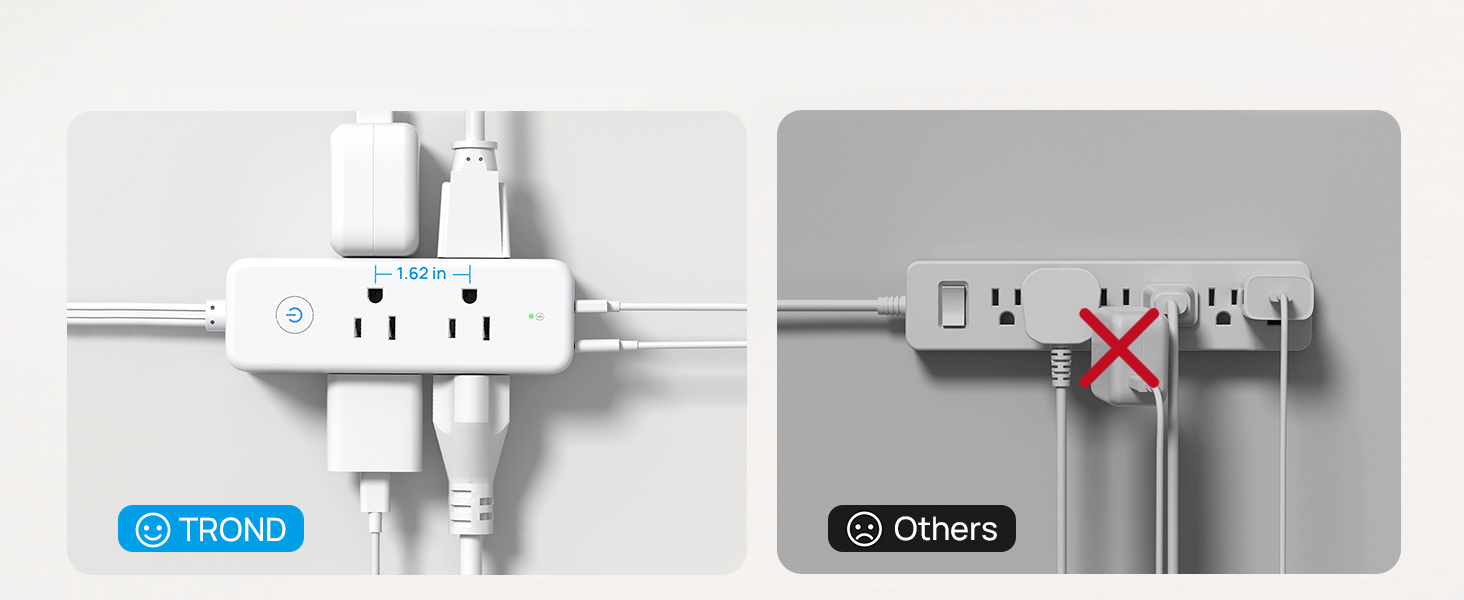
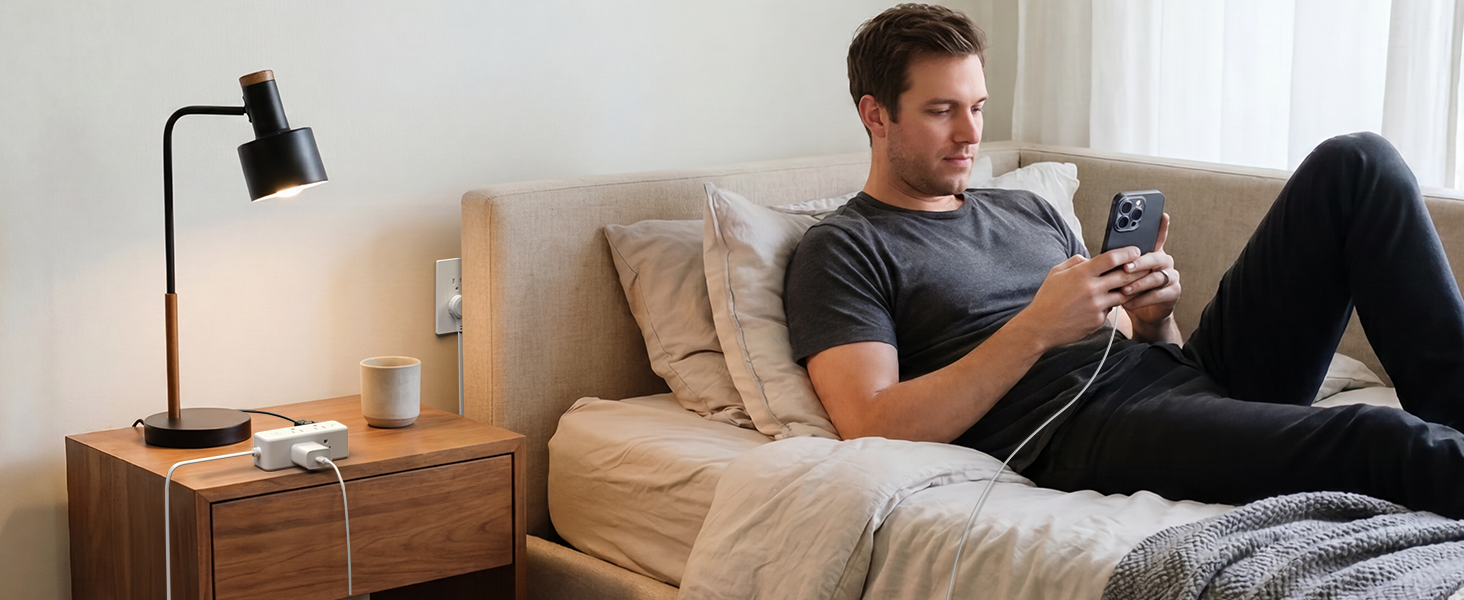
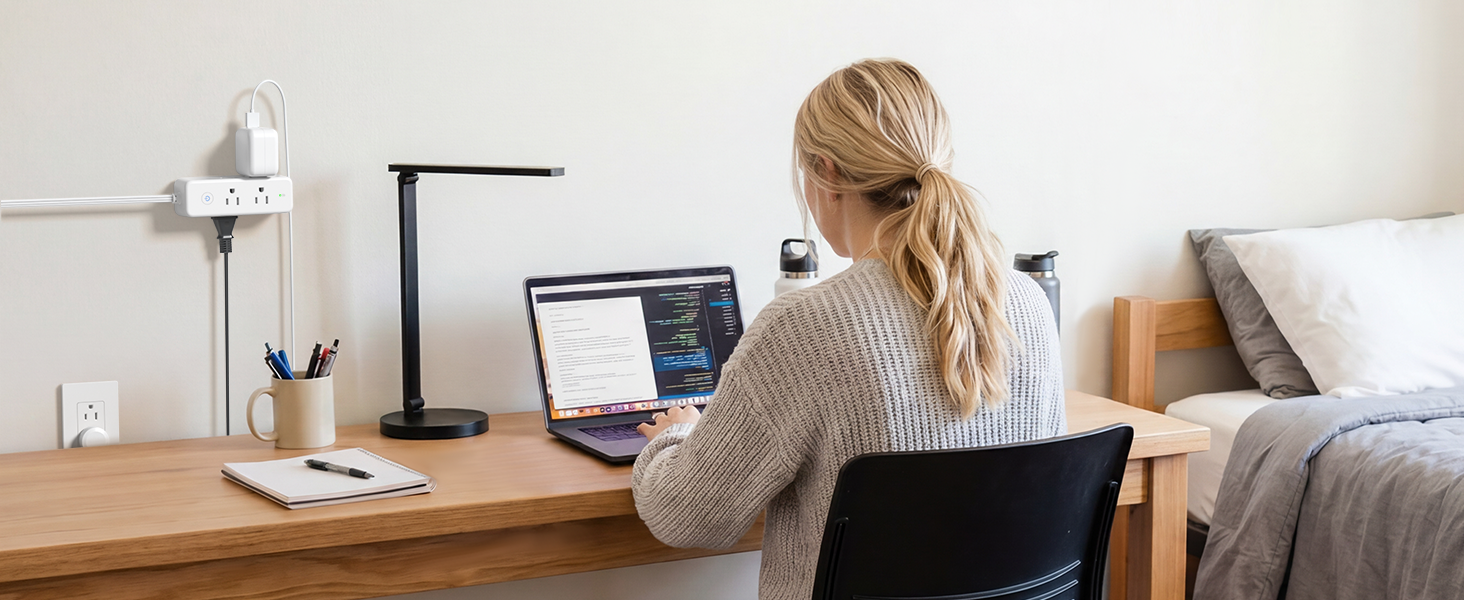
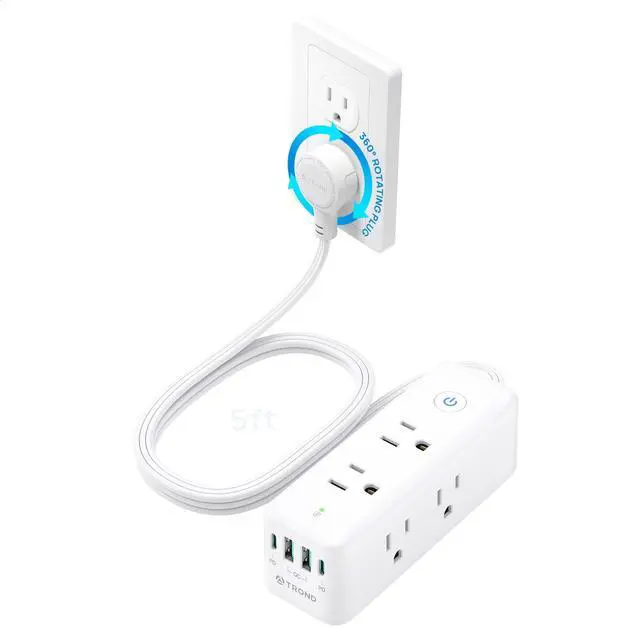
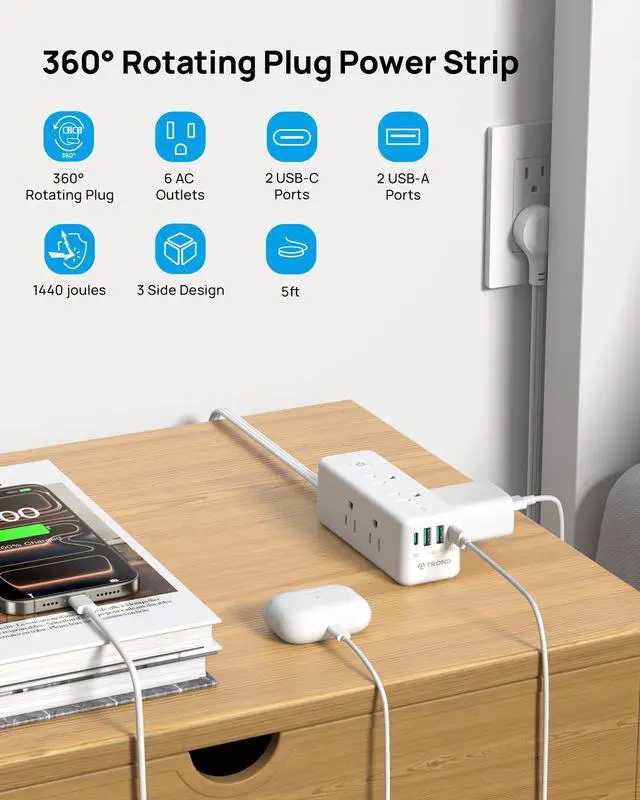
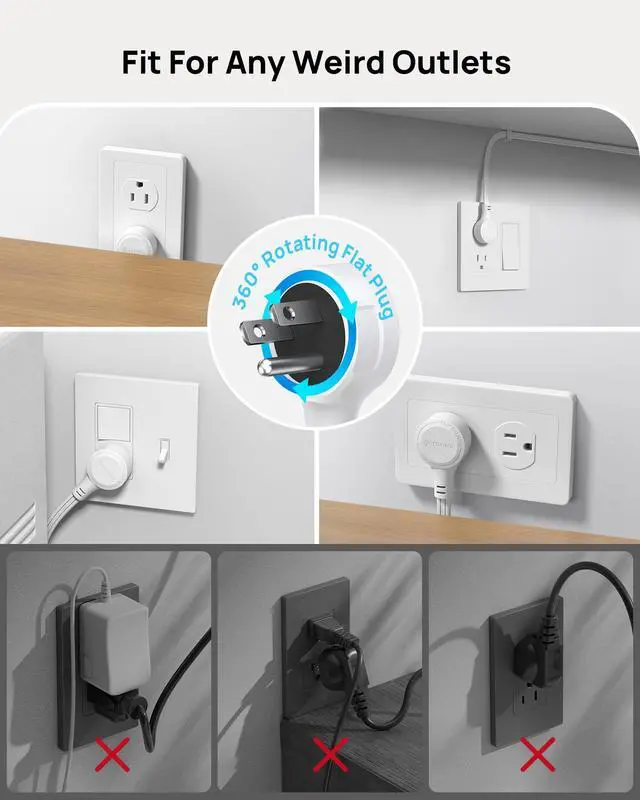
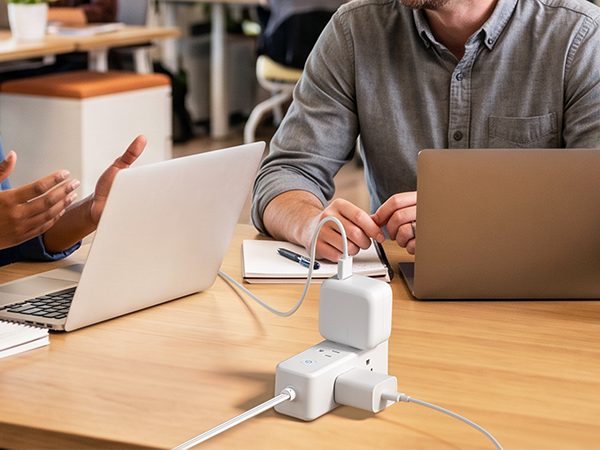
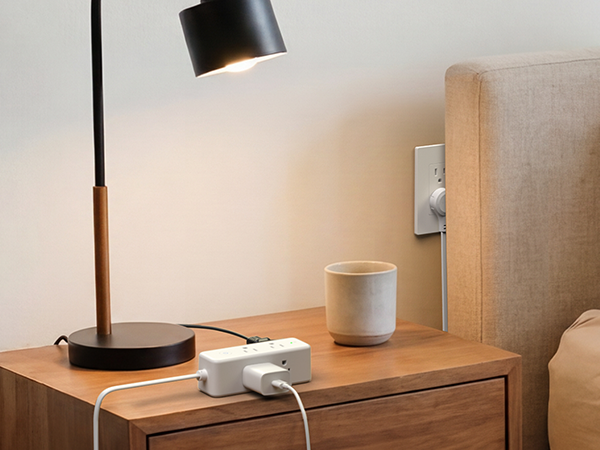
This rotating plug power strip distinguishes itself from traditional models through its 360° flexible rotation. TROND's patented rotating plug design enables free rotation, allowing easy connection to sockets at any angle. It is ideally suited for bedrooms, living rooms, offices, hotels, etc.
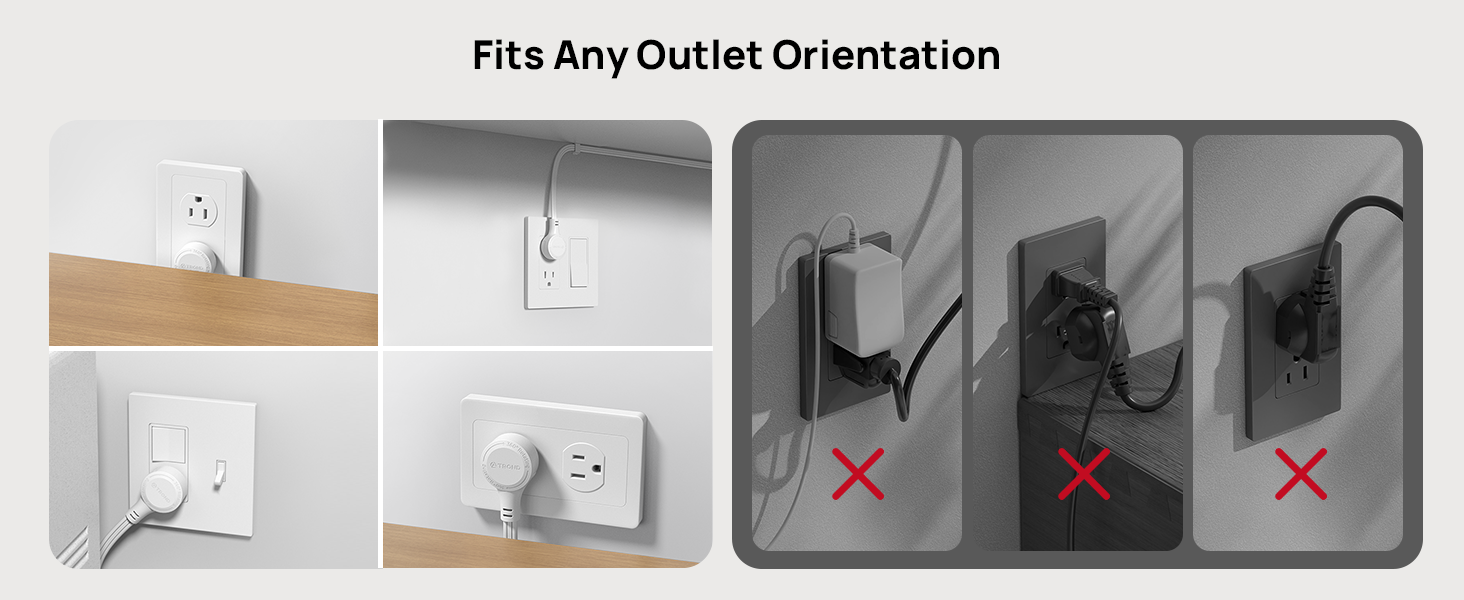
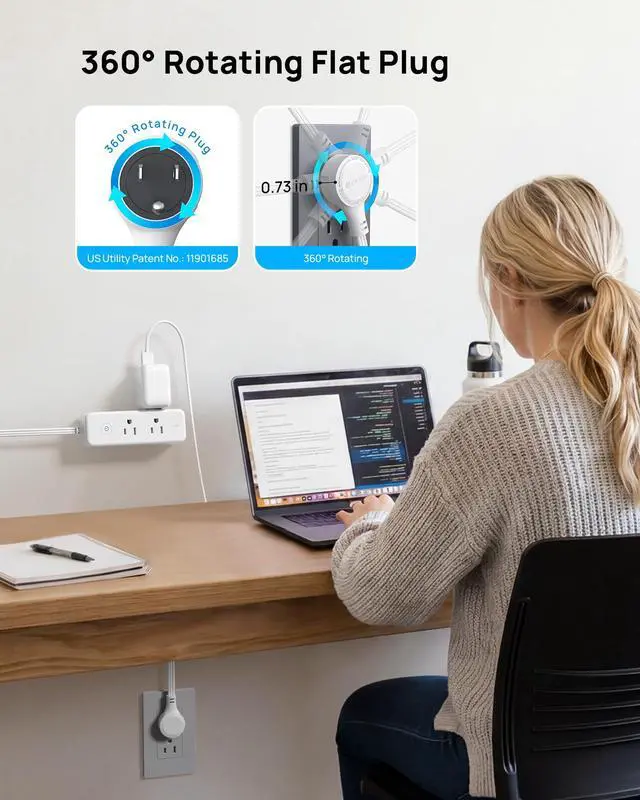
The rotating plug design enables it to fit into outlets at any angle. Even in confined spaces, it can be plugged in with ease, providing enhanced flexibility.
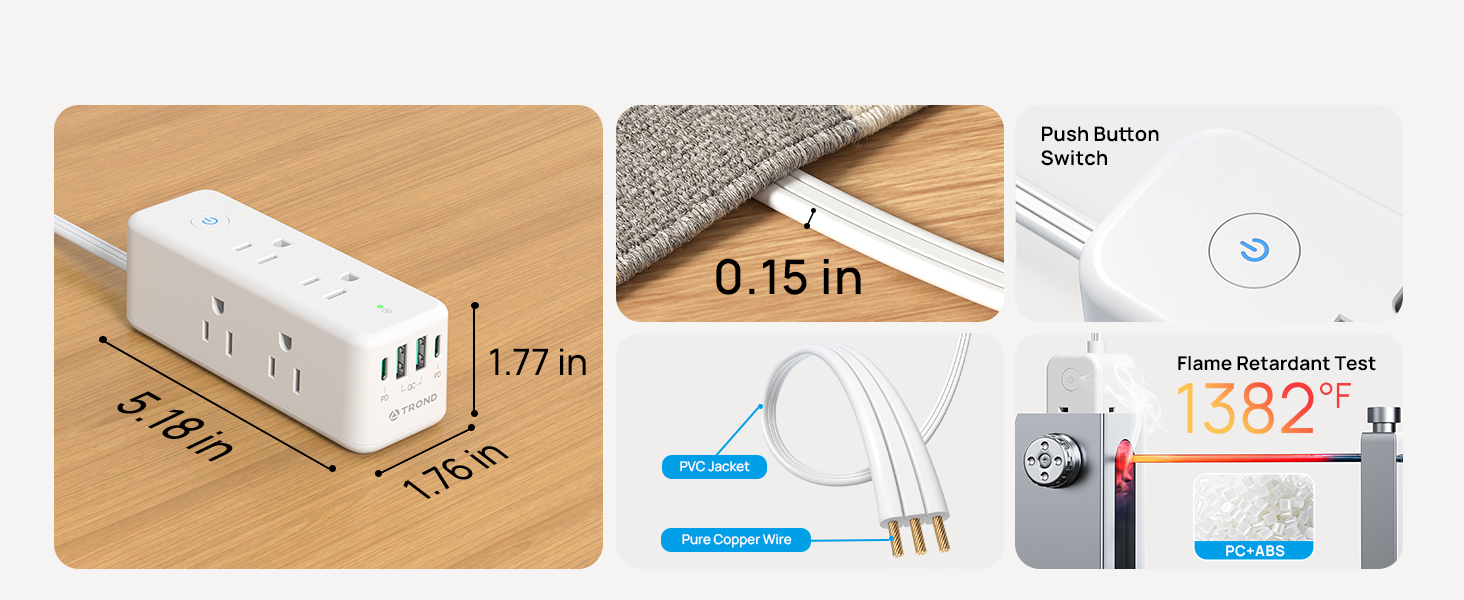
Plug Dimensions: 1.43 inches diameter × 0.73 inches thickness.
What are the advantages of a 360° rotating plug compared to a traditional one?
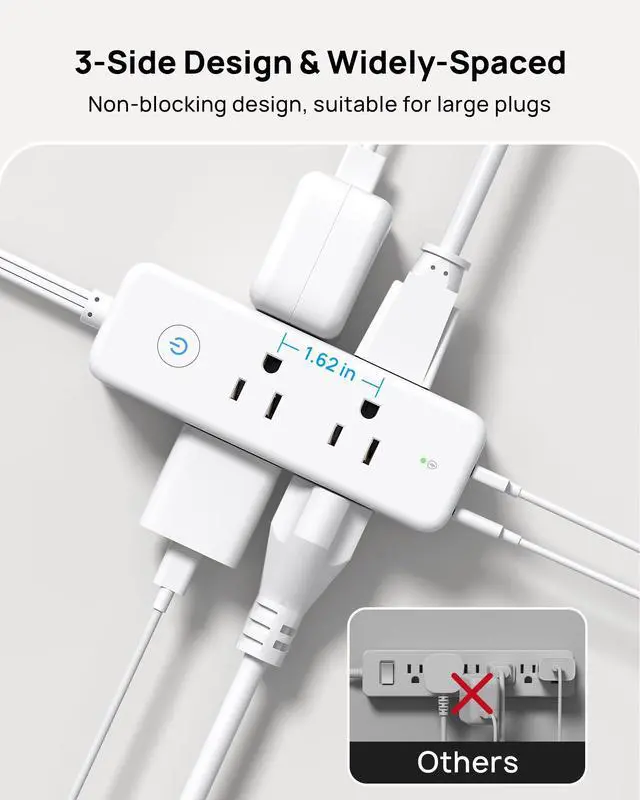
360° swivel adjusts cord to any direction, regardless of outlet facing. Flat plug hides behind furniture, fits various panels, routes cables discreetly, won't block nearby outlets—keeping your space neat and flexible.
Does the USB-C port still support 20W fast charging when I use multiple ports at the same time?
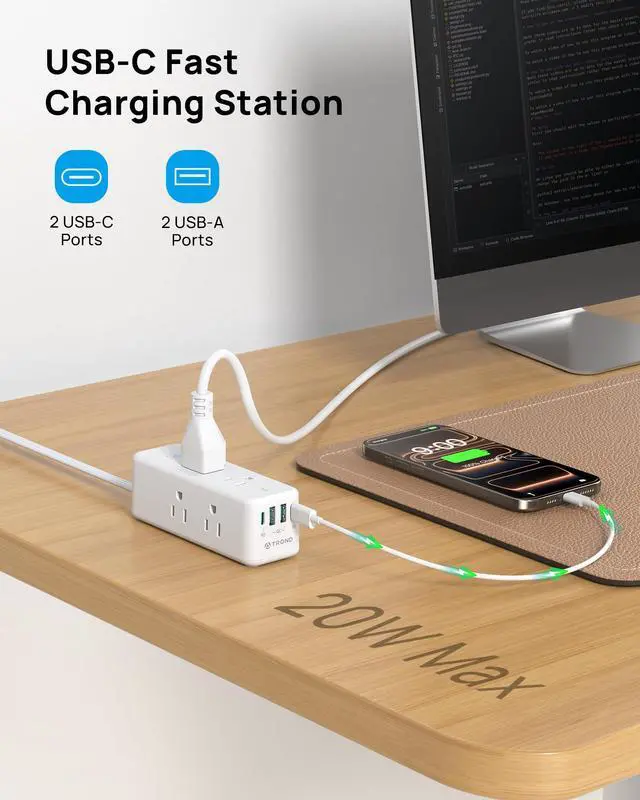
The 20W PD (USB-C) and 18W QC (USB-A) speeds are only available when using a single port alone. When 2–3 ports are used together, the total output drops to a shared maximum of 15W. For fastest charging, use only one port at a time.
Can it be wall mounted securely?
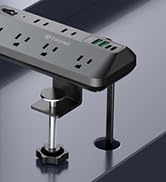
Yes. This power strip comes with 2 built in wall mount holes and 4 anti slip pads, allowing you to easily mount it on a desk or wall.
Does it have a power switch?
Yes. It features a power switch for convenient one-touch control of all connected devices.
Why does the power strip keep shutting off when I plug in certain devices?
This is due to the overload protection feature—it's a safety measure, not a defect. Simply unplug the high-power device to reset the strip.
This rotating plug power strip distinguishes itself from traditional models through its 360° flexible rotation. TROND's patented rotating plug design enables free rotation, allowing easy connection to sockets at any angle. It is ideally suited for bedrooms, living rooms, offices, hotels, etc.


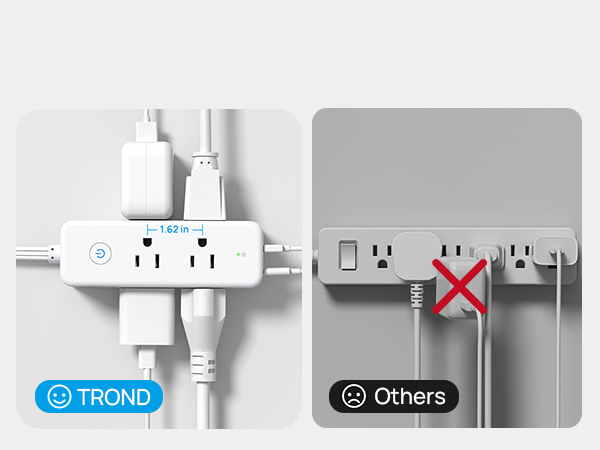
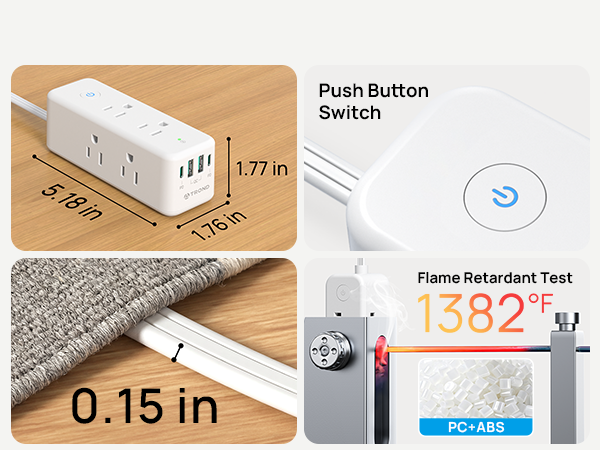
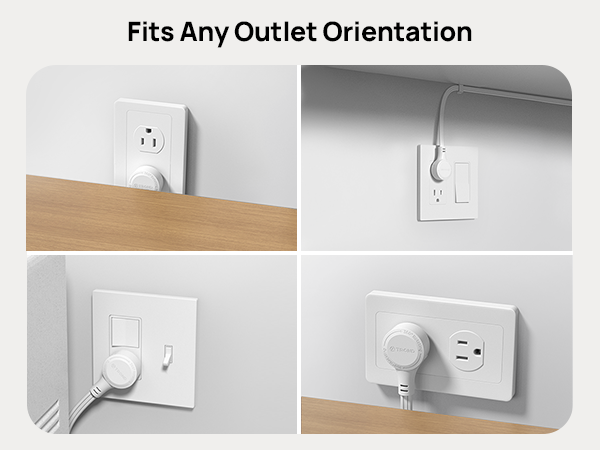
The rotating plug design enables it to fit into outlets at any angle. Even in confined spaces, it can be plugged in with ease, providing enhanced flexibility.
Plug Dimensions: 1.43 inches diameter × 0.73 inches thickness.


| Model | TD-PS-US09X |
|---|---|
| Material | UL 94 V-0 Flame-Retardant PC+ABS |
| Input Voltage | AC100-250V, 50/60Hz |
| Rated Power | 1250W (125V / 10A) |
| USB-C Output | 5V 3.0A / 9V 2.22A / 12V 1.67A (PD 20W Max) |
| USB-A Output | 5V 3.0A / 9V 2A / 12V 1.5A (QC 18W Max) |
| 2/3/4 USB Ports | 15W Shared Max |
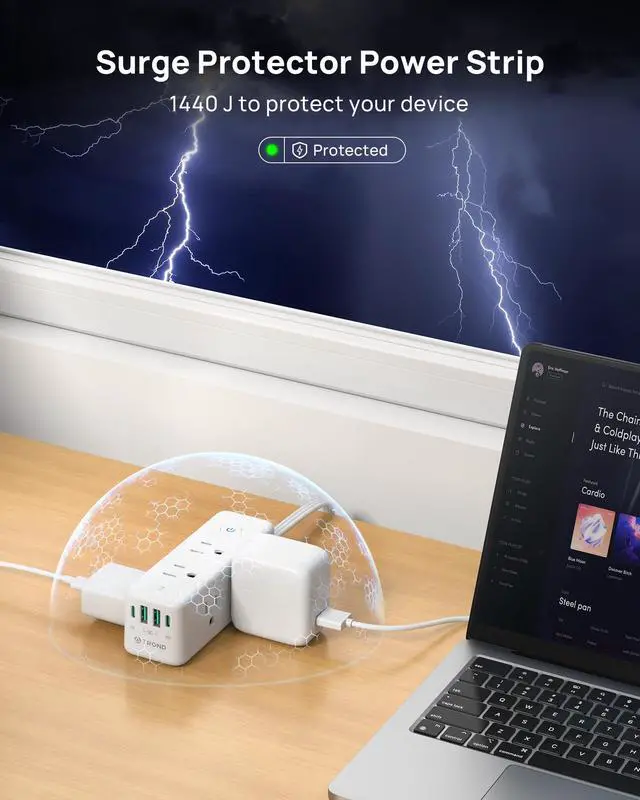
| Surge Energy Rating | 1440 Joules |
| Dimensions | 5.18x1.76x1.77in. |
| Net Weight | 9.92 oz/281 g |
| Cord Length | 5ft |
| Color | Wihte |
| Rotation Procedure | Insert the rotating plug extender fully into the socket first, then rotate clockwise or counterclockwise to set the angle you need. Always rotate after insertion, not before |
| Overload Warning | This power strip is rated at 1250W. Connecting a device with higher power could activate the overload protection on your power strip and shut off the power |
| Plug Dimensions | 1.43 inches diameter × 0.73 inches thickness. |
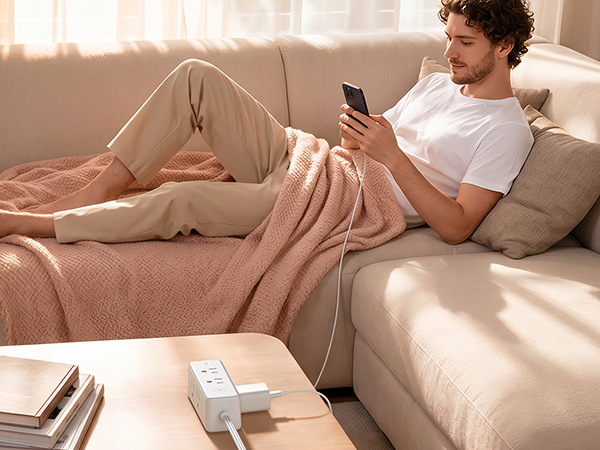


What are the advantages of a 360° rotating plug compared to a traditional one?
360° swivel adjusts cord to any direction, regardless of outlet facing. Flat plug hides behind furniture, fits various panels, routes cables discreetly, won't block nearby outlets—keeping your space neat and flexible.
Does the USB-C port still support 20W fast charging when I use multiple ports at the same time?
The 20W PD (USB-C) and 18W QC (USB-A) speeds are only available when using a single port alone. When 2–3 ports are used together, the total output drops to a shared maximum of 15W. For fastest charging, use only one port at a time.
Can it be wall mounted securely?
Yes. This power strip comes with 2 built in wall mount holes and 4 anti slip pads, allowing you to easily mount it on a desk or wall.
Does it have a power switch?
Yes. It features a power switch for convenient one-touch control of all connected devices.
Why does the power strip keep shutting off when I plug in certain devices?
This is due to the overload protection feature—it's a safety measure, not a defect. Simply unplug the high-power device to reset the strip.