





GHome
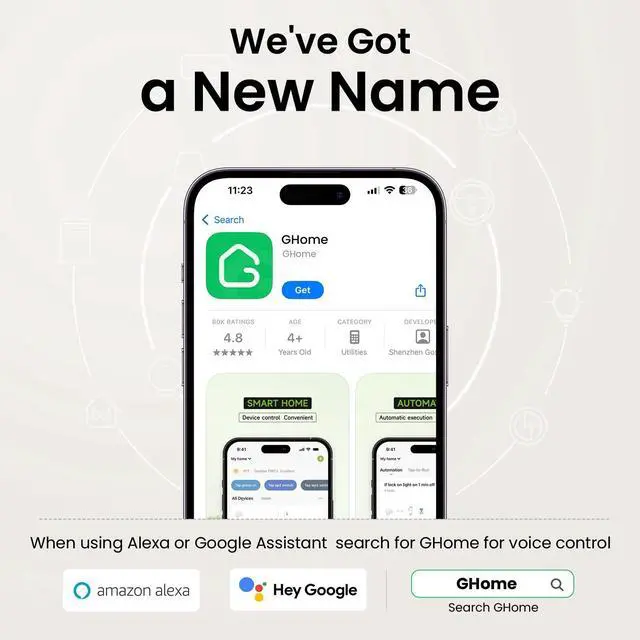
When using Alexa or Google Assistant, search GHome APP for Voice Control.

As one of the leading brands in IoT smart home field, we develop, manufacture and market smart home products for decades, including smart plugs, smart power strips, smart switches , smart lights and more.
We aim to help customers to enjoy a more relaxed, convenient and fashionable future life. So far, we have supplied over 40+ countries and provided high-quality products to millions of consumers around the world.
3 Way Smart Dimmer Switch

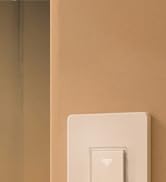
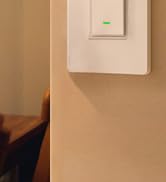
Smart Switches for lights

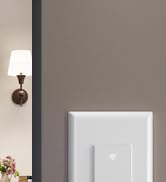
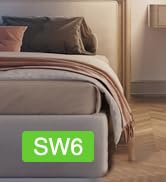
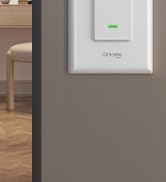
3 Way Smart Switch
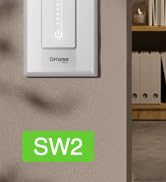

Smart Dimmer Dwitch

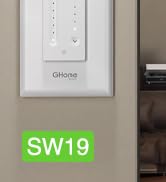
Ceiling Fan Light Switch


Dual Dimmer Switch
smart switches for lights
Merchant Video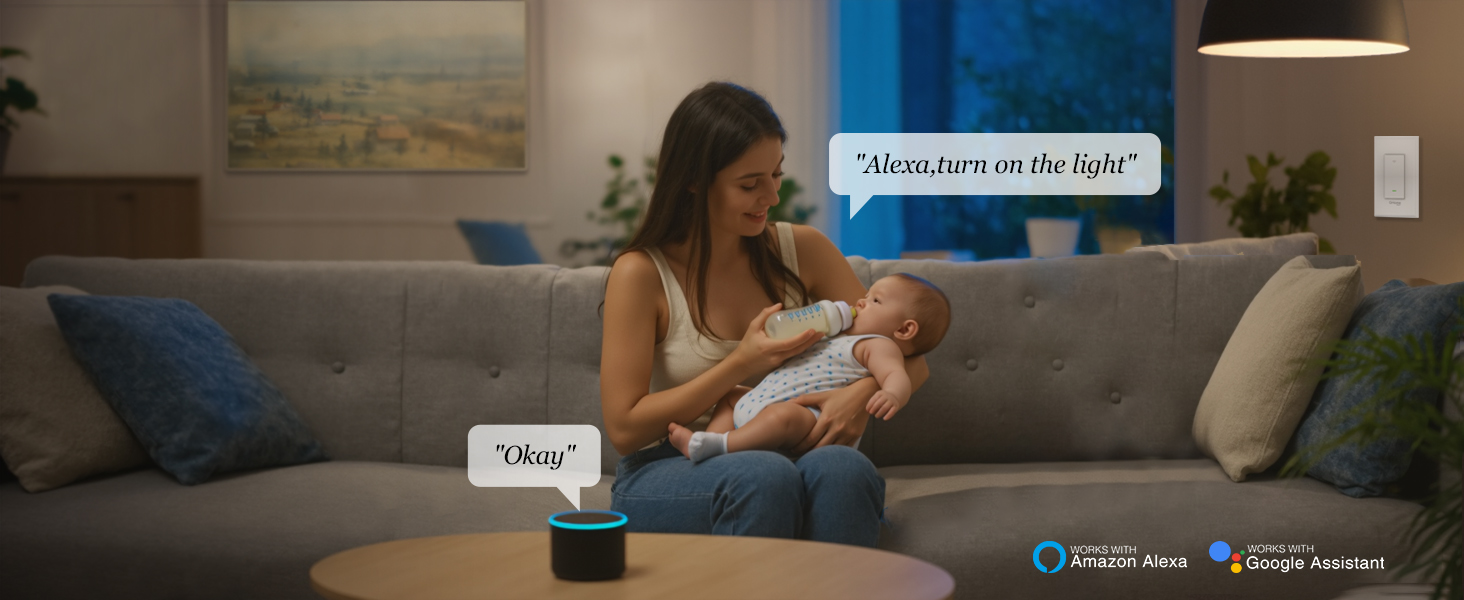
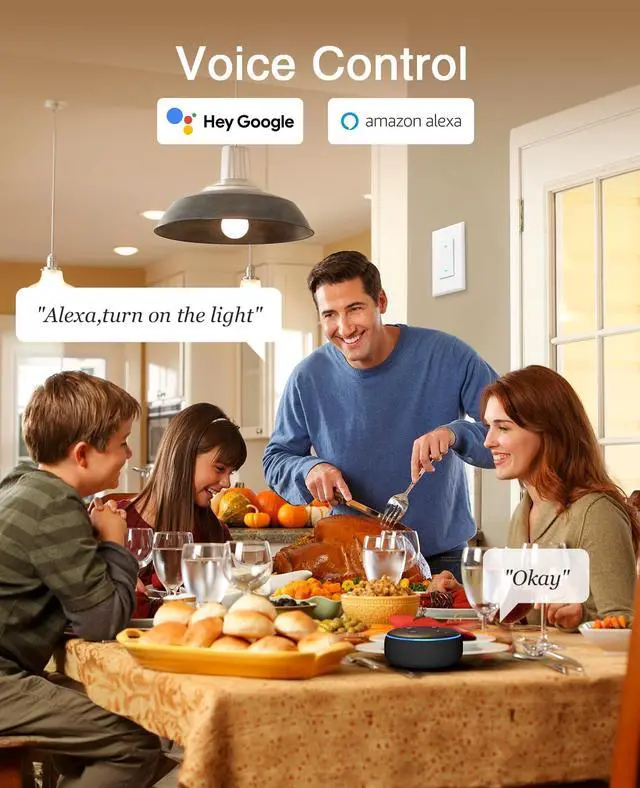
Voice Control
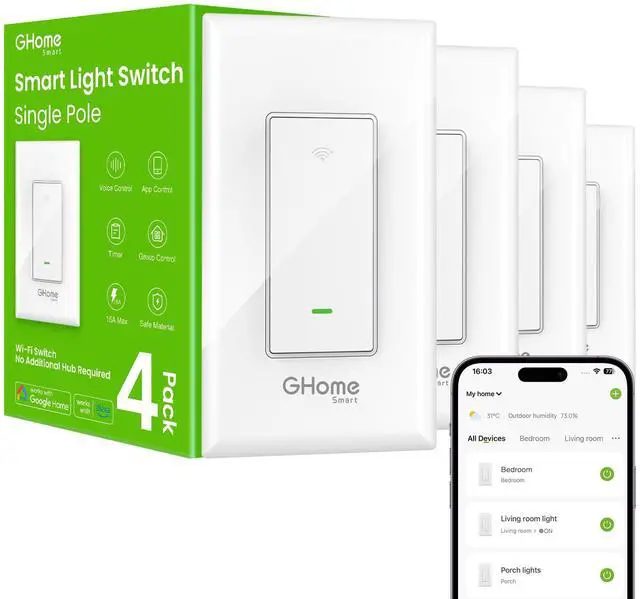
WiFi Switch Work with Alexa and Google Assistant, free hands by using simple voice commands.
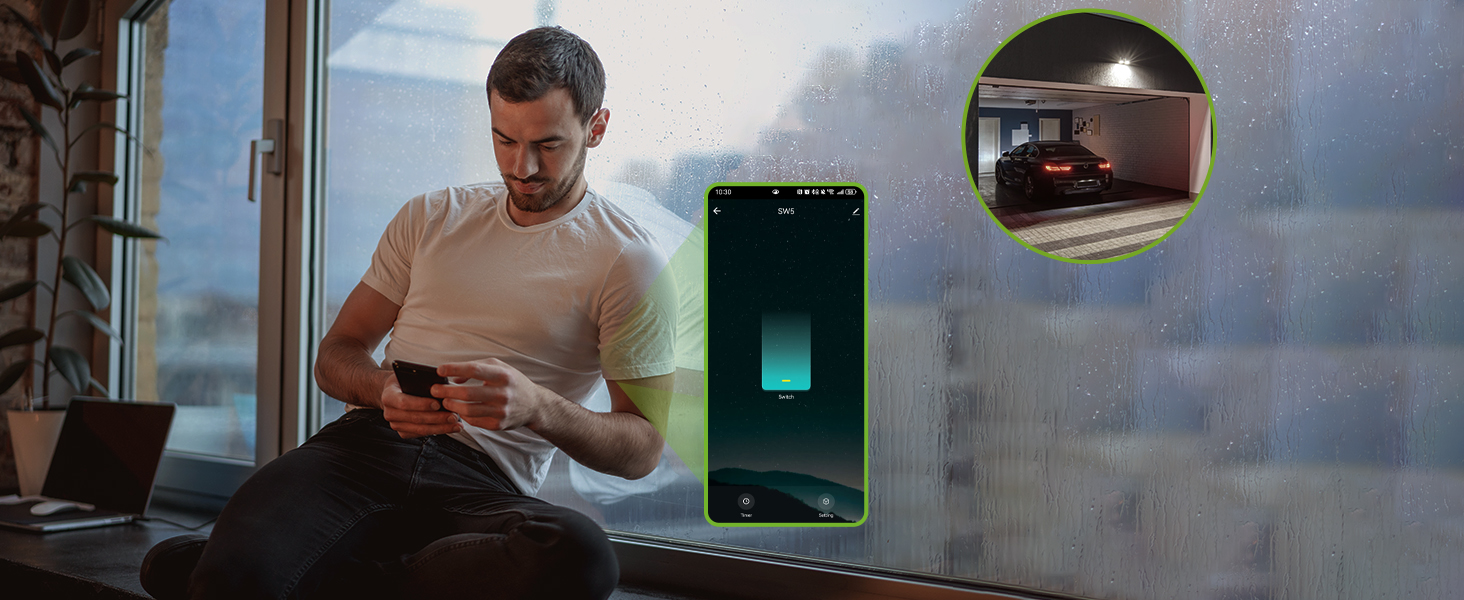
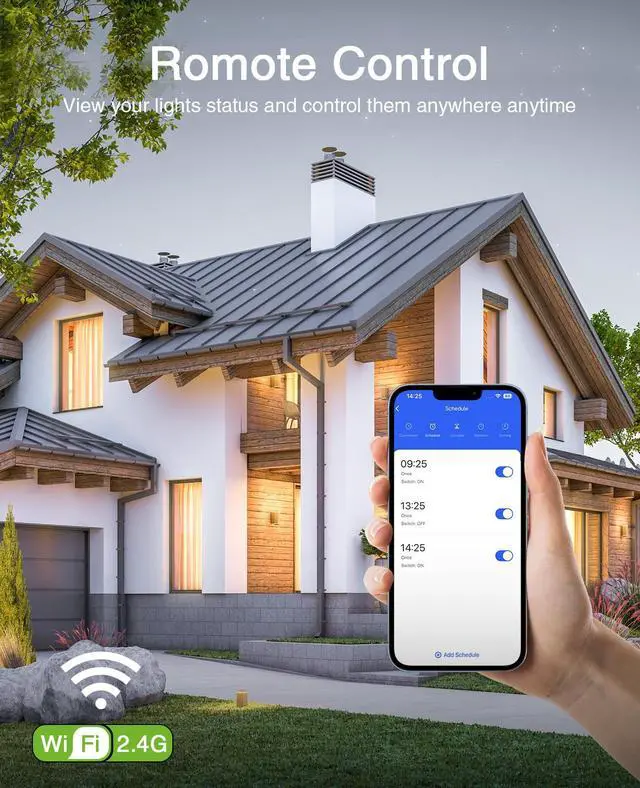
App Remote Control
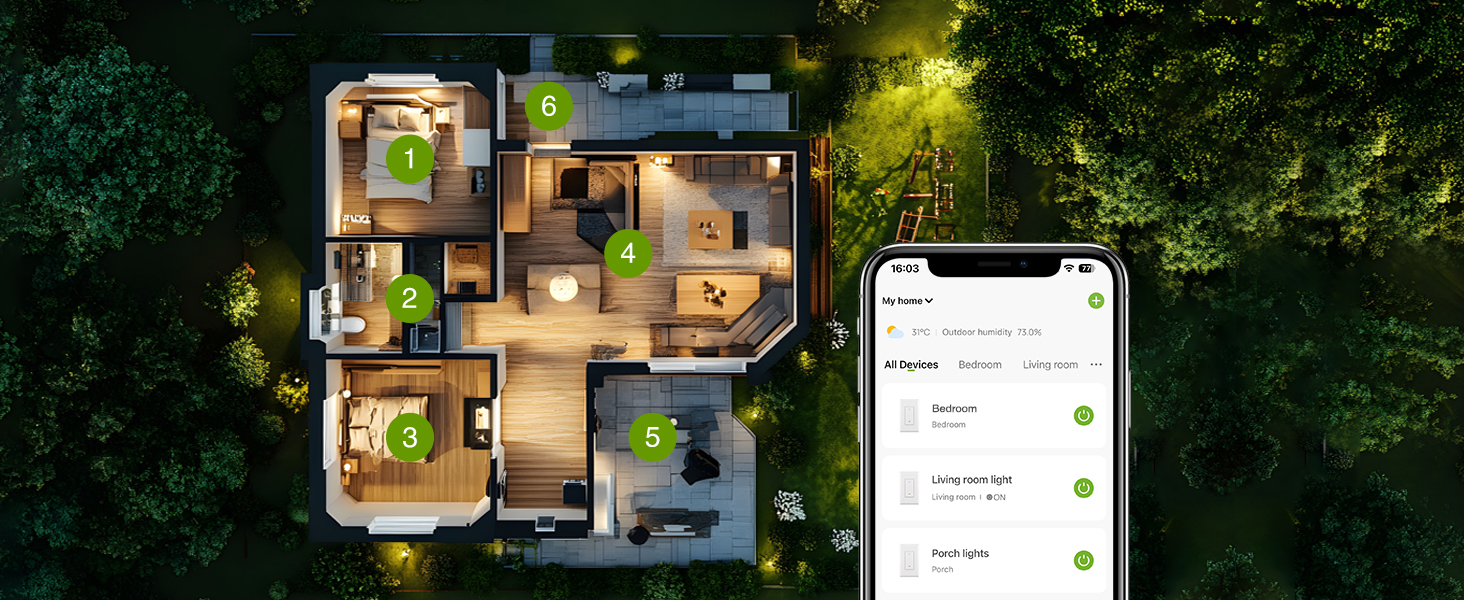
View the lighting status of rooms, and use the app to turn light on and off anywhere anytime.
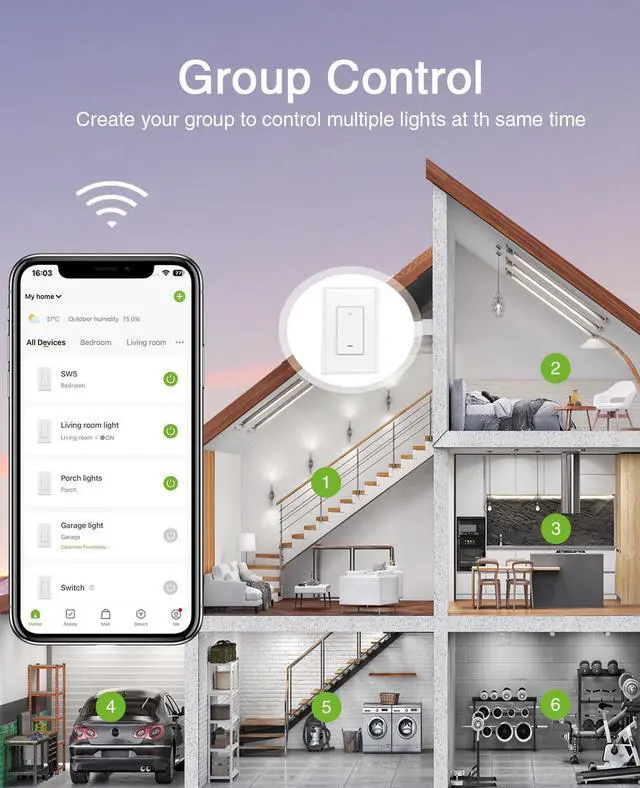
Group Control
Tap the switch on the home page, then tap the edit icon in the upper-right corner to create a group.


No Hub Required
GHome smart Switch connects to your home 2.4 GHz WiFi easily. If your router supports both 5G and 2.4G, please switch to 2.4G and reconnect.

Indicator lights on and off
Click the switch on the homepage to enter the custom interface, and then click on the settings in the bottom right corner to set the "indicate light"

Status after power failure
Click the switch on the homepage to enter the custom interface, and then click on the settings in the bottom right corner to set the "relay status"

Lighting status of the room
No matter where you are, you can check the lighting status of all rooms and control them remotely when necessary.

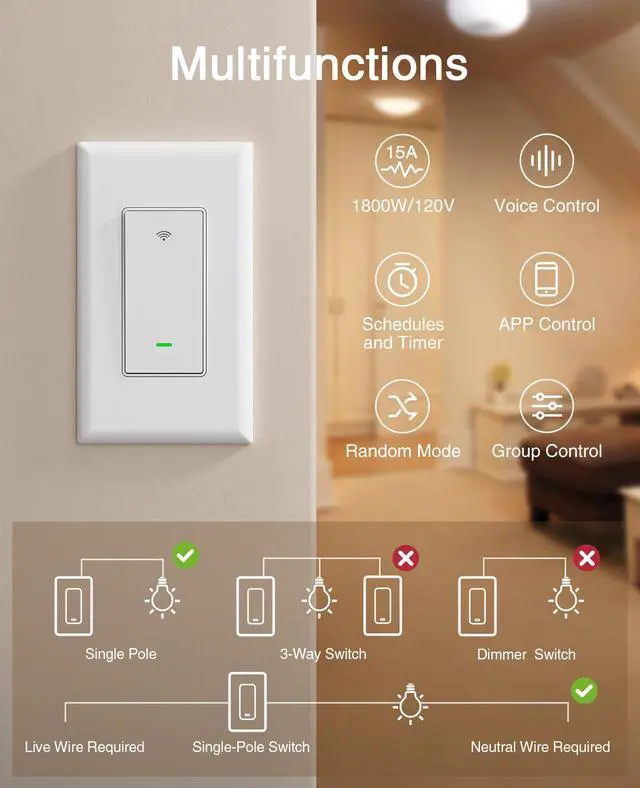
Is a neutral wire required?
Yes, smart switches do require a neutral wire.
How to use Alexa and Google Assistant to control lights?
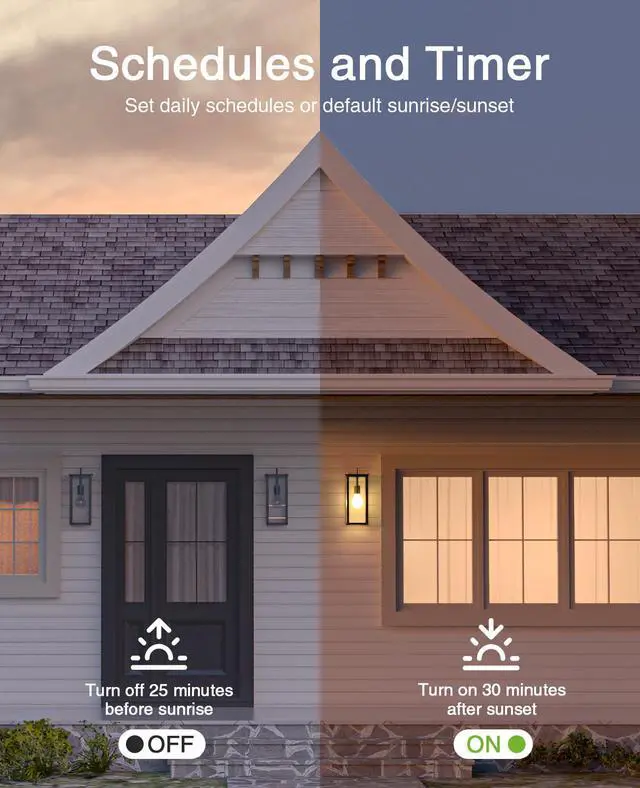
Turn on the "device name"; turn off the "device name"; turn on the "device name" after 30 seconds; turn on the "device name" at 10 o'clock.
After 1-2 months, the physical button stopped working?
This individual issue was resolved in July 2025. If you purchased before, please kindly follow the prompts in the APP and upgrade the firmware to the latest version V1.1.3 to completely resolve it. We do apologize!
Installation too complicated?
In simple terms, you need to find the neutral, ground, and Line wires from the electrical box and connect them to the switch. Then connect the load wire from the switch to the light, and finally connect the neutral wire to the light as well.
What Is a Line Wire? What Is a Load Wire?
The wires that deliver power into the box are described as the line wires, also known as upstream wires, or the incoming wires. Conversely, the wires passing onward to other devices are described as load, downstream, or outgoing wires.
smart switches for lights
Merchant Video


Voice Control
WiFi Switch Work with Alexa and Google Assistant, free hands by using simple voice commands.
App Remote Control
View the lighting status of rooms, and use the app to turn light on and off anywhere anytime.
Group Control
Tap the switch on the home page, then tap the edit icon in the upper-right corner to create a group.


No Hub Required
GHome smart Switch connects to your home 2.4 GHz WiFi easily. If your router supports both 5G and 2.4G, please switch to 2.4G and reconnect.
Indicator lights on and off
Click the switch on the homepage to enter the custom interface, and then click on the settings in the bottom right corner to set the "indicate light"
Status after power failure
Click the switch on the homepage to enter the custom interface, and then click on the settings in the bottom right corner to set the "relay status"
Lighting status of the room
No matter where you are, you can check the lighting status of all rooms and control them remotely when necessary.

Is a neutral wire required?
Yes, smart switches do require a neutral wire.
How to use Alexa and Google Assistant to control lights?
Turn on the "device name"; turn off the "device name"; turn on the "device name" after 30 seconds; turn on the "device name" at 10 o'clock.
After 1-2 months, the physical button stopped working?
This individual issue was resolved in July 2025. If you purchased before, please kindly follow the prompts in the APP and upgrade the firmware to the latest version V1.1.3 to completely resolve it. We do apologize!
Installation too complicated?
In simple terms, you need to find the neutral, ground, and Line wires from the electrical box and connect them to the switch. Then connect the load wire from the switch to the light, and finally connect the neutral wire to the light as well.
What Is a Line Wire? What Is a Load Wire?
The wires that deliver power into the box are described as the line wires, also known as upstream wires, or the incoming wires. Conversely, the wires passing onward to other devices are described as load, downstream, or outgoing wires.
GHome
When using Alexa or Google Assistant, search GHome APP for Voice Control.
As one of the leading brands in IoT smart home field, we develop, manufacture and market smart home products for decades, including smart plugs, smart power strips, smart switches , smart lights and more.
We aim to help customers to enjoy a more relaxed, convenient and fashionable future life. So far, we have supplied over 40+ countries and provided high-quality products to millions of consumers around the world.
3 Way Smart Dimmer Switch
Smart Switches for lights
3 Way Smart Switch
Smart Dimmer Dwitch
Ceiling Fan Light Switch
Dual Dimmer Switch