





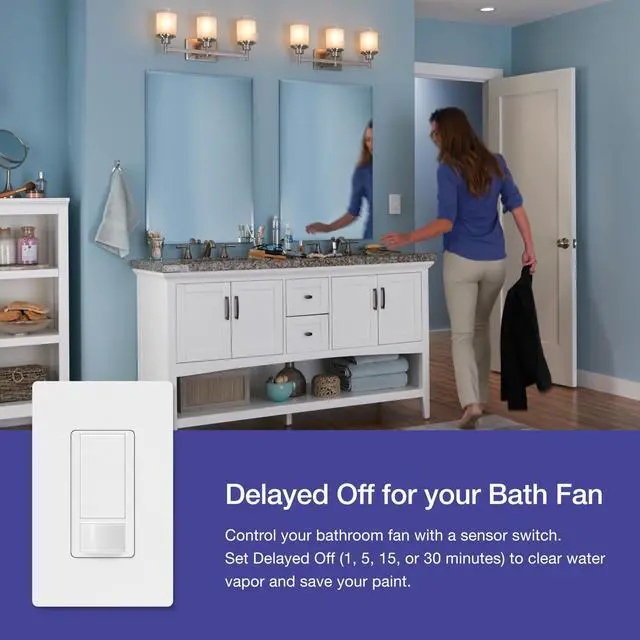


Sensor Demonstration
Merchant Video


Can this control two separate lights in the same room?
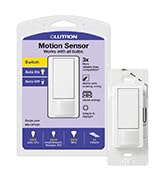
The MS-OPS2 can be wired to multiple lights, as long as the maximum wattage does not exceed the 2 amp rating. You will not be able to individually control each of the lights, they will all be controlled at the same time from this sensor.
Does this sensor switch require a neutral or ground wire?
The Maestro Sensor Switch can connect to either your neutral or ground wire but it does require one of those two connections.
How do I change the off timer on the motion switch?
Changing the Auto-Off time on the Maestro Motion Sensor simply requires pressing and holding the on/off button and waiting for a corresponding number of flashes on the sensor lens. You can review the user manual sheet to see the different options.
Will this sensor turn the lights off on me if I am not moving around?
Lutron Sensor Switch XCT sensing technology detects fine motion, such as typing at a desk or reading, ensuring lights do not turn off inadvertently.
Do they keep my personalized settings during a power outage?
Yes, Lutron sensors will retain their programming in the event of a power outage.


60+ Years of History and Innovation
For over 60 years, Lutron has led innovation in the lighting control industry with hundreds of devices from the invention of the dimmer to complete smart home systems. Our exceptional quality and design can be found throughout all our product categories, and we offer a solution for every room of your home.

Smart Lighting Controls
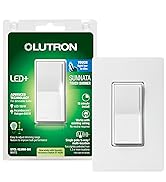
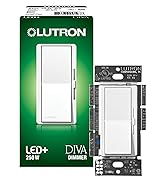
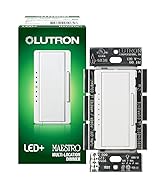
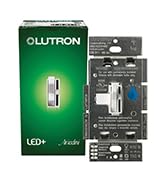
LED+ Dimmers
Sensors & Timers
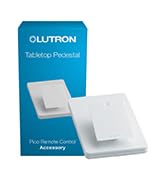
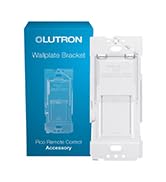
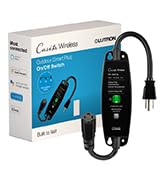
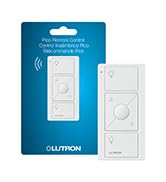
Accessories
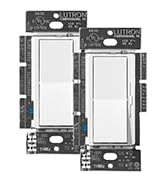
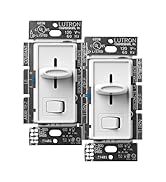
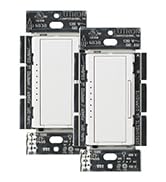
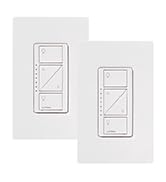
Multi-Packs
60+ Years of History and Innovation
For over 60 years, Lutron has led innovation in the lighting control industry with hundreds of devices from the invention of the dimmer to complete smart home systems. Our exceptional quality and design can be found throughout all our product categories, and we offer a solution for every room of your home.
Smart Lighting Controls
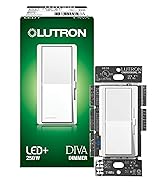
LED+ Dimmers
Sensors & Timers
Accessories
Multi-Packs


Choose Your Sensor Switch
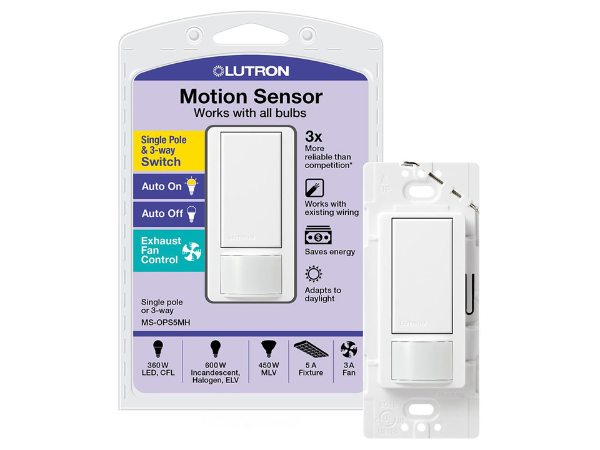
Sensor Switch 5 Amp
Single Pole
3-Way
Auto On-Auto Off
Exhaust Fan Control
Works With LED Bulbs
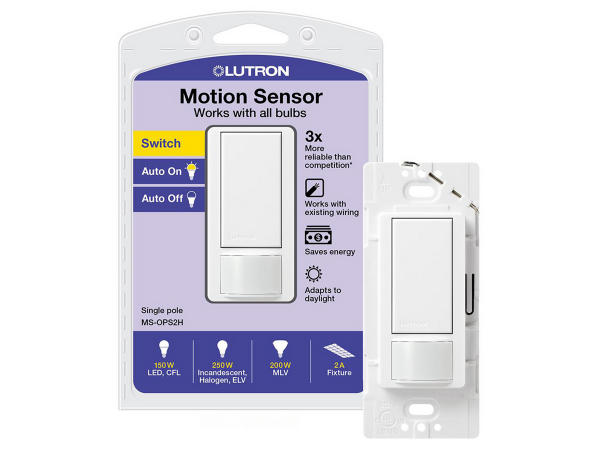
Sensor Switch 2 Amp
Single Pole
3-Way
Auto On-Auto Off
Exhaust Fan Control
Works With LED Bulbs
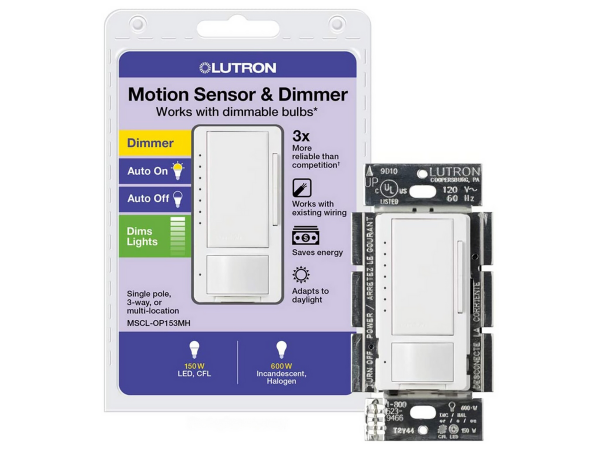
Sensor Dimmer Switch
Single Pole
3-Way
Auto On-Auto Off
Exhaust Fan Control
Works With LED Bulbs
Sensor Demonstration
Merchant Video


Can this control two separate lights in the same room?
The MS-OPS2 can be wired to multiple lights, as long as the maximum wattage does not exceed the 2 amp rating. You will not be able to individually control each of the lights, they will all be controlled at the same time from this sensor.
Does this sensor switch require a neutral or ground wire?
The Maestro Sensor Switch can connect to either your neutral or ground wire but it does require one of those two connections.
How do I change the off timer on the motion switch?
Changing the Auto-Off time on the Maestro Motion Sensor simply requires pressing and holding the on/off button and waiting for a corresponding number of flashes on the sensor lens. You can review the user manual sheet to see the different options.
Will this sensor turn the lights off on me if I am not moving around?
Lutron Sensor Switch XCT sensing technology detects fine motion, such as typing at a desk or reading, ensuring lights do not turn off inadvertently.
Do they keep my personalized settings during a power outage?
Yes, Lutron sensors will retain their programming in the event of a power outage.