




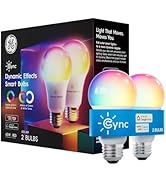
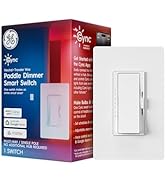
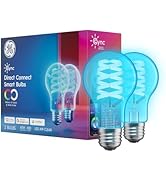
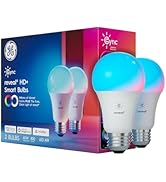
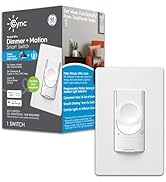
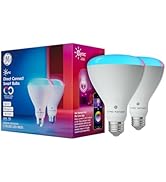
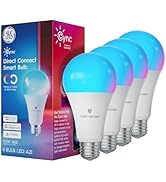
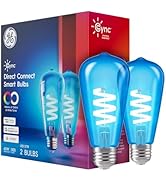


Works With Any Bulb
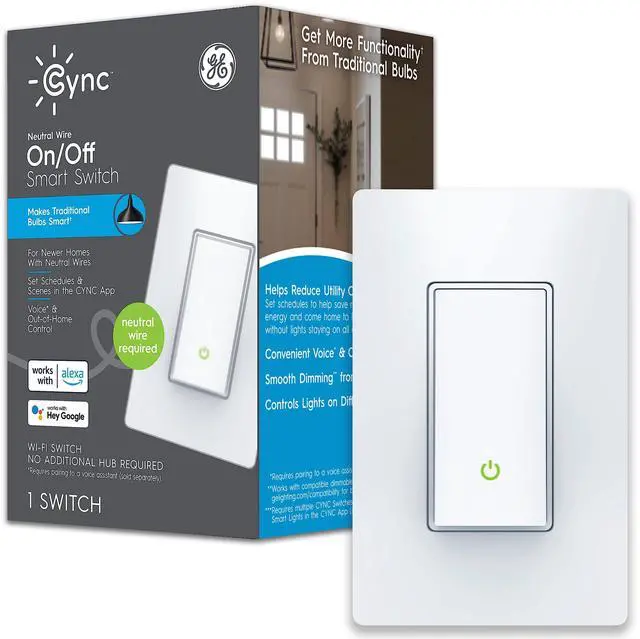
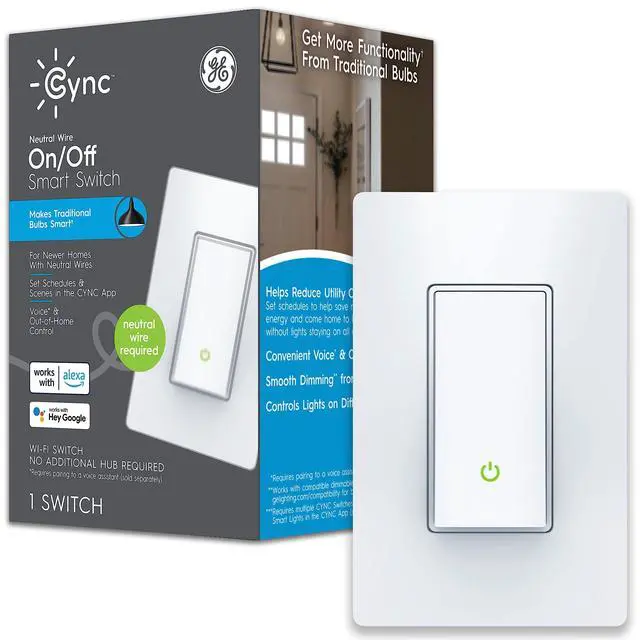
Turns ordinary incandescent, halogen, and LED bulbs into smart bulbs and keeps Cync Smart Bulbs connected even when the switch is turned off.

Set Schedules
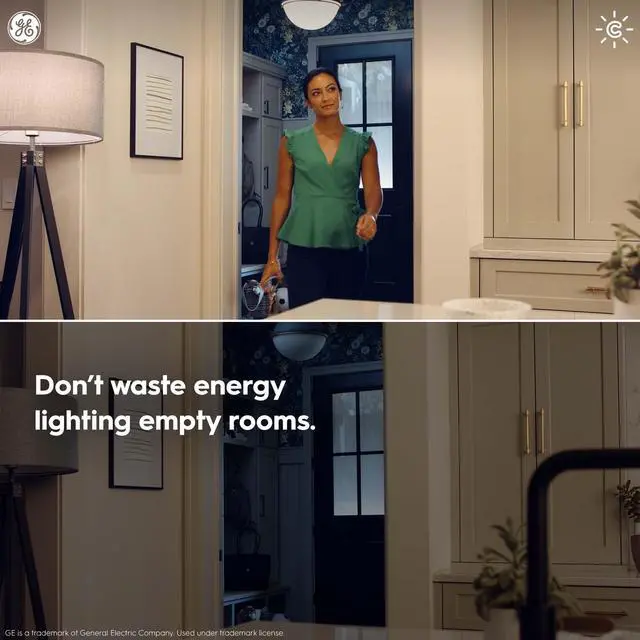
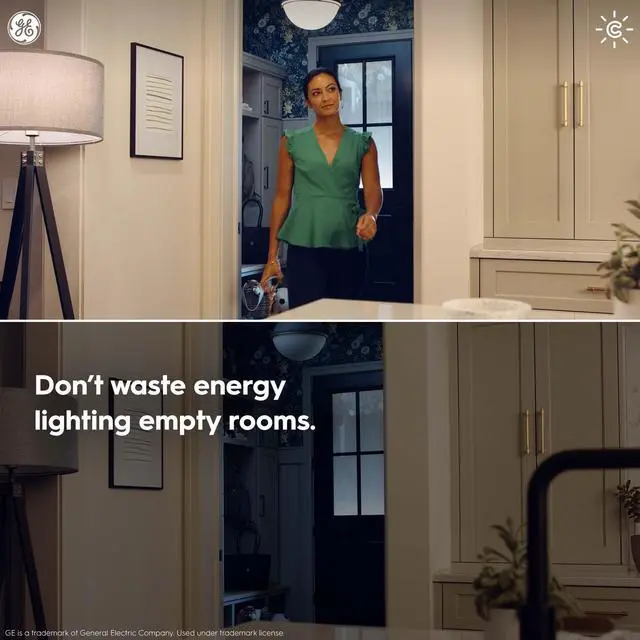
Schedule your lights to turn on when you come home and turn off to save energy when you're away.

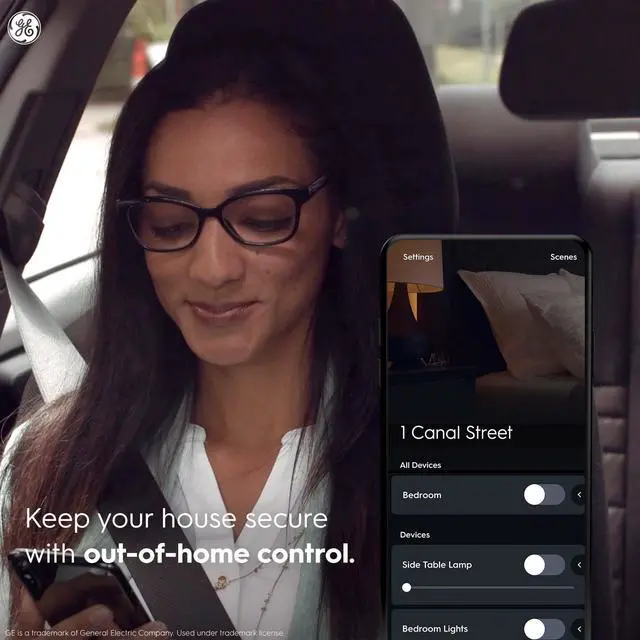
Control Away From Home
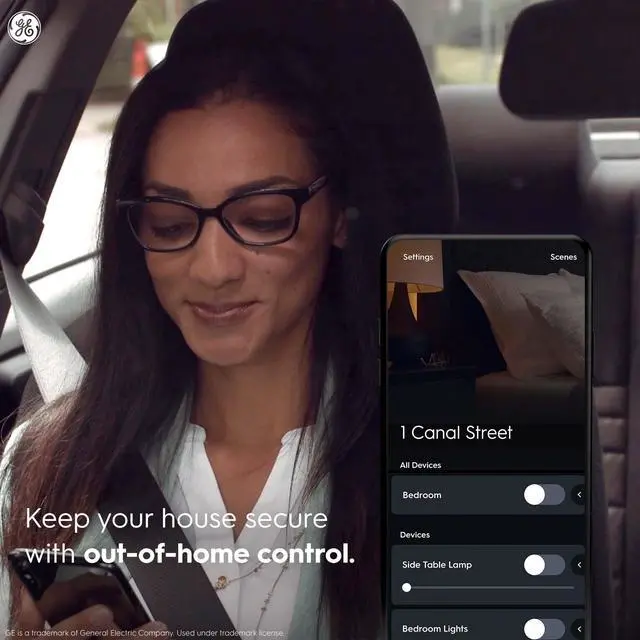
Turn lights on or off from your phone when you’re not home.

Group Together
Group multiple switches and bulbs together and control all your lights from one switch.

Pair With Smart Devices
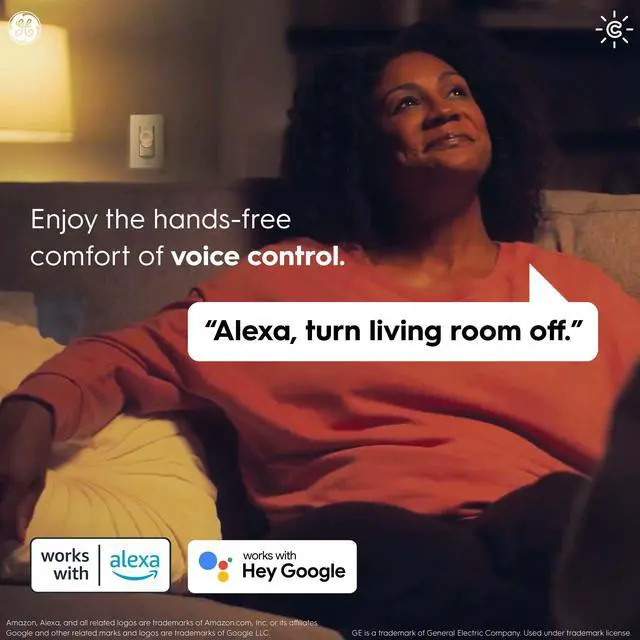
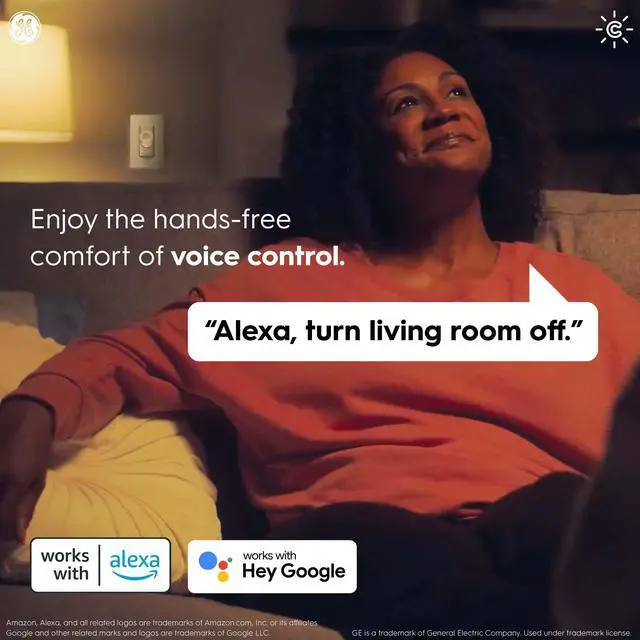
Pair your Cync and C by GE products with Alexa or Hey Google for voice control capabilities.

No Hub Required for Out of Home and Voice Control
Connect directly to Alexa or Hey Google devices without a standalone bridge or hub.

Check Your Wi-Fi and Wiring Before Installation
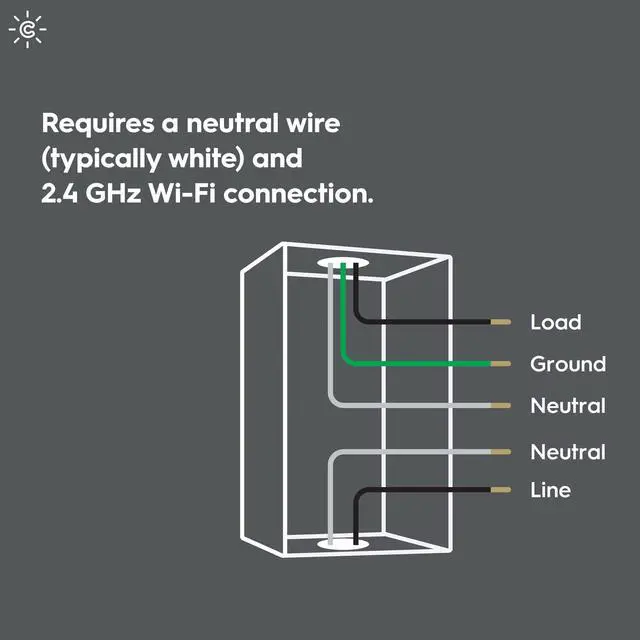
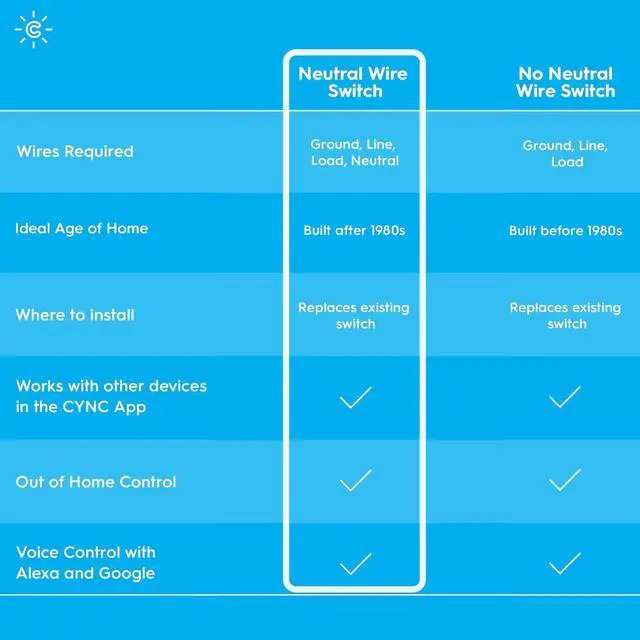
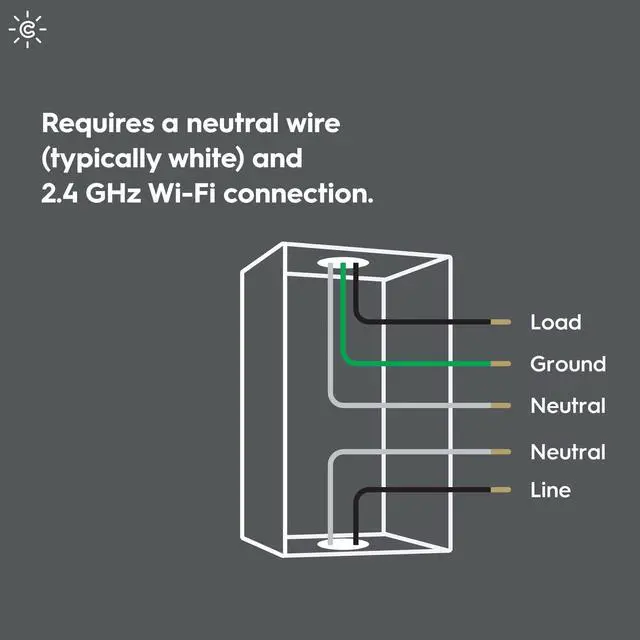
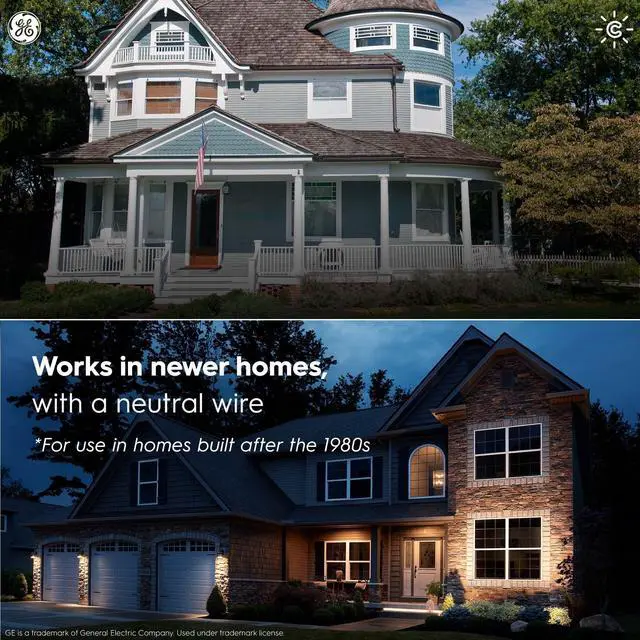
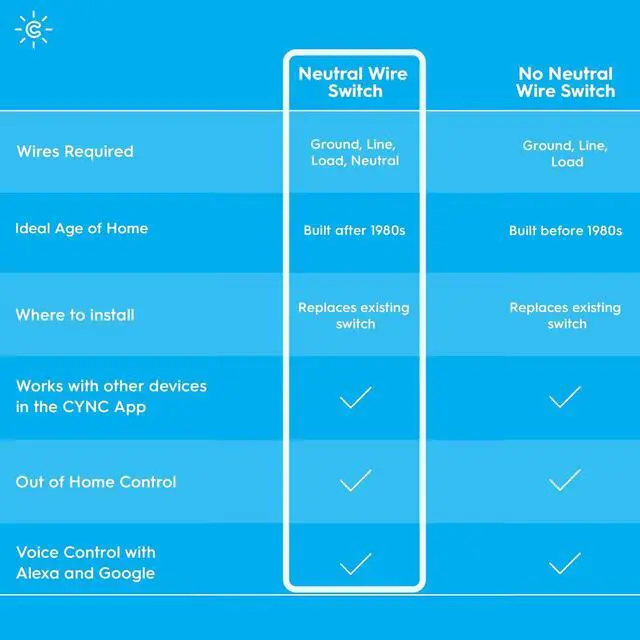
Requires a 2.4 GHz Wi-Fi connection and ground line, load, and neutral wires for installation.

Step 1
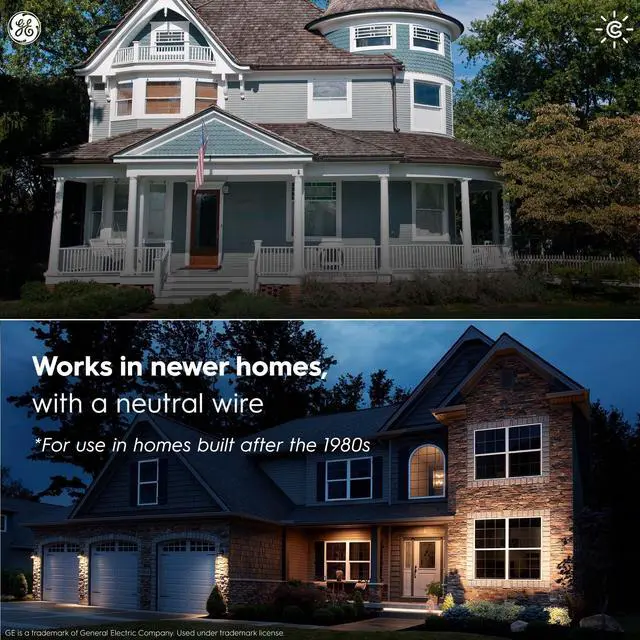
Remove your existing switch and check your wiring. 4-Wire: Requires Neutral (usually grey or white) and ground (usually green) wires.

Step 2
Use our installation video, included installation guide, or online tool to install your new Cync Smart Switch.

Step 3
Pair your new switch with the Cync App to unlock smart control.
 Cync Neutral Paddle Style |  Cync Neutral Toggle Style |  Cync Neutral Button Style |  Cync No Neutral Button Style |  Cync No Neutral Paddle Style |  Cync No Neutral Toggle Style | |
|---|---|---|---|---|---|---|
| Customer Reviews | — | — | — | — | — | — |
| Price | — | — no data | — no data | — | — no data | — no data |
| Wires | 4-Wire | 4-Wire | 4-Wire | 3-Wire | 3-Wire | 3-Wire |
| Switch Design | Paddle | Toggle | Button | Button | Paddle | Toggle |
| Neutral Wire Required | ? | ? | ? | no data | no data | no data |
| Ground Wire Required | ? | ? | ? | ? | ? | ? |
| No Hub Required | ? | ? | ? | ? | ? | ? |
| Alexa or Google Assistant Compatible | ? | ? | ? | ? | ? | ? |
New Cync
Smart Lighting
Cync Fixtures
Cync Smart Home Ecosystem
Smart Switches
Cync Smart Light Bulbs
Works With Any Bulb
Turns ordinary incandescent, halogen, and LED bulbs into smart bulbs and keeps Cync Smart Bulbs connected even when the switch is turned off.
Set Schedules
Schedule your lights to turn on when you come home and turn off to save energy when you're away.
Control Away From Home
Turn lights on or off from your phone when you’re not home.
Group Together
Group multiple switches and bulbs together and control all your lights from one switch.
Pair With Smart Devices
Pair your Cync and C by GE products with Alexa or Hey Google for voice control capabilities.
No Hub Required for Out of Home and Voice Control
Connect directly to Alexa or Hey Google devices without a standalone bridge or hub.
Check Your Wi-Fi and Wiring Before Installation
Requires a 2.4 GHz Wi-Fi connection and ground line, load, and neutral wires for installation.
Step 1
Remove your existing switch and check your wiring. 4-Wire: Requires Neutral (usually grey or white) and ground (usually green) wires.
Step 2
Use our installation video, included installation guide, or online tool to install your new Cync Smart Switch.
Step 3
Pair your new switch with the Cync App to unlock smart control.
Cync Neutral Paddle Style | Cync Neutral Toggle Style | Cync Neutral Button Style | Cync No Neutral Button Style | Cync No Neutral Paddle Style | Cync No Neutral Toggle Style | |
|---|---|---|---|---|---|---|
| Customer Reviews | — | — | — | — | — | — |
| Price | — | — no data | — no data | — | — no data | — no data |
| Wires | 4-Wire | 4-Wire | 4-Wire | 3-Wire | 3-Wire | 3-Wire |
| Switch Design | Paddle | Toggle | Button | Button | Paddle | Toggle |
| Neutral Wire Required | ? | ? | ? | no data | no data | no data |
| Ground Wire Required | ? | ? | ? | ? | ? | ? |
| No Hub Required | ? | ? | ? | ? | ? | ? |
| Alexa or Google Assistant Compatible | ? | ? | ? | ? | ? | ? |