







How to connect it to WiFi?
Secured 2.4GHz WiFi Network
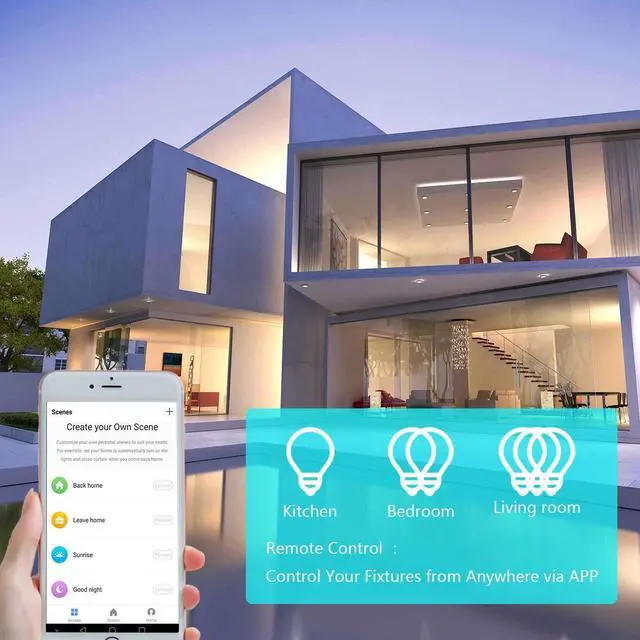
Please download the smart life APP.
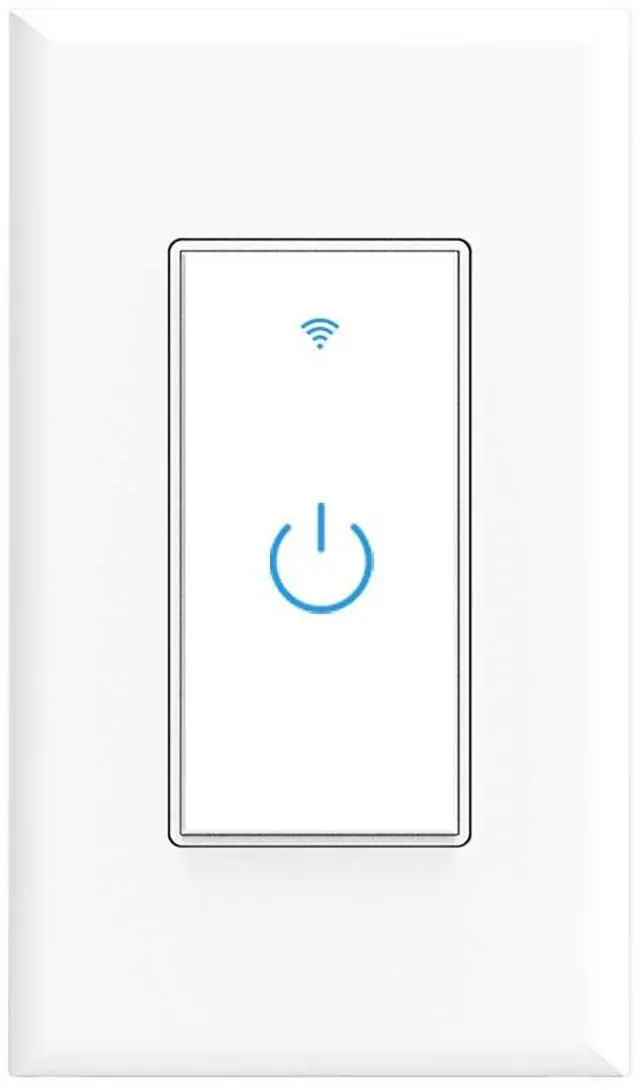
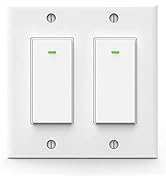
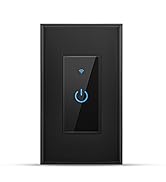
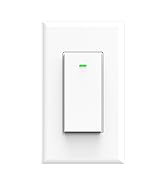
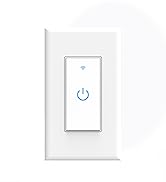
Press and hold the on/off button for 5 seconds until the indicator light blinks rapidly to connect the network
If the router is changed, please hold the on/off button for 5 seconds to reconnect to the network

Please note:
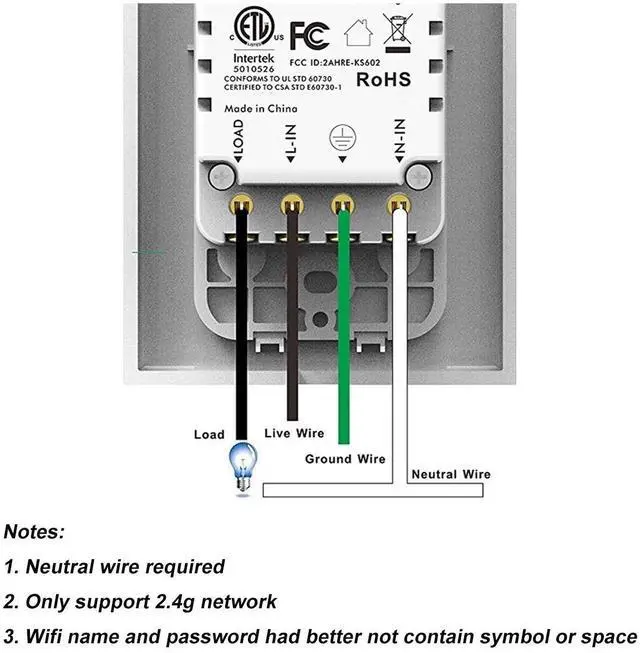
1. Neutral wire is required.
2. Replaces Single pole switch only.
3. Not compatible with 3- way switch
4. Only support 2.4GHz Wi-Fi, not support 5.0GHz Wi-Fi
5. Not compatible with Apple HomeKit
6. Not designed to work with metal face plate.(It interferes with the Wi-Fi signal)
7. Confirm your Wi-Fi name only contains letters and numbers

FAQ
1. My switch isn't working in my home circuit.
Please ensure that your home has a neutral wire. Our switch can't work without neutral wire.
2. I can't pair the switch with the App and WiFi.
Ensure pairing in the 2.4 GHz network , doesn't support the 5 GHz. The switch must connect to the network within the specified 3-minute pairing time to avoid connection failure.
3. How to reset the switch?
Turning off the breaker and back on to reset it or long press the power button.
Lesim is specialized in manufacturing smart home products, include smart switch, smart outlet, smart ir remote etc. We promise to make your living space more comfortable and convenient.
Smart Home
Smart Home
How to connect it to WiFi?
Secured 2.4GHz WiFi Network
Please download the smart life APP.
Press and hold the on/off button for 5 seconds until the indicator light blinks rapidly to connect the network
If the router is changed, please hold the on/off button for 5 seconds to reconnect to the network
Please note:
1. Neutral wire is required.
2. Replaces Single pole switch only.
3. Not compatible with 3- way switch
4. Only support 2.4GHz Wi-Fi, not support 5.0GHz Wi-Fi
5. Not compatible with Apple HomeKit
6. Not designed to work with metal face plate.(It interferes with the Wi-Fi signal)
7. Confirm your Wi-Fi name only contains letters and numbers
FAQ
1. My switch isn't working in my home circuit.
Please ensure that your home has a neutral wire. Our switch can't work without neutral wire.
2. I can't pair the switch with the App and WiFi.
Ensure pairing in the 2.4 GHz network , doesn't support the 5 GHz. The switch must connect to the network within the specified 3-minute pairing time to avoid connection failure.
3. How to reset the switch?
Turning off the breaker and back on to reset it or long press the power button.