




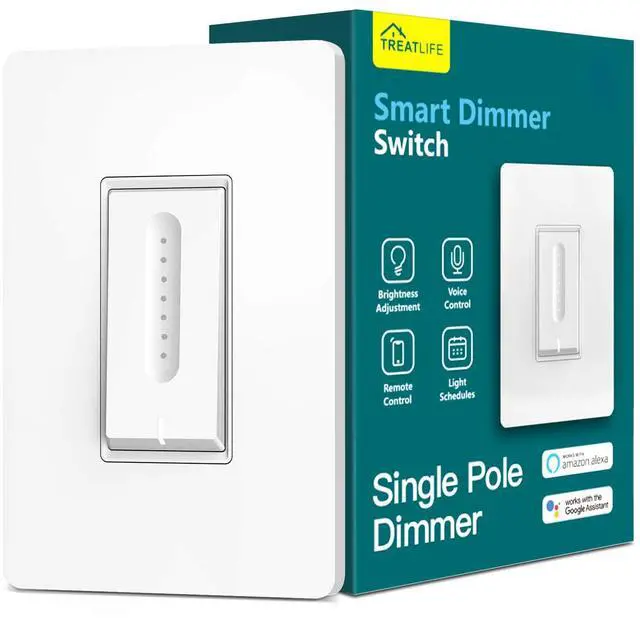


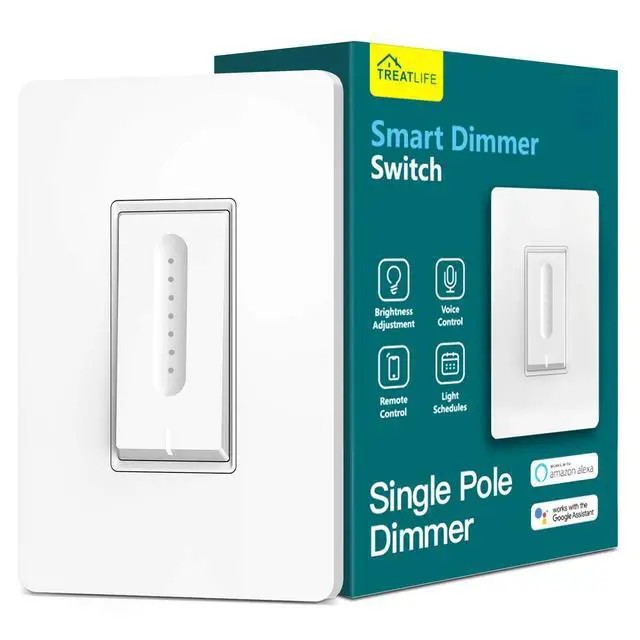





TREATLIFE smart home products provide a new way to experience daily life, one that's both intelligent and simple. Enjoy powerful control and convenient features no matter where you are.
Remotely turn your connected devices on and off via the Treatlife App, helping to save on energy and monthly bills.
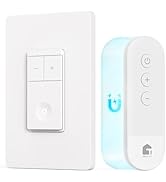
New Release

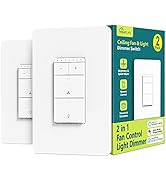
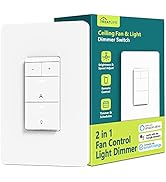
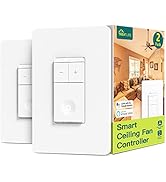
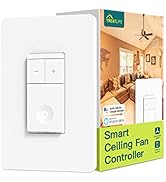
Smart Fan Switch
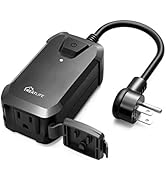
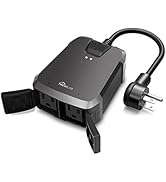
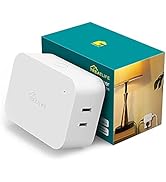
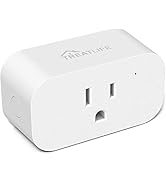
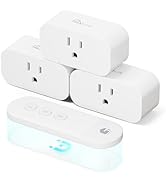
Smart Plug


For Any Brightness and Ambiance

For Special Moment
Dinner with your families or your friends in comfortable ambiance lights.

For Daily Life
Schedule bedroom lights to turn on with a soft level every morning at 07:00.
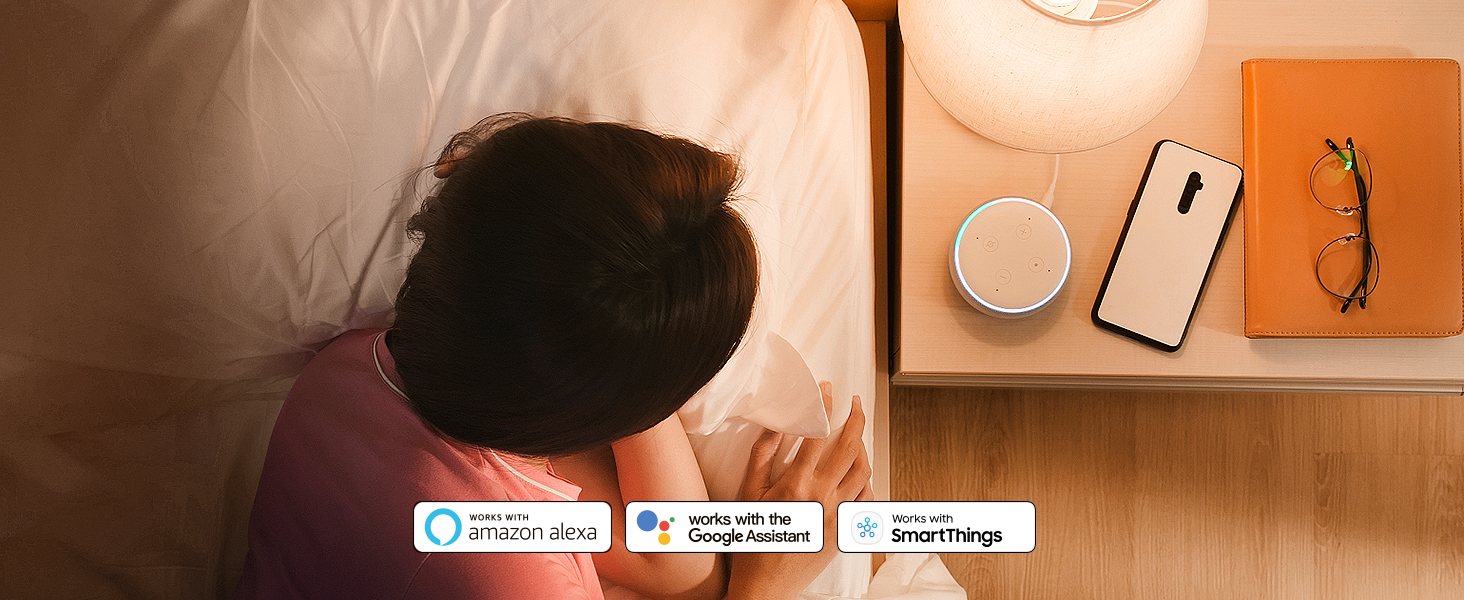
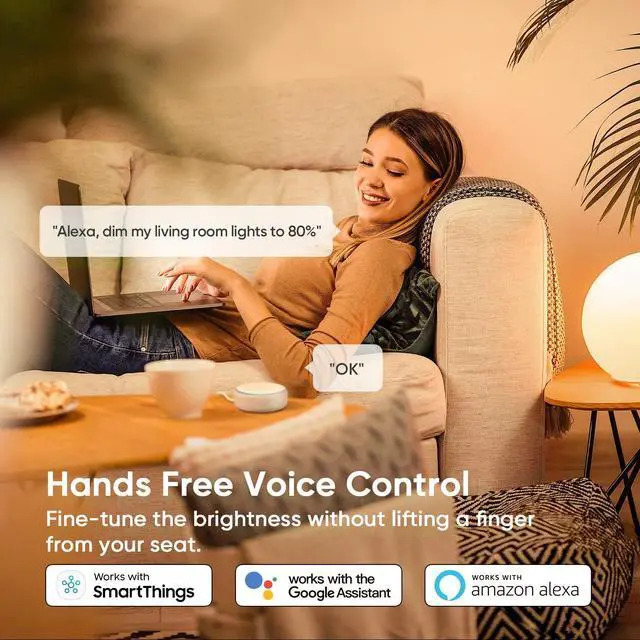
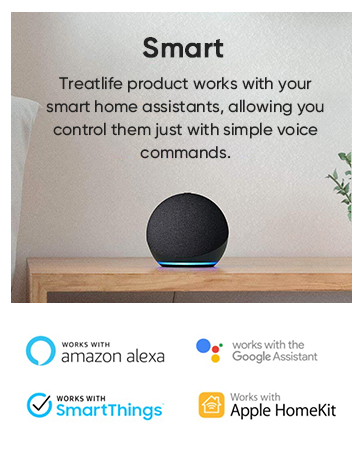
Enhanced Voice Command Control
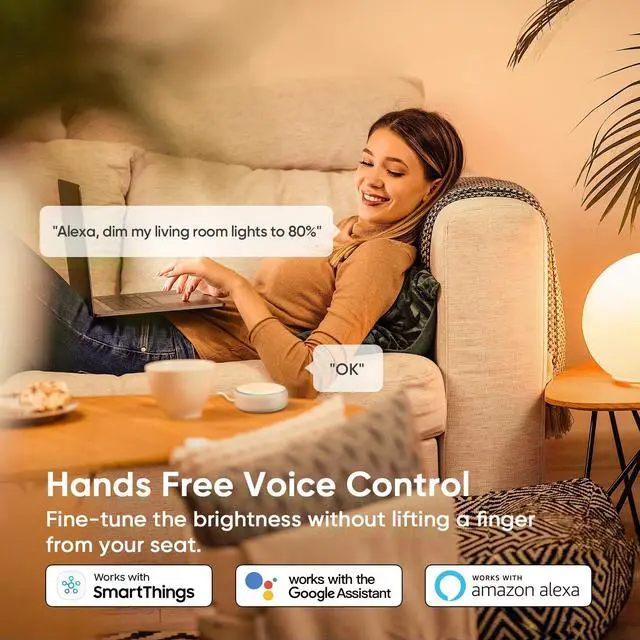
Use your voice to activate customized scenes with your favorite voice assistant.
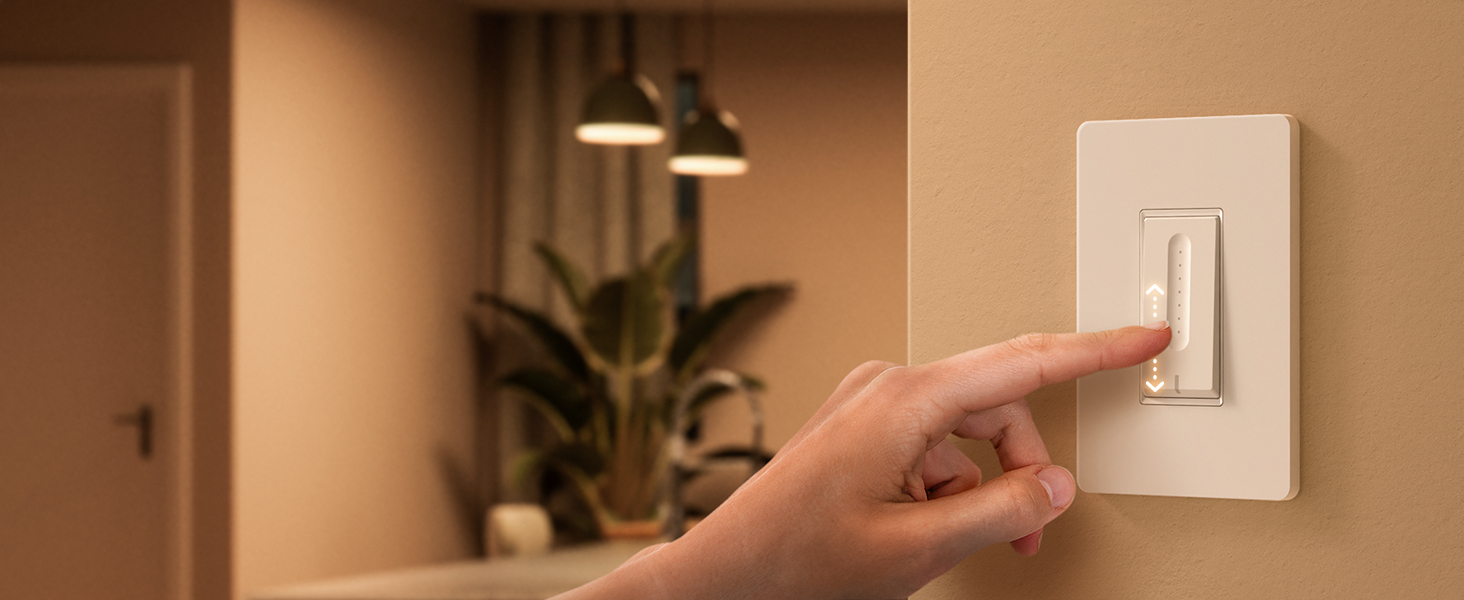
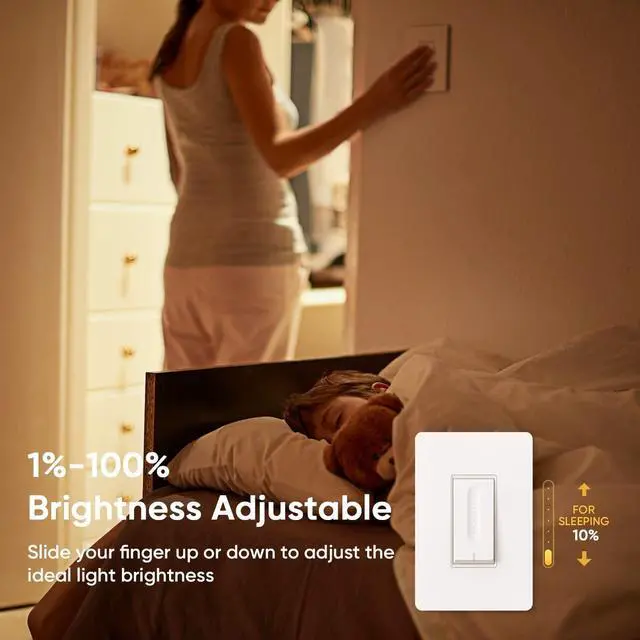
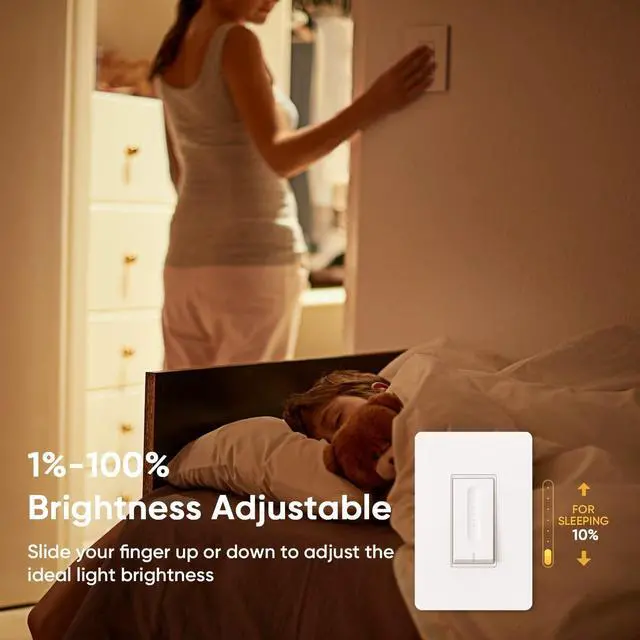
Smoothly Dim and Brighten
You can slide your fingers up and down to increase or decrease the brightness as you need.
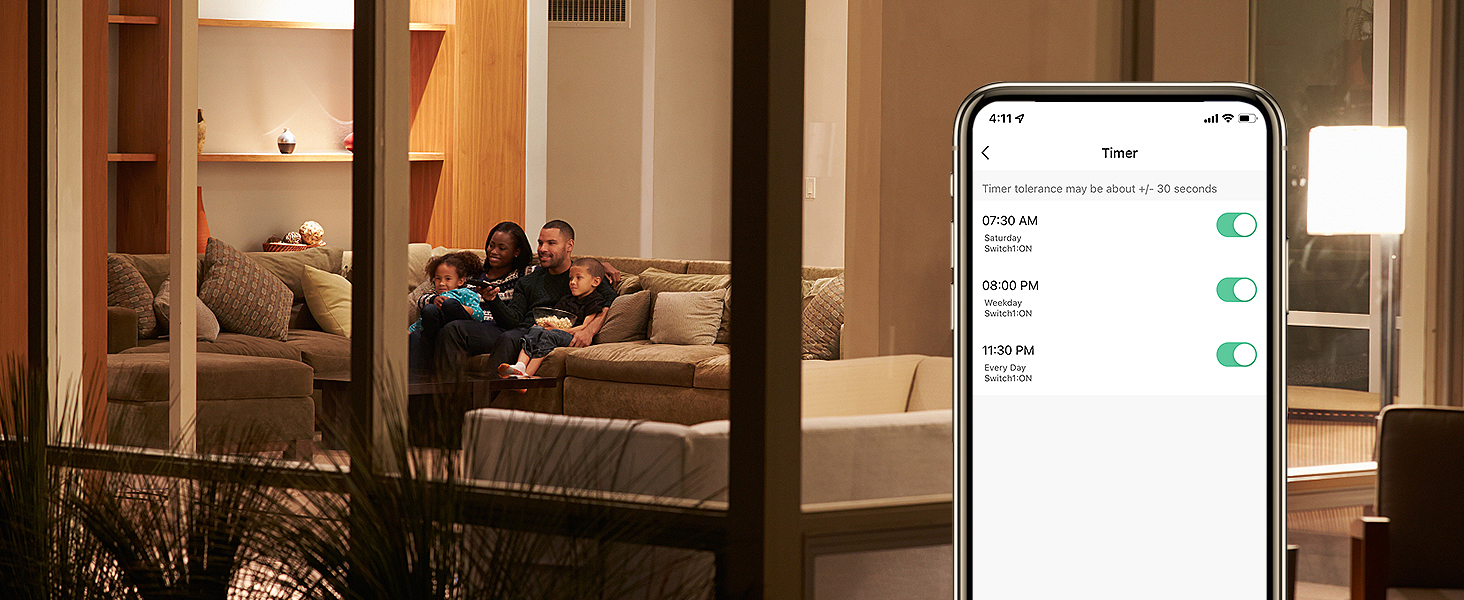
Control Your Home from Anywhere
Manage and control your entire smart home lighting with the TreatLife smart app.
Grouping Control and Devices Sharing

You can share the app with family members or friends, group all your lights, and control them all with one click on the App.

Wake up in soft brightness
TREATLIFE dimmer switch gently eases you into the morning with lower levels of light that feel like a sunrise to wake you up.
Lights off during the day
If there's enough natural light in the space, you can turn off the lights during the day, because it's better for you than artificial lighting.

Wind down in the evening
As the sun goes down and your day nears its end, the Treatlife dimmer will seamlessly begin to dim your lights to help for sleep.


Schedule and Routine
Set lights to automatically turn on or off throughout the day or night whether you're home or away.

Night Light Mode
IF detects you're on a late-night trip to the hallway, the light will be on at a lower light level.
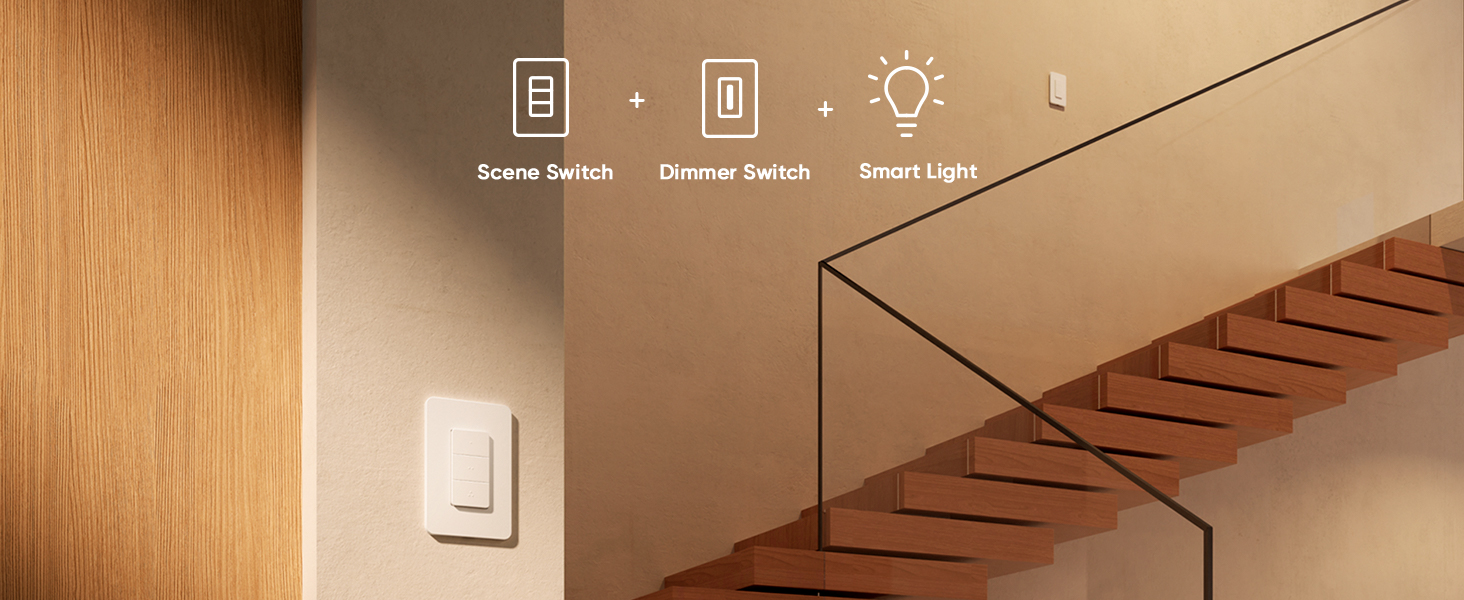
Multiways to Control
Easily add the handheld switch to the Treatlife dimmer to control the lights from multi locations.
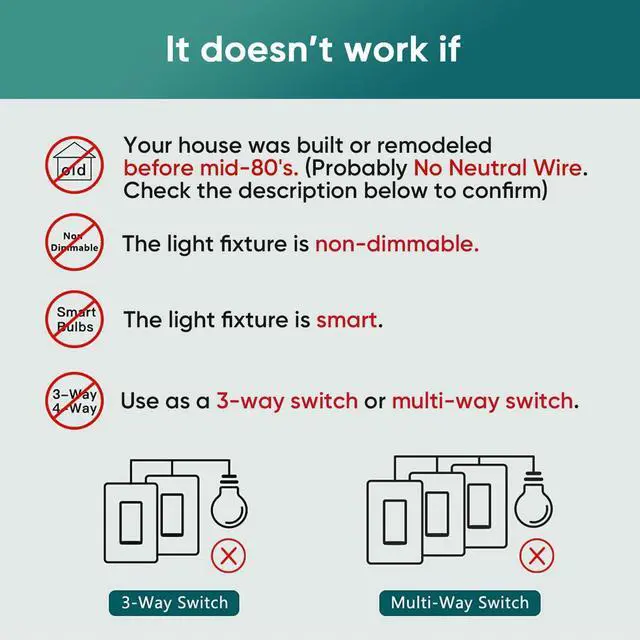
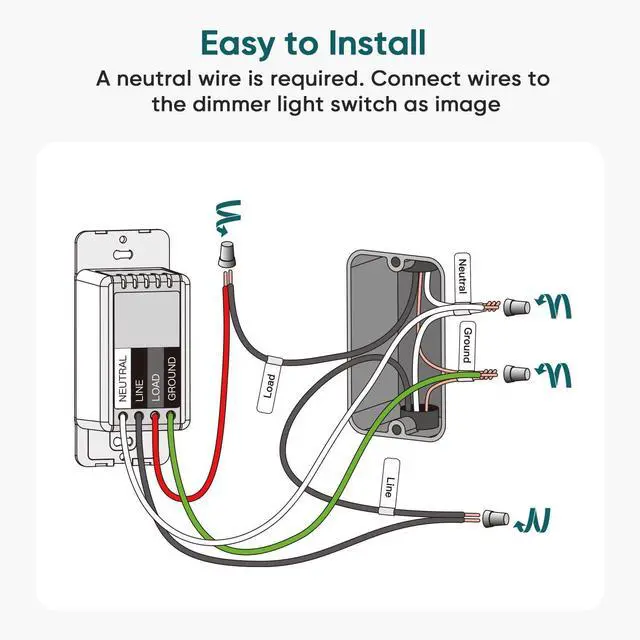
My switch isn’t working in my home circuit.
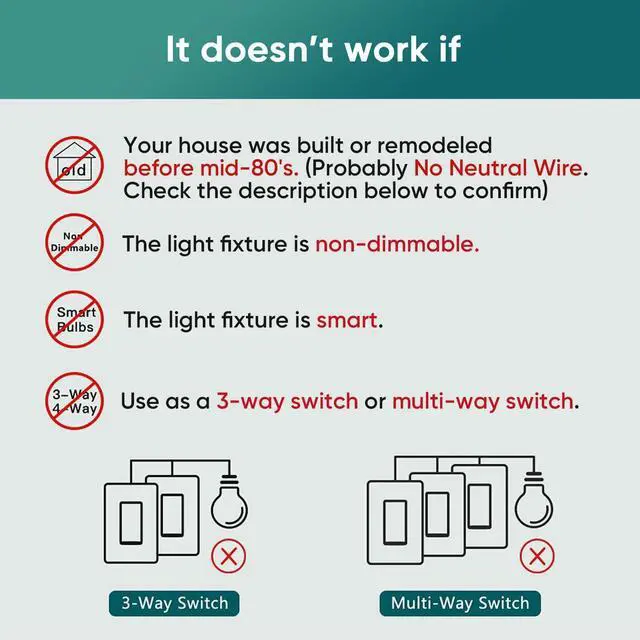
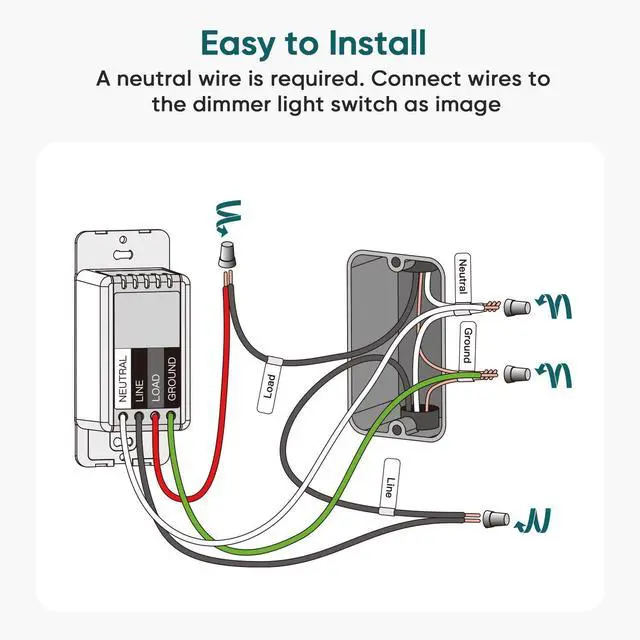
This switch requires a neutral wire to work. Homes built before the mid-1980s may not have a neutral wire, so please confirm the wiring before installation. The switch will not power on if the neutral wire is missing or incorrectly connected.
The light connected to the switch is flickering.
It is usually caused by incompatible bulbs or incorrect dimming mode. Please use the three compatibility modes to match your bulb type. This switch is not compatible with lights with remote controls or smart lights.
I can’t pair the switch with the app.
This switch supports 2.4 GHz Wi-Fi only and will not 5 GHz. Make sure the switch is in pairing mode and complete the setup within the 3-minute pairing window. Follow the app instructions or user manual for the correct pairing steps.
I can’t pair the switch with Alexa.
Ensure the switch is already connected and online in the TreatLife/SmartLife app. In the Alexa app, enable skill, sign in to your account, and authorize access. After linking, refresh the device list in Alexa to complete the setup.

For Any Brightness and Ambiance
For Special Moment
Dinner with your families or your friends in comfortable ambiance lights.
For Daily Life
Schedule bedroom lights to turn on with a soft level every morning at 07:00.
Enhanced Voice Command Control
Use your voice to activate customized scenes with your favorite voice assistant.
Smoothly Dim and Brighten
You can slide your fingers up and down to increase or decrease the brightness as you need.
Control Your Home from Anywhere
Manage and control your entire smart home lighting with the TreatLife smart app.


Grouping Control and Devices Sharing

You can share the app with family members or friends, group all your lights, and control them all with one click on the App.


Wake up in soft brightness
TREATLIFE dimmer switch gently eases you into the morning with lower levels of light that feel like a sunrise to wake you up.
Lights off during the day
If there's enough natural light in the space, you can turn off the lights during the day, because it's better for you than artificial lighting.
Wind down in the evening
As the sun goes down and your day nears its end, the Treatlife dimmer will seamlessly begin to dim your lights to help for sleep.


Schedule and Routine
Set lights to automatically turn on or off throughout the day or night whether you're home or away.
Night Light Mode
IF detects you're on a late-night trip to the hallway, the light will be on at a lower light level.
Multiways to Control
Easily add the handheld switch to the Treatlife dimmer to control the lights from multi locations.
My switch isn’t working in my home circuit.
This switch requires a neutral wire to work. Homes built before the mid-1980s may not have a neutral wire, so please confirm the wiring before installation. The switch will not power on if the neutral wire is missing or incorrectly connected.
The light connected to the switch is flickering.
It is usually caused by incompatible bulbs or incorrect dimming mode. Please use the three compatibility modes to match your bulb type. This switch is not compatible with lights with remote controls or smart lights.
I can’t pair the switch with the app.
This switch supports 2.4 GHz Wi-Fi only and will not 5 GHz. Make sure the switch is in pairing mode and complete the setup within the 3-minute pairing window. Follow the app instructions or user manual for the correct pairing steps.
I can’t pair the switch with Alexa.
Ensure the switch is already connected and online in the TreatLife/SmartLife app. In the Alexa app, enable skill, sign in to your account, and authorize access. After linking, refresh the device list in Alexa to complete the setup.
TREATLIFE smart home products provide a new way to experience daily life, one that's both intelligent and simple. Enjoy powerful control and convenient features no matter where you are.
Remotely turn your connected devices on and off via the Treatlife App, helping to save on energy and monthly bills.
New Release
Smart Fan Switch
Smart Plug