






GHome Smart is a brand dedicated to the R&D and manufacturing of smart home products, committing to providing smarter and more convenient home living experiences for millions of households. Its main products ranges from smart plugs, smart switches, smart dimmer switches, smart power strips to smart door locks.
Since its establishment, GHome Smart has gained popularity in over 40 countries worldwide, amassing 7 million loyal users.
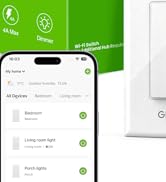
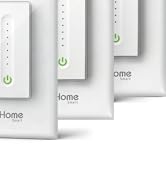
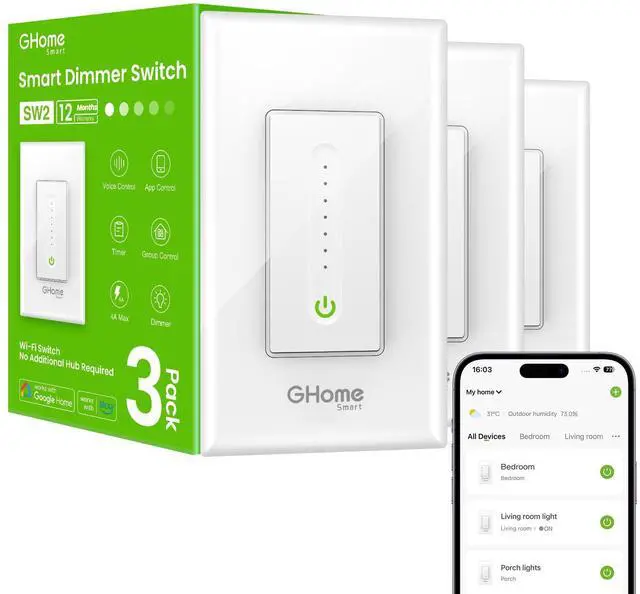
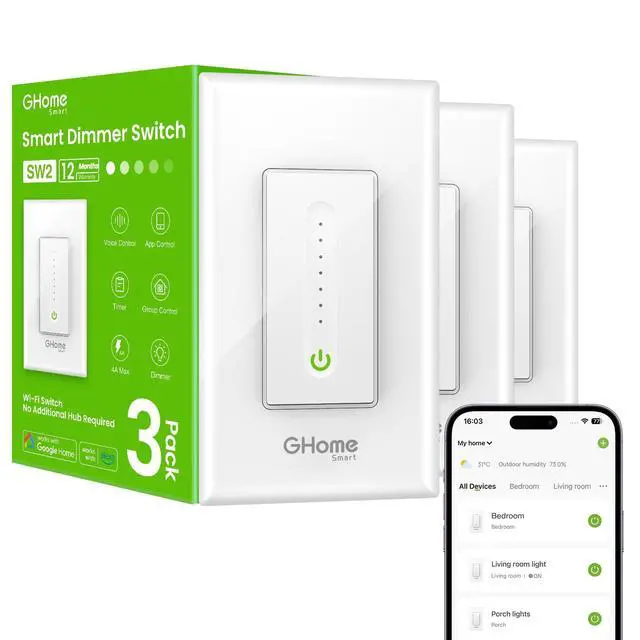
1 Way Smart Dimmer Switch SW2
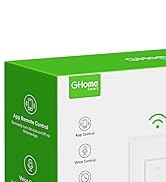
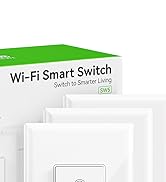
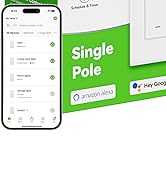
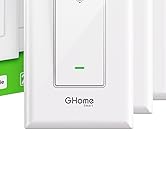
1 Way Smart Light Switch SW5
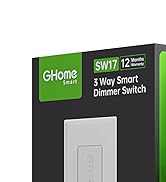
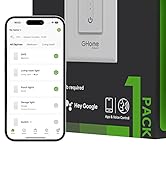
3 Way Smart Dimmer Switch SW17
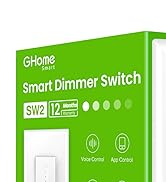
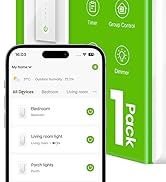
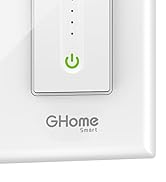
1 Way Smart Dimmer Switch SW2
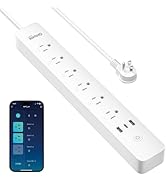
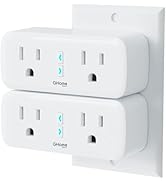
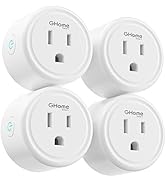
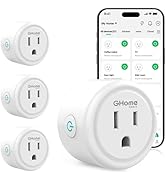
Popular GHome Smart Plugs
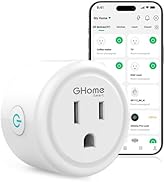
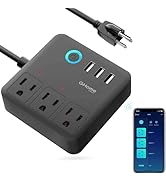
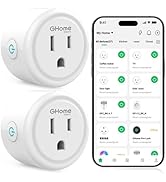
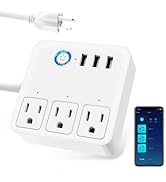
GHome Smart Power Strip
GHome Smart Dimmer Switch For Lights
Merchant Video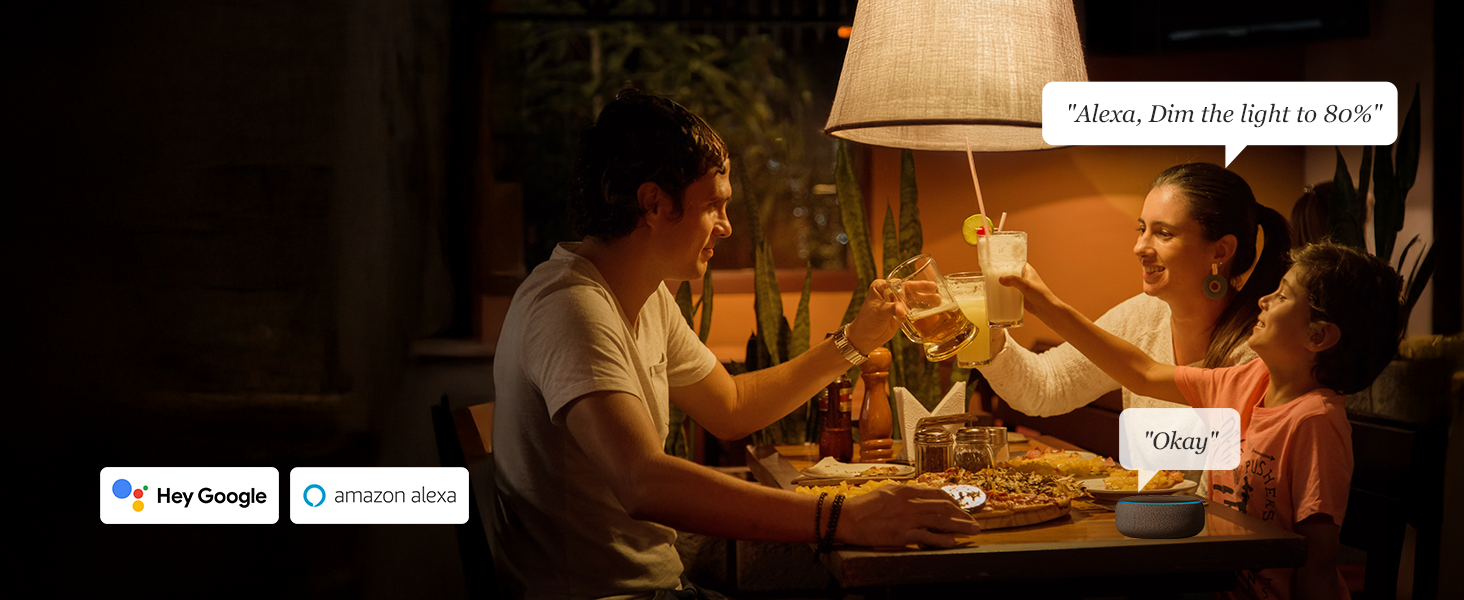
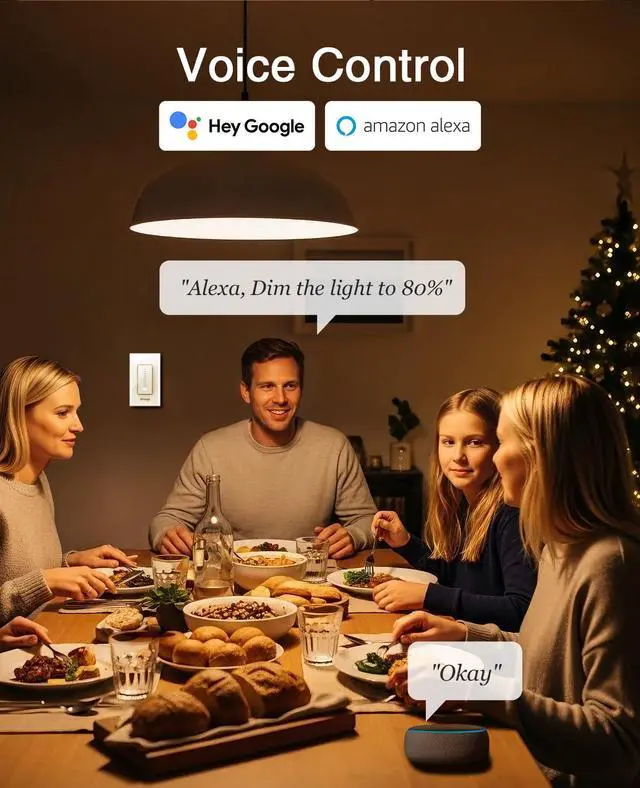
Convenient Voice Control
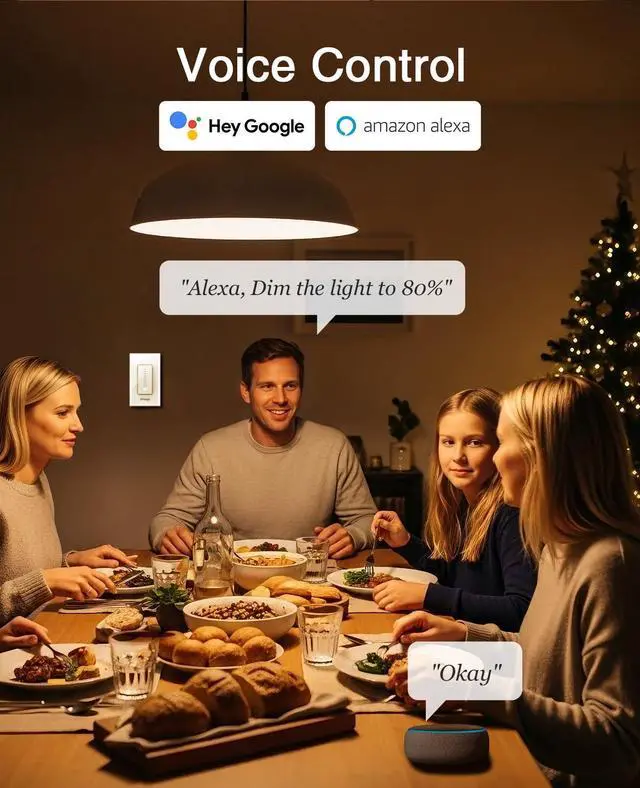
The WiFi Dimmer Switch Works with Alexa and Google Assistant so you can control your lights easily.
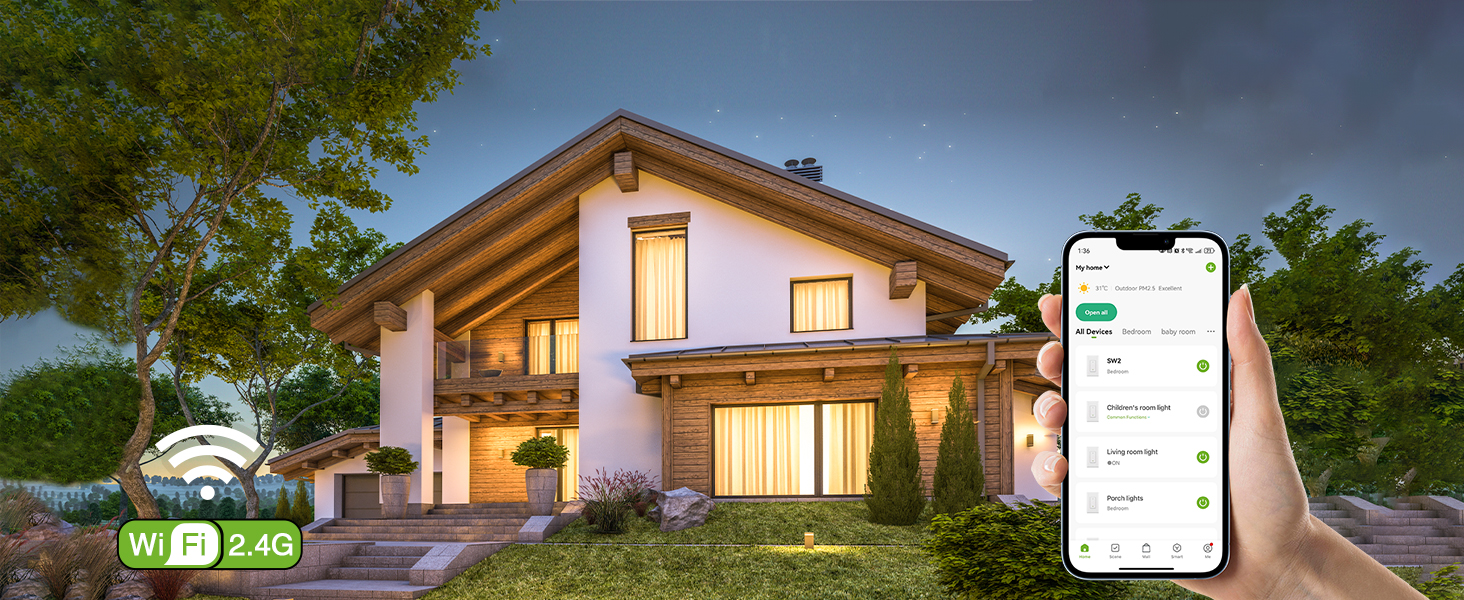
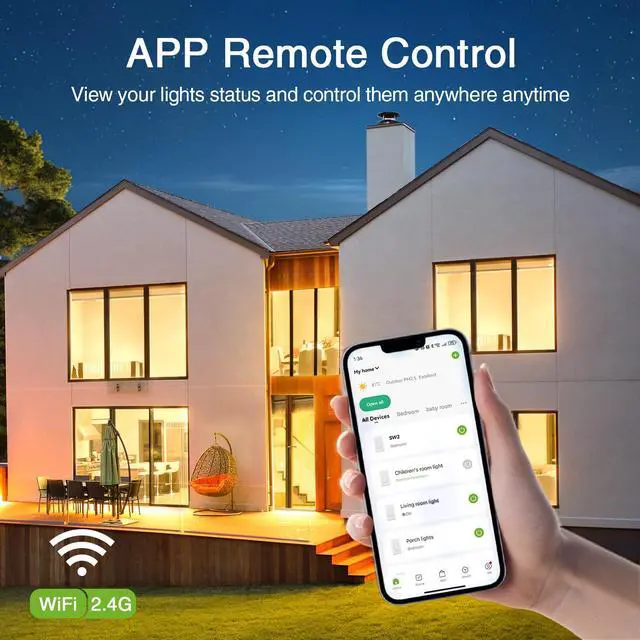
APP Remote Control
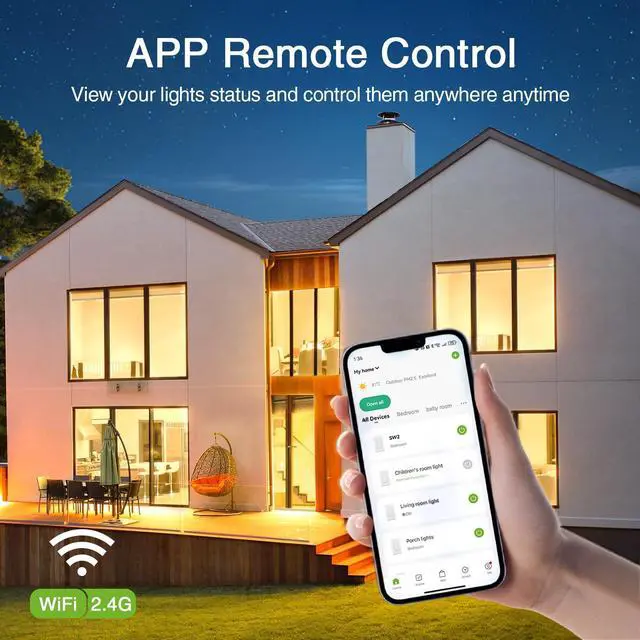
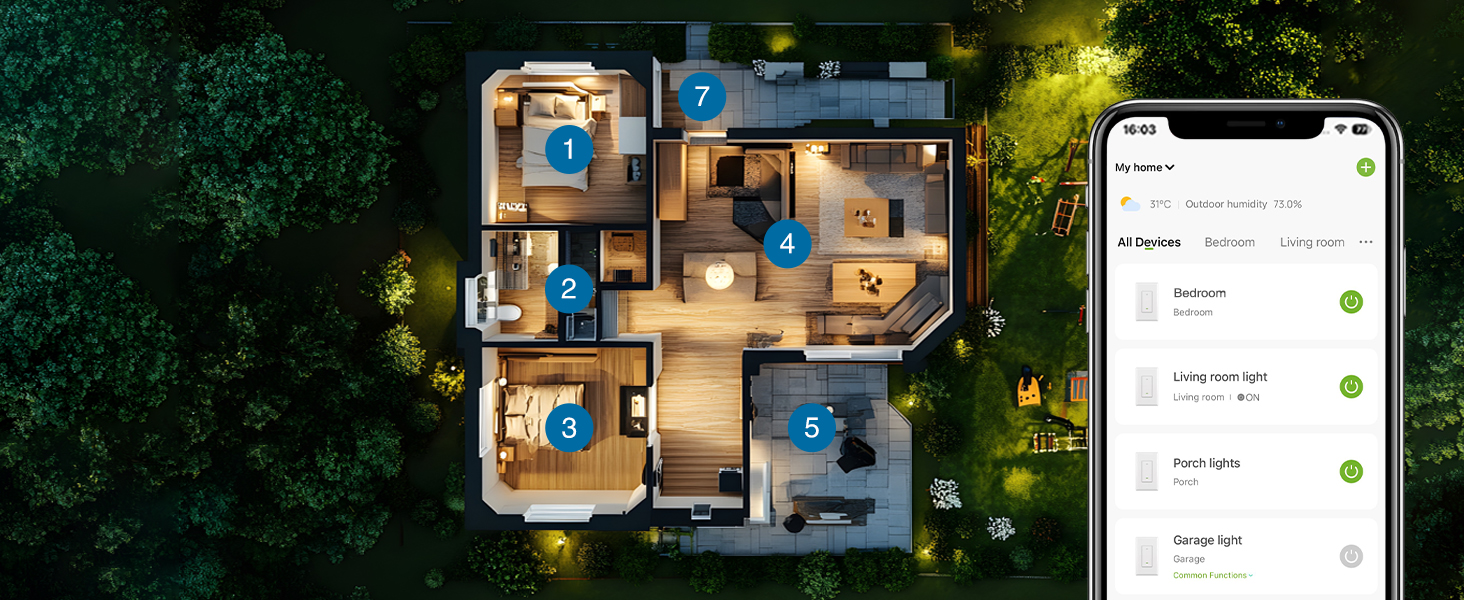
Set your daily schedules on the app to light up your home anytime, anywhere.
Group Control
Tap the switch on the app, then tap the edit icon in the upper right corner to create a group.


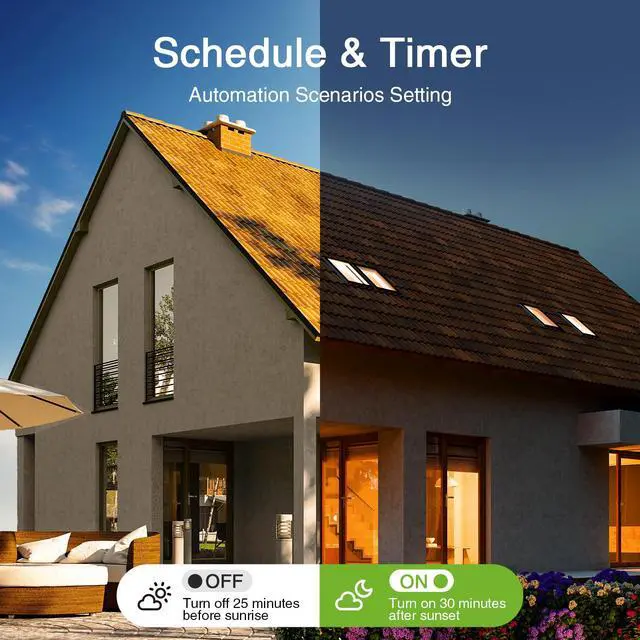
Set Schedules To Light Up Your House Automatically

Automation Scenarios
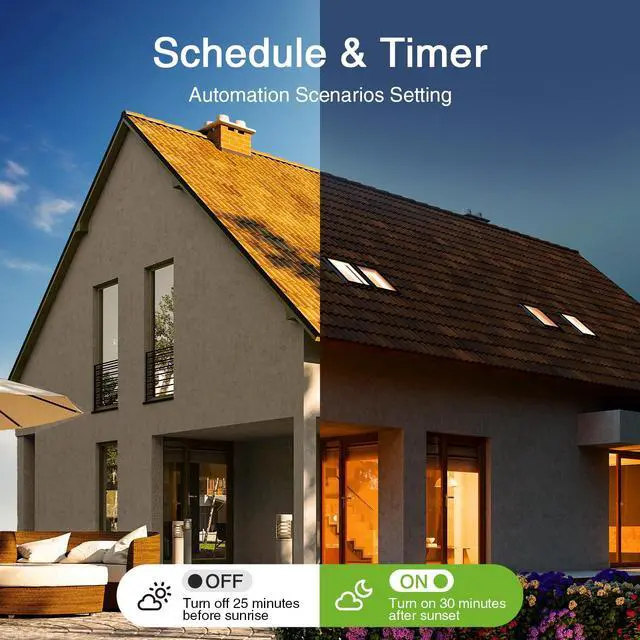
With this smart dimmer switch, you can create your personalized smart scenes based on wealther to light up your home automatically. Set scenes to turn on when arriving home and come on automatically when it is dark, or just default to sunrise/sunset.

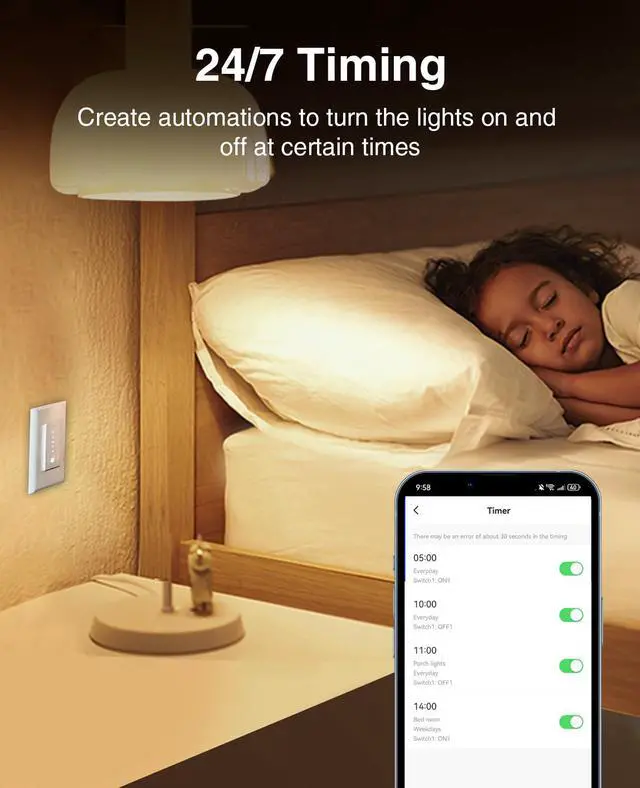
Timing Function
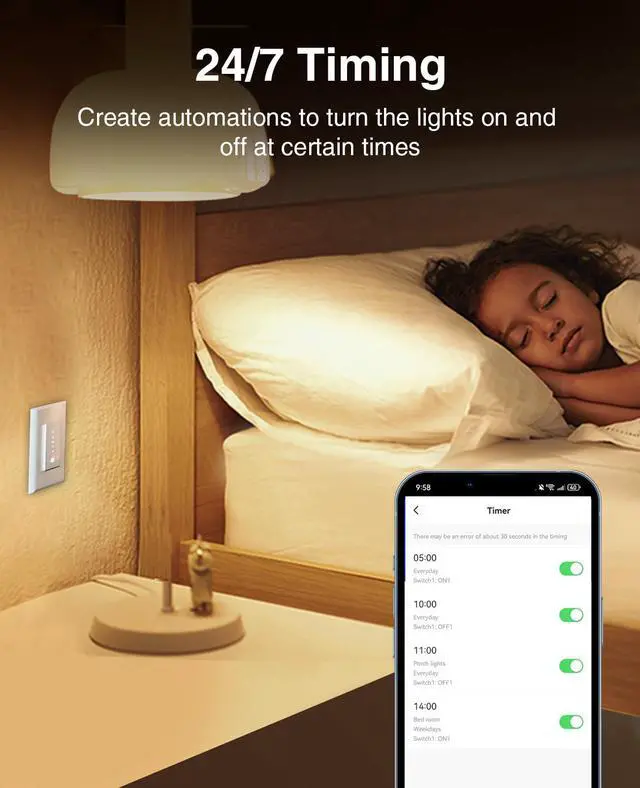
Set schedules to turn the lights on or off at certain times, whether you are at home, in the office, or on vacations. It comes in handy when your hands are full. No distance limitations. You can also create schedules with the desired brightness on the scene page.

Rainy Days ON
You can create automatic lighting schedules from the "Scenes" page to turn on and off according to certain times, temperatures, weather, etc.

Status after power failure
Click the switch on the homepage to enter the custom interface, and then click on the settings in the bottom right corner to set the "Power-on Memory"

Countdown
Temporarily set a period of time to automatically turn off the lights. The delayed lights-off function can make you more convenient.

Indicator lights on and off
Click the switch on the homepage to enter the custom interface, and then click on the settings in the bottom right corner to set the "Light mode"

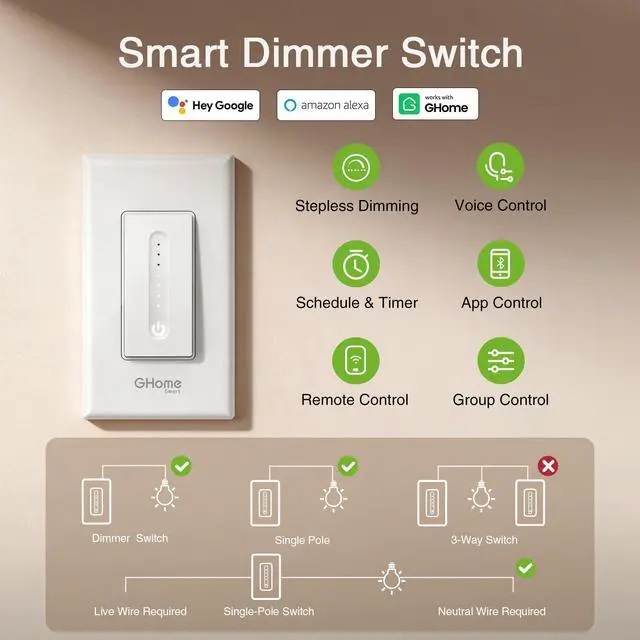
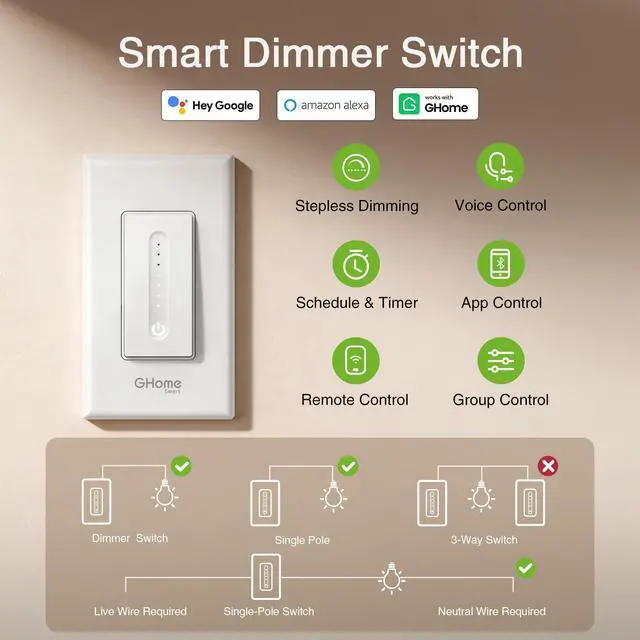
Can I install it without a neutral wire? Does it work without a hub?
No, you can't, please make sure you have a neutral wire.
And, yes, it works withtout a hub.
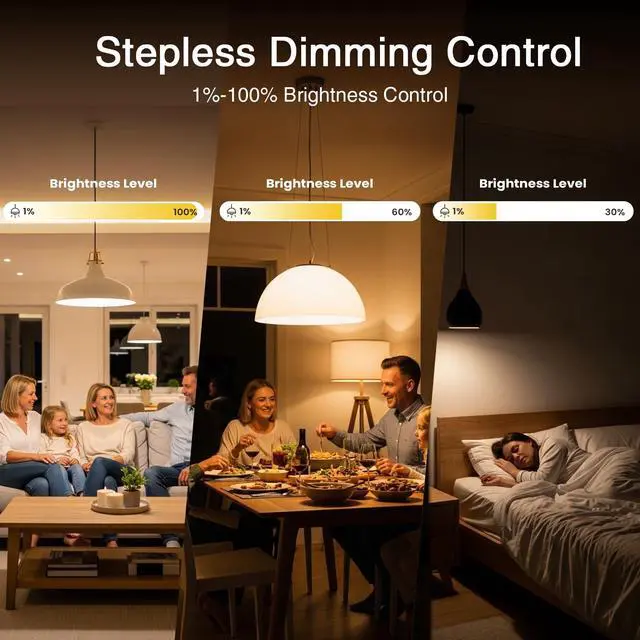
Light bulb flickers at lowest brightness? And you adjusted the brightness, but the switch doesn't respond?
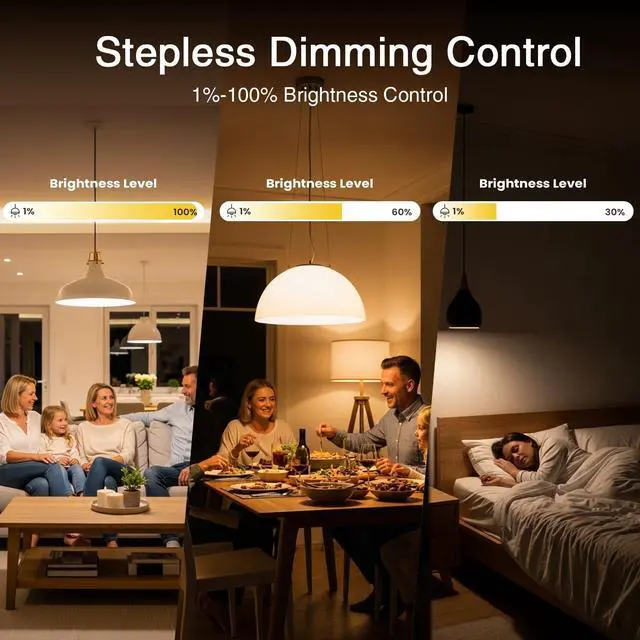
Increase the minimum value of Range for the first time, adjust the range value to 1%-100%.
Step: Tap the switch on the homepage-click on the settings to set the "brightness setting"-Unlock Settings-Select bulb type-Adjust the range value and save.
What's the maxium wattage? And is it compatible with smart bulbs?
Input: 120V~ 60Hz; Output: 120V~ 60Hz, 4A MAX; Max output: 150W LED, 150W CFL, 450W INC.
NOTE: Not compatible with smart bulbs.
How to use Alexa to control lights?
"Turn on ***", "Turn off ***" "set the bedroom light to fifty percent." ;"brighten ***."; "dim ***."
How to adjust the light brightness using Google Assistant?
"brighten light at 10%" "brighten the kitchen slightly" "brighten the lights up" ... "dim lights a little more"..."how bright are my lights "make it darker in the living room "..."set the light to maximum" "turn brightness on light to maximum"...
GHome Smart Dimmer Switch For Lights
Merchant VideoConvenient Voice Control
The WiFi Dimmer Switch Works with Alexa and Google Assistant so you can control your lights easily.
APP Remote Control
Set your daily schedules on the app to light up your home anytime, anywhere.
Group Control
Tap the switch on the app, then tap the edit icon in the upper right corner to create a group.


Set Schedules To Light Up Your House Automatically
Automation Scenarios
With this smart dimmer switch, you can create your personalized smart scenes based on wealther to light up your home automatically. Set scenes to turn on when arriving home and come on automatically when it is dark, or just default to sunrise/sunset.
Timing Function
Set schedules to turn the lights on or off at certain times, whether you are at home, in the office, or on vacations. It comes in handy when your hands are full. No distance limitations. You can also create schedules with the desired brightness on the scene page.
Rainy Days ON
You can create automatic lighting schedules from the "Scenes" page to turn on and off according to certain times, temperatures, weather, etc.
Status after power failure
Click the switch on the homepage to enter the custom interface, and then click on the settings in the bottom right corner to set the "Power-on Memory"
Countdown
Temporarily set a period of time to automatically turn off the lights. The delayed lights-off function can make you more convenient.
Indicator lights on and off
Click the switch on the homepage to enter the custom interface, and then click on the settings in the bottom right corner to set the "Light mode"

Can I install it without a neutral wire? Does it work without a hub?
No, you can't, please make sure you have a neutral wire.
And, yes, it works withtout a hub.
Light bulb flickers at lowest brightness? And you adjusted the brightness, but the switch doesn't respond?
Increase the minimum value of Range for the first time, adjust the range value to 1%-100%.
Step: Tap the switch on the homepage-click on the settings to set the "brightness setting"-Unlock Settings-Select bulb type-Adjust the range value and save.
What's the maxium wattage? And is it compatible with smart bulbs?
Input: 120V~ 60Hz; Output: 120V~ 60Hz, 4A MAX; Max output: 150W LED, 150W CFL, 450W INC.
NOTE: Not compatible with smart bulbs.
How to use Alexa to control lights?
"Turn on ***", "Turn off ***" "set the bedroom light to fifty percent." ;"brighten ***."; "dim ***."
How to adjust the light brightness using Google Assistant?
"brighten light at 10%" "brighten the kitchen slightly" "brighten the lights up" ... "dim lights a little more"..."how bright are my lights "make it darker in the living room "..."set the light to maximum" "turn brightness on light to maximum"...
GHome Smart is a brand dedicated to the R&D and manufacturing of smart home products, committing to providing smarter and more convenient home living experiences for millions of households. Its main products ranges from smart plugs, smart switches, smart dimmer switches, smart power strips to smart door locks.
Since its establishment, GHome Smart has gained popularity in over 40 countries worldwide, amassing 7 million loyal users.
1 Way Smart Dimmer Switch SW2
1 Way Smart Light Switch SW5
3 Way Smart Dimmer Switch SW17
1 Way Smart Dimmer Switch SW2
Popular GHome Smart Plugs
GHome Smart Power Strip