







PIR Occupancy Sensing
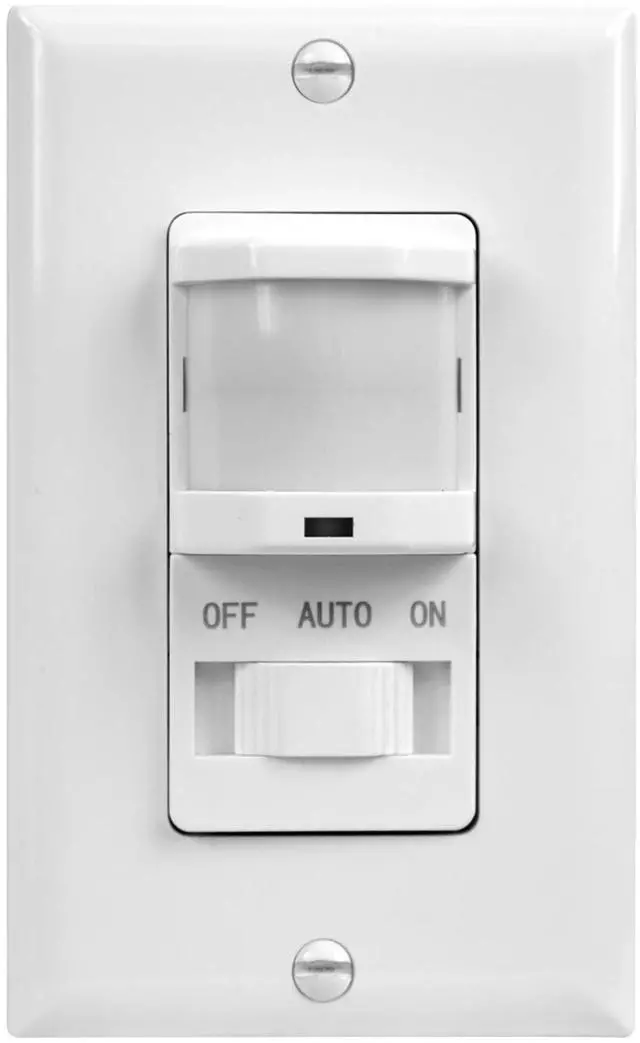
3-in-1 PIR Motion Sensor Light Switch with Manual ON/OFF
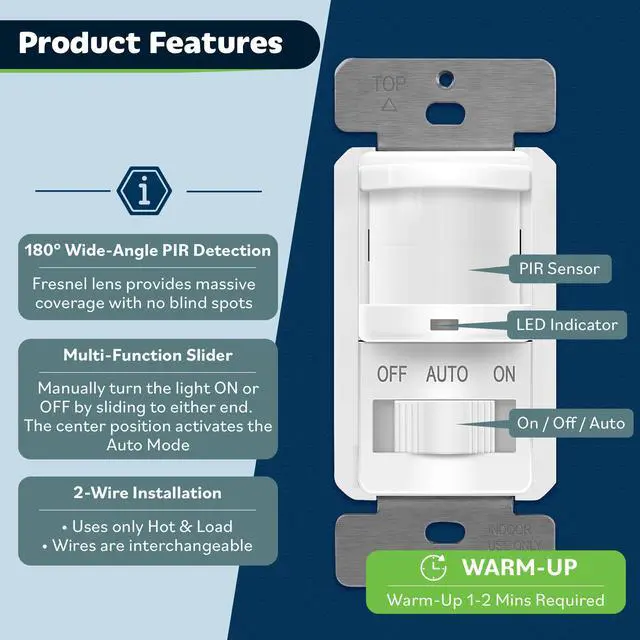
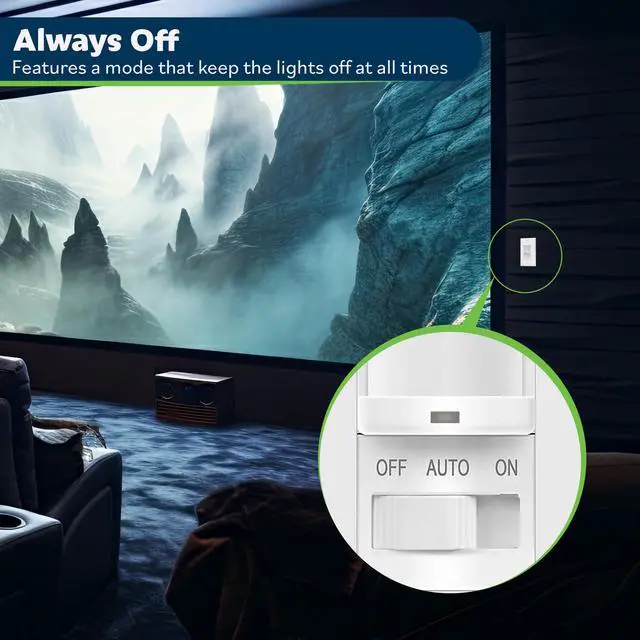
Three-position slider (OFF/ON/AUTO), it activates lights in Auto mode when motion is detected and turns them off when you leave. Customizable delay timers and ambient light sensitivity allow perfect adaptation to room size and brightness. For energy-efficient automation for homes and offices.

Passive Infrared
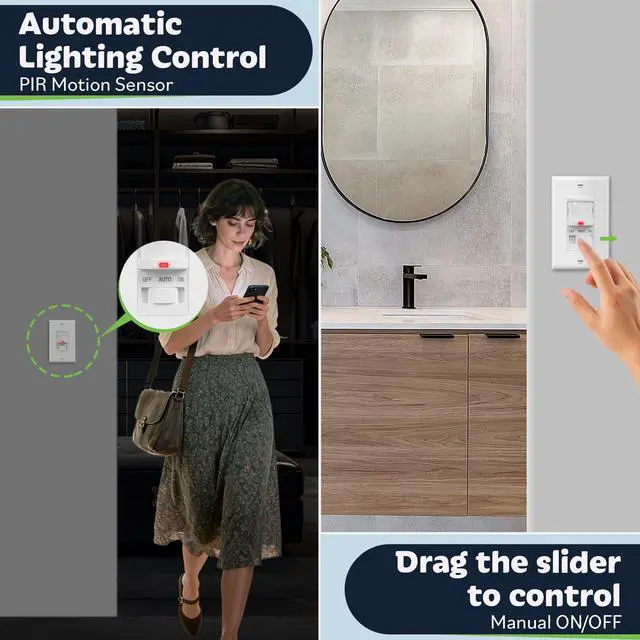
Hands-Free Lighting with PIR Motion Sensor
Detect for hands-free control. Lights turn on automatically upon entry and off after you leave,

Take Direct Command
Manual On/Off Switch for Reliable Light Control
For moments when motion isn't enough. The manual ON/OFF flips the switch for dependable light.

Automatically After You
Maximizes Energy Savings Effortlessly
The PIR sensor turns the lights on upon your arrival and automatically off after you leave,

Catches Even from Side
Fresnel Lens for 180° Wide-View Detection
Reliably activates lights even when you approach from the side, ensuring seamless coverage
Set Timer, Light & Range
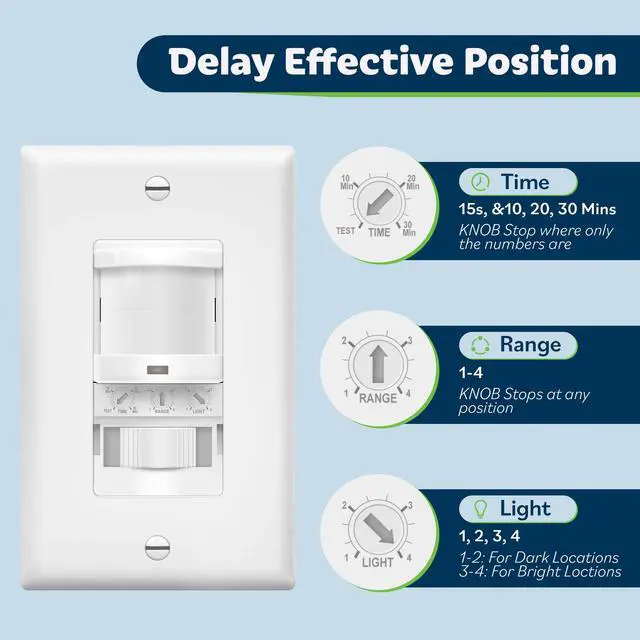
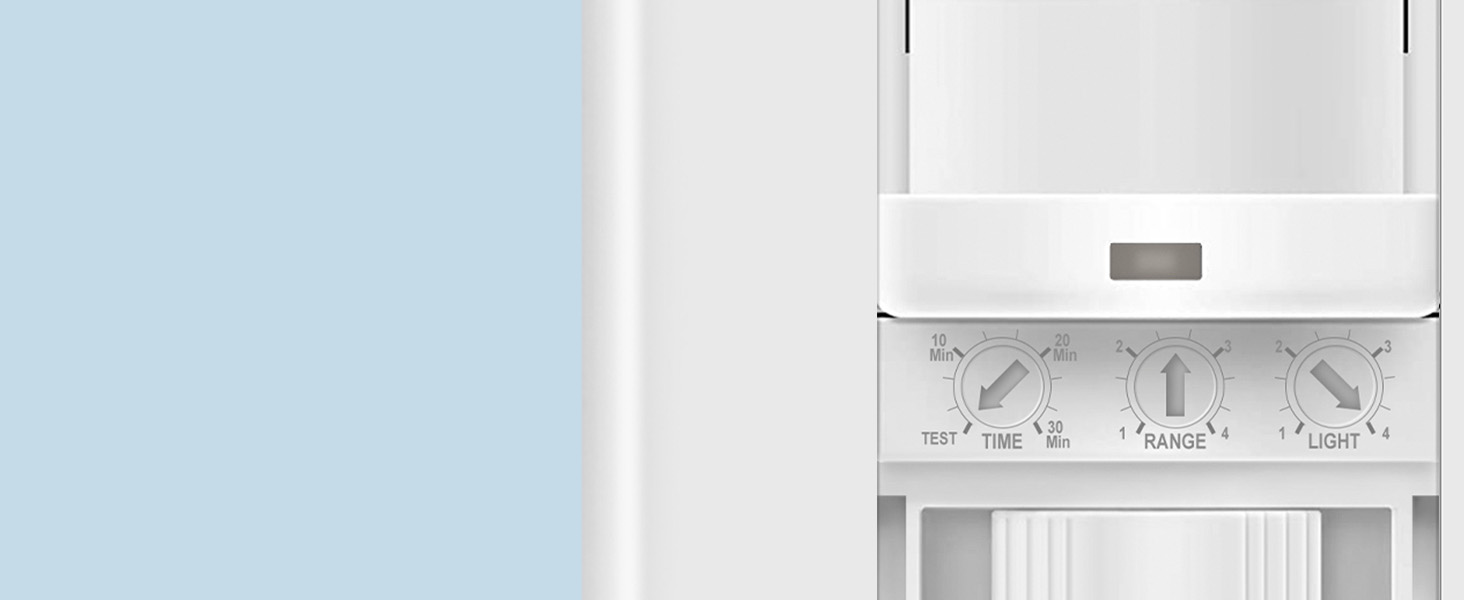
3 Knobs for Fine-Tune Delay, Light & Sensitivity
The timer activates only at numbered points, with a 15s setting ideal for quick pass-through areas.

Clear Indication
LED Flashes for Motion Detection in Auto Mode
In Auto mode, the LED flashes once per second when detected, providing a clear occupancy status.
deal for Dry Pantry Rooms
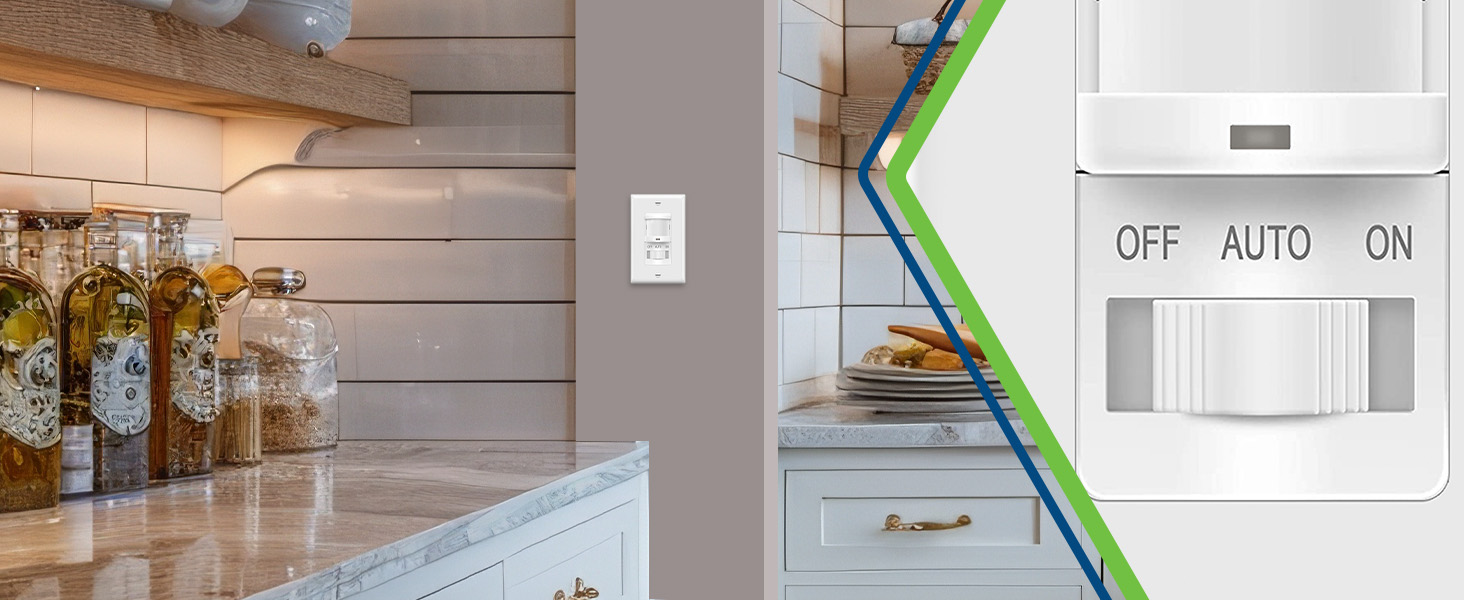
No More Fumbling for A Switch with Full Hands
Automatically, when you enter, and turns it off after you leave, saving energy effortlessly.
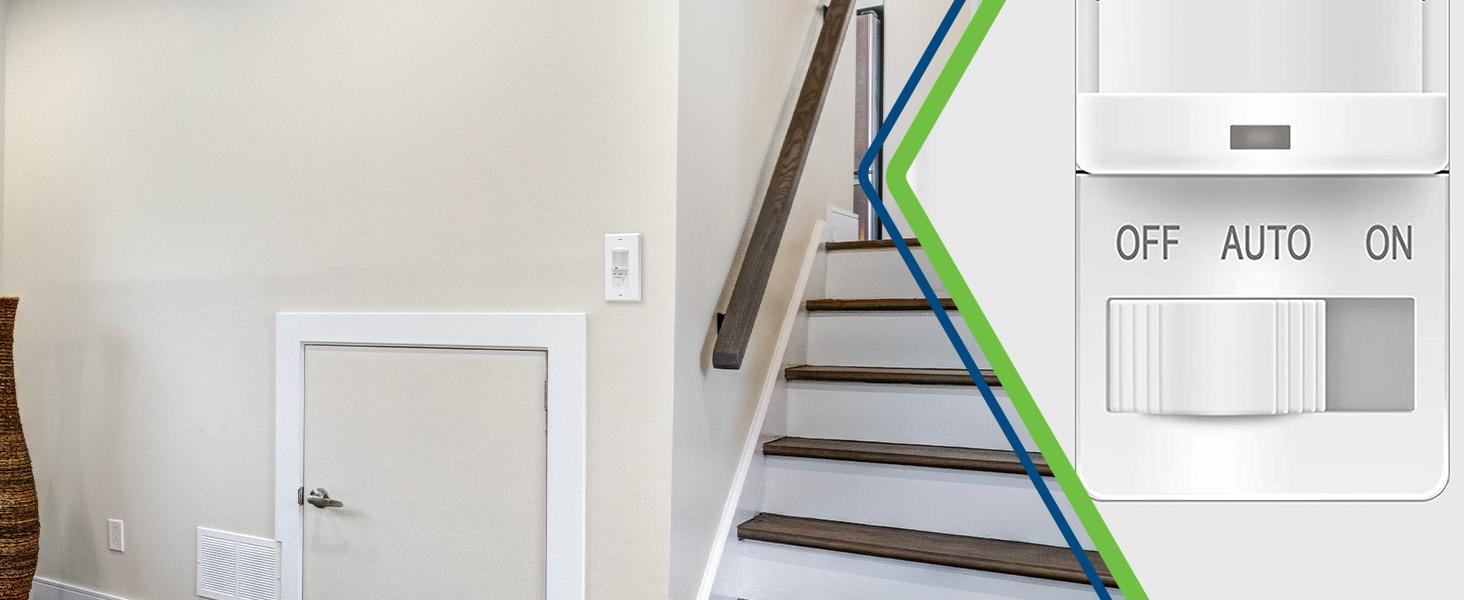
Eliminates Waste
End Wasted Electricity for Basement Lights
Automatically turns off, directly reducing your utility bill with reliable, hands-free operation.
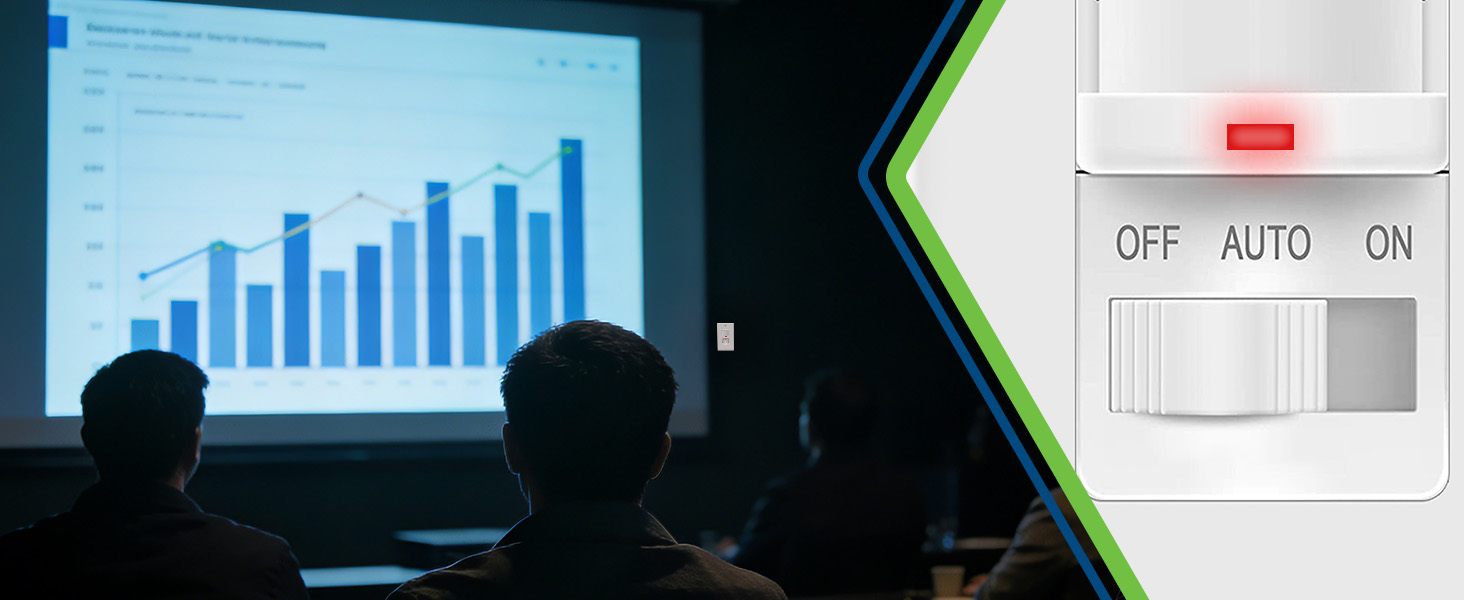
Disable with Manual OFF
Slide to Bypass Motion Sensor, Hold Lights Steady
Overrides and disables the PIR sensor, keeping lights reliably on without any automatic interruption

Single-Pole Replacement
2-Wire for Directly Replaces Any Existing Switch
Without needing extra wiring. Upgrade to hands-free motion sensing with full compatibility.
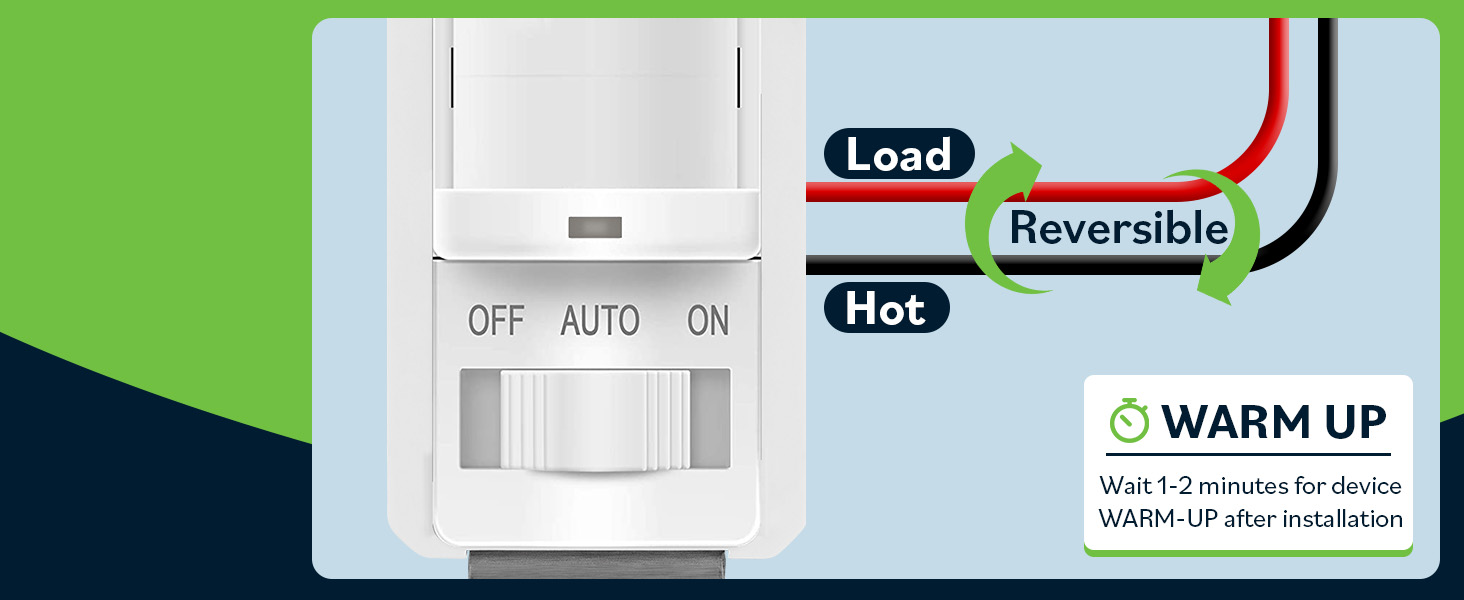
No Installation Error
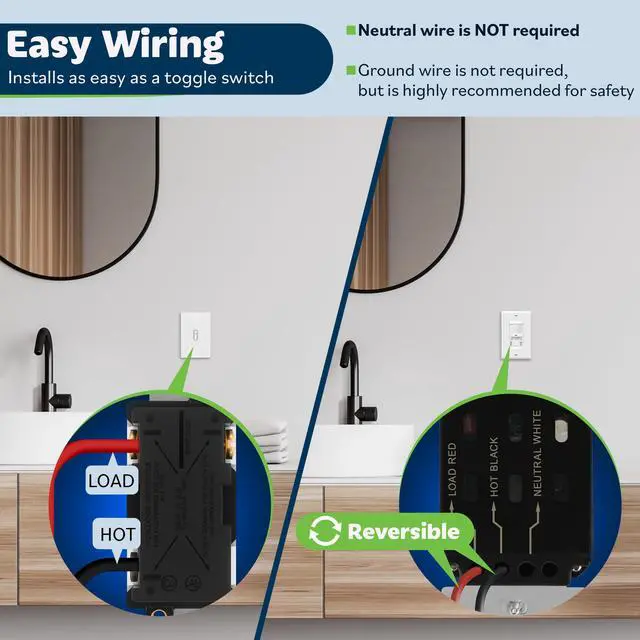
Hot and Load Lines Are Fully Interchangeable
Hot and Load wires to be connected interchangeably, preventing installation errors and saving time

Ground Wire Recommended
No Neutral, Ideal for Older Wiring
For safety, especially with metal light fixtures, always connect the ground wire
The switch doesn't work after installation. What's wrong?
The device requires a 1-2 minute initialization period after power is applied. Please wait for it to fully activate. Also, double-check that all wires (Hot, Load, and Ground) are securely connected.
Can I set the timer between marked numbers, like at 3 minutes?
The timer activates only when the pointer is directly aligned with a numbered setting. The 15-second "Test" setting is ideal for quick pass-through areas.
Can the Range and Light sensitivity knobs be set between markings?
Yes, these knobs can be set to any position. However, for optimal performance in most environments (laundry rooms, bathrooms without large windows), we recommend using the default factory settings.
My PIR sensor isn't triggering reliably, even after correct installation. Why?
Performance can be affected if: room temperature matches body heat, strong sunlight hits the unit, it's mounted near curtains, or you walk directly toward it. Ensure it's placed to detect movement across its field of view
Can I use this switch to control a ceiling fan or exhaust fan?
No. This is a lighting control switch only. The high instantaneous voltage from fan motors can overload and damage the product and wiring. This installation is not supported and may create a safety hazard


Top Greener, Inc. is comprised of a team of high-tech specialists dedicated to providing innovative and sustainable wiring solutions for residential, commercial, and industrial buildings. Based in Orange County, California, our team specializes in the design and production of high-quality lighting controls, wiring devices, home automation, and smart energy management solutions to better improve the everyday lives of our customers.
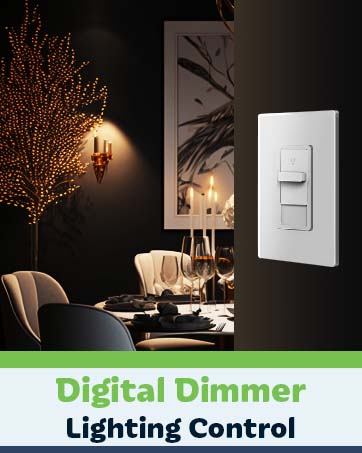

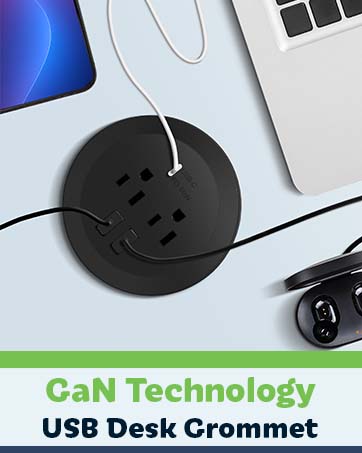
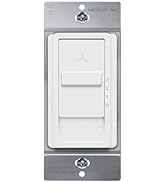
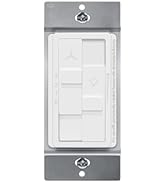
See More Product Selection

PIR Occupancy Sensing
3-in-1 PIR Motion Sensor Light Switch with Manual ON/OFF
Three-position slider (OFF/ON/AUTO), it activates lights in Auto mode when motion is detected and turns them off when you leave. Customizable delay timers and ambient light sensitivity allow perfect adaptation to room size and brightness. For energy-efficient automation for homes and offices.
Passive Infrared
Hands-Free Lighting with PIR Motion Sensor
Detect for hands-free control. Lights turn on automatically upon entry and off after you leave,
Take Direct Command
Manual On/Off Switch for Reliable Light Control
For moments when motion isn't enough. The manual ON/OFF flips the switch for dependable light.
Automatically After You
Maximizes Energy Savings Effortlessly
The PIR sensor turns the lights on upon your arrival and automatically off after you leave,


Catches Even from Side
Fresnel Lens for 180° Wide-View Detection
Reliably activates lights even when you approach from the side, ensuring seamless coverage
Set Timer, Light & Range
3 Knobs for Fine-Tune Delay, Light & Sensitivity
The timer activates only at numbered points, with a 15s setting ideal for quick pass-through areas.
Clear Indication
LED Flashes for Motion Detection in Auto Mode
In Auto mode, the LED flashes once per second when detected, providing a clear occupancy status.


deal for Dry Pantry Rooms
No More Fumbling for A Switch with Full Hands
Automatically, when you enter, and turns it off after you leave, saving energy effortlessly.
Eliminates Waste
End Wasted Electricity for Basement Lights
Automatically turns off, directly reducing your utility bill with reliable, hands-free operation.
Disable with Manual OFF
Slide to Bypass Motion Sensor, Hold Lights Steady
Overrides and disables the PIR sensor, keeping lights reliably on without any automatic interruption


Single-Pole Replacement
2-Wire for Directly Replaces Any Existing Switch
Without needing extra wiring. Upgrade to hands-free motion sensing with full compatibility.
No Installation Error
Hot and Load Lines Are Fully Interchangeable
Hot and Load wires to be connected interchangeably, preventing installation errors and saving time
Ground Wire Recommended
No Neutral, Ideal for Older Wiring
For safety, especially with metal light fixtures, always connect the ground wire


The switch doesn't work after installation. What's wrong?
The device requires a 1-2 minute initialization period after power is applied. Please wait for it to fully activate. Also, double-check that all wires (Hot, Load, and Ground) are securely connected.
Can I set the timer between marked numbers, like at 3 minutes?
The timer activates only when the pointer is directly aligned with a numbered setting. The 15-second "Test" setting is ideal for quick pass-through areas.
Can the Range and Light sensitivity knobs be set between markings?
Yes, these knobs can be set to any position. However, for optimal performance in most environments (laundry rooms, bathrooms without large windows), we recommend using the default factory settings.
My PIR sensor isn't triggering reliably, even after correct installation. Why?
Performance can be affected if: room temperature matches body heat, strong sunlight hits the unit, it's mounted near curtains, or you walk directly toward it. Ensure it's placed to detect movement across its field of view
Can I use this switch to control a ceiling fan or exhaust fan?
No. This is a lighting control switch only. The high instantaneous voltage from fan motors can overload and damage the product and wiring. This installation is not supported and may create a safety hazard
Top Greener, Inc. is comprised of a team of high-tech specialists dedicated to providing innovative and sustainable wiring solutions for residential, commercial, and industrial buildings. Based in Orange County, California, our team specializes in the design and production of high-quality lighting controls, wiring devices, home automation, and smart energy management solutions to better improve the everyday lives of our customers.
See More Product Selection