






Established in 2019, Bkiyougo is a professional manufacturer of RF remote control switches and WIFI/Zigbee/Bluetooth/Homekit smart switches, focusing on providing customers with convenient, energy-saving, safe, efficient and low-cost remote control devices and solutions.
We have our own factory, engineers and brands.
Our products have been well received by our customers and are widely used in various fields.
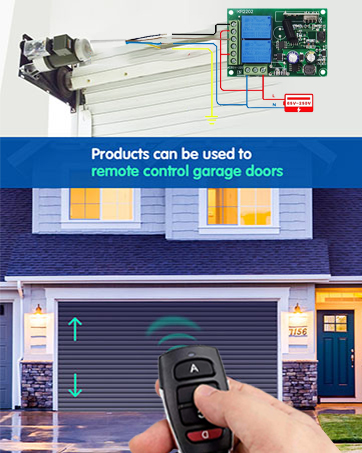
1/2/4 CH Relay Remote Control
433Mhz RF remote control kit.
Programmable. Can store 15-20pcs remote transmitter.
Passive output relay receiver.
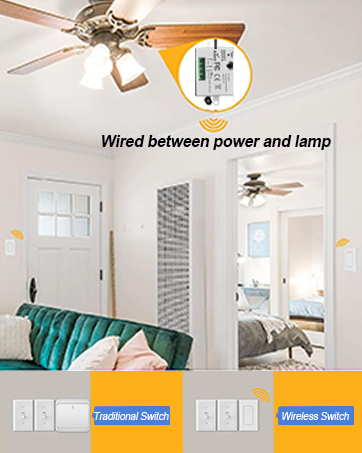
Smart Light Switch
433Mhz RF &Wi-FI&Zigbee remote control light switch.
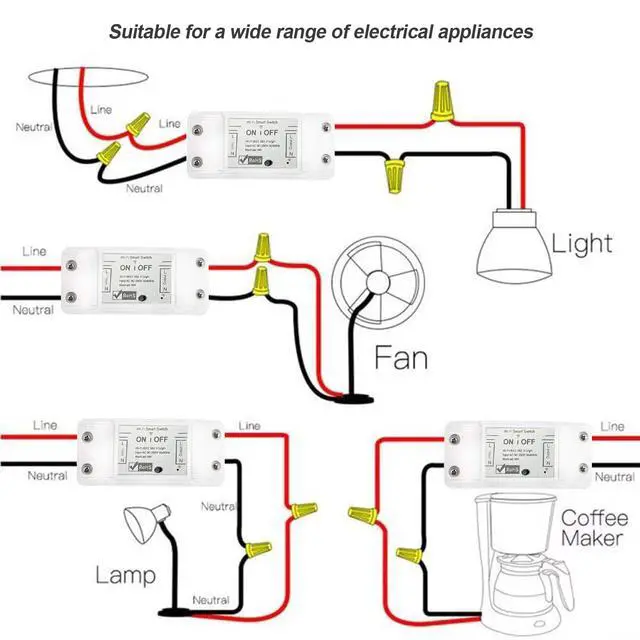
Easy to wiring. Convenient to use.
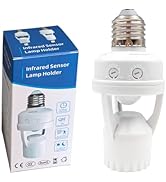
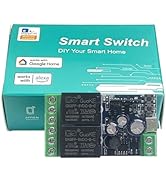
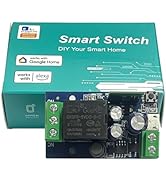
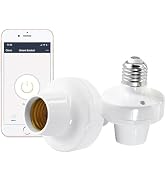
Ewelink switch & PIR Socket
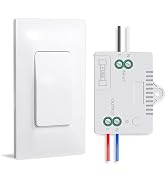
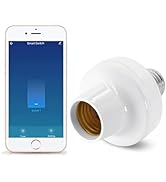
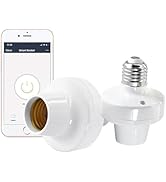
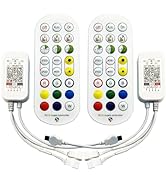
Wi-Fi Light Socket Remote
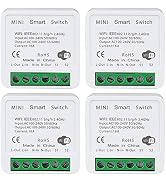
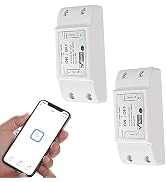
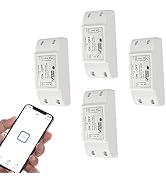
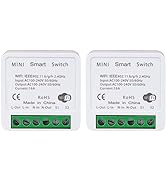
Wi-fi Smart Light Switch
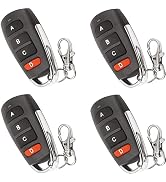
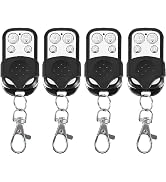
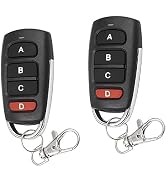
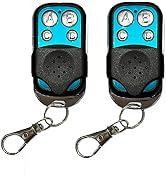
Duplicator Remote Control
Why do we love what we do?
Enthusiasm and innovation are our eternal driving force. Simplifying home lives and branding growth are our motivation. Customer's love and support are reasons for persistence.
What makes our products unique?
Attach great caution with the whole production?each product has undergone the product development of a full range of ideas, technical parameters' adjustment, strict quality control, and continuous revision.
Provide a good after-sales service?
We can provide perfect after-sales service. We will do our best to solve customer's problem.
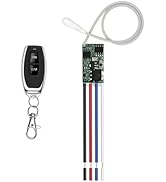
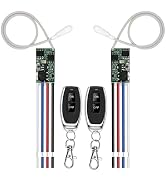
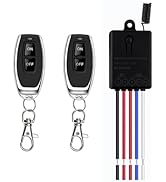
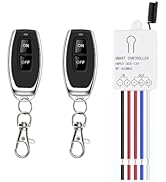
433Mhz RF remote control kit.
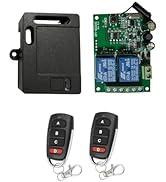
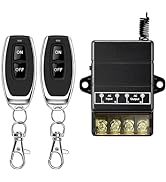
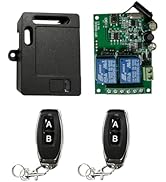
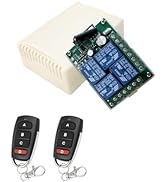
433Mhz RF remote control kit
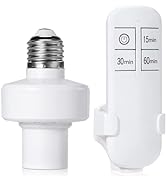
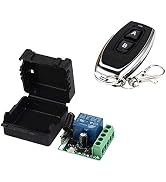
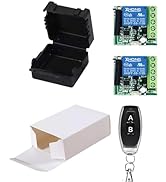
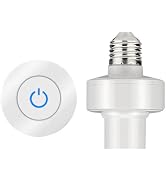
433Mhz RF remote control kit.
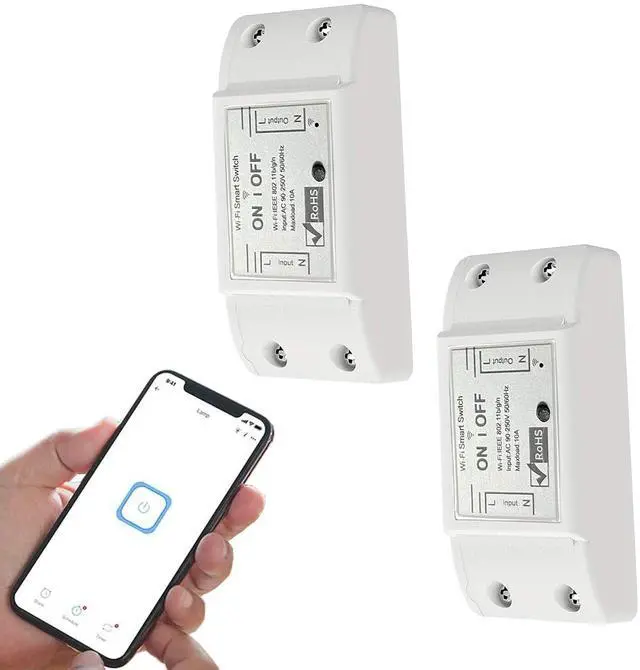
Tuya Smart Wi-Fi Home Switch LED Light Universal Module DIY Smart Life Wi-Fi Switch Supports 2 Way Control Work with Alexa Google Assistant Smart Life
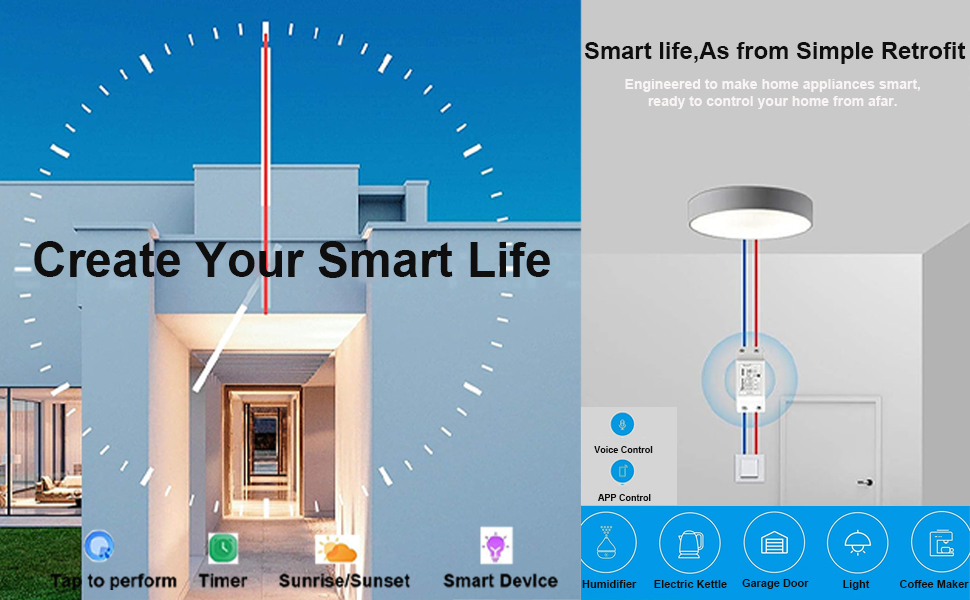
Functions:
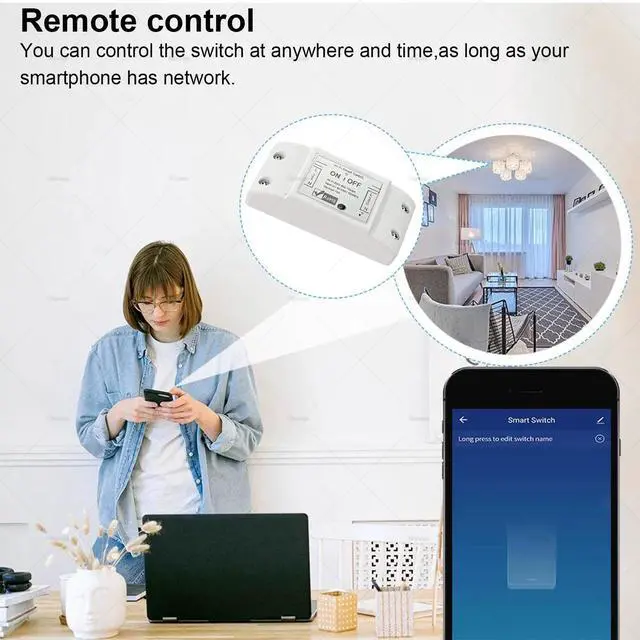
- Remote ON/OFF: Turn electrical devices on/off from anywhere
- App Support:Free IOS and Android mobile App Smart Life
- Sync Status: Real time device status provided to App
- Timing: Set scheduled/countdown timers to turn on/off at specified time
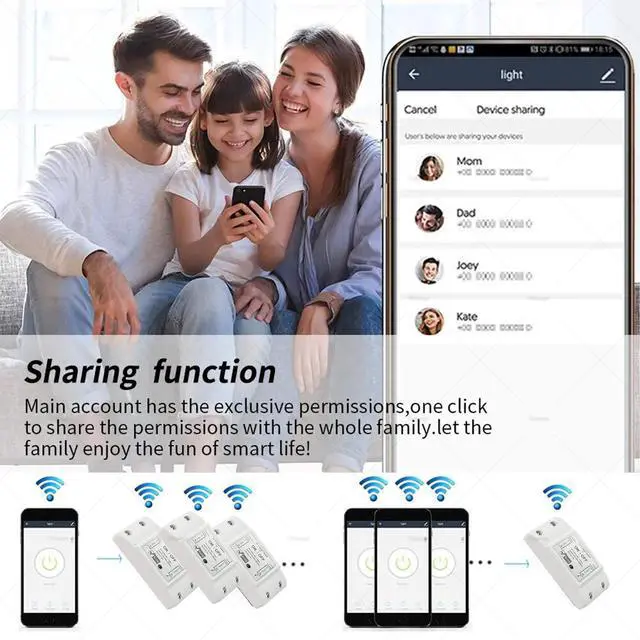
- Share Control:Control your smart home together with your family
- Scene: Turn on/off a gang of devices one tap
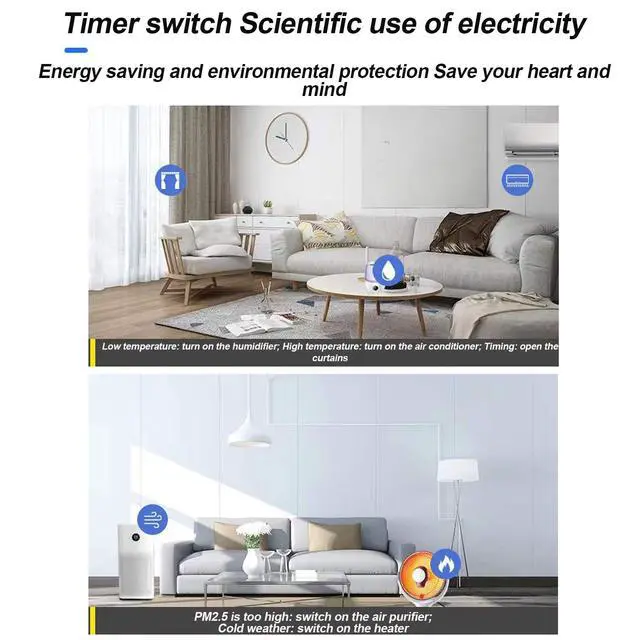
- Smart Scene: Trigger on/off by temperature, humidity or other environmental conditions
- Network Support: Control electrical devices over Wi-Fi or 2/3/4G mobile network
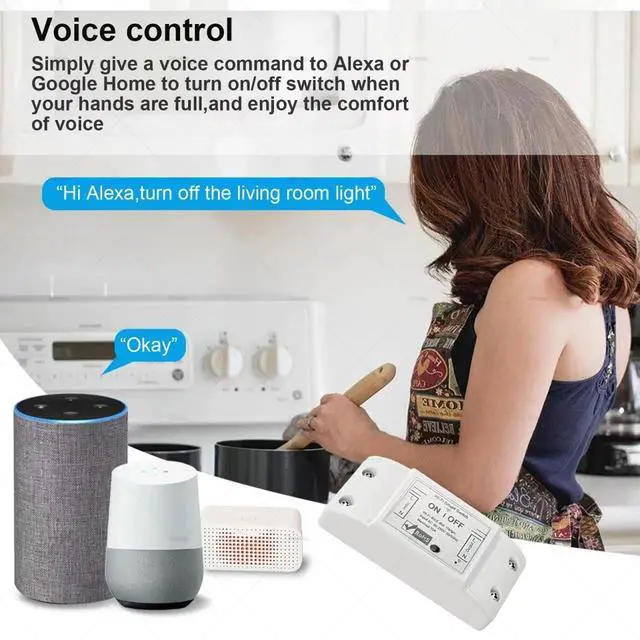
- Voice Control:Works perfectly with Alexa
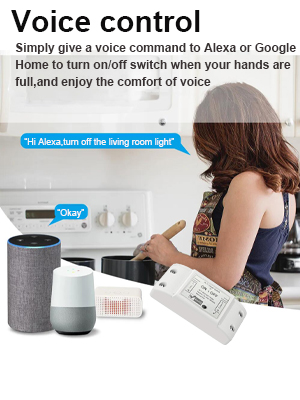
Voice Control

Smart life APP Pairing Instruction
- Download “Smart Life” app in APP Store for iOS or in Google play for Android.
- Cut off the power before installing the device. Then power it up after completing the installation.
- Press the button for 6 seconds until the LED indicator on it flashes quickly.
- It will auto-search and connect the device.
- Input home Wi-Fi SSID & password.
- Name the device to complete.
Works with Alexa & Google Home Assistant
Control your device through your voice
- 1. Download Alexa APP
- 2. Enter your SMART LIFE account and log in.
- 3. All the devices supported by voice control under your account display on Alexa App or Google Home App.
- 4. Name the devices to complete.
- 5. Now, control the connected devices with voice commands.
- “Alexa, turn on the light.”
- “Hey Google, turn off the bedroom light.”
Technical Details
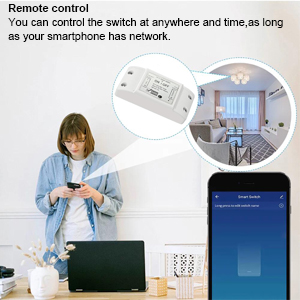
App Remote Control
- Via free Smart Life or Tuya Smart App. You can download the iOS version in App Store and the Android version in Google Play. The App Smart Life enables you to control your devices easily.
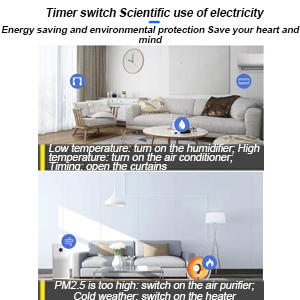
Timer & Schedule
- Another feature available if to set timing schedules for the appliances, which can include countdown, scheduled on/off. It’s simple, giving you one less thing to worry about in your busy life. Control your devices at will to automatically turn on/off.
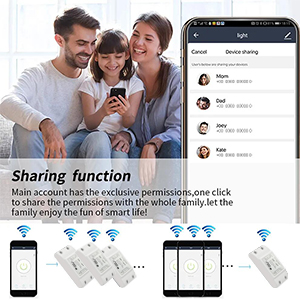
Share Control
- Share control of your home appliances to your family or friends so that they can also control the devices remotely.
Tuya Smart Wi-Fi Home Switch LED Light Universal Module DIY Smart Life Wi-Fi Switch Supports 2 Way Control Work with Alexa Google Assistant Smart Life
Functions:
- Remote ON/OFF: Turn electrical devices on/off from anywhere
- App Support:Free IOS and Android mobile App Smart Life
- Sync Status: Real time device status provided to App
- Timing: Set scheduled/countdown timers to turn on/off at specified time
- Share Control:Control your smart home together with your family
- Scene: Turn on/off a gang of devices one tap
- Smart Scene: Trigger on/off by temperature, humidity or other environmental conditions
- Network Support: Control electrical devices over Wi-Fi or 2/3/4G mobile network
- Voice Control:Works perfectly with Alexa
Works with Alexa & Google Home Assistant
Smart life APP Pairing Instruction
- Download “Smart Life” app in APP Store for iOS or in Google play for Android.
- Cut off the power before installing the device. Then power it up after completing the installation.
- Press the button for 6 seconds until the LED indicator on it flashes quickly.
- It will auto-search and connect the device.
- Input home Wi-Fi SSID & password.
- Name the device to complete.
Voice Control
Control your device through your voice
- 1. Download Alexa APP
- 2. Enter your SMART LIFE account and log in.
- 3. All the devices supported by voice control under your account display on Alexa App or Google Home App.
- 4. Name the devices to complete.
- 5. Now, control the connected devices with voice commands.
- “Alexa, turn on the light.”
- “Hey Google, turn off the bedroom light.”
Technical Details
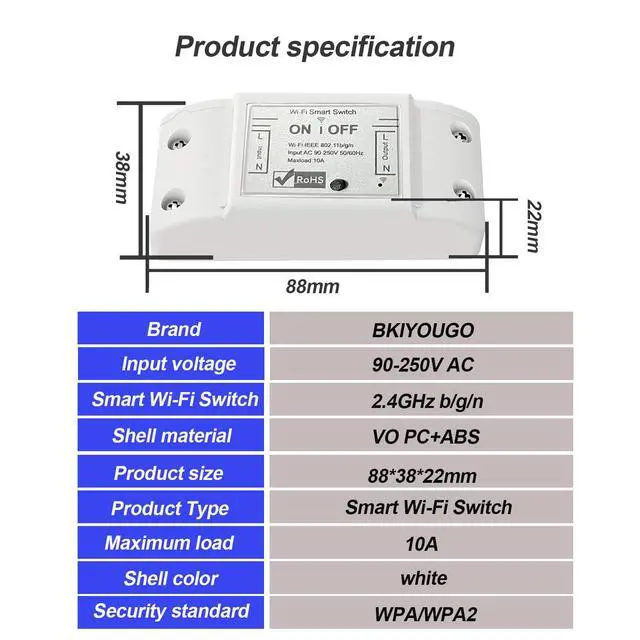
| Name | Tuya Wi-Fi Smart Switch |
| Manufacturer | Bkiyougo |
| Voltage | AC110V /220V |
| Wattage | 2200 watts |
| Wireless networking | Wi-Fi (802.11 B/G/N2.4GHZ) |
| APP | Smart Life /Tuya Smart |
App Remote Control
- Via free Smart Life or Tuya Smart App. You can download the iOS version in App Store and the Android version in Google Play. The App Smart Life enables you to control your devices easily.
Timer & Schedule
- Another feature available if to set timing schedules for the appliances, which can include countdown, scheduled on/off. It’s simple, giving you one less thing to worry about in your busy life. Control your devices at will to automatically turn on/off.
Share Control
- Share control of your home appliances to your family or friends so that they can also control the devices remotely.
Established in 2019, Bkiyougo is a professional manufacturer of RF remote control switches and WIFI/Zigbee/Bluetooth/Homekit smart switches, focusing on providing customers with convenient, energy-saving, safe, efficient and low-cost remote control devices and solutions.
We have our own factory, engineers and brands.
Our products have been well received by our customers and are widely used in various fields.
1/2/4 CH Relay Remote Control
433Mhz RF remote control kit.
Programmable. Can store 15-20pcs remote transmitter.
Passive output relay receiver.
Smart Light Switch
433Mhz RF &Wi-FI&Zigbee remote control light switch.
Easy to wiring. Convenient to use.
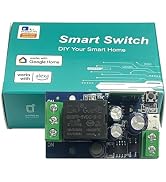
Ewelink switch & PIR Socket
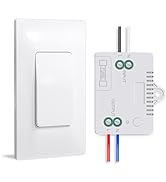
Wi-Fi Light Socket Remote
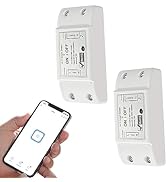
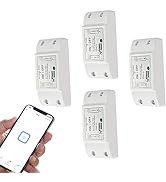
Wi-fi Smart Light Switch
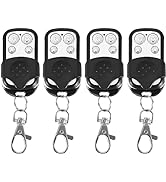
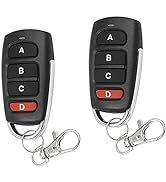
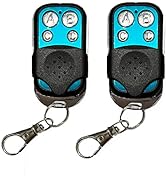
Duplicator Remote Control
Why do we love what we do?
Enthusiasm and innovation are our eternal driving force. Simplifying home lives and branding growth are our motivation. Customer's love and support are reasons for persistence.
What makes our products unique?
Attach great caution with the whole production?each product has undergone the product development of a full range of ideas, technical parameters' adjustment, strict quality control, and continuous revision.
Provide a good after-sales service?
We can provide perfect after-sales service. We will do our best to solve customer's problem.
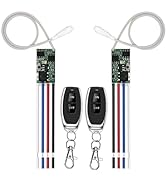
433Mhz RF remote control kit.
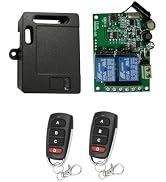
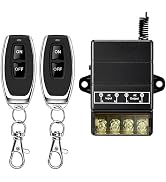
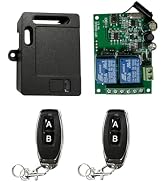
433Mhz RF remote control kit
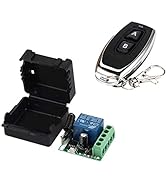
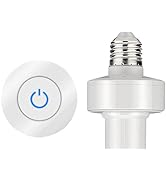
433Mhz RF remote control kit.
