



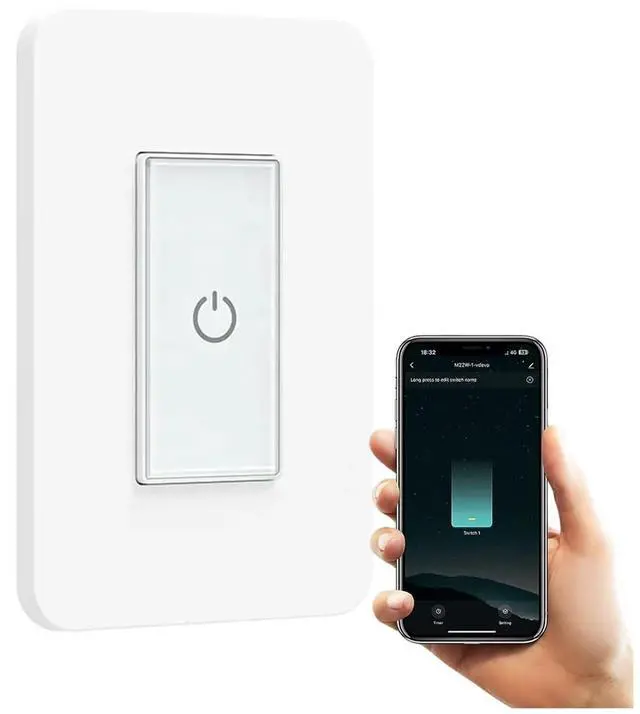


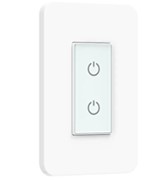
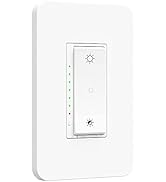
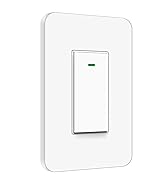
Smart Light Switch
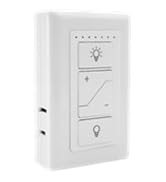
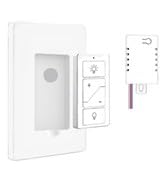
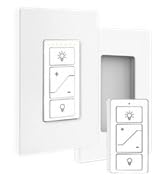
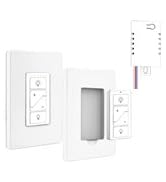
Wireless light Remote Control
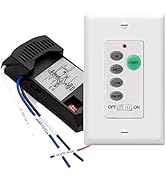
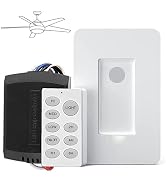
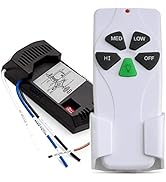
Ceiling Fan Control

Nexete established in 2011 at Worthingon OH, we are serving a wide customer base in Smart Light Switch and Ceiling Fan Remote Control, We are devoted to R&D creating outstanding products and services.
We believe that everyone loves our smart home technology, we relentlessly make little changes through technology in people's lives and make them easier and happier.
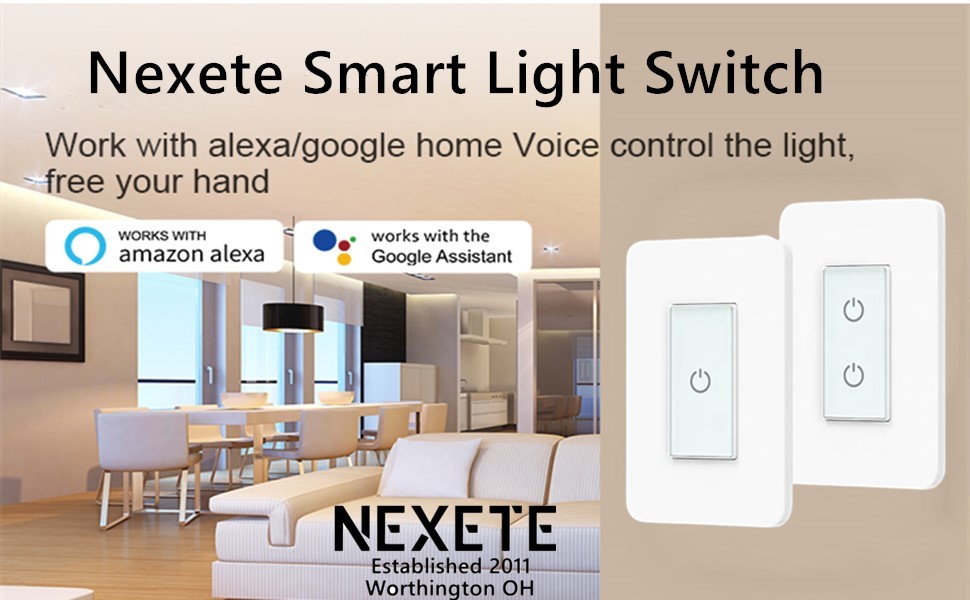
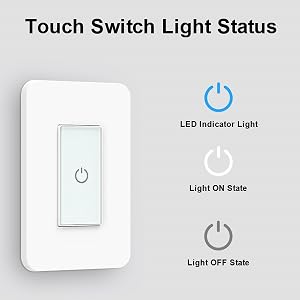
Features of the switch
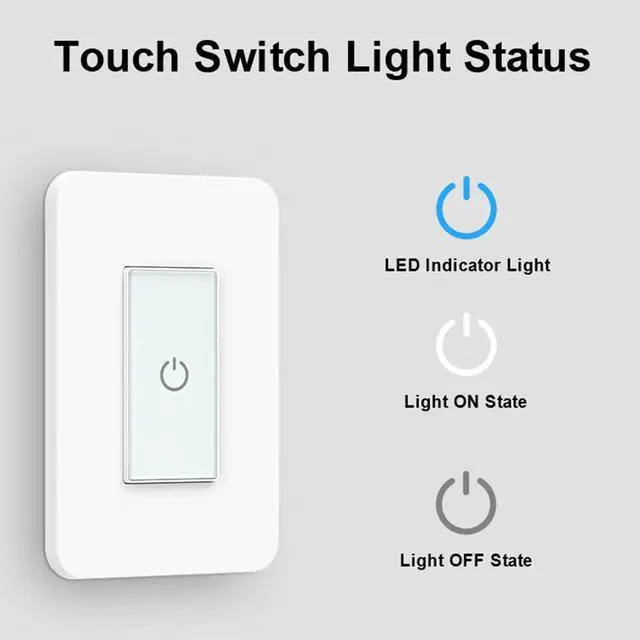
- Three switch control methods: touch control, voice control and App control
- Set the timing schedule, the lights automatically turn on and off at the selected time.
- Switch grouping function, the switch will be added to a group, you can unify the management.
Connection and usage steps
- Download Smart Life APP from the Apple Store
- Connect to WIFI(2.4G)
- Select the correct switch type.
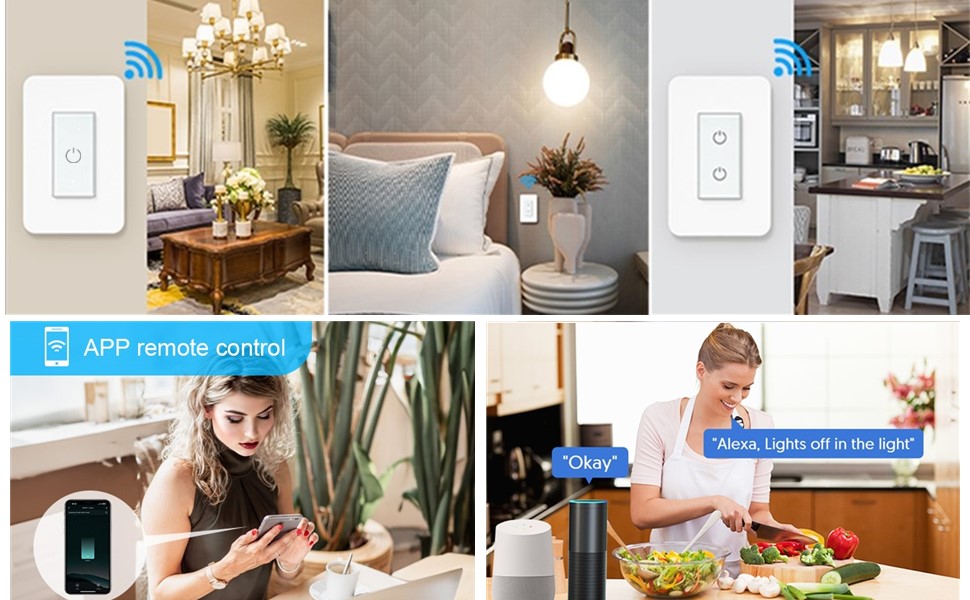
Product Description
Note:
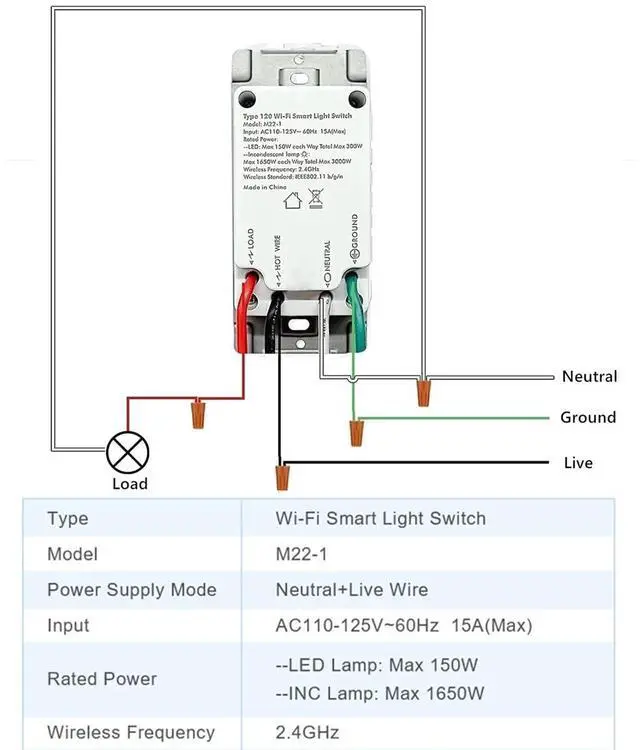
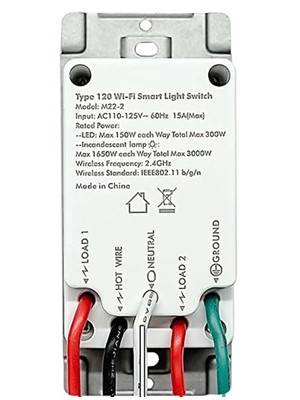
- A neutral wire required.
- The Smart Switches can only support 2.4 Ghz Wi-Fi. NOT support 5 Ghz Wi-Fi.
- Wi-Fi name should only contain letters and numbers. NO special symbol allowed (Like a dash.). If failed, please long pressing the on/off bottom on the middle of the switch until the indicator light flashing quickly, then set it up again. One-way switch only. NOT support 2 way or 3-way switch or multi-way switch
Easy to Set Up:
- Download the “Smart life” from App Store or Google Play store.
- Connect your mobile device with your 2.4GHz Wi-Fi network.
- Launch “Smart life” and follow the wiring steps provided.
- Connect the Smart Switch to your home network.
How to pair with Alexa or Google Assistant:
- Step 1. In Alexa app, click “Skills” > search "Smart Life" app > click "enable" > Log into your smart life account and click "Link now".
- Step 2. In Google Home App, find 'Home Control' > Click “add a device” and search “Smart life” > Sign up with your smart life account.
Does this work with Apple HomeKit?
- Sorry, it cannot work with Apple HomeKit, but it Compatible with Alexa, Google home and IFTTT.
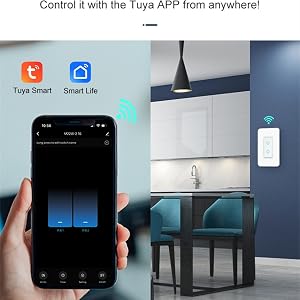
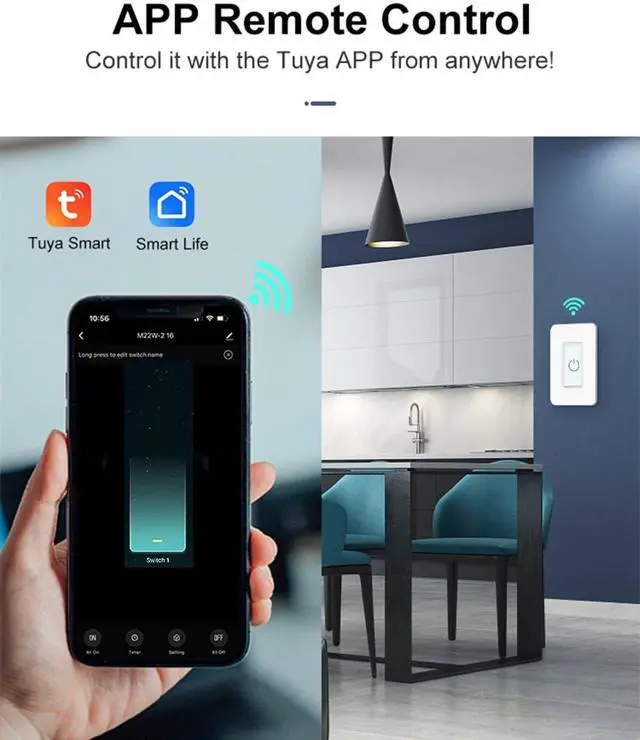
REMOTE CONTROL
- Free Smart life app .
- Control devices connected to the Smart Switch wherever you have Internet using the free app on your smartphone.
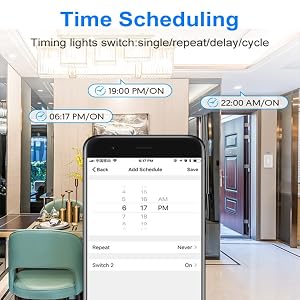
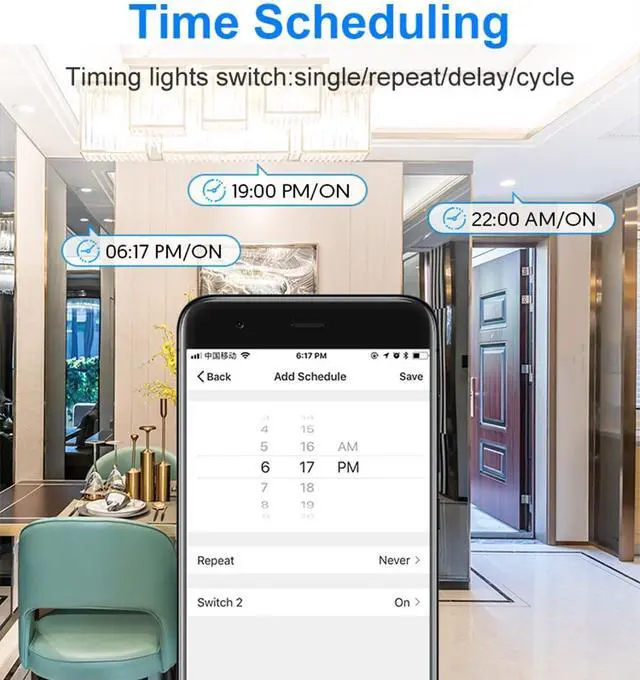
TIME SCHEDULING
- Automate your home lights based on daily routine.
- You can use the scheduling feature on this to automatically turn the lights on/off following prepared schedule, sunrise or sunset.
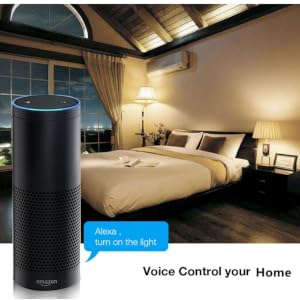
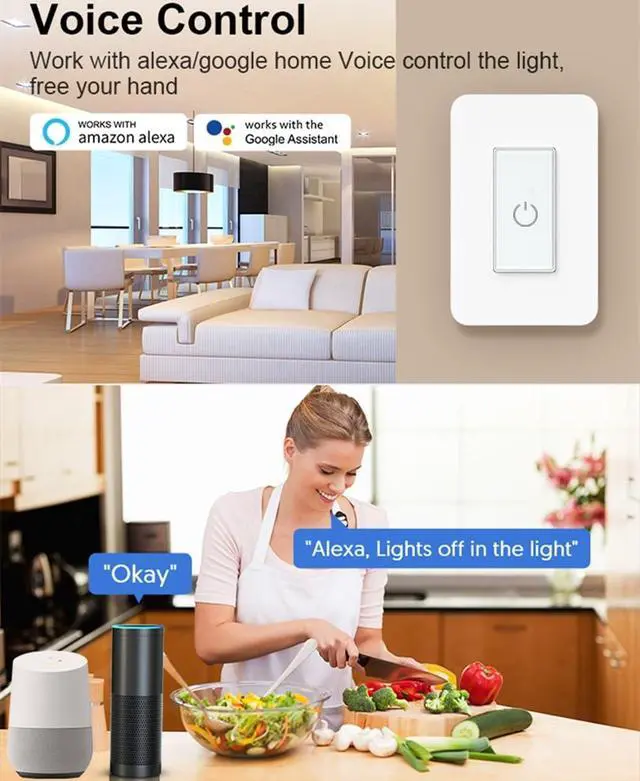
VOICE CONTROL
- Works with Alexa , Google Assistant & Siri for voice control.
- Simply use your voice commands to control your light.
- Just say "Hey Siri, turn off the living room light."
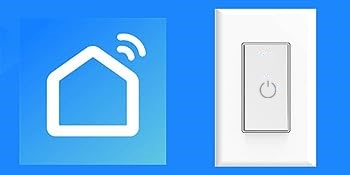
Free Smart Life App
- Works with Alexa , Google Home & Siri
- Quick and easy setup
- Works on Wi-Fi 2.4 GHz
- No hub required
Specification:
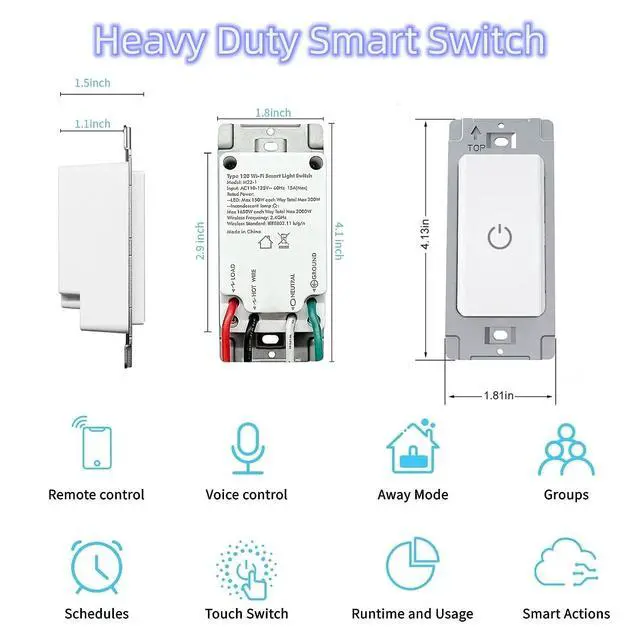
- Switch Type: Single-Pole Light Switch
- Power supply: Neutral + live wire
- Shell Material: 94V0 fire retardant PC
- Rated Current: 15A(Max) *
- Rated Voltage: AC110V~125V/50-60Hz
- Rated Power: 1650W
- Wireless Standard: IEEE802.11b/g/n
- Working Frequency: 2.412~2.484MHz
- Static Power Loss: =0.5W
- Working Temp: -20?C~75?C
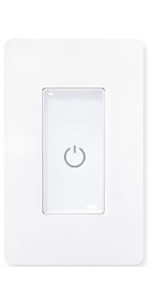 M22-1 | 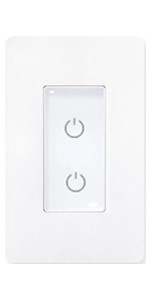 M22-2 | 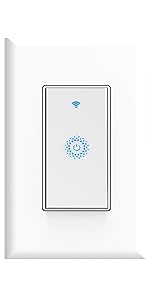 KS602 | 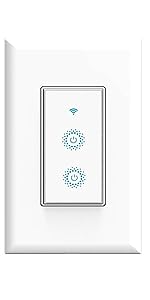 DS-123-2 | 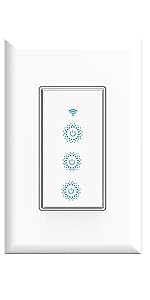 DS-123-3 | |
|---|---|---|---|---|---|
| Customer Reviews | — | — | — | — | — |
| Price | — | — | — | — | — |
| App | Smart Life App | Smart Life App | Smart Life App | Smart Life App | Smart Life App |
| Single Ploe | ? | ? | ? | ? | ? |
| Dimmable | No | No | No | No | No |
| Maximum Current | 15A | 15A | 15A | 15A | 15A |
| Voltage | 110-125V | 110-125V | 110-125V | 100-240V | 100-240V |
| Wattage | 1650W | 2X1650W | 3X600W | 2X600W | 3X600W |
| Wi-Fi Frequency | 2.4GHz | 2.4GHz | 2.4GHz | 2.4GHz | 2.4GHz |
Features of the switch
- Three switch control methods: touch control, voice control and App control
- Set the timing schedule, the lights automatically turn on and off at the selected time.
- Switch grouping function, the switch will be added to a group, you can unify the management.
Connection and usage steps
- Download Smart Life APP from the Apple Store
- Connect to WIFI(2.4G)
- Select the correct switch type.
Product Description
Note:
- A neutral wire required.
- The Smart Switches can only support 2.4 Ghz Wi-Fi. NOT support 5 Ghz Wi-Fi.
- Wi-Fi name should only contain letters and numbers. NO special symbol allowed (Like a dash.). If failed, please long pressing the on/off bottom on the middle of the switch until the indicator light flashing quickly, then set it up again. One-way switch only. NOT support 2 way or 3-way switch or multi-way switch
Easy to Set Up:
- Download the “Smart life” from App Store or Google Play store.
- Connect your mobile device with your 2.4GHz Wi-Fi network.
- Launch “Smart life” and follow the wiring steps provided.
- Connect the Smart Switch to your home network.
How to pair with Alexa or Google Assistant:
- Step 1. In Alexa app, click “Skills” > search "Smart Life" app > click "enable" > Log into your smart life account and click "Link now".
- Step 2. In Google Home App, find 'Home Control' > Click “add a device” and search “Smart life” > Sign up with your smart life account.
Does this work with Apple HomeKit?
- Sorry, it cannot work with Apple HomeKit, but it Compatible with Alexa, Google home and IFTTT.
REMOTE CONTROL
- Free Smart life app .
- Control devices connected to the Smart Switch wherever you have Internet using the free app on your smartphone.
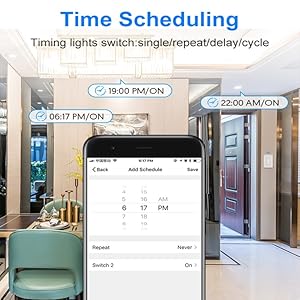
TIME SCHEDULING
- Automate your home lights based on daily routine.
- You can use the scheduling feature on this to automatically turn the lights on/off following prepared schedule, sunrise or sunset.

VOICE CONTROL
- Works with Alexa , Google Assistant & Siri for voice control.
- Simply use your voice commands to control your light.
- Just say "Hey Siri, turn off the living room light."
Specification:
Free Smart Life App
- Works with Alexa , Google Home & Siri
- Quick and easy setup
- Works on Wi-Fi 2.4 GHz
- No hub required
- Switch Type: Single-Pole Light Switch
- Power supply: Neutral + live wire
- Shell Material: 94V0 fire retardant PC
- Rated Current: 15A(Max) *
- Rated Voltage: AC110V~125V/50-60Hz
- Rated Power: 1650W
- Wireless Standard: IEEE802.11b/g/n
- Working Frequency: 2.412~2.484MHz
- Static Power Loss: =0.5W
- Working Temp: -20?C~75?C
M22-1 | M22-2 | KS602 | DS-123-2 | DS-123-3 | |
|---|---|---|---|---|---|
| Customer Reviews | — | — | — | — | — |
| Price | — | — | — | — | — |
| App | Smart Life App | Smart Life App | Smart Life App | Smart Life App | Smart Life App |
| Single Ploe | ? | ? | ? | ? | ? |
| Dimmable | No | No | No | No | No |
| Maximum Current | 15A | 15A | 15A | 15A | 15A |
| Voltage | 110-125V | 110-125V | 110-125V | 100-240V | 100-240V |
| Wattage | 1650W | 2X1650W | 3X600W | 2X600W | 3X600W |
| Wi-Fi Frequency | 2.4GHz | 2.4GHz | 2.4GHz | 2.4GHz | 2.4GHz |
Smart Light Switch
Wireless light Remote Control
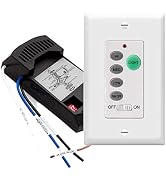
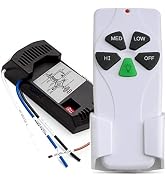
Ceiling Fan Control
Nexete established in 2011 at Worthingon OH, we are serving a wide customer base in Smart Light Switch and Ceiling Fan Remote Control, We are devoted to R&D creating outstanding products and services.
We believe that everyone loves our smart home technology, we relentlessly make little changes through technology in people's lives and make them easier and happier.
