here!
here!
I’m your shopping assistant for PC builds, upgrades, and everything tech.
Got questions? Ask away!
Start a conversation
here!
I’m your shopping assistant for PC builds, upgrades, and everything tech.
Got questions? Ask away!
Start a conversation




Any questions? Ask CelesteSM will help you find out quickly.


60+ Years of History and Innovation
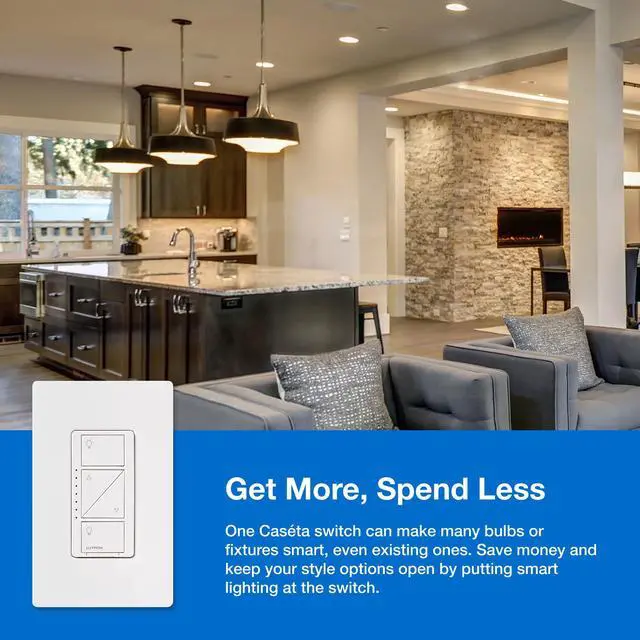
For over 60 years, Lutron has led innovation in the lighting control industry with hundreds of devices from the invention of the dimmer to complete smart home systems. Our exceptional quality and design can be found throughout all our product categories, and we offer a solution for every room of your home.
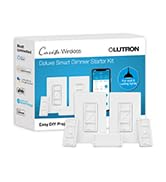
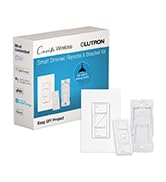
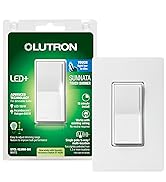
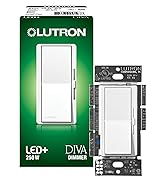
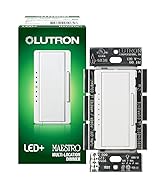
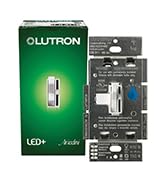
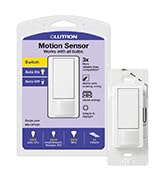
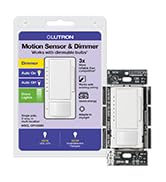
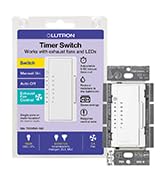
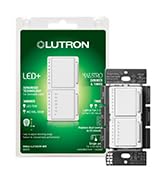
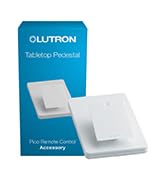
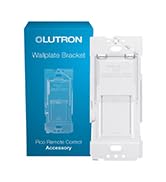
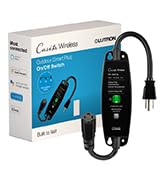
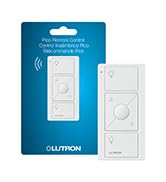
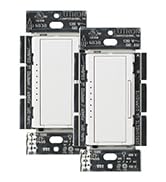
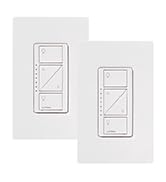

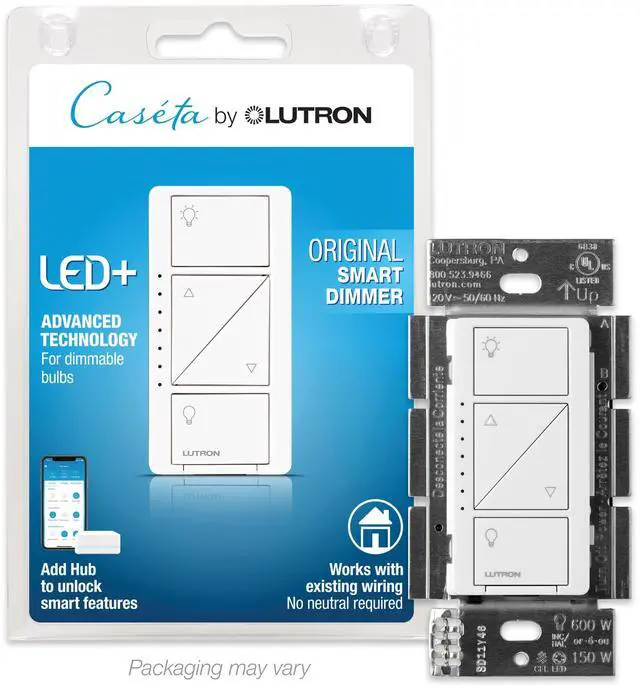
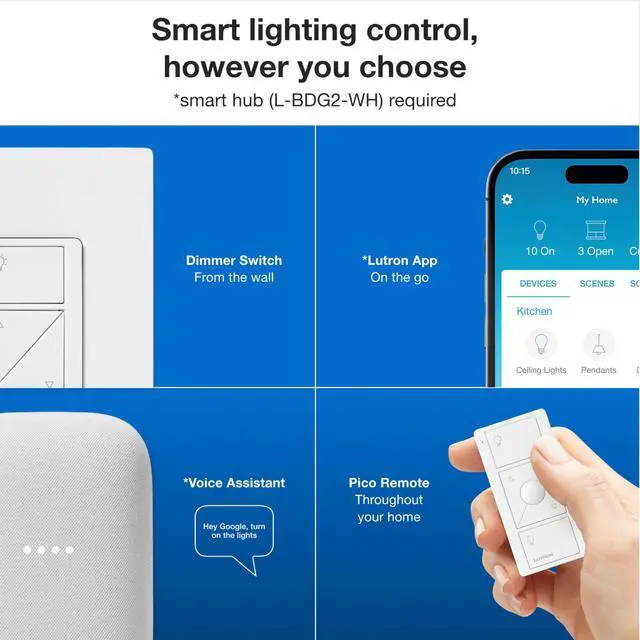
With the smart hub (sold separately) you can unlock smart features that enhance your system.

Caséta works with more smart home products than any other smart lighting brand.

Schedule your lights to come on at dusk and have them automatically adjust as the seasons change.

Set your location around your home so your lights automatically turn on as you arrive home.

Use Smart Away to randomly turn your lights on or off to give the illusion that you are home.
Hub Included | ||
LED Advanced Dimming | ||
Neutral Required | ||
Wireless 3-Way | ||
Favorite Button | ||
Wallplate Included |
Hub Included | ||
LED Advanced Dimming | ||
Neutral Required | ||
Wireless 3-Way | ||
Favorite Button | ||
Wallplate Included |
Hub Included | ||
LED Advanced Dimming | ||
Neutral Required | ||
Wireless 3-Way | ||
Favorite Button | ||
Wallplate Included |
Hub Included | ||
LED Advanced Dimming | ||
Neutral Required | ||
Wireless 3-Way | ||
Favorite Button | ||
Wallplate Included |
Is a Lutron Smart Hub needed to utilize the smart features?
Yes, using the Lutron Smart Hub is the key to delivering the best smart lighting experience. When connecting the hub to your router, it creates a fast and reliable connection without interfering or slow down your Wi-Fi.
Where can you add a second switch?
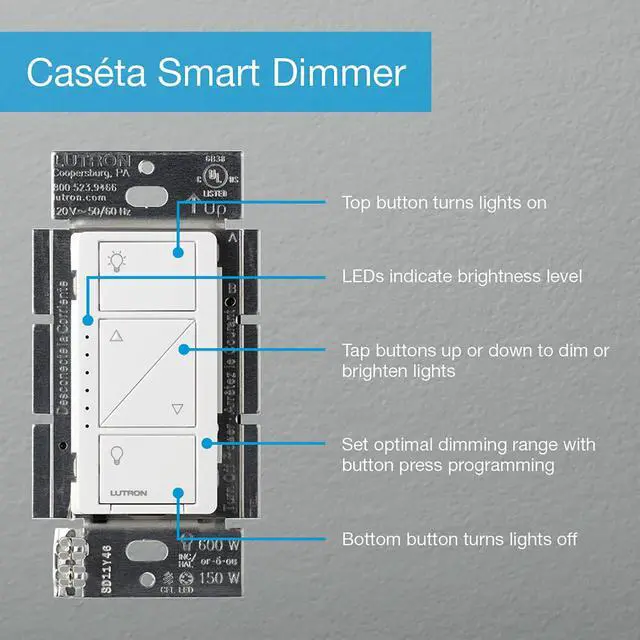
Anywhere! The Pico Remote can be mounted to the wall and connect to any Caseta dimmer to give you multiple switches for one light.
Do I need the Smart Hub to use the Caseta Dimmer switch and Pico remote together?
No, Smart dimmers and Pico remotes will still work as normal dimmer switches without buying the Smart Hub. The Smart Hub does unlock auto off, smart scenes, smart away, schedules, and being able to control through the app or voice assistant devices.
Can this control two separate lights in the same room?
Yes, you can connect your Lutron smart dimmer and Pico remote to multiple lights in a room.
What happens if I have issues setting up my dimmer switch?
Our Lutron Support team is one call away and is dedicated to walking you through any issues.


With the smart hub (sold separately) you can unlock smart features that enhance your system.
Caséta works with more smart home products than any other smart lighting brand.
Schedule your lights to come on at dusk and have them automatically adjust as the seasons change.
Set your location around your home so your lights automatically turn on as you arrive home.
Use Smart Away to randomly turn your lights on or off to give the illusion that you are home.


Hub Included | |
LED Advanced Dimming | |
Neutral Required | |
Wireless 3-Way | |
Favorite Button | |
Wallplate Included |

Hub Included | |
LED Advanced Dimming | |
Neutral Required | |
Wireless 3-Way | |
Favorite Button | |
Wallplate Included |

Hub Included | |
LED Advanced Dimming | |
Neutral Required | |
Wireless 3-Way | |
Favorite Button | |
Wallplate Included |

Hub Included | |
LED Advanced Dimming | |
Neutral Required | |
Wireless 3-Way | |
Favorite Button | |
Wallplate Included |

Hub Included | |
LED Advanced Dimming | |
Neutral Required | |
Wireless 3-Way | |
Favorite Button | |
Wallplate Included |
Is a Lutron Smart Hub needed to utilize the smart features?
Yes, using the Lutron Smart Hub is the key to delivering the best smart lighting experience. When connecting the hub to your router, it creates a fast and reliable connection without interfering or slow down your Wi-Fi.
Where can you add a second switch?
Anywhere! The Pico Remote can be mounted to the wall and connect to any Caseta dimmer to give you multiple switches for one light.
Do I need the Smart Hub to use the Caseta Dimmer switch and Pico remote together?
No, Smart dimmers and Pico remotes will still work as normal dimmer switches without buying the Smart Hub. The Smart Hub does unlock auto off, smart scenes, smart away, schedules, and being able to control through the app or voice assistant devices.
Can this control two separate lights in the same room?
Yes, you can connect your Lutron smart dimmer and Pico remote to multiple lights in a room.
What happens if I have issues setting up my dimmer switch?
Our Lutron Support team is one call away and is dedicated to walking you through any issues.
60+ Years of History and Innovation
For over 60 years, Lutron has led innovation in the lighting control industry with hundreds of devices from the invention of the dimmer to complete smart home systems. Our exceptional quality and design can be found throughout all our product categories, and we offer a solution for every room of your home.