



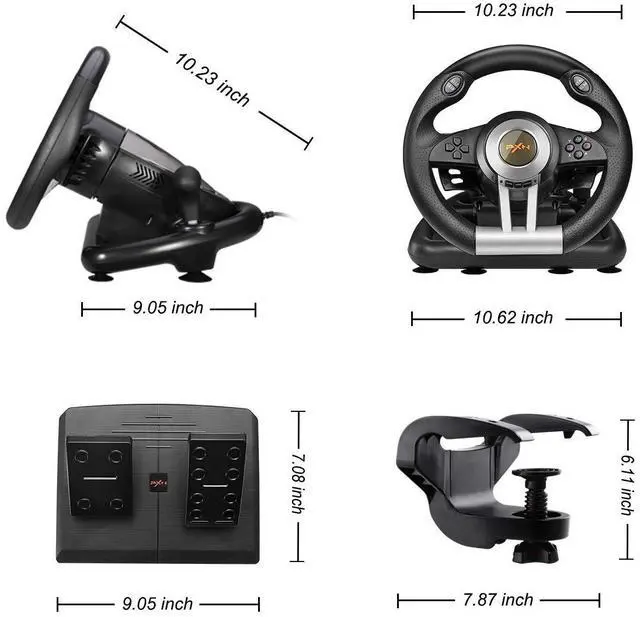
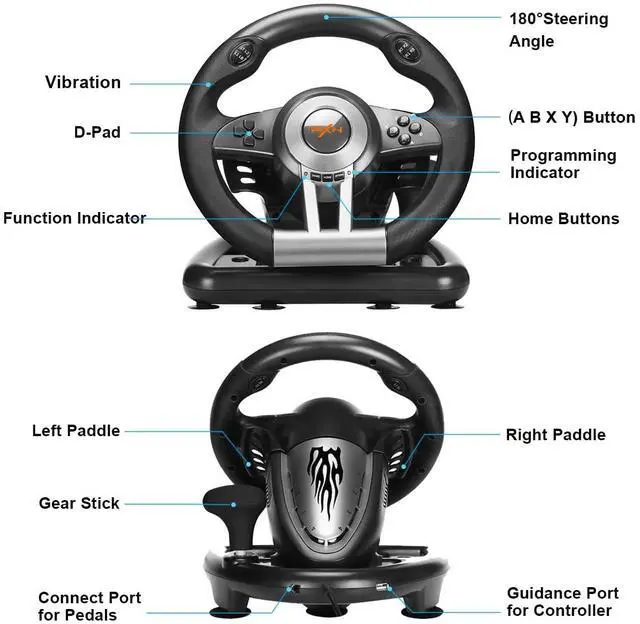


Features:
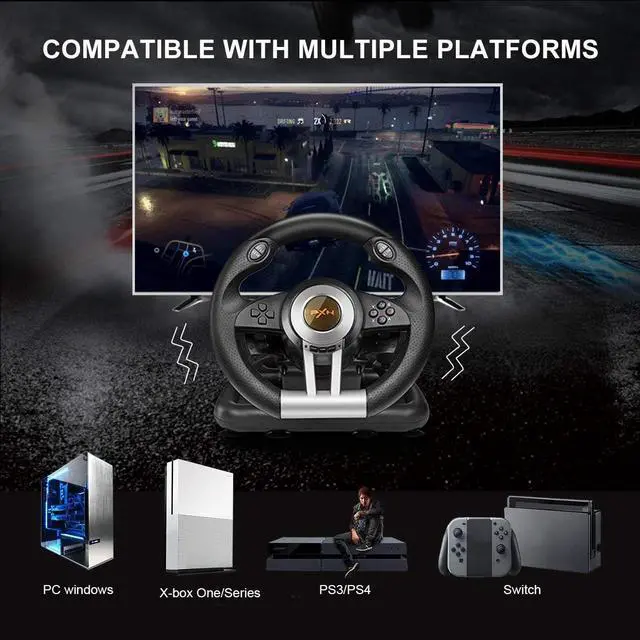
1: Compatible with PC, PS3, PS4, Switch, Xbox One, and Xbox Series X|S;
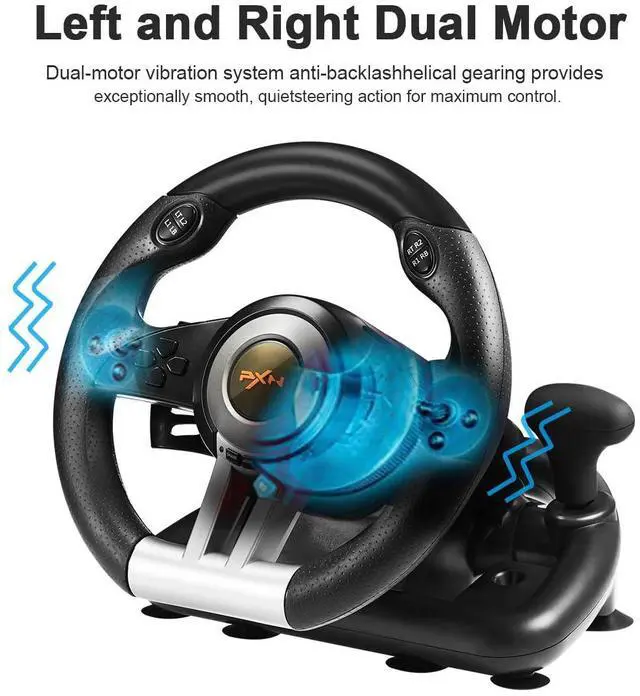
2: Built-in dual vibration motor to bring you a more realistic racing experience;
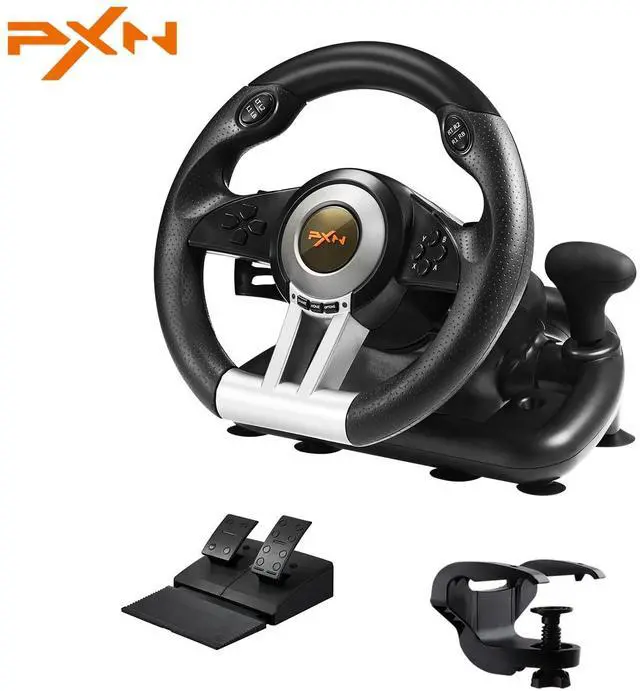
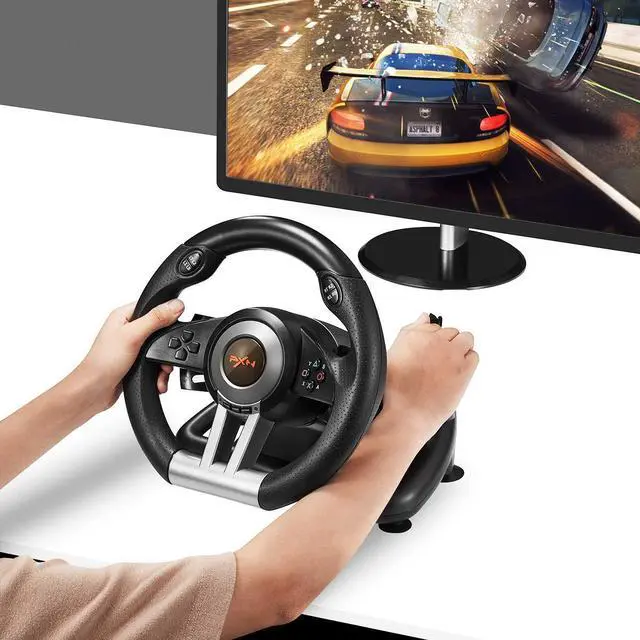
3: Imitation racing wheel ergonomics design,180° linear steering wheel, hand-held anti-slip wave design;
4: Linear pedals,support automatic battery life,experience more sensitive and precise braking effects;
5: Auto-calibration function (driver installation is required);
6: Plug-and-play PC steering wheel via X-input and D-input on PC;
7: Strong suction cups and a U-shaped fixed bracket make the game wheel easy to fix on the table;
8: Super-running left and right shift paddles and manual shift lever design.

Specifications:
? Game Accessories Type: Gaming Steering Wheel;
? Interface type: USB(Handle guide interface);
? Connection method: USB wired connection(6.56 ft);
? Applicable system: Windows 7/ 8/ 10/ 11;
? Key support: Programmable buttons;
? Vibration function: Support dual-motor vibration;
? Steering angle: Steering angle 180º.
Package Includes:
1 x Steering wheel
1 x Foot pedal set
1 x U-fixed bracket
1 x User manualfeatures

For PS4
Step 1: Power OFF the original PS4 controller.
Step 2: Use a Micro USB cable to connect PS4 original controller with guidance port of the steering wheel.
Step 3: Plug the USB interface of steering wheel into PS4.
Step 4: Press "HOME" button on steering wheel, red mode displays ON when connected successfully .
Note: You need to pair with the original PS4 wired controller to boot. If it is not the original controller, they will not be able to connect successfully.

For Switch
Step 1: Please connect the Type-C OTG with the USB interface of the steering wheel.( Note: Type-C OTG Adapter is not included ).
Step 2: Then plug the Type-C interface into the switch console.
Step 3: Red mode indicator displays ON when connected successfully.
Note: You need to pair with the original Switch wired controller to boot. If it is not the original controller, they will not be able to connect successfully.

For Xbox One/ Xbox Series X|S
Step 1: Power OFF the original controller of X-box One/ X-box Series X|S.
Step 2: Use a Micro USB cable to connect X-box One/ X-box Series X|S original controller and the guidance port in the steering wheel.
Step 3: Plug the USB cable of steering wheel into X-box One/ X-box Series X|S.
Step 4: Press 'HOME' button on steering wheel, red indicator will remain ON when connection is successful.
Note: You need to pair with the original X-box controller to boot. If it is not the original controller, they will not be able to connect successfully.

PXN Racing Wheel & Controller
Support various types of games for plays of different ages, PXN Racing Wheel & Controller will bring you a satisfying gaming experience

PXN was born in 2004 for game accessories.
PXN has been focusing on the development and production of game peripheral products and has accumulated numerous software and hardware technologies and patents.
PXN has a professional R&D and production team, each product strictly conforms to applicable international standards. high compatibility and high quality are the product characteristics of PXN.
Your satisfaction is our driving force.

After-sales support
- 12-month warranty
- Hassle-free replace/refund
- 7*24 h support
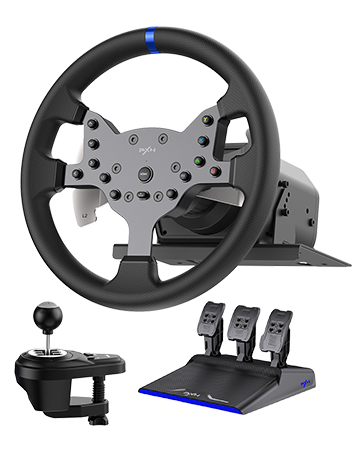
PXN V99 Gaming Racing Wheel
PXN V99 Driving Force Feedback Wheel, Stainless Steel Shift Paddles With 6+1 Shifter and Pedals.
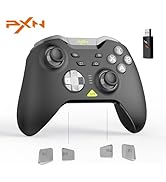
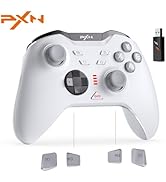
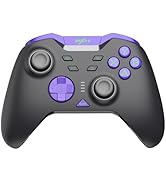
PXN Game Accessories
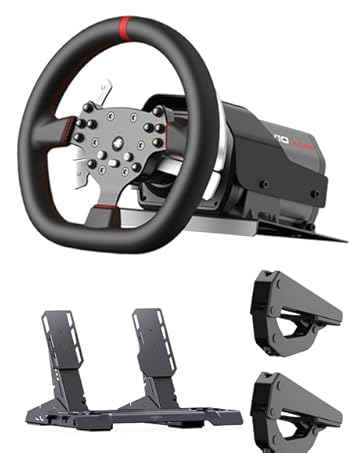
V10Ultra Direct Drive Wheel
PXN V10Ultra Direct Drive Gaming Steering Wheel, with 3.2Nm Real Force Feedback, Adjustable Throttle&Brake Pedals, 4 Paddle Shifters
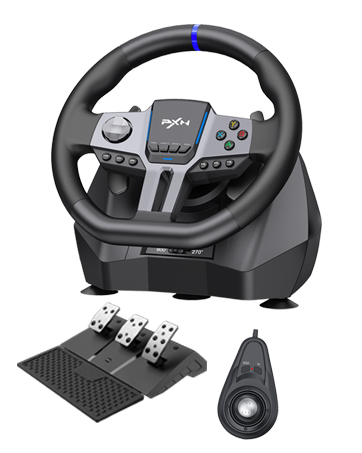
PXN V9GEN2 Gaming Racing Wheel
270/900 ° Car Simulation Driving, With 3 Pedals and Shifters Gaming Steering Wheel
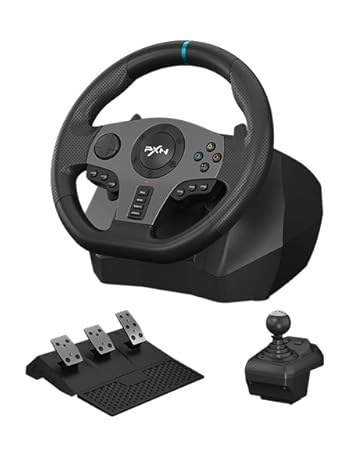
PXN V9 Xbox Steering Wheel
270/900 ° Car Simulation Driving, With 3 Pedals and Shifters Gaming Steering Wheel
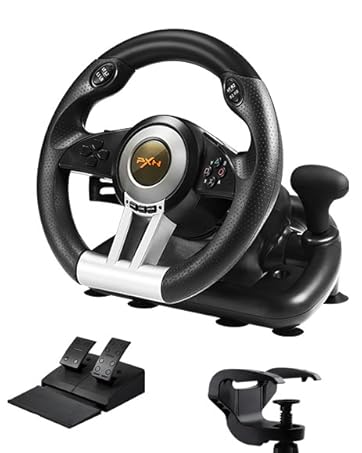
PXN V3III PC Racing Wheel
180° PC Gaming Racing Wheel Driving Wheel, with Linear Pedals and Racing Paddles
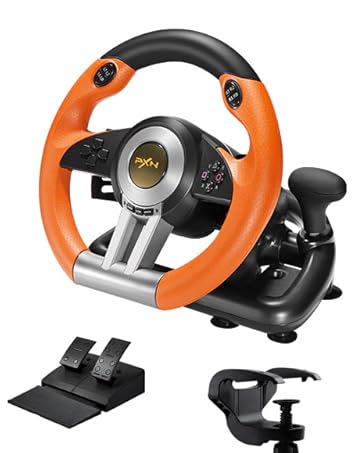
PXN V3III PC Racing Wheel
180° PC Gaming Racing Wheel Driving Wheel, with Linear Pedals and Racing Paddles
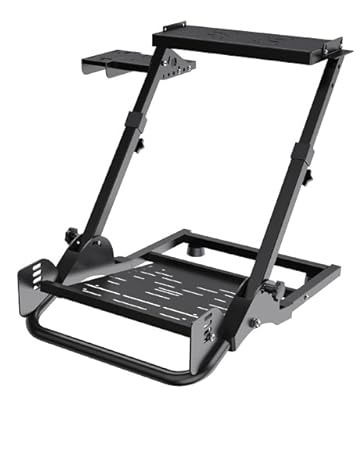
PXN A10 PC Racing Wheel Stand
Simulator Cockpit Wheel Stand Racing Steering Shifter Mount fit
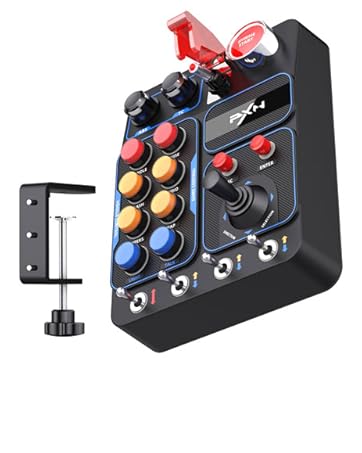
PXN Farm Simulation Controller
CB1 Sim Racing Button Box for Sim Wheel and Racing Wheel
PXN Racing Wheel & Controller
Support various types of games for plays of different ages, PXN Racing Wheel & Controller will bring you a satisfying gaming experience

PXN was born in 2004 for game accessories.
PXN has been focusing on the development and production of game peripheral products and has accumulated numerous software and hardware technologies and patents.
PXN has a professional R&D and production team, each product strictly conforms to applicable international standards. high compatibility and high quality are the product characteristics of PXN.
Your satisfaction is our driving force.
After-sales support
- 12-month warranty
- Hassle-free replace/refund
- 7*24 h support
PXN V99 Gaming Racing Wheel
PXN V99 Driving Force Feedback Wheel, Stainless Steel Shift Paddles With 6+1 Shifter and Pedals.
PXN Game Accessories
V10Ultra Direct Drive Wheel
PXN V10Ultra Direct Drive Gaming Steering Wheel, with 3.2Nm Real Force Feedback, Adjustable Throttle&Brake Pedals, 4 Paddle Shifters
PXN V9GEN2 Gaming Racing Wheel
270/900 ° Car Simulation Driving, With 3 Pedals and Shifters Gaming Steering Wheel
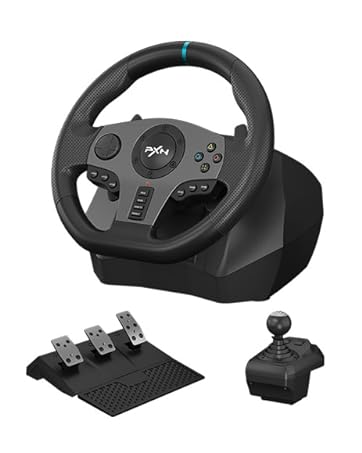
PXN V9 Xbox Steering Wheel
270/900 ° Car Simulation Driving, With 3 Pedals and Shifters Gaming Steering Wheel
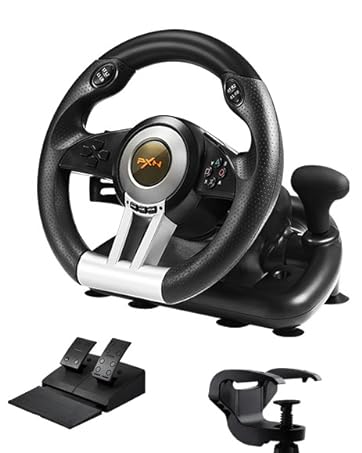
PXN V3III PC Racing Wheel
180° PC Gaming Racing Wheel Driving Wheel, with Linear Pedals and Racing Paddles
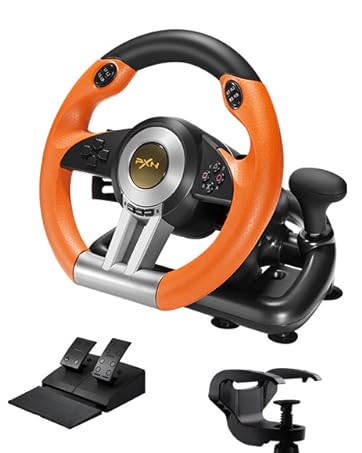
PXN V3III PC Racing Wheel
180° PC Gaming Racing Wheel Driving Wheel, with Linear Pedals and Racing Paddles
PXN A10 PC Racing Wheel Stand
Simulator Cockpit Wheel Stand Racing Steering Shifter Mount fit
PXN Farm Simulation Controller
CB1 Sim Racing Button Box for Sim Wheel and Racing Wheel
Features:
1: Compatible with PC, PS3, PS4, Switch, Xbox One, and Xbox Series X|S;
2: Built-in dual vibration motor to bring you a more realistic racing experience;
3: Imitation racing wheel ergonomics design,180° linear steering wheel, hand-held anti-slip wave design;
4: Linear pedals,support automatic battery life,experience more sensitive and precise braking effects;
5: Auto-calibration function (driver installation is required);
6: Plug-and-play PC steering wheel via X-input and D-input on PC;
7: Strong suction cups and a U-shaped fixed bracket make the game wheel easy to fix on the table;
8: Super-running left and right shift paddles and manual shift lever design.
Specifications:
? Game Accessories Type: Gaming Steering Wheel;
? Interface type: USB(Handle guide interface);
? Connection method: USB wired connection(6.56 ft);
? Applicable system: Windows 7/ 8/ 10/ 11;
? Key support: Programmable buttons;
? Vibration function: Support dual-motor vibration;
? Steering angle: Steering angle 180º.
Package Includes:
1 x Steering wheel
1 x Foot pedal set
1 x U-fixed bracket
1 x User manualfeatures
For PS4
Step 1: Power OFF the original PS4 controller.
Step 2: Use a Micro USB cable to connect PS4 original controller with guidance port of the steering wheel.
Step 3: Plug the USB interface of steering wheel into PS4.
Step 4: Press "HOME" button on steering wheel, red mode displays ON when connected successfully .
Note: You need to pair with the original PS4 wired controller to boot. If it is not the original controller, they will not be able to connect successfully.
For Switch
Step 1: Please connect the Type-C OTG with the USB interface of the steering wheel.( Note: Type-C OTG Adapter is not included ).
Step 2: Then plug the Type-C interface into the switch console.
Step 3: Red mode indicator displays ON when connected successfully.
Note: You need to pair with the original Switch wired controller to boot. If it is not the original controller, they will not be able to connect successfully.
For Xbox One/ Xbox Series X|S
Step 1: Power OFF the original controller of X-box One/ X-box Series X|S.
Step 2: Use a Micro USB cable to connect X-box One/ X-box Series X|S original controller and the guidance port in the steering wheel.
Step 3: Plug the USB cable of steering wheel into X-box One/ X-box Series X|S.
Step 4: Press 'HOME' button on steering wheel, red indicator will remain ON when connection is successful.
Note: You need to pair with the original X-box controller to boot. If it is not the original controller, they will not be able to connect successfully.