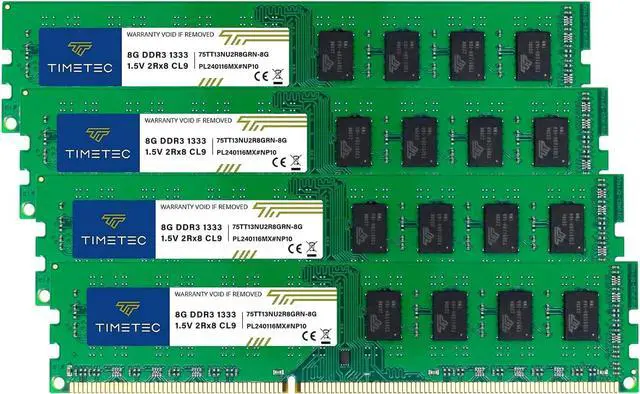
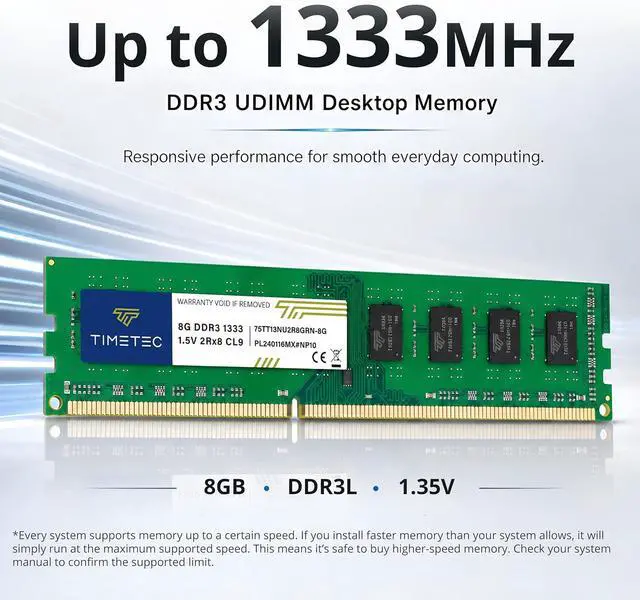
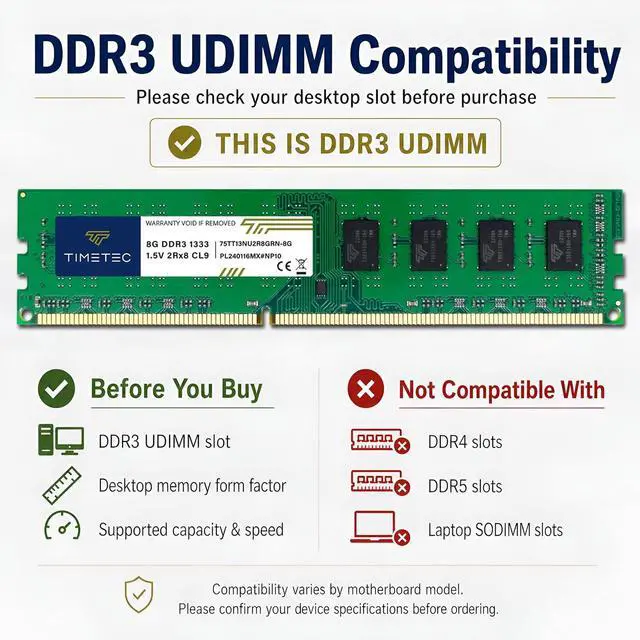
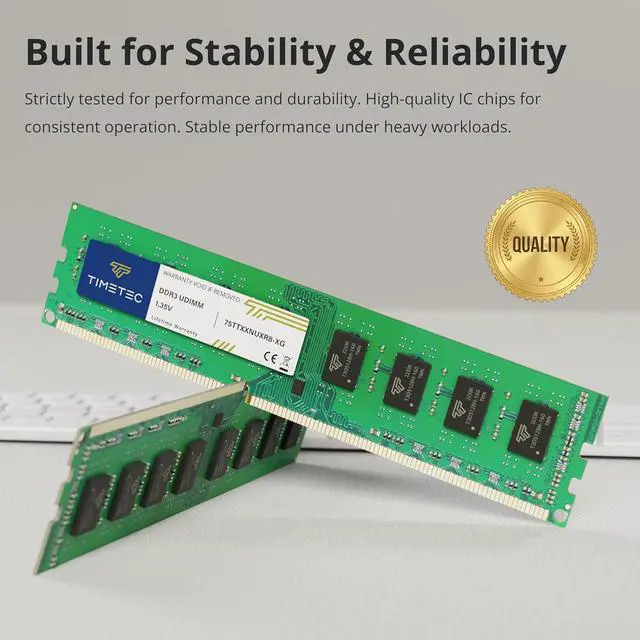
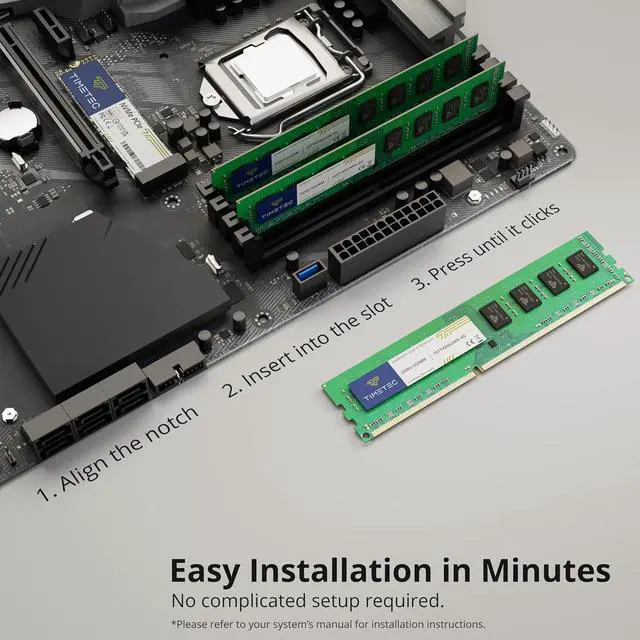
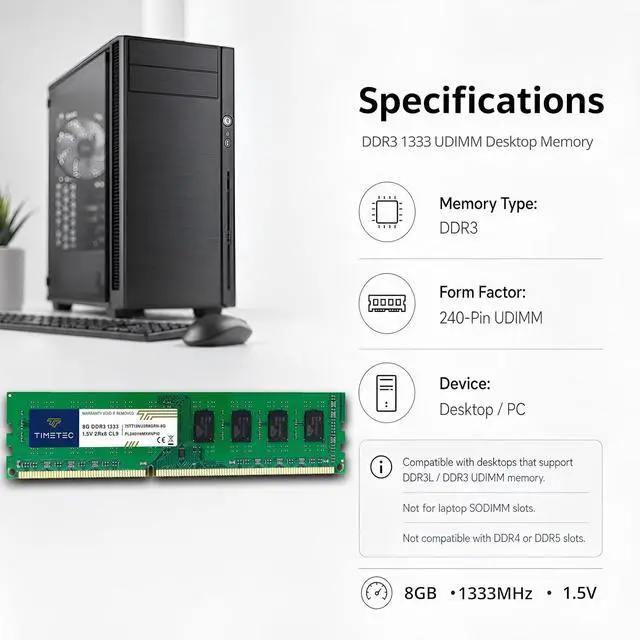
Timetec’s 32GB DDR3-1333 desktop memory kit includes four 8GB, 240-pin, non-ECC unbuffered UDIMMs rated at 1.5V and CL9, for upgrading compatible DDR3 desktop PCs with Intel or AMD processors.
Recommended For
- Owners of a legacy desktop whose motherboard supports 32GB of DDR3-1333 across four 8GB UDIMMs; check the exact motherboard’s memory specifications before buying.
- People keeping an older DDR3 desktop for multitasking or memory-heavy work, such as running several applications or virtual machines, when their current RAM capacity is a constraint and the system supports 32GB.
- People repairing or extending the life of an older desktop that specifically requires 240-pin, non-ECC, unbuffered DDR3 memory rather than a newer memory generation.
Real-World Use Scenarios
- On a compatible older desktop that slows down with many browser tabs and office apps open, moving to 32GB can reduce memory pressure and make switching between tasks smoother; it will not fix limits caused by a slow CPU or storage drive.
- For a DDR3 gaming PC used with a discrete graphics card, 32GB can leave more room for a game, voice chat, and background apps to run together. It is a capacity upgrade, not a promise of higher frame rates; the CPU and graphics card remain major performance factors.
- For a small home server or NAS built on a supported DDR3 desktop, 32GB can provide room for file sharing, media-server duties, and a few lightweight containers. Actual server capacity and responsiveness still depend on the processor, drives, and workload.
- When editing photos or using other memory-heavy creative applications on an older desktop, 32GB can help keep larger projects and other open apps in memory, reducing slowdowns from running short on RAM. It does not guarantee faster exports or processing if the CPU or storage is the bottleneck.




 here!


 All Categories