

Your Browsing History
- $119.99
- Free 30-day Returns

Meet Your Seller

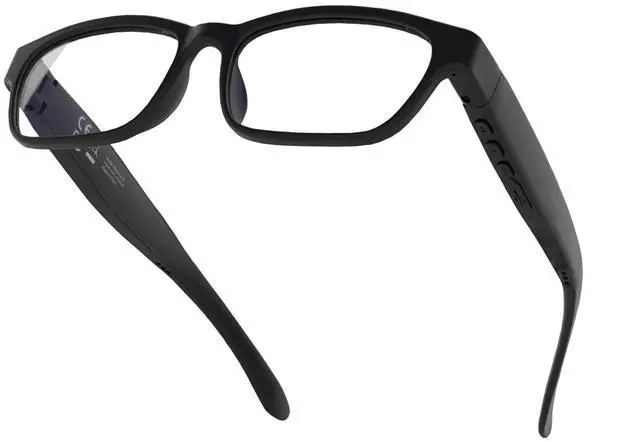



Smart Bluetooth Glasses Audio Safety Work Glasses with Bluetooth Speaker for Men Women Mic Voice Assistant, Ultra light and Comfortable Design (Clear Lens)
Limited time offer, ends 09/14 By Fornierwoly
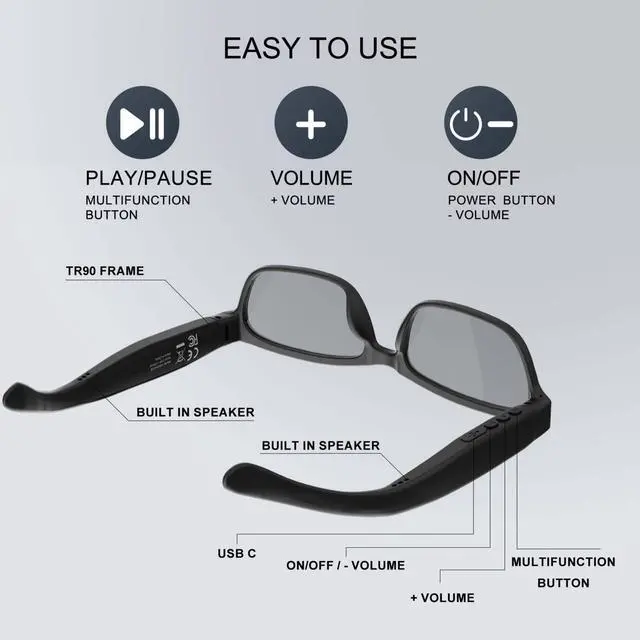
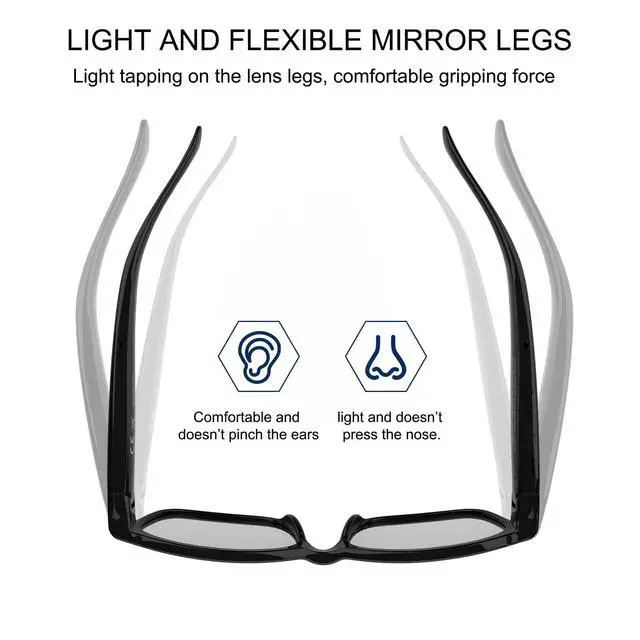
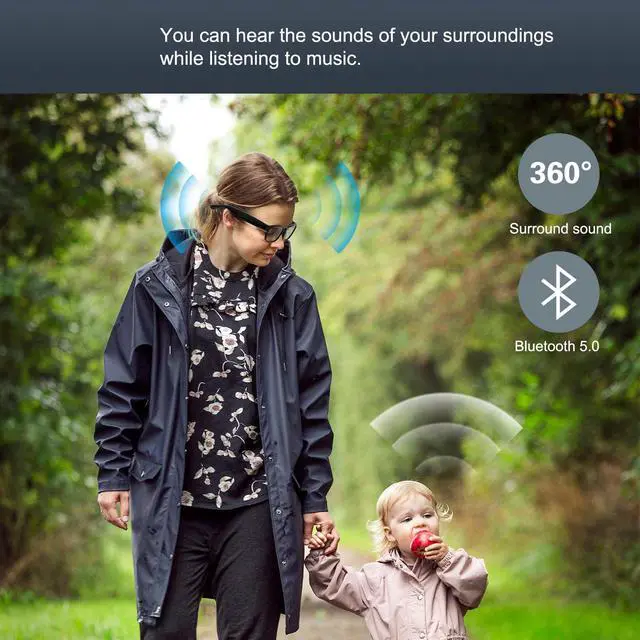
- Smart Bluetooth glasses: High-quality clear calls, listen to music and voice navigation, adjust volume and switch tracks. The open-ear speaker design lets you stay aware of your surroundings while enjoying audio. Voice control: Press the multifunction button on the glasses for 1.5 seconds to activate and access your phone's voice assistant. Simply say Siri, Cortana, or Google Now to have it follow commands for making calls or checking weather, traffic, and more. Rechargeable Bluetooth glasses offer up to 10 hours of continuous listening per full charge. Bluetooth range: 30 feet. Bluetooth 5.3. Lightweight and comfortable: Weighs 29 grams (without lenses), 35 grams with lenses. Flexible material frame, comfortable for extended wear. Pairing method for Bluetooth glasses and mobile phone: 1. With the glasses powered off, press and hold the power button for 3 seconds until the red and green lights flash alternately, entering Bluetooth pairing mode. 2. Enable Bluetooth on your phone, find "Vision 6A" in the available devices list, select it, and confirm pairing in the pop-up window
+
+
Overview
Specs
Reviews

Any questions? Our AI mode will help you find out quickly.
Try me now
Smart Bluetooth glasses: High-quality clear calls, listen to music and voice navigation, adjust volume and switch tracks. The open-ear speaker design lets you stay aware of your surroundings while enjoying audio. Voice control: Press the multifunction button on the glasses for 1.5 seconds to activate and access your phone's voice assistant. Simply say Siri, Cortana, or Google Now to have it follow commands for making calls or checking weather, traffic, and more. Rechargeable Bluetooth glasses offer up to 10 hours of continuous listening per full charge. Bluetooth range: 30 feet. Bluetooth 5.3. Lightweight and comfortable: Weighs 29 grams (without lenses), 35 grams with lenses. Flexible material frame, comfortable for extended wear. Pairing method for Bluetooth glasses and mobile phone: 1. With the glasses powered off, press and hold the power button for 3 seconds until the red and green lights flash alternately, entering Bluetooth pairing mode. 2. Enable Bluetooth on your phone, find "Vision 6A" in the available devices list, select it, and confirm pairing in the pop-up window
Warranty & Returns
Warranty, Returns, And Additional Information
Warranty
- Please contact the Seller directly for warranty information. Warranty information may also be found on the Manufacturer's website.
- CONTACT
Return Policies
- Return for refund within: 30 days
- Return for replacement within: 30 days
- This item is covered by Fornierwoly Return Policy
Manufacturer Contact Info
- For a directory of all our manufacturers, please click below.
- Manufacturers Directory
LOADING...