here!
here!
I’m your shopping assistant for PC builds, upgrades, and everything tech.
Got questions? Ask away!
Start a conversation
here!
I’m your shopping assistant for PC builds, upgrades, and everything tech.
Got questions? Ask away!
Start a conversation



Any questions? Ask CelesteSM will help you find out quickly.
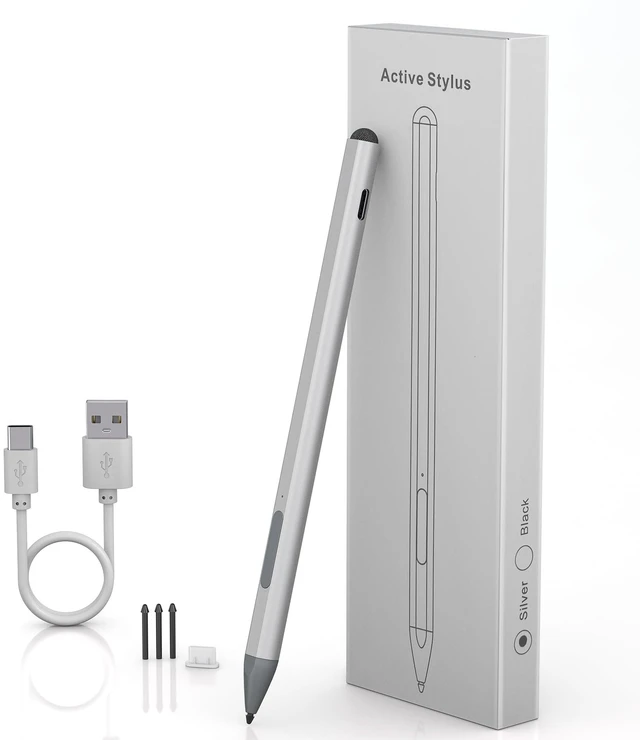
Stylus Pen for Surface Pro
LED Light & Pick Color & Eraser Multifunctional Design
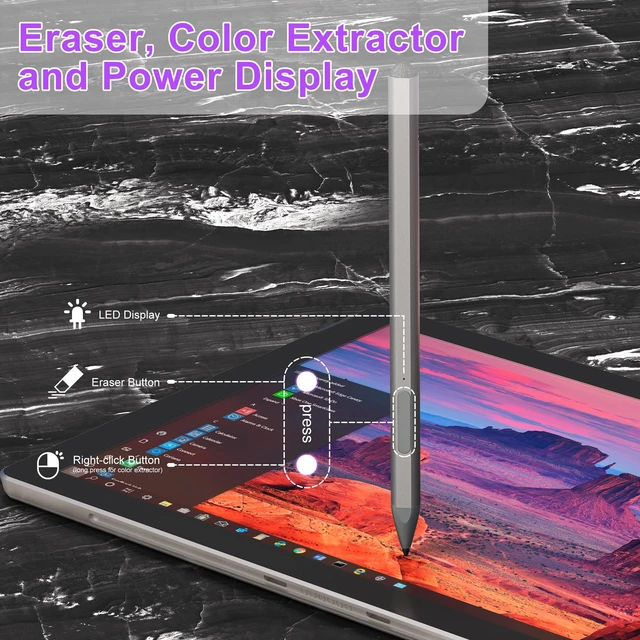
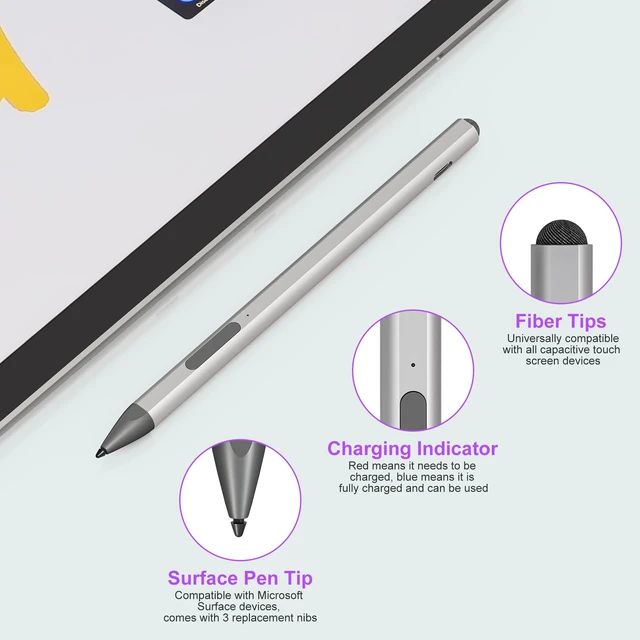
When the indicator light is red, it means the battery is low/charging. When the indicator light is blue, it means it is fully charged/in use, letting you know the battery status in time. In addition, long pressing the up key can perform the eraser function; long pressing the down key can perform the color picker function (also equivalent to the right mouse button), which is very suitable for creators who paint.
Type-C Fast Charging
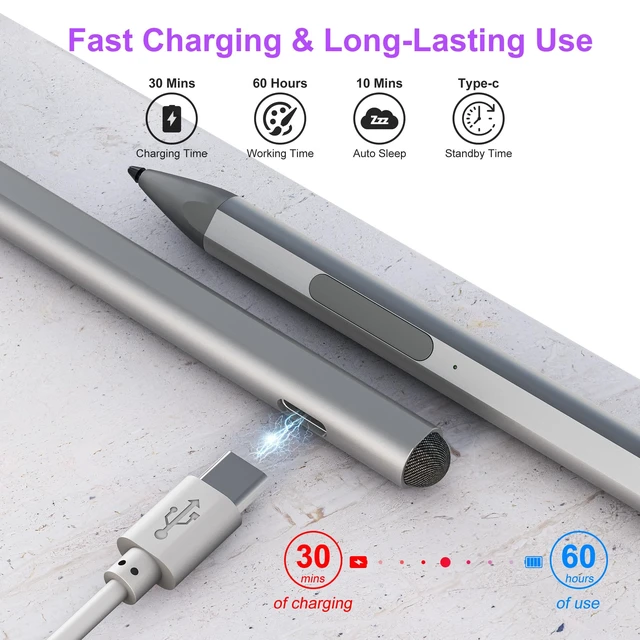
With just 30 minutes of charging, you can enjoy a remarkable 60 hours of usage. And the pen automatically powers off after 10 minutes of inactivity to preserves battery life.
4096 Pressure Sensitivity
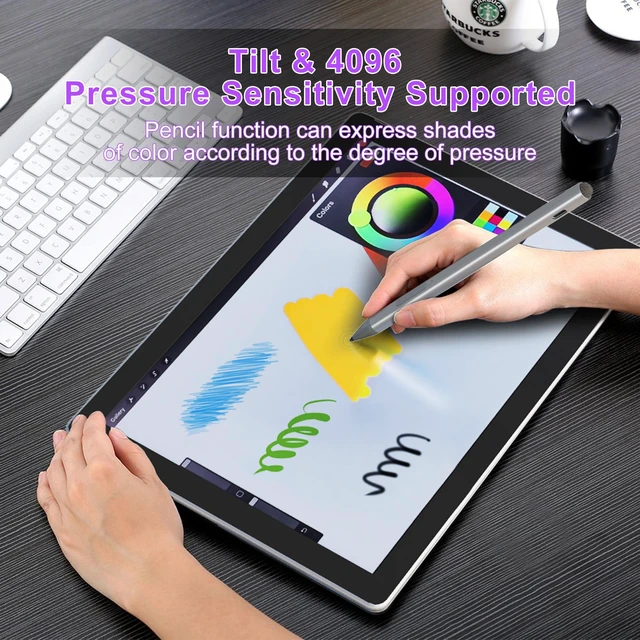
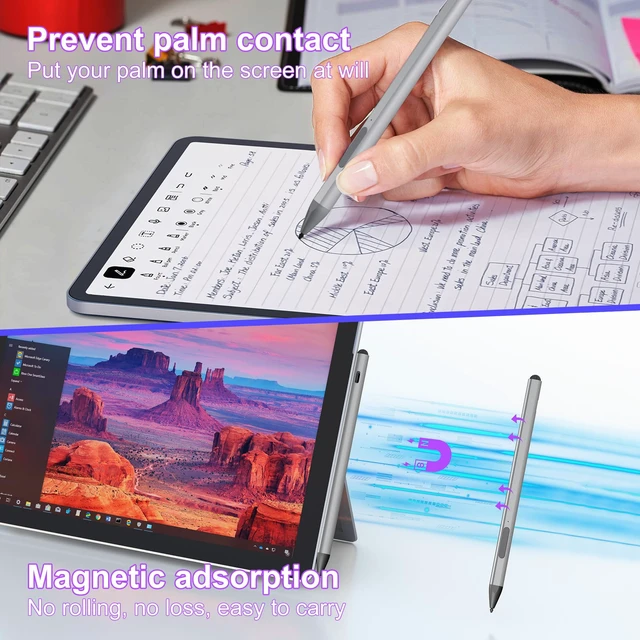
Surface Pen features 4,096-level pressure sensitivity technology, which helps accurate sketching and coloring, and no lag in writing.Palm Rejection The Surface Pro stylus features palm rejection technology allows you to place your hand naturally when writing There is no need to wear wear-resistant gloves on the screen, making it more convenient to use.
Magnetic Adsorption
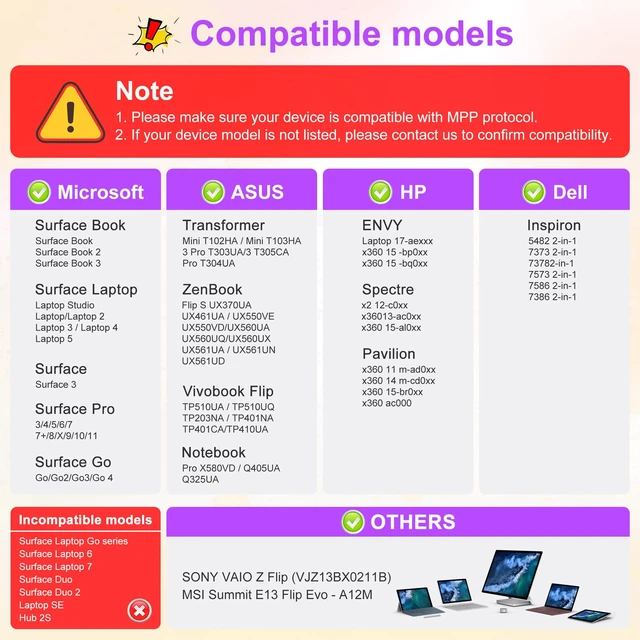
The Surface Pro stylus has a magnetic design and can be perfectly attached to your Surface Pro/Go/Book magnetically. You can always take it off to record when inspiration strikes.
Dual Tip Design
This surface pen uses the original tip, which has a long service life and can better protect the screen, and comes with 3 additional replaceable nibs. In addition to the pen tip, it also comes with a capacitive fiber pen cap that is compatible with most devices. You can also use the pen cap to click on the touch screen to perform operations. The dual design is more convenient.