here!
here!
I’m your shopping assistant for PC builds, upgrades, and everything tech.
Got questions? Ask away!
Start a conversation
here!
I’m your shopping assistant for PC builds, upgrades, and everything tech.
Got questions? Ask away!
Start a conversation
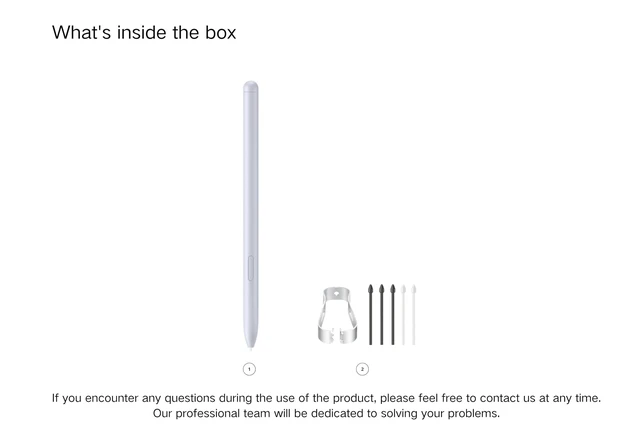
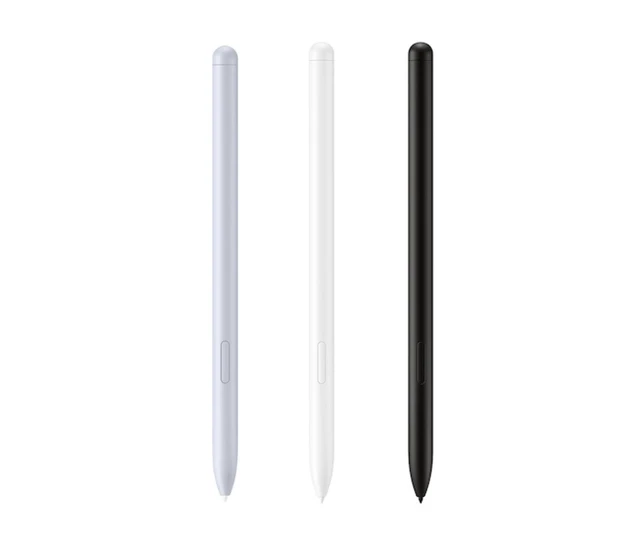



Any questions? Ask CelesteSM will help you find out quickly.
Instructions for using S Pen connection: 1. If the Bluetooth function is to be used, the device needs to have the Bluetooth function turned on. 2. The battery of the new pen with Bluetooth function may have too little power when it leaves the factory. The first time you connect the device, it takes 1 to 3 minutes. Please be patient and wait for the pen to charge before connecting the device. (Or you need to restart the device) 3. The Bluetooth function of the S Pen has all been tested at the factory. If you encounter a situation where you cannot connect the device or use the Bluetooth function, please contact us in time and we will help you use the S Pen correctly.