




 here!
here!
I’m your shopping assistant for PC builds, upgrades, and everything tech.
Got questions? Ask away!
Start a conversation
here!
I’m your shopping assistant for PC builds, upgrades, and everything tech.
Got questions? Ask away!
Start a conversation



Any questions? Ask CelesteSM will help you find out quickly.




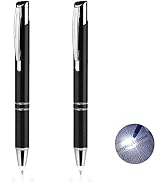
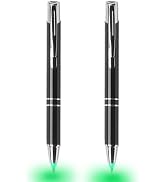
White | Red | Blue light color available

Penyeah was born in a OEM workshop of handmade pens for big brand, but a sharp influx of touchscreen technology has changed the way we read,write,and live in general. So we started to think...It's time to change!
Customer-centric is always our principle.Our mission is to provide customers with innovative & practical products that are well made and make life easier.
We are on the way to the functional pens pioneer & has earned a lot of praise.



Quick restore the brilliance of your diamonds and precious gems

Gift roller tool for mom like diamond art crafting

Vintage Style Pen with Light and Stylus
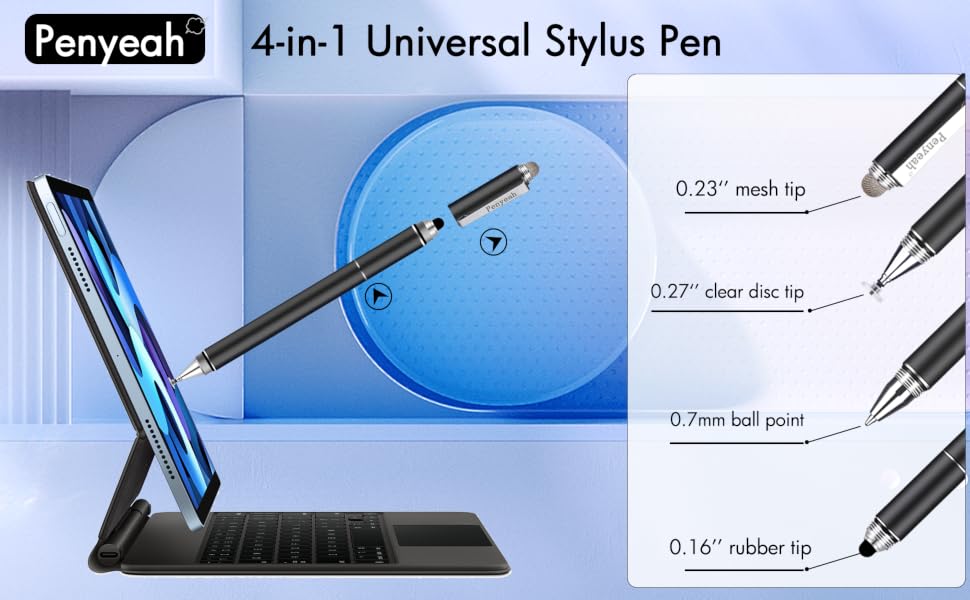


Disc Stylus

Mesh Stylus

Rubber Stylus

Writing Ballpoint

Kindly reminder
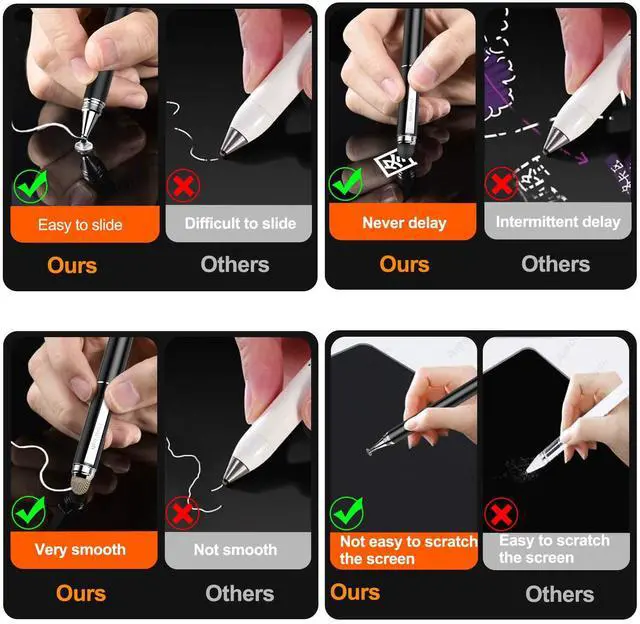
1. Before using the stylus disc tip on your device, please make sure both the device screen and the disc are clean, dirt can catch onto the disc which may result in reduced sensitivity, and in some cases may even scratch your screen.
2. Our stylus won't cause scratches on touch screen normally, but we still suggest you to use a screen protector on your device to protect the screen from any possible damage/scratches which may be caused by dirt on disc/screen, damaged tips.
4. If the stylus pen for ipad doesn't work on your iPad, please disconnect your iPad from the Apple pencil first, and if there is a switch inside the app for Apple pencil use only, please turn it off.
5. There is a sealing wax on the ball point tip originally, please remove it before your first use writing on paper.
 4 in 1 stylus pen |  4 in 1 stylus pen |  4 in 1 stylus pen |  pen stylus 3pack |  magnetic cap stylus |  replacement tips | |
|---|---|---|---|---|---|---|
| Customer Reviews | — | — | — | — | — | — |
| Price | — | — | — | — | — no data | — |
| Product Name | Penyeah P1 | Penyeah P1 | Penyeah P1 | Penyeah P6 | Penyeah P3 | Replacement Accessories Set for P1 |
| Color | Classic Black | Luxury Gold | Gradient Pink | 3 colors | Space Gray | n/a |
| Touch Screen Tips | 3 | 3 | 3 | 2 or 1 | 2 | n/a |
| Ballpoint Pen Built-in | ? | ? | ? | ? | ? | blue ink refills |
| Charge/Settings | No Need | No Need | No Need | No Need | No Need | n/a |
| Bluetooth Connecting | No Need | No Need | No Need | No Need | No Need | n/a |
| Compatible with | Phone/Tablet/Laptop/All Touchscreen Device | Phone/Tablet/Laptop/All Touchscreen Device | Phone/Tablet/Laptop/All Touchscreen Device | Phone/Tablet/Laptop/All Touchscreen Device | Phone/Tablet/Laptop/All Touchscreen Device | n/a |

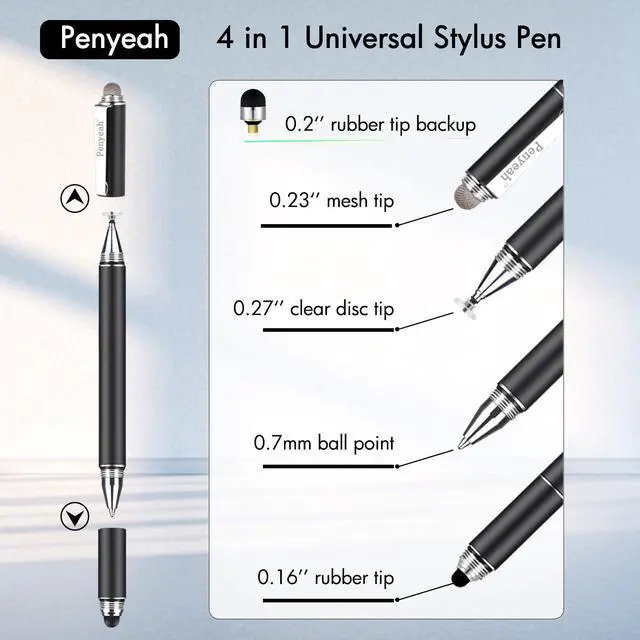
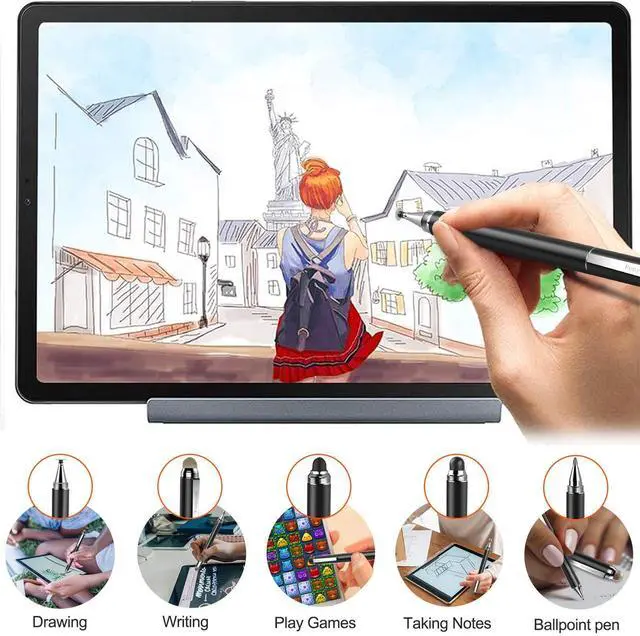
Clear disc allows you see exactly where your mark is being made and give you the accurate point. Sutiable for your creation on drawing apps.
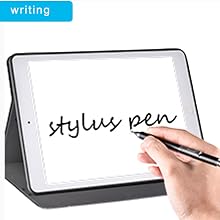
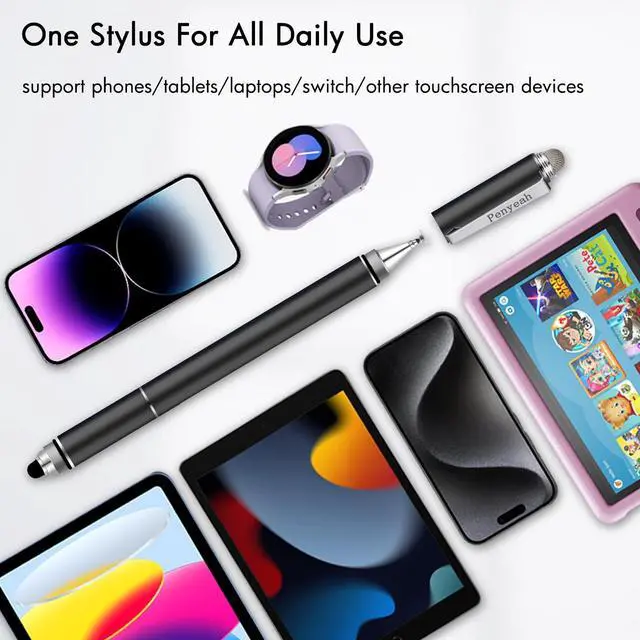
Penyeah stylus pen for touchscreen is a passive stylus, just use it diretly, no need for charging or Bluetooth connection, very practical and convenient.

Penyeah Stylus Pen is made of high grade copper, weights 21g, aim to provide handy comfortable feeling, solid, durable and corrosion resistance.

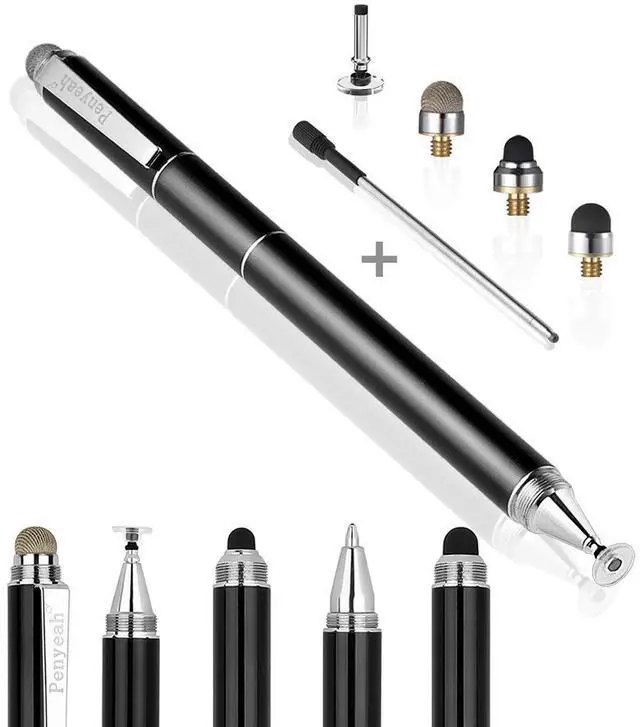
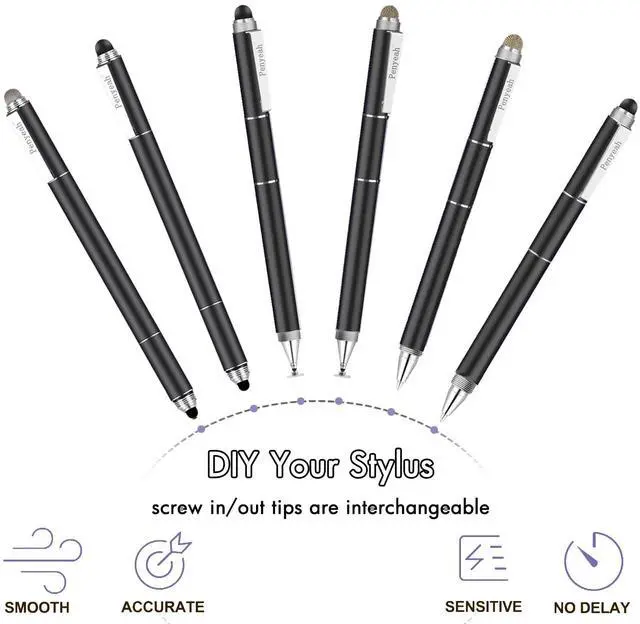
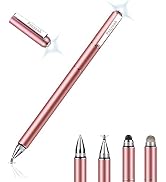
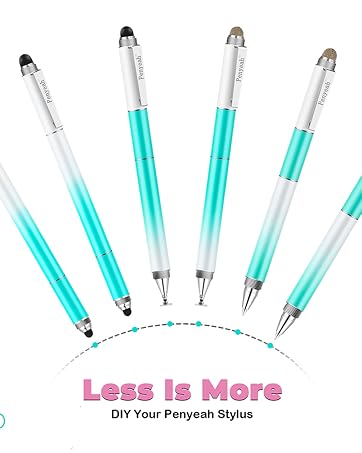
Penyeah stylus pen for android include 4 different touch tips, can be used on all capacitive touch screens, different tips for different purposes.
Kindly reminder
1. Before using the stylus disc tip on your device, please make sure both the device screen and the disc are clean, dirt can catch onto the disc which may result in reduced sensitivity, and in some cases may even scratch your screen.
2. Our stylus won't cause scratches on touch screen normally, but we still suggest you to use a screen protector on your device to protect the screen from any possible damage/scratches which may be caused by dirt on disc/screen, damaged tips.
4. If the stylus pen for ipad doesn't work on your iPad, please disconnect your iPad from the Apple pencil first, and if there is a switch inside the app for Apple pencil use only, please turn it off.
5. There is a sealing wax on the ball point tip originally, please remove it before your first use writing on paper.
 4 in 1 stylus pen | 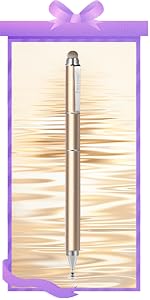 4 in 1 stylus pen | 4 in 1 stylus pen |  pen stylus 3pack |  magnetic cap stylus | replacement tips | |
|---|---|---|---|---|---|---|
| Customer Reviews | — | — | — | — | — | — |
| Price | — | — | — | — | — no data | — |
| Product Name | Penyeah P1 | Penyeah P1 | Penyeah P1 | Penyeah P6 | Penyeah P3 | Replacement Accessories Set for P1 |
| Color | Classic Black | Luxury Gold | Gradient Pink | 3 colors | Space Gray | n/a |
| Touch Screen Tips | 3 | 3 | 3 | 2 or 1 | 2 | n/a |
| Ballpoint Pen Built-in | ? | ? | ? | ? | ? | blue ink refills |
| Charge/Settings | No Need | No Need | No Need | No Need | No Need | n/a |
| Bluetooth Connecting | No Need | No Need | No Need | No Need | No Need | n/a |
| Compatible with | Phone/Tablet/Laptop/All Touchscreen Device | Phone/Tablet/Laptop/All Touchscreen Device | Phone/Tablet/Laptop/All Touchscreen Device | Phone/Tablet/Laptop/All Touchscreen Device | Phone/Tablet/Laptop/All Touchscreen Device | n/a |
Clear disc allows you see exactly where your mark is being made and give you the accurate point. Sutiable for your creation on drawing apps.

Penyeah stylus pen for touchscreen is a passive stylus, just use it diretly, no need for charging or Bluetooth connection, very practical and convenient.

Penyeah Stylus Pen is made of high grade copper, weights 21g, aim to provide handy comfortable feeling, solid, durable and corrosion resistance.
Penyeah stylus pen for android include 4 different touch tips, can be used on all capacitive touch screens, different tips for different purposes.

White | Red | Blue light color available
Penyeah was born in a OEM workshop of handmade pens for big brand, but a sharp influx of touchscreen technology has changed the way we read,write,and live in general. So we started to think...It's time to change!
Customer-centric is always our principle.Our mission is to provide customers with innovative & practical products that are well made and make life easier.
We are on the way to the functional pens pioneer & has earned a lot of praise.
Quick restore the brilliance of your diamonds and precious gems
Gift roller tool for mom like diamond art crafting
Vintage Style Pen with Light and Stylus
| Color | Black |
| Brand | Penyeah |
| Material | Copper, Rubber, Fiber |
| Item Weight | 21 g |
| Compatible Devices | iphone ipad samsung galaxy android cellphones hp laptops smartphone tablets kindle fire |
| Item dimensions L x W x H | 5.6 x 0.35 x 0.35 inches |
| Battery Description | Lithium-Ion |
| Item Diameter | 0.27 inches |
| Number of Packs | 1 |
| UPC | 192687620821 |
| Item Dimensions | 5.6 x 0.35 x 0.35 inches |
| Enclosure Material | Copper, Rubber, Fiber |
| Model Number | 111 |
| Unit Count | 1 Count |
| Manufacturer | Penyeah |
| Mfr Part Number | q1-111 |


