







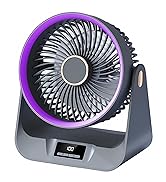
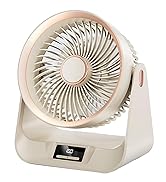

SAYTAY Portable Real Time Clock USB Fan with Temperature Display, for Office, Home & Travel

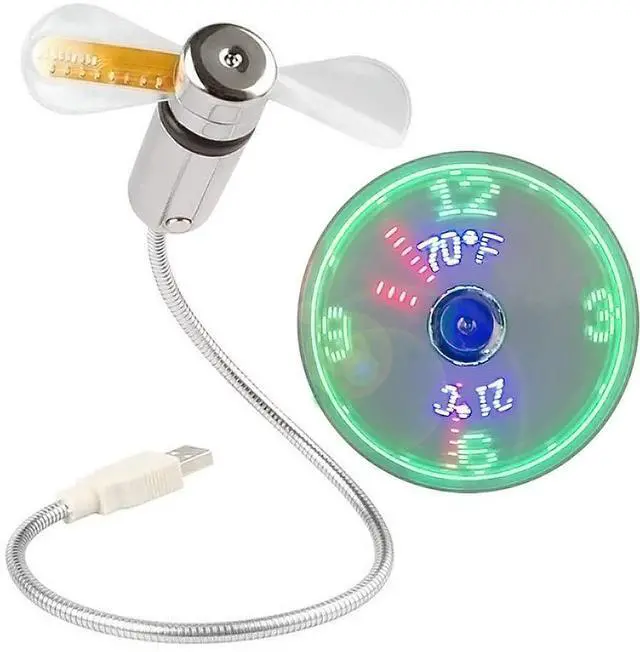
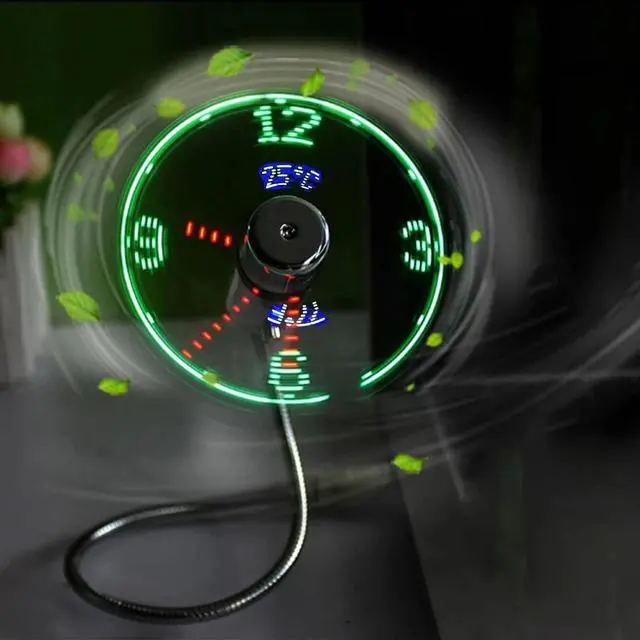
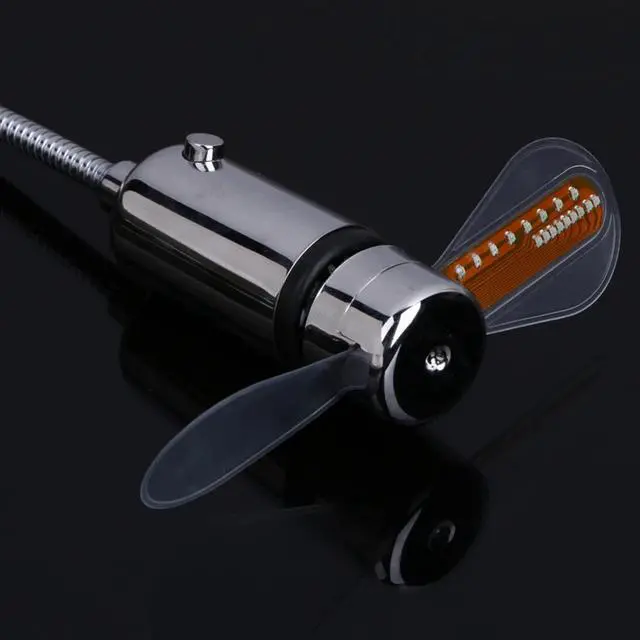
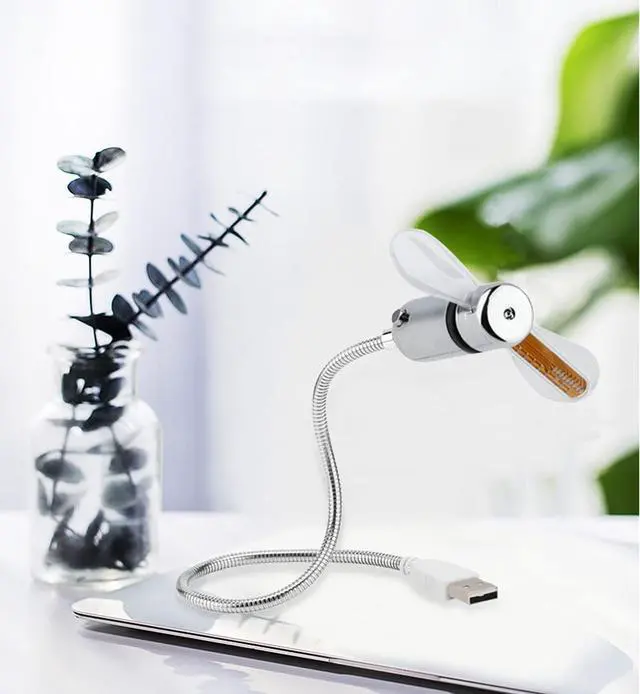
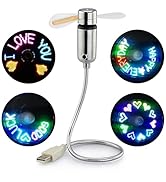
The temperature clock fan is a fan with the special blade
that creates an LED temperature clock face.
Can display time and temperature (Fahrenheit and
Celsius) on a single fan surface, automatically senses
outside temperature without adjustment.
Allowing you to enjoy cooling wind while playing ,
sensing a new cool display experience

Features
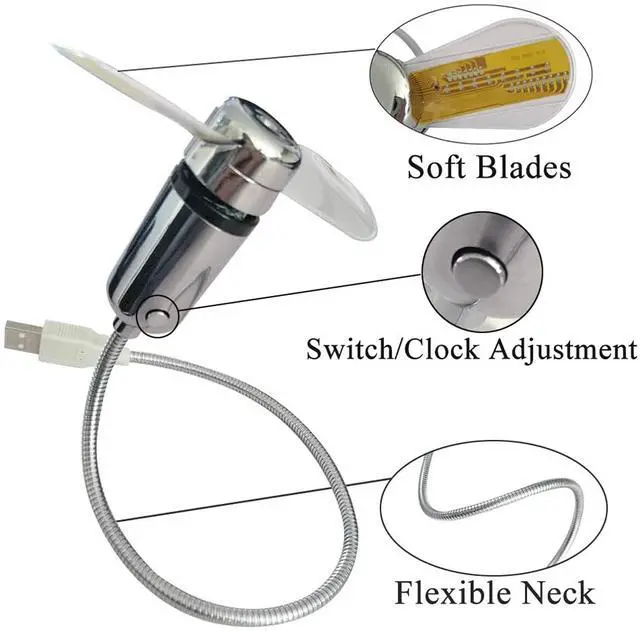
- PVC soft fan blades are safe to use
- The gooseneck is flexibly bent, you can easily adjust the fan to any place you need
- The ON/OFF button can set the time
- USB port powered, plug and play.

Easy to use
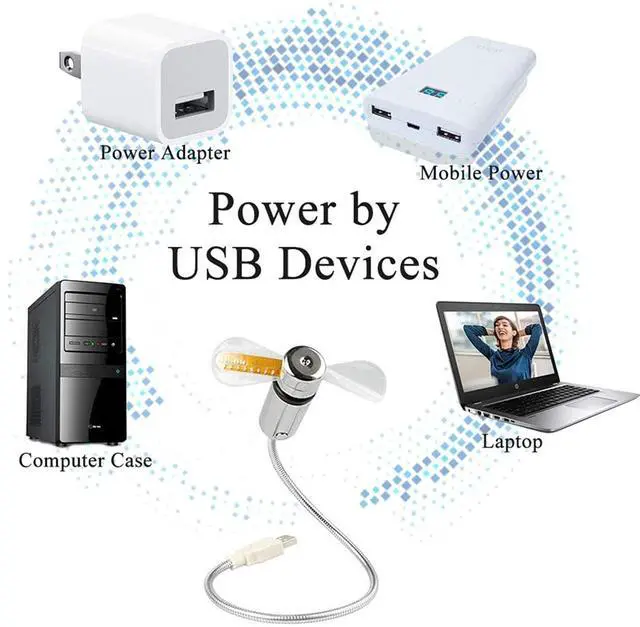
- Suitable for any USB charging port, such as notebook, desktop computer, mobile power supply or USB plug, etc.
- No need to drive, plug and play, very suitable for home, office, travel.

Super compact & lightweight.
- The soft neck of the fan can be bent arbitrarily, and the weight is only 2.12oz, which is very light and easy to carry.

Setting the Time
1. Plug into a USB port and press the ON/OFF switch to turn fan on and to
activate the clock display.
2. Press and hold the ON/OFF button until minute hand starts blinking.
3. Setting the hour hand: continue to hold ON/OFF button to set the hour
hand. The clock will spin clockwise fast, release the button just before the
correct hour.
4. Setting the minute hand: After the hour is set, the minute hand will
flash, Click the ON/OFF button to move the minute hand forward to the
correct time.
5. Leave for 6 seconds and the time is set.
Notes:
- Do not touch the spinning fan blades.
- Keep your hair,face and eyes away from the rotating fan blades.
- In order to protect your USB port form damage,be careful not to press hard to the USB connector when adjusting the flexible neck.
- When the fan is moving keep children under 3 years away from the product.
- Please turn off the fan when you do not use it.
Specifications
SAYTAY specializes in researching fans and is committed to creating unique designs that are different from other brands. We will work harder to adhere to the concept of high quality and enrich our product lineup to satisfy our customers' needs.
USB LED Clock Fan
Portable Desk Fan
SAYTAY Portable Real Time Clock USB Fan with Temperature Display, for Office, Home & Travel
The temperature clock fan is a fan with the special blade
that creates an LED temperature clock face.
Can display time and temperature (Fahrenheit and
Celsius) on a single fan surface, automatically senses
outside temperature without adjustment.
Allowing you to enjoy cooling wind while playing ,
sensing a new cool display experience
Features
- PVC soft fan blades are safe to use
- The gooseneck is flexibly bent, you can easily adjust the fan to any place you need
- The ON/OFF button can set the time
- USB port powered, plug and play.
Easy to use
- Suitable for any USB charging port, such as notebook, desktop computer, mobile power supply or USB plug, etc.
- No need to drive, plug and play, very suitable for home, office, travel.
Super compact & lightweight.
- The soft neck of the fan can be bent arbitrarily, and the weight is only 2.12oz, which is very light and easy to carry.
Setting the Time
1. Plug into a USB port and press the ON/OFF switch to turn fan on and to
activate the clock display.
2. Press and hold the ON/OFF button until minute hand starts blinking.
3. Setting the hour hand: continue to hold ON/OFF button to set the hour
hand. The clock will spin clockwise fast, release the button just before the
correct hour.
4. Setting the minute hand: After the hour is set, the minute hand will
flash, Click the ON/OFF button to move the minute hand forward to the
correct time.
5. Leave for 6 seconds and the time is set.
Notes:
- Do not touch the spinning fan blades.
- Keep your hair,face and eyes away from the rotating fan blades.
- In order to protect your USB port form damage,be careful not to press hard to the USB connector when adjusting the flexible neck.
- When the fan is moving keep children under 3 years away from the product.
- Please turn off the fan when you do not use it.
Specifications
| Type | USB Clock Fan With Temperature |
| Working Voltage | DV 5V |
| Current | =350mA |
| Weight | 60g/2.12oz |
| Package Dimensions | 9.2 x 3.9 x 0.3 in |
| Color | Silver |
| Material | Plastic+Metal |
| Switch | Key switch |
| Brand | SAYTAY |