


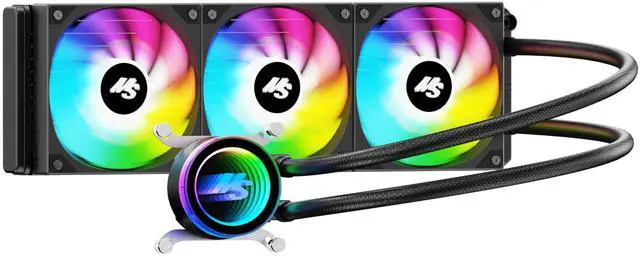



360 argb display
Merchant Video


Minorsonic AIO CPU Cooler in Comparison
 MS 360mm A-RGB Black |  MS 360mm Black |  MS 240mm A-RGB Black |  MS 240mm Black | |
|---|---|---|---|---|
Customer Reviews | — | — | — | — |
Price | — | — | — | — |
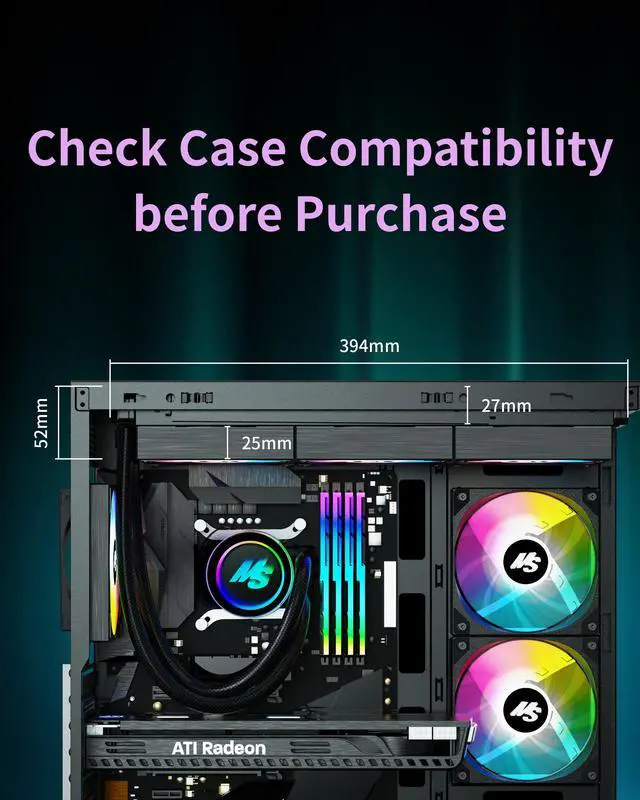
Dimensions (Radiator) | (L) 394 x (W) 120 x (H) 27 mm | (L) 394 x (W) 120 x (H) 27 mm | (L) 274 x (W) 120 x (H) 27 mm | (L) 274 x (W) 120 x (H) 27 mm |
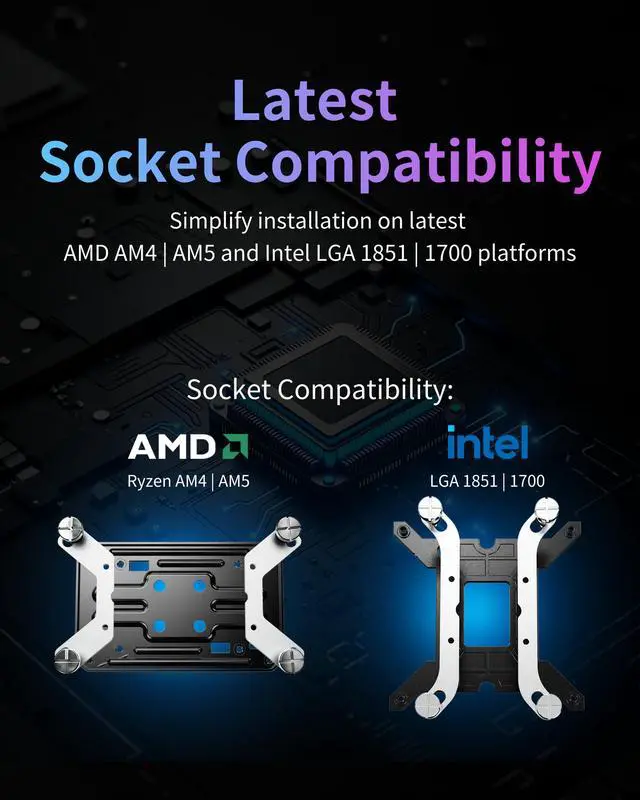
Intel Socket | Intel LGA 1700/1851 | Intel LGA 1700/1851 | Intel LGA 1700/1851 | Intel LGA 1700/1851 |
AMD Socket | AMD AM4/AM5 | AMD AM4/AM5 | AMD AM4/AM5 | AMD AM4/AM5 |
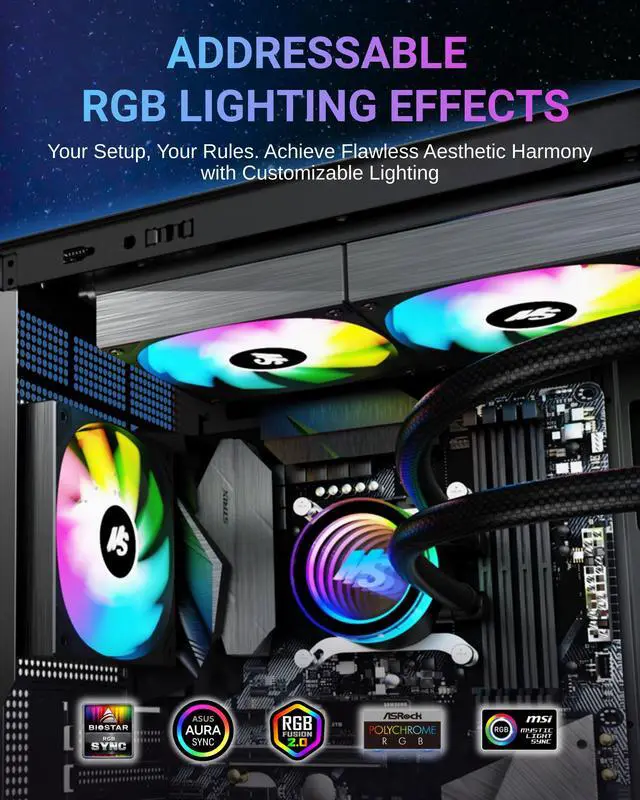
ARGB LEDs | 5V-3-Pin ARGB | / | 5V-3-Pin ARGB | / |
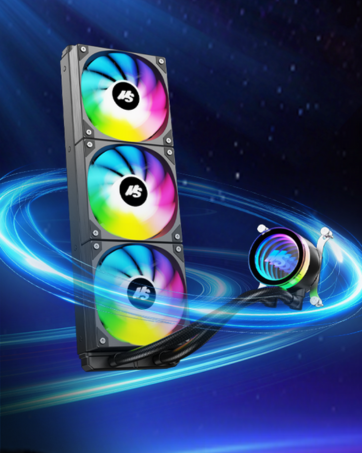
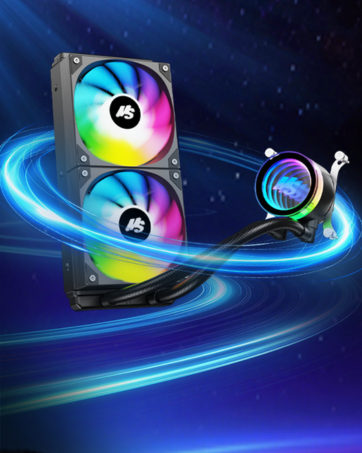
Fan Module | Triple 120 mm PWM | Triple 120 mm PWM | Dual 120 mm PWM | Dual 120 mm PWM |
PWM Fan Speed | 600-1600 RPM | 600-1600 RPM | 600-1600 RPM | 600-1600 RPM |
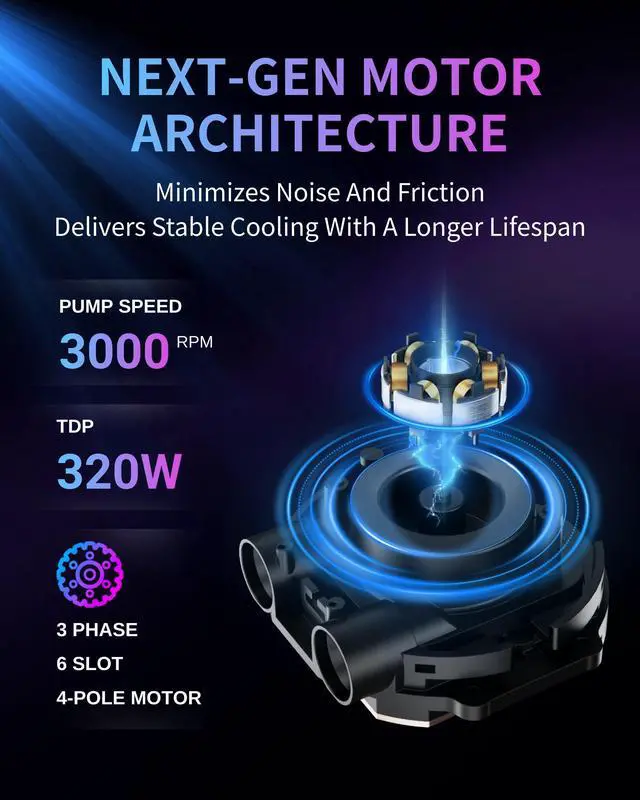
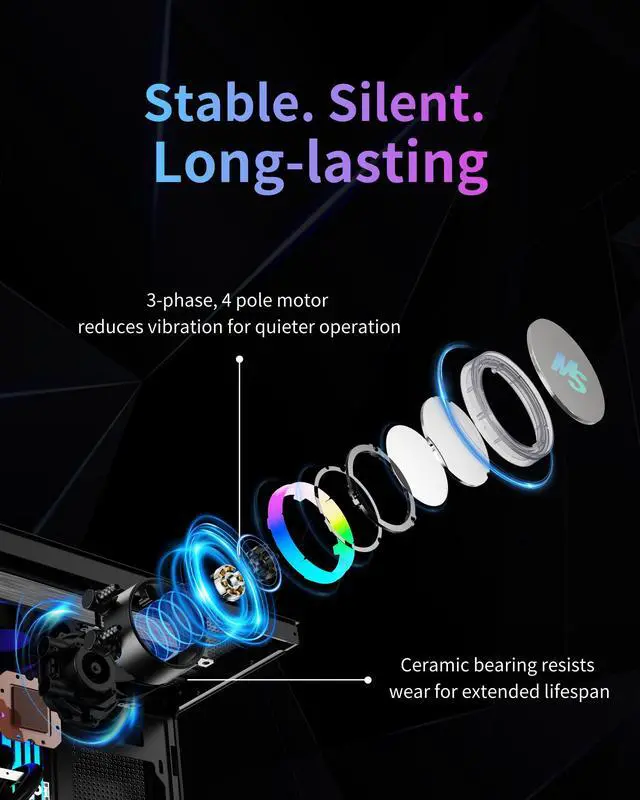
Pump Speed | 3000 ± 10% RPM | 3000 ± 10% RPM | 3000 ± 10% RPM | 3000 ± 10% RPM |
Bearing | Hydraulic Ceramic Bearing | Hydraulic Ceramic Bearing | Hydraulic Ceramic Bearing | Hydraulic Ceramic Bearing |
How to install Minorsonic AIO CPU cooler?
1. Mount radiator in case
2. Apply thermal paste and place pump/block on CPU
3. Tighten screws diagonally and evenly to secure pump.
4. Connect pump and fan cables to motherboard headers.
For full details, please refer to the installation manual
How do I know if my case can fit a 240mm or 360mm AIO?
1. Check your case: Look up your model to see front, top, and rear radiator support (search “case model + specs”).
2. Measure if unsure: Make sure there’s enough space for a radiator:
*240mm: 277 × 120 mm
*360mm: 397 × 120 mm
I’m unable to remove the pre-installed AIO bracket screws. What should I do?
If you encounter issues removing the pre-installed AIO bracket—such as the screwdriver not engaging properly with the screw socket—please reach out to us directly before proceeding further.

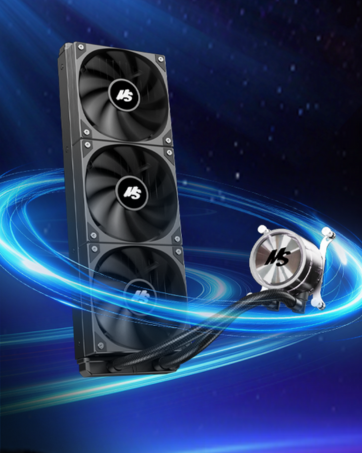
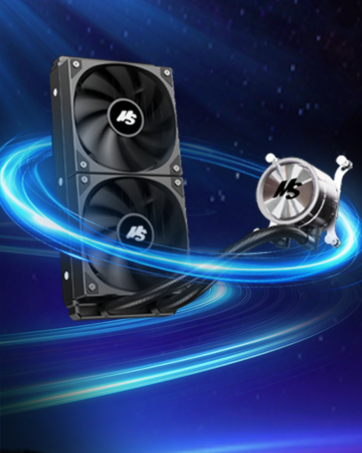
360 argb display
Merchant Video


Minorsonic AIO CPU Cooler in Comparison
MS 360mm A-RGB Black | MS 360mm Black | MS 240mm A-RGB Black | MS 240mm Black |
|---|---|---|---|
| Customer Reviews | |||
| — | — | — | — |
| Price | |||
| — | — | — | — |
| Dimensions (Radiator) | |||
| (L) 394 x (W) 120 x (H) 27 mm | (L) 394 x (W) 120 x (H) 27 mm | (L) 274 x (W) 120 x (H) 27 mm | (L) 274 x (W) 120 x (H) 27 mm |
| Intel Socket | |||
| Intel LGA 1700/1851 | Intel LGA 1700/1851 | Intel LGA 1700/1851 | Intel LGA 1700/1851 |
| AMD Socket | |||
| AMD AM4/AM5 | AMD AM4/AM5 | AMD AM4/AM5 | AMD AM4/AM5 |
| ARGB LEDs | |||
| 5V-3-Pin ARGB | / | 5V-3-Pin ARGB | / |
| Fan Module | |||
| Triple 120 mm PWM | Triple 120 mm PWM | Dual 120 mm PWM | Dual 120 mm PWM |
| PWM Fan Speed | |||
| 600-1600 RPM | 600-1600 RPM | 600-1600 RPM | 600-1600 RPM |
| Pump Speed | |||
| 3000 ± 10% RPM | 3000 ± 10% RPM | 3000 ± 10% RPM | 3000 ± 10% RPM |
| Bearing | |||
| Hydraulic Ceramic Bearing | Hydraulic Ceramic Bearing | Hydraulic Ceramic Bearing | Hydraulic Ceramic Bearing |
How to install Minorsonic AIO CPU cooler?
1. Mount radiator in case
2. Apply thermal paste and place pump/block on CPU
3. Tighten screws diagonally and evenly to secure pump.
4. Connect pump and fan cables to motherboard headers.
For full details, please refer to the installation manual
How do I know if my case can fit a 240mm or 360mm AIO?
1. Check your case: Look up your model to see front, top, and rear radiator support (search “case model + specs”).
2. Measure if unsure: Make sure there’s enough space for a radiator:
*240mm: 277 × 120 mm
*360mm: 397 × 120 mm
I’m unable to remove the pre-installed AIO bracket screws. What should I do?
If you encounter issues removing the pre-installed AIO bracket—such as the screwdriver not engaging properly with the screw socket—please reach out to us directly before proceeding further.
Minorsonic AIO Liquid Cooler
360mm AIO CPU Cooler ARGB
240mm AIO CPU Cooler ARGB
360mm AIO CPU Cooler Black
240mm AIO CPU Cooler Black