- Free 30-day Returns
Meet Your Seller
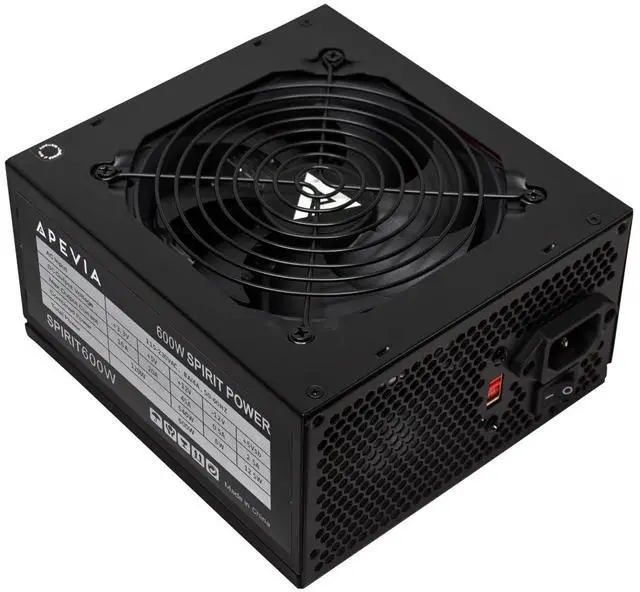
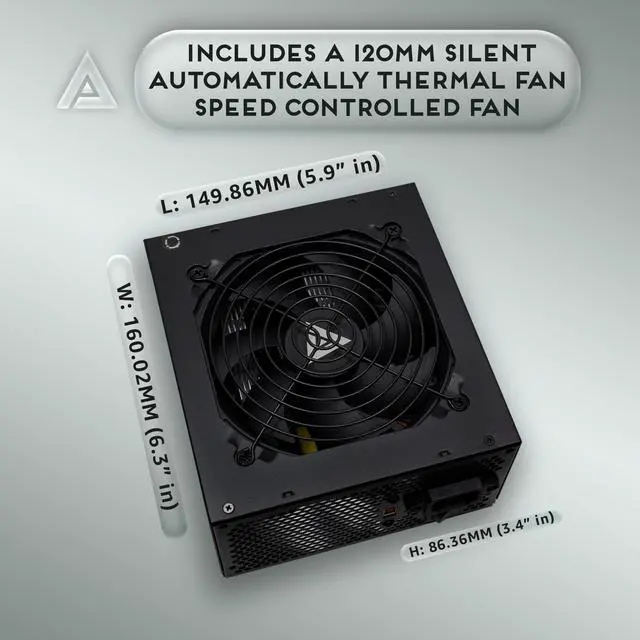
Apevia SPIRIT600W Spirit 600W ATX Power Supply, 120MM Fan, All Protections | 120mm Auto Thermal Controlled Fan, Quiet Operation, Heavy Duty Protections, Supports Single 12V Output, Black Fan
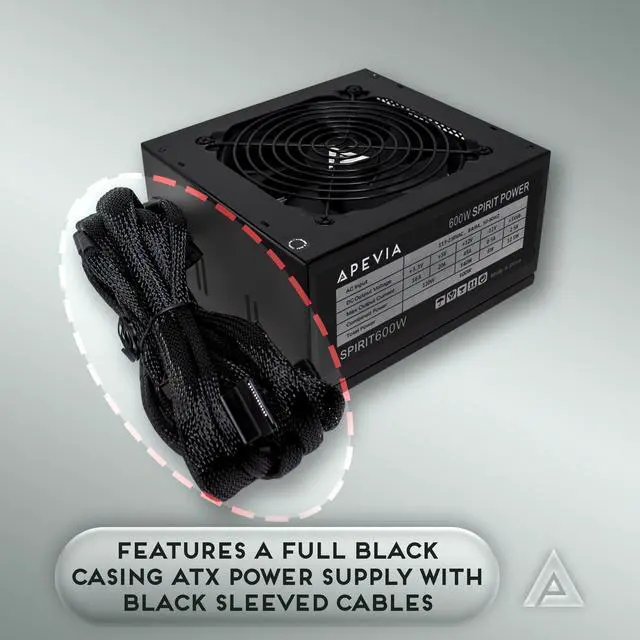
- Apevia 600W Spirit ATX Gaming Power Supply with black sandblasted casing. Supports Dual/Quad/Multi-core CPUs. Supports single 12V output for higher power usage.
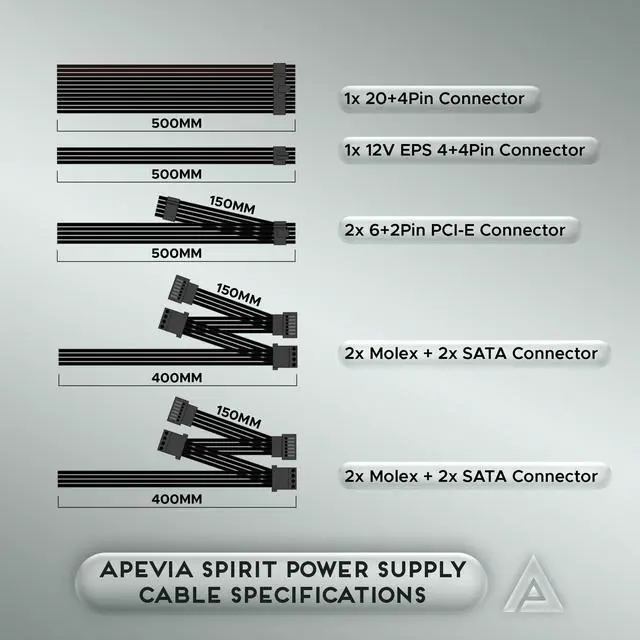
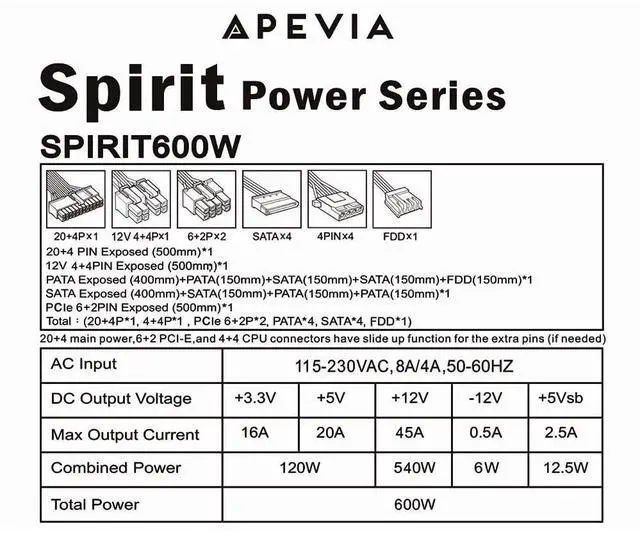
- Connectors : 1 x 20/24pin Main Power, 1 x 4+4pin 12V, 2 x PCI 6+2pin, 4 x SATA, 4 x Molex
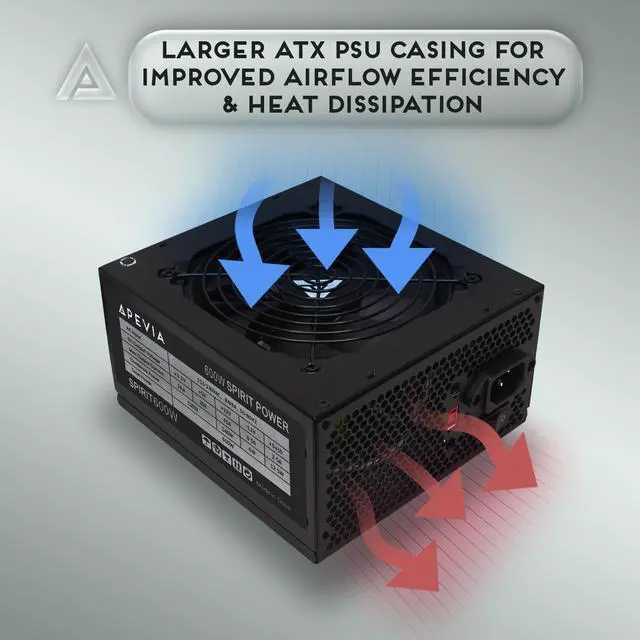
- Auto-thermally controlled 120mm black fan. Output: +3.3V@16A, +5V@20A, +12V@45A, [email protected], [email protected]
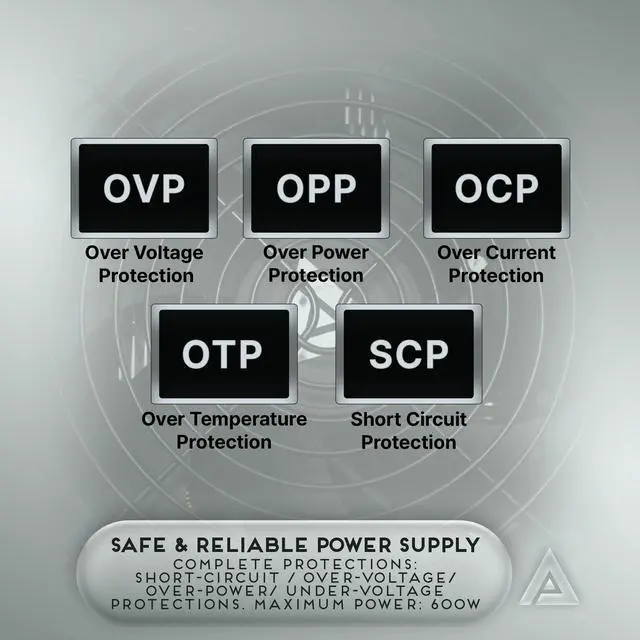
- Heavy-duty protections: Short-Circuit/Over-Current/Over-Voltage/Over-Power/Under-Voltage/Over-Temperature Protections
- The power supply will not power on simply by connecting the power cord to both the power supply and wall outlet. Ensure that all the power supply cables are properly connected to the PC for it to power on.
- The 8pin CPU connector can be split apart to become a 4+4 connector by pushing one end of the 4pin down and the other end of the 4pin up for motherboards that require a 4pin power connector.
- The 8pin PCI-E GPU connector can be split apart to become a 6+2 connector by pushing one end of the 6pin down and the other end of the 2pin up for graphics cards that require a 6pin power connector.
- The 24pin motherboard connector can be split apart to become a 20+4 connector by pushing one end of the 20pin down and the other end of the 4pin up for motherboards that require a 20pin power connector
Any questions? Ask CelesteSM will help you find out quickly.
Apevias Spirit line of power supplies bring form and function to your system, providing high efficiency with a basic black look that fits ATX computer builds. It supports the modern 12v2.3 power standard with a single 12V rail setup. Boasting a silent 120mm black fan, it keeps everything inside the system cool. Comes with enough cables to connect all the devices you might need. The ATX-SP600 power supply is perfect for mid-range builds for both business and gaming use. The power supply will not power on simply by connecting the power cord to both the power supply and wall outlet. Ensure that all the power supply cables are properly connected to the PC for it to power on. The 8pin CPU connector can be split apart to become a 4+4 connector by pushing one end of the 4pin down and the other end of the 4pin up for motherboards that require a 4pin power connector. The 8pin PCI-E GPU connector can be split apart to become a 6+2 connector by pushing one end of the 6pin down and the other end of the 2pin up for graphics cards that require a 6pin power connector. The 24pin motherboard connector can be split apart to become a 20+4 connector by pushing one end of the 20pin down and the other end of the 4pin up for motherboards that require a 20pin power connector
Warranty & Returns
Warranty, Returns, And Additional Information
Warranty
- Please contact the Seller directly for warranty information. Warranty information may also be found on the Manufacturer's website.
- CONTACT
Return Policies
- Return for refund within: 30 days
- Return for replacement within: 30 days
- This item is covered by Temonick shop Return Policy
Manufacturer Contact Info
- For a directory of all our manufacturers, please click below.
- Manufacturers Directory