



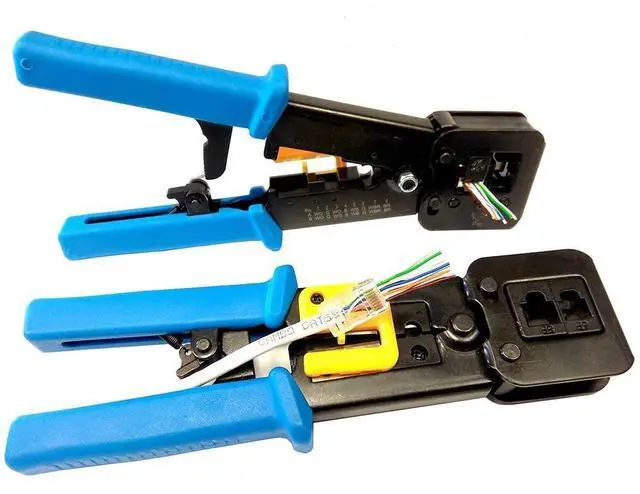
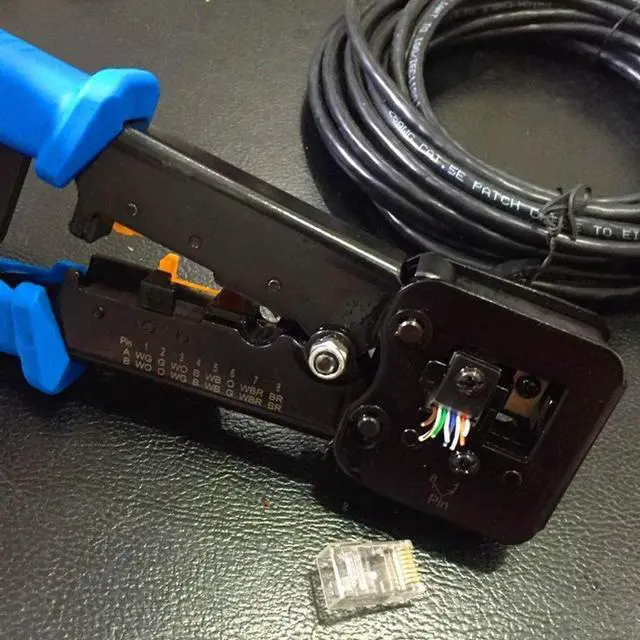


RJ45 Crimping Tool Pass Through Cat5 Cat5e Cat6 Crimp Tool for RJ45/RJ12 Regular and End-Pass-Through connectors
*All in one 8P/RJ-45, 6P/RJ-12 RJ-11 Crimp/Cut/Strip Tool
*Professional crimp tool crimps, strips and cuts cable for 6 and 8 position modular plugs/connectors for your variety of network needs.
*The RJ45 crimp tool offers a reliable, easy-to-use, and affordable solution to meet immediate cutting needs.
*This user-friendly device works with any Ethernet or telephone cable.
*Textured handle grips reduce hand fatigue and prevent slipping during cutting, stripping, and crimping.
*Built-in cutter and stripper function.

- Packing included:
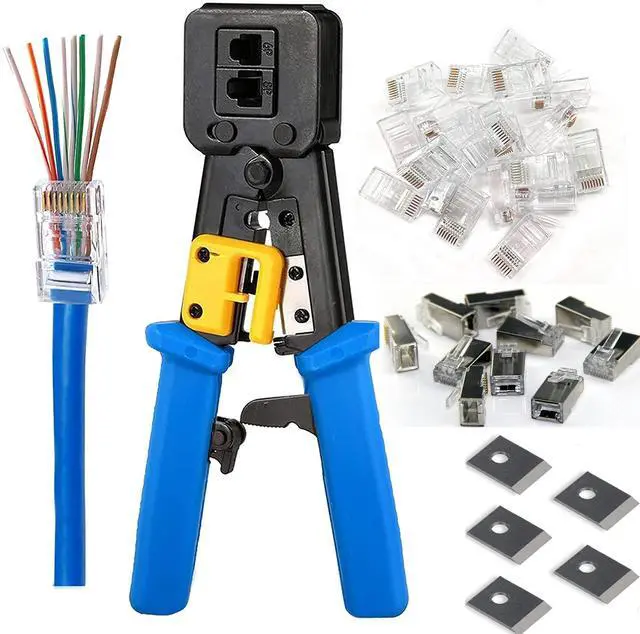
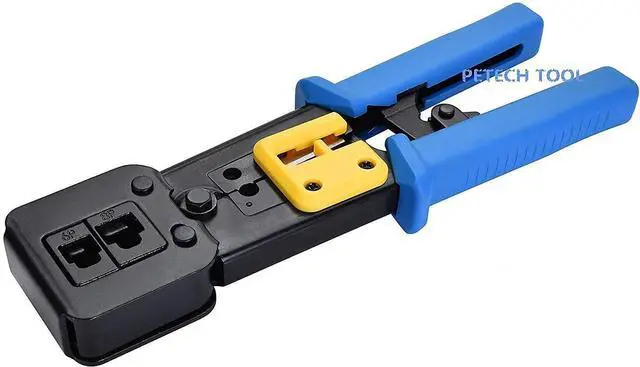
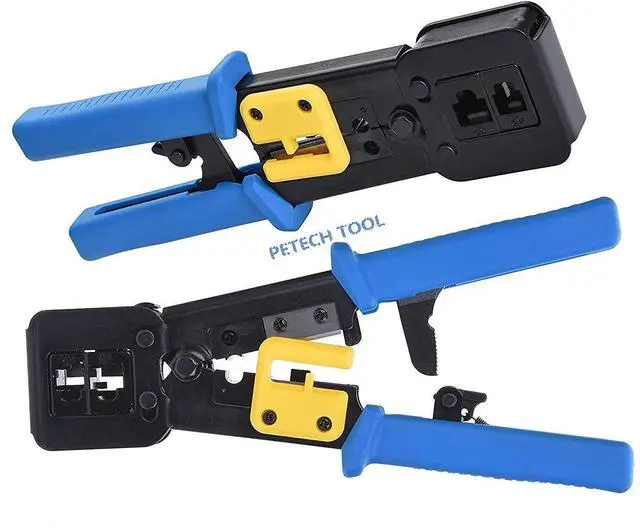
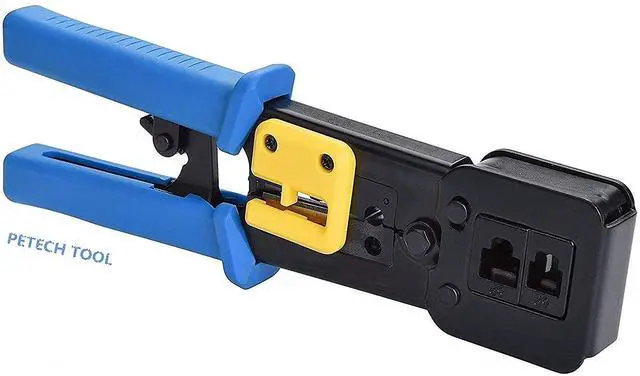
- 1 x RJ45 Crimp Tool Pass Through(Blue)
- 10 x Cat6 Shielded Connectors Pass Through
- 10 x Cat6 transparent Connectors Pass Through
- 5 x(8pin Cavity Blade) Pass Through Crimp Tool Replacement Blades

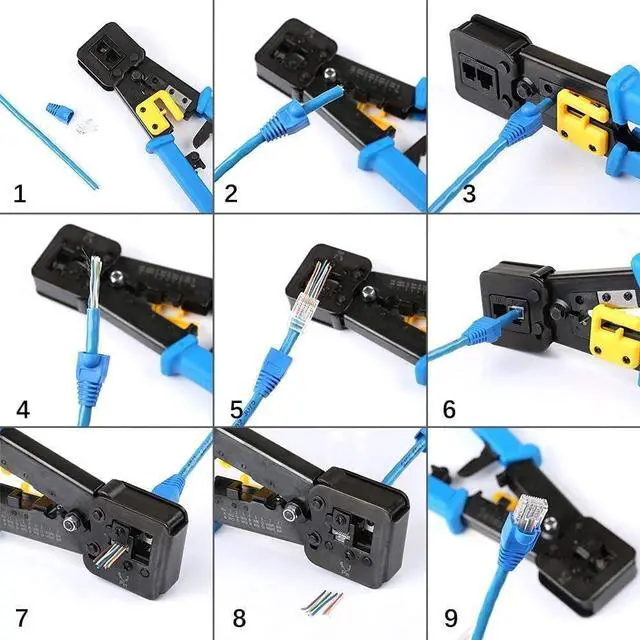
How to make a RJ45 ethernet cable connector
1. Put the cable into the stripping port of the rj45 ethernet crimper.
2. Hold the rj45 ethernet crimper and rotate the cable on 360 degrees to strip the cable. (Note: Don't crimp too much tightly to avoid damaging the internal cable).
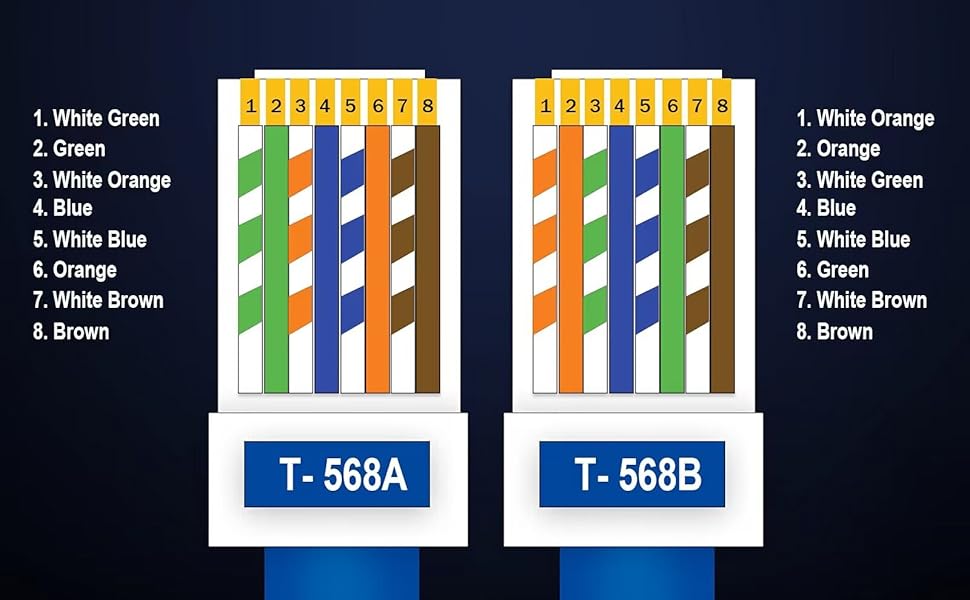
3. Line up the eight colors of the cable according to T568A standard or T568B- (T568B Standard used in home more widely).
4. After line up the eight colors of the cable, you should cut the wires neatly through the cutting port blade of the rj45 ethernet crimper.
5. Please insert the sequential cable into the end of the crystal connector. When inserting the cable into the crystal connector, hold the cable tightly to avoid the wrong sequence.
6 .Insert the network cable with crystal connector into the 8P crimping port.
7. Squeeze the handle hard and release then, pull out the crystal connector.
8. The rj45 Ethernet Cable connector is completed.
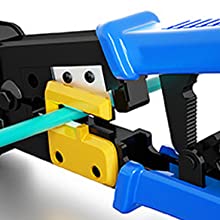
Cutting

Stripping
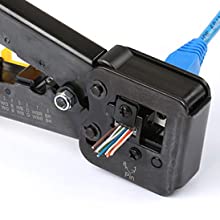
Crimping
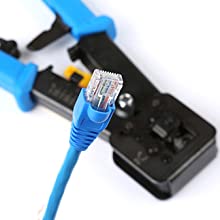
Finished
RJ45 Crimping Tool Pass Through Cat5 Cat5e Cat6 Crimp Tool for RJ45/RJ12 Regular and End-Pass-Through connectors
*All in one 8P/RJ-45, 6P/RJ-12 RJ-11 Crimp/Cut/Strip Tool
*Professional crimp tool crimps, strips and cuts cable for 6 and 8 position modular plugs/connectors for your variety of network needs.
*The RJ45 crimp tool offers a reliable, easy-to-use, and affordable solution to meet immediate cutting needs.
*This user-friendly device works with any Ethernet or telephone cable.
*Textured handle grips reduce hand fatigue and prevent slipping during cutting, stripping, and crimping.
*Built-in cutter and stripper function.
- Packing included:
- 1 x RJ45 Crimp Tool Pass Through(Blue)
- 10 x Cat6 Shielded Connectors Pass Through
- 10 x Cat6 transparent Connectors Pass Through
- 5 x(8pin Cavity Blade) Pass Through Crimp Tool Replacement Blades
How to make a RJ45 ethernet cable connector
1. Put the cable into the stripping port of the rj45 ethernet crimper.
2. Hold the rj45 ethernet crimper and rotate the cable on 360 degrees to strip the cable. (Note: Don't crimp too much tightly to avoid damaging the internal cable).
3. Line up the eight colors of the cable according to T568A standard or T568B- (T568B Standard used in home more widely).
4. After line up the eight colors of the cable, you should cut the wires neatly through the cutting port blade of the rj45 ethernet crimper.
5. Please insert the sequential cable into the end of the crystal connector. When inserting the cable into the crystal connector, hold the cable tightly to avoid the wrong sequence.
6 .Insert the network cable with crystal connector into the 8P crimping port.
7. Squeeze the handle hard and release then, pull out the crystal connector.
8. The rj45 Ethernet Cable connector is completed.
Cutting
Stripping
Crimping
Finished