




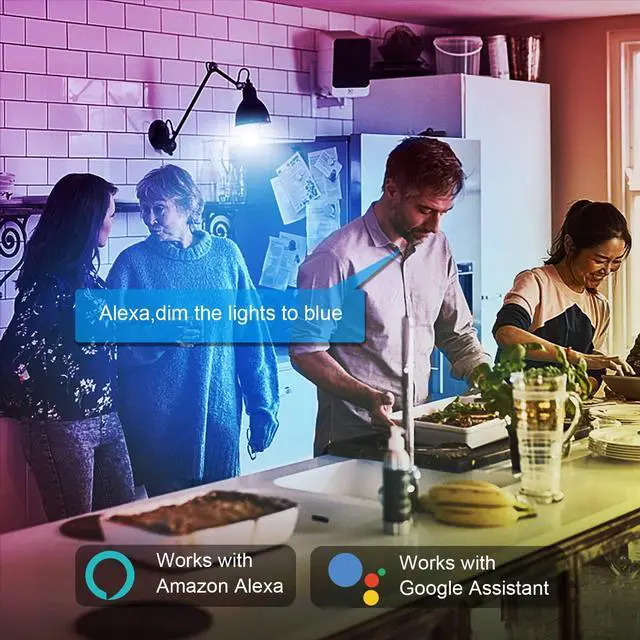


Light up your smart life
Dynamic flashing mode provide better visual experience, bring your a colorful home theater.
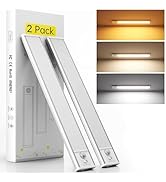
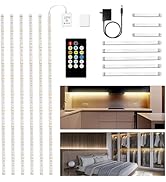
Under Cabinet Lighting
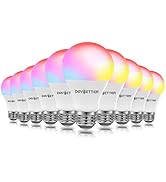
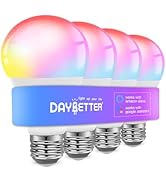
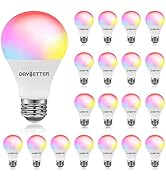
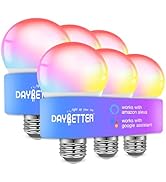
Smart Light Bulbs
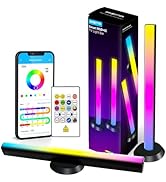
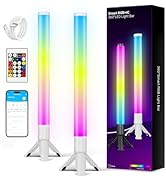
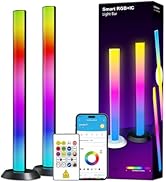
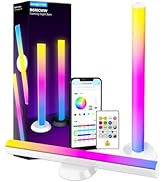
Smart LED Light Bars
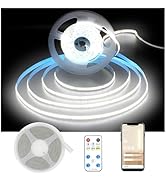
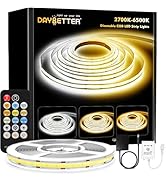
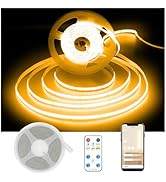
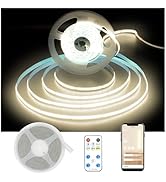
COB LED Strip Light
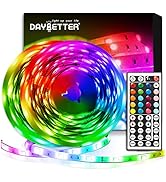
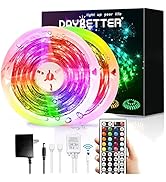
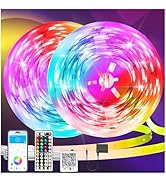
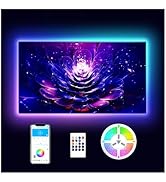
LED Lights
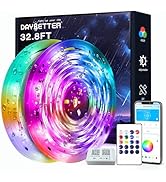
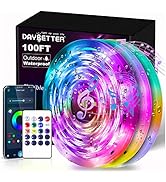
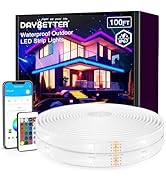
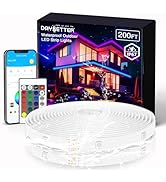
Waterproof LED Light Strips
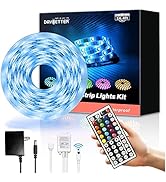
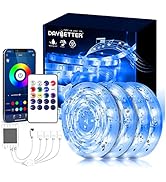
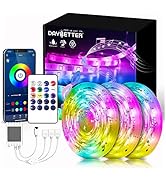
Outdoor Led Strip Lights
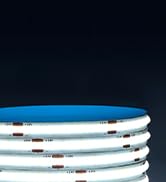
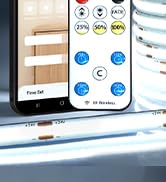
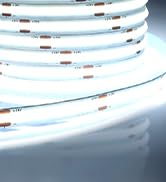
Smart COB LED Strip
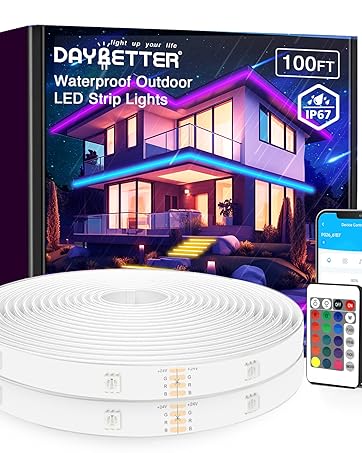
Waterproof Led Light Strips
Enliven your balconies, rooftops, gardens and pools and brighten up your outdoor and party decorations.
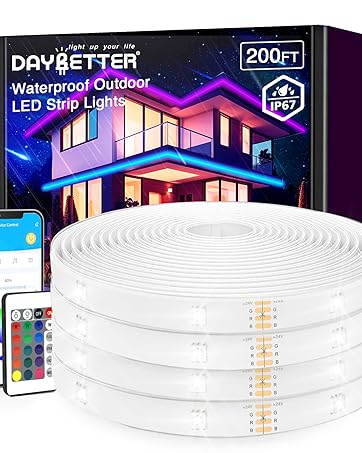
Outdoor LED Strip Lights
Enliven your balconies, rooftops, gardens and pools and brighten up your outdoor and party decorations.
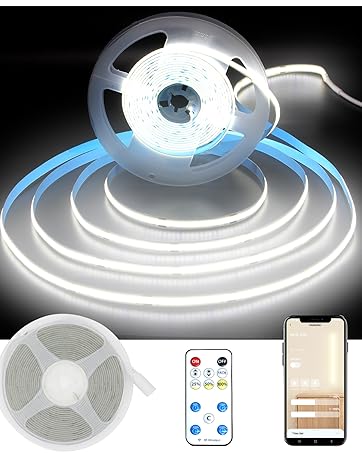
Smart COB LED Strip Light
Dynamic flashing mode provide better visual experience
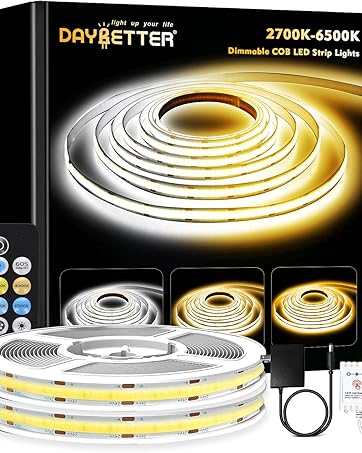
Tunable White COB LED Strip
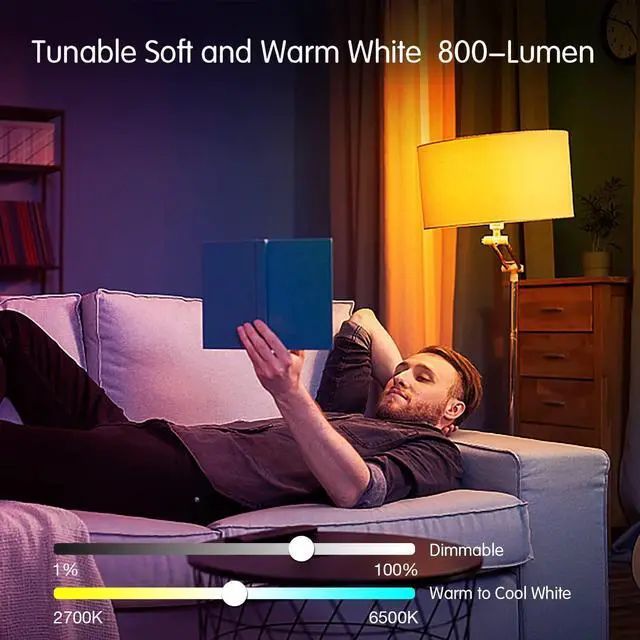
Dimmable white LED strip lights from warm white to cool white (2700K-6500K)


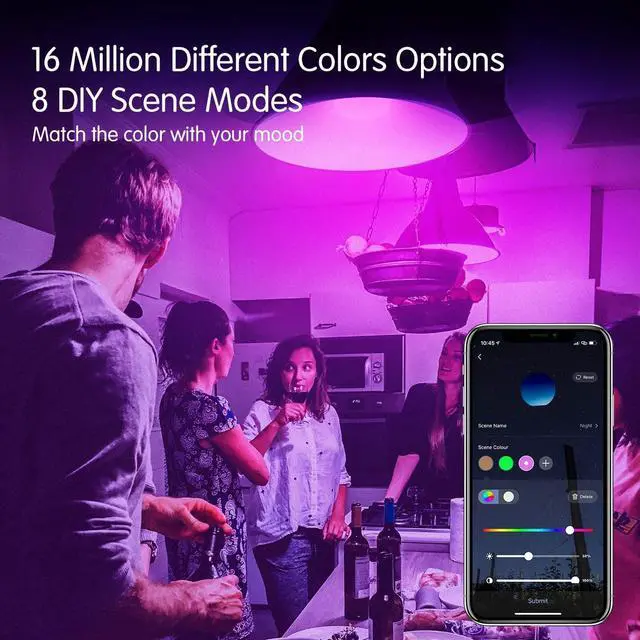
16 Million Colors
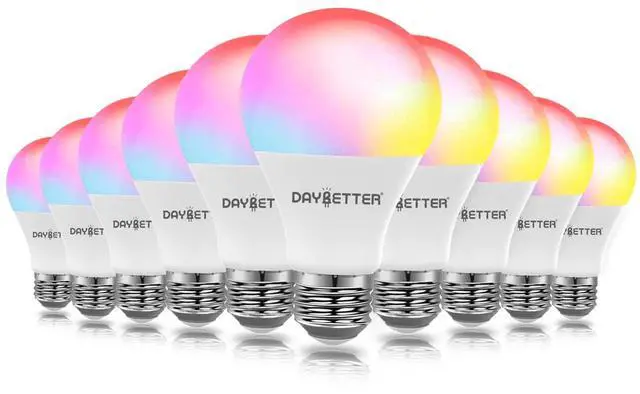
RGBW color changing led bulbs can help you energize any occasion or room with ease.

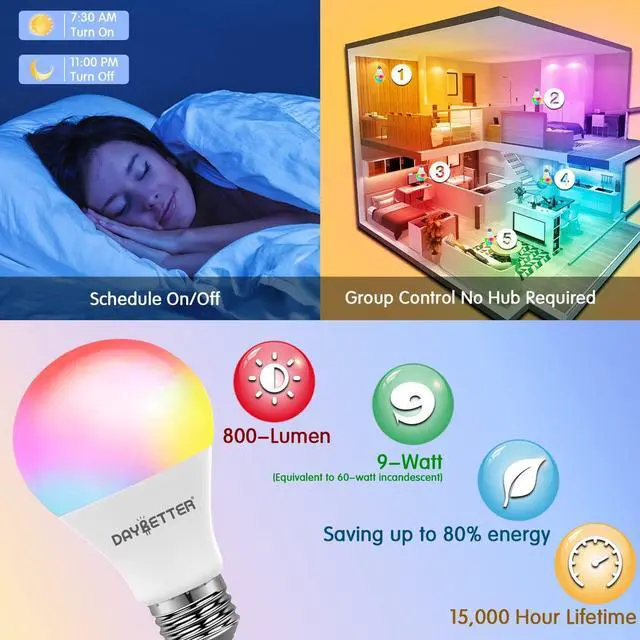
Energy Saving
With Led technology, it can save energy without losing brightness or quality.

Tunable & Dimmable
Smart light bulbs,Color Your Space in a Smart Way Lighting Your Home Magically Choose the color to meet you need.

Specification
- Voltage: 120 Volts(AC)
- Wattage: 9W
- Luminous Flux: 800Lumen
- Color: Multi-colored
- Control Method: APP
- Type of Bulb: LED
- Bulb Base: E26
Hello.
1.To smoothly connect the APP, please put the product and your phone as close as to your home WIFI router, then start pairing them up on APP.
2.Once paring is done, you can move the product to other place within WIFI range.
How to connect the APP?
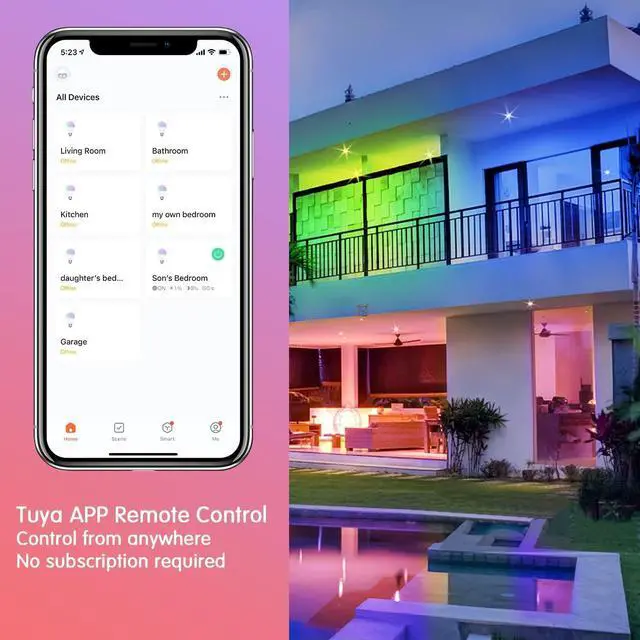
1. Install the Tuyasmart app on your phone.
2. Connect to a 2.4Ghz wifi network(only).
3. Reset the device first.
4. Confirm indicator rapidly blink.
5. Open the TuyaSmart APP, the connection window automatically pop up, click”Go to add”
6. Enter the Wi-Fi password and click “confirm”, then wait for connecting.
7. After the connection is complete, click “done”
16 Million Colors
RGBW color changing led bulbs can help you energize any occasion or room with ease.
Energy Saving
With Led technology, it can save energy without losing brightness or quality.
Tunable & Dimmable
Smart light bulbs,Color Your Space in a Smart Way Lighting Your Home Magically Choose the color to meet you need.
Specification
- Voltage: 120 Volts(AC)
- Wattage: 9W
- Luminous Flux: 800Lumen
- Color: Multi-colored
- Control Method: APP
- Type of Bulb: LED
- Bulb Base: E26
Hello.
1.To smoothly connect the APP, please put the product and your phone as close as to your home WIFI router, then start pairing them up on APP.
2.Once paring is done, you can move the product to other place within WIFI range.
How to connect the APP?
1. Install the Tuyasmart app on your phone.
2. Connect to a 2.4Ghz wifi network(only).
3. Reset the device first.
4. Confirm indicator rapidly blink.
5. Open the TuyaSmart APP, the connection window automatically pop up, click”Go to add”
6. Enter the Wi-Fi password and click “confirm”, then wait for connecting.
7. After the connection is complete, click “done”
Light up your smart life
Dynamic flashing mode provide better visual experience, bring your a colorful home theater.
Under Cabinet Lighting
Smart Light Bulbs
Smart LED Light Bars
COB LED Strip Light
LED Lights
Waterproof LED Light Strips
Outdoor Led Strip Lights
Smart COB LED Strip
Waterproof Led Light Strips
Enliven your balconies, rooftops, gardens and pools and brighten up your outdoor and party decorations.
Outdoor LED Strip Lights
Enliven your balconies, rooftops, gardens and pools and brighten up your outdoor and party decorations.
Smart COB LED Strip Light
Dynamic flashing mode provide better visual experience
Tunable White COB LED Strip
Dimmable white LED strip lights from warm white to cool white (2700K-6500K)