here!
here!
I’m your shopping assistant for PC builds, upgrades, and everything tech.
Got questions? Ask away!
Start a conversation
here!
I’m your shopping assistant for PC builds, upgrades, and everything tech.
Got questions? Ask away!
Start a conversation
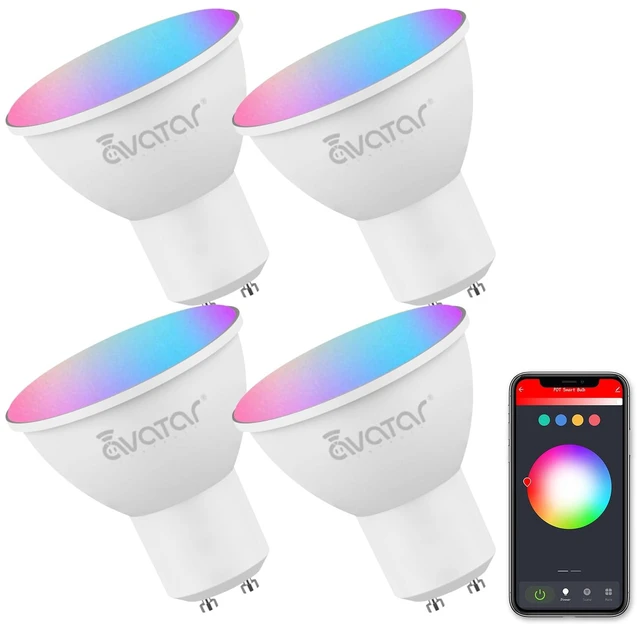
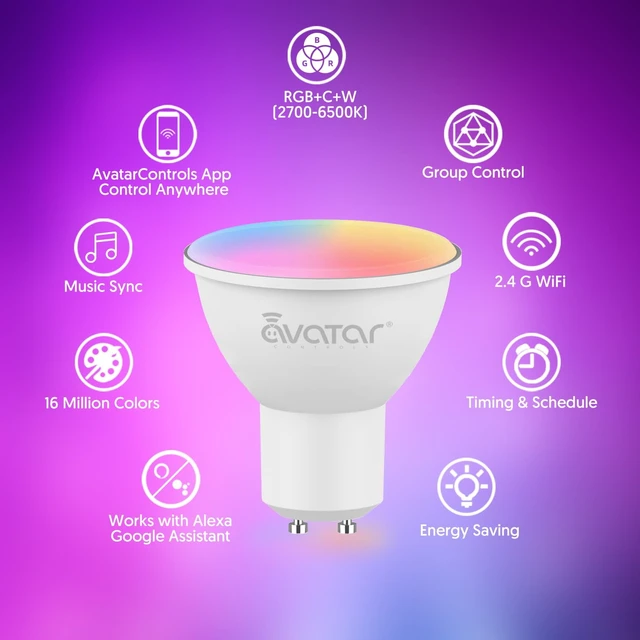
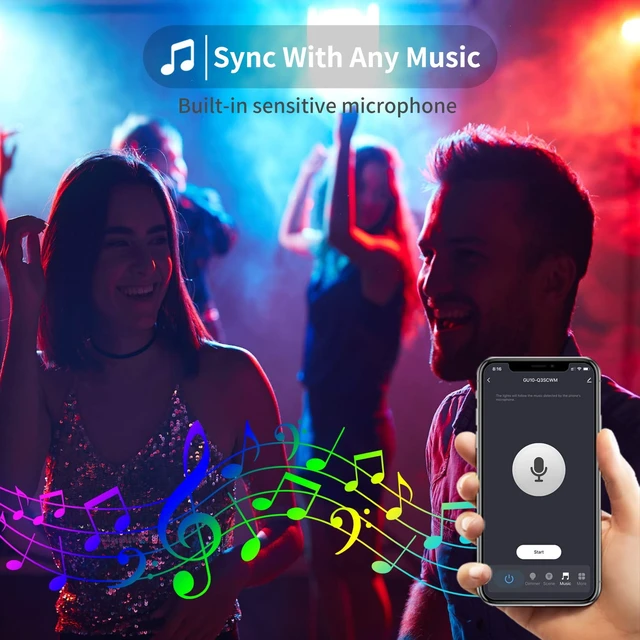
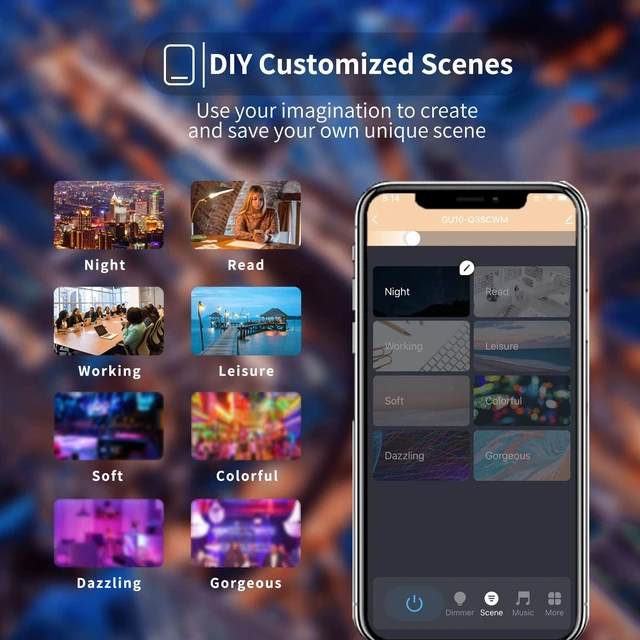
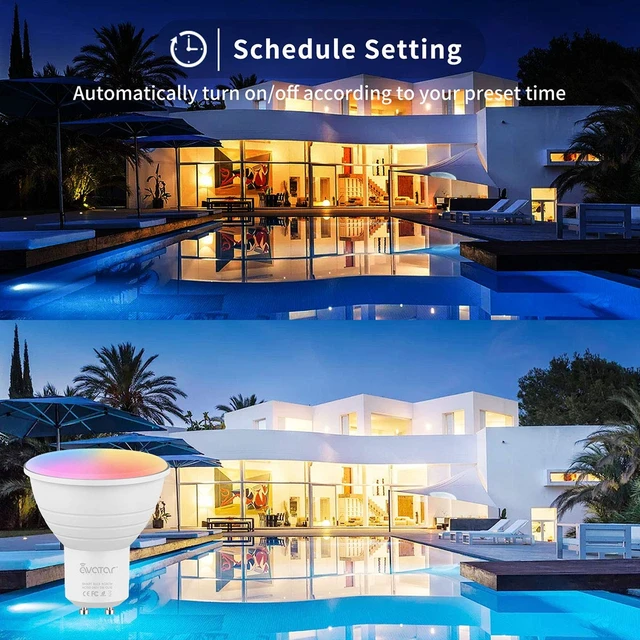



Any questions? Ask CelesteSM will help you find out quickly.
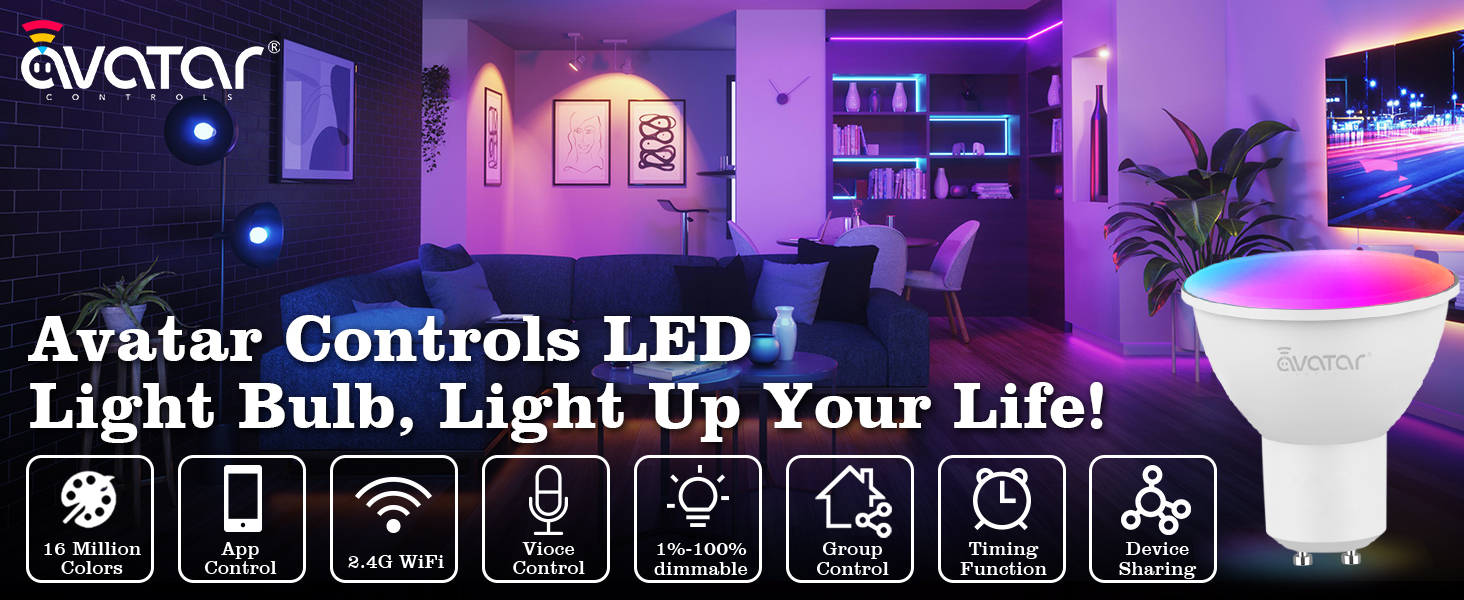
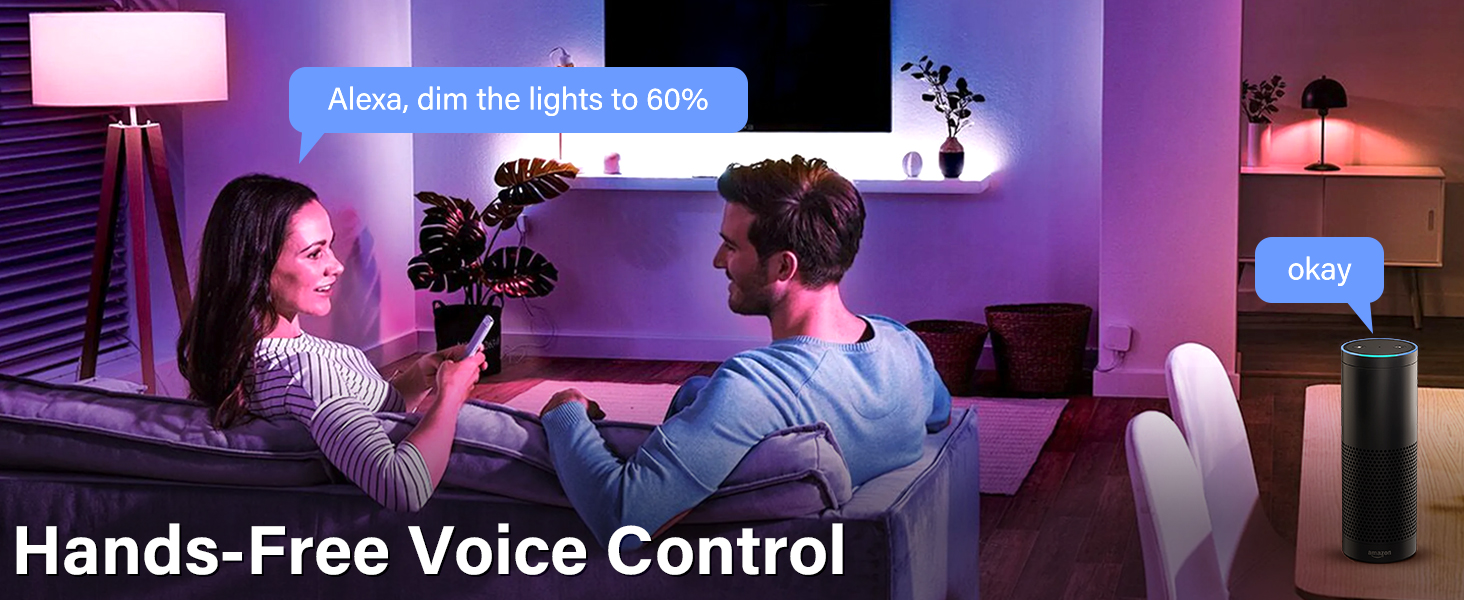
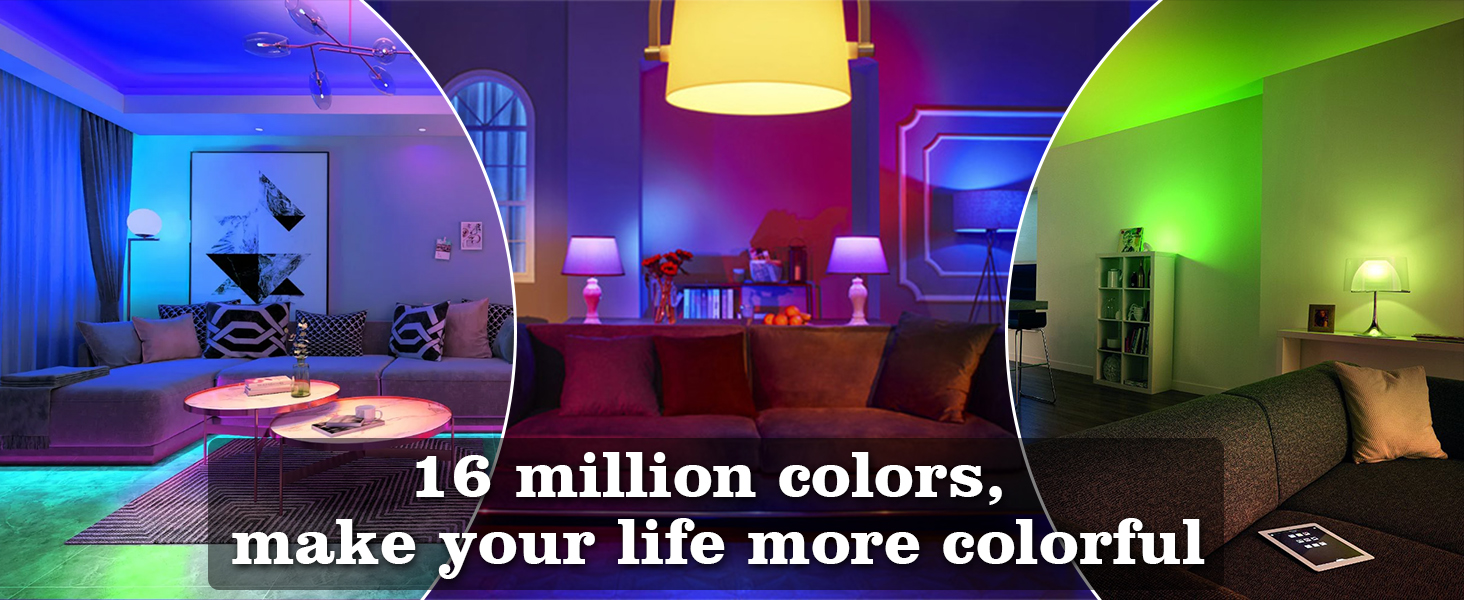
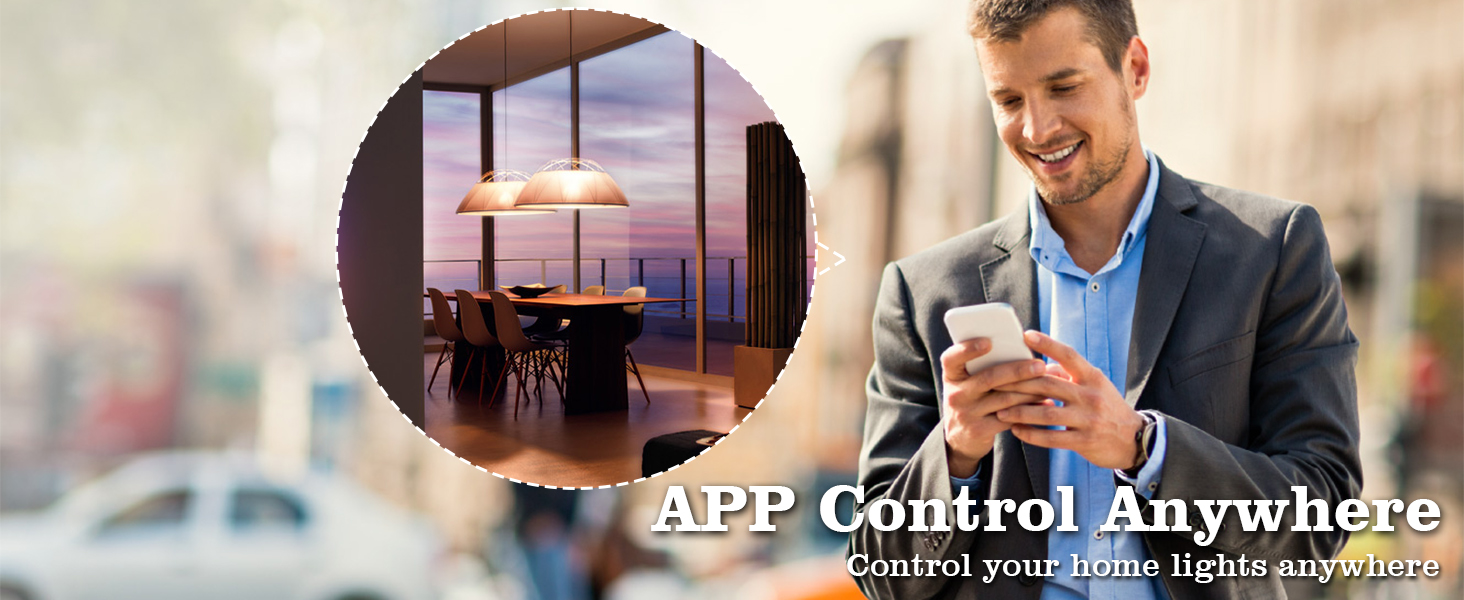
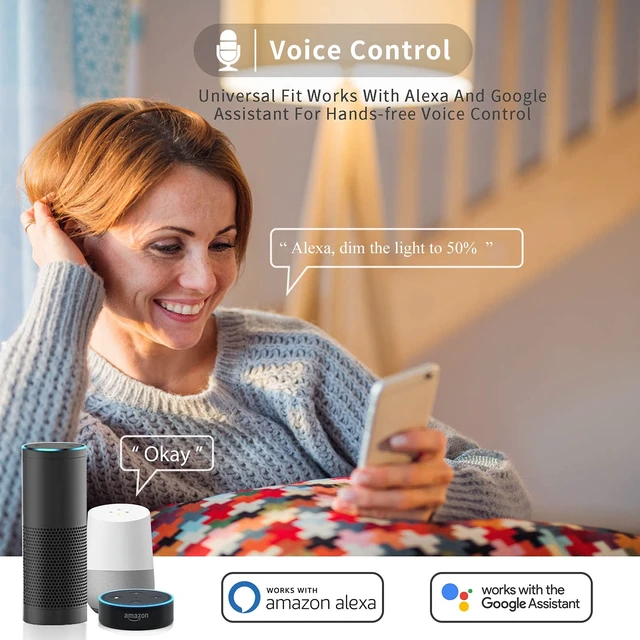
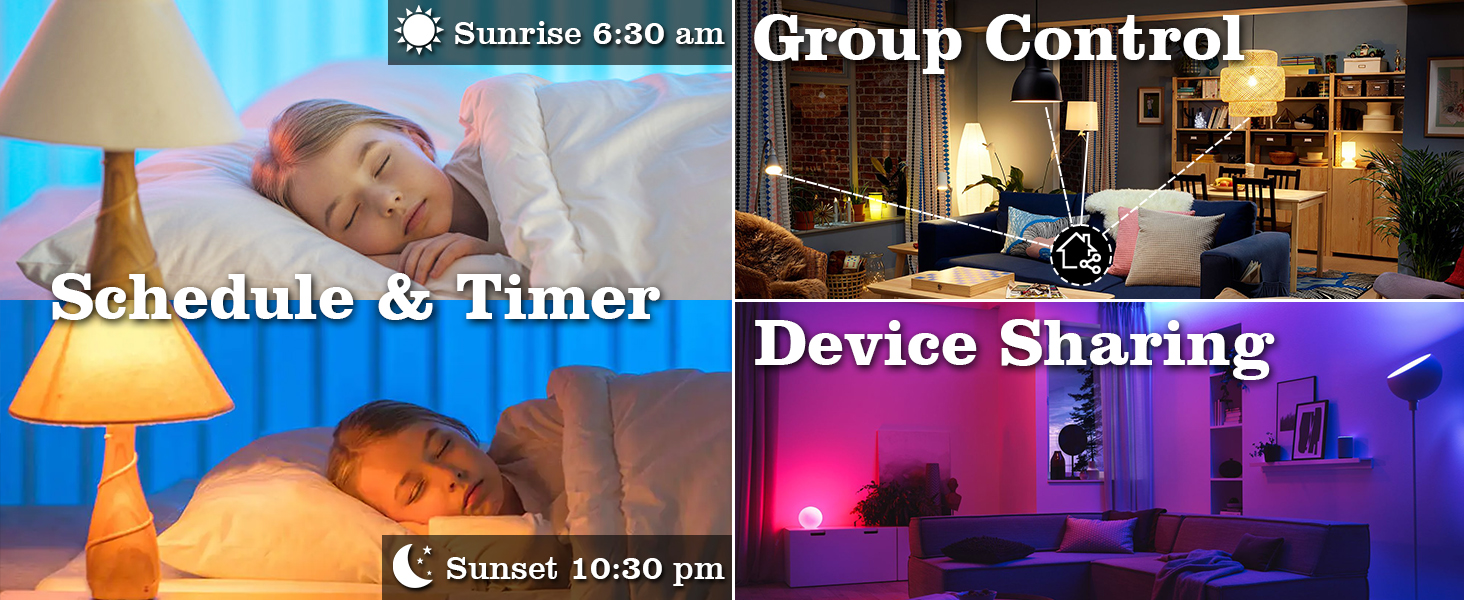
Enable hands-free control by connecting the smart bulb compatible with Alexa and Google home. Voice control to turn your lights on and off, dim to desired brightness, change colors.
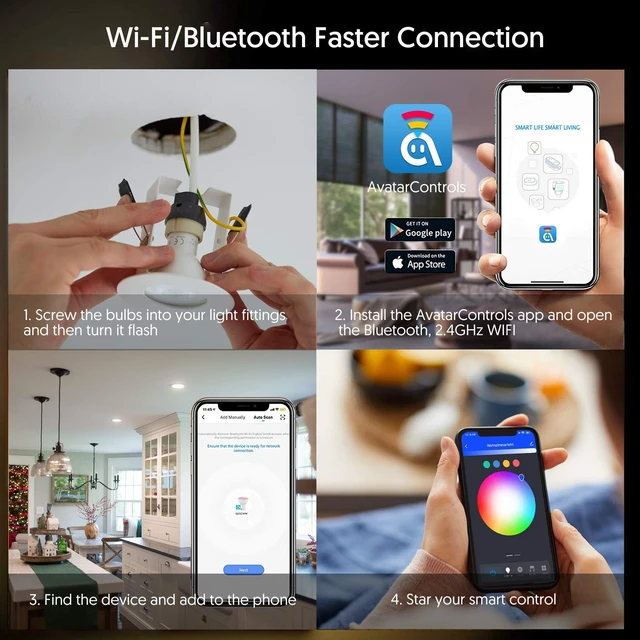
How to install smart bulb
1. Download "Smart Life"OR "AvatarControls" app and login in;
2. Make the bulb flash;
3. Turn on the Bluetooth, and 2.4GHz WIFI, app will find the bulb automatically.
4. Add the bulb, Connected--rename the devices(Then turn off the Bluetooth)
How to sync with Alexa
1, Enter the bulb on AvatarControls App, tap the top right icon of the smart bulb main panel.
2, Tap the 3 rd-party control icon to be operated.
3, Sign in with your Alexa or Google Home account.
Stop working
1, Please try to turn off some device wifi function and configure again.
2, Check if the network speed is normal.
3, Please reset the bulb-on off on off on, then when it flashes quickly, connect it again.
 Matter Smart Bulb | 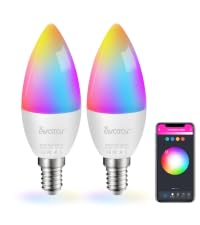 E12 Smart Bulb | 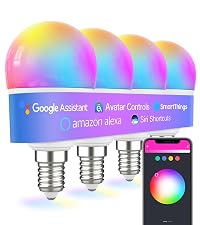 G45 Smart Bulb | 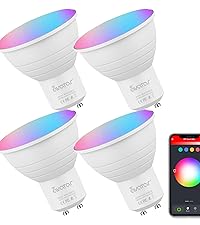 GU10 Smart Bulb | 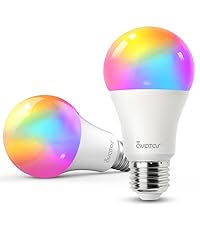 E26 Smart Bulb | 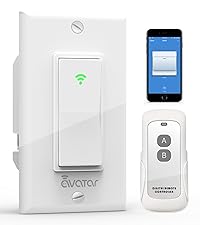 Smart Switch with Remote | 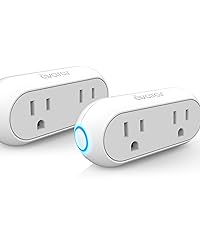 Smart Plug | |
|---|---|---|---|---|---|---|---|
Customer Reviews | — | — | — | — | — | — | — |
Price | — | — | — | — | — | — | — |
Size | A19 E26 | E12 | E12 G45 | GU10 | E26 A19 | Single-Pole | Dual Plug |
App Required | Only need Hub(Alexa) | Smart Life/AvatarControls App | Smart Life/AvatarControls App | Smart Life/AvatarControls App | Smart Life/AvatarControls App | Smart Life/AvatarControls App | Smart Life/AvatarControls App |
Compatible Device | HomeKit/Alexa/Google Assistant | Alexa/Google Assistant | Alexa/Google Assistant | Alexa/Google Assistant | Alexa/Google Assistant | Alexa/Google Assistant | Alexa/Google Assistant |
Music Sync | ? | ? | ? | ? | ? | ? | ? |
Special Features | Voice Control, Timer, Color | Voice Control, Timer, Color | Voice Control, Timer, Color | Voice Control, Timer, Color | Voice Control, Timer, Color | Voice Control, Timer | Voice Control, Timer |
Group Controllrd | ? | ? | ? | ? | ? | ? | ? |
WIFI | 2.4GHZ | 2.4GHZ | 2.4GHZ | 2.4GHZ | 2.4GHZ | 2.4GHZ | 2.4GHZ |
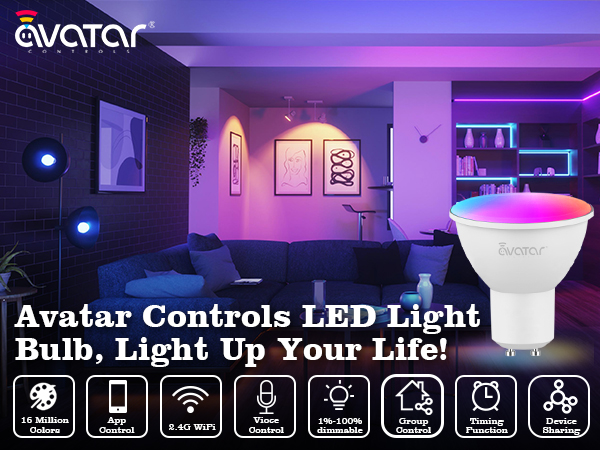
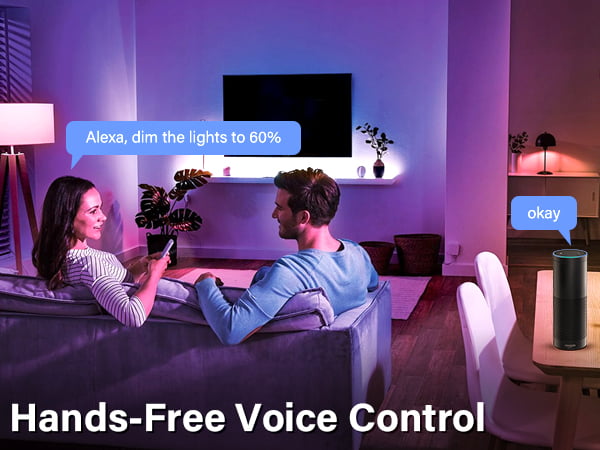
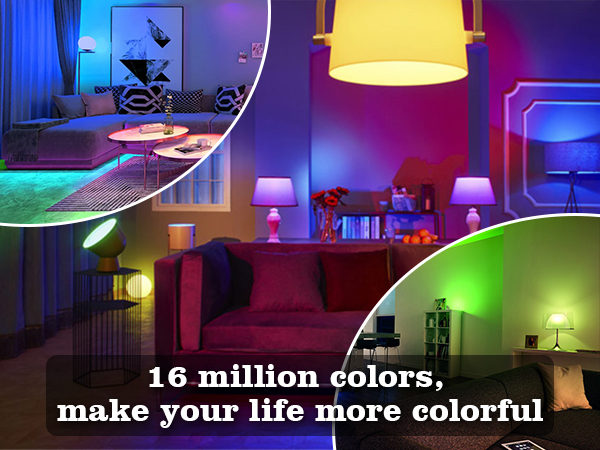
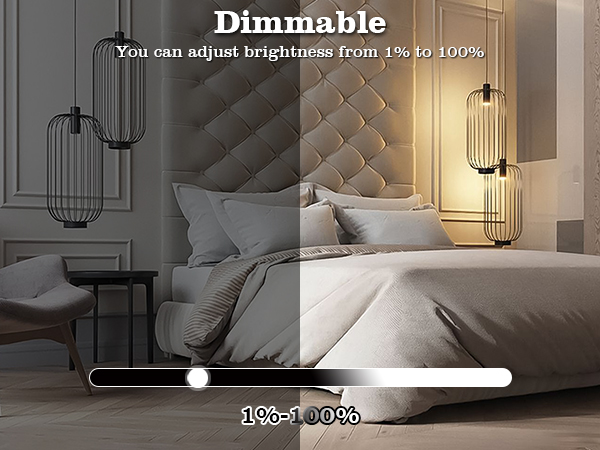
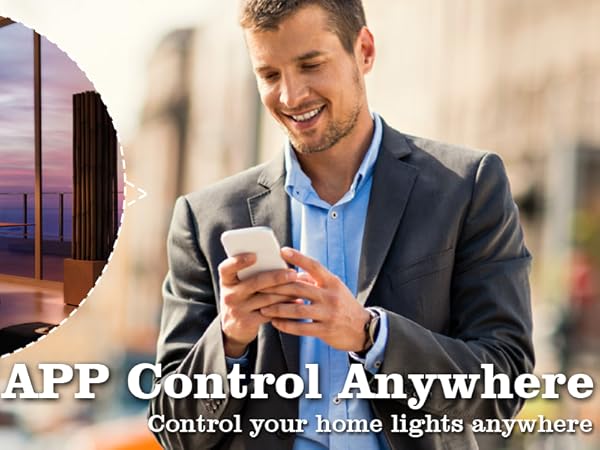
Enable hands-free control by connecting the smart bulb compatible with Alexa and Google home. Voice control to turn your lights on and off, dim to desired brightness, change colors.
How to install smart bulb
1. Download "Smart Life"OR "AvatarControls" app and login in;
2. Make the bulb flash;
3. Turn on the Bluetooth, and 2.4GHz WIFI, app will find the bulb automatically.
4. Add the bulb, Connected--rename the devices(Then turn off the Bluetooth)
How to sync with Alexa
1, Enter the bulb on AvatarControls App, tap the top right icon of the smart bulb main panel.
2, Tap the 3 rd-party control icon to be operated.
3, Sign in with your Alexa or Google Home account.
Stop working
1, Please try to turn off some device wifi function and configure again.
2, Check if the network speed is normal.
3, Please reset the bulb-on off on off on, then when it flashes quickly, connect it again.
Matter Smart Bulb |  E12 Smart Bulb |  G45 Smart Bulb | GU10 Smart Bulb | E26 Smart Bulb | 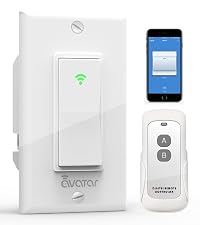 Smart Switch with Remote | Smart Plug |
|---|---|---|---|---|---|---|
| Customer Reviews | ||||||
| — | — | — | — | — | — | — |
| Price | ||||||
| — | — | — | — | — | — | — |
| Size | ||||||
| A19 E26 | E12 | E12 G45 | GU10 | E26 A19 | Single-Pole | Dual Plug |
| App Required | ||||||
| Only need Hub(Alexa) | Smart Life/AvatarControls App | Smart Life/AvatarControls App | Smart Life/AvatarControls App | Smart Life/AvatarControls App | Smart Life/AvatarControls App | Smart Life/AvatarControls App |
| Compatible Device | ||||||
| HomeKit/Alexa/Google Assistant | Alexa/Google Assistant | Alexa/Google Assistant | Alexa/Google Assistant | Alexa/Google Assistant | Alexa/Google Assistant | Alexa/Google Assistant |
| Music Sync | ||||||
| ? | ? | ? | ? | ? | ? | ? |
| Special Features | ||||||
| Voice Control, Timer, Color | Voice Control, Timer, Color | Voice Control, Timer, Color | Voice Control, Timer, Color | Voice Control, Timer, Color | Voice Control, Timer | Voice Control, Timer |
| Group Controllrd | ||||||
| ? | ? | ? | ? | ? | ? | ? |
| WIFI | ||||||
| 2.4GHZ | 2.4GHZ | 2.4GHZ | 2.4GHZ | 2.4GHZ | 2.4GHZ | 2.4GHZ |
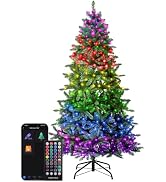
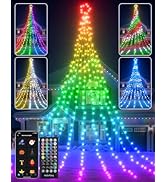
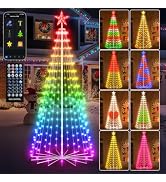
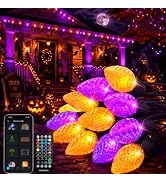
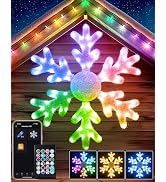
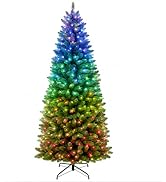
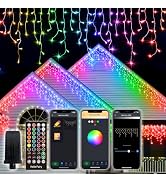
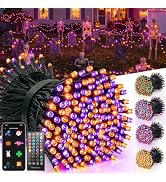
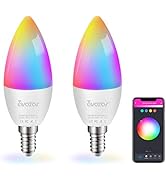
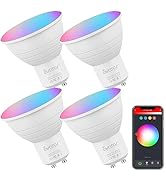
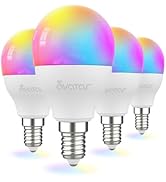
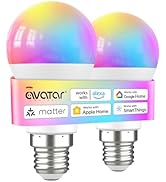
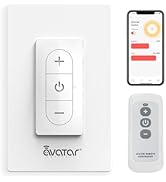
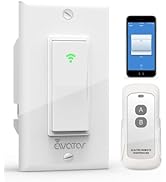
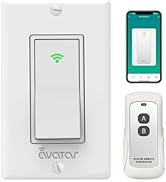
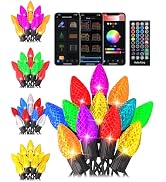
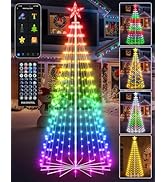
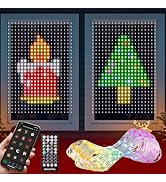
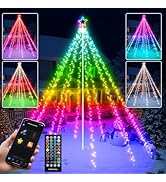
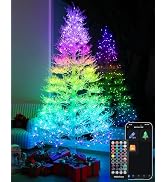
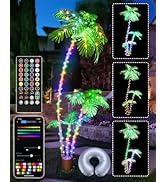
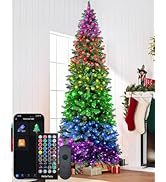
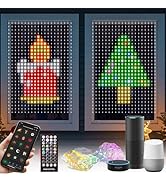
| Brand | Avatar Controls |
| Light Type | LED |
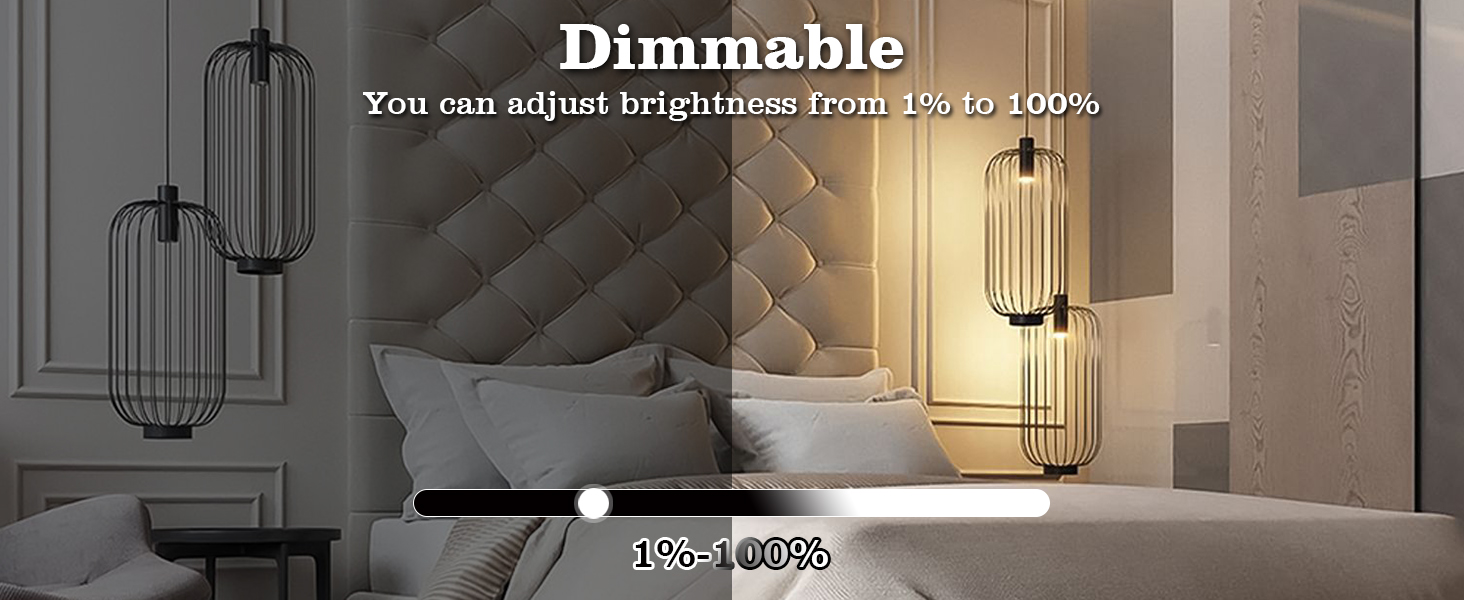
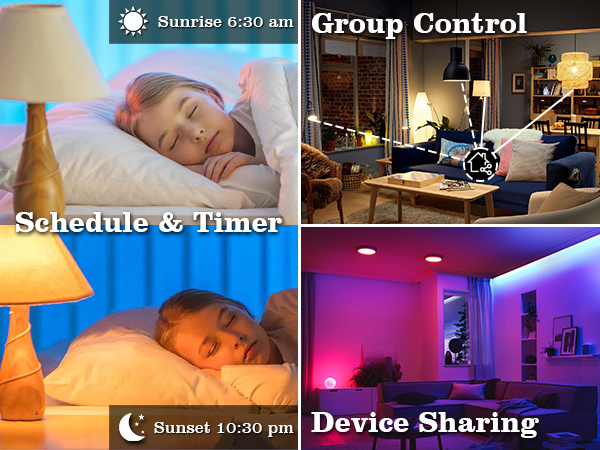
| Special Feature | Color Changing, Dimmable, Energy Efficient, Timer/set schedule, Device sharing, Group control, Music sync, Sunrise Sunset setting color, Voice control-Alexa/Google home, AvatarControls app control anywhere, Timer/set schedule, Device sharing, Group control, Light gradient color, Music sync, Sunrise Sunset setting color, Voice control-Alexa/Google home, AvatarControls app control anywhere |
| Wattage | 5 watts |
| Bulb Shape Size | PAR16 |
| Additional Features | Color Changing, Dimmable, Energy Efficient, Timer/set schedule, Device sharing, Group control, Music sync, Sunrise Sunset setting color, Voice control-Alexa/Google home, AvatarControls app control anywhere, Timer/set schedule, Device sharing, Group control, Light gradient color, Music sync, Sunrise Sunset setting color, Voice control-Alexa/Google home, AvatarControls app control anywhere |
| Bulb Base | GU10 |
| Incandescent Equivalent Wattage | 40 watts |
| Specific Uses For Product | gu10 smart bulb for track lighting, recessed lighting, accent lighting, kitchen, range hood, living room, bedroom |
| Light Color | Multicolor |
| Voltage | 120 volts |
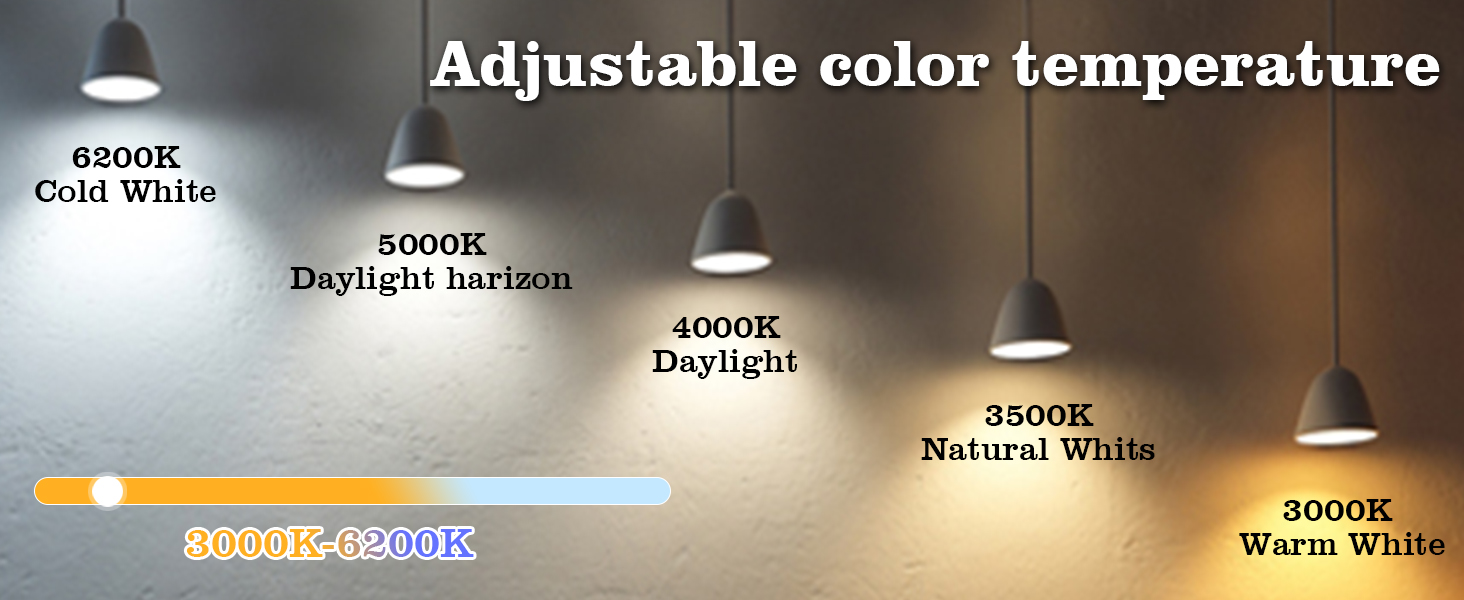
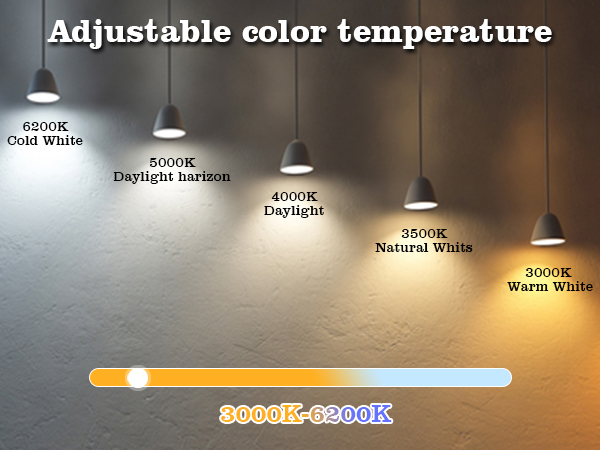
| Color Temperature | 6500 Kelvin |
| Light Output Maximum | 450 lumens |
| Indoor Outdoor Usage | Indoor |
| Beam Angle | 36 degrees |
| Power Consumption | 5 watts |
| Light Source Type | Led |
| Light Source Wattage | 5 watts |
| Accepted Voltage Frequency | 100 to 120 Volts and 60 Hertz |
| Control Method | App |
| White Brightness | 450 lumens |
| Connectivity Protocol | Bluetooth, Wi-Fi |
| Controller Type | Amazon Alexa, Google Assistant, Siri, SmartThings |
| Connectivity Technology | Bluetooth, Wi-Fi |
| Brand Name | Avatar Controls |
| Number of Items | 1 |
| Model Name | BULBS |
| Model Number | BULBS |
| Manufacturer | Avatar Controls |
| UPC | 659252943339 |
| Manufacturer Warranty Description | 1 year. |
| Included Components | BULBS |
| Item Type Name | BULBS |
| Manufacturer Part Number | GU10 |
| Unit Count | 4 Count |
| Package Quantity | 1 |
| Item Dimensions W x H | 2"W x 3"H |
| Bulb Diameter | 2 inches |
| Material Type | Plastic |
| Shape | Parabolic Aluminized Reflector(PAR) |
| Style Name | GU10-4 Count |
| Color | 4 Pack |
| Theme | Christmas, Love, Music, Smart Home, Smart Light |