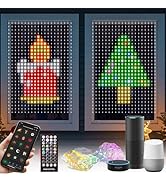
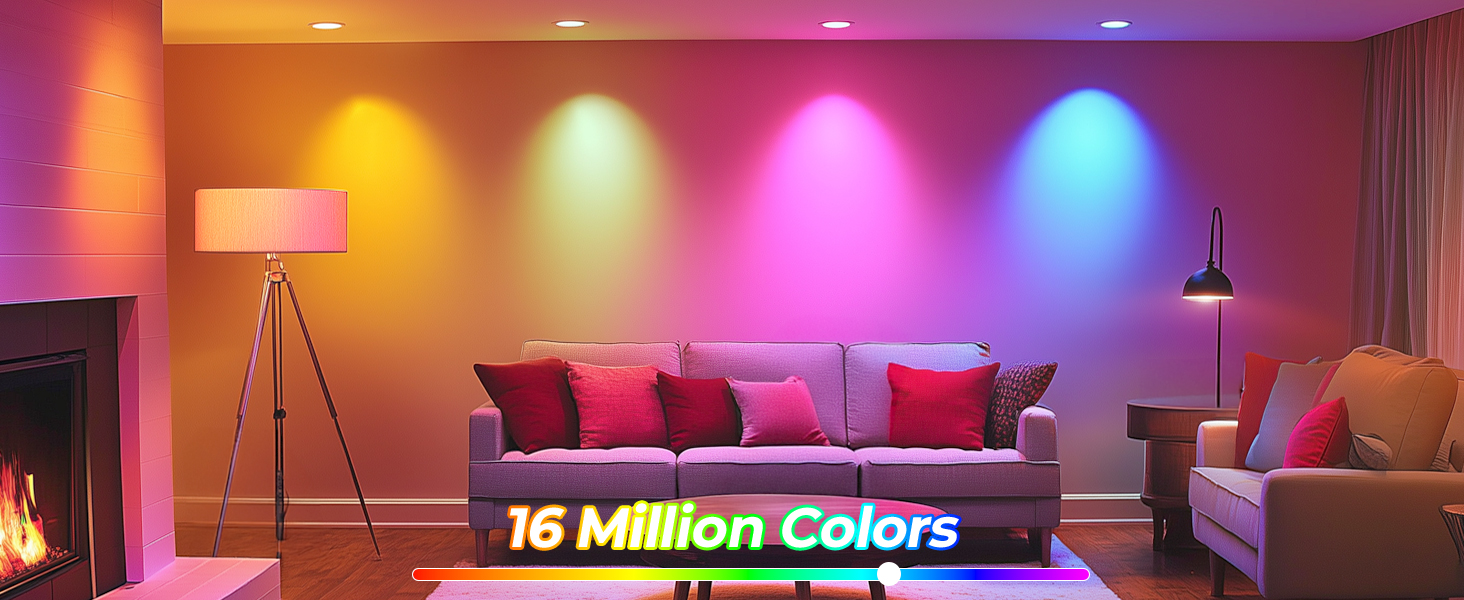
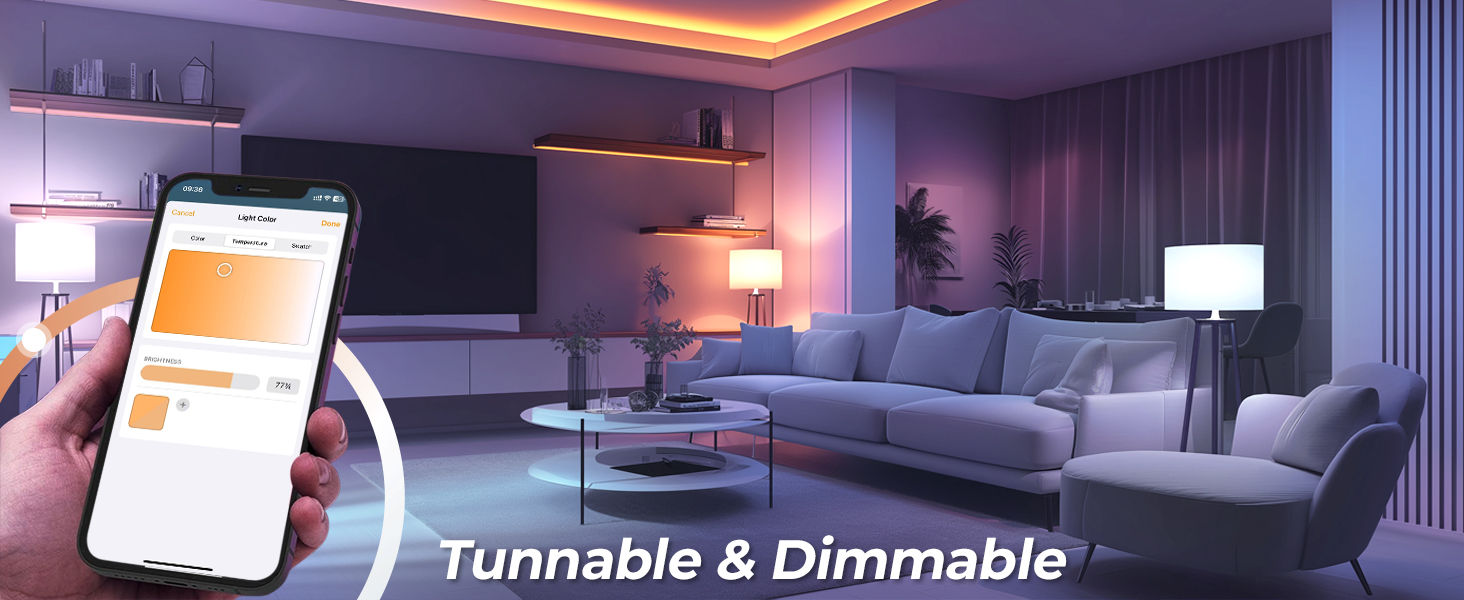
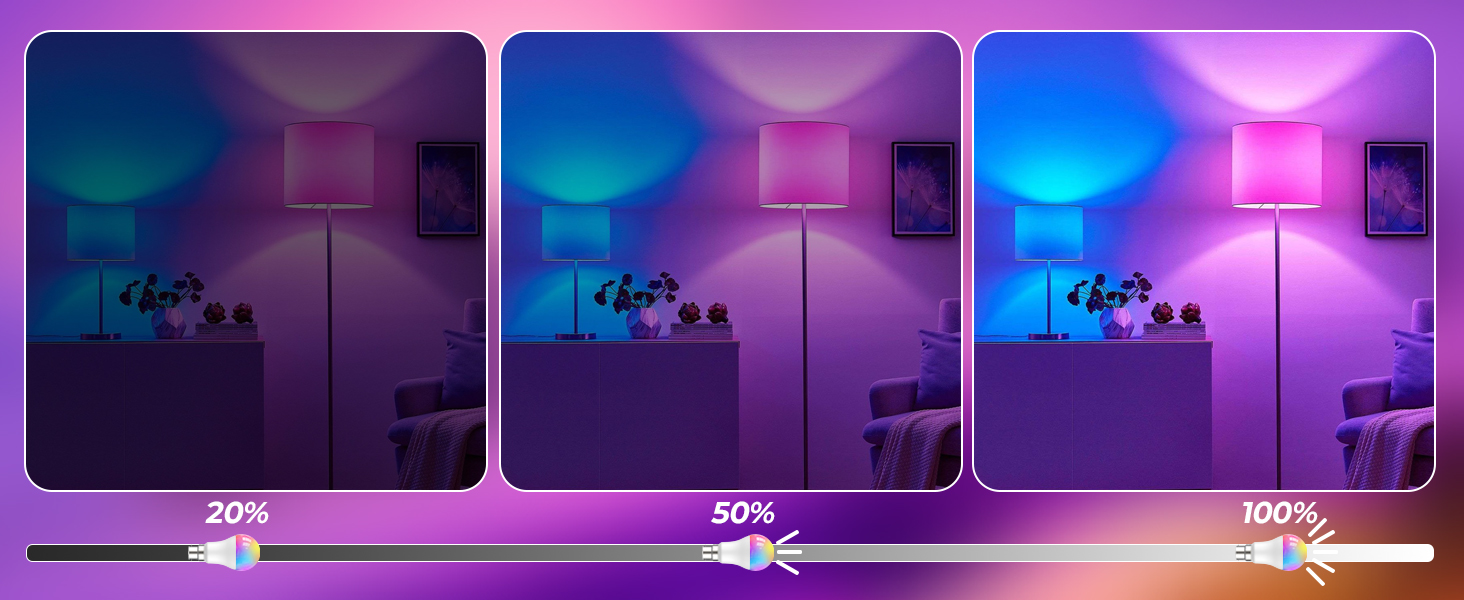
here!
here!
I’m your shopping assistant for PC builds, upgrades, and everything tech.
Got questions? Ask away!
Start a conversation
here!
I’m your shopping assistant for PC builds, upgrades, and everything tech.
Got questions? Ask away!
Start a conversation
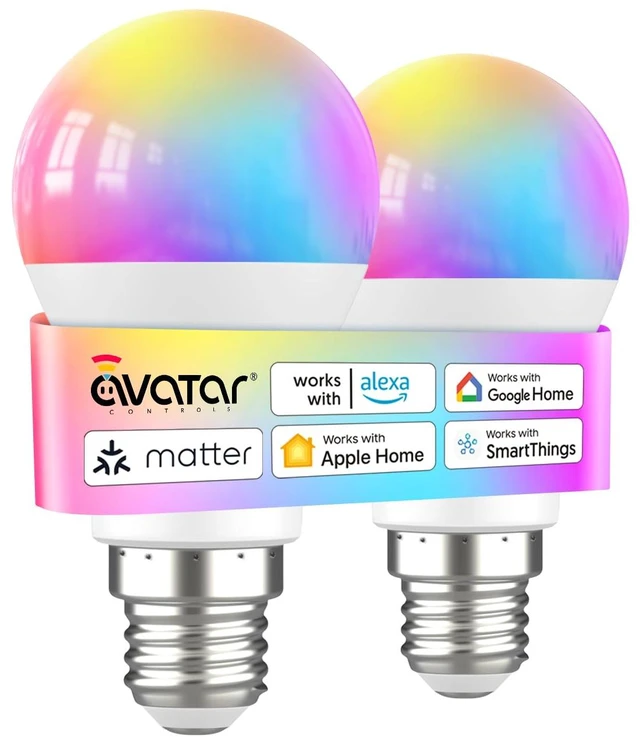



Any questions? Ask CelesteSM will help you find out quickly.
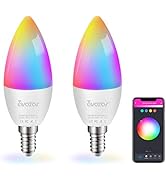
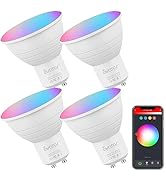
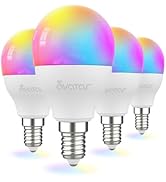
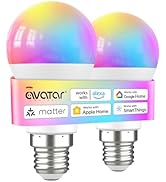
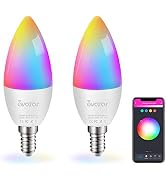
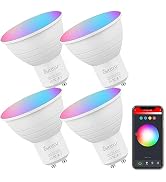
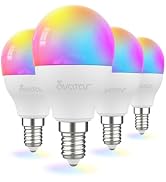
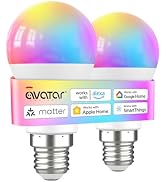
 Matter smart bulb |  WIFI smart bulb | 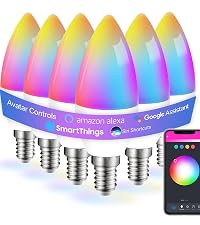 e12 smart bulb | 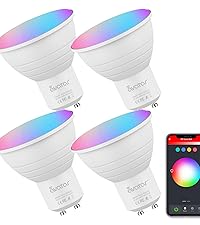 gu10 smart bulb | 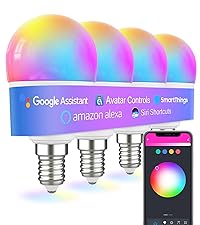 g45smart bulb | |
|---|---|---|---|---|---|
Customer Reviews | — | — | — | — | — |
Price | — | — | — | — | — |
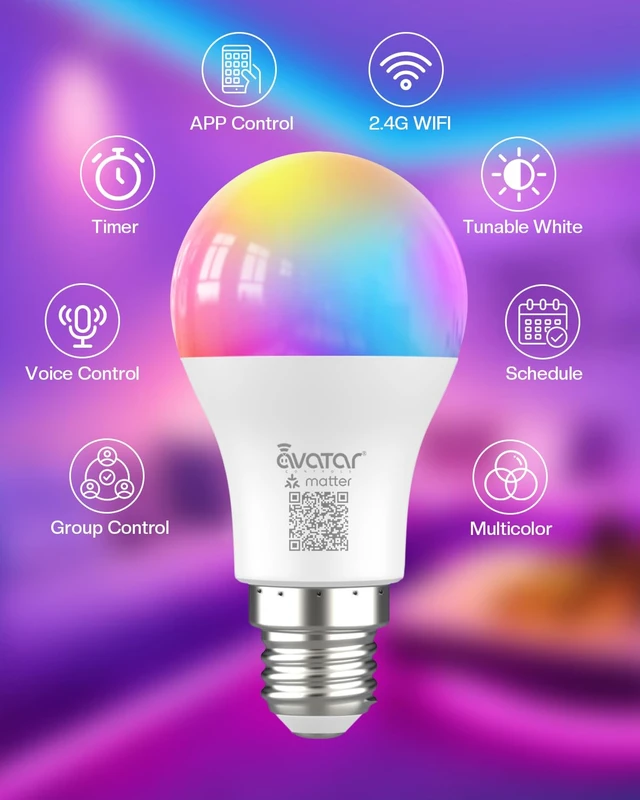
Technology | Matter | WIFI | WIFI | WIFI | WIFI |
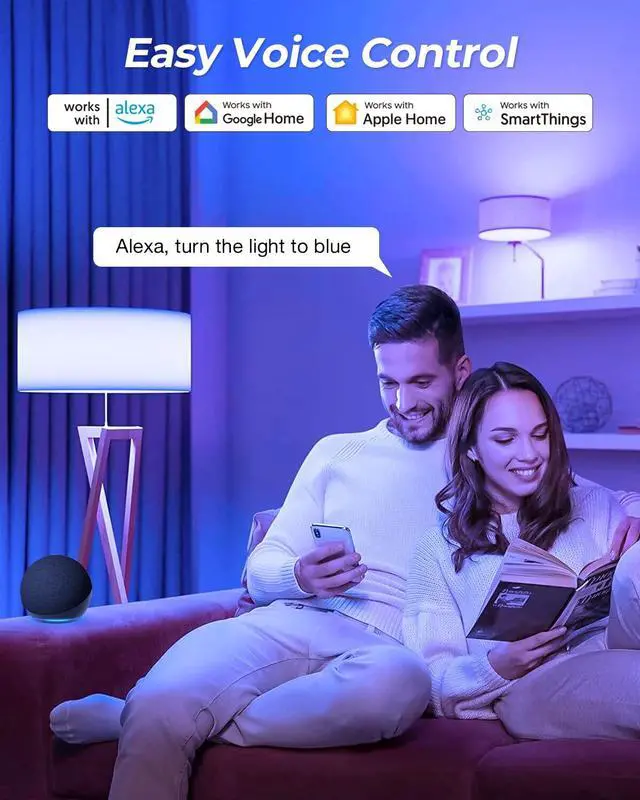
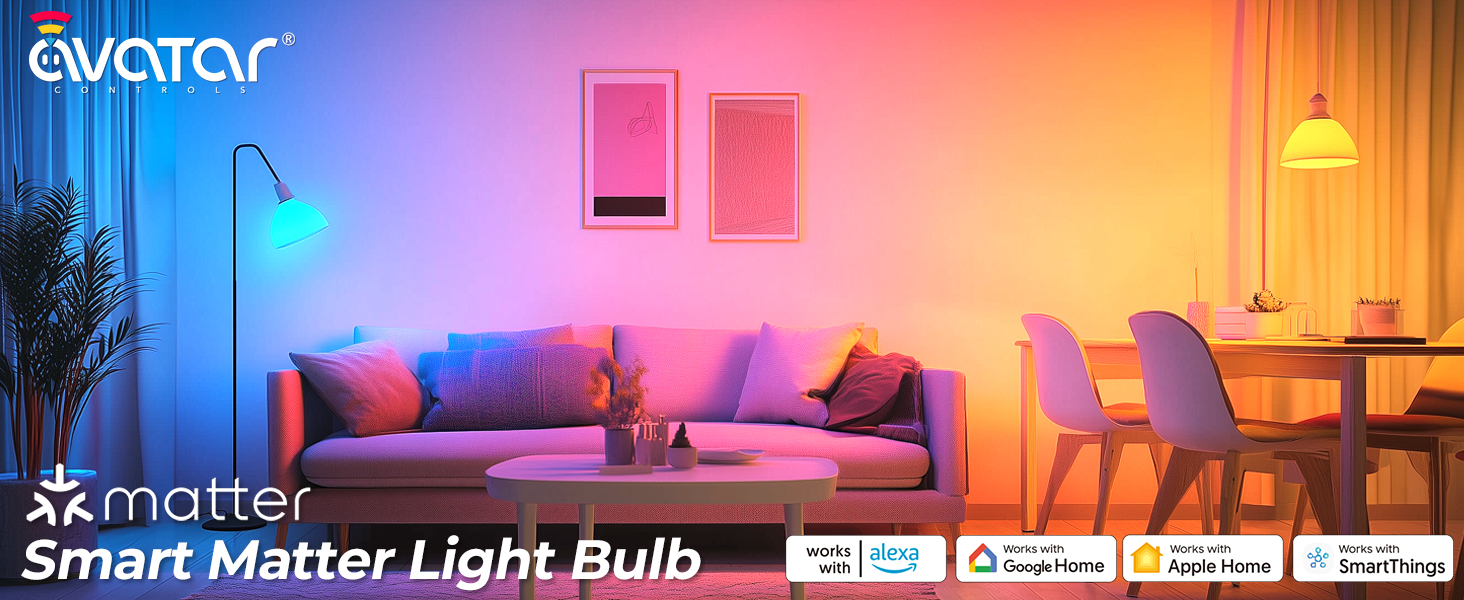
Compatible | Alexa Google Assistant Homkit | Alexa Google Assistant | Alexa Google Assistant | Alexa Google Assistant | Alexa Google Assistant |
Need Third App | ? | ? | ? | ? | ? |
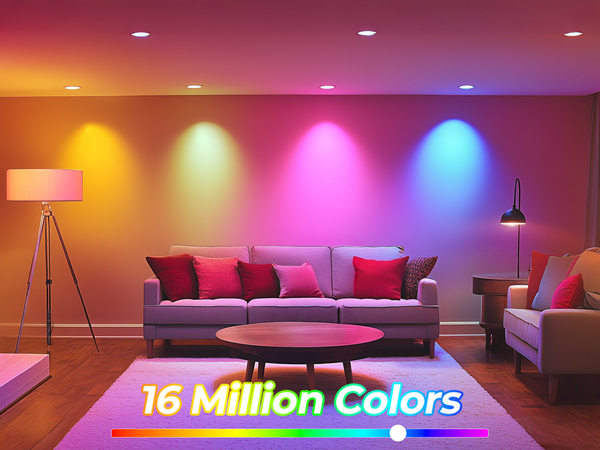
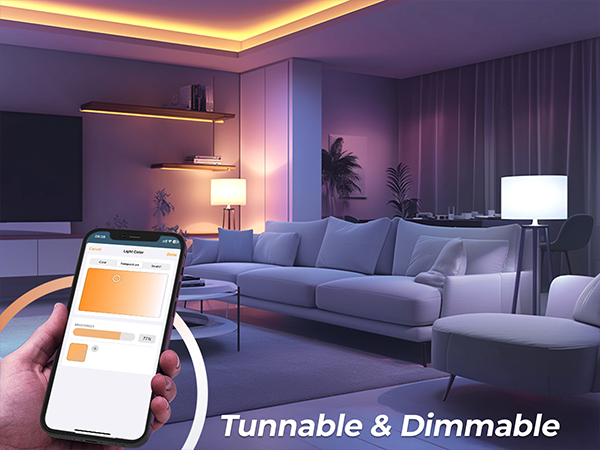
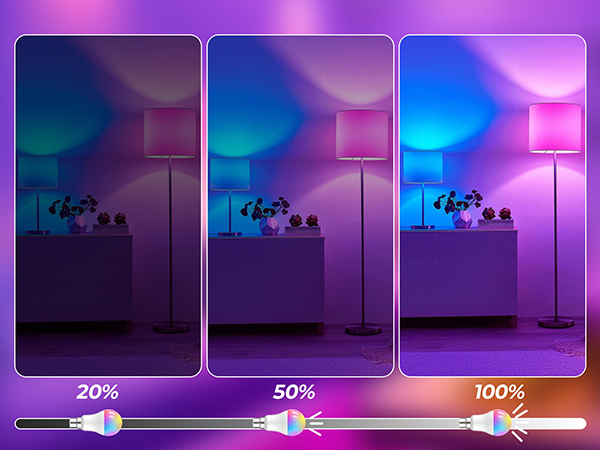
Special Features | Color Changing, Dimmable | Color Changing, Dimmable | Color Changing, Dimmable | Color Changing, Dimmable | Color Changing, Dimmable |
Music Sync | ? | ? | ? | ? | ? |
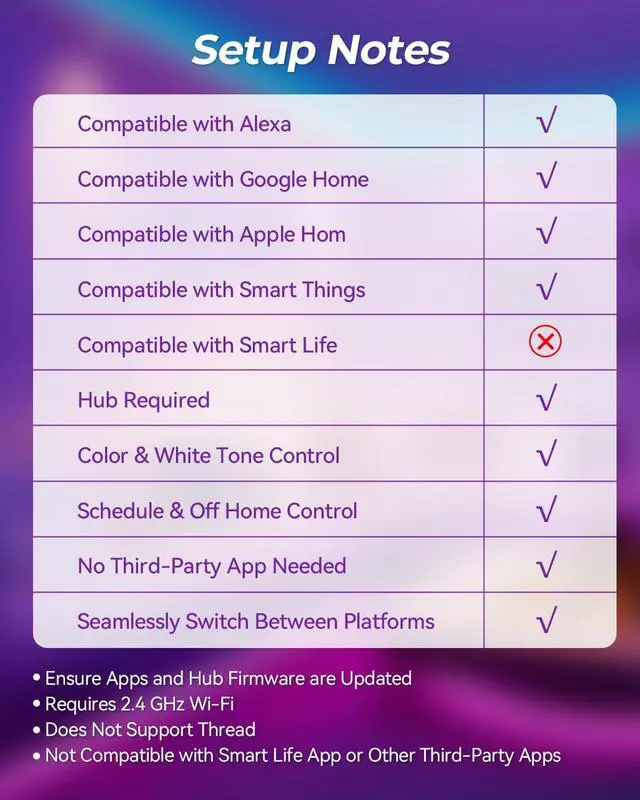
Does the bulb support 3rd-Party App, like Smart Life/Tuya/AvatarControls App?
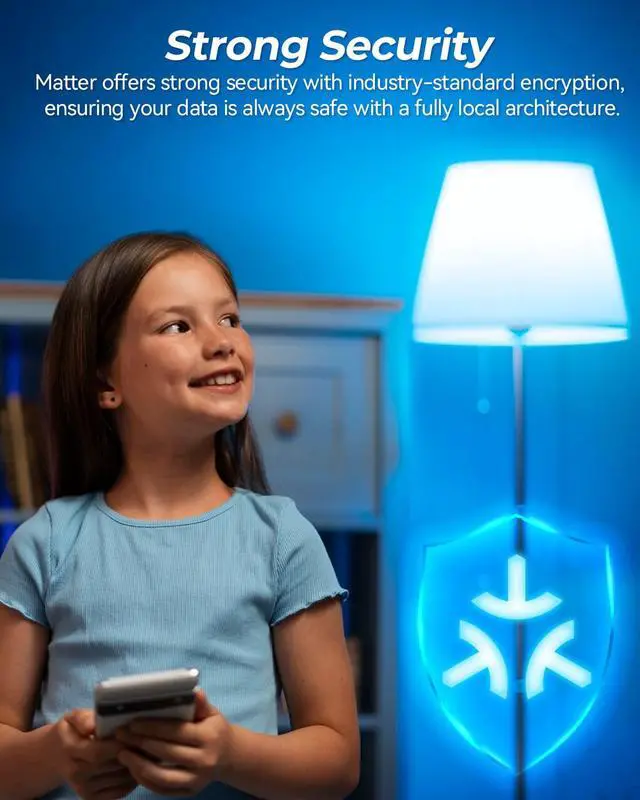
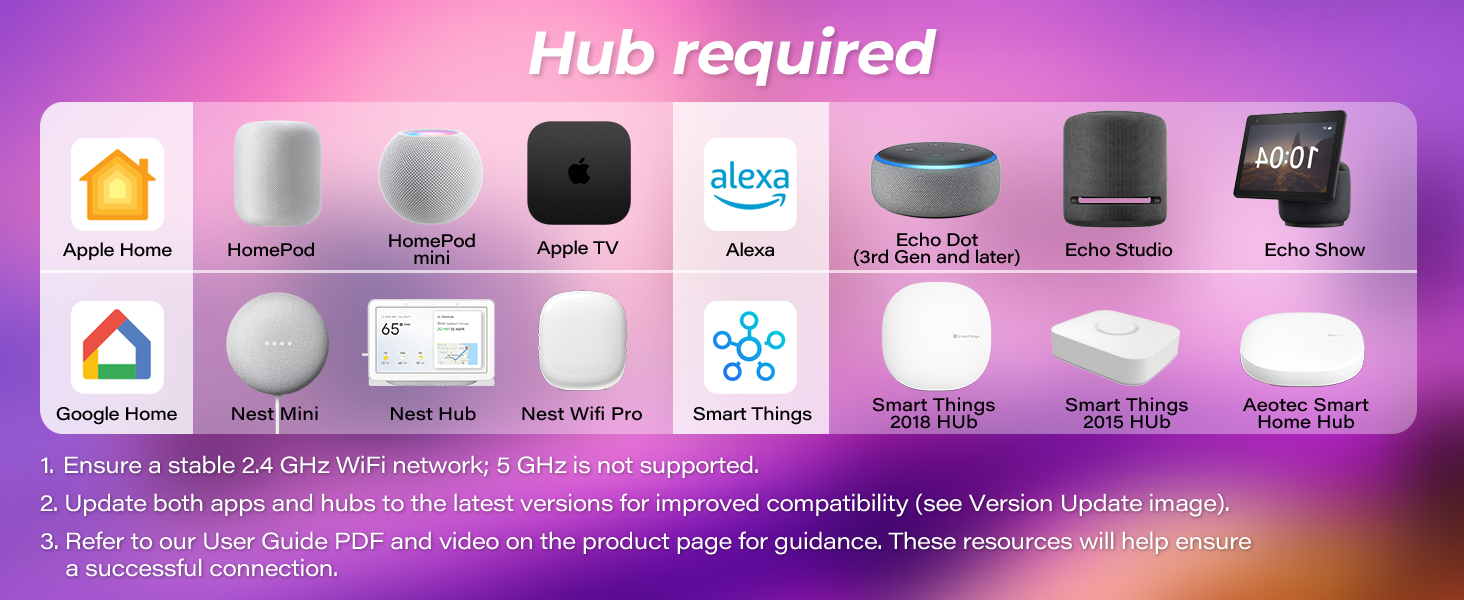
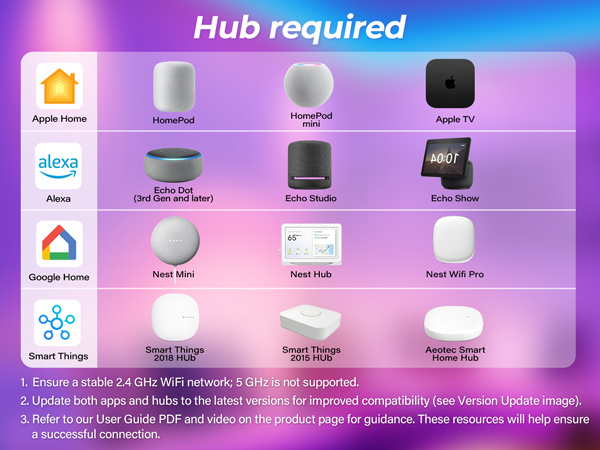
No, No need to download a proprietary app or create a cloud account. Directly use with Homekit/Echo/Google Assistant. Hub Required(Like Echo, HomePod)
How can set up the Matter bulb with Alexa?
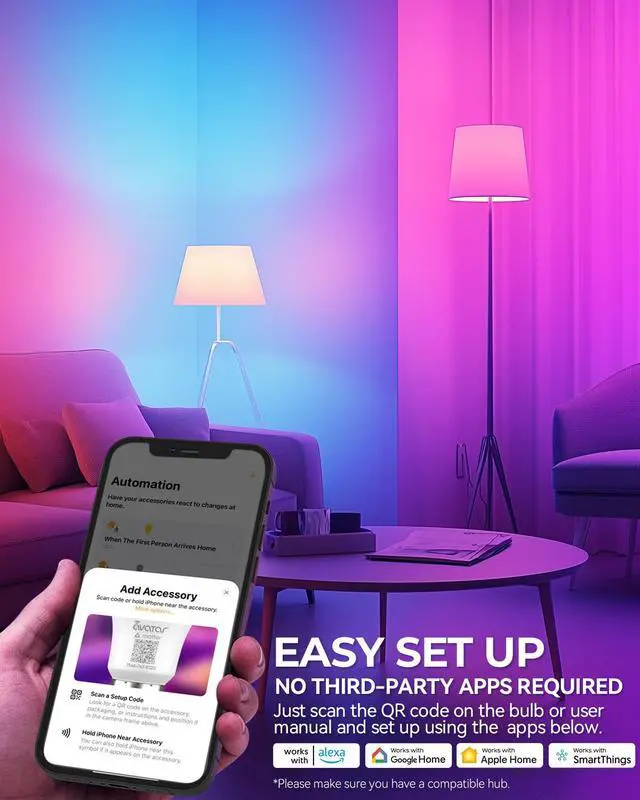
1, Make sure your smart bulb is in pairing mode(blinking status, manually turn the bulb off and on 3 times)
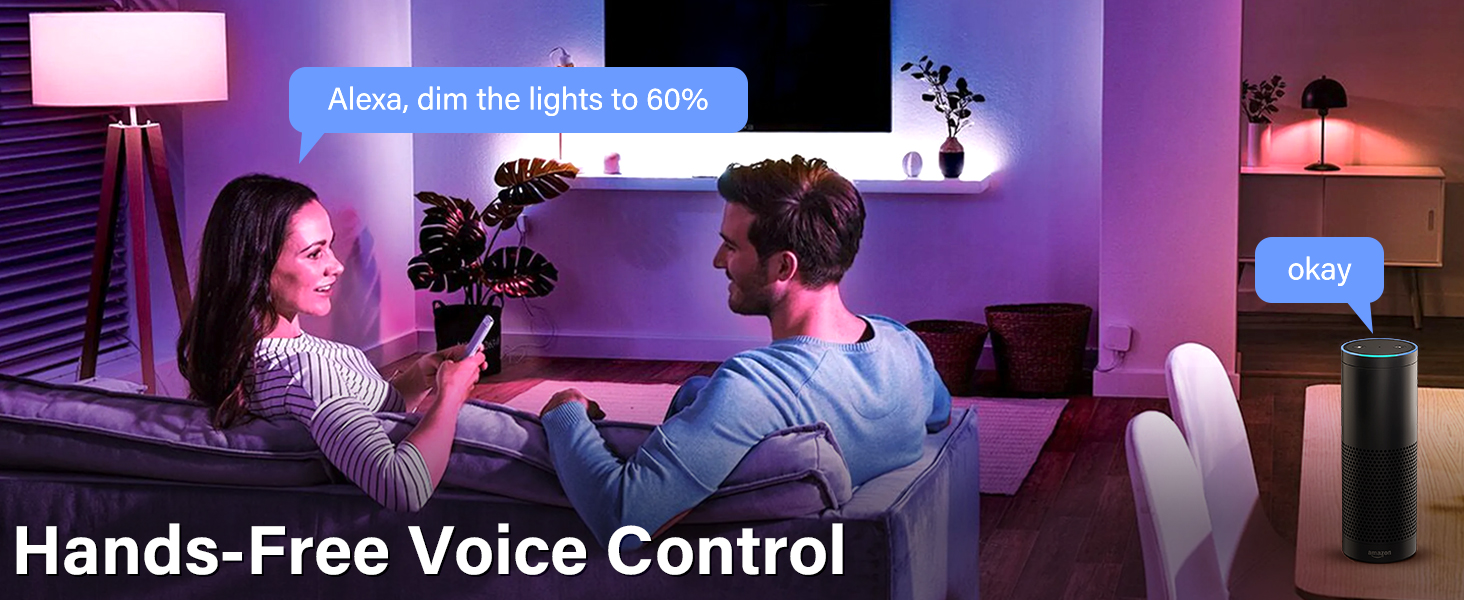
2. Using the Alexa app to scan the Code on device or the one provided on the user manual. And all is done. "Alexa, turn on the bulb"
How can I factory reset this smart bulb?
Use a light switch to turn the smart bulb on and off 3 times, during the 3rd power-on cycle, the smart bulb changes to blinking fast, indicating you have successfully factory reset your smart bulb, and it is ready for setup again.
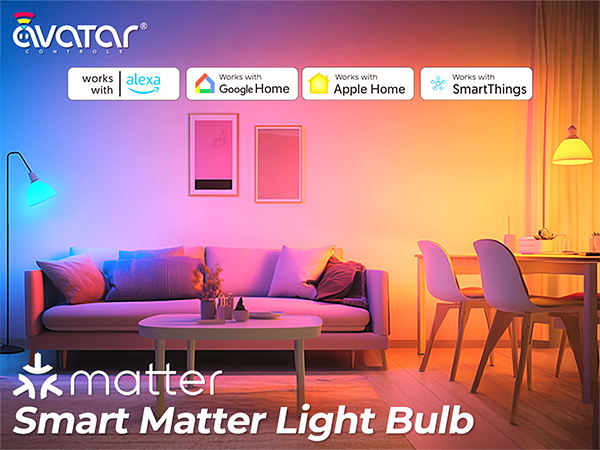
Matter smart bulb |  WIFI smart bulb | e12 smart bulb | gu10 smart bulb | g45smart bulb |
|---|---|---|---|---|
| Customer Reviews | ||||
| — | — | — | — | — |
| Price | ||||
| — | — | — | — | — |
| Technology | ||||
| Matter | WIFI | WIFI | WIFI | WIFI |
| Compatible | ||||
| Alexa Google Assistant Homkit | Alexa Google Assistant | Alexa Google Assistant | Alexa Google Assistant | Alexa Google Assistant |
| Need Third App | ||||
| ? | ? | ? | ? | ? |
| Special Features | ||||
| Color Changing, Dimmable | Color Changing, Dimmable | Color Changing, Dimmable | Color Changing, Dimmable | Color Changing, Dimmable |
| Music Sync | ||||
| ? | ? | ? | ? | ? |
Does the bulb support 3rd-Party App, like Smart Life/Tuya/AvatarControls App?
No, No need to download a proprietary app or create a cloud account. Directly use with Homekit/Echo/Google Assistant. Hub Required(Like Echo, HomePod)
How can set up the Matter bulb with Alexa?
1, Make sure your smart bulb is in pairing mode(blinking status, manually turn the bulb off and on 3 times)
2. Using the Alexa app to scan the Code on device or the one provided on the user manual. And all is done. "Alexa, turn on the bulb"
How can I factory reset this smart bulb?
Use a light switch to turn the smart bulb on and off 3 times, during the 3rd power-on cycle, the smart bulb changes to blinking fast, indicating you have successfully factory reset your smart bulb, and it is ready for setup again.