




 here!
here!
I’m your shopping assistant for PC builds, upgrades, and everything tech.
Got questions? Ask away!
Start a conversation
here!
I’m your shopping assistant for PC builds, upgrades, and everything tech.
Got questions? Ask away!
Start a conversation



Any questions? Ask CelesteSM will help you find out quickly.


At Geeni, we’re committed to making your life easier with intuitive, user-friendly smart home products. Join over 8 million users who trust Geeni to manage lights, cameras, and appliances effortlessly. With Geeni, you can automate tasks, set schedules, and share control with family, bringing seamless convenience to your daily routine. Trusted by Google, , and Microsoft, Geeni helps you create a smarter, simpler home at unbeatable value.
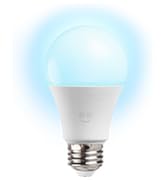
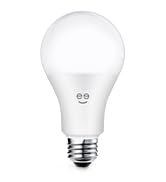
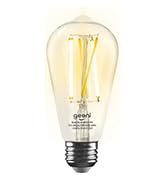
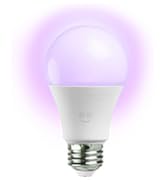
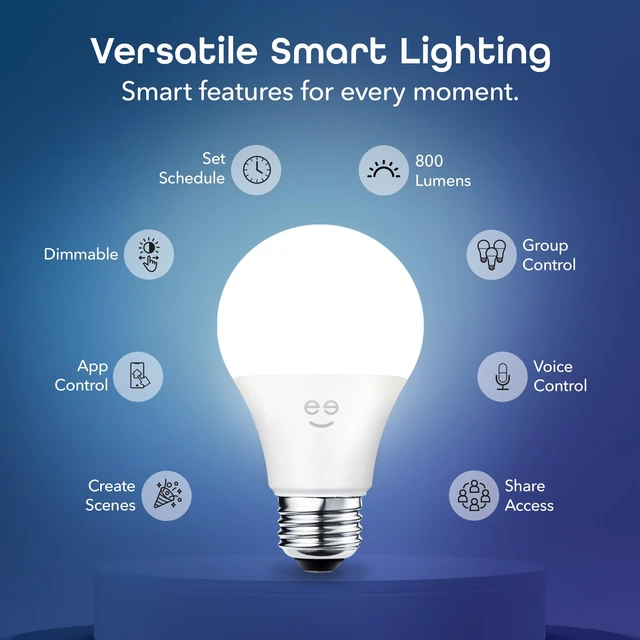
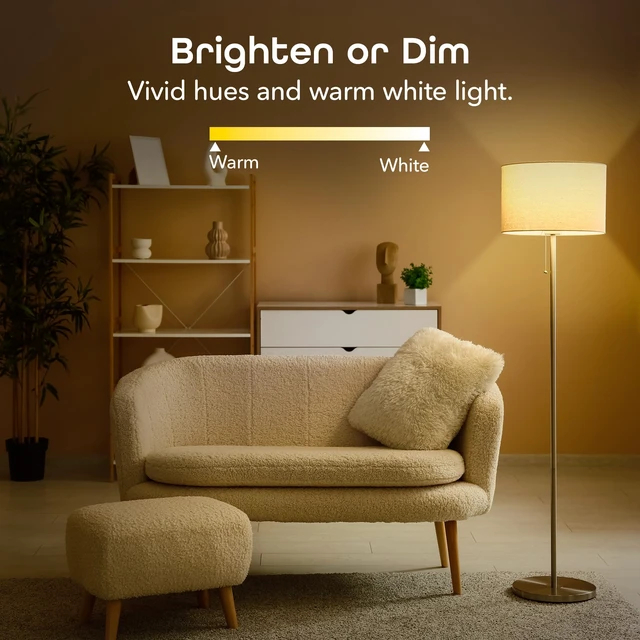
Create cozy warm whites or energetic bright whites with the tunable white LED light bulb.
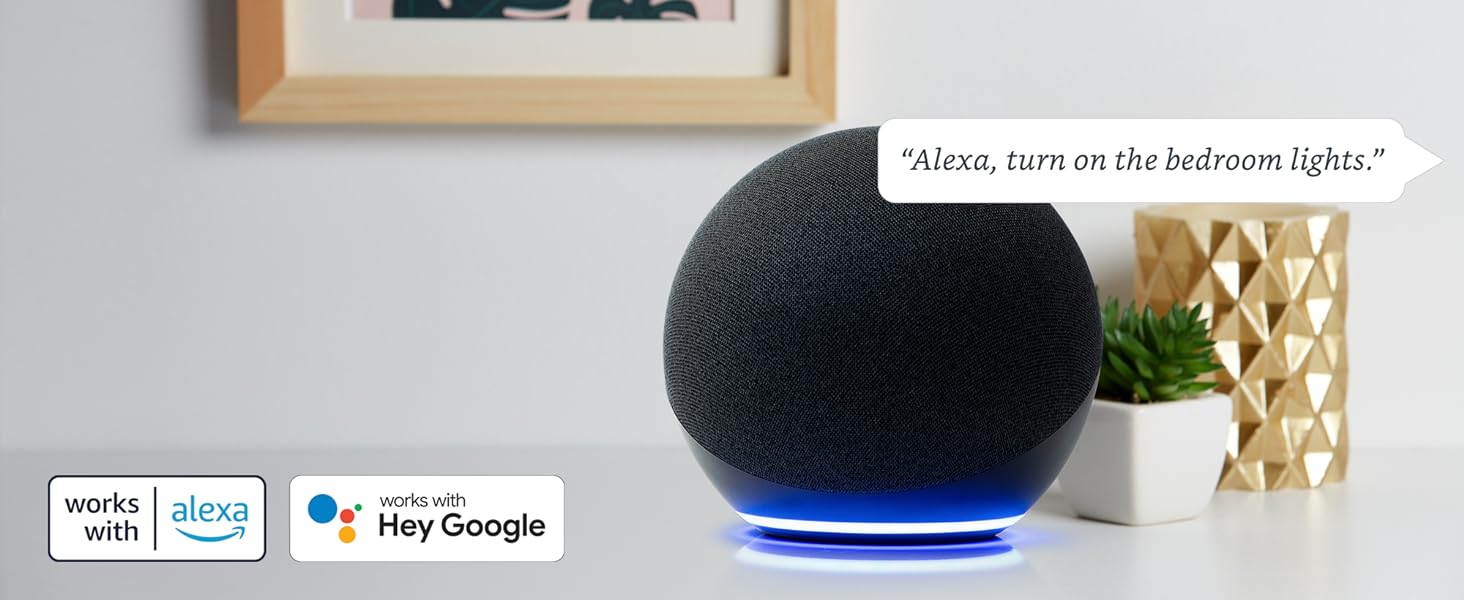
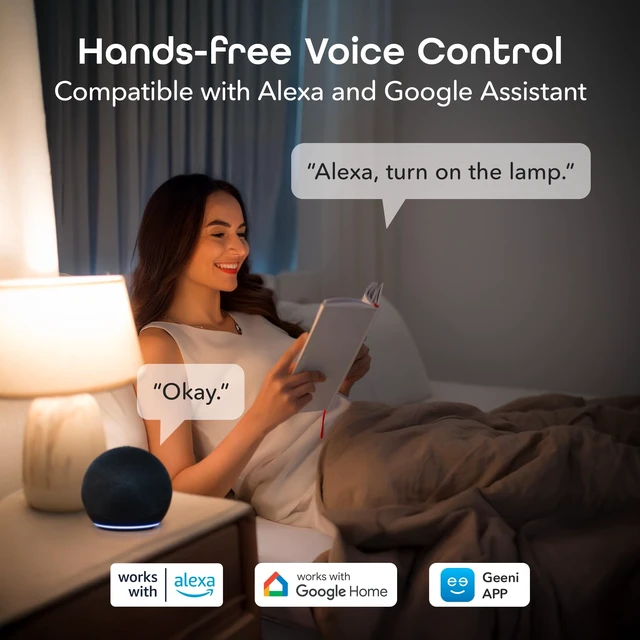
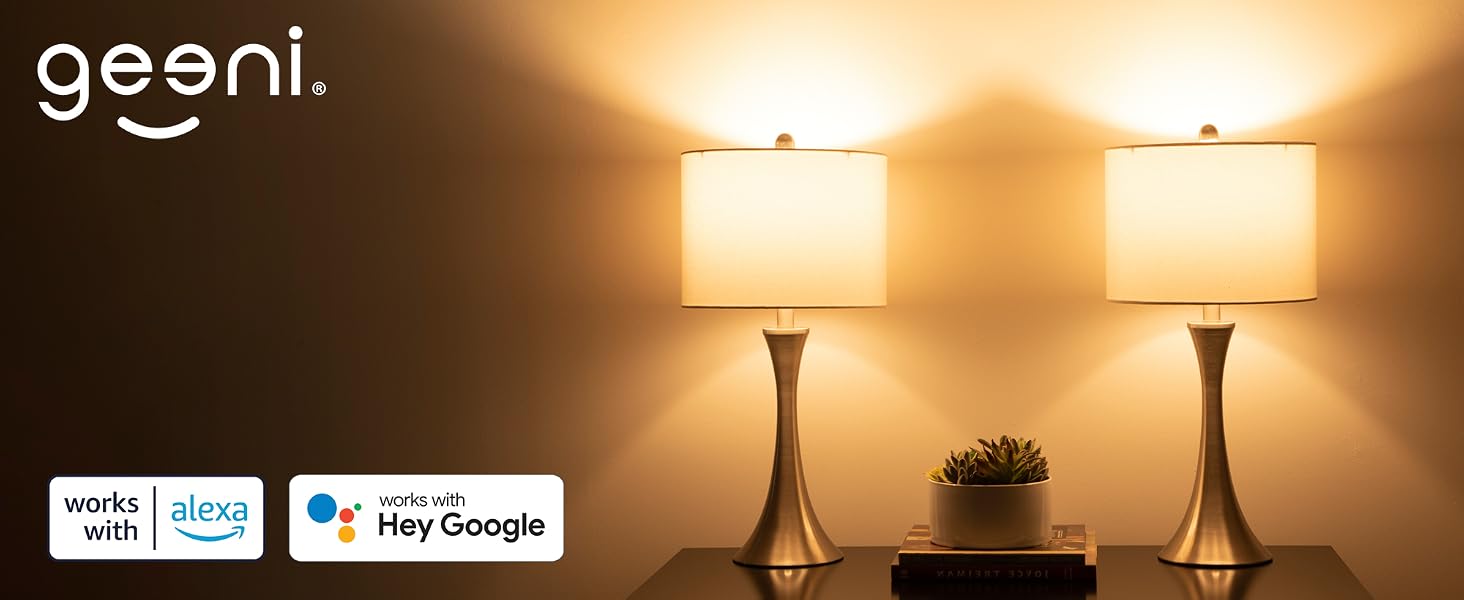
Free up your hands by using simple voice commands with Alexa and Google Assistant.

Give everyone in your household access to control of all devices.
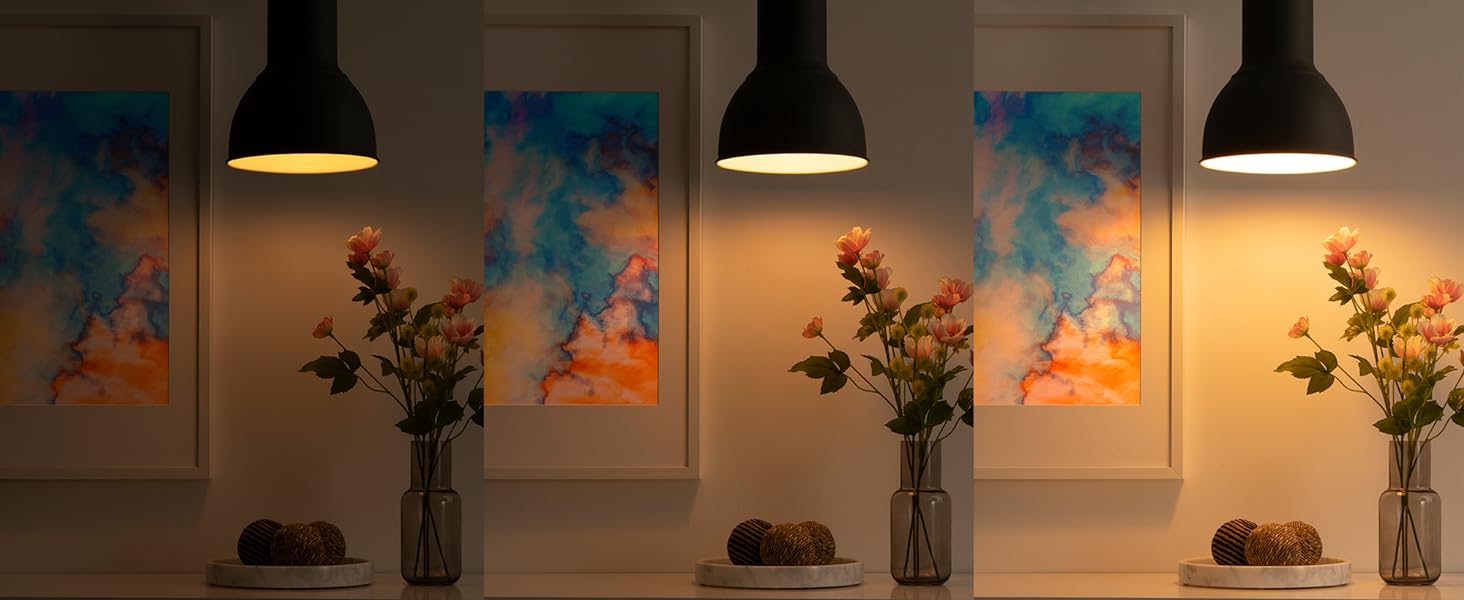
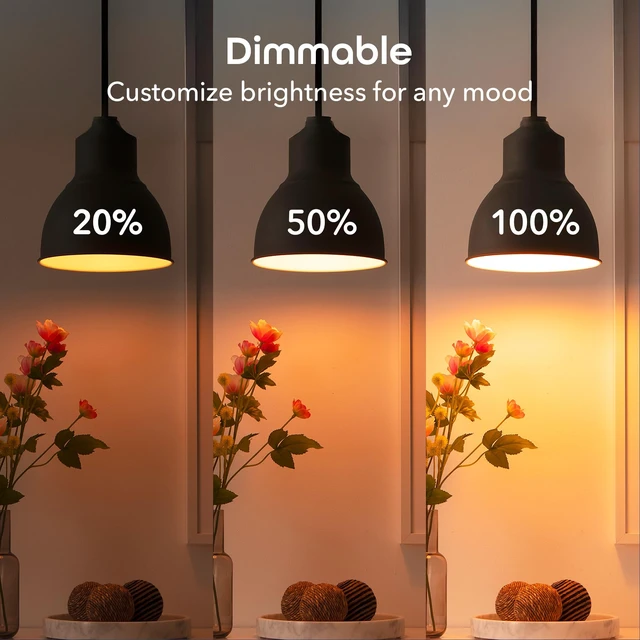
Find your perfect level of brightness to suit the room or occasion.
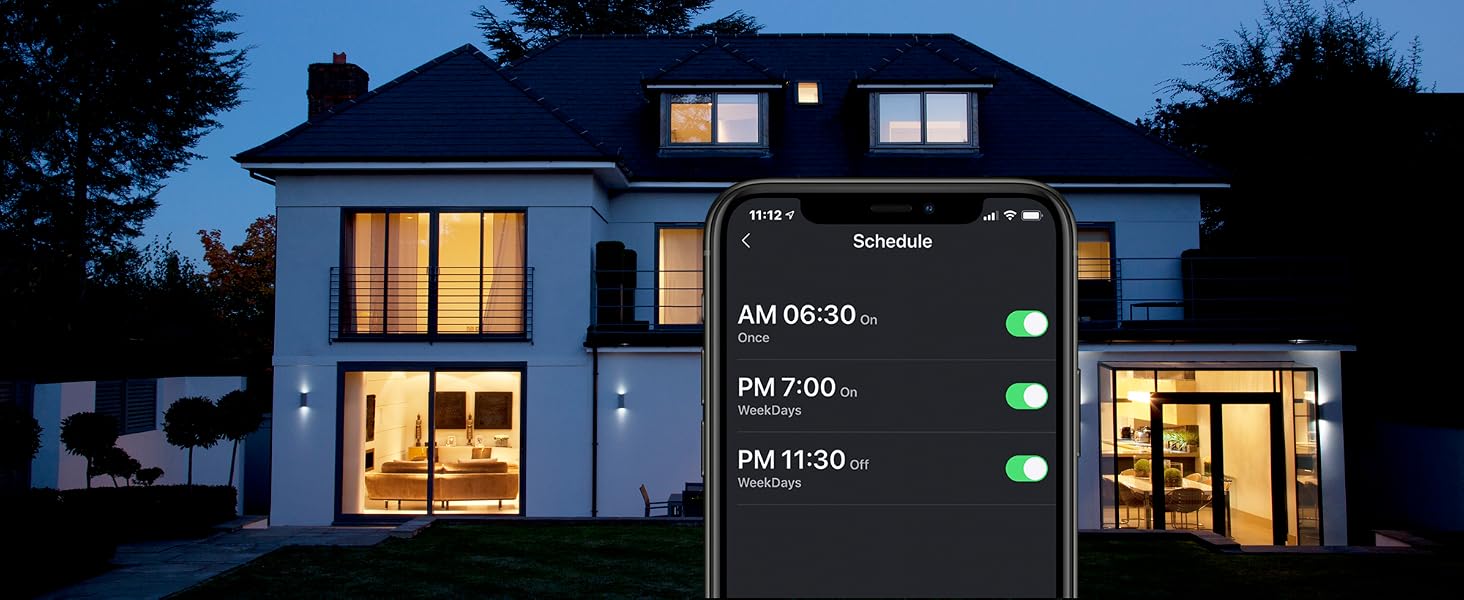
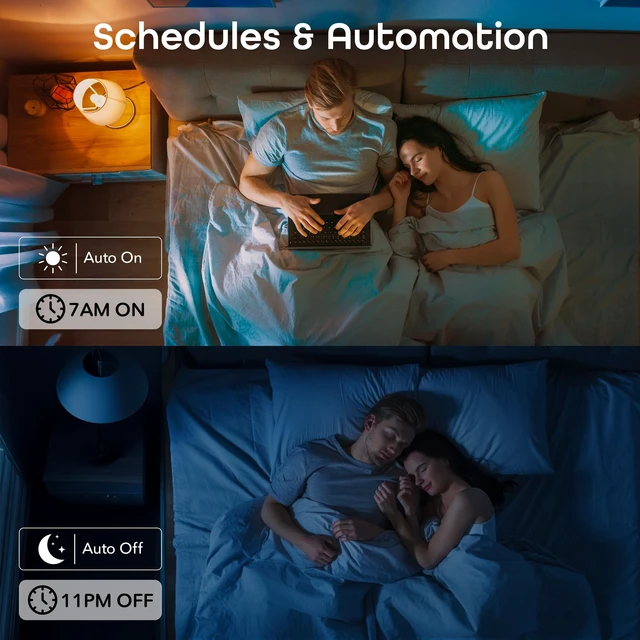
Automate daily schedules so your lights turn on/off automatically when you need them to.

See what more than 10 million users are raving about with 4.8/5 stars.
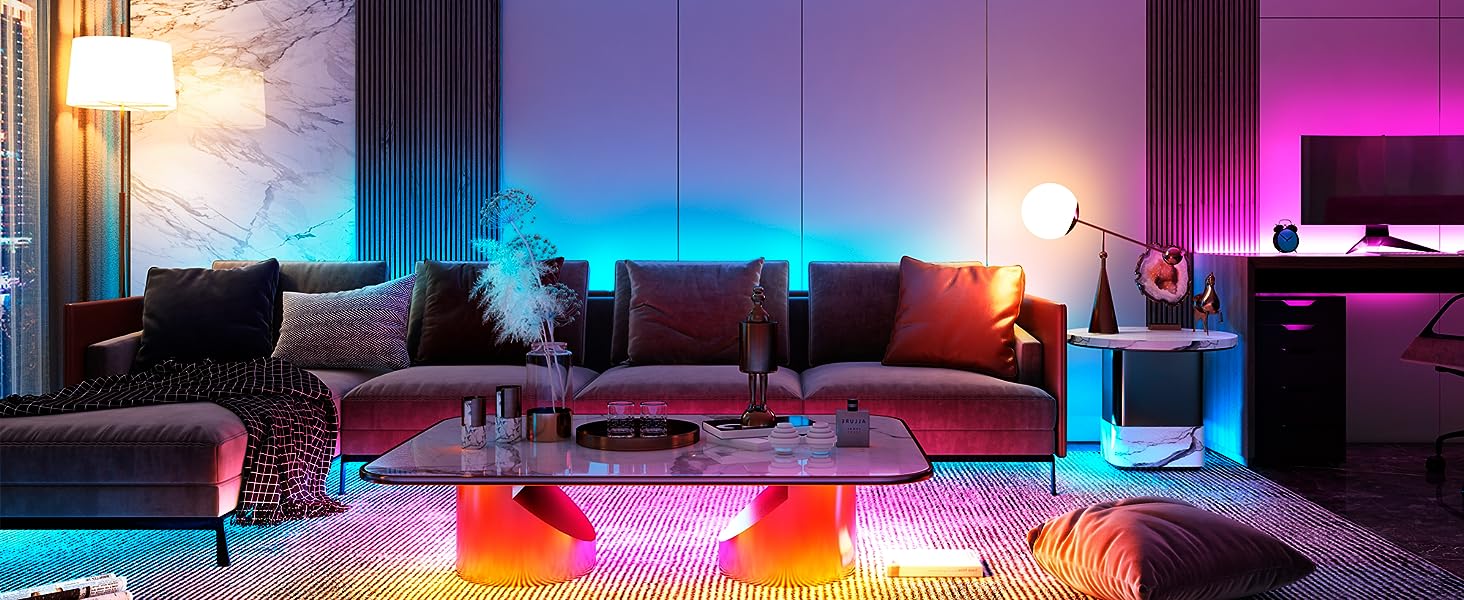
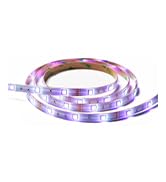
Enjoy a brilliant range of colors, advanced lighting effects, brightness control and more.
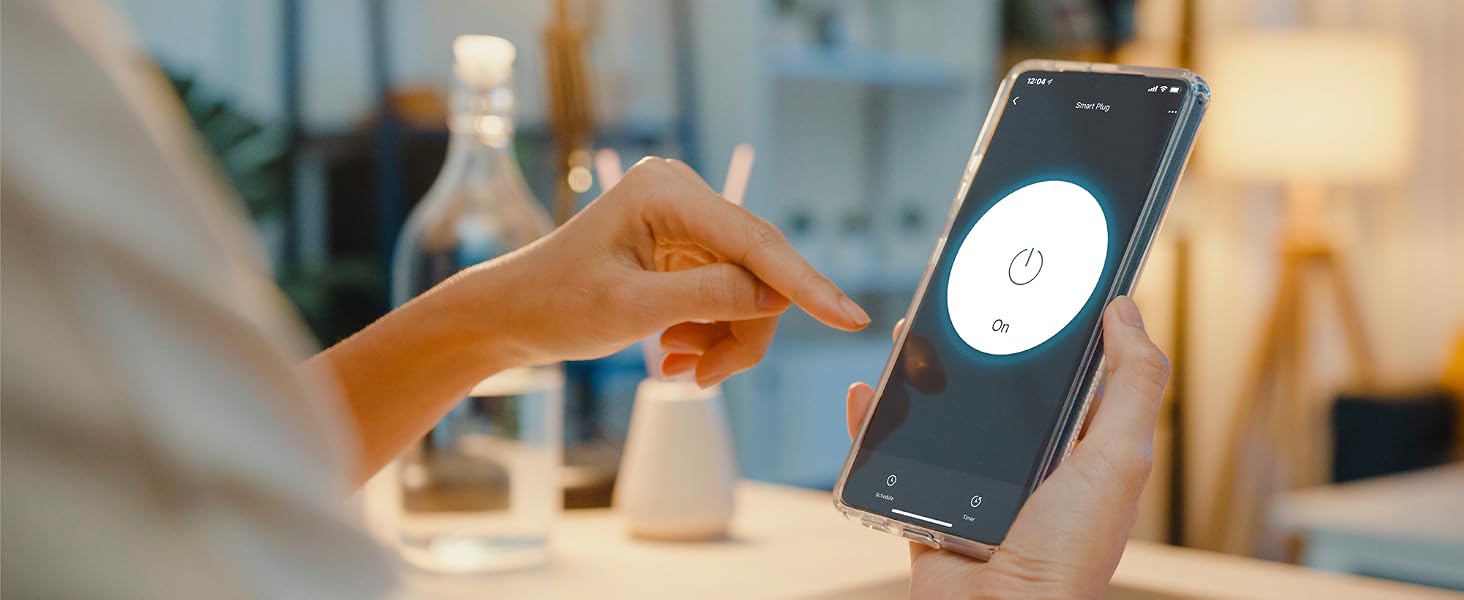
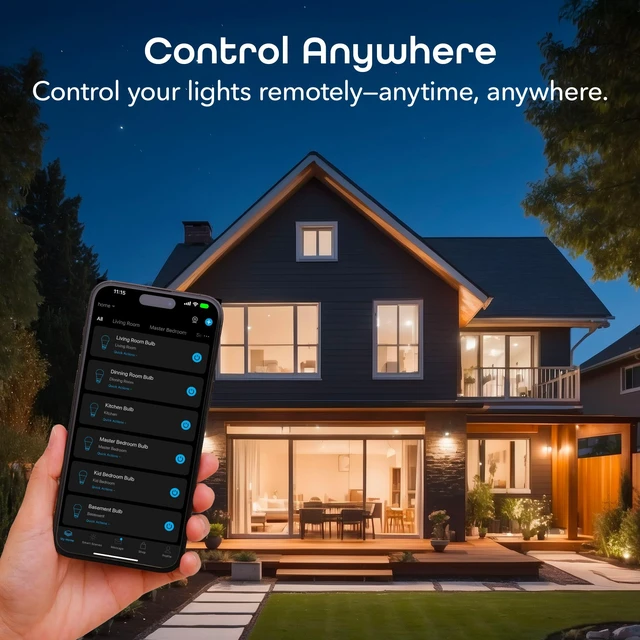
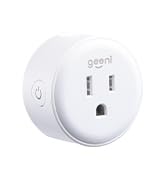
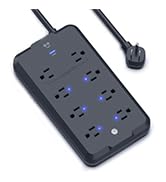
Plug in and control from anywhere—power your appliances on/off or set automated schedules in-app.
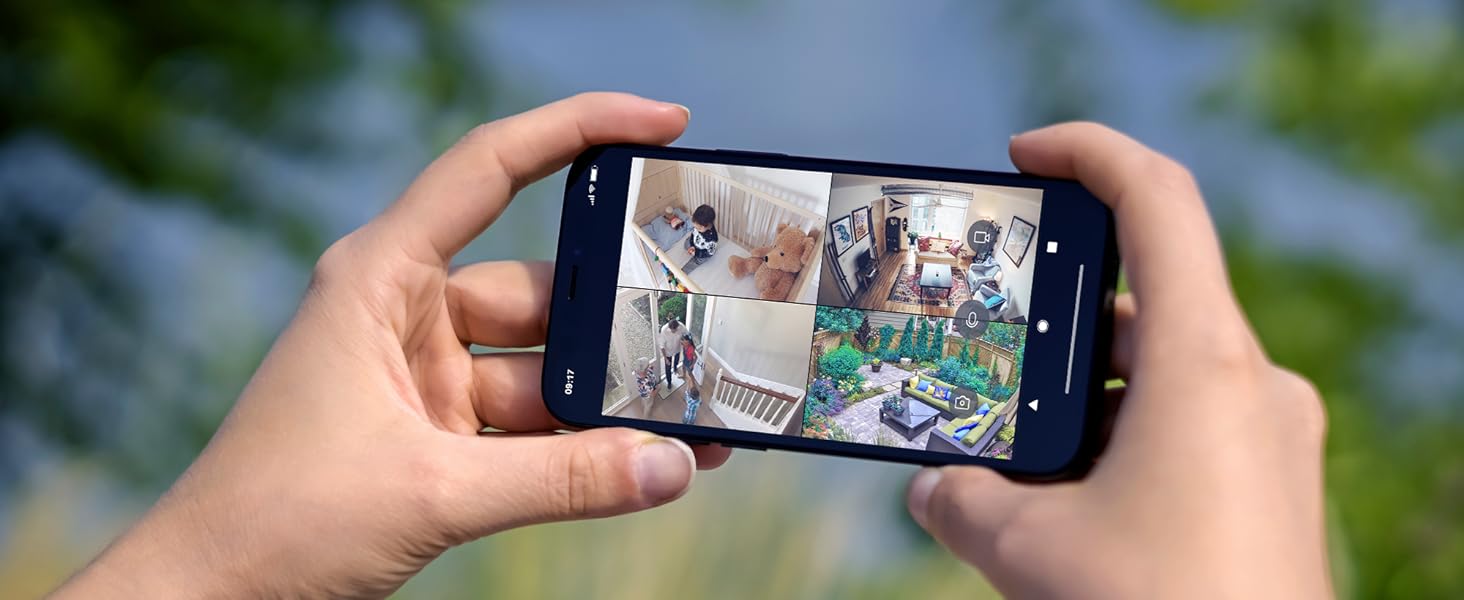
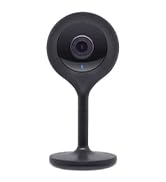
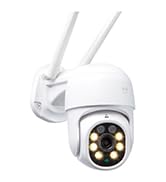
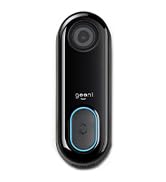
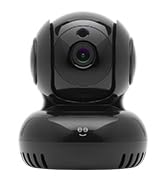
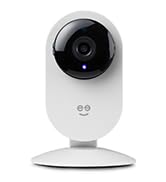
Keep an eye on home even while you're away—check on deliveries, greet visitors & more.
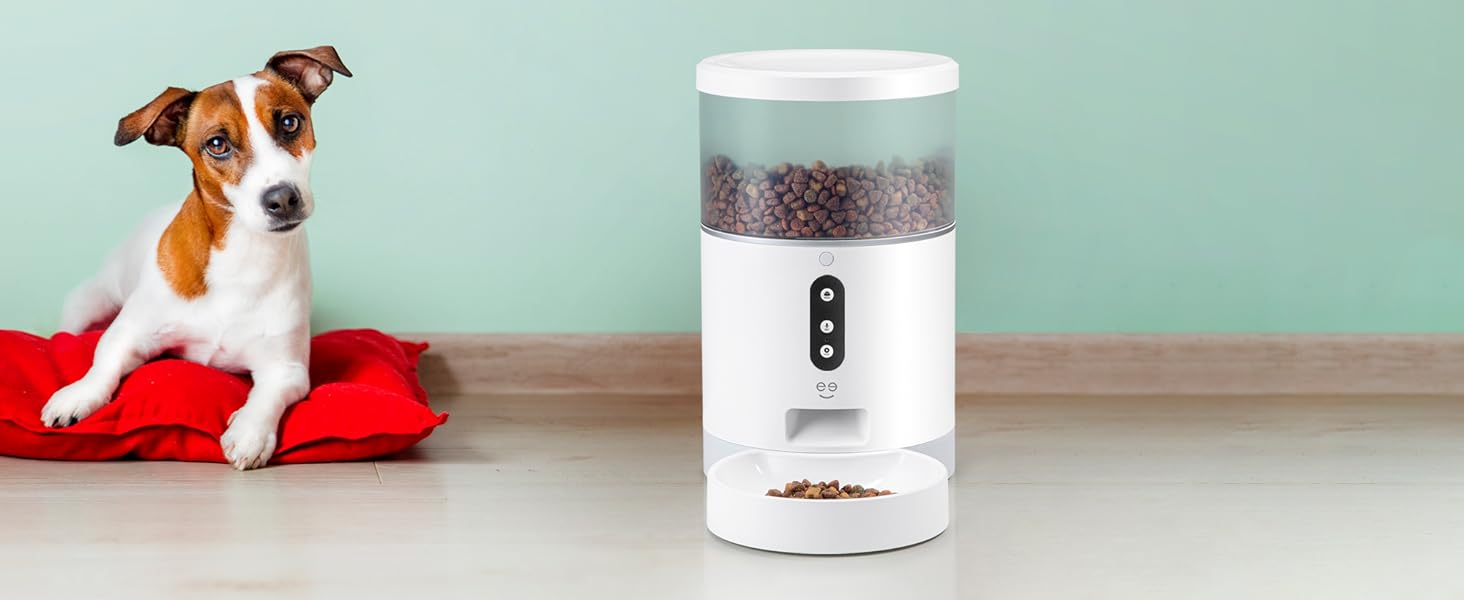
Keep your furry friend cared for with our automatic feeder featuring portion control.
 Lux 800 |  Lux 1050 | 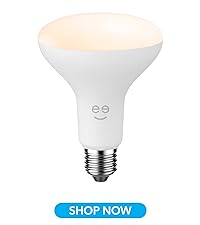 Lux Drop |  Lux Flood |  Prisma 1050 | 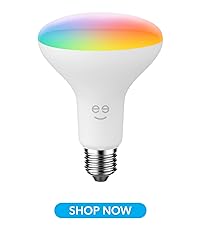 Prisma Plus Drop | 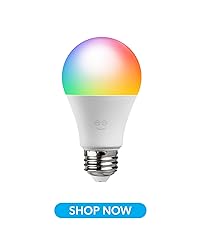 Prisma Plus 800 | |
|---|---|---|---|---|---|---|---|
Customer Reviews | — | — | — | — | — | — | — |
Price | — | — | — | — | — | — | — |
Fitting Base / Bulb Shape | E26 / A19 | E26 / A21 | E26 / BR30 | E26 / PAR38 | E26 / A21 | E26 / BR30 | E26 / A19 |
Wattage Equivalent | 60W | 75W | 65W | 75W | 75W | 65W | 60W |
Brightness | 800 lumens | 1050 lumens | 750 lumens | 1000 lumens | 1050 lumens | 750 lumens | 800 lumens |
Energy Used | 9W | 11W | 8W | 11W | 11W | 8W | 9W |
Multi-Color Change | ? | ? | ? | ? | ? | ? | ? |
Tunable | ? | ? | ? | ? | ? | ? | ? |
Dimmable | ? | ? | ? | ? | ? | ? | ? |
Voice Control | ? | ? | ? | ? | ? | ? | ? |
Wi-Fi Connection | 2.4 Ghz | 2.4 Ghz | 2.4 Ghz | 2.4 Ghz | 2.4 Ghz | 2.4 Ghz | 2.4 Ghz |
Weatherproof | ? | ? | ? | ? | ? | ? | ? |
What kind of WiFi does my house need for Geeni products?
Geeni products work best with 2.4GHz Wi-Fi due to its longer range and ability to penetrate walls better than higher frequencies.
How do I activate the 2.4GHz band on my router?
Access your router by entering its IP into a browser, log in, navigate to Advanced Settings, click Network Settings, and activate the 2.4 GHz band.
Can these smart bulbs be controlled by Echo & Google Home?
Yes, Geeni smart bulbs and other devices work with Echo and Google Home.
Should I have Bluetooth on when connecting my product?
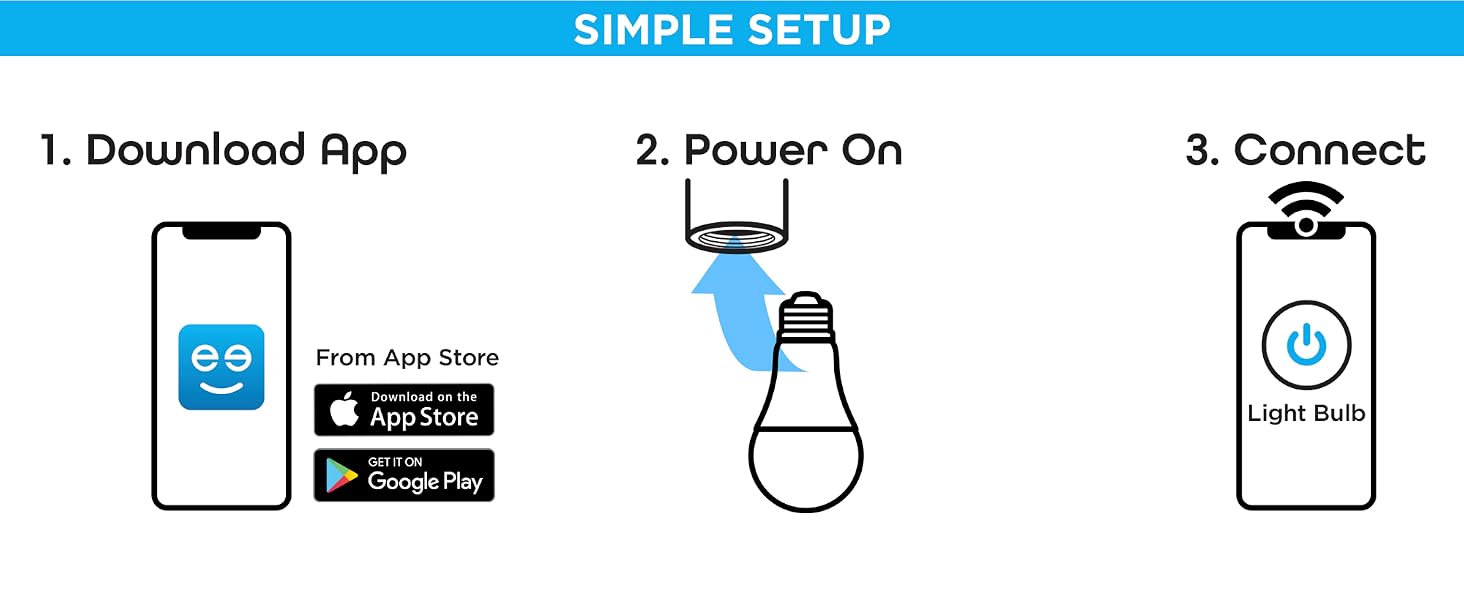
Enable Bluetooth and location on your smartphone for a smooth setup.
Are there alternative ways to connect the device besides scanning the QR code on the light
Alternatively, you can also try scanning the QR code on the instruction manual.
At Geeni, we’re committed to making your life easier with intuitive, user-friendly smart home products. Join over 8 million users who trust Geeni to manage lights, cameras, and appliances effortlessly. With Geeni, you can automate tasks, set schedules, and share control with family, bringing seamless convenience to your daily routine. Trusted by Google, , and Microsoft, Geeni helps you create a smarter, simpler home at unbeatable value.
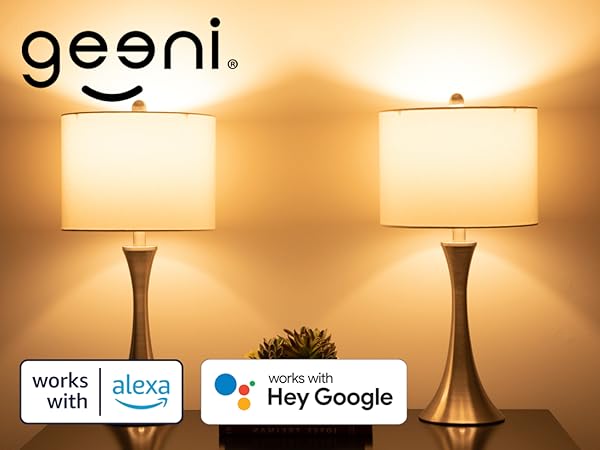
Create cozy warm whites or energetic bright whites with the tunable white LED light bulb.
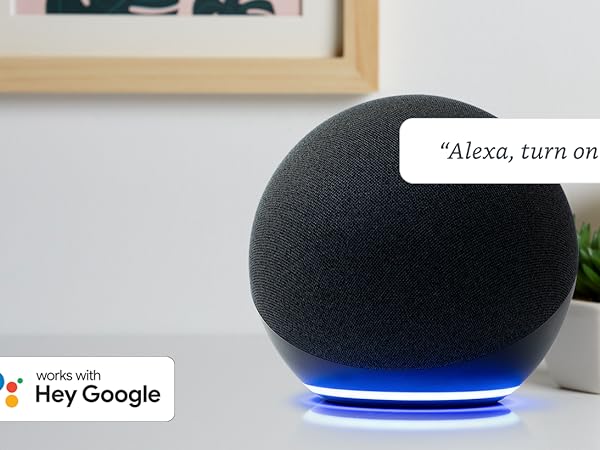
Free up your hands by using simple voice commands with Alexa and Google Assistant.
Give everyone in your household access to control of all devices.
Find your perfect level of brightness to suit the room or occasion.
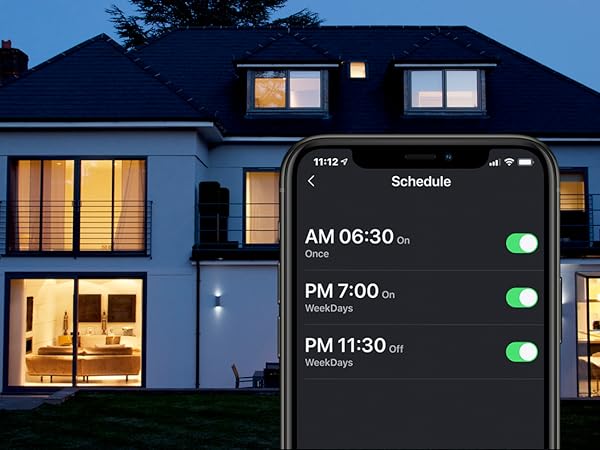
Automate daily schedules so your lights turn on/off automatically when you need them to.




See what more than 10 million users are raving about with 4.8/5 stars.
Enjoy a brilliant range of colors, advanced lighting effects, brightness control and more.
Plug in and control from anywhere—power your appliances on/off or set automated schedules in-app.
Keep an eye on home even while you're away—check on deliveries, greet visitors & more.
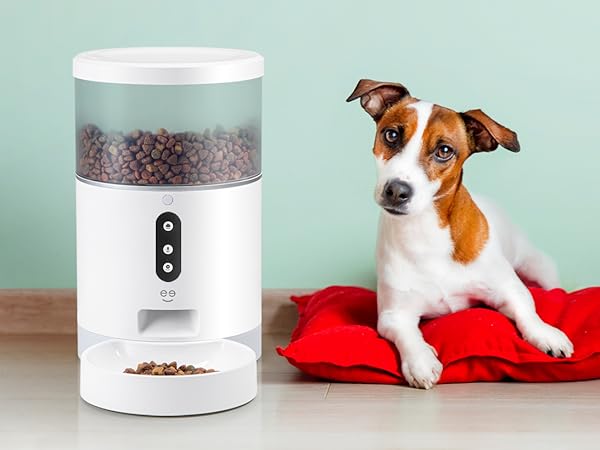
Keep your furry friend cared for with our automatic feeder featuring portion control.
Lux 800 | Lux 1050 | Lux Drop | Lux Flood | Prisma 1050 |  Prisma Plus Drop | Prisma Plus 800 |
|---|---|---|---|---|---|---|
| Customer Reviews | ||||||
| — | — | — | — | — | — | — |
| Price | ||||||
| — | — | — | — | — | — | — |
| Fitting Base / Bulb Shape | ||||||
| E26 / A19 | E26 / A21 | E26 / BR30 | E26 / PAR38 | E26 / A21 | E26 / BR30 | E26 / A19 |
| Wattage Equivalent | ||||||
| 60W | 75W | 65W | 75W | 75W | 65W | 60W |
| Brightness | ||||||
| 800 lumens | 1050 lumens | 750 lumens | 1000 lumens | 1050 lumens | 750 lumens | 800 lumens |
| Energy Used | ||||||
| 9W | 11W | 8W | 11W | 11W | 8W | 9W |
| Multi-Color Change | ||||||
| ? | ? | ? | ? | ? | ? | ? |
| Tunable | ||||||
| ? | ? | ? | ? | ? | ? | ? |
| Dimmable | ||||||
| ? | ? | ? | ? | ? | ? | ? |
| Voice Control | ||||||
| ? | ? | ? | ? | ? | ? | ? |
| Wi-Fi Connection | ||||||
| 2.4 Ghz | 2.4 Ghz | 2.4 Ghz | 2.4 Ghz | 2.4 Ghz | 2.4 Ghz | 2.4 Ghz |
| Weatherproof | ||||||
| ? | ? | ? | ? | ? | ? | ? |
What kind of WiFi does my house need for Geeni products?
Geeni products work best with 2.4GHz Wi-Fi due to its longer range and ability to penetrate walls better than higher frequencies.
How do I activate the 2.4GHz band on my router?
Access your router by entering its IP into a browser, log in, navigate to Advanced Settings, click Network Settings, and activate the 2.4 GHz band.
Can these smart bulbs be controlled by Echo & Google Home?
Yes, Geeni smart bulbs and other devices work with Echo and Google Home.
Should I have Bluetooth on when connecting my product?
Enable Bluetooth and location on your smartphone for a smooth setup.
Are there alternative ways to connect the device besides scanning the QR code on the light
Alternatively, you can also try scanning the QR code on the instruction manual.
| Brand | Geeni |
| Light Type | LED |
| Special Feature | Dimmable, Energy Efficient, Long Lasting, Timer |
| Wattage | 9 watts |
| Bulb Shape Size | A19 |
| Additional Features | Dimmable, Energy Efficient, Long Lasting, Timer |
| Bulb Base | E26 |
| Incandescent Equivalent Wattage | 60 watts |
| Specific Uses For Product | Decoration, General Lighting, Photography |
| Light Color | soft white light |
| Voltage | 120 volts |
| Color Temperature | 2700 Kelvin |
| Light Output Maximum | 800 lumens |
| Indoor Outdoor Usage | Indoor |
| Power Source | Screw In |
| Color Rendering Index | 80 |
| Power Consumption | 9 watts |
| Light Source Type | LED |
| Light Source Wattage | 60 watts |
| Accepted Voltage Frequency | 100 to 120 Volts and 60 Hertz |
| Control Method | Voice |
| Light Source Operating Life | 25000 hours |
| White Brightness | 800 lumens |
| Connectivity Protocol | Wi-Fi |
| Controller Type | Amazon Alexa, Google Assistant, Vera |
| Connectivity Technology | Wi-Fi |
| Brand Name | Geeni |
| Number of Items | 1 |
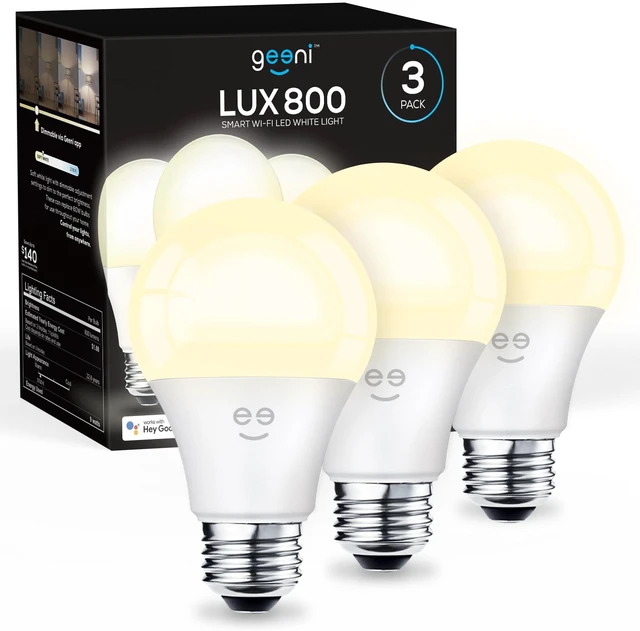
| Model Name | 3 Pack Lux 800 |
| Model Number | GN-BW932-999 |
| Global Trade Identification Number | 00844702078000 |
| Manufacturer | Geeni |
| UPC | 844702078000 |
| Manufacturer Warranty Description | 1 year limited warranty. |
| Included Components | 3 Lux 800 A19 Smart Bulbs |
| Item Type Name | LED Light Bulb |
| Manufacturer Part Number | GN-BW932-999 |
| Unit Count | 3 Count |
| Package Quantity | 1 |
| Item Weight | 3.04 ounces |
| Item Dimensions W x H | 2.36"W x 4.21"H |
| Material Type | Cobalt |
| Shape | A19 |
| Style Name | A19 - 60 Watt Equivalent, 3 Pack |
| Color | Soft White |


