




 here!
here!
I’m your shopping assistant for PC builds, upgrades, and everything tech.
Got questions? Ask away!
Start a conversation
here!
I’m your shopping assistant for PC builds, upgrades, and everything tech.
Got questions? Ask away!
Start a conversation



Any questions? Ask CelesteSM will help you find out quickly.
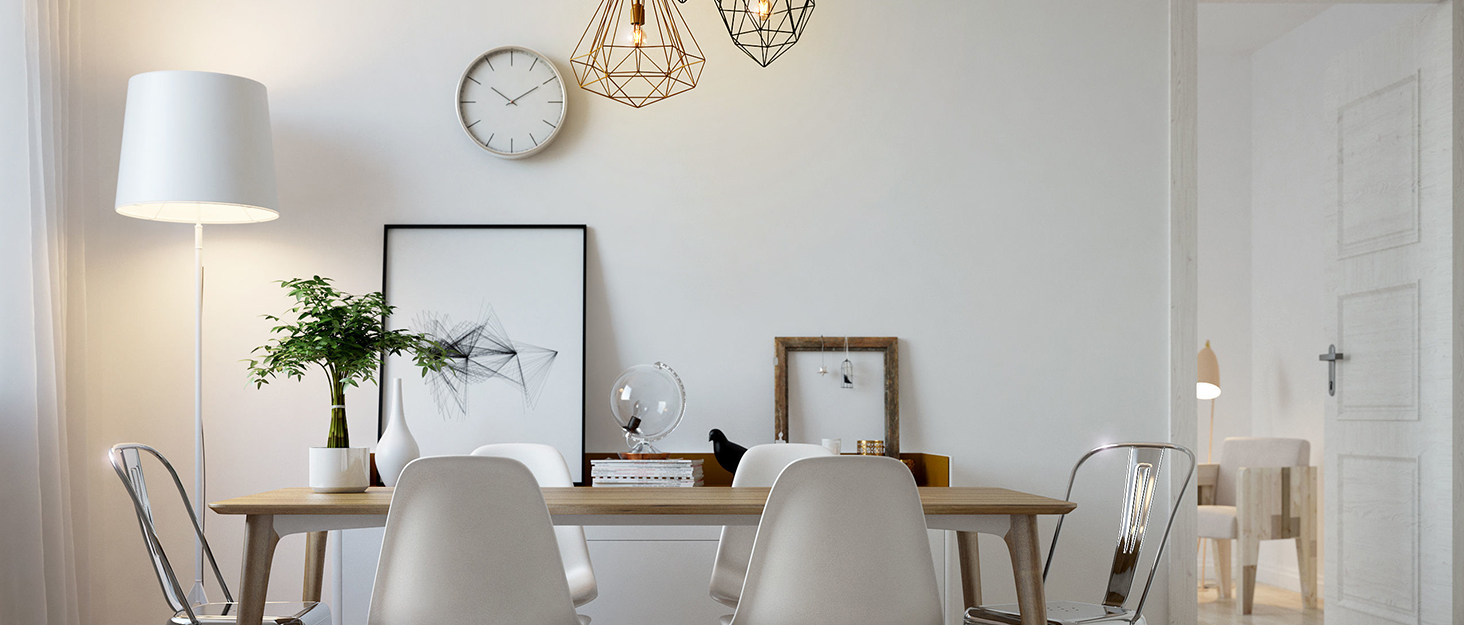

As a professional lighting seller, ANWIO is committed to bringing new ideas to the lighting industry, and constantly developing products with long service life, energy saving and high efficiency. We are also committed to providing smart light bulbs that make life more convenient.
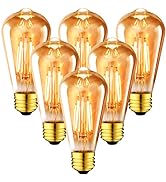
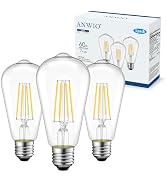
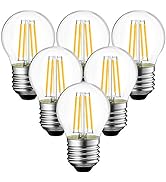
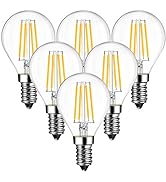
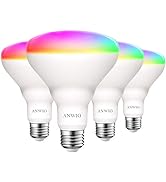
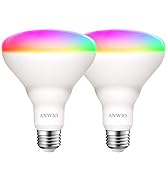
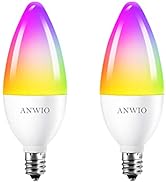
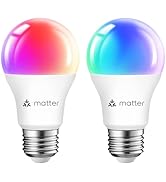
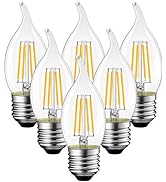
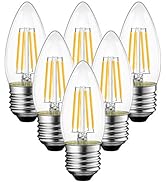
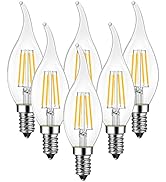
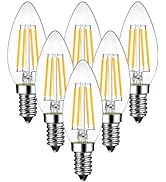
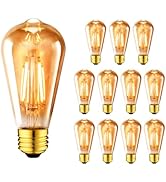
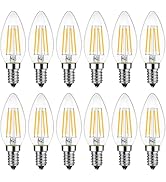
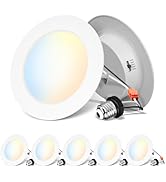
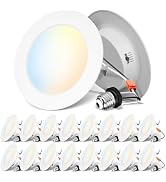
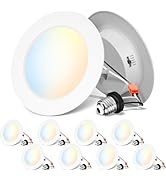
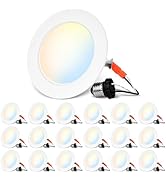
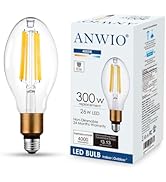
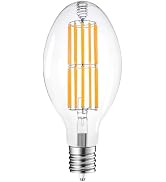
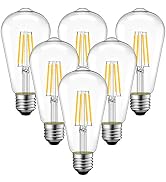
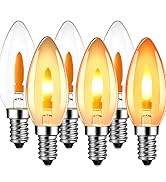
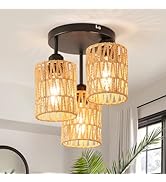
Any questions about LED bulbs, we will give you the most sincere help.
For people who are looking for exquisite and aesthetic retro lighting products, our brand ANWIO is the first choice in North America.
Add a ray of warmth to your busy life
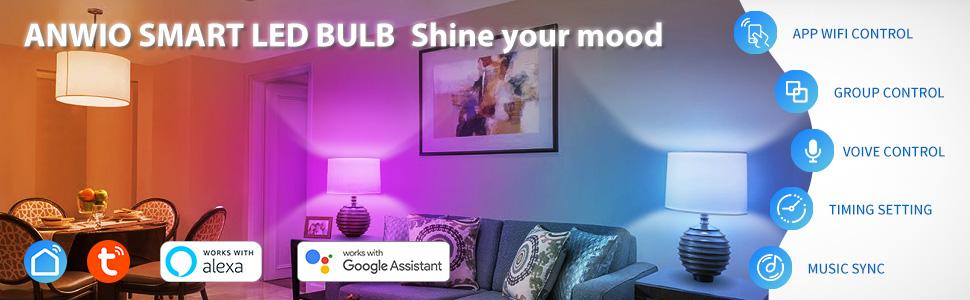
Connect Smart Bulb with TUYA APP
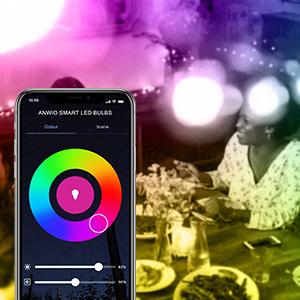
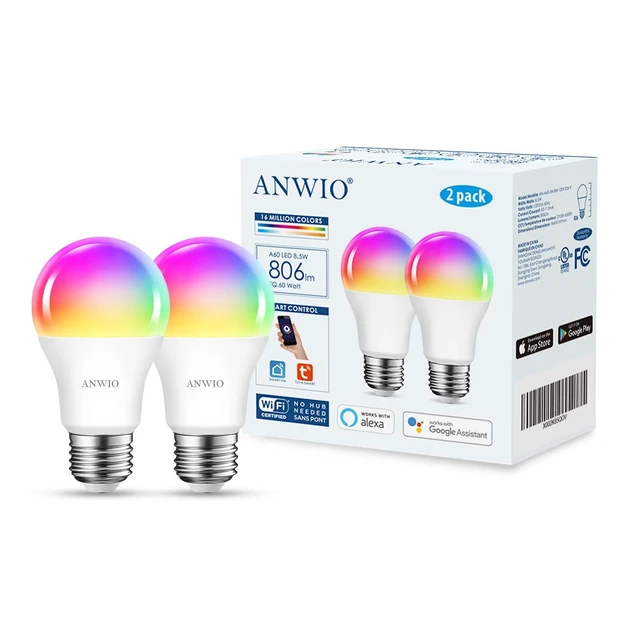
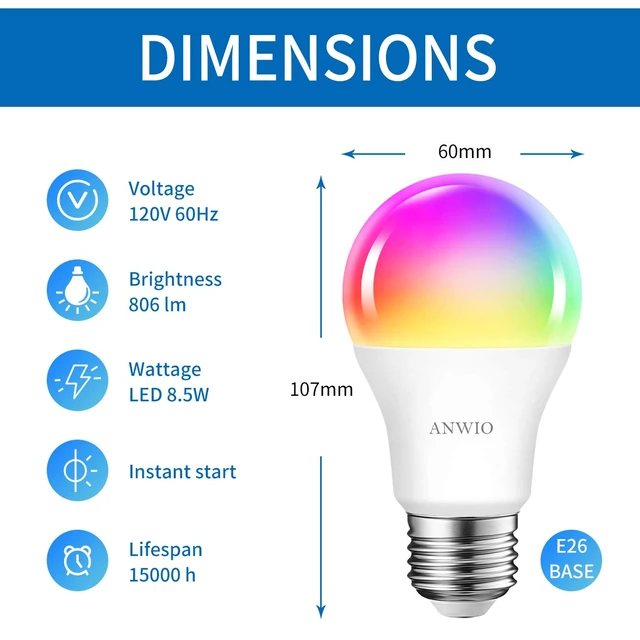
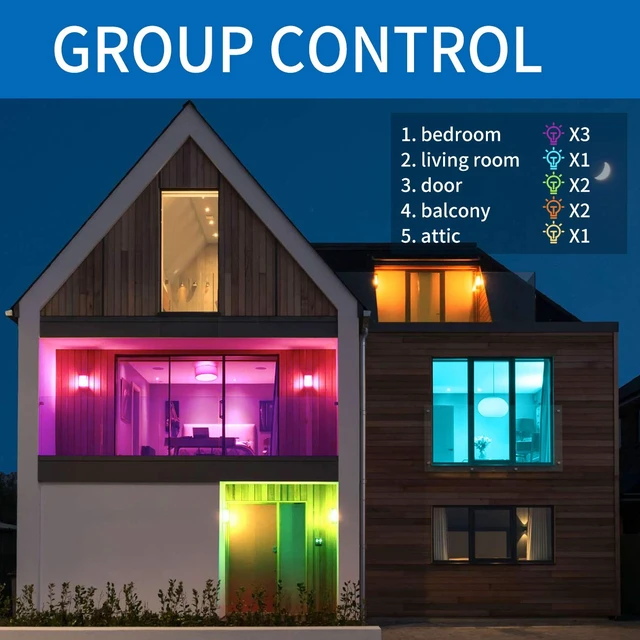
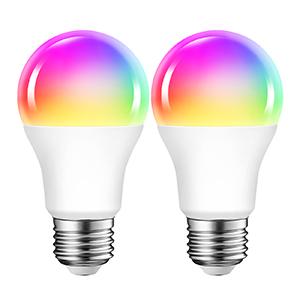
8.5W Replacement of 60watt, 806Lm, CONSUMPTION 85% LESS. works with Alexa, Google Assistant, Dimmed via TUYA Smart APP, without any dimmer, hub, Gateway.Group them into different groups to control color modes, let your devices work around your life
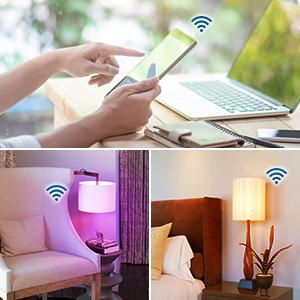
You can control your smart bulb on/off with your phone via Tuya App. for remote control as long as the bulb is connected to Wifi and the phone is in another network, System supported IOS Android
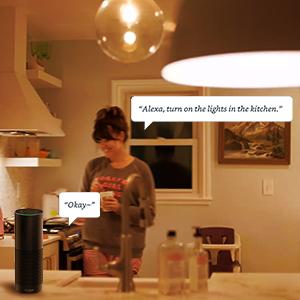
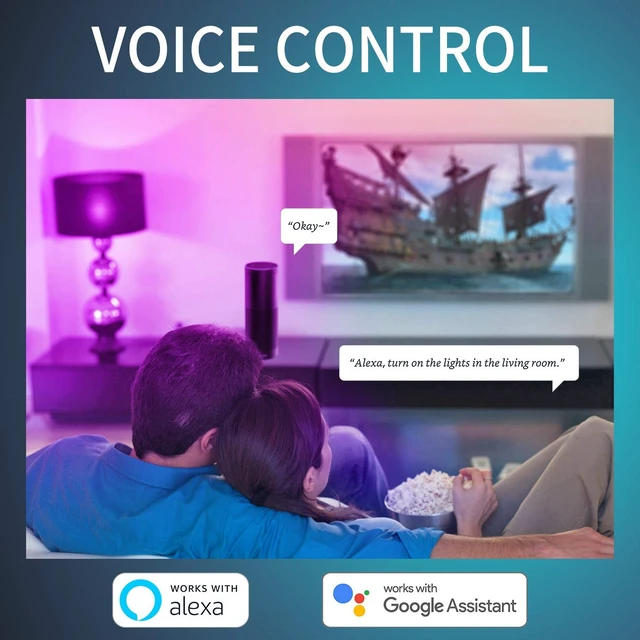
When you have an Echo or Google Home, The smart led bulb works with Alexa echo and Google Assistant so you can control it with your voice, Completely achieve hands-free control, such as :sit on to say “Alsofa exa, turn off the light” to switch off the light.

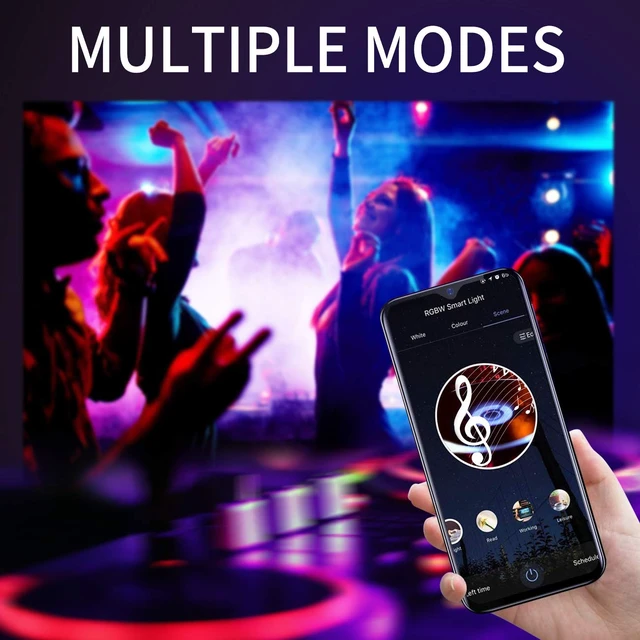
Smart Bulb built-in sensitivity adjustable microphone, which creating romance, relaxation, party ambiance with Music, lights color will change with the music beats or your microphone
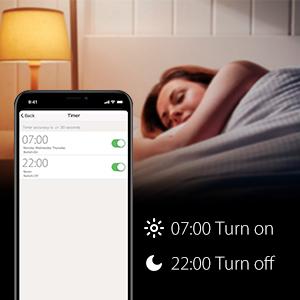
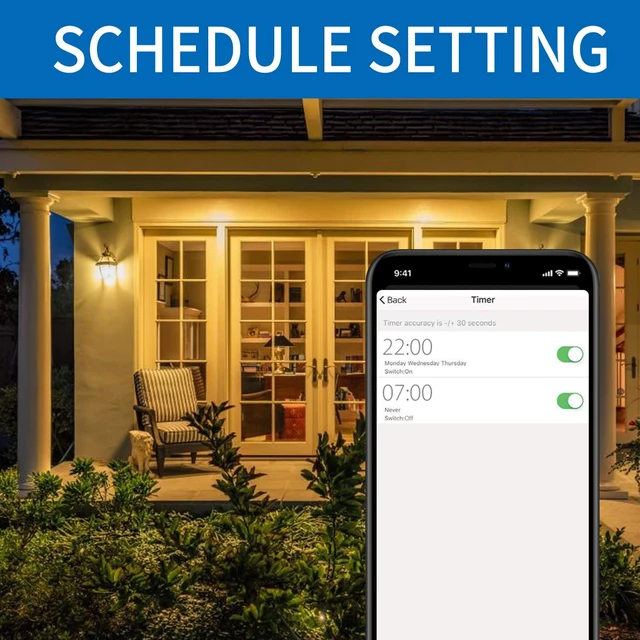
Set time switch, similar to mobile alarm clock, (e.g. Even If you are not at home, you can control your smart bulb on/off with your phone via Tuya App, Working as your need.

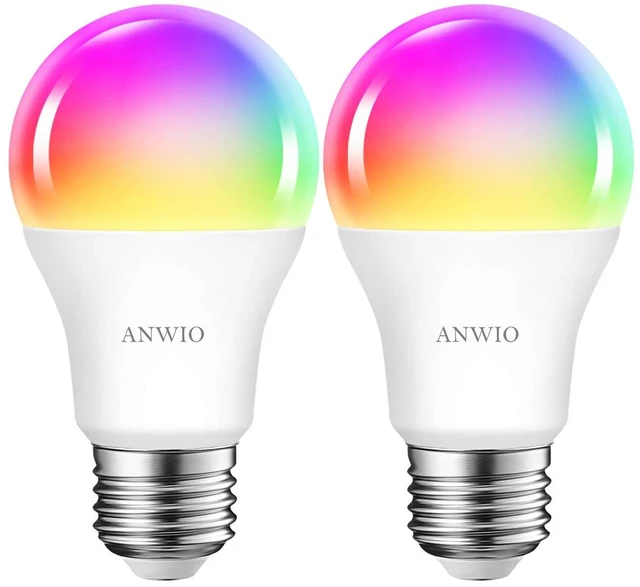
Choose from 16 million colors let you to customize smart bulbs to your creativity and moods, creating the perfect room atmosphere at leisure, Multi Access Scene Modes to Meet all your Needs
1.How to connect with Alexa Echo?
Step A: Tap “Skills&Games” in the hamburger menu, then search “Smart Life”. Select “Smart Life” and tap “ENABLE” to enable the Skill.
Step B: Type in your Smart Life account and password, don’t forget to select the country/region where your account belongs to. Then tap “Link Now”
Step C: After the skill binding is successful, Click “DISCOVER DEVICES” then Discovered devices will be shown in the list.Note: every time you change the device’s name on Smart Life app, Echo must re-discover before you control them.
2.How to connect with Google Home?
Step A: On the homepage of Google Home app, click the button in the lower right corner, select “MORE SETTING”, select “Home CONTROL” under the list of “ASSISTANT”, and then click the plus sign in the lower right corner
Step B: Find "Smart Life " in the list. In the new window, select your Smart Life account’s region, type your Smart Life account and password, then tap “Link Now”.Note: pls use one Google account to control “Home Control Action”. If you sign in Google Home app with several Google accounts, only the first Google account you signed in can be used for “Home Control”.
3.What should I do if I encounter a problem with the product?
For any product issues, please reach out to our suppor Team. We wil acknowledge your inquiry within one business day and work diligently toward a resolution.Your satisfaction is our utmost priority.
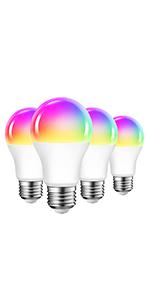 ANWIO Smart bulb 4 pack | 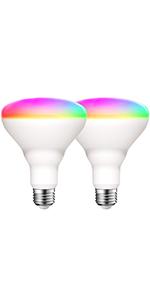 ANWIO Smart bulb 2 pack | 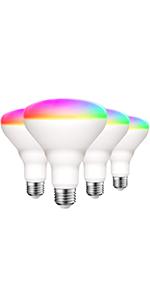 ANWIO Smart bulb 4 pack | 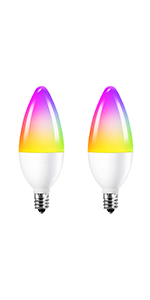 ANWIO Smart bulb 2 pack | 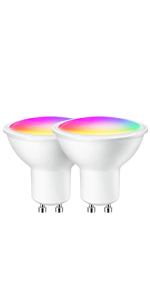 ANWIO Smart bulb 2 pack | |
|---|---|---|---|---|---|
| Customer Reviews | — | — | — | — | — |
| Price | — | — | — | — | — no data |
| Item Shape | A19 | BR30 | BR30 | B11 | GU10 |
| Platform | WiFi | WiFi | WiFi | WiFi | WiFi |
| Voice Control works with Alexa | ? | ? | ? | ? | ? |
| Voice Control works with Google Assistant | ? | ? | ? | ? | ? |
| Wattage Equivalent | 60W | 60W | 60W | 40W | 31W |
| Luminous Flux | 806lm | 650lm | 650lm | 470lm | 350lm |
Connect Smart Bulb with TUYA APP
8.5W Replacement of 60watt, 806Lm, CONSUMPTION 85% LESS. works with Alexa, Google Assistant, Dimmed via TUYA Smart APP, without any dimmer, hub, Gateway.Group them into different groups to control color modes, let your devices work around your life
You can control your smart bulb on/off with your phone via Tuya App. for remote control as long as the bulb is connected to Wifi and the phone is in another network, System supported IOS Android
When you have an Echo or Google Home, The smart led bulb works with Alexa echo and Google Assistant so you can control it with your voice, Completely achieve hands-free control, such as :sit on to say “Alsofa exa, turn off the light” to switch off the light.
Smart Bulb built-in sensitivity adjustable microphone, which creating romance, relaxation, party ambiance with Music, lights color will change with the music beats or your microphone
Set time switch, similar to mobile alarm clock, (e.g. Even If you are not at home, you can control your smart bulb on/off with your phone via Tuya App, Working as your need.
Choose from 16 million colors let you to customize smart bulbs to your creativity and moods, creating the perfect room atmosphere at leisure, Multi Access Scene Modes to Meet all your Needs
1.How to connect with Alexa Echo?
Step A: Tap “Skills&Games” in the hamburger menu, then search “Smart Life”. Select “Smart Life” and tap “ENABLE” to enable the Skill.
Step B: Type in your Smart Life account and password, don’t forget to select the country/region where your account belongs to. Then tap “Link Now”
Step C: After the skill binding is successful, Click “DISCOVER DEVICES” then Discovered devices will be shown in the list.Note: every time you change the device’s name on Smart Life app, Echo must re-discover before you control them.
2.How to connect with Google Home?
Step A: On the homepage of Google Home app, click the button in the lower right corner, select “MORE SETTING”, select “Home CONTROL” under the list of “ASSISTANT”, and then click the plus sign in the lower right corner
Step B: Find "Smart Life " in the list. In the new window, select your Smart Life account’s region, type your Smart Life account and password, then tap “Link Now”.Note: pls use one Google account to control “Home Control Action”. If you sign in Google Home app with several Google accounts, only the first Google account you signed in can be used for “Home Control”.
3.What should I do if I encounter a problem with the product?
For any product issues, please reach out to our suppor Team. We wil acknowledge your inquiry within one business day and work diligently toward a resolution.Your satisfaction is our utmost priority.
ANWIO Smart bulb 4 pack | ANWIO Smart bulb 2 pack | ANWIO Smart bulb 4 pack | ANWIO Smart bulb 2 pack | ANWIO Smart bulb 2 pack | |
|---|---|---|---|---|---|
| Customer Reviews | — | — | — | — | — |
| Price | — | — | — | — | — no data |
| Item Shape | A19 | BR30 | BR30 | B11 | GU10 |
| Platform | WiFi | WiFi | WiFi | WiFi | WiFi |
| Voice Control works with Alexa | ? | ? | ? | ? | ? |
| Voice Control works with Google Assistant | ? | ? | ? | ? | ? |
| Wattage Equivalent | 60W | 60W | 60W | 40W | 31W |
| Luminous Flux | 806lm | 650lm | 650lm | 470lm | 350lm |
As a professional lighting seller, ANWIO is committed to bringing new ideas to the lighting industry, and constantly developing products with long service life, energy saving and high efficiency. We are also committed to providing smart light bulbs that make life more convenient.
Any questions about LED bulbs, we will give you the most sincere help.
For people who are looking for exquisite and aesthetic retro lighting products, our brand ANWIO is the first choice in North America.
Add a ray of warmth to your busy life
| Brand | ANWIO |
| Light Type | LED |
| Special Feature | Color Changing, Energy Efficient, Must be connected to a 2.4 GHz Wi-Fi network, No Hub Required, Work with Alexa, Google Assistant, Smart Life App, Tuya App |
| Wattage | 8.5 watts |
| Bulb Shape Size | A19 |
| Additional Features | Color Changing, Energy Efficient, Must be connected to a 2.4 GHz Wi-Fi network, No Hub Required, Work with Alexa, Google Assistant, Smart Life App, Tuya App |
| Bulb Base | E26 |
| Incandescent Equivalent Wattage | 60 watts |
| Specific Uses For Product | Decoration |
| Light Color | Multicolor |
| Voltage | 120 volts_of_alternating_current |
| Indoor Outdoor Usage | Indoor |
| Power Source | Corded Electric |
| Color Rendering Index | 80 |
| Power Consumption | 60 watts |
| Light Source Type | Led |
| Light Source Wattage | 8.5 watts |
| Accepted Voltage Frequency | 100 to 120 Volts and 60 Hertz |
| Control Method | Voice |
| Light Source Operating Life | 15000 hours |
| White Brightness | 806 lumens |
| Efficiency | High |
| Connectivity Protocol | Wi-Fi |
| Controller Type | Amazon Alexa, Google Assistant, Vera |
| Connectivity Technology | Wi-Fi |
| Brand Name | ANWIO |
| Number of Items | 2 |
| Model Number | AN-A60-5M 8W 120V E26 Y |
| Manufacturer | ANWIO |
| UPC | 709046041632 |
| Manufacturer Part Number | AN-A60-5M 8W 120V E26 Y |
| Unit Count | 2 Count |
| Package Quantity | 1 |
| Item Weight | 9.07 g |
| Material Type | Plastic |
| Shape | a19 |
| Style Name | a19-2 pack |
| Color | 8.5w |
| Theme | Rainbow |


