Compatibility
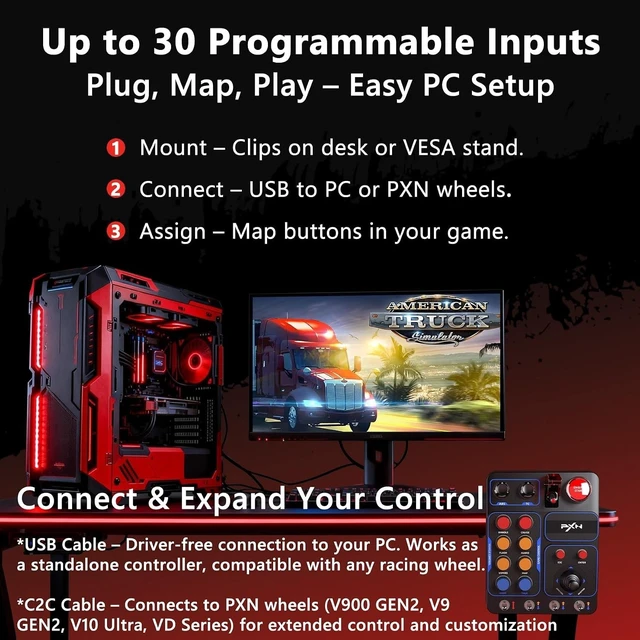
- USB Driver-Free: Connects to PC via USB and is detected instantly as a standalone controller. No drivers or extra software required.
- Compatible PXN Wheel Bases: Works with PXN V9 GEN2, VD Series, and V10 PRO/Ultra racing wheel via C-to-C connection.
- PC Only: Supports D-INPUT mode on PC. Not compatible with Xbox, PS4/PS5, Switch, or any X-input modes.
Key Specifications
- Dimensions: 184 × 144 × 78.5 mm
- Weight: 540 g
- Material: ABS housing for durability
Switch Types Included
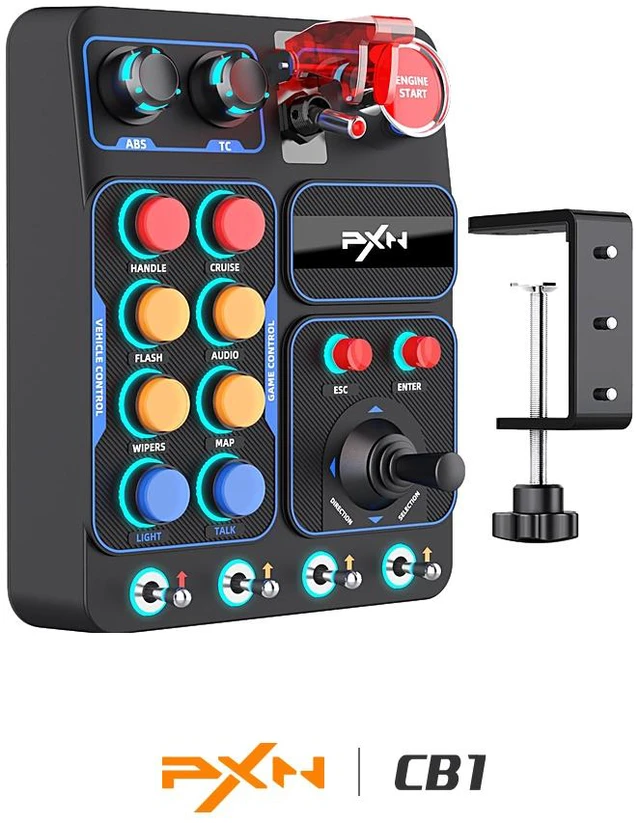
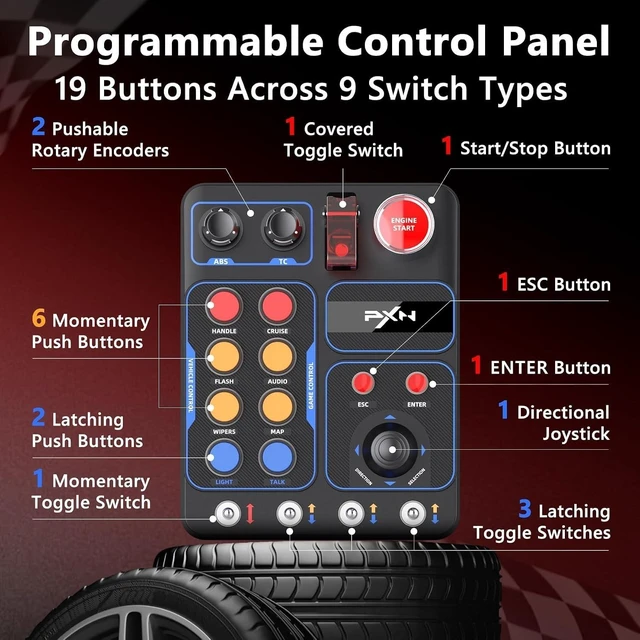
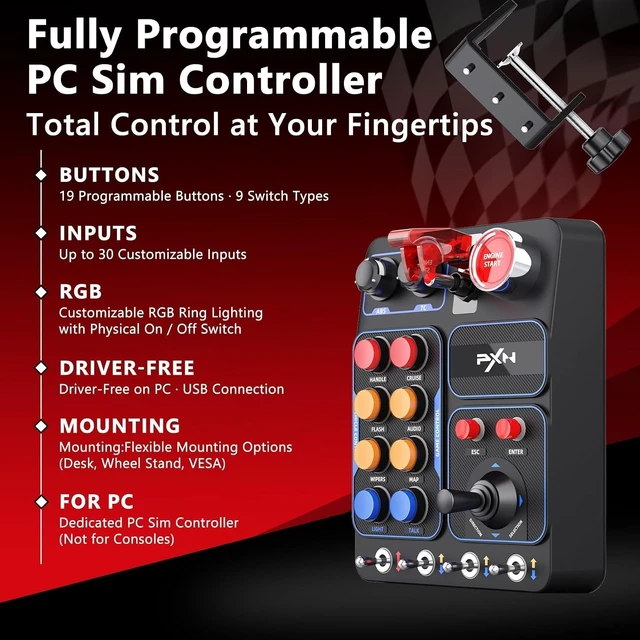
- 2 pushable rotary encoders
- 6 momentary buttons
- 2 latching buttons
- 1 covered toggle switch
- 1 start/stop button
- 1 ESC button
- 1 ENTER button
- 1 directional joystick
- 1 momentary toggle switch
- 3 latching toggle switches
RGB Lighting
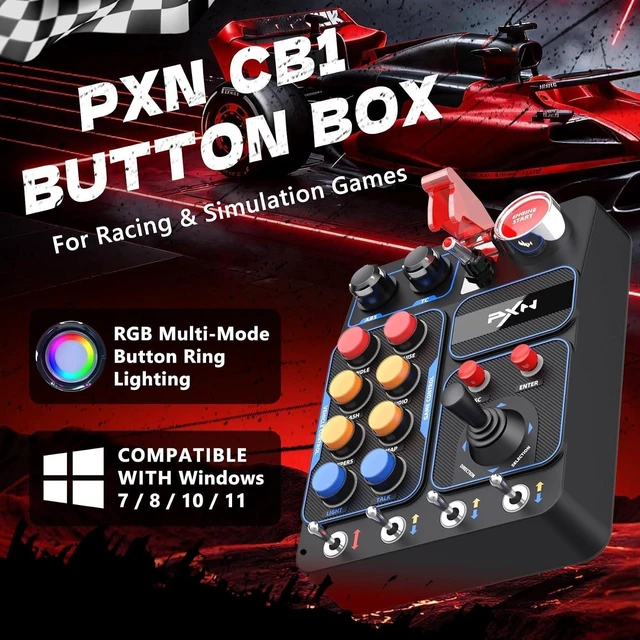
Most buttons incorporate RGB halo effects for improved visibility and style. Color and brightness adjustments are available via the HANDLE + ABS/TC combination. A rear switch offers rapid lighting control when needed.
Mounting Flexibility
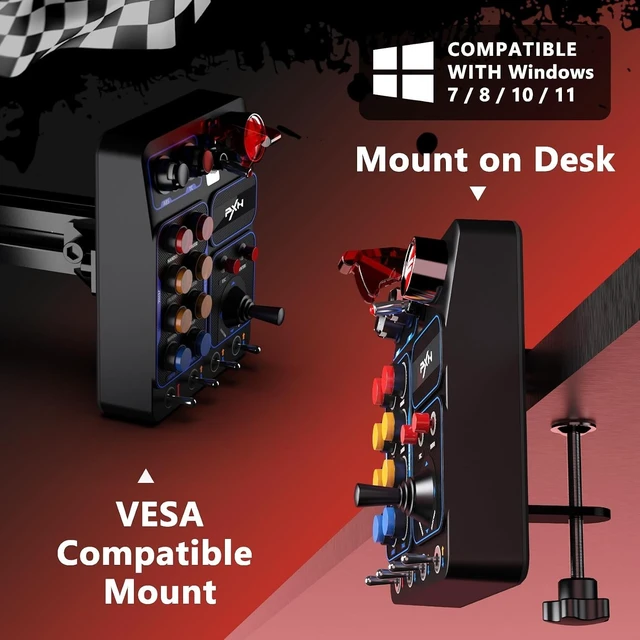
- Desk or Wheel Stand: Secure using the included metal clamps (up to 70 mm thickness).
- VESA Mounting: Supports monitor or accessory stands using the 100 × 100 mm VESA pattern.
Usage Scenarios
- Truck Simulators: Lights, wipers, engine start/stop
- Examples: Euro Truck Simulator 2, American Truck Simulator, Truck Driver, Train Simulator, SnowRunner
- Racing Simulators: Pit functions, car settings, auxiliary commands
- Examples: iRacing, Assetto Corsa, ACC, Project CARS 2, Forza Motorsport, Forza Horizon 4/5, F1 series, Dirt Rally 2.0, rFactor 2, RaceRoom, Automobilista 2, BeamNG.drive
- Farming Simulators: Machinery attachments, lights, hydraulic controls
- Examples: Farming Simulator 25/22, Pure Farming 2018, Cattle and Crops
Note: ESC and ENTER must be assigned to their keyboard functions inside the game.
Installation
- Unbox and confirm all components.
- Select a mounting option and secure the unit.
- Connect the USB cable to your PC; the device will be detected immediately.
- (Optional) Connect to PXN V9 GEN2, VD Series (VD4, VD6 , VD10), and V10 PRO / Ultra with the C2C cable for extended settings.
No driver installation is needed.
How to Bind Buttons
- Open your games control settings.
- Select the function you want to assign.
- Press the desired CB1 button to bind it.
- Test and adjust as needed.
Precautions
- Designed for PC in D-INPUT mode only.
- Ensure all clamps and mounts are tightened before use.
- Avoid excessive force when operating switches.
- Keep away from liquids, heat, and moisture.
- Maintain proper cable routing to avoid strain.
- Button labels are fixed; custom labels may be added separately if required.




 here!