






Iwillink, is the professional manufacturer of cabling, network and communication equipment and accessories system. There is a professional mold design team, product design, development ability is strong. OEM ODM products have a wealth of manufacturing experience.
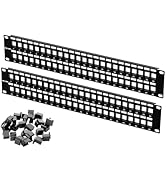
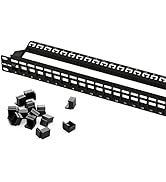
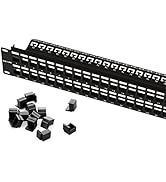
Patch Panel
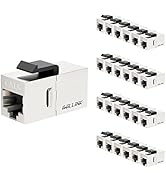
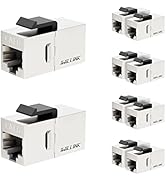
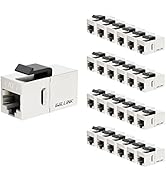
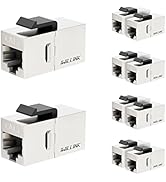
CAT6 Keystone Coupler
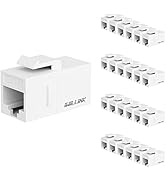
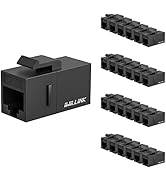
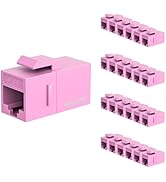
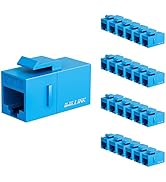
CAT6 Keystone Coupler
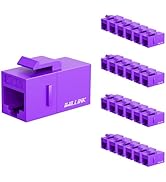
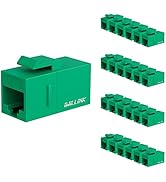
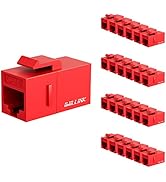
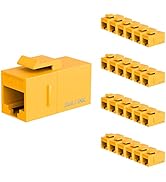
CAT6 Keystone Coupler
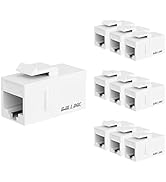
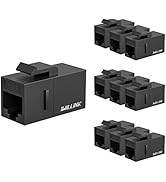
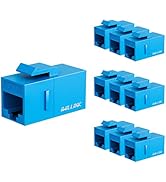
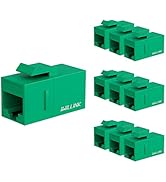
CAT6 Keystone Coupler
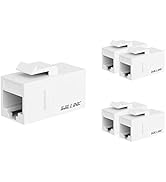
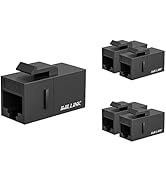
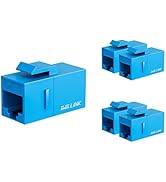
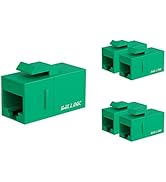
CAT6 Keystone Coupler
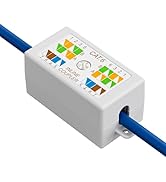
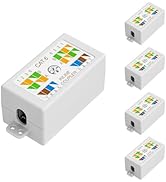
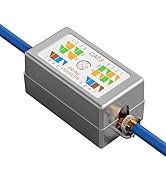
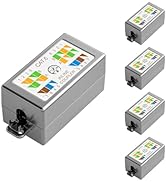
JUNCTION BOX
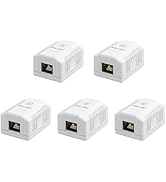
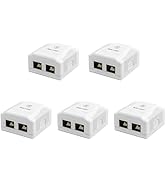
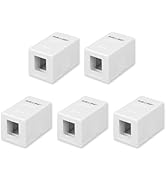
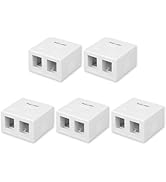
JUNCTION BOX
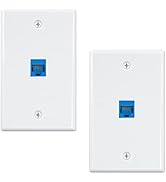
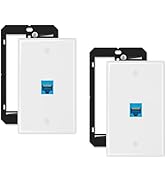
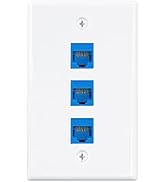
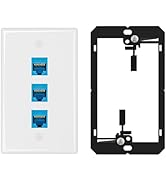
WALL PLATE


MORE TYPES TO CHOOSE
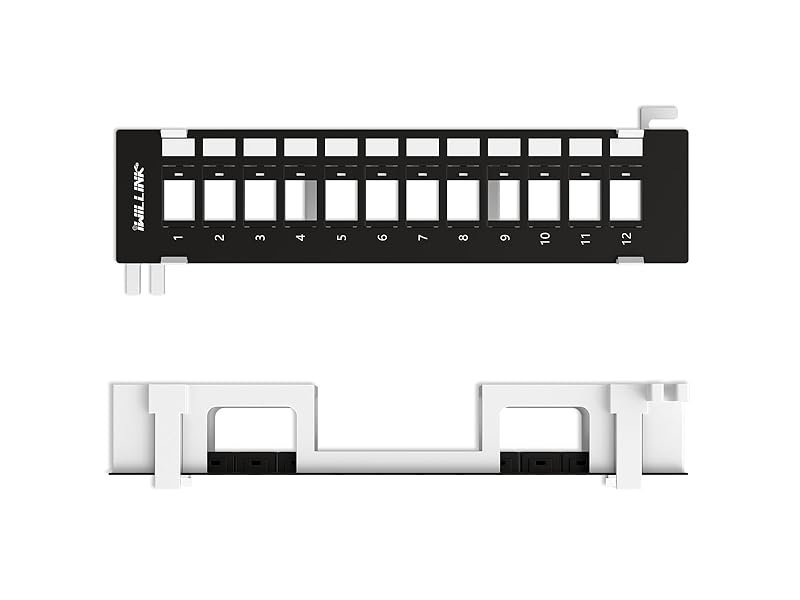
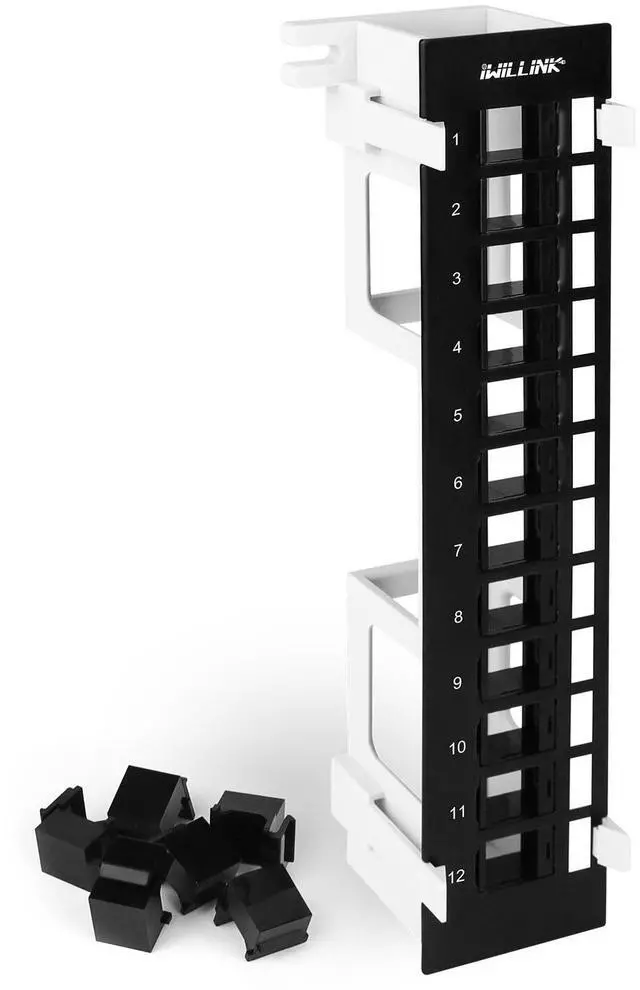
Blank Keystone Patch Panel
12 Port
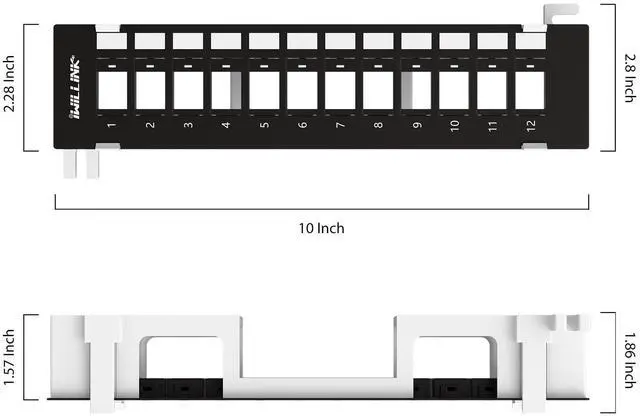
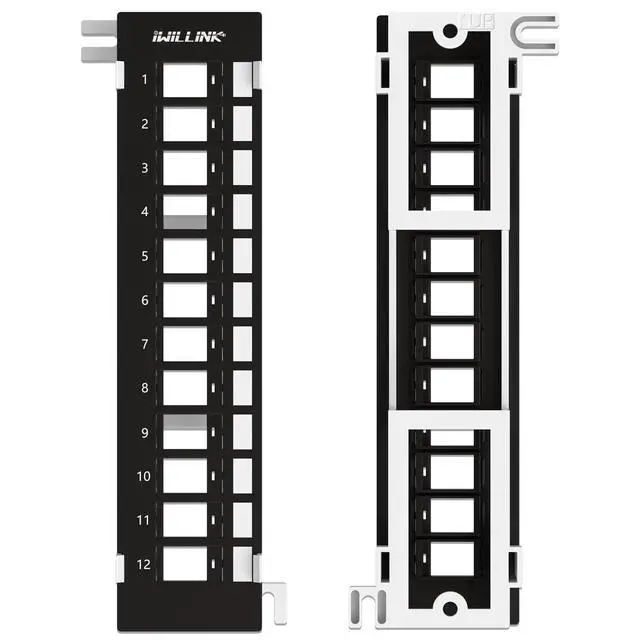
Blank Keystone Patch Panel supports standard sized Cat6 keystone jacks for audio video and data.
The Patch Panel is made from SPCC steel for long lasting use and the ability to withstand the weight and torque when use together with cables and keystone jacks.
Blank Keystone Patch Panel
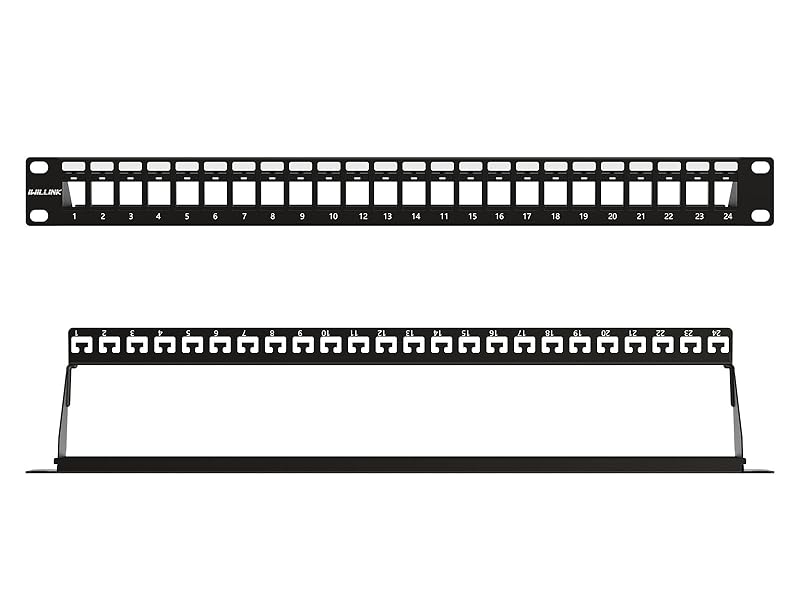
24 Port
Blank Keystone Patch Panel supports standard sized Cat6 keystone jacks for audio video and data.
The Patch Panel is made from SPCC steel for long lasting use and the ability to withstand the weight and torque when use together with cables and keystone jacks.
Blank Keystone Patch Panel
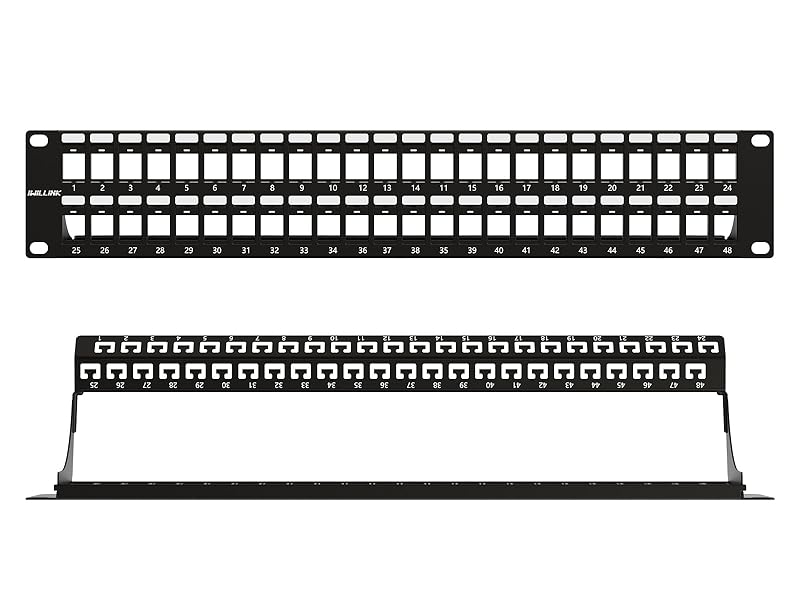
48 Port
Blank Keystone Patch Panel supports standard sized Cat6 keystone jacks for audio video and data.
The Patch Panel is made from SPCC steel for long lasting use and the ability to withstand the weight and torque when use together with cables and keystone jacks.

Product feature & detail
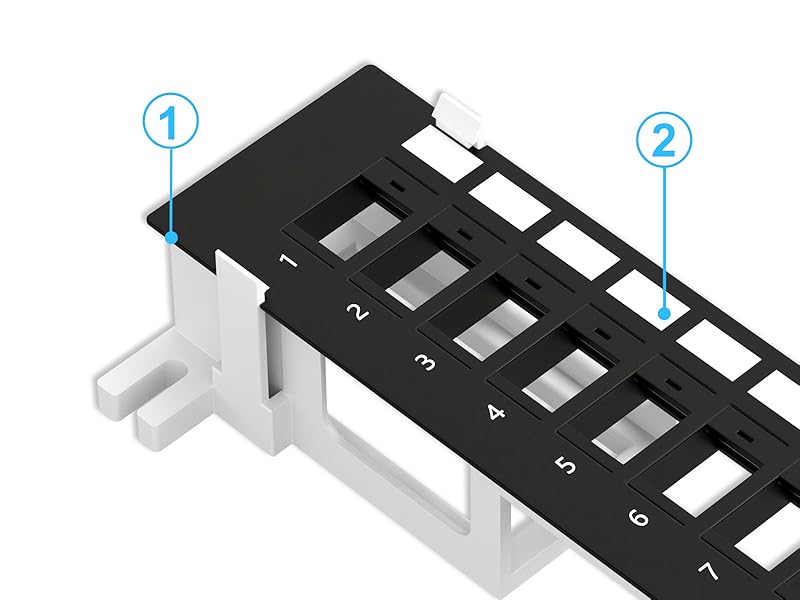
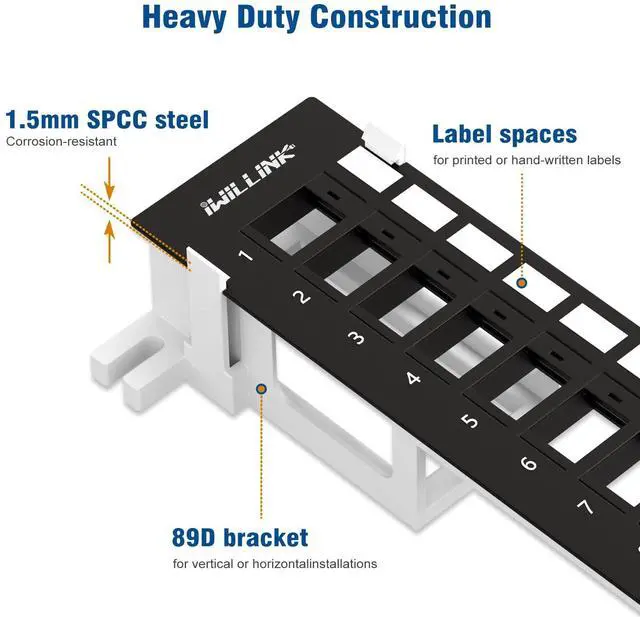
Heavy Duty Construction
1. Corrosion-resistant 1.5mm SPCC steel
2. Label spaces for printed or hand-written labels
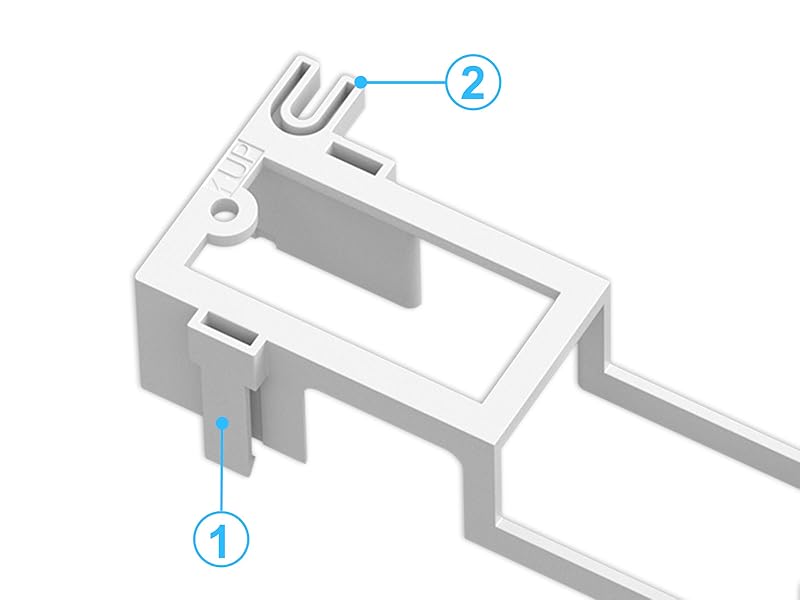
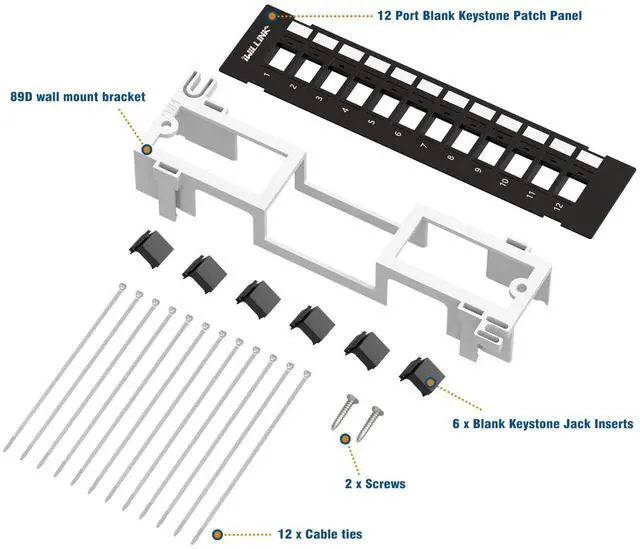
89D Wall Mount Bracket
1. The snap-in style wall mount bracket design provides quick and easy access to cable connections when needed for installation or troubleshooting
2. Mount openings for screws
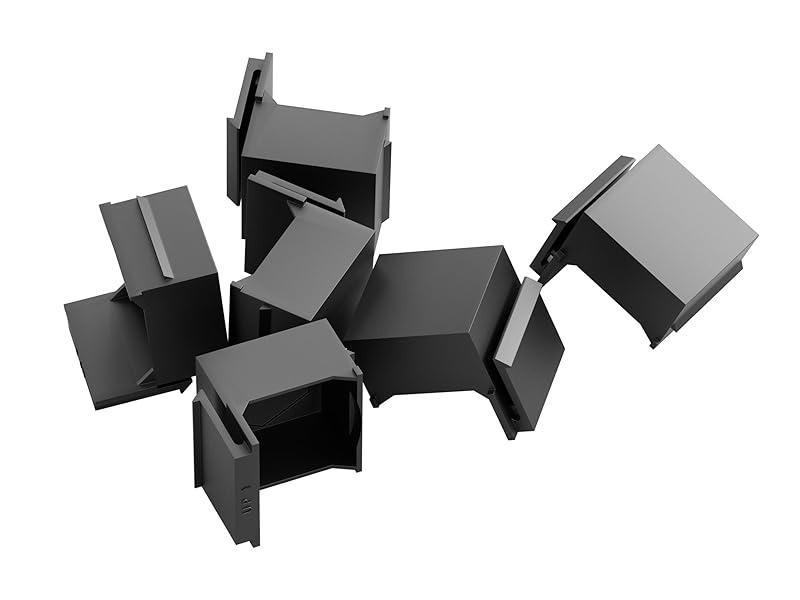
Blank Keystone Jack Insert
1. Covers unused ports to keep out dust and debris
2. Prevent access or tampering to in-wall cables with these convenient inserts

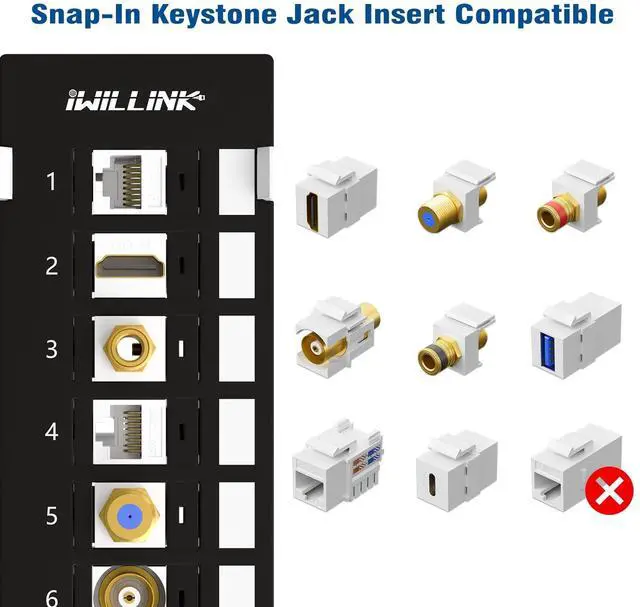
Snap-in your keystone of choice for RJ45, RG6 coax, fiber, HDMI, stereo, and more.
Installation Instructions

Step 1
Install the 89D wall mount bracket vertically or horizontally on the wall with screws.

Step 2
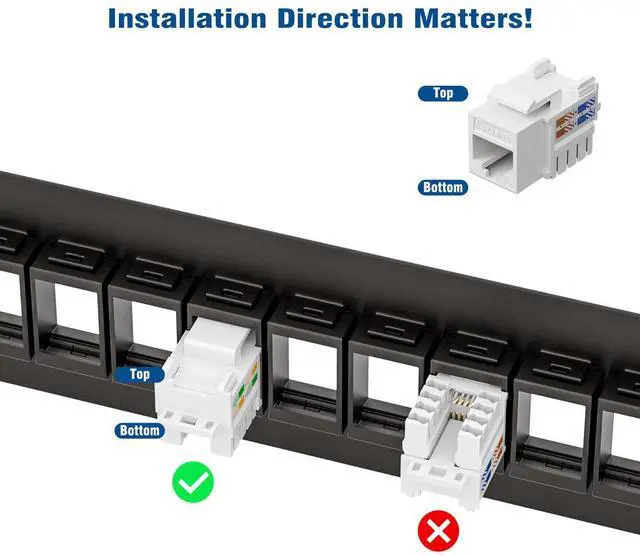
Install the required keystone jacks and connect one side cable.

Step 3
Clamp the distribution frame in the 89D bracket snap for assembly.

Step 4
Cover unused ports with blank keystone jack inserts to provide a neat, clean, professional installation for a home or office.

More products from iwillink
 24 Port Blank Patch Panel |  Cat6 Keystone Coupler |  Cat6 Keystone Coupler |  Cat6A Keystone Coupler |  Cat6 Keystone Coupler STP |  Cat7 Keystone Coupler STP |  CAT7 Patch Panel STP | |
|---|---|---|---|---|---|---|---|
Customer Reviews | — | — | — | — | — | — | — |
Price | — | — | — | — | — | — | — |
Compatibility | RJ45 Keystone Coupler | Cat6/Cat5e/Cat5 | Cat6/Cat5e/Cat5 | Cat6A/Cat6/Cat5e/Cat5 | Cat6/Cat5e/Cat5 | Cat7/Cat6A/Cat6 | Cat7/Cat6A/Cat6 |
Material | Stainless steel | Gold-plated contacts | Gold-plated contacts | Gold-plated contacts | Gold-plated contacts | Gold-plated contacts | Gold-plated contacts |
Package Content | 1 Pack | 25 Packs | 25 Packs | 25 Packs | 25 Packs | 25 Packs | 1 Pack |
Color | Black | White | Black | White | Silver | Silver | Black |
Size | Standard | Standard | Standard | Standard | Standard | Standard | Standard |
MORE TYPES TO CHOOSE


Blank Keystone Patch Panel
12 Port
Blank Keystone Patch Panel supports standard sized Cat6 keystone jacks for audio video and data.
The Patch Panel is made from SPCC steel for long lasting use and the ability to withstand the weight and torque when use together with cables and keystone jacks.
Blank Keystone Patch Panel
24 Port
Blank Keystone Patch Panel supports standard sized Cat6 keystone jacks for audio video and data.
The Patch Panel is made from SPCC steel for long lasting use and the ability to withstand the weight and torque when use together with cables and keystone jacks.
Blank Keystone Patch Panel
48 Port
Blank Keystone Patch Panel supports standard sized Cat6 keystone jacks for audio video and data.
The Patch Panel is made from SPCC steel for long lasting use and the ability to withstand the weight and torque when use together with cables and keystone jacks.

Product feature & detail


Heavy Duty Construction
1. Corrosion-resistant 1.5mm SPCC steel
2. Label spaces for printed or hand-written labels
89D Wall Mount Bracket
1. The snap-in style wall mount bracket design provides quick and easy access to cable connections when needed for installation or troubleshooting
2. Mount openings for screws
Blank Keystone Jack Insert
1. Covers unused ports to keep out dust and debris
2. Prevent access or tampering to in-wall cables with these convenient inserts

Snap-in your keystone of choice for RJ45, RG6 coax, fiber, HDMI, stereo, and more.
Installation Instructions
Step 1
Install the 89D wall mount bracket vertically or horizontally on the wall with screws.
Step 2
Install the required keystone jacks and connect one side cable.
Step 3
Clamp the distribution frame in the 89D bracket snap for assembly.
Step 4
Cover unused ports with blank keystone jack inserts to provide a neat, clean, professional installation for a home or office.

More products from iwillink
24 Port Blank Patch Panel | Cat6 Keystone Coupler | Cat6 Keystone Coupler | Cat6A Keystone Coupler | Cat6 Keystone Coupler STP | Cat7 Keystone Coupler STP | CAT7 Patch Panel STP |
|---|---|---|---|---|---|---|
| Customer Reviews | ||||||
| — | — | — | — | — | — | — |
| Price | ||||||
| — | — | — | — | — | — | — |
| Compatibility | ||||||
| RJ45 Keystone Coupler | Cat6/Cat5e/Cat5 | Cat6/Cat5e/Cat5 | Cat6A/Cat6/Cat5e/Cat5 | Cat6/Cat5e/Cat5 | Cat7/Cat6A/Cat6 | Cat7/Cat6A/Cat6 |
| Material | ||||||
| Stainless steel | Gold-plated contacts | Gold-plated contacts | Gold-plated contacts | Gold-plated contacts | Gold-plated contacts | Gold-plated contacts |
| Package Content | ||||||
| 1 Pack | 25 Packs | 25 Packs | 25 Packs | 25 Packs | 25 Packs | 1 Pack |
| Color | ||||||
| Black | White | Black | White | Silver | Silver | Black |
| Size | ||||||
| Standard | Standard | Standard | Standard | Standard | Standard | Standard |
Iwillink, is the professional manufacturer of cabling, network and communication equipment and accessories system. There is a professional mold design team, product design, development ability is strong. OEM ODM products have a wealth of manufacturing experience.
Patch Panel
CAT6 Keystone Coupler
CAT6 Keystone Coupler
CAT6 Keystone Coupler
CAT6 Keystone Coupler
CAT6 Keystone Coupler
JUNCTION BOX
JUNCTION BOX
WALL PLATE