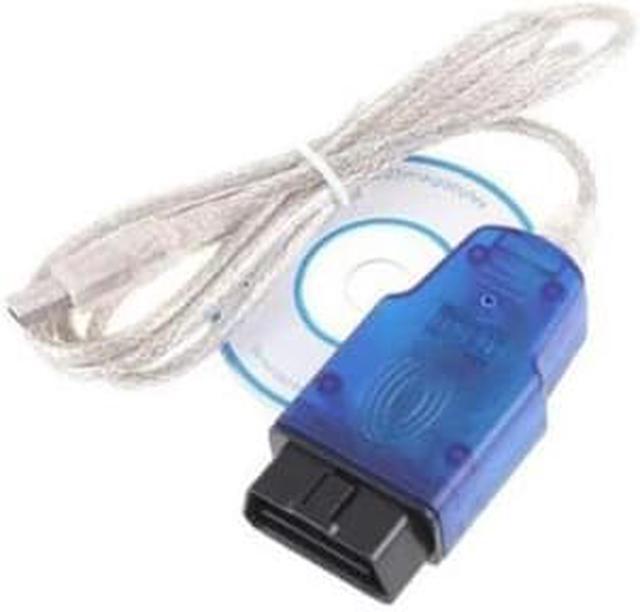
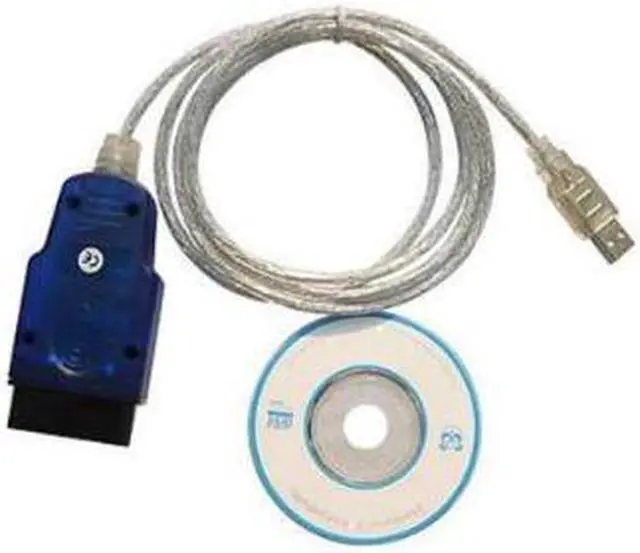
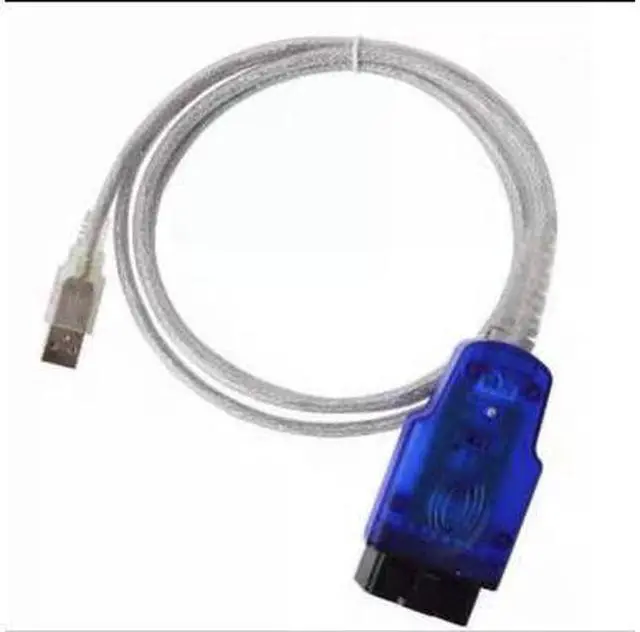
Product Description: As long as there is a laptop or PC, and software is installed, vehicle fault diagnosis and parameter setting can be carried out, which is economical and practical. It is the best partner for car owners and small and medium-sized repair garages.
Function Introduction Features are stronger than the original VAG-1551/1552. The new 7-bit PIN/SKC code matches all installed mobile anti-theft systems? The car's W/Audio/Seat/Skoda car key (i. e., the third generation anti-theft) can simultaneously observe three sets of data streams (12), and can enter the control module running the KWP-2000 new protocol (2002+Teves Mk60 ABS, most 2004+modules). The USB interface allows you to enjoy the fun of plug and play
The supported models are:
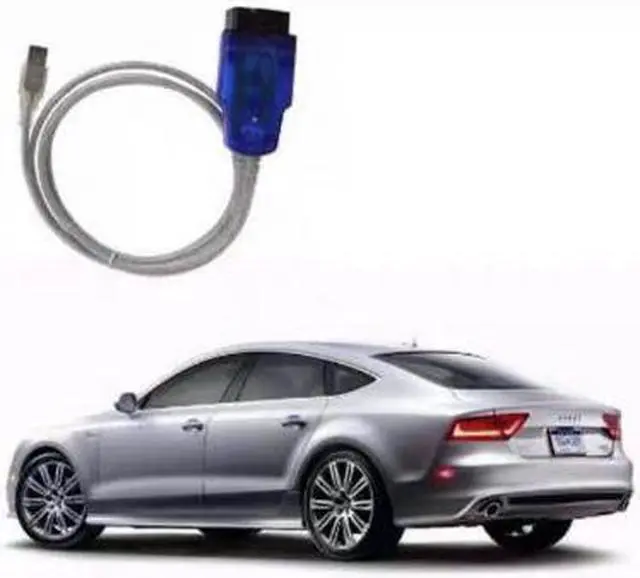
Santana 2000/3000 Audi 100/200/80/90/A4/A6/A8 era Superman Polo (02, 03 POLO models please do not buy, other issues are all right) Jetta Bora Golf Passat Little Red Flag SEAT Beetle and all other Volkswagen/Audi models
5051 does not support CANBUS models, such as Audi A6L. Sateng. Kaidi. Touan. Mingrui. Please purchase 5053 for these models
Function Introduction:
1 Read the fault code
2 Clear fault codes
3 read data stream
4 Single Channel Read
5 Login function
6 Basic settings
7 Recode
8 Matching function
9 Component testing
10 Security Access
11 Whole vehicle scanning
Product features:
Be able to use the new 7-bit PIN/SKC code to match all VW/Audio/Seal/Skoda car keys equipped with the mobile anti-theft system (i. e., the third generation anti-theft system);
Can simultaneously observe 3 sets of data streams (a total of 12), with waveform color display;
Fully supports KW 1281 and KW 2000, and can enter the new KWP-2000? Protocol Control?? (2002+Teves Mk60 ABS, most 2004+modules)
The OBD2 interface is suitable for imported European vehicles and all domestic Volkswagen and Audi series, as well as Skoda and Red Flag series models. It is also suitable for very "compact" cars such as the 96 Audi A4 series,
'96/' 97 Audio A6 series and all European BPassats and B5 Audio A4, A8 series. (Alternatively, you can purchase the old AUDI A6 4-pin diagnostic interface)
Built-in microcontroller design, intelligent conversion of dual K line
Sealed circuit, durable and suitable for harsh environments.
Product specification Line length: 1.5 meters
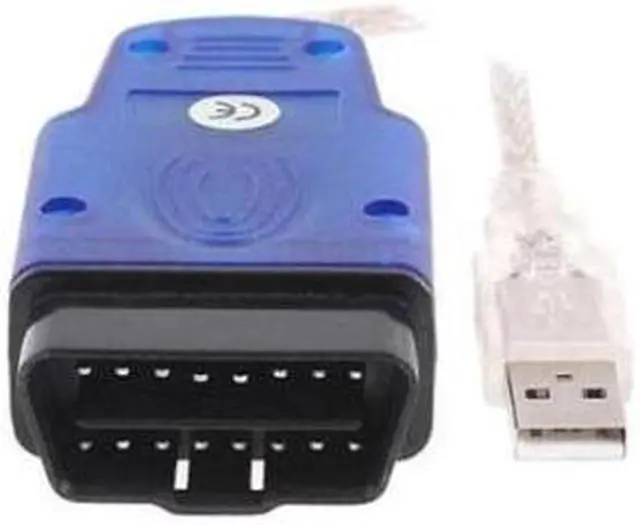
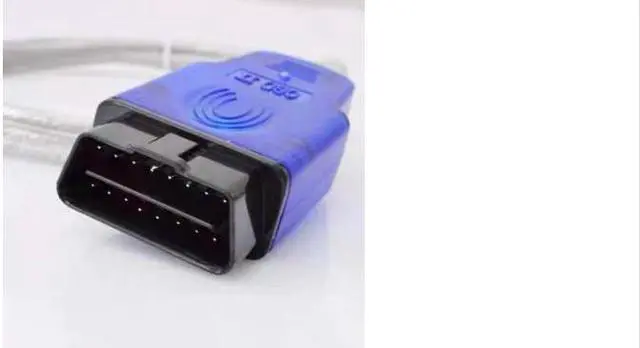
Car end: OBD II standard plug.
Computer end: USB interface
Circuit insulation and sealing: waterproof and anti-static, suitable for harsh environments. Ultra strong level isolation (>1000V) to protect the computer from damage. All electronic components have reliable performance. The production process is advanced and durable.
Examples of VAG-COM applications:
I Clean matching throttle valve
1. Enter 01 engine
2. Enter 04 basic settings
1) Enter 060 in the group number and press GO!
2) Until the data displays OK.
2 Automatic lock, unlock, and flash and horn settings
1. Enter the 46 Comfort Computer System
2. Step 10 Adjustment and Matching
1) Input channel
Tunnel 03 15km/h automatic locking door
Channel 04: Automatic unlocking after removing the vehicle key
The remote control unlocking warning horn for channel 05 sounds twice; The comfort computer system needs to be connected to an alarm horn
The warning horn on the remote control for locking the door of channel 06 sounds once; The comfort computer system requires an alarm horn (only imported original pineapples/golf/Passat/Bora are factory installed with alarm horns by default)
Channel 07 remote control unlocks and all turn signal flash 2 times at the same time
Channel 08 remote control locks all turn signal and flashes 1 time
2) Input adjustment value
1 Turn this function on 0 Turn this function off (the default state for new vehicles is to turn off "0")
3 Single door unlock and four door unlock (default) settings
1. Enter the 46 Comfort Computer System
2. Enter 07 to recode
With 4 electric windows. The code for simultaneously opening four doors is 00259; The code for opening only one door is 00258 with two electric windows. The code for simultaneously opening four doors is 00067; The code for only opening one door is 00066, which does not have a live window. The code for simultaneously opening four doors is 00019; Only one door is opened. The code is 00018
4 Warning tone setting for turning off the lights and opening the door without turning the key
1. Enter 17 instrument panel appliances
2. Enter 07 to recode
1) To open the door reminder: Set the code to 00341 (original factory code 00141), and keep the original factory director's audible warning tone when the lights are not turned off to open the door; When the lights are turned off and the key is not pulled out, there will be a ringing warning tone.
2) If you want both a door opening reminder and a 125KM overspeed reminder, set the code to 00641
5 Original factory remote control key matching
1. Enter the 46 Comfort Computer System
2. Enter 10 matching adjustment
1) Enter 01 in the channel number;
2) Enter the number of matching remote control keys in the new value
3) Save
4) Press each remote control for 2S.
6 Original factory remote control key password matching
1. Enter 17 instrument panel appliances
2. Enter 11 to log in and register
3. Enter password (request from 4S)
4. Enter 10 matching adjustment
1) Enter 21 in the channel number;
2) Enter the number of all matching remote control (including non remote control) keys in the new value (such as 2 original keys+3 additional remote control keys)
3) Save
4) Pull out the car key, insert the second car key and open it for 3 seconds, then pull it out
5) Insert the third vehicle key and open it for 3 seconds, complete.
7 Query throttle status
1. Enter 01 engine
2. The throttle angle in the third column of the data monitoring group number 03 is the throttle opening angle. Note that the engine should be warmed up (90 degrees water temperature), otherwise the value is too high. If the value exceeds 5 (the normal range should be 1-5), it should be cleaned
8 Idle matching
1. Enter 01 engine
2. Enter 10 matching adjustment
1) Enter 01 in the channel number
2) Enter 124-132 in the new value (this is the value of Bora, POLO is unknown)
3) Saving the actual idle value and adjustment range depends on the specific conditions of the engine and ECU. Low idle speed tends to choke, resulting in high waste oil
9 Modify and set the next maintenance mileage
Sometimes when we change the oil for maintenance ourselves, we cannot set the maintenance record, so the computer will prompt the service son to go for maintenance as soon as possible. The 4S store will reset this value, so there won't be any problems. Now we can also do it ourselves: enter [17 - Combination Instrument], first check the instrument control unit code and pay attention to the fourth digit. Then select [10 - Matching Adjustment] and pay attention to the five channels 40, 41, 42, 43, and
44:
Channel 40: The mileage traveled since the last maintenance prompt was reset (* 100KM) will be automatically reset after adjusting the maintenance mileage prompt. Please remember the original data for recovery
Channel 41: refers to the number of driving days since the last maintenance prompt was reset. After adjusting the maintenance mileage prompt, it will be automatically reset. Please remember the original data for recovery
Channel 42: If the fourth digit of the instrument control unit code is 1 (variable maintenance mileage), the minimum mileage for the next maintenance will be displayed (default 15). If it is 0, there will be no data
Channel 43: If the fourth digit of the instrument control unit code is 1 (variable maintenance mileage), it will display the maximum mileage for the next maintenance (default: 30), and if it is 0, it will display the minimum mileage for the next maintenance (default: 15),
Channel 44: The maximum number of days from the next maintenance (365 days or 730 days by default)
In summary, before adjusting the maintenance kilometer prompt parameter, please first query the fourth digit of the instrument control unit code. If it is 0, modify channel 43, and if it is 1, modify channel 42





 here!
here!