The upgraded keys produce a near-silent, soft but very distinctive click that reduces noise by 90%.
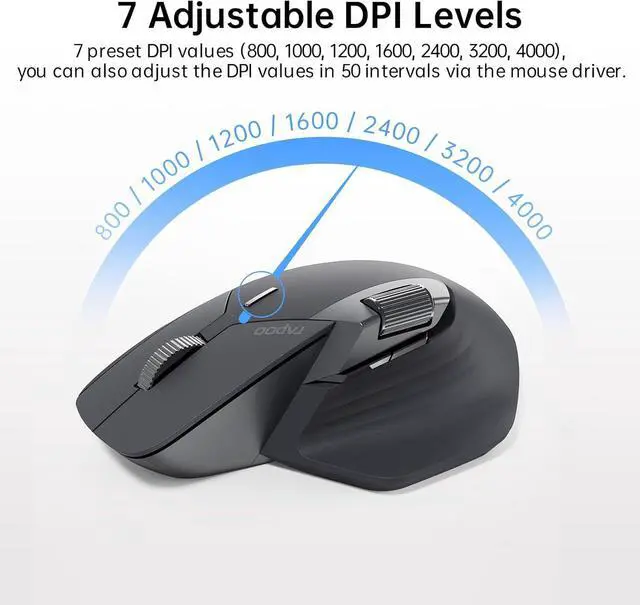
7 preset DPI values (800, 1000, 1200, 1600, 2400, 3200, 4000), adjustable in 50 intervals via the mouse driver to balance precision and quickness.
High-performance laser sensor provides more accurate and precise tracking on most surfaces like wood, cloth, leather, resin, paper, etc.
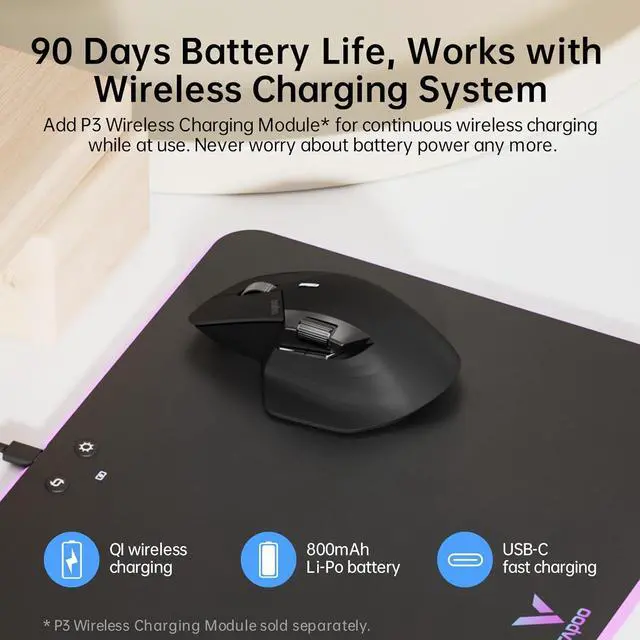
800mAh Li-Po battery, full charge lasts up to 90 days. USB-C quick charge in 5 minutes for a whole day of use.
What is the difference between the standard and mini versions?
The only difference between them is the size, otherwise there is no difference in terms of functionality, the standard version is suitable for medium to large hands and the mini version is suitable for small hands.
Does this driver software support Mac
Of course, download the Mac version driver from the official website and add the mouse driver in [Accessibility] settings, then you can start setting up.
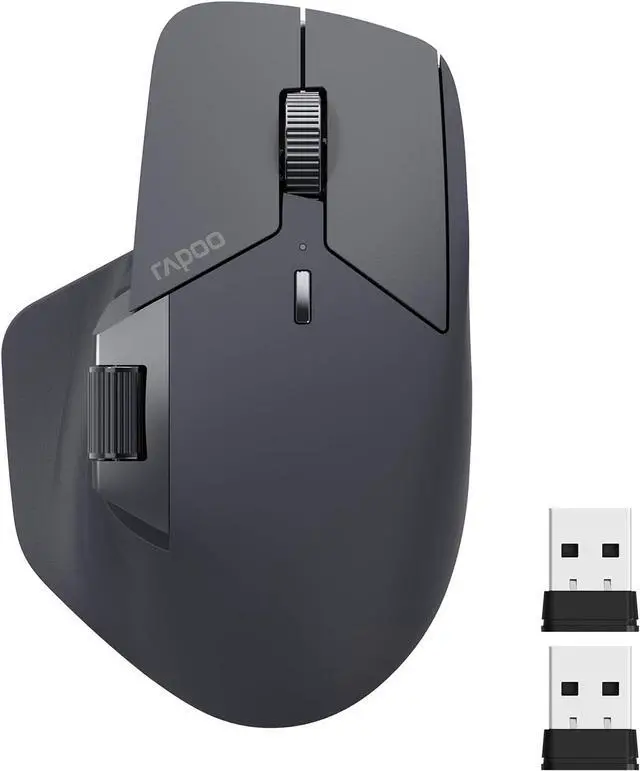
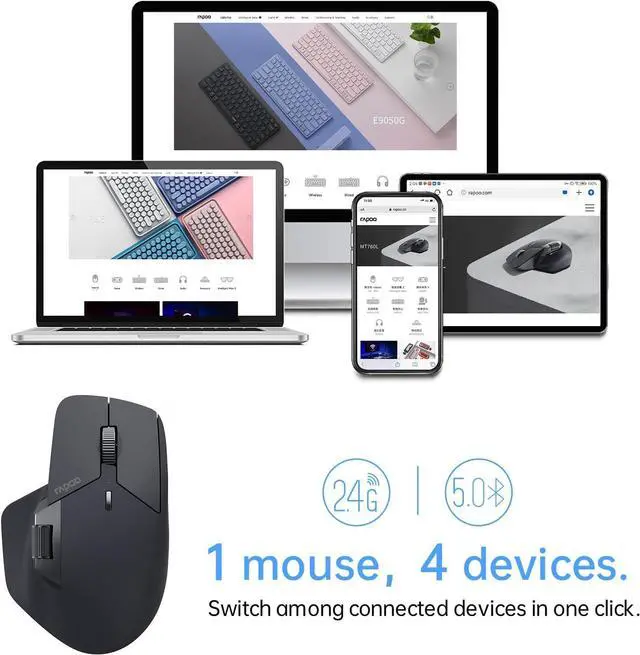
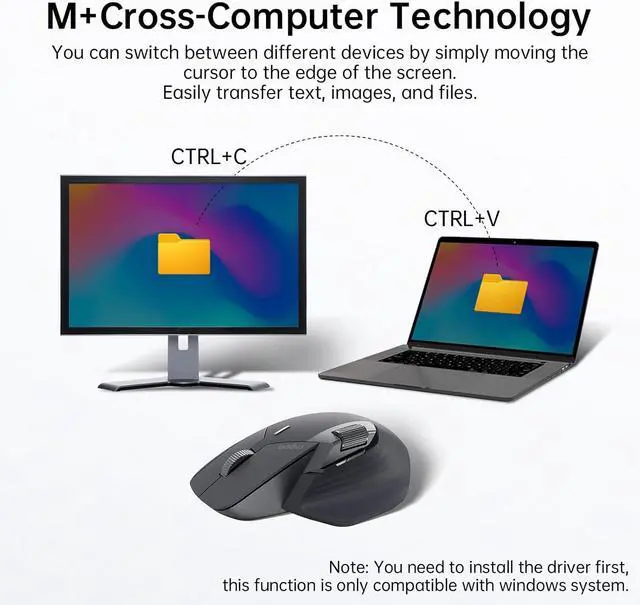
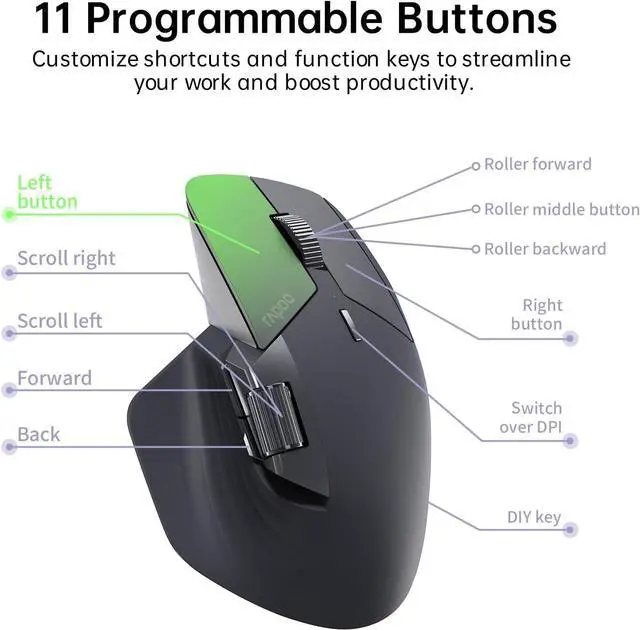
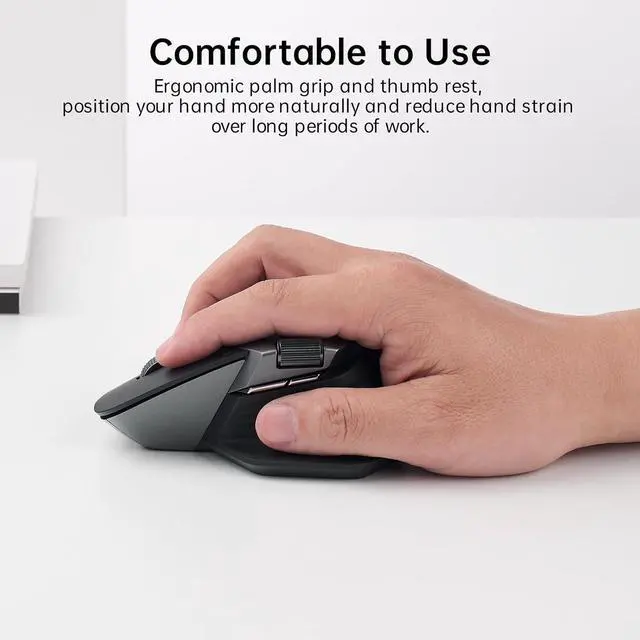
Rapoo MT760 Multi-Device Wireless Mouse Rapoo M+ Cross-Computer Technology Multi-Device Wireless Connectivity Ergonomic Design, Comfortable to Use Support QI Wireless Charging 11 Programmable Buttons Silent Clicks 7 Adjustable DPI Levels Works on Most Surfaces 90 Days Battery Life Step 1 Step 2 Step 3 Step 4 Step 5 (Optional) How to Set Rapoo MT760 Wireless Mouse? CREATE YOUR WORK FROM HOME SETUP How to make the most of MT760's 1K polling rate for lite gaming?
What is the difference between the standard and mini versions?
Does this driver software support Mac



 Holiday Shipping Details & Extended Holiday Returns


