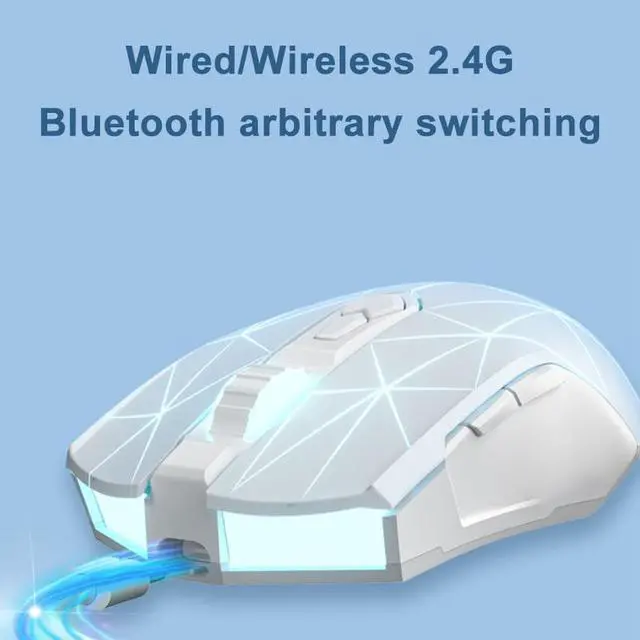
1. 2.4G /Bluetooth/Wired mode switching:
2.4G mode (paired at the factory):
Receiver code pairing: After the 2.4G mouse is powered on, press the
(left + middle + right) keys simultaneously for 3 seconds, the yellow light of
the scroll wheel flashes rapidly to enter the code pairing state, Insert the
receiver and the code is successful;
@BT mode:
In BT mode (left + middle + right) button for 3 seconds, the yellow light of the
scroll wheel flashes rapidly to enter the code matching state;
@Wired mode:
After plugging in the USB, it will enter wired mode and start charging the mouse
2.
Status indication:
Low power mode status:
In wireless mode, the battery voltage is lower than 3.4V, the red light of the scroll
wheel is on and flashes at a flat rate of 0.5 hz, indicating that it needs to be charged
Below 3.2V - 3.0, it will automatically shut down. When the power is low, the red light
of the scroll wheel flashes. When charging, the scroll wheel is always bright red.
When fully charged, the wheel light is solid green. After 5 seconds of constant light,
it will return to DPI lighting effect;
2 Sleep mode status:
After the mouse stops moving for 5 minutes, turn off all backlights, the mouse
enters the first-level sleep state, and after moving the mouse again to wake up the
mouse, 15 minutes into the secondary sleep state, you need to press the key to wake up;
3 Power saving mode status:
When using the wireless/BT mode, move the mouse to turn off the light strip.
After the mouse stops moving, the light will recover in 1 second.