




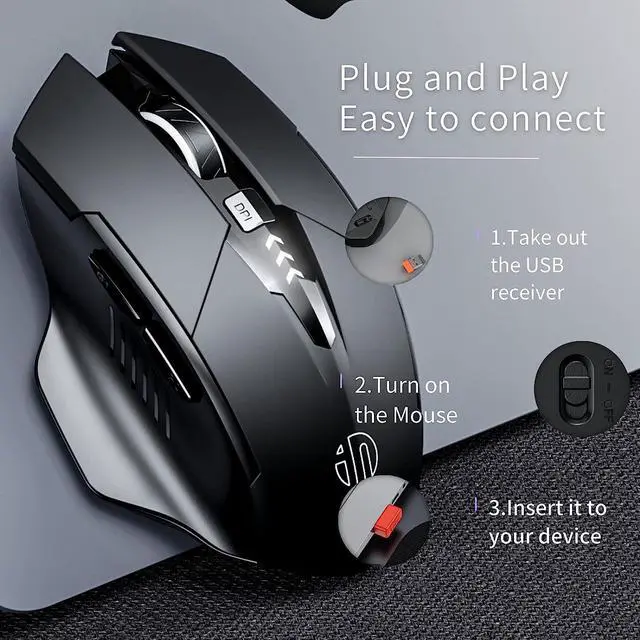
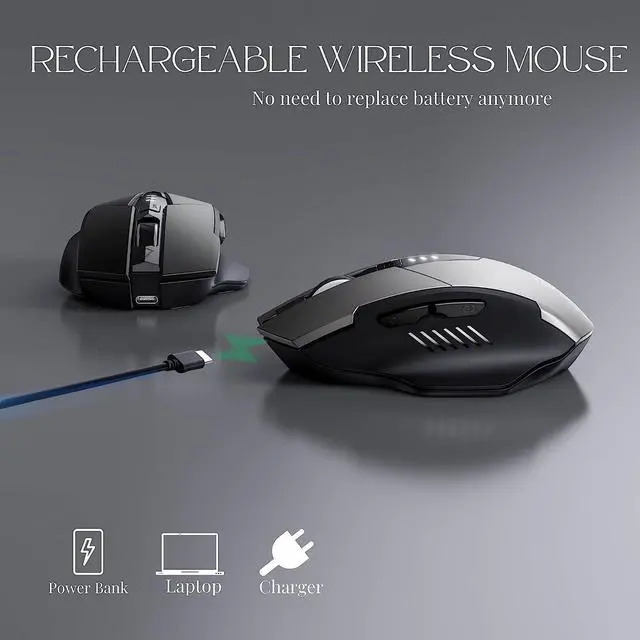
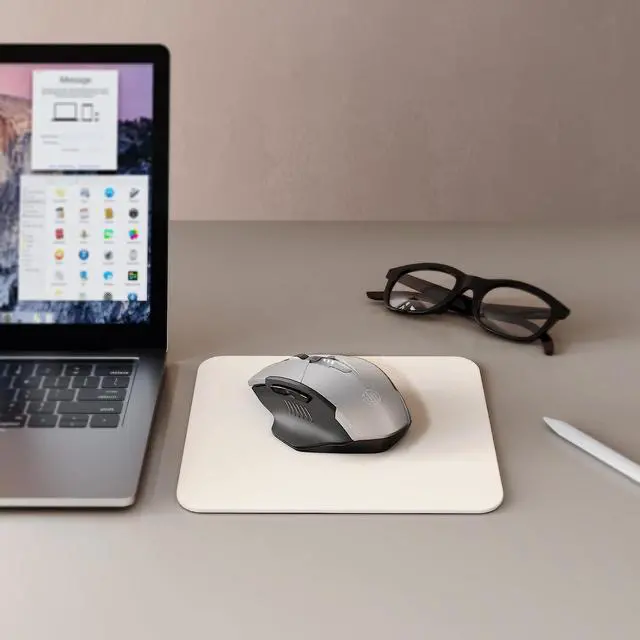


1. Before using the mouse for the first time, charge it for approximately 2 hours.
2.Take out the USB receiver, which is stored at the bottom of the mouse, and turn on the mouse.
3. Insert the USB receiver into an available USB port on your device.
4. Wait a few seconds then you can start using the mouse.
Note:
1.If your computer has a Type-C port, you may need to use a Type-C adapter to connect the mouse to your device.
2.If you experience slow cursor movement or the mouse stops working, try charging the mouse.
3.While the mouse is charging, a blue light at the gap of the scroll wheel will turn on and will go out when the mouse is fully charged,around 3 hours.
4.It is recommended to use the USB interface on your computer to charge the wireless mouse.
Please follow these instructions to set up and use your mouse effectively.

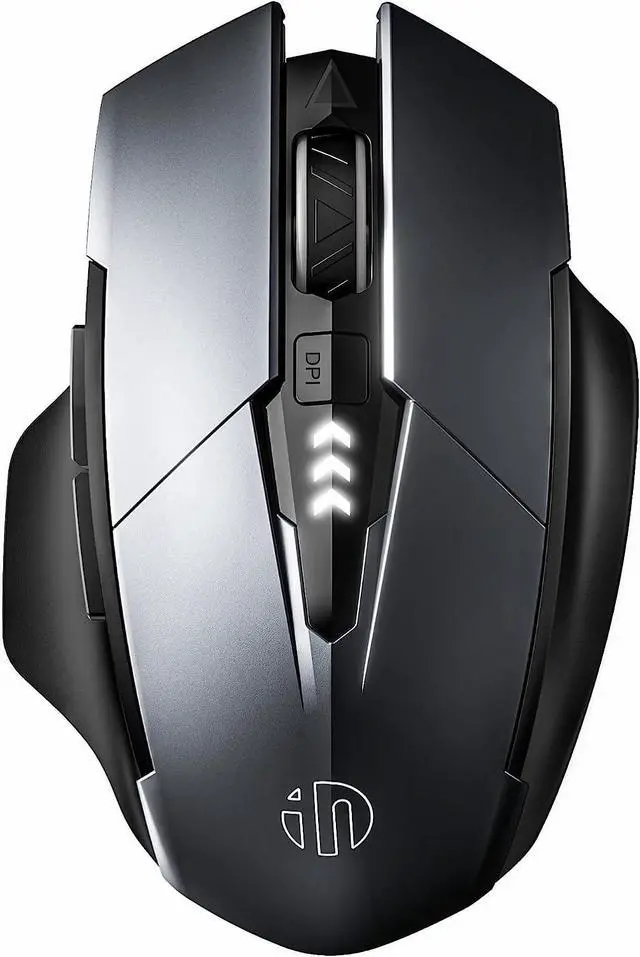
3 DPI Levels (800, 1200, 1600) change the speed of the mouse freely.

Nano USB receiver stored the bottom of the mouse,stored when not in use, no need to worry about be lost

The wireless mouse comes equipped with a Type-C fast charging interface, allowing for quick and convenient charging.

This cordless mouse comes equipped with 6 high efficient buttons that provide enhanced productivity and help you conveniently navigate around your computer. You can switch back and forth between web pages, open new tabs, and perform other actions with ease.

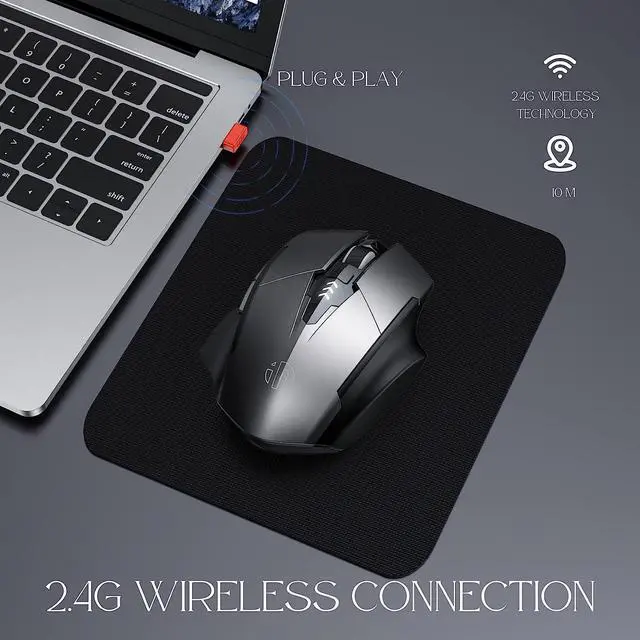
1. 2.4G Wireless connection
This cordless mouse features a 2.4GHz Wireless Connection that reliably transmits data up to 10M away, and a Plug-and-Play Convenience that ensures easy and seamless installation.
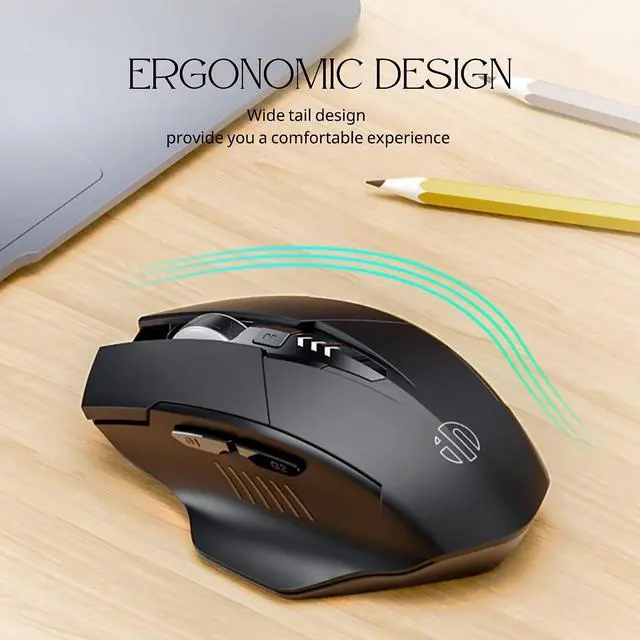
2. Ergonomic Design
The Ergonomic Mouse is designed with a contoured shape that comfortably fits the palm of your hand. Its Ergonomic Design promotes comfortable use for hours on end, ensuring that your hands and wrists stay relaxed and comfortable no matter how long you use it. The mouse is also suitable for Large Hands.
3.Durable Silent Click
The Silent left and right Click design of this mouse means that you'll never have to worry about any loud clicking noises disturbing your peaceful working environment. The Silent Mouse provides a smooth, noiseless click that won't interrupt your work or the people around you.
4. Rechargeable,3 Level Adjustable DPI
The Rechargeable Mouse also features a 3 level adjustable DPI, which allows you to easily change the sensitivity of the mouse depending on your specific needs. With the ability to adjust the DPI for increased precision, you can easily complete your work, browse the web, and play games without any annoying delays.
If you're looking for a reliable, comfortable, and efficient wireless mouse to help you get your work done,Try this, you can easily and conveniently navigate around your computer with ease.
