• $27.98
  • Free 30-day Returns
  • Ships from China.
    Price alert
    Shop it at NeweggBusiness.

    Meet Your Seller

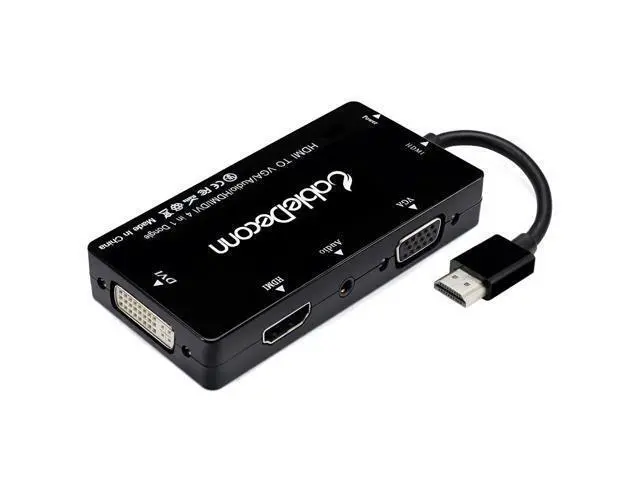
    Multiport 4-in-1 HDMI to HDMI/DVI/VGA Adapter Cable with Audio Output Converter (Black)

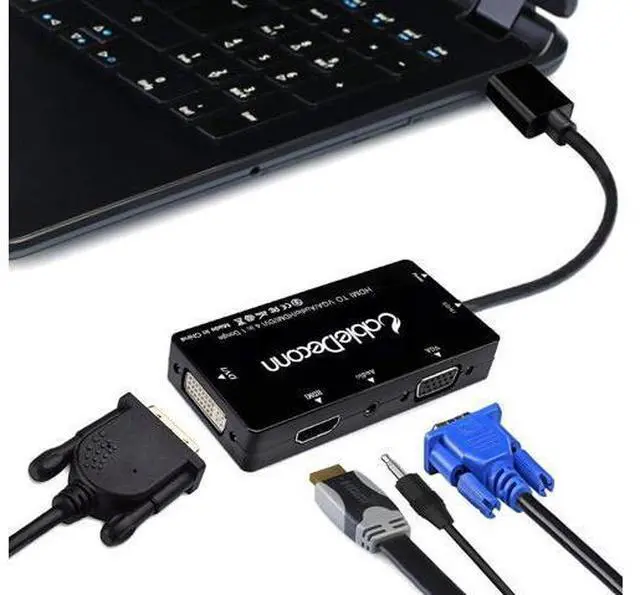
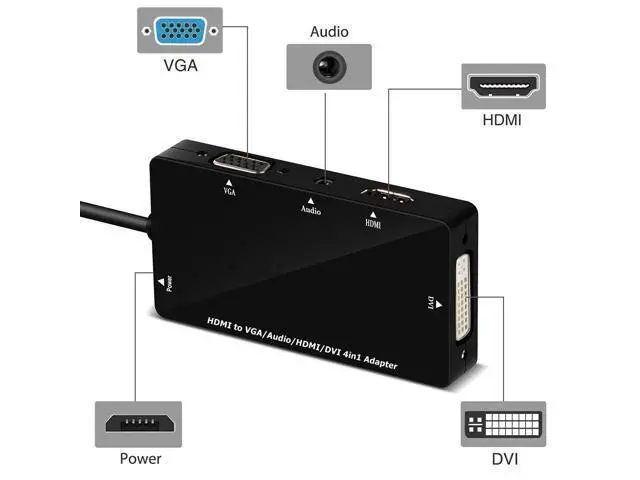
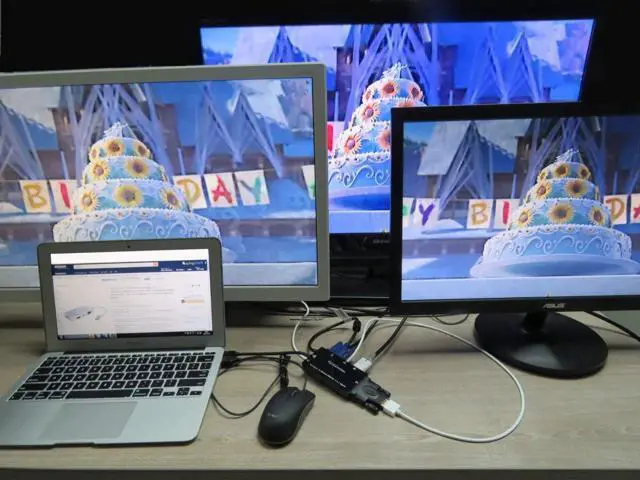
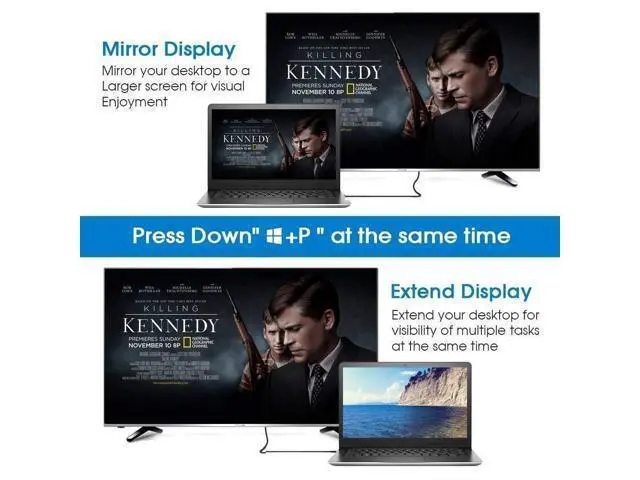
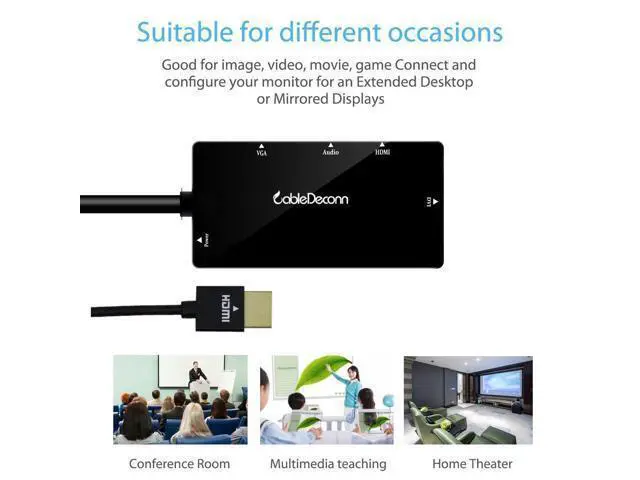
    • Multifunction HDMI splitter converter cable with audio output, supports HDMI/DVI/vagal(sold separately) output simultaneously to enjoy your favorite movies, YouTube clips, iTunes songs and movies
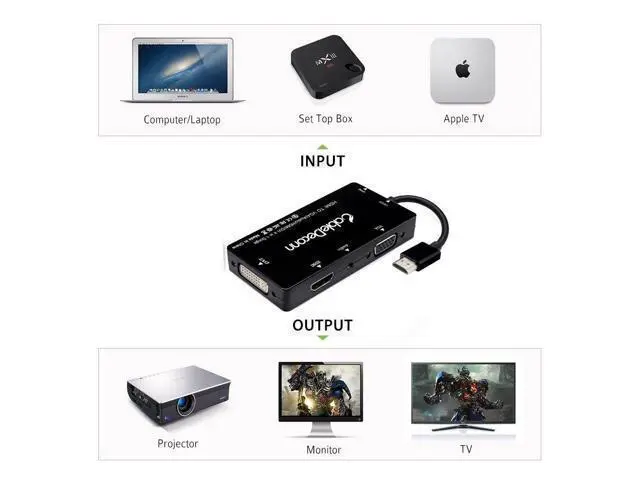
    • Lightweight and portable adapter allows you to display content on your HDTV, monitor, computer, tablet, projector and other devices with HDMI or DVI or VGA to HDMI connector. Note: This adapter that you can only connect one monitor at a time, A separated HDMI/DVI/VGA cable is required
    • Transmit both Audio and video from computer or tablet to HD display with audio out via HDMI. Support video resolutions up to 1920x1080 and 1080P (Full HD) and flawless Audio pass-thru. But if connecting VGA, Please connect 3.5mm Audio jack from our adapters to your external speakers to get sound, If connecting DVI, Please connect from your input devices' Audio port to your external audio devices to get sound.

    +
    +
    Overview
    Specs
    Reviews
    avatar

    Any questions? Our AI beta will help you find out quickly.

    Multifunction HDMI splitter converter cable with audio output, supports HDMI/DVI/vagal (sold separately) output simultaneously to enjoy your favorite movies, YouTube clips, iTunes songs and movies. Lightweight and portable adapter allows you to display content on your HDTV, monitor, computer, tablet, projector and other devices with HDMI or DVI or VGA to HDMI connector.
    Note: This adapter that you can only connect one monitor at a time, A separated HDMI/DVI/VGA cable is required. Transmit both Audio and video from computer or tablet to HD display with audio out via HDMI. Support video resolutions up to 1920x1080 and 1080P (Full HD) and flawless Audio pass-thru. But if connecting VGA, Please connect 3.5 mm Audio jack from our adapters to your external speakers to get sound, If connecting DVI, Please connect from your input devices' Audio port to your external audio devices to get sound.

    Warranty & Returns

    Warranty, Returns, And Additional Information

    Warranty

    • Please contact the Seller directly for warranty information. Warranty information may also be found on the Manufacturer's website.
    • CONTACT

    Return Policies

    Manufacturer Contact Info

    LOADING...