• $50.98
  • Free 30-day Returns
  • Ships from China.
    Price alert
    Shop it at NeweggBusiness.

    Meet Your Seller

    USB C Type-C Switcher 1 in 2 Out/2 in 1 Out 8K@60Hz 4K@120Hz Type-C Bi-Directional Switch Selector Support 48Gbps Data Transmission with Type-C Cables for PC Monitor HDTV-1 PCS

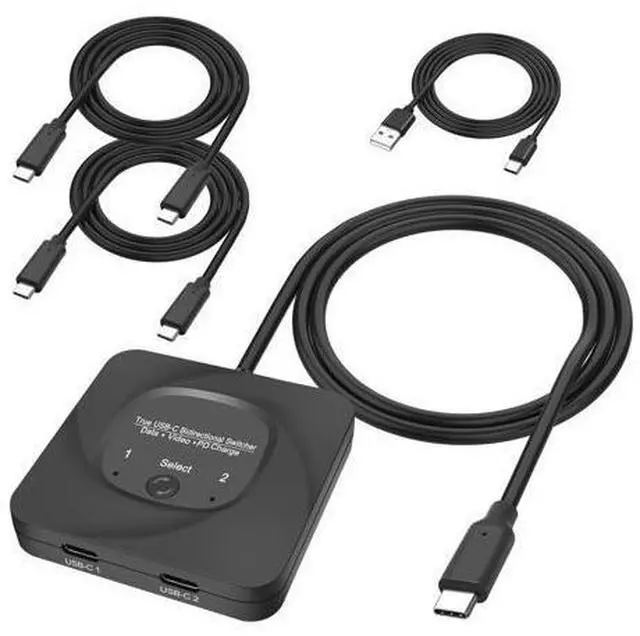
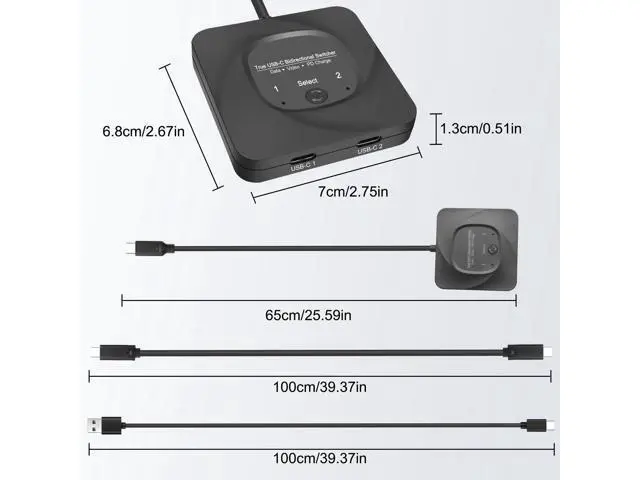
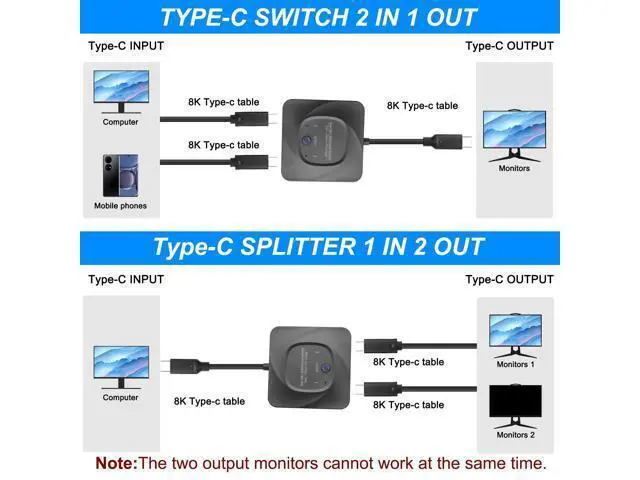
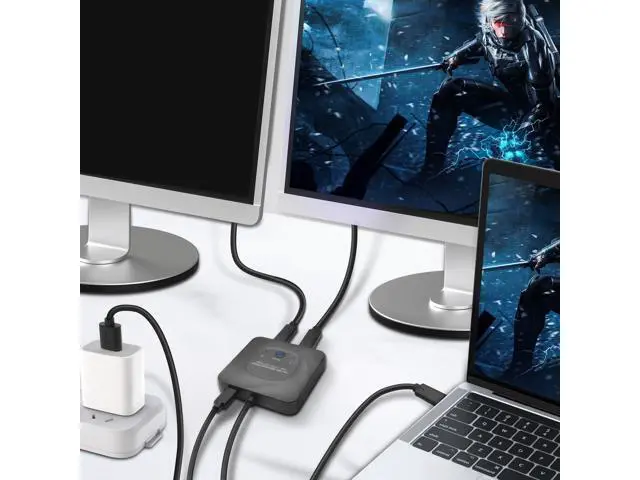
    • This 8K USB-C Bi-Direction switch can be used as a 2 in 1 out switcher for connecting two sources with USB-C interface to one interface monitor, or as a 1 in 2 out splitter for connecting one source with USB-C interface to switch between two monitors. (Please note that the two monitors can't work at the same time).
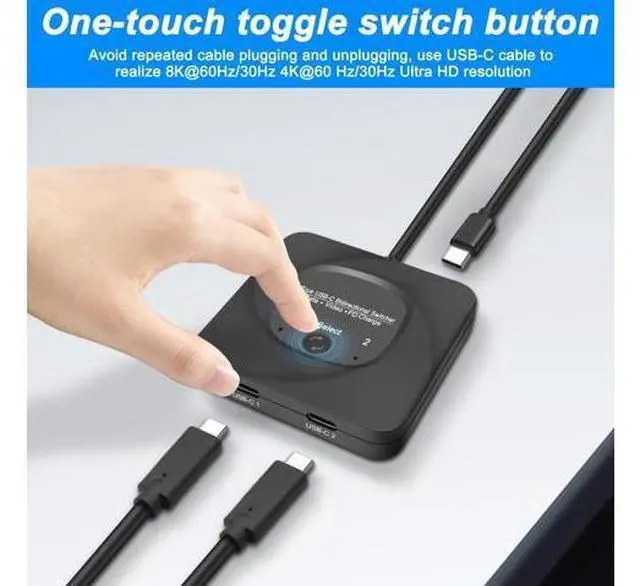
    • Supporting 8K@60Hz,4K@120Hz,1080P@240Hz resolution and providing you with a transmission rate of up to 48Gbps, this Type-C switcher ensures a clear and vibrant display with no graininess in close proximity, and truly zooms in and out without distortion for a perfect presentation.
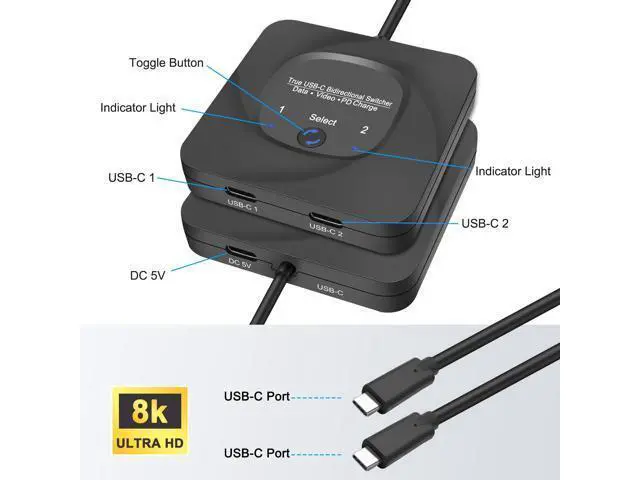
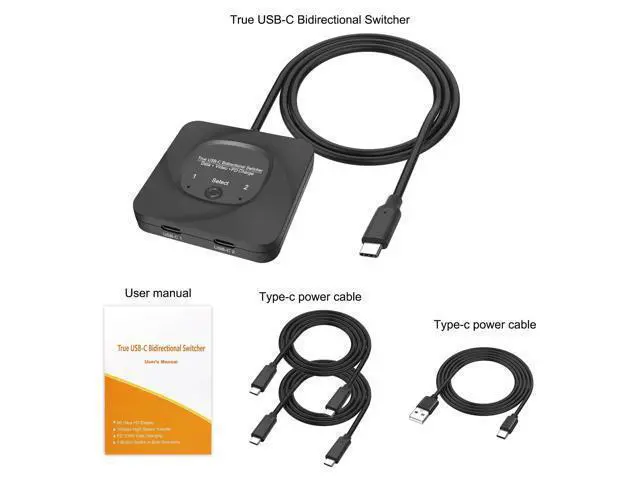
    • The USB C switcher selector uses a one-touch switching button "select" to quickly switch the signal source to another device, eliminating the need to unplug frequently and effectively protecting the computer interface. There is an indicator light next to the USB-C port, which lights up red so you know which device is working.

    +
    +
    Overview
    Specs
    Reviews
    avatar

    Any questions? Our AI beta will help you find out quickly.

    This 8K USB-C Bi-Direction switch can be used as a 2 in 1 out switcher for connecting two sources with USB-C interface to one interface monitor, or as a 1 in 2 out splitter for connecting one source with USB-C interface to switch between two monitors. (Please note that the two monitors can't work at the same time).. Supporting 8K@60Hz, 4K@120Hz, 1080P@240Hz resolution and providing you with a transmission rate of up to 48Gbps, this Type-C switcher ensures a clear and vibrant display with no graininess in close proximity, and truly zooms in and out without distortion for a perfect presentation.

    . The USB C switcher selector uses a one-touch switching button "select" to quickly switch the signal source to another device, eliminating the need to unplug frequently and effectively protecting the computer interface. There is an indicator light next to the USB-C port, which lights up red so you know which device is working.

    Warranty & Returns

    Warranty, Returns, And Additional Information

    Warranty

    • Please contact the Seller directly for warranty information. Warranty information may also be found on the Manufacturer's website.
    • CONTACT

    Return Policies

    Manufacturer Contact Info

    LOADING...