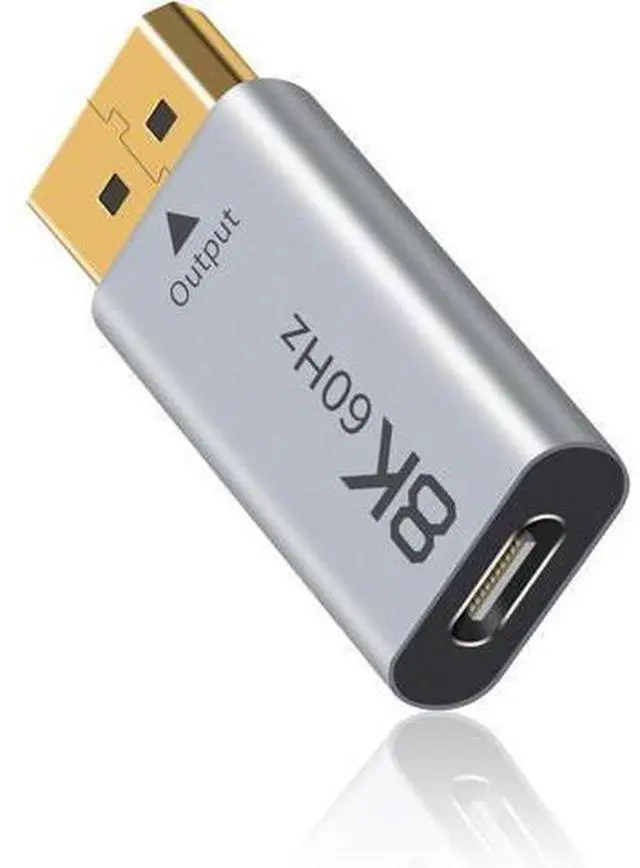
Please pay attention that the USB C to DisplayPort 1.4
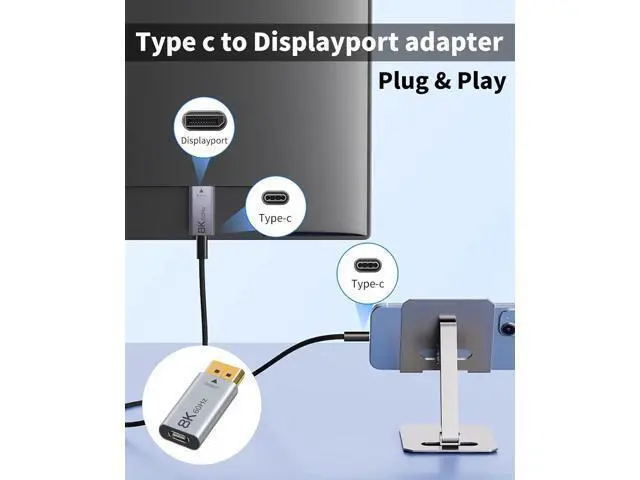
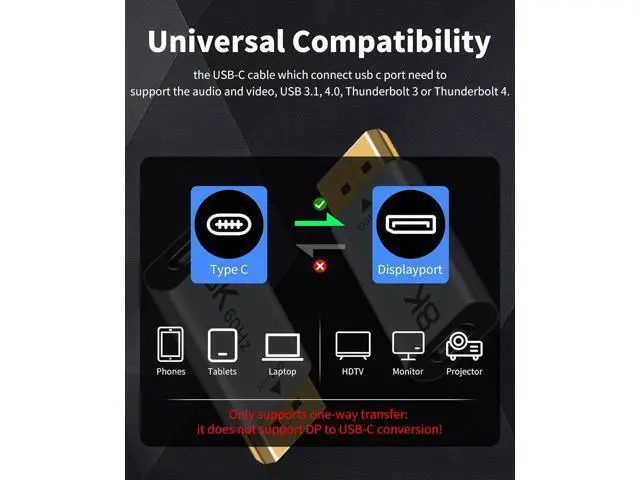
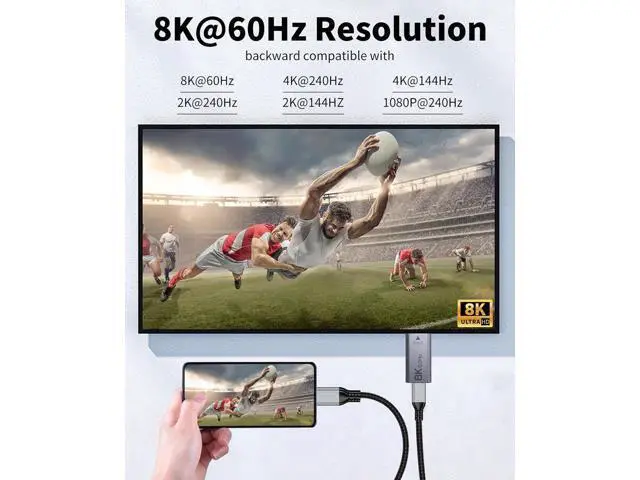
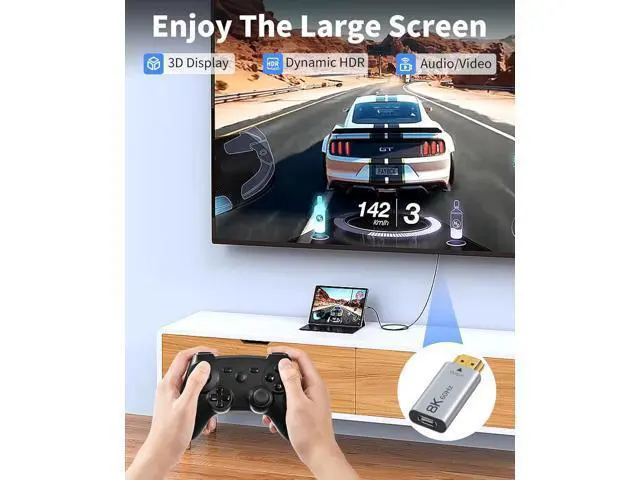
Adapter only supports one-way transfer: it does not support DisplayPort to USB-C conversion! And the USB-C cable which connect usb c port need to support the audio and video, USB 3.1, 4.0, Thunderbolt 3 or Thunderbolt 4.. How to use the thunderbolt 4 to displayPort adapter: Connect the displayPort port to the receiving device such as TV, monitor, projector, HDTV, or other devices with HDMI port (display device). The USB C port is used to plug in a Type-C cable to connect to a computer, desktop, laptop, cell phone.. The USB C to DisplayPort adapter supports 8K@60Hz high resolution and is backward compatible with 4K/144Hz, 2K/165Hz, and 1080p/240Hz. It supports 3D video and both static and dynamic HDR, and delivers clear audio on 32 audio channels. It also features automatic audio/video synchronization and video output.