• $20.98
  • Free 30-day Returns
  • Ships from China.
    Price alert
    Shop it at NeweggBusiness.

    Meet Your Seller

    Desktop Switch Desktop Computer Power Switch External Remote Start Computer Motherboard Power Switch Button Extension Cord with LED Light

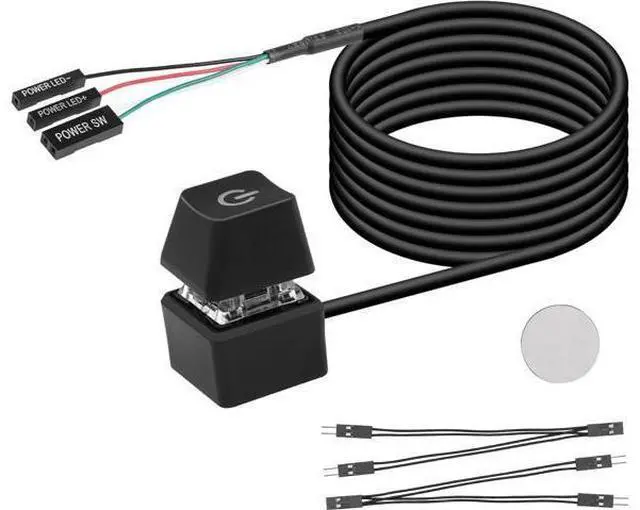
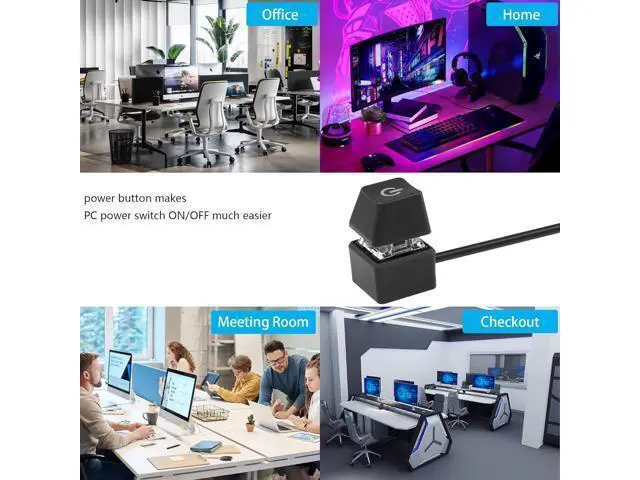
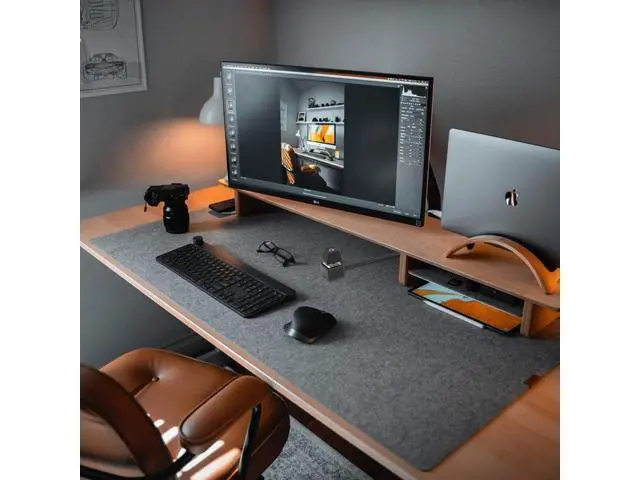
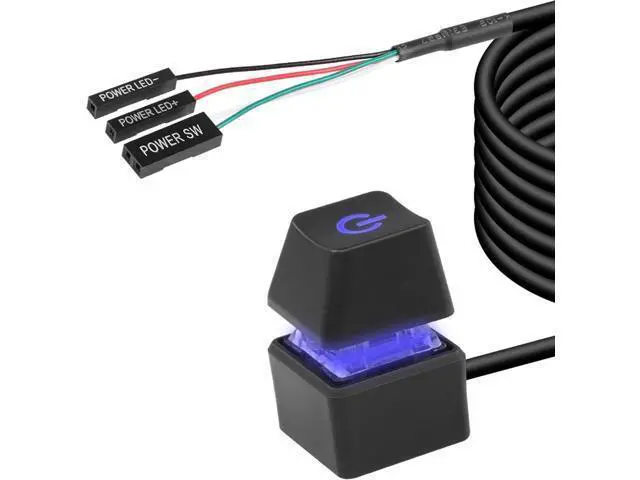
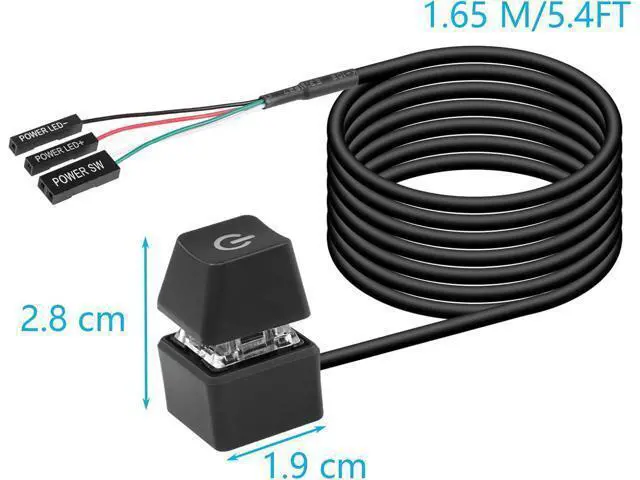
    • Desktop External Switch: Use a power switch with a long cable to add or extend the power button to where you find it more convenient.
    • Choose one of the remote computer power switch and the host switch: if you want to use the original computer power button and the external power button at the same time. You only need to plug in the two one-point and two-point splitters we presented to you, you can keep the original switch key function, and you can use the external power key to start the power.
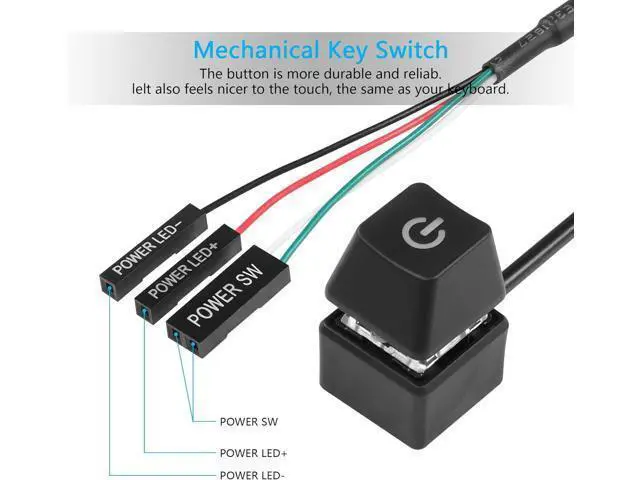
    • Easy to Install: Just connect the POWER LED+, POWER LED-, POWER SW connectors to the motherboard, then stick the adhesive board to the correct position or use magnets.
    • Design: Blue LED lighting effect, mechanical button feel, give you a different switching experience.

    +
    +
    Overview
    Specs
    Reviews
    avatar

    Any questions? Our AI beta will help you find out quickly.

    Desktop External Switch: Use a power switch with a long cable to add or extend the power button to where you find it more convenient.. Choose one of the remote computer power switch and the host switch: if you want to use the original computer power button and the external power button at the same time. You only need to plug in the two one-point and two-point splitters we presented to you, you can keep the original switch key function, and you can use the external power key to start the power..
    Easy to Install: Just connect the POWER LED+, POWER LED-, POWER SW connectors to the motherboard, then stick the adhesive board to the correct position or use magnets..
    Design: Blue LED lighting effect, mechanical button feel, give you a different switching experience.

    Warranty & Returns

    Warranty, Returns, And Additional Information

    Warranty

    • Please contact the Seller directly for warranty information. Warranty information may also be found on the Manufacturer's website.
    • CONTACT

    Return Policies

    Manufacturer Contact Info

    LOADING...