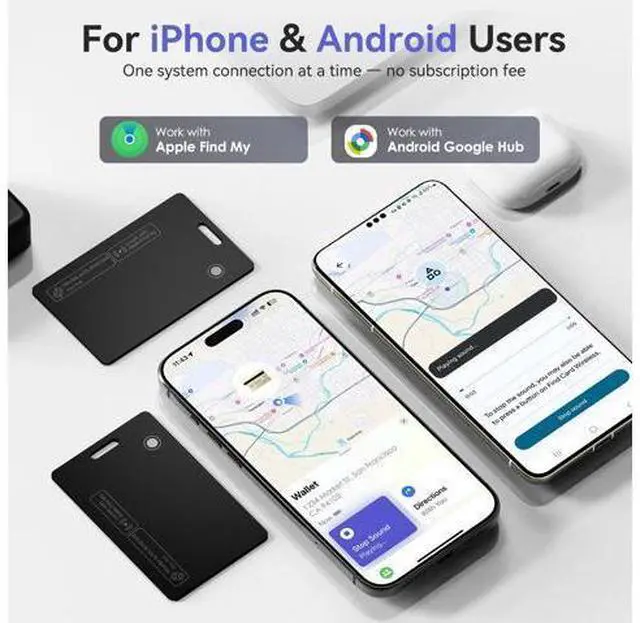
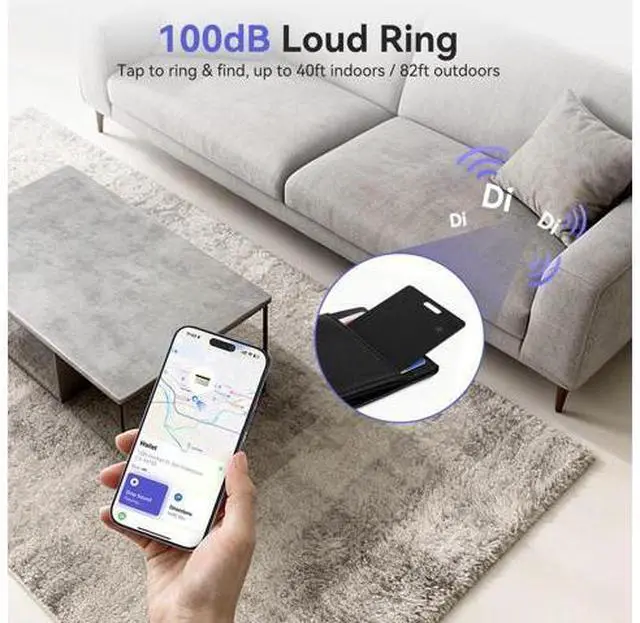
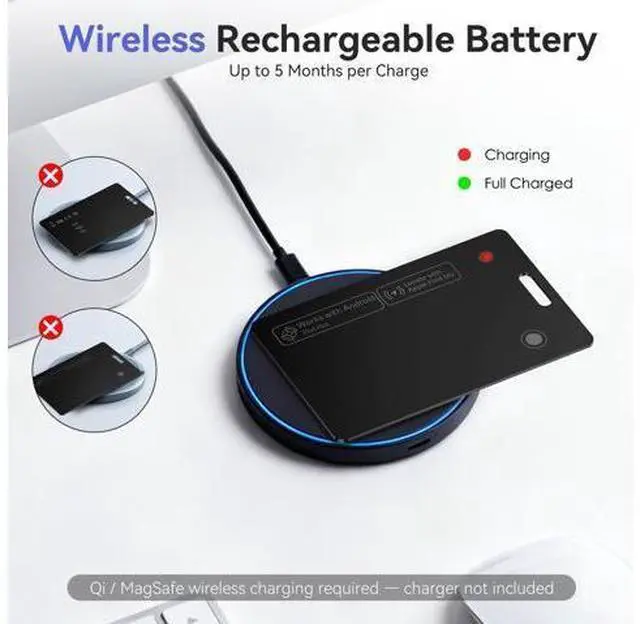
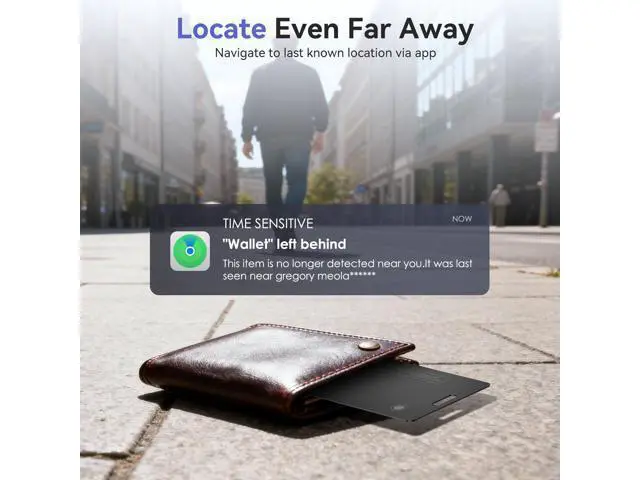
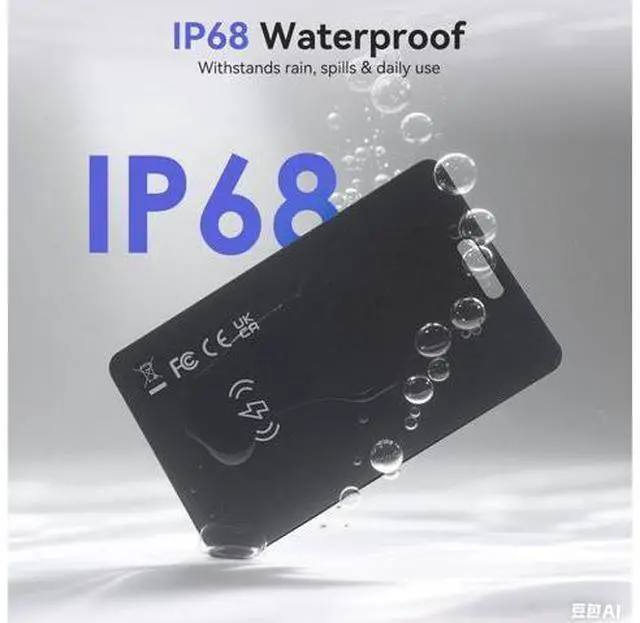
Previous page Next page 1 100dB Alert 2 Privacy Protection 3 IP68 Waterproof Previous page Next page 1 Left Notification 2 Share Location 3 Lost Mode Previous page Next page 1 For Android Users 2 For Apple Users How do I charge this tracking card, and how do I know when its fully charged? This tracker card charges wirelessly. When the green light turns on, it means its fully charged. Please note that a wireless charger isnt included in the package. Why can't I charge the tracker card? Please make sure your wireless charger is working properly.
Place the tracker card with the button facing up, and align the wireless charging icon on the card with the center of the charger's coil. A red light will appear when the card is charging. Why can't I connect the tracker card to my phone? Make sure Bluetooth is on. Reset tracker card (press 4 times, then hold until melo). Short-press 5 times to turn off, then long-press to turn on. Connect via Apple Find My (iPhone) or Google Find My Device (Android). Will the tracker card demagnetize or interfere with my credit cards? No, the tracker has no magnets and wont demagnetize or interfere with your cards.
It has enough metal to attach to a MagSafe charger and receive power safely. Can I use KINDEEP tracker card in an RFID-blocking or magnetic wallet? Yes. RFID shielding doesnt block Bluetooth, but metal materials may weaken the tracker cards signal. We recommend testing it based on your wallets material and placement. 2 100dB Alert 3 Privacy Protection 4 IP68 Waterproof 2 Left Notification 3 Share Location 4 Lost Mode 2 For Android Users 3 For Apple Users How do I charge this tracking card, and how do I know when its fully charged? This tracker card charges wirelessly.
When the green light turns on, it means its fully charged. Please note that a wireless charger isnt included in the package. Why can't I charge the tracker card? Please make sure your wireless charger is working properly. Place the tracker card with the button facing up, and align the wireless charging icon on the card with the center of the charger's coil. A red light will appear when the card is charging. Why can't I connect the tracker card to my phone? Make sure Bluetooth is on. Reset tracker card (press 4 times, then hold until melo).
Short-press 5 times to turn off, then long-press to turn on. Connect via Apple Find My (iPhone) or Google Find My Device (Android). Will the tracker card demagnetize or interfere with my credit cards? No, the tracker has no magnets and wont demagnetize or interfere with your cards. It has enough metal to attach to a MagSafe charger and receive power safely. Can I use KINDEEP tracker card in an RFID-blocking or magnetic wallet? Yes. RFID shielding doesnt block Bluetooth, but metal materials may weaken the tracker cards signal.
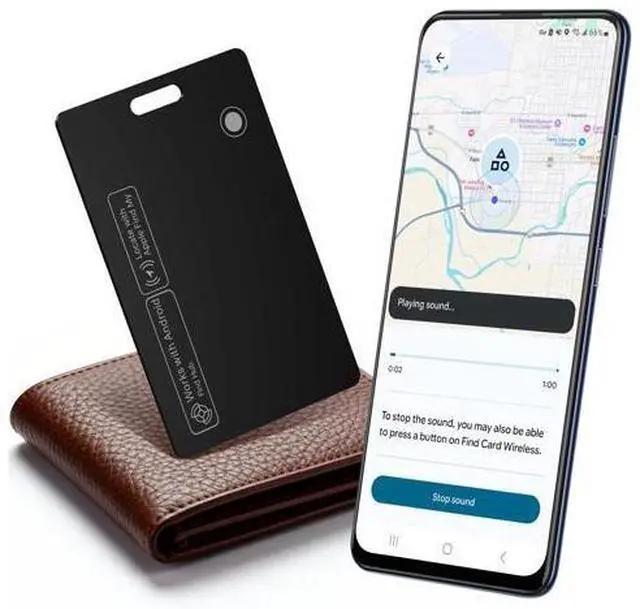
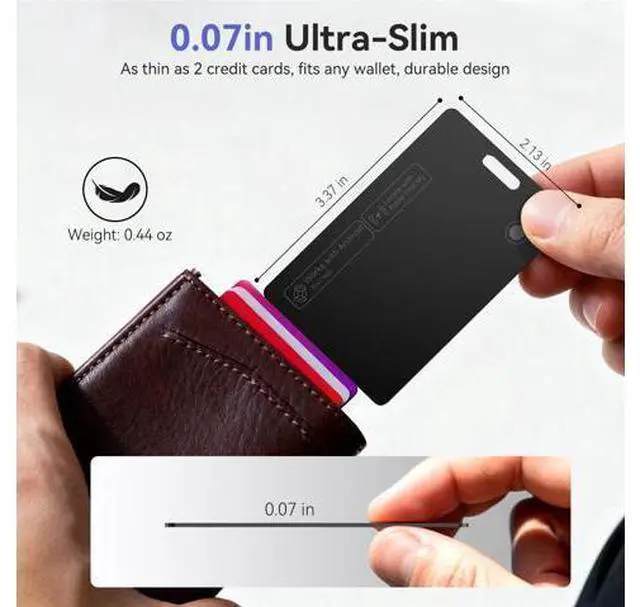
We recommend testing it based on your wallets material and placement. Wallet Tracker Card Air-Tag - for Android & iOS, Work with Google Find Hub & Apple Find My, 0.07 in Slim Tracking Card, IP68 Waterproof Bluetooth Smart Item Locator for Luggage, Gifts for Men Women Product information Brand KINDEEP Are Batteries Included Yes Material Plastic Number of Batteries 1 Lithium Ion batteries required. (included) Product Dimensions 0.07"L x 0.07"W x 0.07"T h Manufacturer KINDEEP Warranty Description 1 Year Warranty, Lifetime Support Compatible Devices Universal compatibility Connectivity Technology Bluetooth Control Method App Item Dimensions L x W x Thickness 0.07"L x 0.07"W x 0.07"T h Enclosure Material Plastic