Previous page Mac Bluetooth Keyboard Mice USB + Dual Bluetooth Combos Full-Size Slim Keyboard Mice Multi-Device Ergo Combos USB + Bluetooth Mice Next page Previous page Next page 1 Rechargeable Design 2 Quiet Typing 3 Ultra-thin Design 4 Easy Setup and Connection Previous page Next page 1 Smart Energy Saving 2 Multimedia Keys 3 3-Adjustable DPI What to do if some keys not working/key input delay/automatic key input? 1. Please fully charge it and then try to re-pair. 2. If only one or a few specific keys are problematic, press the non-working key firmly for 5-7 seconds to see if it starts working normally.
What to do if unable to connect / connection is intermittent? 1. Try fully charging it and confirm whether the keyboard/mouse can be turned on. 2. Insert the USB receiver into your device (try a different one if necessary). 3. It can be used properly How do I confirm that the keyboard is at low battery? The power indicator on the keyboard will flash when the power is too low, until it is turned off. And problems such as response delaying, keys sticking may occur when in low battery.
2 Rechargeable Design 3 Quiet Typing 4 Ultra-thin Design 5 Easy Setup and Connection 2 Smart Energy Saving 3 Multimedia Keys 4 3-Adjustable DPI What to do if some keys not working/key input delay/automatic key input? 1. Please fully charge it and then try to re-pair. 2. If only one or a few specific keys are problematic, press the non-working key firmly for 5-7 seconds to see if it starts working normally. What to do if unable to connect / connection is intermittent? 1. Try fully charging it and confirm whether the keyboard/mouse can be turned on.
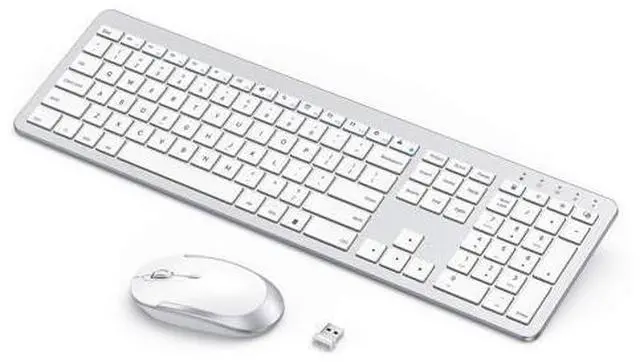
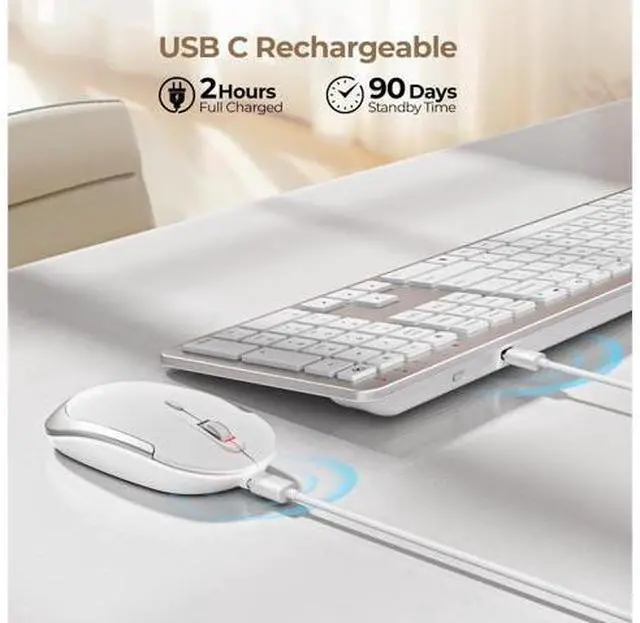
2. Insert the USB receiver into your device (try a different one if necessary). 3. It can be used properly How do I confirm that the keyboard is at low battery? The power indicator on the keyboard will flash when the power is too low, until it is turned off. And problems such as response delaying, keys sticking may occur when in low battery. Mac Bluetooth Keyboard Mice USB + Dual Bluetooth Combos Full-Size Slim Keyboard Mice Multi-Device Ergo Combos USB + Bluetooth Mice seenda Wireless Keyboard and Mouse - Rechargeable Design -- Ultra slim keyboard with a number pad, low profile mouse with adjustable DPI, both of the keyboard and mouse are equipped with built-in battery, can be easily charged with the provided USB Cable, so no more worries about replacing batteries.
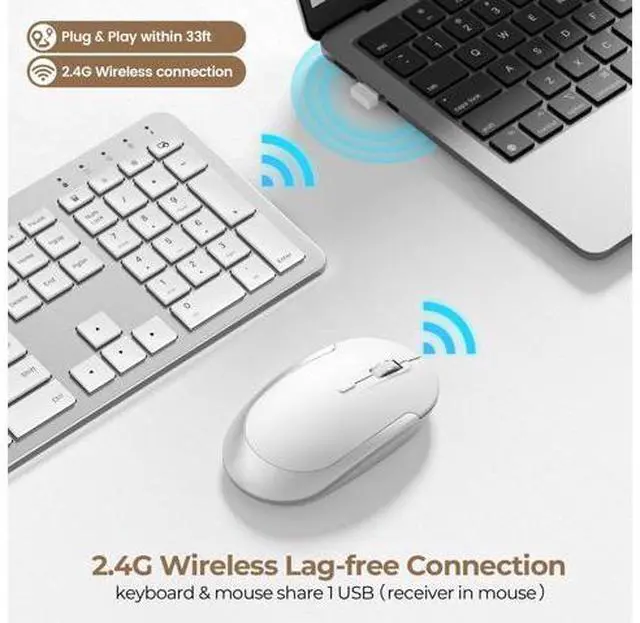
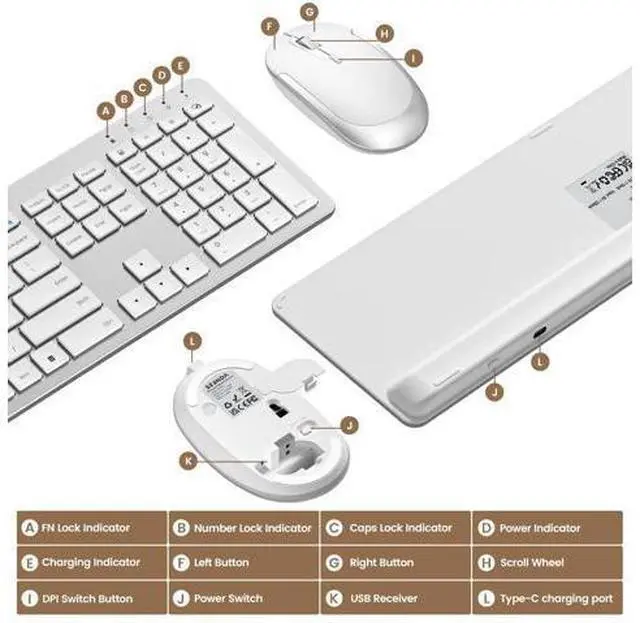
Quiet Keyboard & Mouse This keyboard and mouse are easily operated with sensitive touch, also featuring with whisper-quiet clicks, you will not disturb others when you use it. Save Limited USB Ports Both keyboard and mouse are connected with the same USB receiver, thanks to the 2 in 1 design, limited USB ports wont trouble you any more (the receiver is inserted on the back of the keyboard) Plug & Play No drivers & cumbersome code required, all you have to do before enjoy this amazing keyboard and mouse is plug the USB receiver from the keyboard and turn them both on.
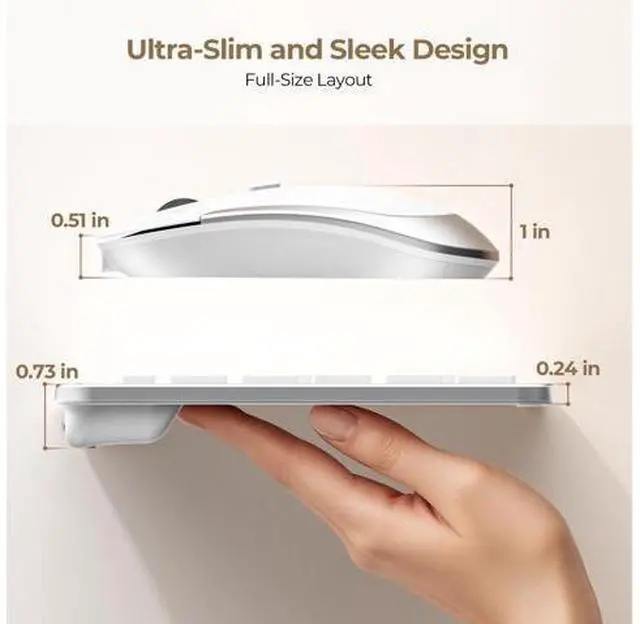
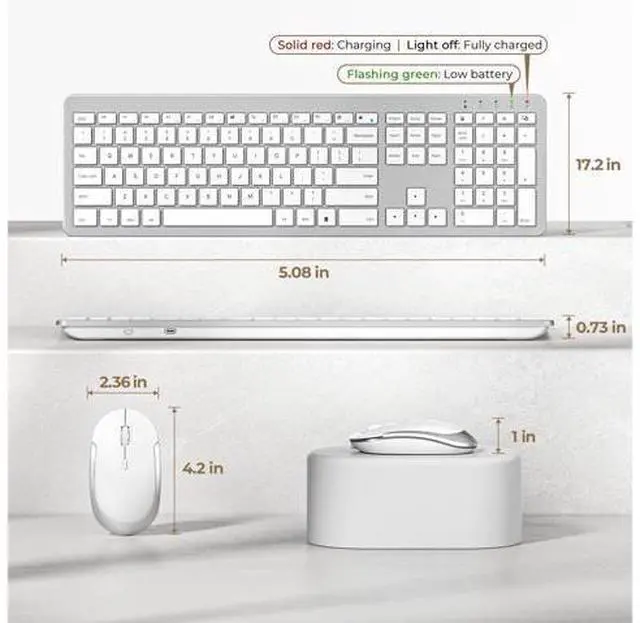
Package Contents: 1x Ultra Slim Wireless Keyboard 1x Wireless Mouse 1x USB Charging Cable 1x USB Receiver (On the back of the Mouse) 1x User Manual Product information Brand seenda Color White and Silver Connectivity Technology 2.4G USB Keyboard and Mouse Special Feature Ultra-thin Flat Keyboard, Rechargeable Keyboard Mouse, Full Size with Number Pad, Quiet Compatible Devices Rechargeable Keyboard and Mouse compatible with USB-enabled Windows Devices Product Dimensions 17.3 x 5.1 x 0.75 inches Item Weight 14.6 ounces Item model number Keyboard-Mouse-038A-ZYS-WS Batteries 1 Lithium Ion batteries required. (included) Date First Available October 9, 2019 Manufacturer seenda