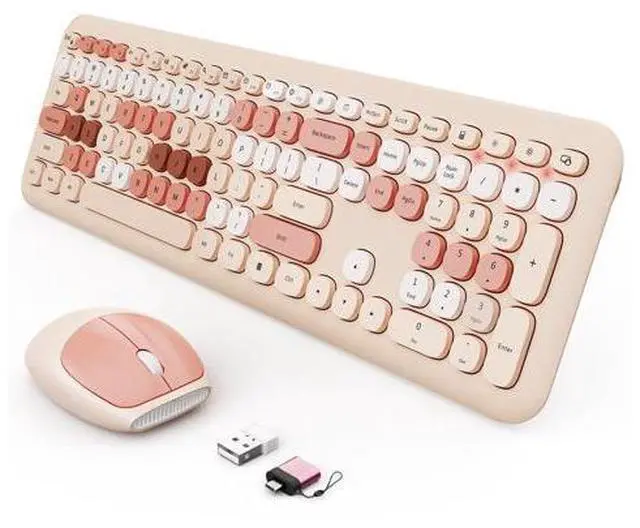
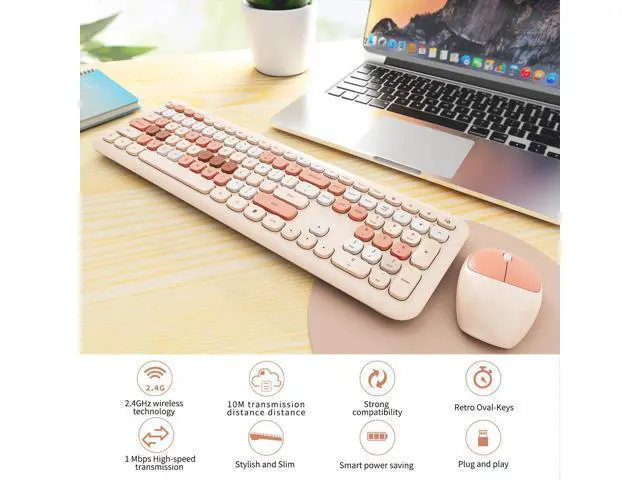
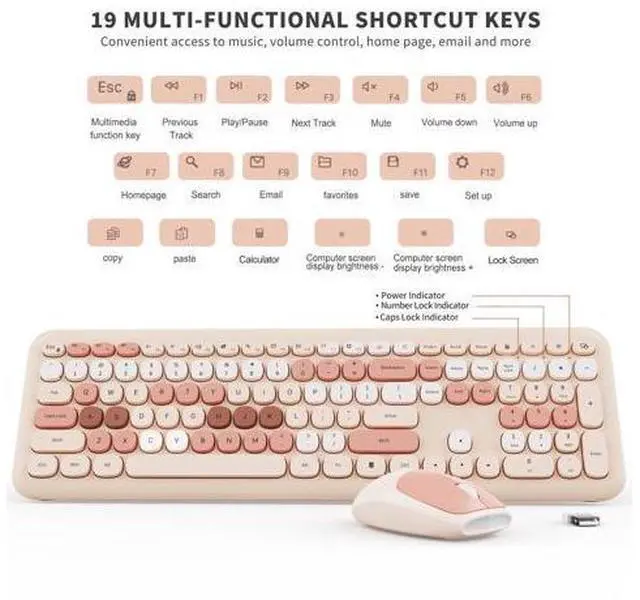
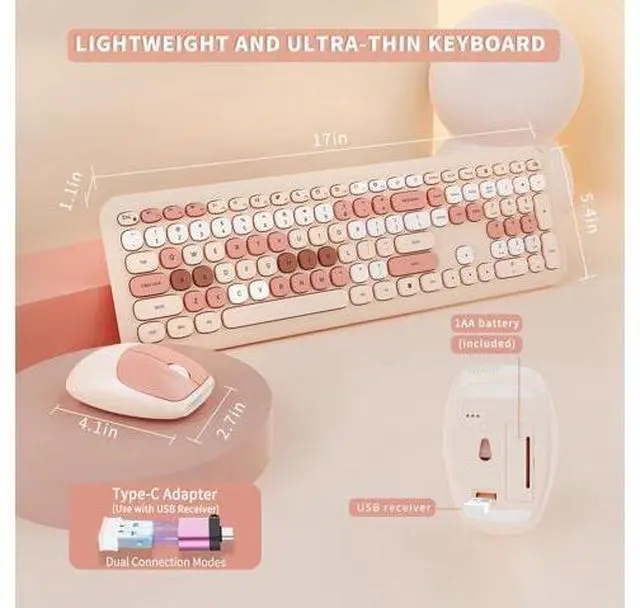
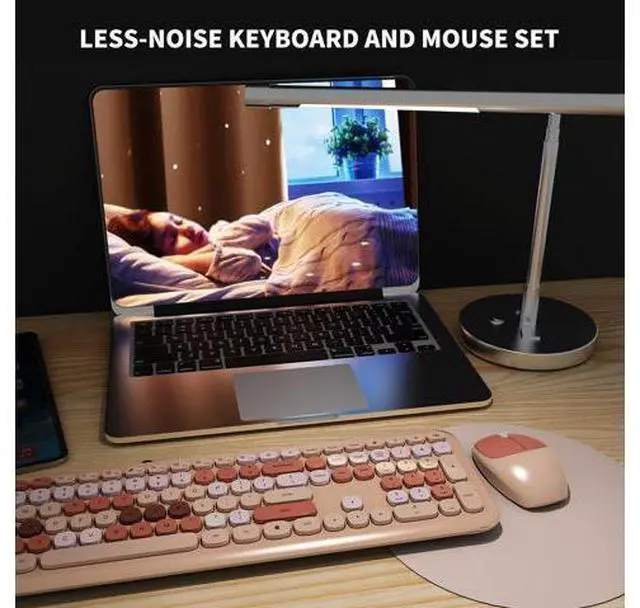
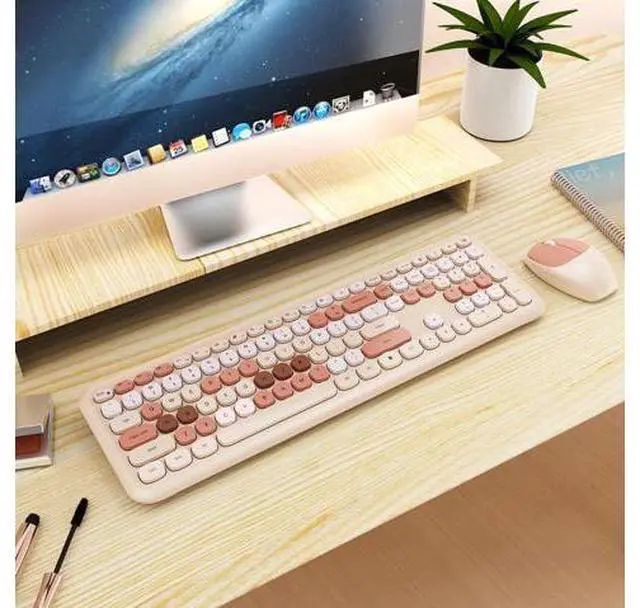
Previous page Wireless Keyboard and Mouse Wireless Keyboard and Mouse Wireless Keyboard and Mouse Wireless Keyboard and Mouse Next page Previous page Next page 1 Smart Power Saving 2 USB & Type-C Ready 3 No Drivers Needed 4 Free Batteries Inside 5 Long-Range Connection Previous page Next page 1 Removable, Fade-Proof 2 Type-C Mobile Typing 3 Retro, Modern Tech 4 Smart Hotkeys 5 Built-in Stand Previous page Next page 1 Focus-Boosting Colors 2 Gift-Ready Packaging 3 Elegant Brown 4 Soothing & Inspiring 5 24/7 Support My device only has a USB-C portcan I still use this set? Yes! Just insert the USB receiver (stored under the mouse) into the included USB-C adapter, then plug it into your devices Type-C port.
Does this set come with batteries? Is it rechargeable? This combo is battery-powered, not rechargeable. Batteries are included in the box so you can use it right awayno need to buy extras. What should I do if the keyboard or mouse doesnt connect?
Try re-pairing: remove the USB and batteries, plug in the USB, then reinstall batteries within 10 seconds. Use fresh batteries and check polarity. Can I use the keyboard or mouse separately? Yes! You can use either one independently, as long as the USB receiver is plugged into your device. Is this keyboard good for work or school use? Yes, its full-size and comfortable for long typing sessionsperfect for school, office, or home. 2 Smart Power Saving 3 USB & Type-C Ready 4 No Drivers Needed 5 Free Batteries Inside 6 Long-Range Connection 2 Removable, Fade-Proof 3 Type-C Mobile Typing 4 Retro, Modern Tech 5 Smart Hotkeys 6 Built-in Stand 2 Focus-Boosting Colors 3 Gift-Ready Packaging 4 Elegant Brown 5 Soothing & Inspiring 6 24/7 Support My device only has a USB-C portcan I still use this set? Yes! Just insert the USB receiver (stored under the mouse) into the included USB-C adapter, then plug it into your devices Type-C port. Does this set come with batteries? Is it rechargeable? This combo is battery-powered, not rechargeable. Batteries are included in the box so you can use it right awayno need to buy extras.
What should I do if the keyboard or mouse doesnt connect?
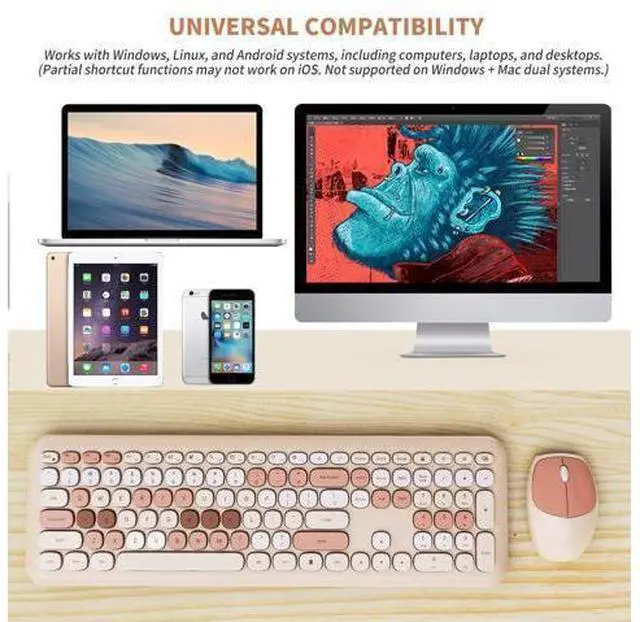
Try re-pairing: remove the USB and batteries, plug in the USB, then reinstall batteries within 10 seconds. Use fresh batteries and check polarity. Can I use the keyboard or mouse separately? Yes! You can use either one independently, as long as the USB receiver is plugged into your device. Is this keyboard good for work or school use? Yes, its full-size and comfortable for long typing sessionsperfect for school, office, or home. Wireless Keyboard and Mouse Wireless Keyboard and Mouse Wireless Keyboard and Mouse Wireless Keyboard and Mouse Delightful Brown keyboard Product information Brand SkyGive Color Brown Connectivity Technology Radio Frequency, Usb Special Feature Ergonomic Compatible Devices Laptop, Personal Computer Package Dimensions 17.83 x 5.08 x 2.87 inches Item Weight 1.94 pounds Batteries 2 AA batteries required. (included) Date First Available October 26, 2022 Manufacturer SkyGive Additional Features [Universal compatibility]This wireless keyboard and mouse combo is compatible with windows XP/Vista/7/8/10/X, Mac and other operating systems. It is suitable for desktop, Chrome-book, PC, laptop, computer, etc. [WARRANTY]30-days hassle-free return policy & one-year warranty. 24/7 prompt & friendly customer service.
Humanized service: If the USB connector is broken, a new USB connector can be re-sent for free.