Previous page Next page 1 Efficient Charging 2 Superior Circuit Design Previous page Next page 1 Compact Power 2 Power Anywhere 3 Designed for Comfort 4 Cooling Touch Previous page Next page 1 Always-Ready Power 2 Advanced Safety 3 Huge Compatibility 4 Sustainable Choice 5 Charging Tips Why does charging stop at 80%? Your iPhone may automatically stop charging at 80% to protect its battery from overheating, as part of iOS 17's thermal management strategy. Charging will resume once the device cools down. Moving it to a cooler spot can help speed up this process.
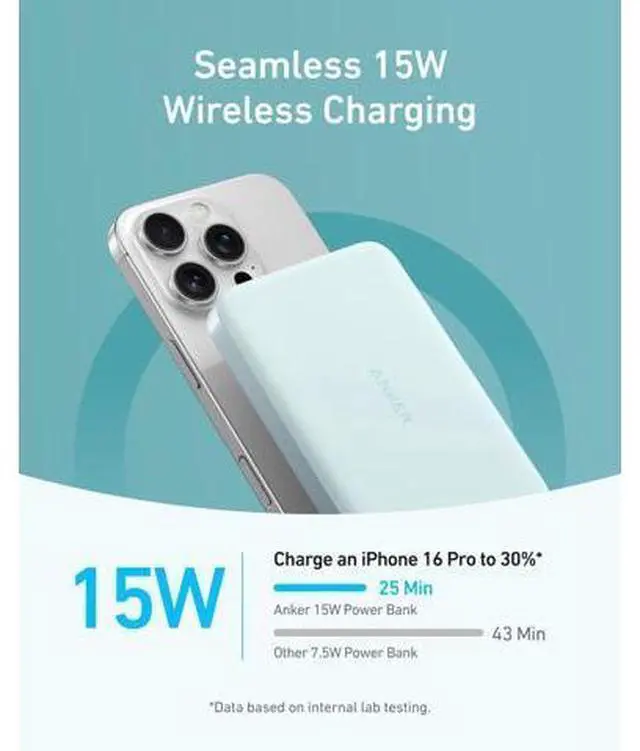
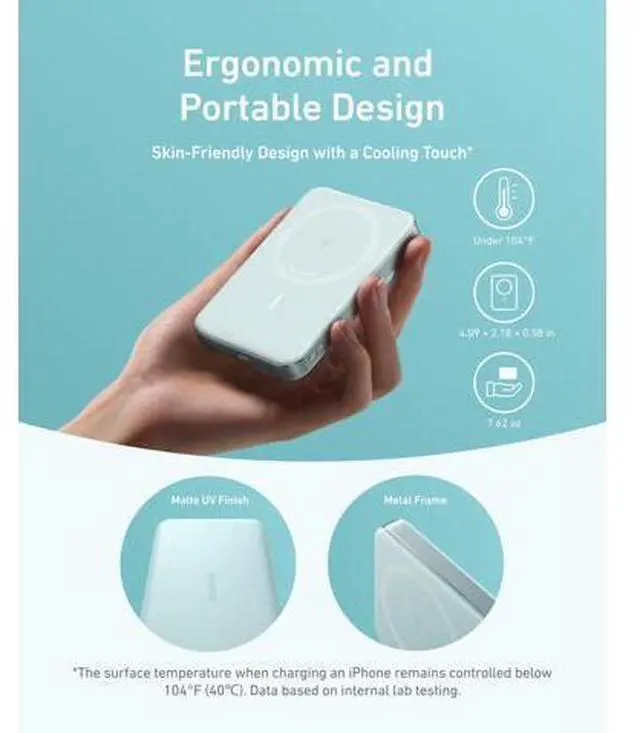
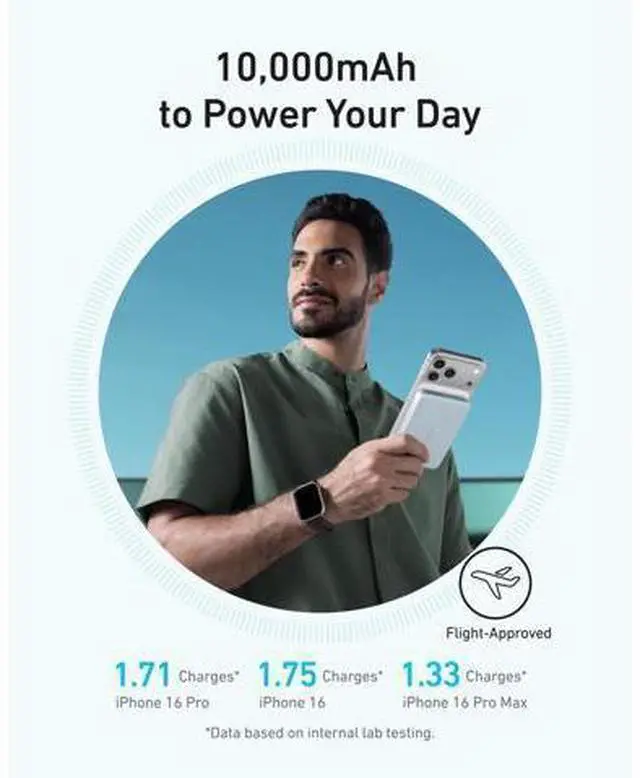
What functions does the button have? Pressing the button once displays the battery level and activates wireless charging. Holding it for 2 seconds turns off the lights and the wireless charging feature. Holding it for 5 seconds disables the "Instant Connect"feature. Why is my phone overheating? We regulate the charging surface to stay below 104°F (40°C), but your phone may still heat up, especially under heavy use. If overheating occurs during charging, pause and let the phone cool down before resuming. Why is my power bank providing fewer chargeS than expected? Due to a 35% to 45% capacity loss from battery cell and circuit inefficiencies during charging, a fully charged Anker MagGo Power Bank (10K, Slim) effectively provides about 5, 500mAh to 6, 500mAh ofusable power to your devices.
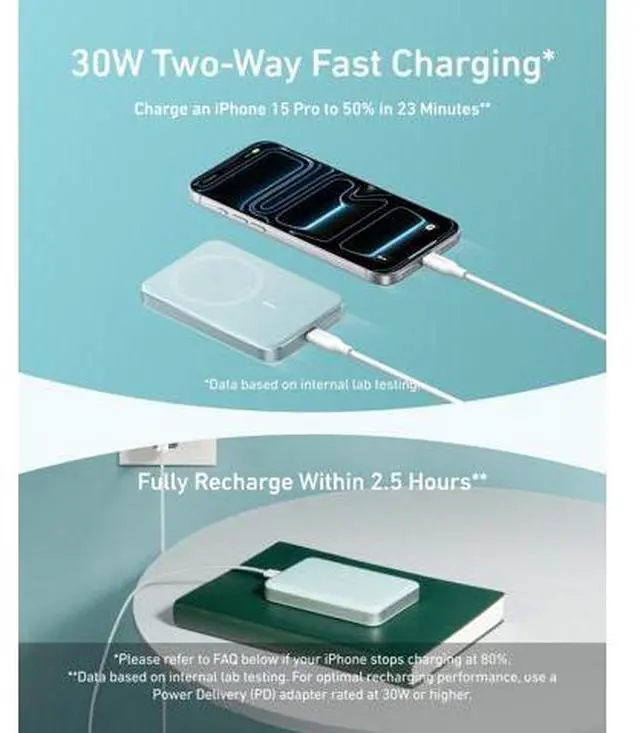
Why can't I charge my AirPods? If the AirPods case doesn't fully cover the charging area needed for wireless charging, the feature won't activate. Ensure the case is centered on the charging pad and press the button to start charging. Previous page Anker Smart Display Charger Power to Drive Your Prime Pro Fast Charging in a Nano Get Powered Up Now Best Sellers Highly Rated Next page 2 Efficient Charging 3 Superior Circuit Design 2 Compact Power 3 Power Anywhere 4 Designed for Comfort 5 Cooling Touch 2 Always-Ready Power 3 Advanced Safety 4 Huge Compatibility 5 Sustainable Choice 6 Charging Tips Why does charging stop at 80%? Your iPhone may automatically stop charging at 80% to protect its battery from overheating, as part of iOS 17's thermal management strategy.
Charging will resume once the device cools down. Moving it to a cooler spot can help speed up this process. What functions does the button have? Pressing the button once displays the battery level and activates wireless charging. Holding it for 2 seconds turns off the lights and the wireless charging feature. Holding it for 5 seconds disables the "Instant Connect"feature. Why is my phone overheating? We regulate the charging surface to stay below 104°F (40°C), but your phone may still heat up, especially under heavy use. If overheating occurs during charging, pause and let the phone cool down before resuming.
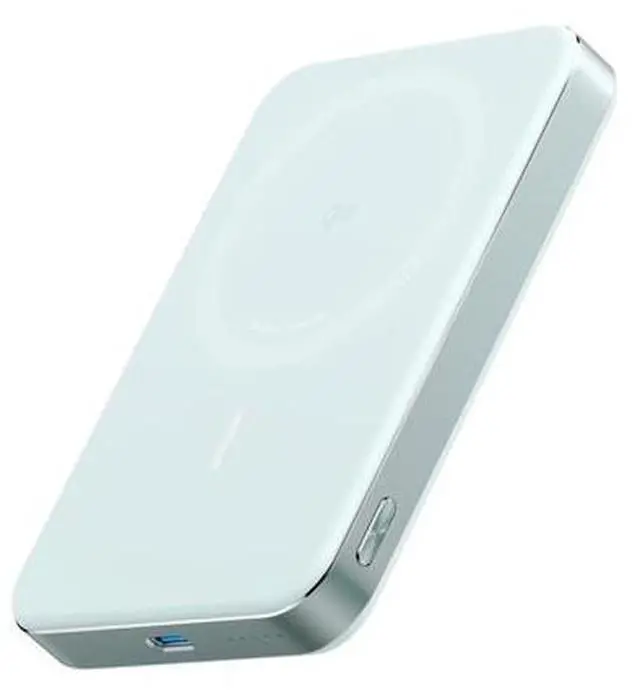
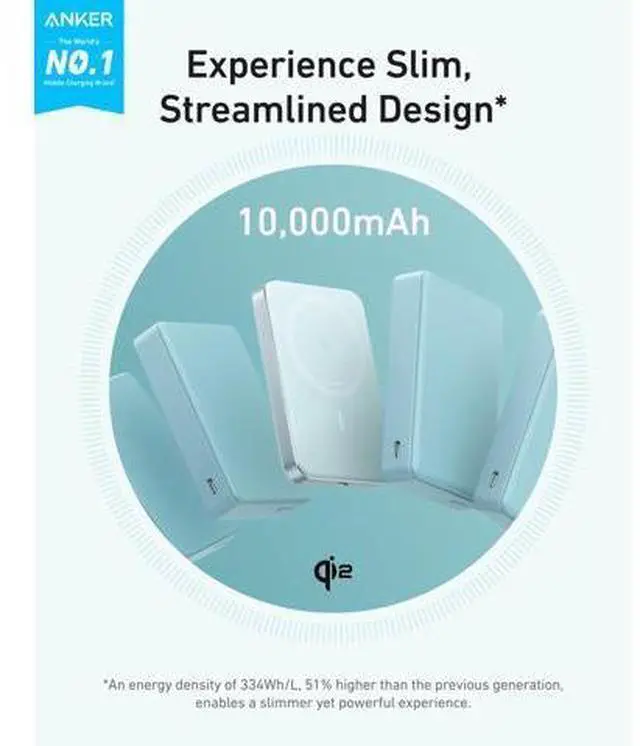
Why is my power bank providing fewer chargeS than expected? Due to a 35% to 45% capacity loss from battery cell and circuit inefficiencies during charging, a fully charged Anker MagGo Power Bank (10K, Slim) effectively provides about 5, 500mAh to 6, 500mAh ofusable power to your devices. Why can't I charge my AirPods? If the AirPods case doesn't fully cover the charging area needed for wireless charging, the feature won't activate. Ensure the case is centered on the charging pad and press the button to start charging. Anker Smart Display Charger Power to Drive Your Prime Pro Fast Charging in a Nano Get Powered Up Now Best Sellers Highly Rated Product information Connector Type USB Type C Brand Anker Battery Capacity 10000 Milliamp Hours Color Green Special Feature Wireless Charging Product Dimensions 4.09 x 2.78 x 0.56 inches Item Weight 7 ounces Item model number A1664 Batteries 1 C batteries required.
(included) Date First Available September 5, 2024 Manufacturer Anker Language German