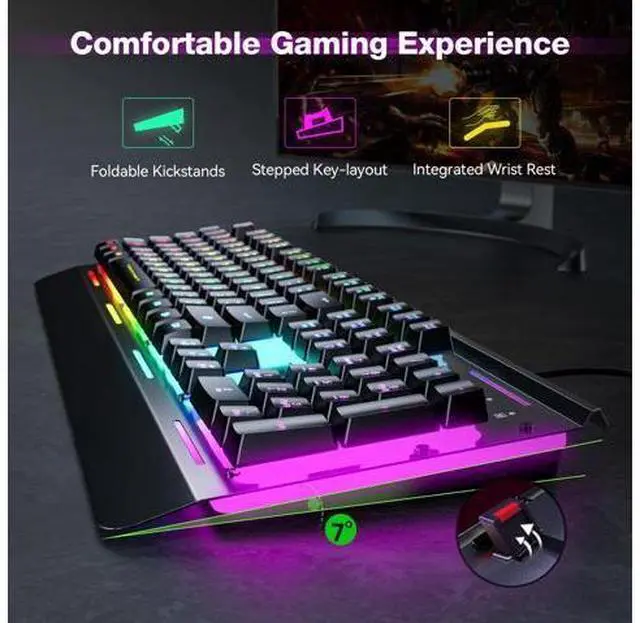
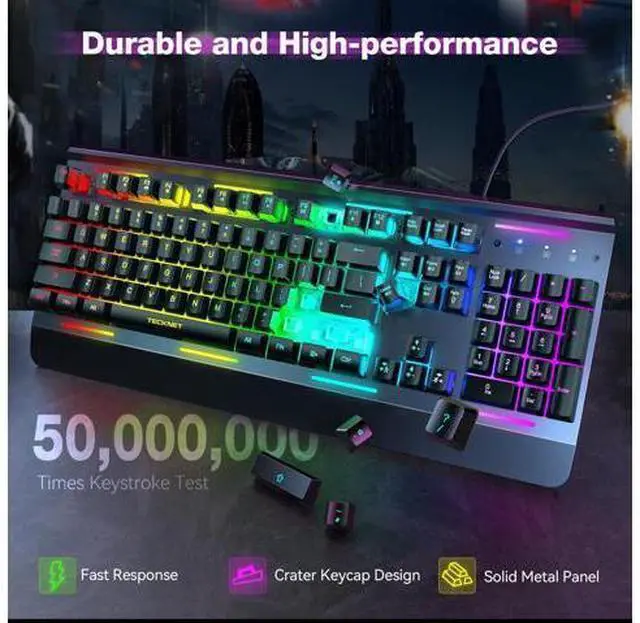
Previous page Next page 1 All-Metal Panel 2 Splash-Proof Design 3 Detachable Keycaps Previous page Next page 1 Ergonomic Design 2 25 Anti-ghosting Keys 3 Full Metal Design Why does the backlight turn off after 5 minutes? Because the gaming keyboard automatically enters sleep mode after five minutes to save power, you can press any key or Fn+PgDn to reawaken the backlight. Is this a mechanical keyboard? How loud is this keyboard? It's a membrane keyboard. This RGB keyboard is relatively quiet, enabling you to immerse yourself in the gaming atmosphere. Can I turn off the light on this keyboard? Yes, press the "FN+ PgDn" (Page Down) Key to turn on/ off the backlight.
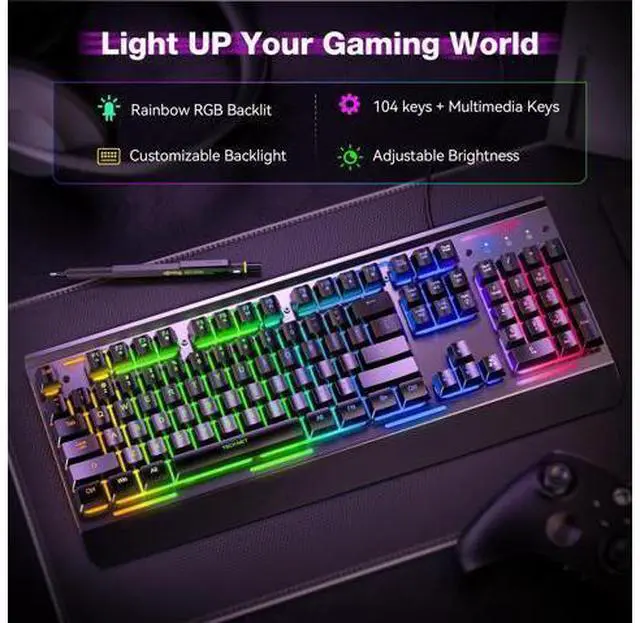
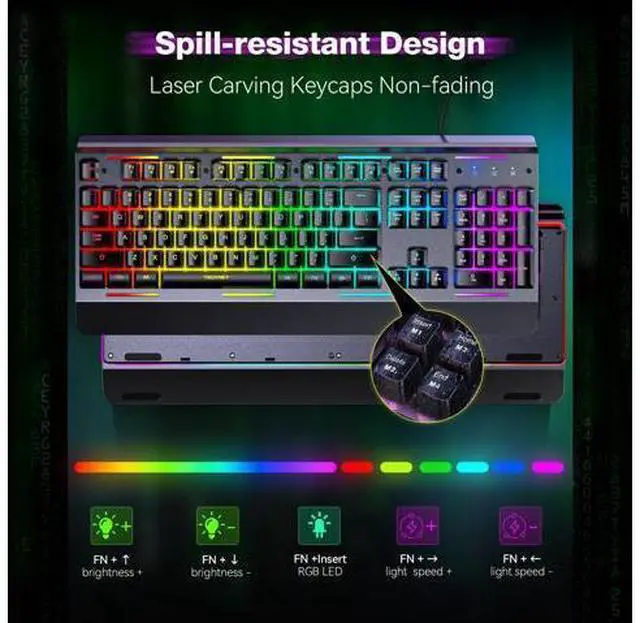
How to adjust the brightness and breathing speed? You can hold the "FN+? /? " to adjust the brightness and hold the "FN+? /? " to adjust the breathing speed. How do I adjust the 7 lighting modes? You can press the "FN+Insert / Home / PgUp / Delete / End" to select your favorite illumination mode. Previous page Available in 2 Colors Durable & High-performance Ergonomic Design Next page 2 All-Metal Panel 3 Splash-Proof Design 4 Detachable Keycaps 2 Ergonomic Design 3 25 Anti-ghosting Keys 4 Full Metal Design Why does the backlight turn off after 5 minutes? Because the gaming keyboard automatically enters sleep mode after five minutes to save power, you can press any key or Fn+PgDn to reawaken the backlight.
Is this a mechanical keyboard? How loud is this keyboard? It's a membrane keyboard. This RGB keyboard is relatively quiet, enabling you to immerse yourself in the gaming atmosphere. Can I turn off the light on this keyboard? Yes, press the "FN+ PgDn" (Page Down) Key to turn on/ off the backlight. How to adjust the brightness and breathing speed? You can hold the "FN+? /? " to adjust the brightness and hold the "FN+? /? " to adjust the breathing speed. How do I adjust the 7 lighting modes? You can press the "FN+Insert / Home / PgUp / Delete / End" to select your favorite illumination mode.
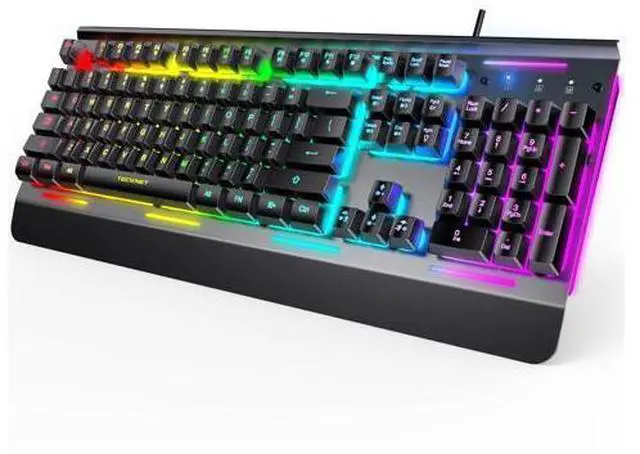
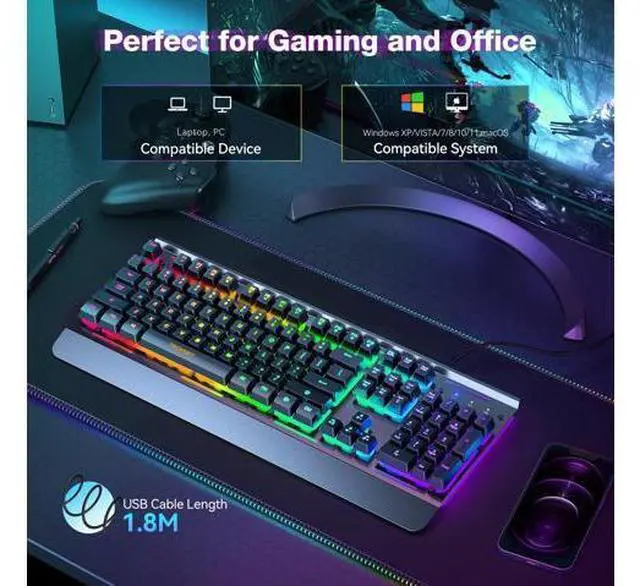
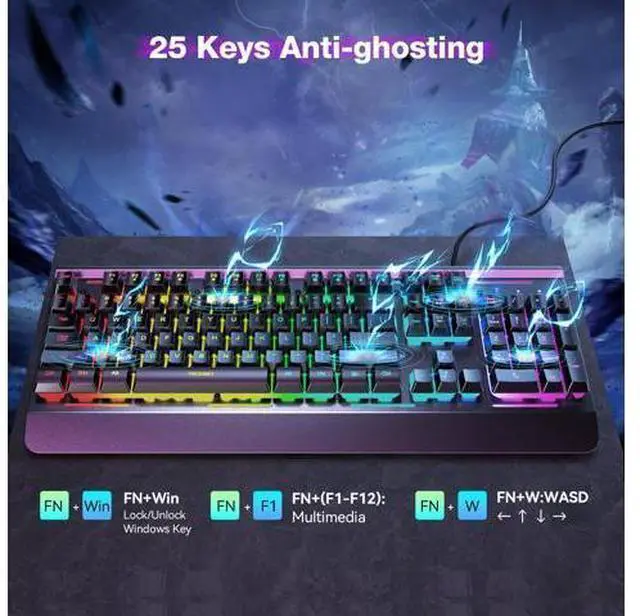
Available in 2 Colors Durable & High-performance Ergonomic Design TECKNET RGB Gaming Keyboard, 104 Keys, All-Metal Panel, 15-Zone RGB Illumination, Silent Keyboard with Wrist Rest, 25 Anti-ghosting Keys, IP32 Water Resistance, USB Wired Keyboard for PC, Mac, Laptop Product information Brand TECKNET Compatible Devices PC Connectivity Technology USB-A Keyboard Description Whisper Quiet Gaming Switch Recommended Uses For Product Business, Everyday Use, Personal, Photo Editing, Video Editing Special Feature Ergonomic, Hotkeys and Media Keys, Spill Proof, Whisper Quiet Gaming Switch Color Black Keyboard backlighting color support RGB Material Acrylonitrile Butadiene Styrene, Metal Included Components Wrist Rest Product Dimensions 17 x 7 x 1.4 inches Item Weight 2.46 pounds Manufacturer TECKNET Language English Item model number TK-KB002 Date First Available April 9, 2024 Additional Features [25 Anti-Ghost Keys & 12 Multimedia Keys]Enjoy swift and precise responses during games with the RGB gaming keyboard's anti-ghost keys, allowing 25 keys to function simultaneously.
Control play, pause, and skip functions directly with the 12 multimedia keys for a seamless gaming experience.
(Please note: Multimedia keys are not compatible with Mac) [Lifetime Support]If you are not satisfied with our product or service, please feel free to contact us. Each TECKNET product comes with a lifetime support (registration required).